 Alici AI
Explore. Create. Go viral.
Browse trending looks, switch between featured topics, and open standout prompts or ready-to-use scenes without leaving the page.
Describe what you want to create...
GLOBAL LOCK: vertical 9:16 social-growth tutorial reel, fast-cut creator-explainer style with large keyword subtitles, repeated examples of viral AI influencer clips, warm indoor talking-head footage, mirror selfies, motion-control app screens, avatar customization panels, face and outfit variation grids, and bright pastel intertitle cards. The overall tone is practical and slightly salesy, optimized for short-form virality and CTA conversion rather than cinematic polish. Multiple example influencers appear, but the reel’s structure stays consistent: hook, proof, secret, app demo, output, offer, comment CTA.

[00:00-00:05] Open with a rapid hook showing viral AI-influencer examples: stylish women dancing or posing, a visible high-view-count indicator, and subtitle text stating that these AI creators are getting huge views while most people still do not know how to make them. The first seconds should feel urgent, proof-driven, and native to Instagram or TikTok tutorial culture.

[00:05-00:10] Cut to a woman speaking directly to camera in a casual indoor setup, then to a male mirror-selfie example in a hallway. Subtitle-led narration reveals that the workflow can be built from a prompt and motion control rather than by manually creating each clip from scratch. The pacing remains quick and hook-oriented.

[00:10-00:15] Show more creator example footage and screen recordings of a mobile or web app interface where a user can build AI influencer videos. Highlight that one template or one prompt can produce many clips per day. Transition into green and pale intertitle cards emphasizing volume and repeatability.

[00:15-00:21] Move fully into the app demo: show a selfie being uploaded, an “AI influencer” mode or label highlighted, and a dashboard with pose, look, or motion settings. The UI should clearly suggest that the user can customize identity, style, and animation behavior from one source image.

[00:21-00:27] Continue with panels showing face variations, eye or feature options, body or outfit grids, and multiple generated look presets. The narration implies that the app can handle many outputs quickly and even includes features like lip-sync or talking-head generation. The reel should feel like a product tutorial crossed with a content-farm system reveal.

[00:27-00:31] Show a stylized output example, including a transformed creature-like or stylized female avatar result to prove the system can generate broad visual variation. Follow with a polished influencer talking-head output and a pricing or discount screen, framing the tool as immediately usable for creators.

[00:31-00:34] End on pale green CTA cards telling viewers to comment “AI” and the creator will send the resource. The last beat should clearly function as lead capture attached to a growth-hack tutorial.

NEGATIVE PROMPT: unreadable UI, broken faces, deformed influencer bodies, distorted hands, duplicated avatars, inconsistent lighting between example clips, low-detail app screens, cluttered subtitles, robotic motion, watermark, flicker, temporal jitter, accidental nudity, broken mirror reflections, malformed eyes.

SPEECH PACK:
- Hook: These AI influencers are getting massive views, but almost nobody is showing you how to make them.
- Beat 1: You only need one prompt and a motion-control workflow to start generating them.
- Beat 2: This app lets you upload a face, customize the look, and create many videos fast.
- Beat 3: You can batch styles, swap features, and keep producing content every day.
- CTA: Comment AI and I’ll send it.
Trending Now
Let's Dance.
Born to go viral.
History called. We picked up.
Jujutsu Kaisen meets your world.
Not real. Still iconic.
Featured Creators
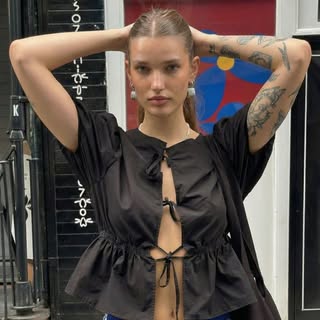
Chloe VS History
@chloe.vs.history · Creator
35 posts
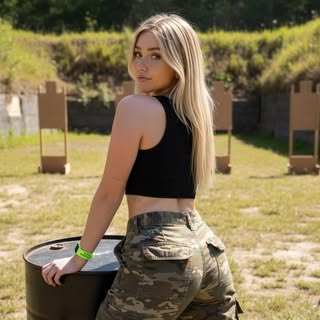
Jessica
@jessicaa.foster · AI Influencer
56 posts

Matthew
@ai_after_dark90 · AI Creator
100 posts
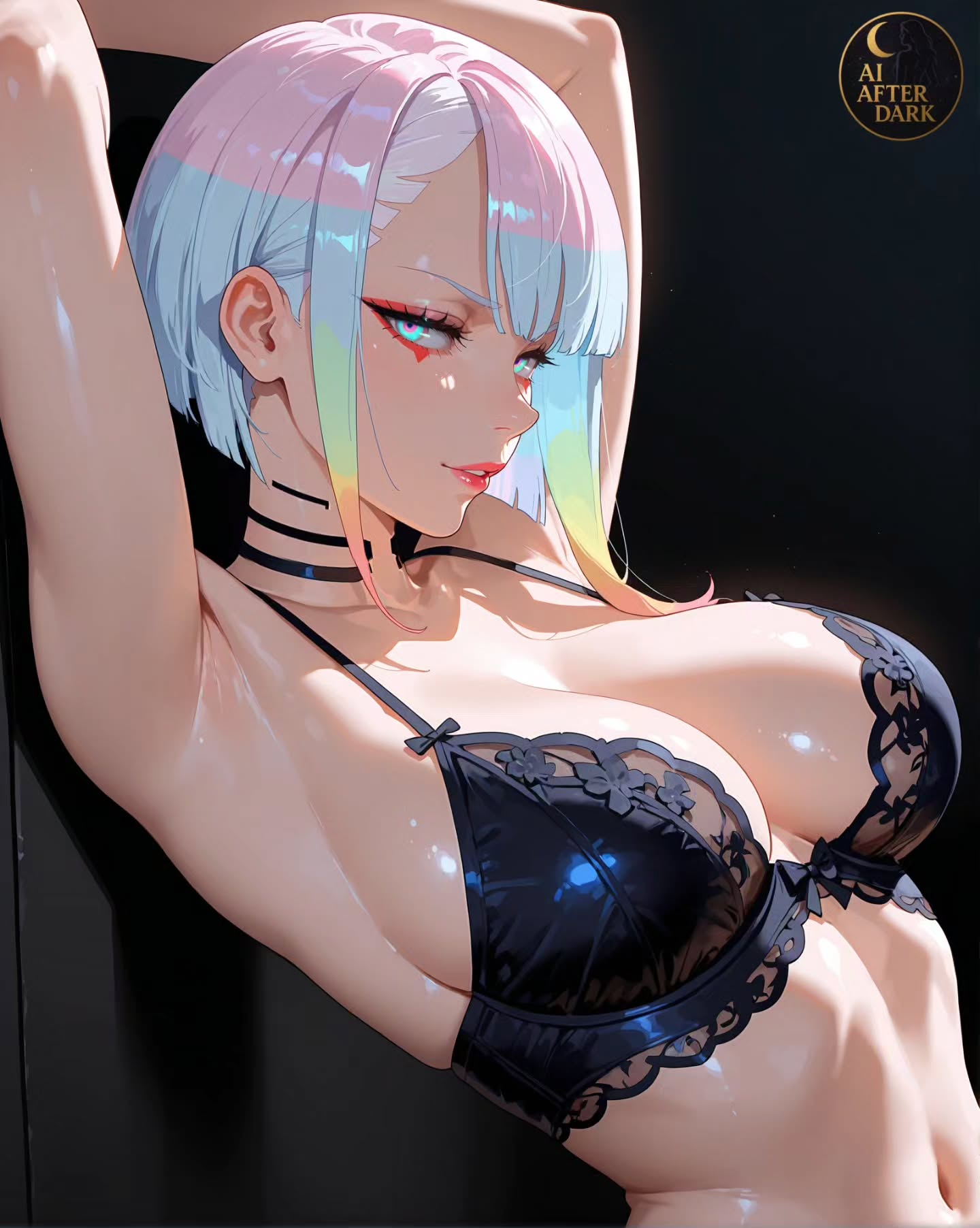

Bandly_Pet
@bandly_pet · AI Creator
23 posts

Nia Noir
@niabasic · AI Influencer
82 posts
jyusanatoenshyokugokuson
@jyusanatoenshyokugokuson · AI Creator
10 posts

Muhammad Imran
@roastqueenfb · Digital Creator
58 posts