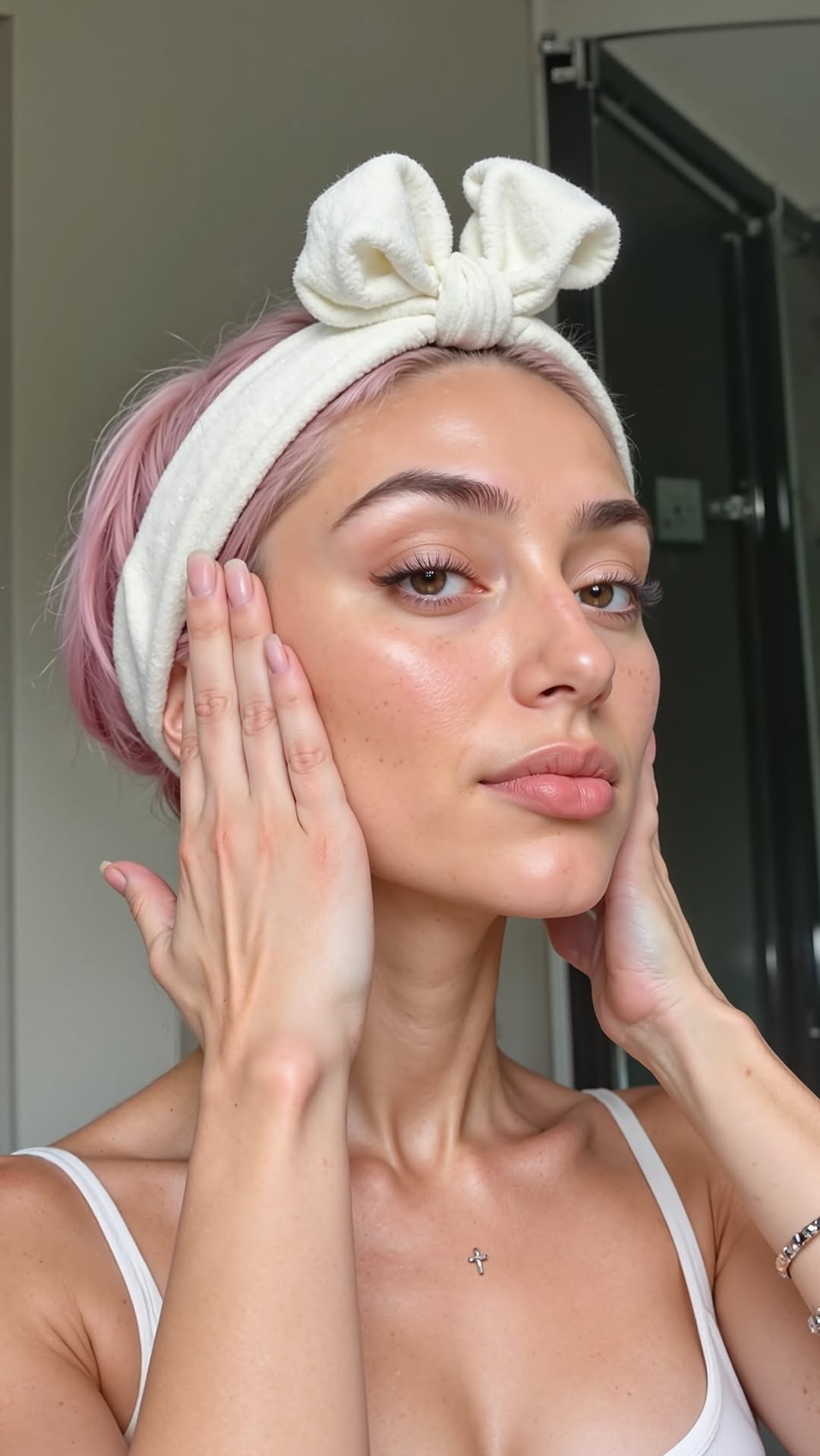
Glow de diosa gracias a @theordinary ✨💧
Glow de diosa gracias a @theordinary ✨💧
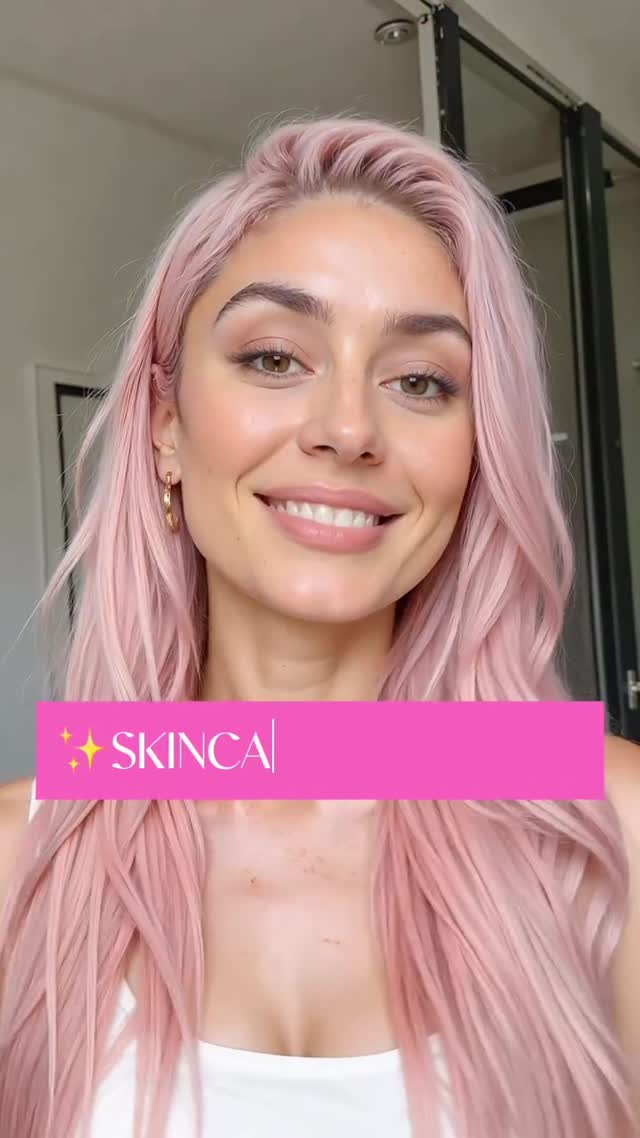
This is a classic conversion frame: a bright, casual selfie in a real-looking bathroom, a recognizable “skincare” banner, and a face that feels approachable. It doesn’t look like an ad—even if the caption mentions a brand—so viewers treat it like a recommendation from a friend.
The most important detail is the format discipline: one subject, clean background, and a single on-screen label that tells you what the post is about before you read the caption.
Beauty content spreads when it’s easy to trust. Trust comes from lighting (bright, honest, uncinematic), setting (bathroom = routine), and expression (smile = “this worked for me”). The pastel hair adds a signature look, but the scene is otherwise minimal, so the viewer focuses on the skin and the message.
Even the banner being slightly truncated (“SKINCA|”) helps. It feels like a real Story overlay or a clipped edit—not a perfect marketing graphic. That “imperfect UI” read is often what makes AI or edited content feel more human.
| Signal | Evidence (from this image) | Mechanism | Replication Action |
|---|---|---|---|
| Routine authenticity | Bathroom setting + natural-looking light | Feels like real life, not a studio ad | Shoot in a “routine” environment (bathroom, vanity, bedside) with soft daylight |
| Instant category label | Hot-pink banner that says skincare | Viewer understands the post before reading | Add one on-screen tag (SKINCARE / HAIR / OUTFIT) and keep it consistent |
| Signature identity | Pastel pink hair + simple jewelry | Recognition across the feed | Lock one signature feature (hair color, glasses, background color) for 10 posts |
| Low-friction endorsement feel | Smiling close-up without product in hand | Reads as “result” instead of “sell” | Lead with results visuals; mention products in caption or follow-up slide |
Transfer Recipe 1 — “Same frame, new label”
Transfer Recipe 2 — “Signature color system”
Transfer Recipe 3 — “Result-first, product-second”
For skincare, perfect cinematic lighting can backfire. People want to believe the texture is real. Soft, even bathroom light makes skin look healthy without looking fake. If you’re creating AI beauty visuals, mimic the “routine camera” look—slight wide-angle, natural background, minimal styling.
| Prompt chunk | What it controls | Swap ideas (EN, 2–3 options) |
|---|---|---|
| Setting | Trust level | “bathroom” / “vanity mirror” / “bedside daylight” |
| Lighting | Honesty vs drama | “soft daylight” / “overcast window light” / “ring light (subtle)” |
| Signature feature | Recognition | “pastel pink hair” / “distinct freckles” / “bold glasses” |
| Overlay banner | Instant category label | “SKINCARE banner” / “ROUTINE banner” / “GLOW UP banner” |
| Camera feel | Casual authenticity | “smartphone selfie” / “front camera” / “slight wide-angle” |