0:00 / 0:00
▶
Write the final English HTML here. No inline styles.
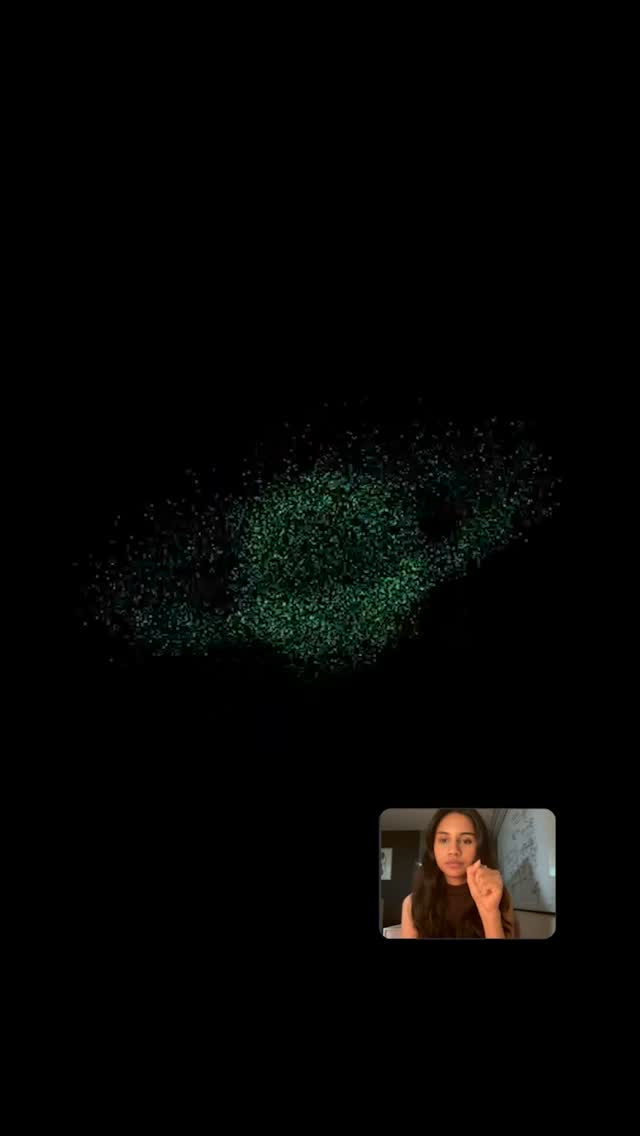
This reel is a compact walkthrough of an interactive generative-visual workflow. The creator appears on camera to explain the concept, but most of the informational value comes from the screen inserts: prompt fields, menu selections, gesture inputs, and output previews that look like glowing particle simulations or volumetric abstract sculptures. The point of the video is not just that AI can generate visuals, but that the generation process can be steered through a more tactile, creative interface built around prompts, camera input, and hand-driven control.
What makes the clip distinctive is the contrast between simple social-media framing and highly technical visual subject matter. The talking-head portions stay approachable, with bright caption hooks and direct eye contact, while the inserted screens introduce terms like OpenVDB, gesture particles, templates, and prompt sections. That makes the reel feel like an accessible front door into a deeper creative-tech workflow. It is aimed at viewers who want to understand how these visuals are made, not just admire the finished effect.
As a prompt reference, this is useful for AI-generated creator videos about procedural visuals, interactive FX tools, or no-code creative systems. The core ingredients are a centered female host with a mic, a cozy indoor background, bold editorial captions, and repeated cutaways to UI panels, prompt fields, option menus, and dark-background particle outputs. The tone should be energetic and explanatory, with the visuals emphasizing that the user is actively shaping the result through gestures and parameter choices rather than passively pressing a generate button.