▶
Merry Christmas!🎄 AI models celebrating the holidays. Which one is your favorite? Powered by @coursiv_io #ai #aiart #aiartwork #aieducation digitalart
Merry Christmas!🎄 AI models celebrating the holidays. Which one is your favorite? Powered by @coursiv_io #ai #aiart #aiartwork #aieducation digitalart
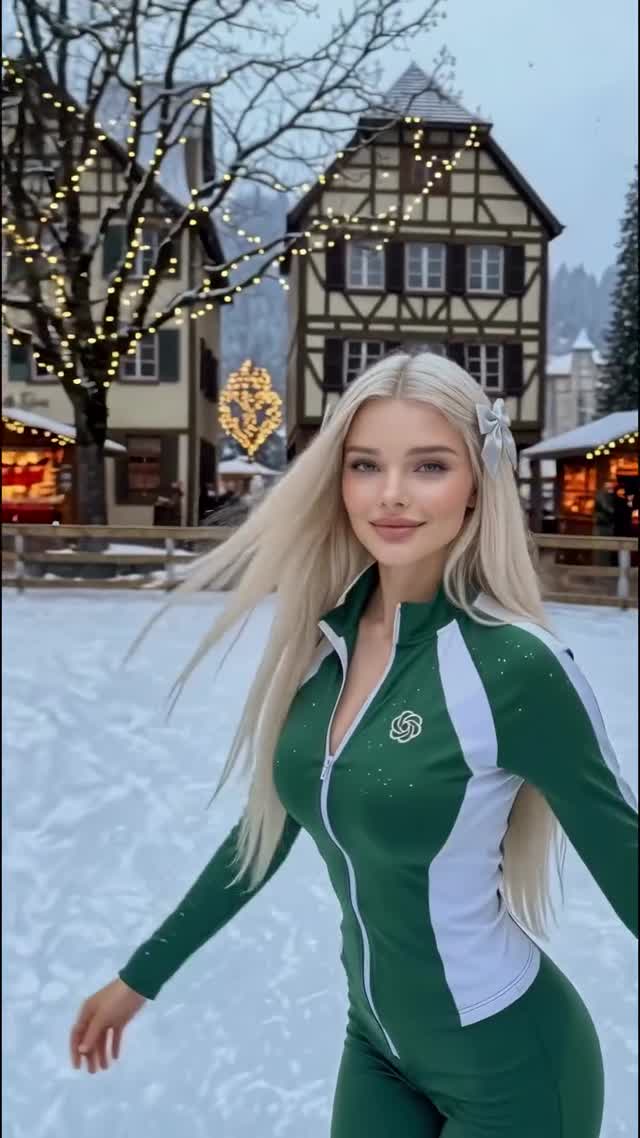
This viral case study examines a high-aesthetic AI video by @dreamfall.art, which personifies popular AI models (like ChatGPT and Midjourney) as fashion-forward characters celebrating the Christmas holidays. By blending cinematic editorial portraiture with seasonal "cozy-core" aesthetics, the creator tapped into the 2024 holiday trend while showcasing technical mastery in character consistency. The video features five distinct scenes, ranging from snowy European villages to luxury cabin interiors, all unified by a warm, festive color grade and fluid, high-frame-rate motion. It’s a prime example of how "brand personification" can drive massive engagement within the AI and tech niches.
The video is a montage of five distinct "AI personas." Each shot lasts approximately 2-3 seconds, maintaining a brisk but digestible rhythm that matches the upbeat holiday BGM. The lighting transitions from the cool, blue-hour tones of outdoor snowy scenes to the warm, amber glow of indoor fireplaces.
| Time Range | Visual Content | Shot Language | Lighting & Tone | Viewer Intent |
|---|---|---|---|---|
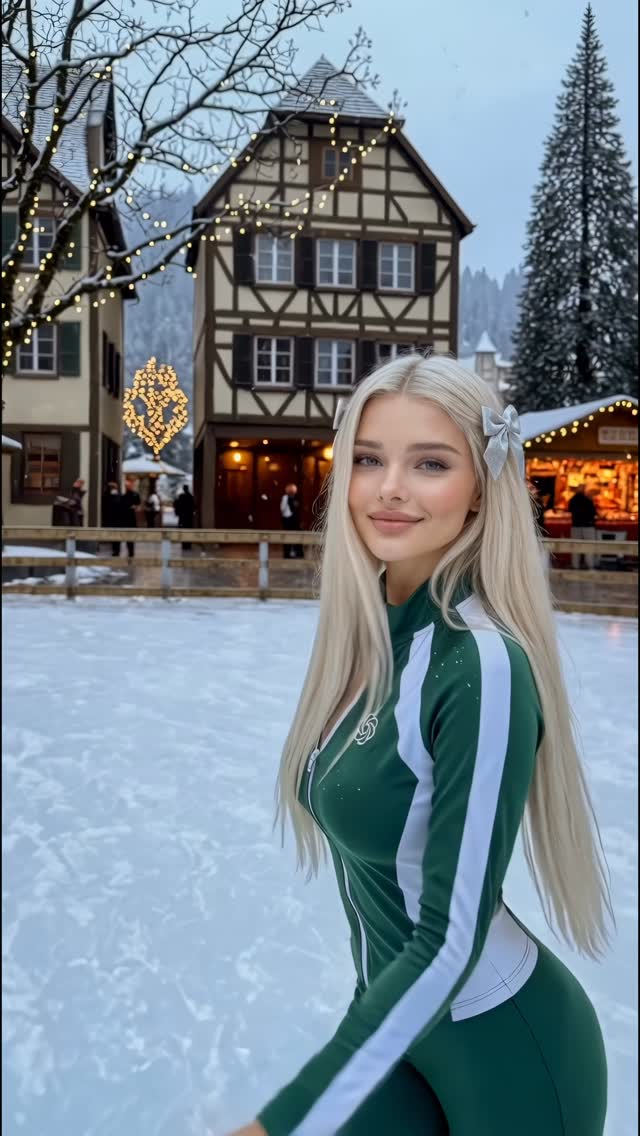
| 0:00–0:02 | Blonde woman in green/white "ChatGPT" athletic suit in a snowy village. | Medium Shot (MS), slight handheld sway. | Cool daylight with warm bokeh from village lights. | The Hook: Recognizable logo + high-quality human face. |
| 0:02–0:04 | Brunette in a sequined dress decorating a tree in a luxury cabin. | Medium Close-Up (MCU), low angle. | Warm firelight, high contrast, golden hour glow. | Aspiration: Luxury lifestyle and "cozy" vibes. |
| 0:04–0:06 | Young blonde in pigtails and a black "Midjourney" puffer jacket. | Medium Shot, subject throwing a snowball. | Flat, bright snowy day; high-key lighting. | Playfulness: Dynamic motion and brand recognition. |
| 0:06–0:09 | Woman in a fuzzy hat looking out a train window at snowy mountains. | Profile Close-Up (CU), tracking shot. | Soft, diffused window light; cinematic "travel" grade. | Emotional Value: Nostalgia and the "main character" feeling. |
| 0:09–0:11 | Black woman in an orange fur coat with shopping bags at a market. | Medium Shot, turning to smile at camera. | Warm market lights, vibrant orange vs. blue snow contrast. | Resolution: Joyful, festive conclusion. |
This video succeeds primarily through anthropomorphism. By giving "ChatGPT" and "Midjourney" human faces and fashion styles, the creator transforms abstract tools into relatable characters. This triggers a "Which one are you?" or "Which is your favorite?" response in the comments, which is a powerful engagement hack. The audience isn't just looking at pretty AI art; they are participating in a meta-commentary on the AI tools they use daily.
From a platform perspective, the video excels in Watch Time and Saves. The 0–3 second hook uses a highly attractive subject with a recognizable logo, forcing the viewer to stop scrolling to figure out the connection. The rapid succession of high-quality, aesthetically pleasing scenes encourages re-watching to catch the details of each "model." Furthermore, the "holiday aesthetic" makes it highly shareable as "mood board" content, driving saves for users looking for Christmas inspiration.
--cref) or Flux with a LoRA to ensure the faces remain consistent if you plan to show the same character in multiple shots.Use Flux.1 [dev] for the base images and Kling AI or Runway Gen-3 Alpha for the video generation.
"Cinematic," "Photorealistic," and "Subsurface scattering" (for realistic skin).
You likely aren't using a Character Reference (CREF) or a consistent seed number across your generations.
Lower the motion strength to 3-4 and add real film grain in post-production.
Instagram favors this "high-aesthetic" editorial look, while TikTok favors the "behind-the-scenes" process of making it.