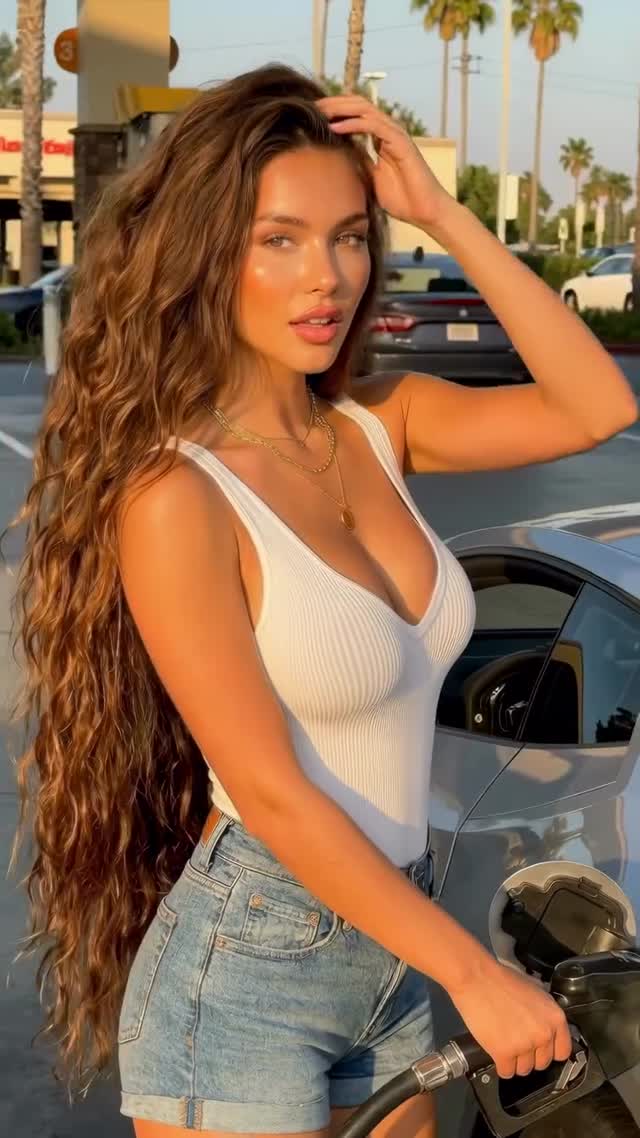
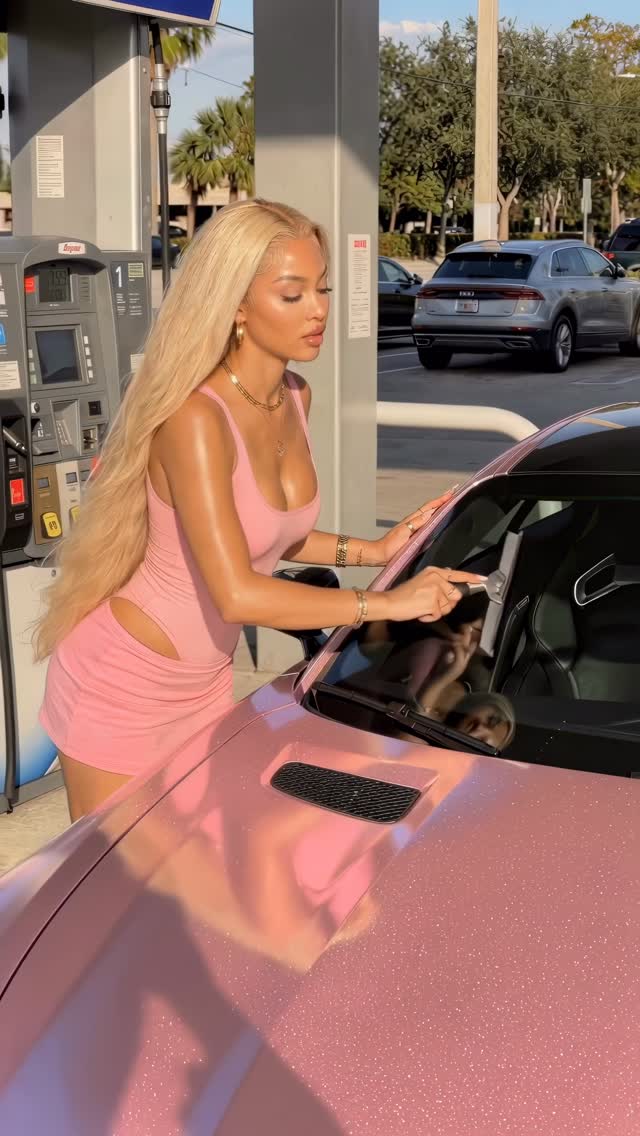
It’s a vibe⛽️
Want to learn how this was made?✨
I create hyper-realistic AI visuals and turn them into cinematic content using a simple, repeatable creative workflow.
Inside my course, I walk you through the full process step by step.
From idea development and advanced prompting to animation, refinement, and final delivery.
This is the same visual system I use in my own projects to produce polished, professional-level results.
If you want to learn how to design AI visuals that look cinematic, realistic, and visually powerful, this is where you start.
Comment “course” to or visit the link in my bio!
#ai #aiart #midjourney #klingai #higgsfieldai
Case Snapshot
This 12.73-second reel is a compact hyper-real cinematic montage built for creator education and conversion. The caption frames it as a repeatable workflow, and the video supports that claim with fast, high-quality scene transitions that still preserve one core visual identity. Instead of a raw “AI test clip,” this feels like a finished promo unit: polished textures, controlled contrast, and clear shot-to-shot intent. For indie creators, the value is practical: it demonstrates how to package technical capability into social-native storytelling that can both attract viewers and promote a course/product.
What You’re Seeing
Visual Design
One lead identity is carried through multiple cinematic setups, each with distinct background mood and framing while preserving character continuity.
Pacing Structure
The reel uses rapid hard cuts around 2.67s, 5.10s, 7.13s, and 10.37s, creating repeated attention resets without visual confusion.
Lighting and Grade
High contrast, glossy highlights, and deep shadow control create a premium look that reads as “hyper-real AI fashion/cinematic content.”
Audio and Overlay State
The source file has no audio stream. No heavy overlay elements are needed; visual impact carries the message.
Shot-by-Shot Breakdown (Estimated)
Time range
Visual content
Shot language
Lighting & color
Viewer intent
00:00-00:02.67
Dramatic cinematic opener.
Tight/medium hero framing.
High contrast, premium highlights.
Instant hook.
00:02.67-00:05.10
Scene variation with pose emphasis.
Hard cut, dynamic composition.
Rich tonal depth.
Novelty refresh.
00:05.10-00:07.13
Glossy high-detail beauty beat.
Smooth camera motion.
Bright highlight rolloff.
Aesthetic retention.
00:07.13-00:10.37
Textured cinematic segment.
Layered background depth.
Balanced dark-light contrast.
Perceived production value.
00:10.37-00:12.73
Final identity-consistent close.
Clean closing composition.
Cohesive final grade.
Loop-friendly ending.
Why It Went Viral
Topic and Audience
This post targets creators who want results and process: strong visuals plus a clear promise that the workflow is teachable.
Platform Signals
Fast opening hook, frequent contrast events, and consistent quality across cuts likely contribute to watch-time and saves.
5 Testable Hypotheses
1) Hard-cut pacing every 2-3 seconds improves completion in 10-15s reels.
2) Hyper-real texture quality increases save/share among creator audiences.
3) One identity across multiple scenes reduces cognitive friction.
4) Caption promise of repeatable workflow boosts conversion intent.
5) No overlay clutter improves premium perception and replay behavior.
How to Recreate (0 to 1)
Step 1
Define one lead identity and lock non-negotiable facial/style traits.
Step 2
Storyboard 5 short segments with different environments or framing logic.
Step 3
Generate keyframes per segment before video rendering.
Step 4
Render each segment with controlled camera movement and fixed grade target.
Step 5
Assemble with hard cuts at ~2-3 second intervals.
Step 6
Run artifact pass for face, hands, and temporal stability.
Step 7
Export 9:16 and keep caption aligned with what the viewer can visibly verify.
Step 8
Publish with one value proposition and one CTA (save, comment, or learn more).
Growth Playbook
3 Hook Lines
1) “Hyper-real AI visuals in a workflow you can repeat.”
2) “Five cinematic shots, one consistent character.”
3) “This is the structure behind my creator-grade AI reels.”
4 Caption Templates
Template A: Hook -> “It’s a vibe.” Value -> “Built with a repeatable cinematic workflow.” Question -> “Want the exact steps?” CTA -> “Save this post.”
Template B: Hook -> “From concept to cinematic output.” Value -> “Identity lock + multi-shot pacing.” Question -> “Which segment is strongest?” CTA -> “Comment 1-5.”
Template C: Hook -> “Creator workflow breakdown.” Value -> “Hyper-real visuals without chaos.” Question -> “Need a tutorial version?” CTA -> “Follow for part 2.”
Template D: Hook -> “AI visuals that actually convert.” Value -> “Premium look with repeatable process.” Question -> “Should I release the shot map?” CTA -> “DM ‘map’.”