How dreamfall.art Built This Diamond Seahorse Sculpture AI Art
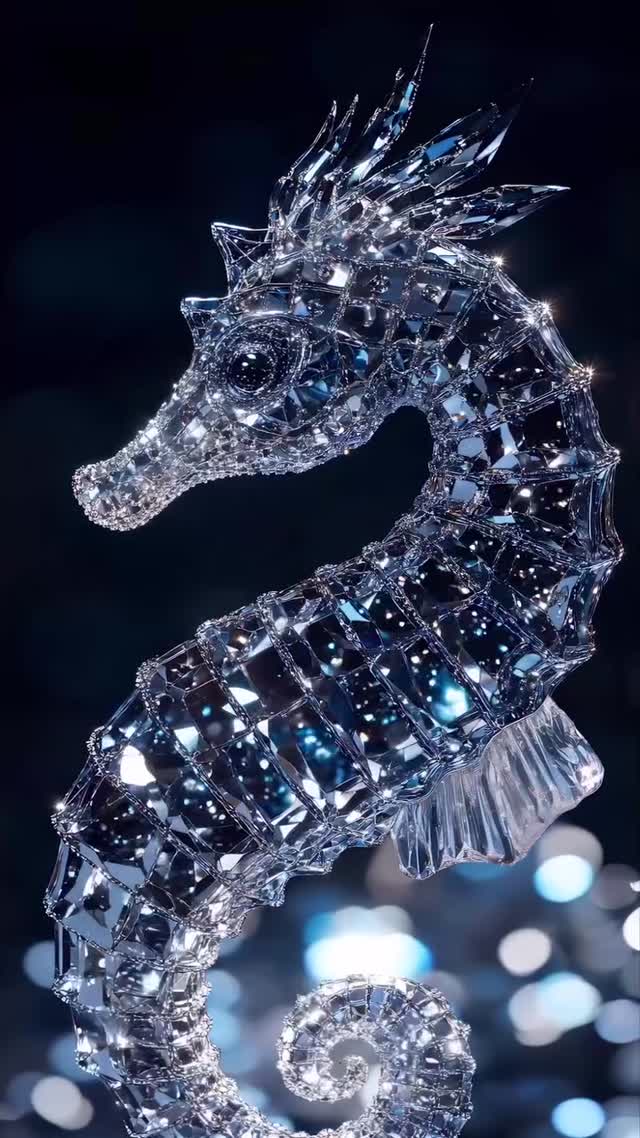
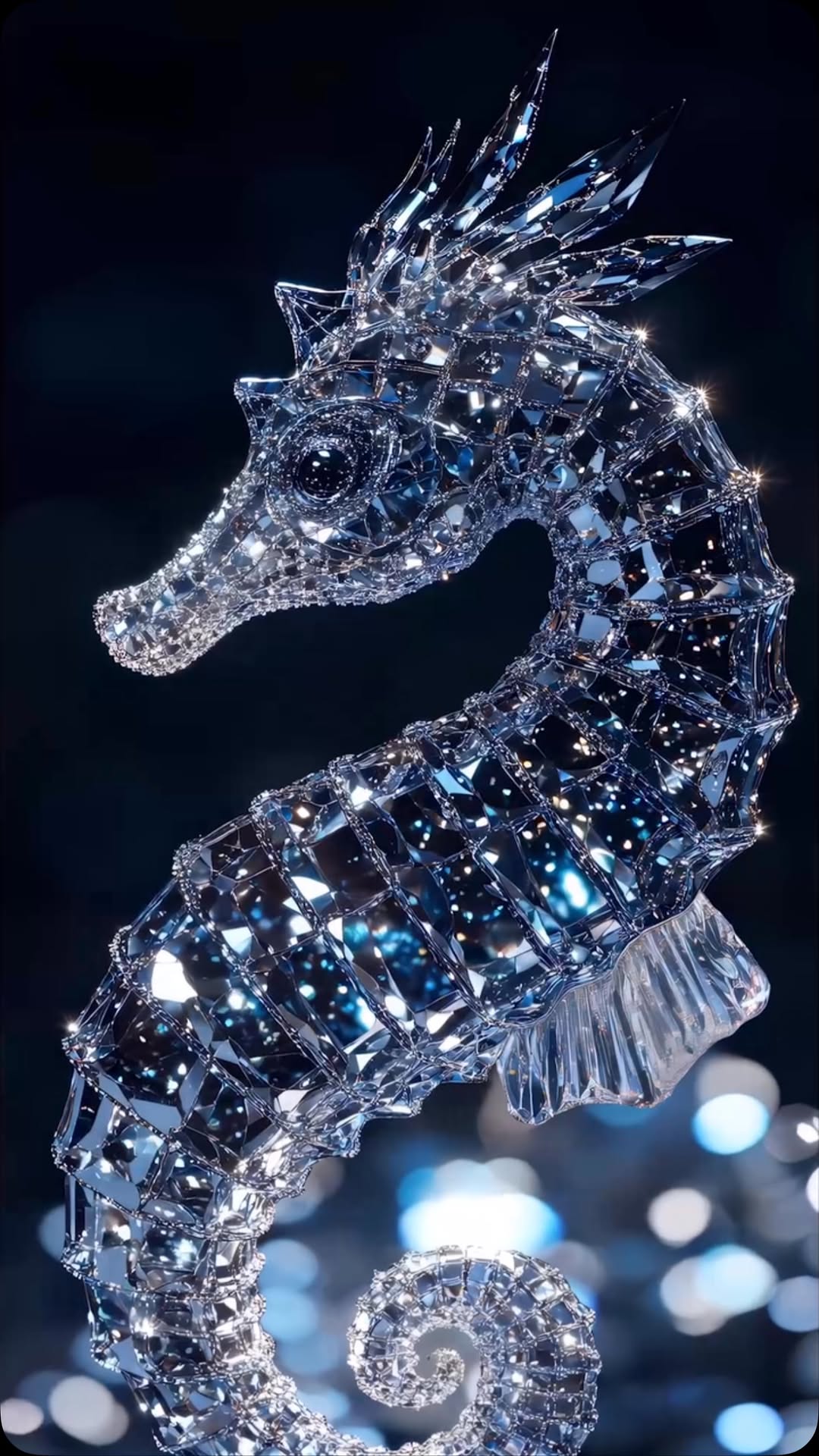
You don’t always need a face to win a feed. Sometimes one hyper-detailed object—lit correctly—does the job. This crystal seahorse works because it looks like a real collectible: faceted geometry, controlled sparkles, and a dark background that feels like a jewelry ad.
Why it spreads
It’s instantly “premium.” The object reads as expensive because the lighting is disciplined: sharp specular points, deep blacks, and bokeh that suggests a high-end studio setup. The silhouette is also clean—one subject, no clutter—so it performs well at thumbnail size.
| Signal | Evidence (from this image) | Mechanism | Replication Action |
|---|
| Silhouette clarity | Single seahorse profile on dark background | Fast readability drives saves | Use one object only and keep background almost black |
| Facet realism | Crisp crystal edges and prismatic reflections | Believability makes it feel “real product” | Prompt “ultra-sharp facets, preserve detail” and avoid vague “shiny” |
| Sparkle control | Specular points without blowout | Luxury look instead of noisy glitter | Add “controlled highlights, no blown whites” as a constraint |
Use cases & transfers
- Luxury concept collections: post a series (seahorse, butterfly, rose, dragonfly) with identical lighting.
- Brand-style mock ads: keep the dark background and let the object be the headline.
- Wallpaper saves: minimal composition + sparkle detail is save-friendly.
Not ideal
- Educational content: object shots are mood-first, not explanation-first.
- Busy collage feeds: this works because it’s clean.
Transfers: exactly three transfer recipes
Transfer 1
- Keep: black background + cool bokeh
- Change: the object
- Slot template (EN): “faceted crystal {object} product shot, deep black background, cool blue bokeh, controlled highlights, macro detail”
Transfer 2
- Keep: silhouette-first composition
- Change: angle and crop
- Slot template (EN): “single object centered, profile view, minimal composition, shallow DoF, luxury lighting”
Transfer 3
- Keep: facet sharpness
- Change: color accents
- Slot template (EN): “clear crystal with {accent color} reflections, ultra-sharp facets, preserve detail, no blowouts”
Aesthetic read (Observed → Recreate)
| Observed | How to recreate (prompt/control) |
|---|
| Dark premium background | “deep black background, minimal cool bokeh, no props” |
| Macro facet clarity | “ultra-sharp faceted crystal geometry, crisp edges” |
| Controlled sparkle | “multiple small specular lights, controlled highlights, preserve detail” |
Prompt technique breakdown
| Prompt chunk | What it controls | Swap ideas (EN, 2–3 options) |
|---|
| Object type | Theme | “seahorse” / “butterfly” / “lion head” |
| Facet sharpness | Realism | “ultra-sharp facets” / “macro clarity” / “crisp edges” |
| Lighting setup | Sparkle character | “pinpoint specular lights” / “softbox + rim” / “backlit glints” |
| Background | Premium feel | “deep black” / “dark navy” / “black with cool bokeh” |
Starter prompt
Photoreal luxury product shot of a faceted crystal seahorse sculpture, ultra-sharp diamond-like facets, cool blue-white reflections, deep black background with subtle cool bokeh, macro lens feel, shallow depth of field, multiple pinpoint specular lights, controlled highlights, preserve facet detail, no text.
Remix steps
Baseline Lock: (1) deep black background, (2) controlled highlights, (3) single object only.
- Run 1: get the silhouette correct (profile + spiral tail).
- Run 2: sharpen facets and remove cloudy glass artifacts.
- Run 3: tune sparkle density (more pinlights, fewer blowouts).
- Run 4: add subtle cool bokeh at the bottom for depth.