▶
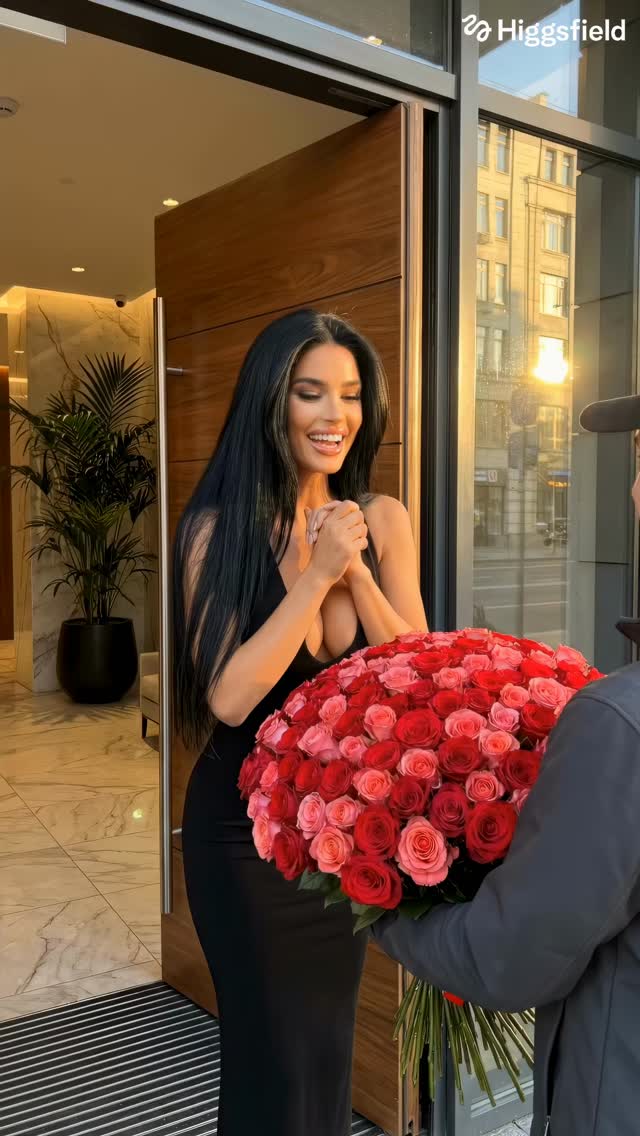
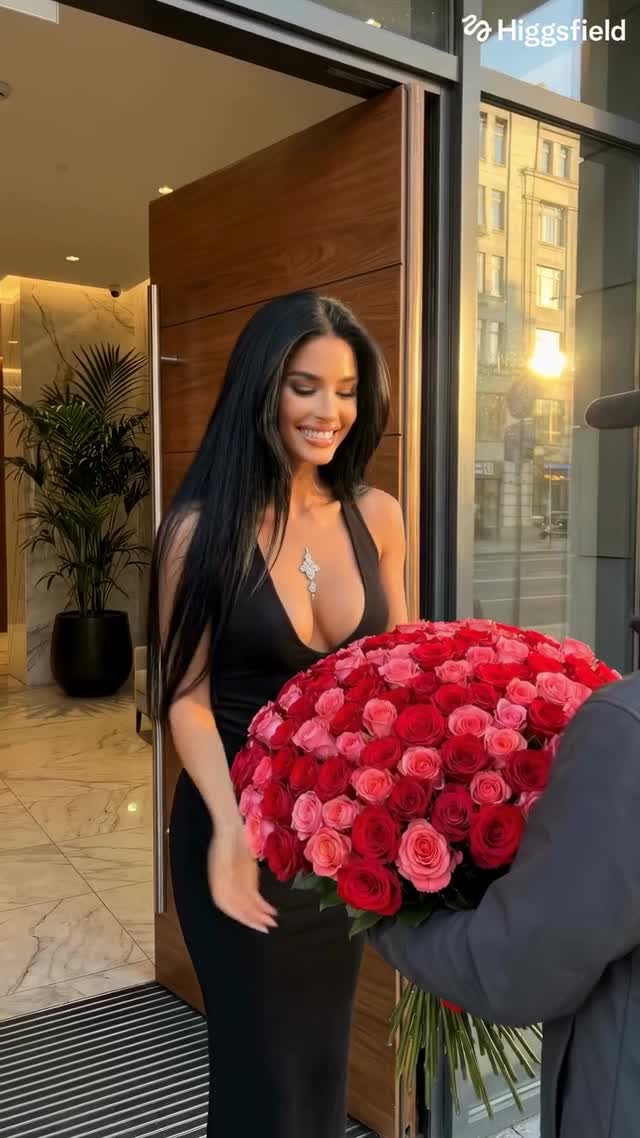
Do you like roses? 🌹 Comment “influencer” to get started creating your own influencer in @higgsfield.ai Made in AI Influencer Studio 🤳🏻 Earn money at higgsfield.ai/earn #higgsfieldai #klingai #aieducation #aiartist
Do you like roses? 🌹 Comment “influencer” to get started creating your own influencer in @higgsfield.ai Made in AI Influencer Studio 🤳🏻 Earn money at higgsfield.ai/earn #higgsfieldai #klingai #aieducation #aiartist
This case study analyzes a high-performing "AI Influencer" video that leverages the luxury lifestyle aesthetic and the universal appeal of floral abundance. The video features a series of cinematic shots of diverse, hyper-realistic AI-generated women in opulent settings, each surrounded by massive, meticulously detailed bouquets of roses. With over 6,000 likes and a high comment-to-like ratio, the content succeeds by tapping into "aspiration culture" and the "gift-giving" trope. The visual signature is defined by golden hour lighting, shallow depth of field, and high-end fashion textures (silk, sequins, lace), creating a seamless blend of AI capability and high-fashion editorial style.
The video is a montage of five distinct scenes, each featuring a different AI persona. The common thread is the "Rose Gift" theme. The lighting is consistently warm, mimicking the "golden hour" (low sun, long shadows, orange/gold tints), which enhances skin textures and makes the floral colors pop. The camera work uses subtle "handheld" jitters and slow pans to mimic a high-end smartphone or professional gimbal shot, reducing the "static" feel often associated with AI video.
| Time Range | Visual Content | Shot Language | Lighting & Tone | Viewer Intent |
|---|---|---|---|---|
| 0:00–0:03 | Latina-coded woman in black dress receiving red roses at a modern entrance. | Medium Shot (MS), slight handheld movement. | Warm sunlight, high contrast. | The "Hook": Immediate emotional payoff (receiving a gift). |
| 0:03–0:06 | Blonde woman in pink silk dress kneeling by a massive pile of pink/white roses. | Medium Close-Up (MCU), eye-level. | Soft, diffused indoor golden light. | Aesthetic satisfaction; reinforces the "luxury" theme. |
| 0:06–0:08 | Brunette woman lying on a floor covered in rose petals, city view background. | High-angle Medium Shot. | Sunset glow, soft shadows. | Fantasy/Dreamy vibe; creates a sense of scale. |
| 0:08–0:12 | Black woman in black corset sitting next to a massive red rose bouquet. | Medium Shot, low angle. | Backlit by sunset, rim lighting on hair. | Empowerment/Elegance; high-fashion editorial feel. |
| 0:12–0:15 | Woman in gold sequin outfit surrounded by multiple red rose bouquets. | Medium Shot, slow zoom in. | Golden hour, sparkling textures. | The "Grand Finale": Maximum abundance and sparkle. |
The primary driver for this video's success is its Aspiration Value. It presents a "perfect" version of reality that users find visually soothing and enviable. Psychologically, the "massive bouquet of roses" is a powerful biological and cultural signal of status, romance, and abundance. By rotating through different ethnicities and styles, the creator ensures the video has a broad, global appeal, making it highly shareable across different demographics.
From a platform perspective, the video excels in Visual Retention. The rapid cuts (every 2-4 seconds) prevent the viewer from looking for AI "glitches," while the high-quality textures (the shimmer of the gold dress, the individual petals of the roses) signal to the Instagram algorithm that this is "premium" content. The call-to-action (CTA) in the caption—"Comment 'influencer'"—triggers the "keyword automation" loop, which boosts engagement metrics and signals to the algorithm that the content is sparking conversation.
Higgsfield.ai and Kling AI are currently the leaders for this specific high-fashion, realistic human movement.
"Golden hour," "Photorealistic," and "Cinematic lighting."
You likely aren't using a "Character Reference" (Cref) or a fixed seed; ensure your base prompt describes the facial features identically in every shot.
Add "film grain," "subtle handheld camera movement," and ensure the hair has "natural wind physics."
Instagram is better for "Aesthetic/Luxury" content, while TikTok favors "Process/Tutorial" content of the same style.