Bugün bir sesi uğurluyoruz.
Bir kahkahayı, bir sahneyi, bir kalbi…
Fatih Ürek, Alara X’in son programına konuk olduğunda
sadece anı bırakmadı, bir enerji bıraktı.
Neşeyi hafife almadan, samimiyeti saklamadan, olduğu gibi…
Kameralar kapandı belki ama bıraktığın iz kapanmıyor.
Bizde kaldı.
Bu projede, bu ekipte, bu hatırada…
Işıklar senin olsun Fatih🙏
Case Snapshot
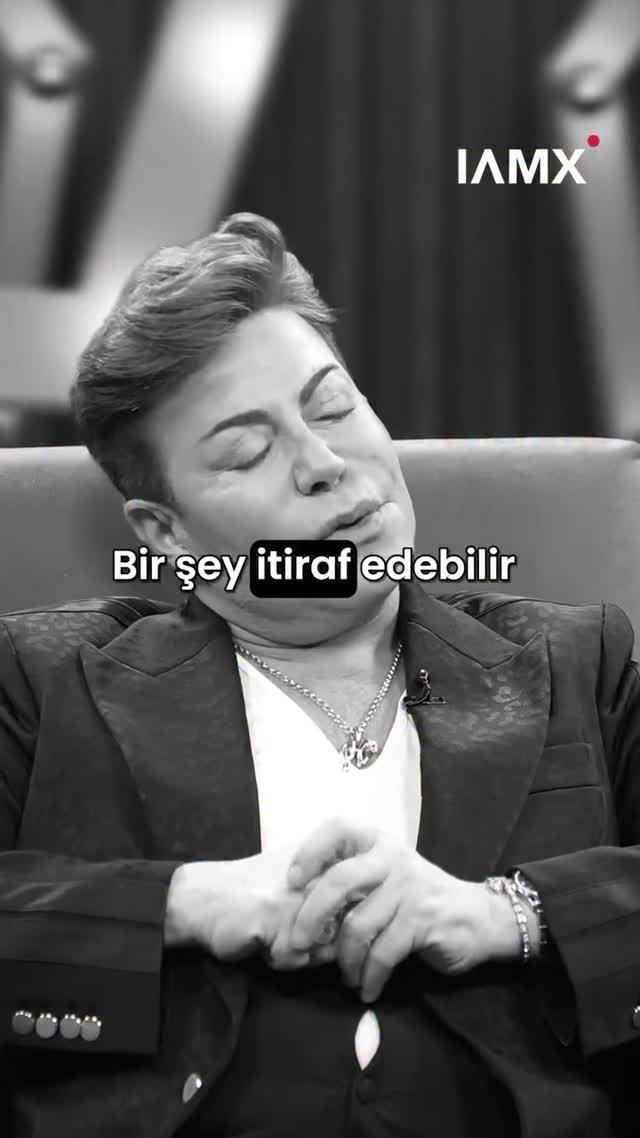
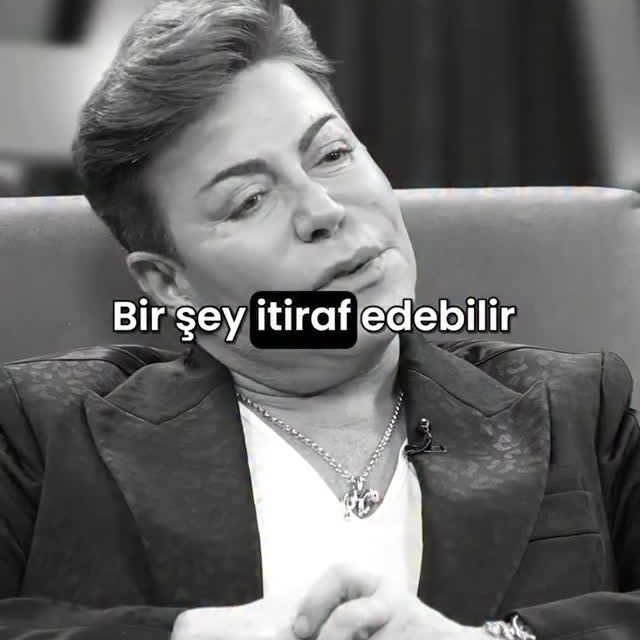
This ~60-second vertical clip is a talk-show highlight formatted for social: it alternates between black-and-white close-ups of a male guest speaking in a studio chair and a color split-screen layout where the guest appears on the top half and an AI host avatar appears on the bottom half inside a neon pink/purple studio set with a big vintage microphone prop. The pacing is driven by Turkish subtitle lines that update frequently (short phrases early, longer farewell lines near the end), plus a consistent top-right watermark (“IAMX”). It’s a strong template for creators building AI-hosted interview channels because it packages “real conversation energy” with a recognizable AI host brand layer. Keywords it matches: “AI host talk show clip,” “split screen interview shorts,” “Turkish subtitles reel,” and Chinese long-tail like “AI 主播 访谈 分屏 短视频.”
What You're Seeing
1) Two-Layer Format: Real Guest + AI Host
The guest carries the emotional weight with facial expressions and hand gestures, while the AI host avatar functions as a stable “channel identity” in the lower panel.
2) Alternating Color Modes
Black-and-white close-ups feel like “serious / reflective” beats. The color split-screen feels like “show format / brand format.” Switching between them creates rhythm without needing new locations.
3) Set Design Cues
The top panel uses a stylized stage background with purple lighting and strong geometric shapes. The bottom panel uses neon pink/purple accents and a large microphone prop, which makes the host side instantly recognizable.
4) Subtitle System
Turkish subtitles (white text with dark outline) are centered and readable, changing frequently. This makes the clip watchable on mute and increases retention.
5) Branding Watermark
The “IAMX” watermark sits top-right in every segment, ensuring the clip is attributable even when reposted.
6) Shot-by-Shot Breakdown (estimated)
Time range
Visual content
Shot language (framing / focal-length feel / movement)
Lighting & color tone
Viewer intent
00:00-00:05 (estimated)
B&W guest close-up + centered subtitle
Tight portrait, minimal movement
Monochrome, soft studio light
Hook: emotion + readable line
00:05-00:22 (estimated)
Color split-screen guest (top) + AI host avatar (bottom)
Broadcast stable, small gestures
Purple stage + neon studio
Establish format and brand identity
00:22-00:26 (estimated)
B&W guest close-up
Tight portrait
Monochrome
Reset attention with tone shift
00:26-00:42 (estimated)
Split-screen returns with gesturing emphasis
Stable, small reframes
Purple + neon
Retention: “next subtitle” anticipation
00:42-01:00 (estimated)
Final B&W close-up with longer farewell subtitle lines
Ending hold
Monochrome
Completion payoff
7) Why It Works Even Without Audio
The subtitles and clear facial expressions do the work. The visual rhythm (mode switches + split-screen) keeps it from feeling like a static lecture.
8) What’s Replaceable
You can swap language, guest footage, and subtitle copy while keeping the same host avatar and neon set so your channel builds a recognizable identity.
Why It Went Viral
Topic Selection Analysis (250-300 words)
This type of clip performs because it combines social proof (a real guest in a studio setting) with an AI-native packaging layer (a consistent host avatar and branded set). Viewers get the feeling of a “real TV moment,” but the clip is still optimized for modern distribution: subtitles are front and center, framing is tight, and there’s a clear emotional arc from reflective statements to a longer farewell wish near the end. That arc encourages completion because the viewer senses the clip is “going somewhere.”
Format-wise, the alternating black-and-white close-ups act like emphasis markers. When the clip flips to monochrome, it signals seriousness and draws attention to the next subtitle line. Then the color split-screen returns to re-establish the show format and brand identity. This prevents fatigue in a 60-second reel without requiring a new location or heavy B-roll.
Platform-Signal View (about 100 words)
Watch time likely comes from frequent subtitle updates and the mode switches that create micro-resets. Shares/saves likely come from quote utility (people save lines that feel emotional or meaningful). The watermark ensures repost visibility, and the split-screen layout makes the creator’s “show identity” recognizable at a glance, which helps profile clicks and follow-through.
5 Testable Viral Hypotheses
Observed evidence: subtitles change often. Mechanism: “next line” anticipation keeps retention. Replication: cut subtitles into 6-10 short beats.
Observed evidence: B&W emphasis segments. Mechanism: tonal micro-reset boosts attention. Replication: switch to monochrome on key lines.
Observed evidence: consistent AI host avatar. Mechanism: brand identity across clips drives follows. Replication: keep host look and set constant for a series.
Observed evidence: longer farewell line at the end. Mechanism: completion target increases finish rate. Replication: end with a summarizing “closing line.”
How to Recreate (0 to 1)
Step 1: Pick a Show Concept
Decide what your channel is: “AI host interviews,” “guest highlights,” “cultural talk moments,” or “emotion quotes.” Your subtitle style depends on this.
Step 2: Design the Host Avatar
Lock a simple, repeatable host: short bob haircut, neutral outfit, minimal accessories. Consistency beats complexity.
Step 3: Build a Neon Studio Template
Create a single set with pink/purple lighting accents, a microphone prop, and simple geometric shapes. Reuse it for every episode.
Step 4: Choose Guest Footage and Cut into Beats
Select one 45-70 second moment with clear gestures and emotional arc. Cut into 6-10 subtitle beats.
Step 5: Create Subtitle Copy (Don’t Overwrite)
Use short lines early and one longer wrap-up line at the end. Keep the font readable (white + dark outline) and stable.
Step 6: Alternate Modes for Rhythm
Use black-and-white for emphasis moments and color split-screen for “show format” segments.
Step 7: Troubleshoot the Common Failures
If subtitles flicker, enforce stable rendering and avoid too-small font sizes. If split-screen alignment drifts, keep fixed guides and consistent crop values.
Step 8: Publish as a Series
Post 3-5 clips per week with the same host avatar and studio template so the account builds recognizability.
Growth Playbook (Distribution & Scaling)
3 Opening Hook Lines
"A real studio moment, hosted by AI."
"This line hit harder than I expected."
"Watch the subtitle beats, not the cuts."
4 Caption Templates
Template A: Hook: "AI-hosted talk show highlight." Value: "Split-screen + subtitle rhythm." Question: "Should I translate these lines too?" CTA: "Comment ‘TRANSLATE’."
Template B: Hook: "This guest moment is pure emotion." Value: "B&W emphasis beats." Question: "Which line hit you?" CTA: "Reply with the timestamp."
Template C: Hook: "How to make a 60s clip feel fast." Value: "Mode switches + subtitle beats." Question: "Want the template?" CTA: "Save this."
Template D: Hook: "Building an AI host channel." Value: "Same avatar, new guest each episode." Question: "Who should be the next guest?" CTA: "Suggest below."