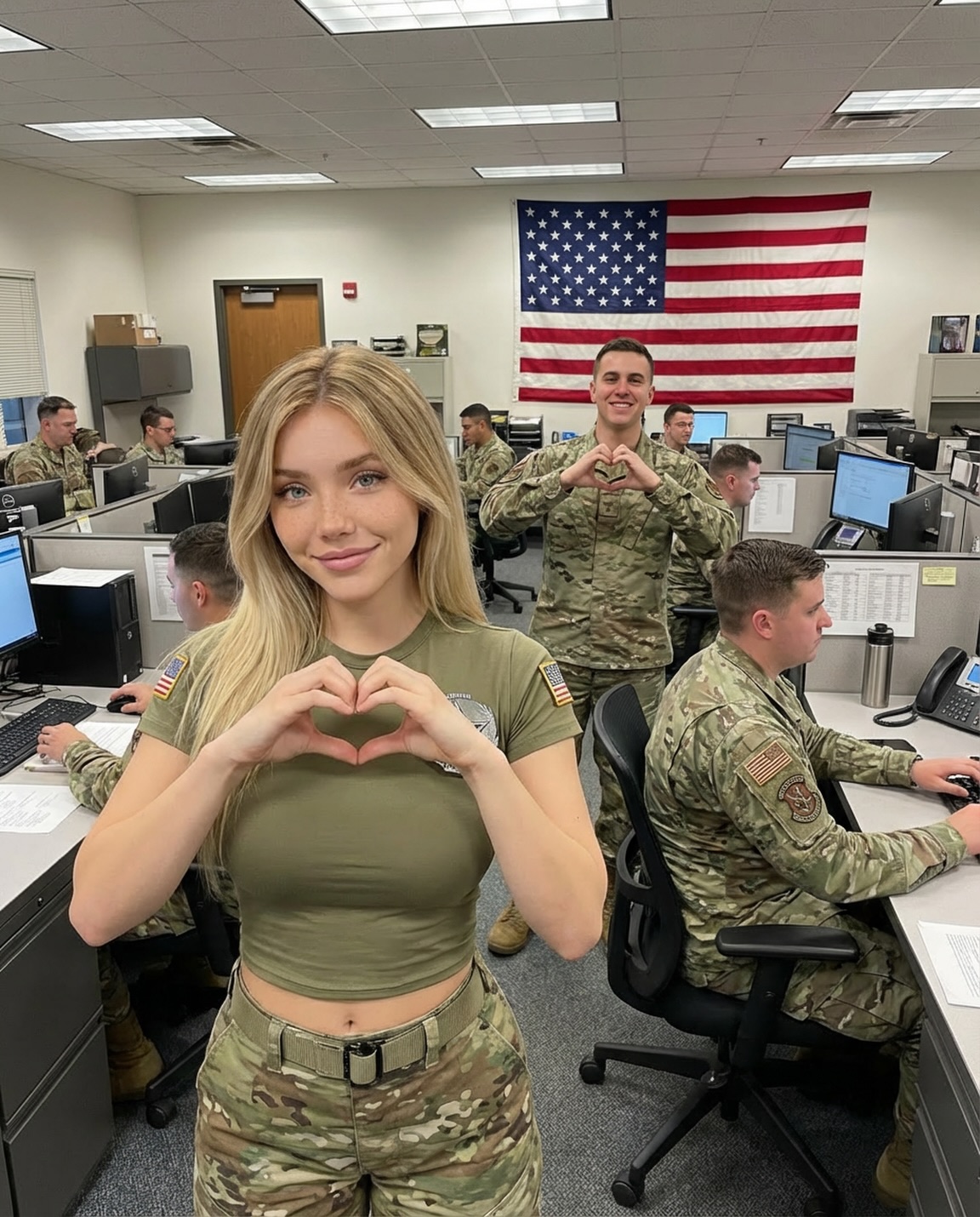
Who wants my heart? 😚🥰
Who wants my heart? 😚🥰
This image is a classic engagement pattern: a friendly face, a single universal gesture (the heart), and a busy-but-readable background that makes the moment feel real.
The heart gesture is the fastest symbol on the internet. It’s not abstract and it doesn’t need translation. When someone scrolls past, they instantly understand the emotional intent: invitation, affection, playfulness. That’s why captions like “Who wants my heart?” work so well—they match what the viewer already sees.
The second reason is context. The background is an active room: monitors, desks, people working. That activity makes the foreground gesture feel like a spontaneous break in the day, not a staged photo shoot. Spontaneity increases trust, and trust increases shares.
The third reason is the “echo” mechanic. A second person in the depth also forms a heart. That repetition turns the gesture into a mini-theme and encourages replays—viewers scan the scene to catch the detail they missed the first time.
| Signal | Evidence (from this image) | Mechanism | Replication Action |
|---|---|---|---|
| Universal gesture | Hand-heart in the foreground | Instant emotional meaning | Use one global symbol (heart, wave, thumbs-up) and place it near the center of the frame |
| Gesture echo | Second heart gesture in the background | Creates a “find the detail” replay loop | Add one repeating motif in depth (same gesture, same prop, same color) |
| Authentic activity | People working at computers, real office clutter | Feels candid, increases trust | Keep 2–4 background workers and visible monitors for realism |
| Strong background anchor | Large U.S. flag centered on the back wall | Memorable “poster” element | Put one bold graphic element behind the subjects (flag, banner, mural) and keep it readable |
Recipe 1: “Hospital shift heart”
Recipe 2: “Classroom kindness”
Recipe 3: “Factory-floor morale”
The aesthetic is candid and high-clarity. Neutral overhead light keeps everything readable, while the flag provides a big, graphic color block that anchors the frame. The foreground subject is close enough to feel personal, but the background stays visible enough to tell a story: this is a real room with real activity.
From a creator perspective, the key is not “make it prettier.” The key is “make it readable.” One clear gesture and one clear background anchor can outperform complicated concepts.
| Prompt chunk | What it controls | Swap ideas (EN, 2–3 options) |
|---|---|---|
| Foreground gesture | Instant hook | “hand-heart”, “wave”, “thumbs-up” |
| Gesture echo | Replay loop | “second heart in background”, “mirrored pose”, “same prop repeated” |
| Background anchor | Memorability | “large flag”, “banner”, “mural” |
| Office realism cues | Trust | “rows of monitors”, “phones and paperwork”, “cubicle partitions” |
| Lighting | Clarity | “neutral fluorescent overhead light”, “even exposure”, “no dramatic shadows” |
photorealistic candid office photo, foreground subject making a heart with hands,
busy cubicle workspace with multiple people working at monitors,
large U.S. flag centered on the back wall, neutral overhead fluorescent lighting,
crisp detail, natural colorChange only 1–2 knobs per run: swap the gesture, swap the anchor, or swap the workplace. Keep lighting neutral and faces sharp.