
MALAM INI RILIS FULL MV!! #kobofondmemories
MALAM INI RILIS FULL MV!! #kobofondmemories
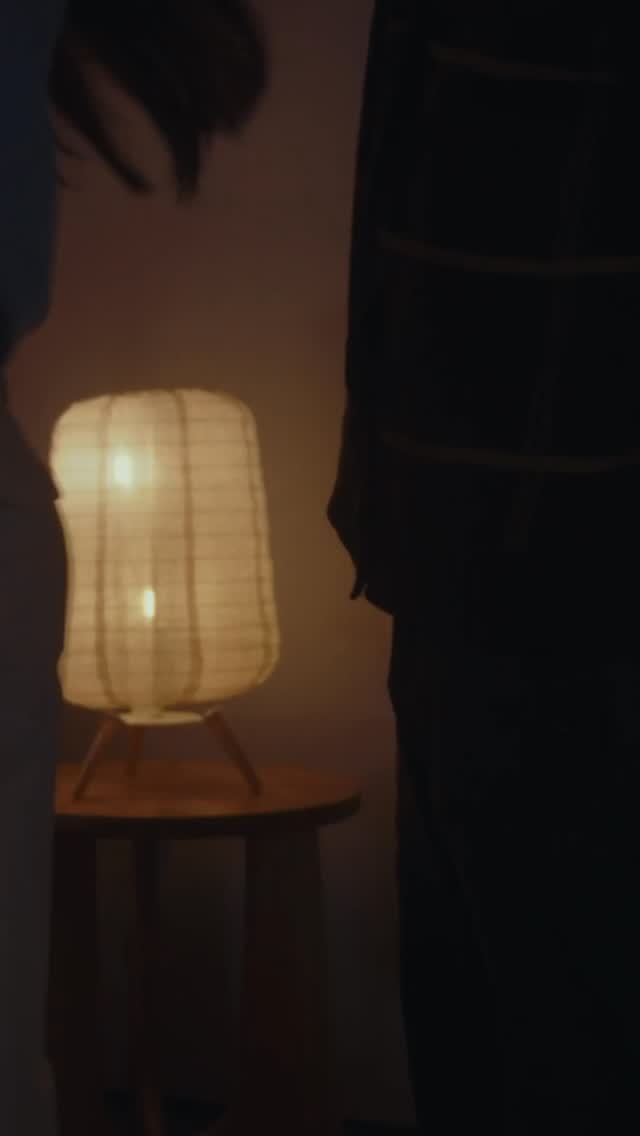
This image barely shows you anything—and that’s exactly why it works. It’s not trying to be pretty. It’s trying to create a feeling: “something is coming tonight.”
In a feed full of bright, optimized thumbnails, a low-exposure frame is a pattern break. Your brain pauses because it needs a second look. The character’s eyes do just enough work to confirm “there’s a subject here”, while the rest of the face disappears into shadow. That partial reveal turns a normal post into a micro cliffhanger.
This is also a smart match for release announcements. If you say “full MV drops tonight”, you don’t want to give the whole visual away. You want to hint at the vibe and let curiosity pull people toward the next piece of content.
And the negative space is doing growth work: it leaves room for captions, story stickers, or follow-up overlays in the edit—without redesigning the frame every time.
| Signal | Evidence (from this image) | Mechanism | Replication action |
|---|---|---|---|
| Pattern break | Underexposed, dim frame in a sea of bright covers | Forces a second look → higher pause time | Drop exposure and simplify the scene to one readable feature (eyes) |
| Partial reveal | Only part of the face is visible near the bottom edge | Open loop curiosity → comments and replays | Crop tight and hide 60–80% of the subject in shadow |
| Release alignment | Teaser mood fits “full drop tonight” messaging | Curiosity bridges to the next post/story | Use this as the “pre-drop” slide, then follow with the reveal version |
This isn’t “bad lighting”. It’s controlled ambiguity. Warm shadows feel intimate, like you’re seeing something in a room at night. Soft focus keeps it dreamy, and the only sharp idea is the eyes—so the viewer knows where to look.
If you want this to feel intentional, lock two things: the negative space and the warm shadow tone. Everything else can be messy and it will still read as a teaser.
| Prompt chunk | What it controls | Swap ideas (EN, 2–3 options) |
|---|---|---|
| “underexposed low-key lighting, heavy shadows” | Mystery level | “candlelit shadows”, “moonlit blue shadows”, “neon backlight silhouette” |
| “only partial face visible at bottom edge” | Open-loop reveal | “only one eye visible”, “just a smile visible”, “hands visible, face hidden” |
| “large glossy anime eyes” | Readability at thumbnail size | “glowing eyes”, “sleepy eyes”, “crying eyes” |
| “top half dark negative space” | Overlay flexibility | “top-left headline space”, “bottom subtitle space”, “centered title card space” |
Change only one knob per run: eye expression, hair color accent, or background tone. If you change exposure and crop together, you’ll lose the teaser identity.