What are you searching for? 🌸
What are you searching for? 🌸
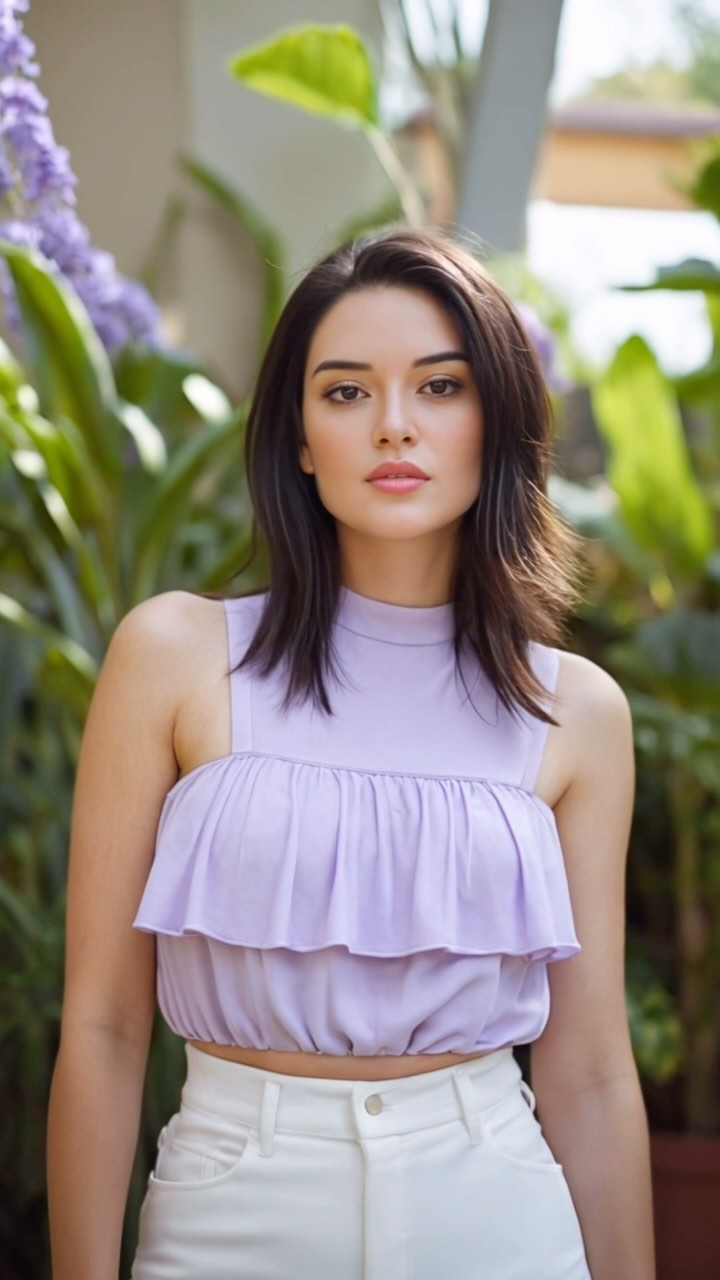
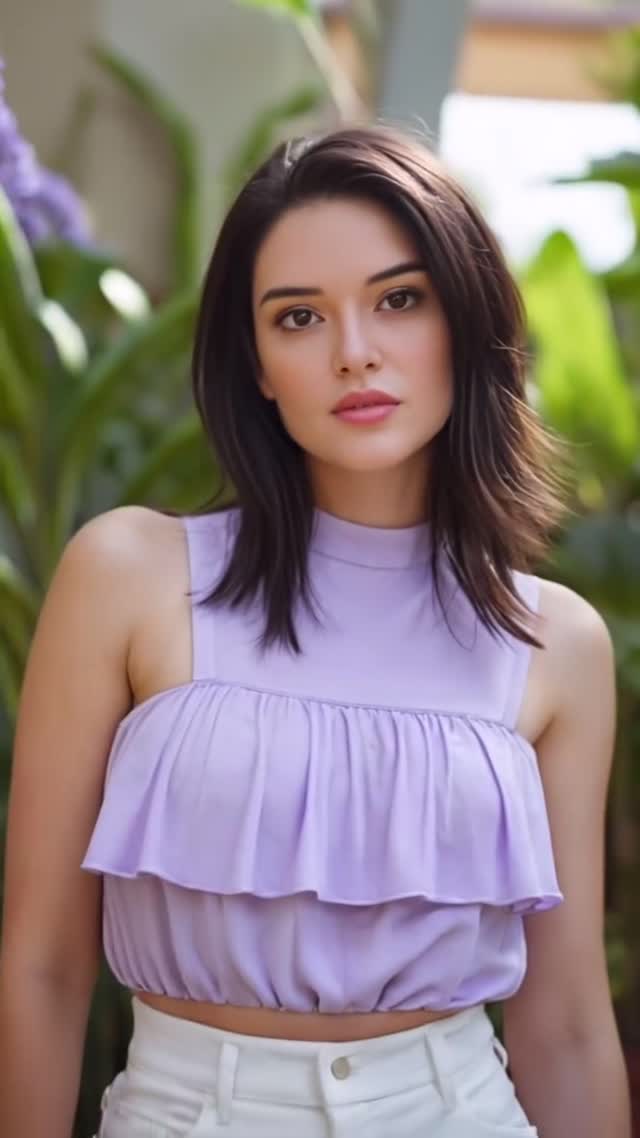
This image works because it balances simplicity and polish. The pose is direct, the styling is clean, and the background is supportive but not noisy. In fast-scrolling feeds, that clarity matters. Viewers can read face, outfit, and mood instantly.
The caption question "What are you searching for?" adds a reflective layer. The visual matches that tone: calm expression, fresh natural light, and a garden palette that feels open rather than intense. For creators, this is a strong template for engagement posts that invite comments without heavy copy.
| Signal | Evidence (from this image) | Mechanism | Replication Action |
|---|---|---|---|
| Color calm | Lavender top paired with soft green botanical background | Pastel harmony reduces visual stress and increases dwell | Use one pastel hero color and one natural background color family |
| Direct portrait clarity | Centered subject with eye-level gaze | Immediate face connection improves engagement | Keep eye-line near camera for comment-oriented posts |
| Background restraint | Plants are present but softly blurred | Context supports mood without stealing focus | Use shallow depth to separate subject from environment |
| Question-led caption fit | Visual mood matches introspective copy | Message-image alignment improves authenticity | Pair reflective prompts with calm, non-aggressive portrait styling |
{centered_soft_portrait} in {seasonal_palette} with {blurred_nature_context}{clean_portrait_subject} with {single_color_focus_top} against {soft_urban_blur}{reflective_caption} + {calm_direct_portrait} + {palette_matched_background}The frame is built on softness and precision. Softness comes from natural light and blurred foliage. Precision comes from centered posture, crisp facial focus, and clear garment structure. The ruffle detail adds visual movement to an otherwise minimal silhouette, while white trousers keep the lower half bright and clean. Together, these choices create a portrait that feels elegant without trying too hard.
| Prompt chunk | What it controls | Swap ideas (EN, 2-3 options) |
|---|---|---|
| Pastel hero color | Mood temperature | "lavender top", "sage top", "blush pink top" |
| Pose stability line | Confidence and readability | "centered standing portrait", "relaxed shoulders", "direct eye-level gaze" |
| Background blur rule | Subject separation | "soft botanical bokeh", "light foliage blur", "minimal garden depth" |
| Skin-lighting directive | Natural polish | "soft daylight skin", "gentle highlight", "no harsh shadow edges" |
| Outfit-structure detail | Fashion clarity | "ruffle-front sleeveless top", "high-waisted white trousers", "clean silhouette lines" |
| Caption-tone alignment | Narrative coherence | "reflective mood", "gentle curiosity", "quiet confidence" |
Baseline Lock: 1) centered direct portrait, 2) pastel top + white bottom pairing, 3) soft botanical background blur.
One-change rule: adjust one parameter per iteration.