How dreamfall.art Made This Butterfly Couture AI Art — and How to Recreate It
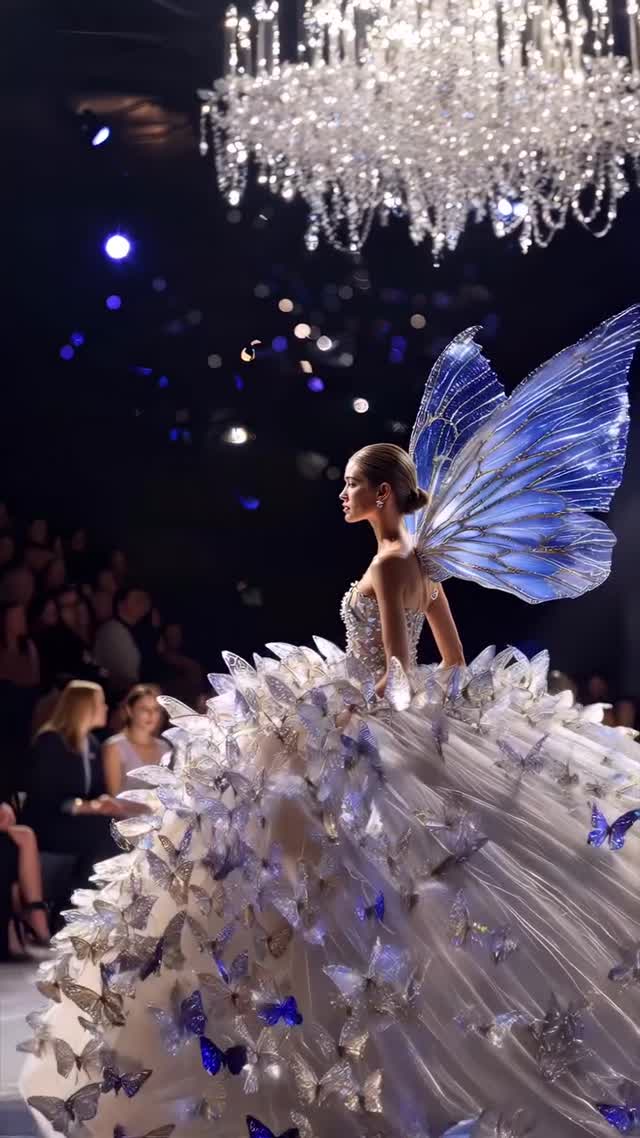
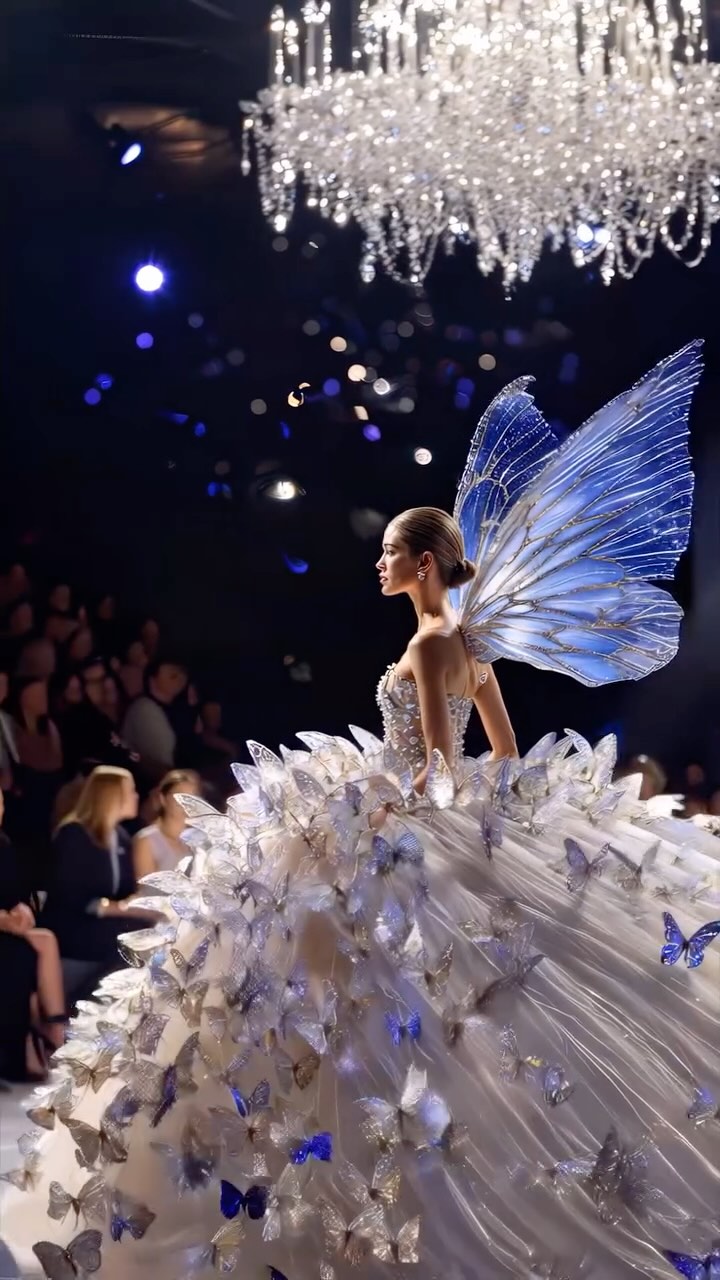
This frame feels like a real fashion show moment—chandelier overhead, audience in the dark—except the model has giant blue butterfly wings and a skirt that looks like a crystal flower. That blend of “documented runway” + “impossible silhouette” is exactly why it performs.
Why it spreads
It’s a silhouette-first image. Even at thumbnail size you read the wings and the huge bloom skirt. Then you zoom for the details: butterfly appliqués, crystal sparkle, organza layers. The audience stays soft, so the look stays the hero.
The chandelier is also a clever credibility cue. It instantly says “high-end venue,” which makes the fantasy add-ons feel like couture instead of cosplay.
| Signal | Evidence (from this image) | Mechanism | Replication Action |
|---|
| Icon silhouette | Giant blue butterfly wings | Instant stop on scroll | Design one oversized icon (wings/halo/petals) and keep it clean and symmetrical |
| Runway proof | Chandelier + seated audience | Makes it feel documented | Add one venue cue (chandelier, runway lights) and blur the crowd |
| Detail reward | Butterfly motifs across the gown | Zoom-in saves | Scatter 20–50 small motifs and keep them consistent in color and scale |
| Contrast control | Bright gown against dark background | Readable on mobile | Keep the background dark and the subject bright; don’t add extra props |
Use cases & transfers
- Virtual fashion show chapters: post Part 1/2/3 to build anticipation and comments.
- Fantasy editorial series: keep the runway venue and swap the motif (butterfly → moth → dragonfly).
- Collection storytelling: make the wings the signature while the dress silhouette evolves.
- Animation-ready looks: wings and butterflies are perfect for subtle motion loops.
Not ideal
- Everyday style feeds: the appeal is theatrical couture.
- Low-detail pipelines: if organza layers collapse, it becomes messy fabric noise.
Transfers: exactly three transfer recipes
Transfer 1 — “Wings + Bloom Skirt”
- Keep: wings + extreme skirt volume
- Change: palette
- Slot template (EN): “runway photo, giant translucent {color} wings, couture bloom ballgown, chandelier overhead, dark venue, photoreal”
Transfer 2 — “Motif Scatter”
- Keep: many small motifs
- Change: motif type
- Slot template (EN): “couture gown covered with many {motifs}, consistent scale and color, detail-rich, controlled highlights”
Transfer 3 — “Venue Credibility”
- Keep: chandelier + audience blur
- Change: camera angle
- Slot template (EN): “luxury runway venue with chandelier, audience blurred, telephoto runway photo, high contrast lighting”
Aesthetic read (Observed → Recreate)
The scene is built like a believable runway photo first, then fantasy layered on top. That ordering matters: if you start with fantasy, you lose credibility. If you start with runway physics, the wings feel like couture.
| Observed | How to recreate (prompt/control) |
|---|
| Chandelier sparkle overhead | “crystal chandelier bokeh at top, dark venue, shallow DoF” |
| Translucent blue wing veining | “large translucent blue butterfly wings with visible veins” |
| Bloom-like skirt volume | “massive layered organza petals, extreme ballgown volume” |
| Butterfly motif scatter | “many blue butterflies appliquéd across skirt, consistent scale” |
Prompt technique breakdown
| Prompt chunk | What it controls | Swap ideas (EN, 2–3 options) |
|---|
| Icon add-on | Scroll-stopping silhouette | “butterfly wings” / “moth cape” / “petal halo” |
| Skirt structure | Luxury volume | “organza petals” / “crystal shards” / “feather layers” |
| Venue cue | Credibility | “chandelier” / “spotlight rig” / “front-row flash” |
| Palette | Mood | “blue+silver” / “gold+ivory” / “black+iridescent” |
Starter prompt
Photoreal luxury runway photo in a dark venue with a crystal chandelier overhead and blurred audience. Single model in side profile wearing a massive couture ballgown with layered organza petals and many blue butterfly embellishments, plus giant translucent blue butterfly wings with visible veining. Cool runway lighting, high contrast, shallow depth of field, controlled highlights, no text.
Remix steps
Baseline Lock: lock (1) runway venue + chandelier, (2) wing silhouette, (3) skirt volume.
- Run 1: Generate the runway scene with chandelier and audience blur (simple gown).
- Run 2: Add the bloom skirt structure and correct layer readability.
- Run 3: Add wings and lock scale/symmetry.
- Run 4: Scatter butterfly motifs and polish highlight control.