How dreamfall.art Made This Desert Couture AI Art
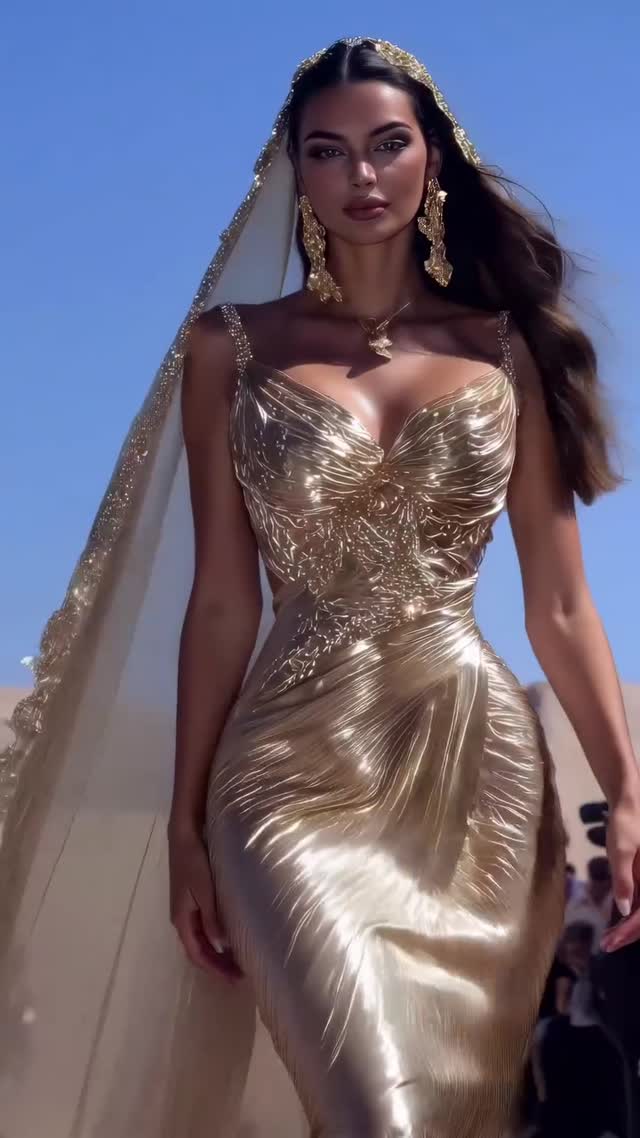
This image succeeds because it uses a classic high-impact contrast: metallic gold couture against a clean blue sky. The contrast is simple, immediate, and universally legible. Even without text, viewers instantly read “luxury runway.”
For creators, this is a strong reminder that visual hierarchy matters more than complexity. One hero garment, one hero backdrop, one hero walk pose. That structure gives you editorial quality while keeping production logic replicable.
Signal Table
| Signal | Evidence (from this image) | Mechanism | Replication Action |
|---|
| High-value color contrast | Metallic gold dress against saturated clear blue sky | Creates immediate visual separation and premium perception | Pair one warm reflective garment with one cool clean background |
| Material storytelling | Crisp pleated reflective folds across full silhouette | Texture richness increases dwell time | Prompt specific fabric behavior: pleats, specular highlights, embossed bodice |
| Authority pose | Centered frontal runway walk from slightly low camera angle | Adds stature and aspirational energy | Lock walk direction and camera height before styling iterations |
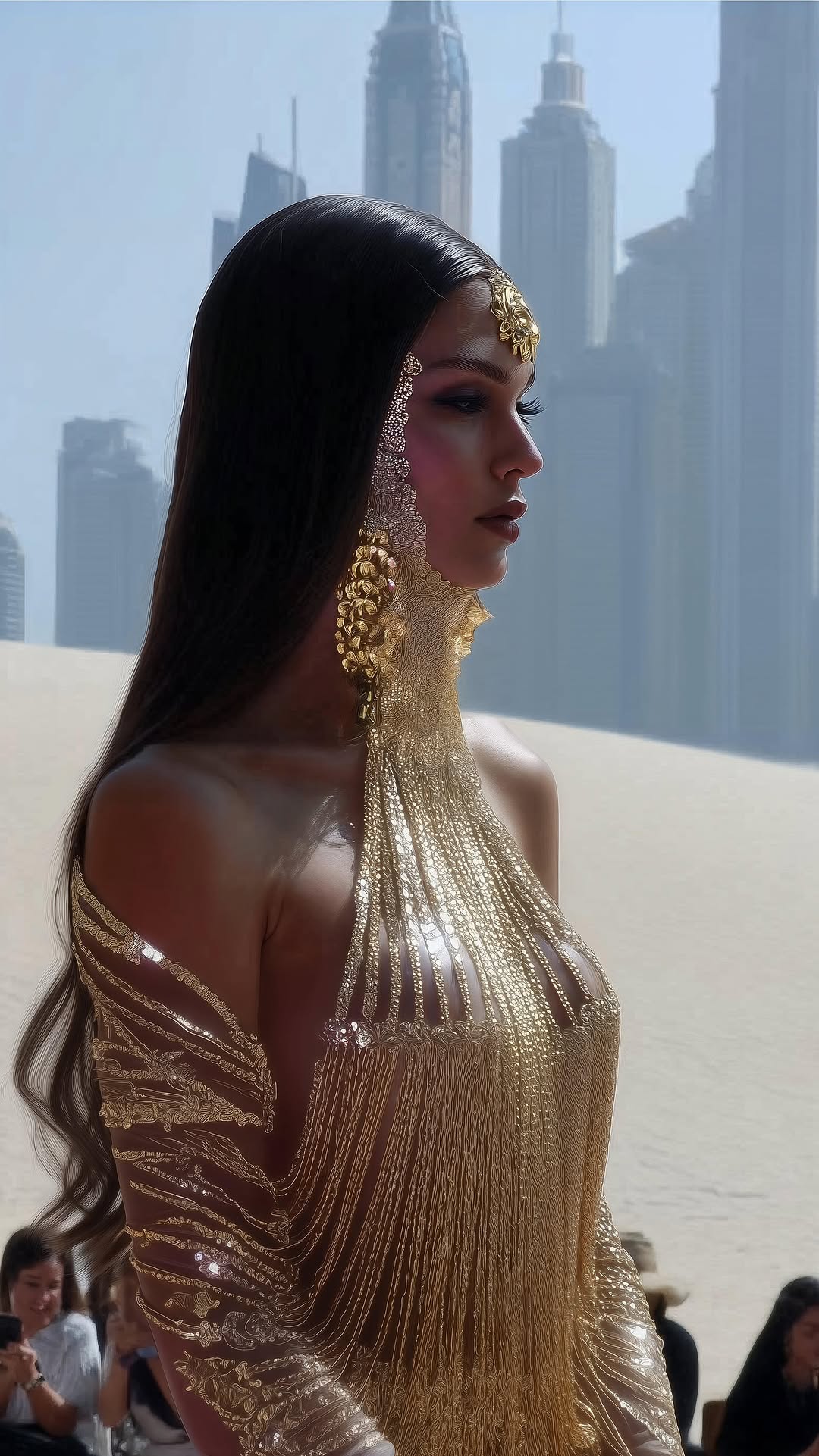
| Controlled scene simplicity | Minimal desert context with very low background clutter | Focus remains on fashion identity | Cap object count and remove all non-essential props |
Use Cases and Adaptations
- Best fit: Luxury fashion campaign covers. Why fit: gold texture reads instantly as premium. What to change: swap accessory set by collection theme.
- Best fit: Event visual announcements. Why fit: runway posture gives ceremonial tone. What to change: reserve top area for event typography.
- Best fit: Beauty/fashion brand collaborations. Why fit: clear face visibility + garment detail. What to change: adjust sky tint to match brand palette.
- Best fit: High-end social ad creatives. Why fit: color contrast survives compression and thumbnails.
- Not ideal: instructional fashion tutorials. Reason: dramatic style limits educational readability.
- Not ideal: fast candid vlog edits. Reason: polished editorial language feels too formal.
- Not ideal: crowded storytelling scenes. Reason: format depends on single-subject dominance.
Three Transfer Recipes
Transfer 1: Silver desert couture
Keep: centered walk pose, clear sky backdrop, minimal clutter.
Change: garment from gold to reflective silver.
Slot template (EN): {single runway model} {metallic couture color} {clean sky} {frontal walk composition}
Transfer 2: Sunset royal version
Keep: sculpted gown texture and veil framing.
Change: daylight blue sky to warm sunset gradient.
Slot template (EN): {hero couture portrait} {veil detail} {sunset sky} {minimal desert scene}
Transfer 3: Urban architecture luxury variant
Keep: low-angle runway stance and metallic fabric behavior.
Change: desert backdrop to minimalist stone architecture.
Slot template (EN): {centered model walk} {high-shine gown} {architectural background} {clean editorial light}
Aesthetic Read
The image’s power is driven by directional light interacting with high-specular fabric. Every fold in the dress becomes a highlight path, so the garment itself behaves like lighting design. The blue sky is intentionally uniform, giving the metallic texture room to dominate. Jewelry and veil details add vertical richness around the face and shoulders, but they do not compete with the body silhouette. The slight low-angle camera position subtly elevates status, which is essential for runway authority. Background silhouettes are kept faint, enough to imply event context without pulling attention away. For creators, this is a repeatable premium framework: lock silhouette, lock reflectivity, and keep environment visually quiet.
Prompt Technique Breakdown
| Prompt chunk | What it controls | Swap ideas (EN, 2-3 options) |
|---|
| "single model centered, frontal runway walk" | Narrative authority and composition core | "static central pose" / "three-quarter walk" / "profile runway stride" |
| "metallic-gold sculpted couture gown" | Texture identity and luxury signal | "metallic silver" / "pearl satin" / "embroidered matte silk" |
| "glitter-edged veil and statement earrings" | Face framing and accessory hierarchy | "minimal veil" / "head crown" / "earrings only" |
| "clear blue-sky desert backdrop" | Color contrast and environmental simplicity | "sunset dunes" / "stone courtyard" / "coastal cliff" |
| "strong daylight with crisp highlights" | Material readability and editorial sharpness | "soft overcast" / "golden-hour side light" / "hard backlight" |
Remix Steps
Baseline Lock: lock subject centering, lock gown reflectivity, lock low-angle runway perspective.
One-change rule: change one variable per generation batch.
- Render 1 baseline with metallic gold and clear noon sky.
- Render 2 change only garment hue (gold to silver/champagne).
- Render 3 keep hue winner, change only sky condition (noon vs sunset).
- Render 4 keep sky winner, tune only accessory density (minimal vs ornate).
This sequence keeps campaign consistency while still producing variation for multi-post rollouts.