Do you know what happens to a toad when it’s struck by lightning? 🐸⚡️ #xmen #cosplay #marvel
Do you know what happens to a toad when it’s struck by lightning? 🐸⚡️ #xmen #cosplay #marvel
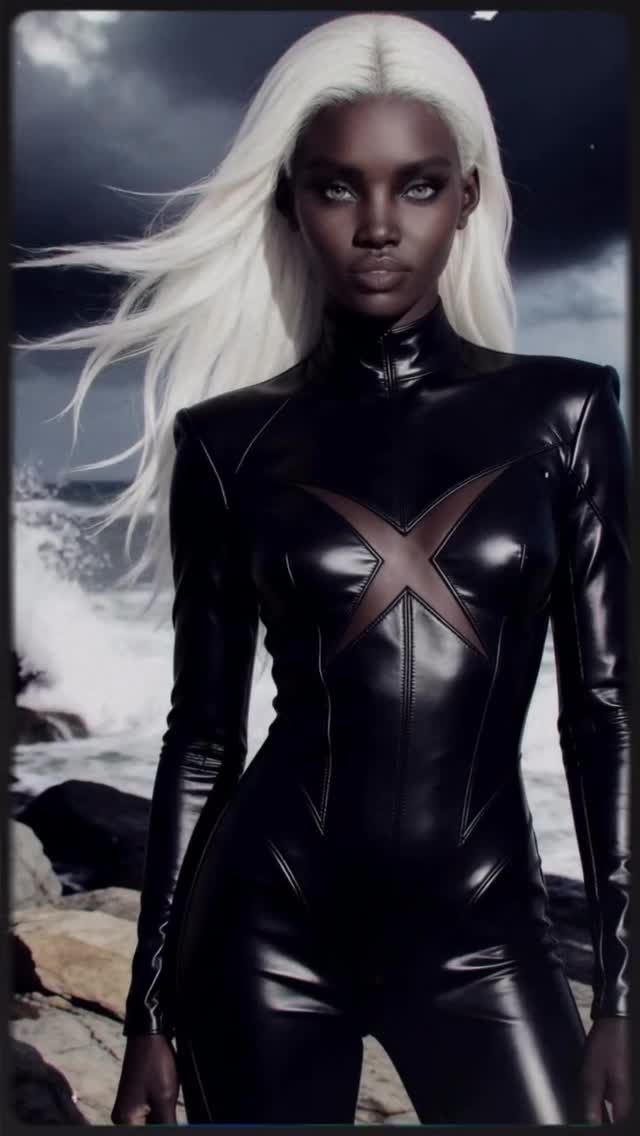
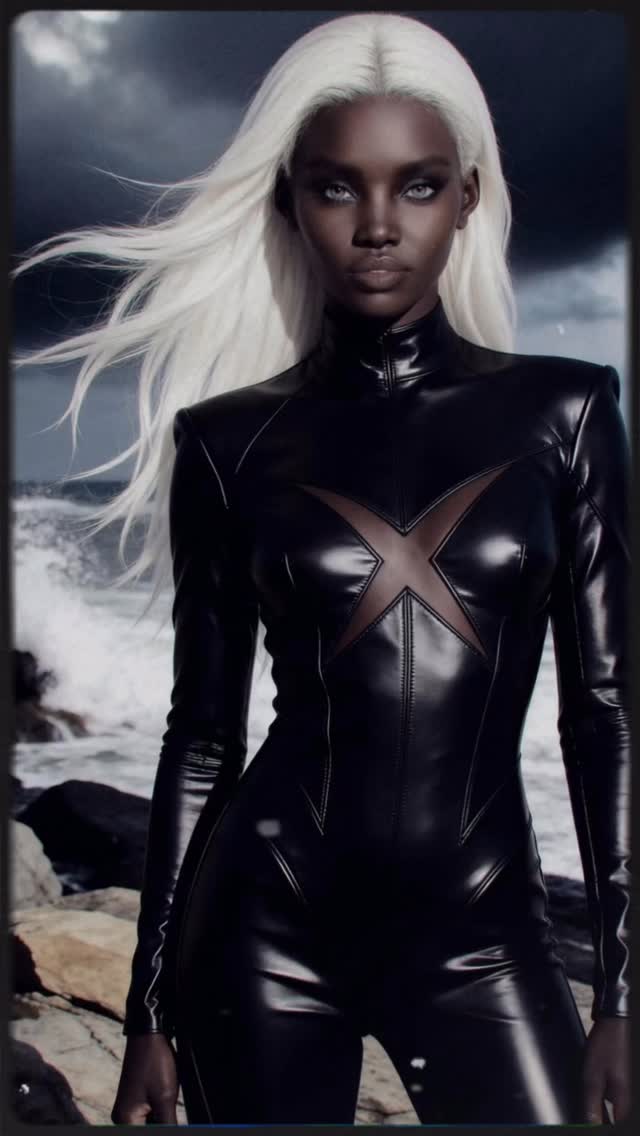
This image works because it locks three unmistakable character cues: white wind-blown hair, a glossy black suit, and an iconic X emblem. You don’t need a long caption to understand the vibe. The stormy ocean backdrop does the rest—turning a portrait into a scene.
If you’re making cosplay visuals (or AI character editorials), the goal is not “more details.” The goal is the right details: a few signals that survive thumbnail size and instantly trigger recognition.
Cosplay content spreads when the character reads in half a second. Here, the silhouette is clean and centered. The suit is glossy (so it catches light), and the hair is bright white (so it separates from a dark storm background). That separation is a major reason the image feels “poster-like.”
The stormy coast is also a smart choice. Weather is free drama. Dark clouds and surf instantly add tension and scale, which makes the portrait feel like a movie still rather than a studio photo.
| Signal | Evidence (from this image) | Mechanism | Replication Action |
|---|---|---|---|
| Instant character cues | White hair + black suit + X emblem | Recognition at thumbnail size | Pick 2–3 hero cues and repeat them consistently across shots |
| Material readability | Glossy suit with strong specular highlights | Looks premium and cinematic | Use “high-gloss latex/leather” and specify highlight behavior |
| Weather drama | Storm clouds + rough surf | Adds narrative tension without extra props | Choose one dramatic weather layer (storm, fog, snow) |
| Centered poster framing | Subject centered with clean background separation | Reads like official key art | Center the subject and keep the environment simple and bold |
Recipe 1: Environment swap
Recipe 2: Lighting swap
Recipe 3: Pose variation
White hair against a dark storm sky is high-contrast separation. Glossy black suit against grey rocks creates specular separation. The emblem adds shape separation. When separation is strong, your image feels “official” even with a simple pose.
If your cosplay portraits look flat, you usually need either stronger highlights on the suit or a darker, cleaner background. Don’t add more elements—add more separation.
| Prompt chunk | What it controls | Swap ideas (EN) |
|---|---|---|
| “long platinum-white hair, wind-blown” | Iconic character read | “short white bob”, “braided white hair”, “wet hair in rain” |
| “high-gloss black suit, strong specular highlights” | Premium material look | “matte tactical suit”, “textured leather”, “metallic armor” |
| “stormy ocean surf, dark clouds” | Drama and scale | “city rain”, “foggy rooftop”, “snowstorm” |
| “centered poster framing, medium-full crop” | Key-art vibe | “wider action shot”, “tight close-up”, “three-quarter profile” |
| “cool cinematic lighting” | Mood consistency | “warm sunset”, “neon cyan/magenta”, “lightning flash” |
Hyperreal cinematic superhero/cosplay portrait: a single adult woman with deep brown skin and long platinum-white hair blowing left in the wind, intense direct gaze, smoky eye makeup. Glossy black latex/leather full-body suit with a high neck and a large X emblem across the chest. Stormy coastal background with rocky shoreline, rough surf, and dark dramatic clouds. Vertical portrait framing, centered subject, medium-full crop (head to upper thighs), cool cinematic key light with strong specular highlights on the suit, subtle vignette, high resolution, clean and sharp.