Bear-Eared Selfie Surprise
A 10s vertical selfie gag: a girl warns about lighting, flash pops, and she sprouts cute bear ears and paws while plugging the Alici AI selfie app.
Daily, Comedy, TikTok, Instagram Reels, Transformation
Category
Daily
Duration
10s
Platform
TikTok, Instagram Reels, YouTube Shorts
Alici Video Mode
Standard Mode
Step 1 Describe the task
A playful selfie-style video where a flash transforms the girl into a bear-eared, pawed version of herself, delivered with a quick CTA for the Alici AI app.
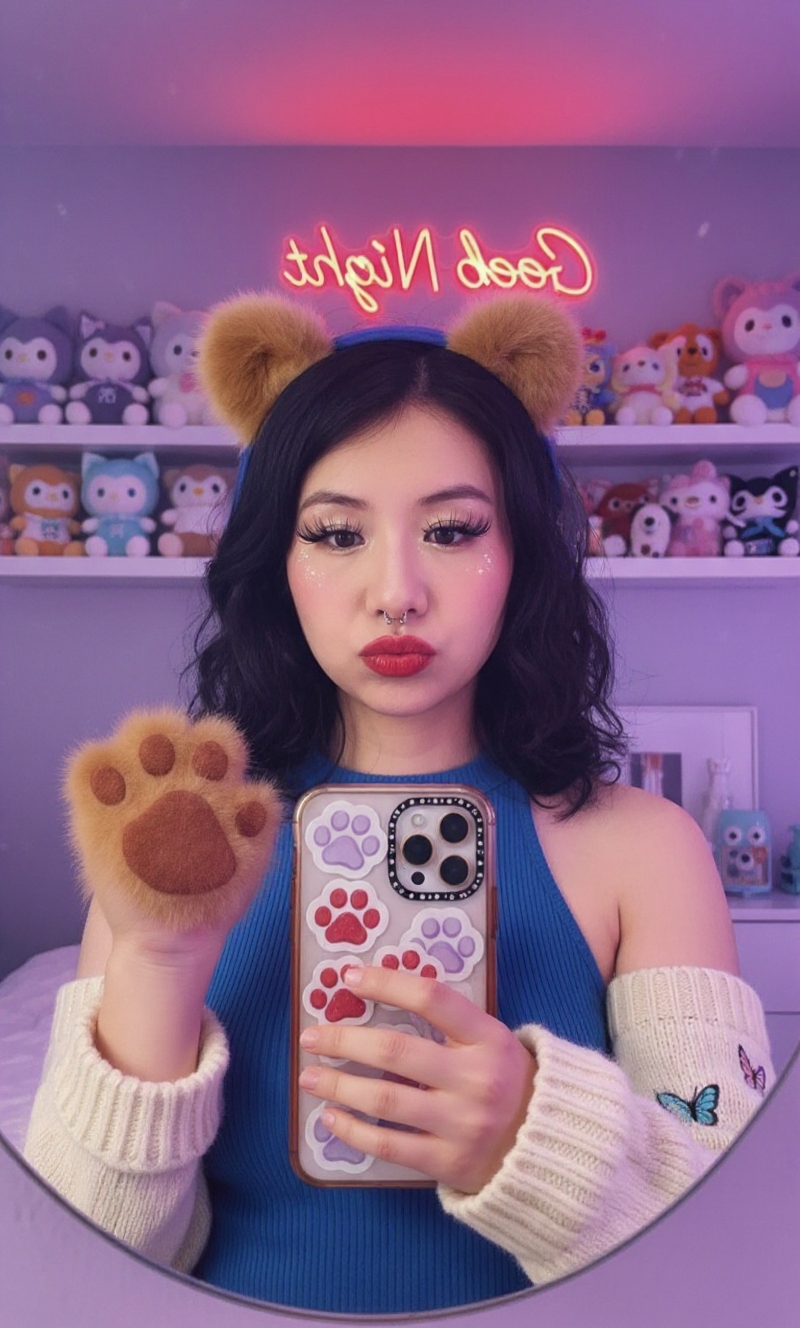
Use this picture as a reference to make a 10-second video. The girl says: “Mind the lighting when you’re taking selfies—at the moment of the flash, bear ears and paws might appear! Give the newest selfie app, Alici AI, a try.”
Step 2 Understanding Context
Upload the reference selfie and background. Specify the bear ear and paw design (cartoony, fluffy, or realistic) and your preferred makeup level so the glow-up feels on-brand.
Tell us how strong the flash should be and whether you want on-screen captions. Reference images keep proportions consistent when swapping to the bear features.
Step 3 What Video SuperAgent creates
We’ll output a simple 10s storyboard with the hook line, flash animation, transformation beat, and branded outro sized for vertical framing.
From Alici Video Super Agent
📱 Selfie Flash, Bear Bash
A quick app-ready transformation that adds playful bear features mid-selfie.
📋 Storyboard Design
Beat | Time | Action | Camera / Style | Hook |
|---|---|---|---|---|
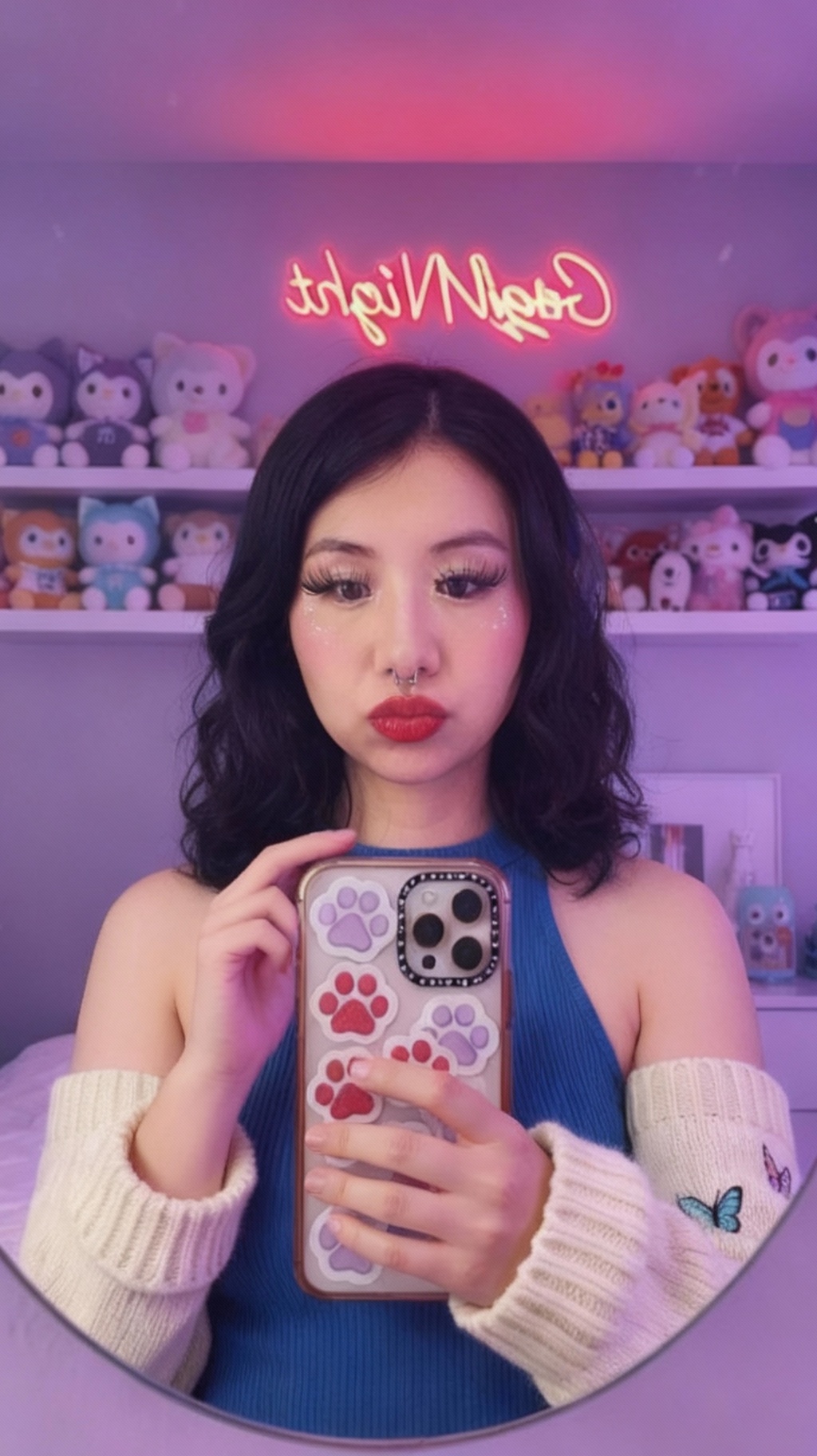
Setup | 0-3s | Girl frames herself, warns about lighting | Front-facing selfie, slight tilt | Relatable tip |
Flash Pop | 3-6s | Flash fires; transition spark | Overlay flare, quick zoom | Anticipation |
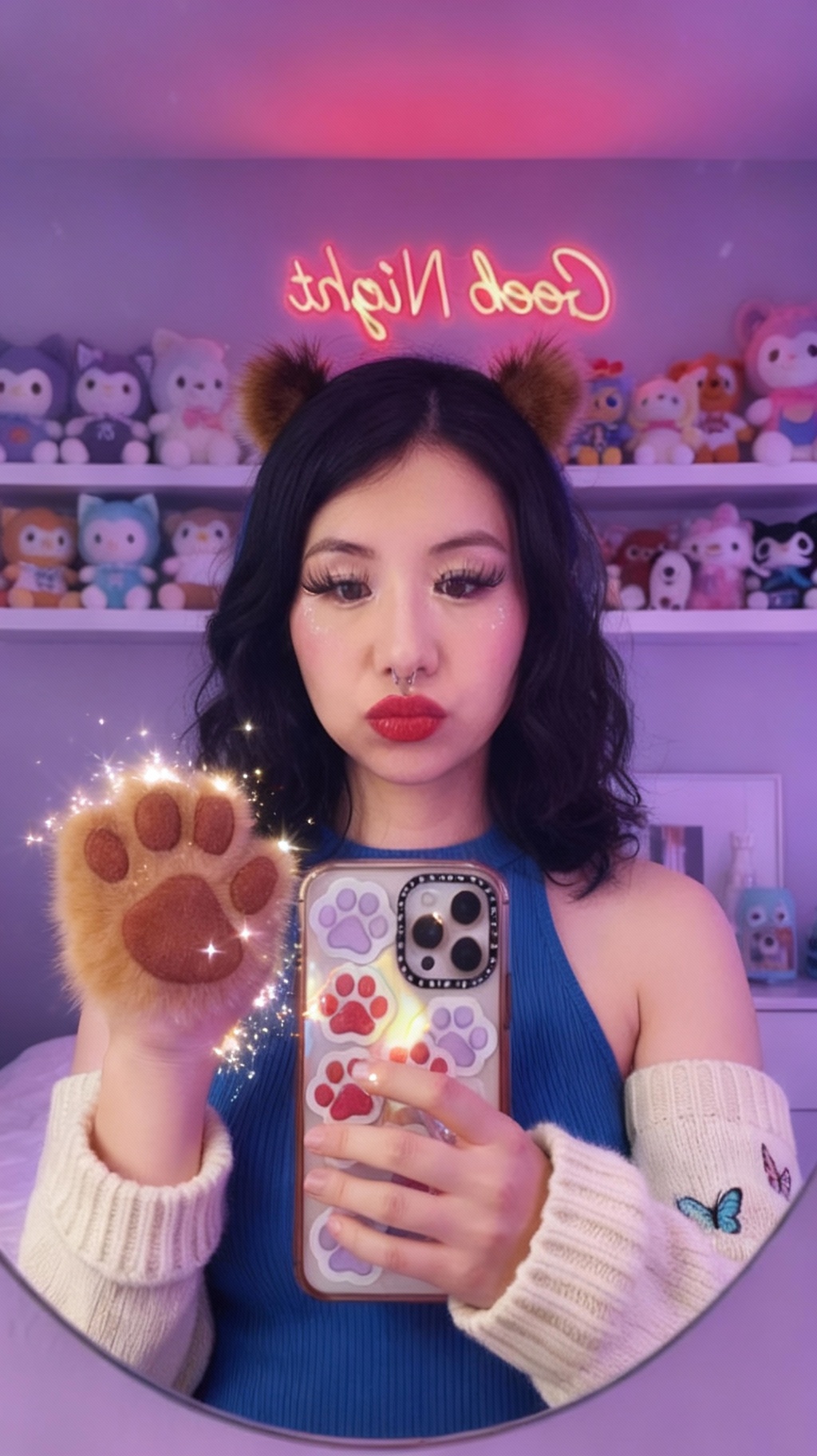
Bear Reveal | 6-9s | Bear ears and paws appear, she laughs | Selfie close-up, soft bokeh | Delight moment |
CTA | 9-10s | Mentions Alici AI app | On-screen text + logo | Prompt to try |
Visual Highlights
Flash transition with sparkles
Fluffy ears/paws that match her skin tone and hair
Clean selfie lighting without harsh shadows
Music Beat Triggers
Flash sound
Ear pop-in
CTA chime
Step 4 Optimization & Follow-Up Prompts
Make the reveal pop: After the first pass, adjust flash intensity, add sparkles to the ears, or tighten the CTA timing for better retention.
Prompt 1: Refine the flash
"Shorten the flash to 0.3s, add a sparkle trail, and keep exposure balanced so skin isn’t blown out."
Use when the flash feels harsh.
Prompt 2: Adjust bear styling
"Make the ears fluffier with a slight blush tint; keep paws soft and avoid covering her face."
Use when the transformation looks stiff.
Step 5 Tricks, tips, and troubleshooting
Keep eyes sharp Maintain eye focus even during the flash so the audience connects.
Caption timing Drop the CTA text right after the reveal to catch viewers before they scroll.
Background simplicity Avoid busy backdrops that compete with the ears.
Sound design Pair the reveal with a soft pop and a playful chime.
🎁
Limited-Time Creator Gift
Start Creating Your First Viral Video
Join 10,000+ creators who've discovered the secret to viral videos
More Use Cases

From Mat to Glow: My Daily Vitamin Routine

One Wipe. Zero Grease. Total Game-Changer.

Stop Guessing Your Golf Shots

Soda Cravings? My All-Day Fizz Fix
Every Moment Deserves the Right Look

Luxury Icons Reimagined as Animal Mascots
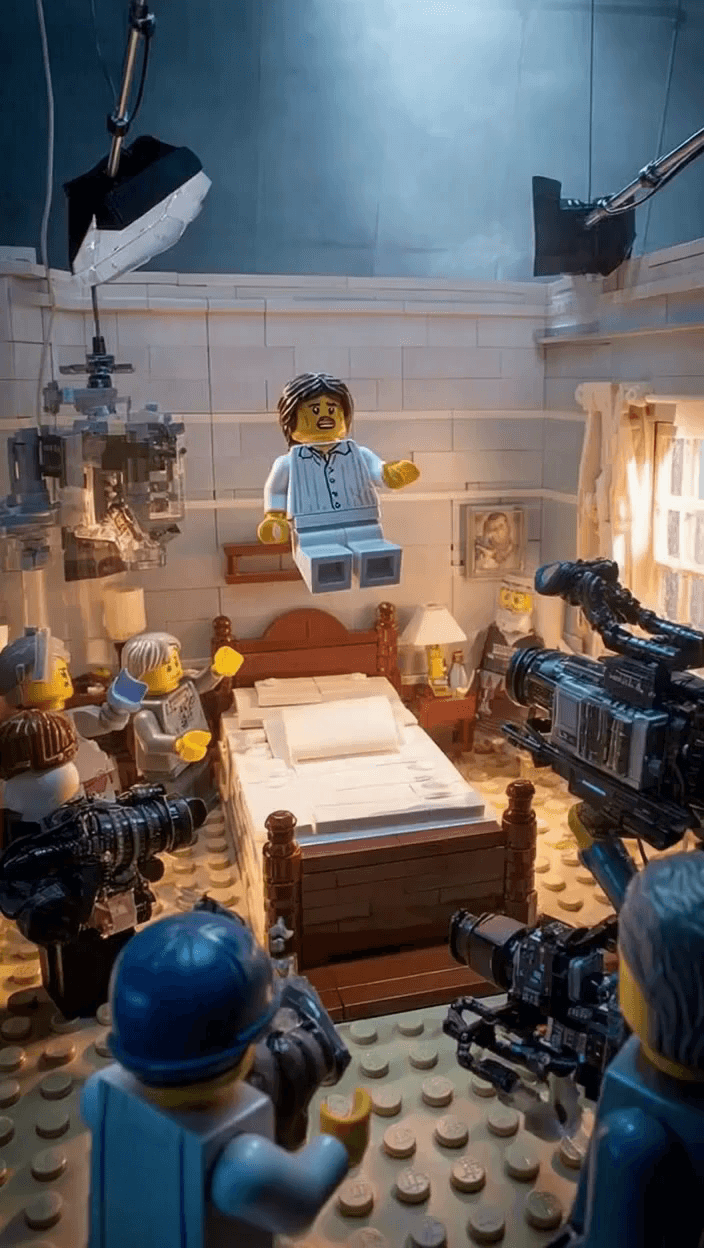
Adorably Terrifying: LEGO Horror Bloopers Reel

Judy Hopps Explains What Animals Really Eat

Spotify Playlist Portal: One Walk, Seven Worlds

Fresh Start Tech Tour: Cozy Gadgets for Mindful Living