70+ Best Fitness YouTube Thumbnail Templates | AI Generator
Fitness viewers scroll past thumbnails that hide effort or fail to communicate results.
These AI templates combine explosive movement, progress numbers, and routine callouts so every upload promises a clear win. Expect stronger CTR across HIIT, yoga, strength, and transformation videos.
Browse through categories or start creating your own thumbnails with Alici.AI Thumbnail Expert
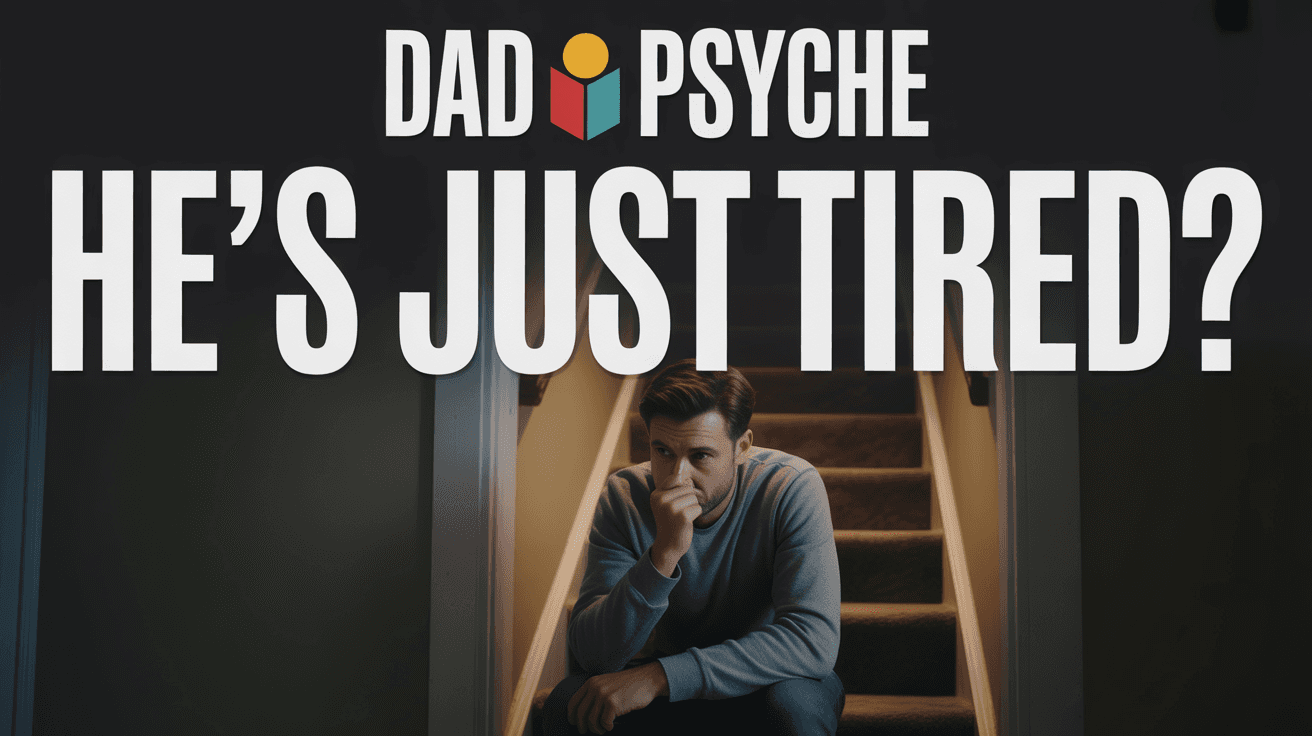
Burnout Dad YouTube Thumbnail Template
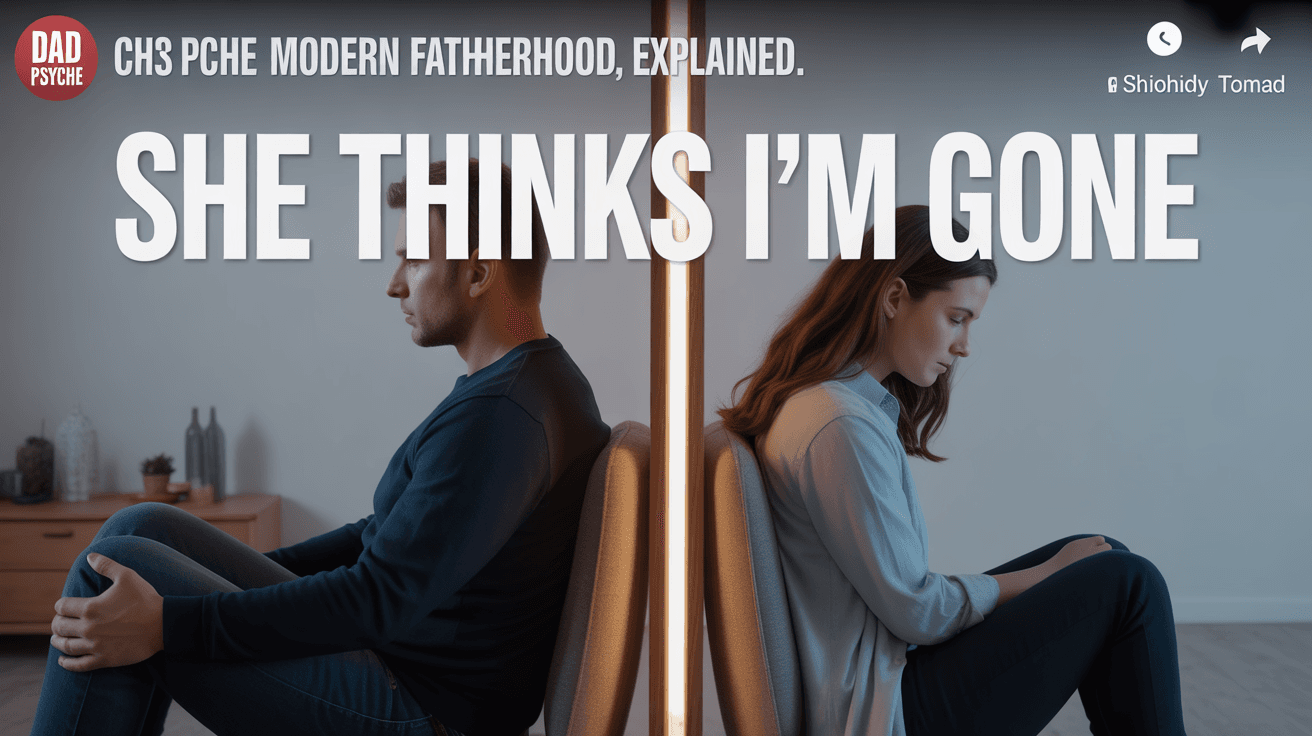
Relationship Distance YouTube Thumbnail Template
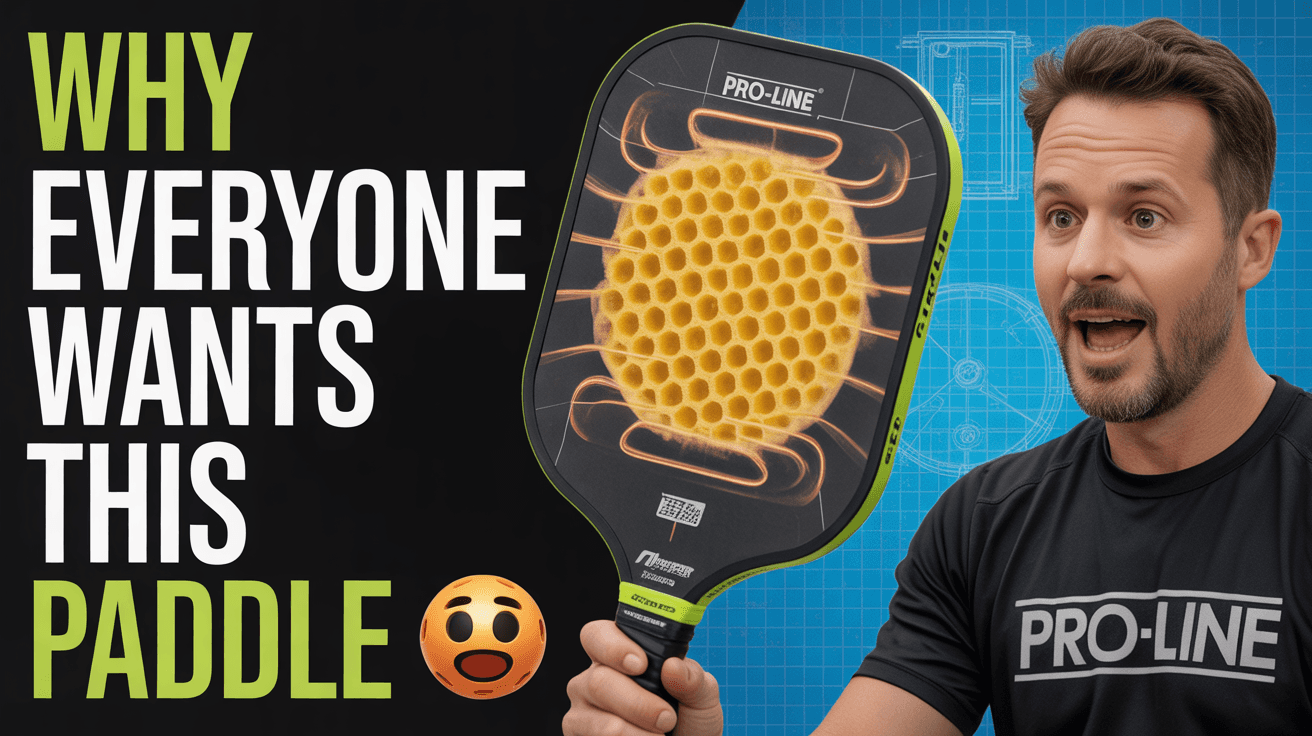
Pickleball Paddle Review YouTube Thumbnail Template
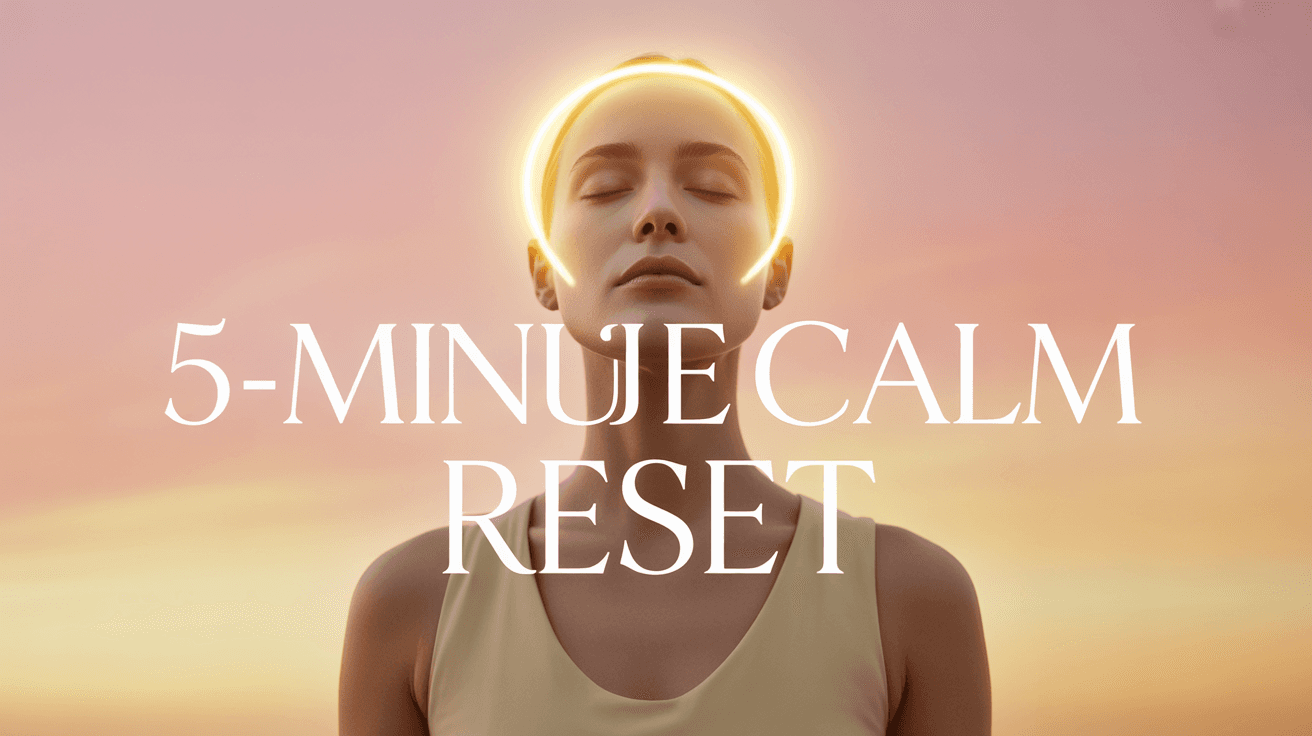
Calm Reset YouTube Thumbnail Template
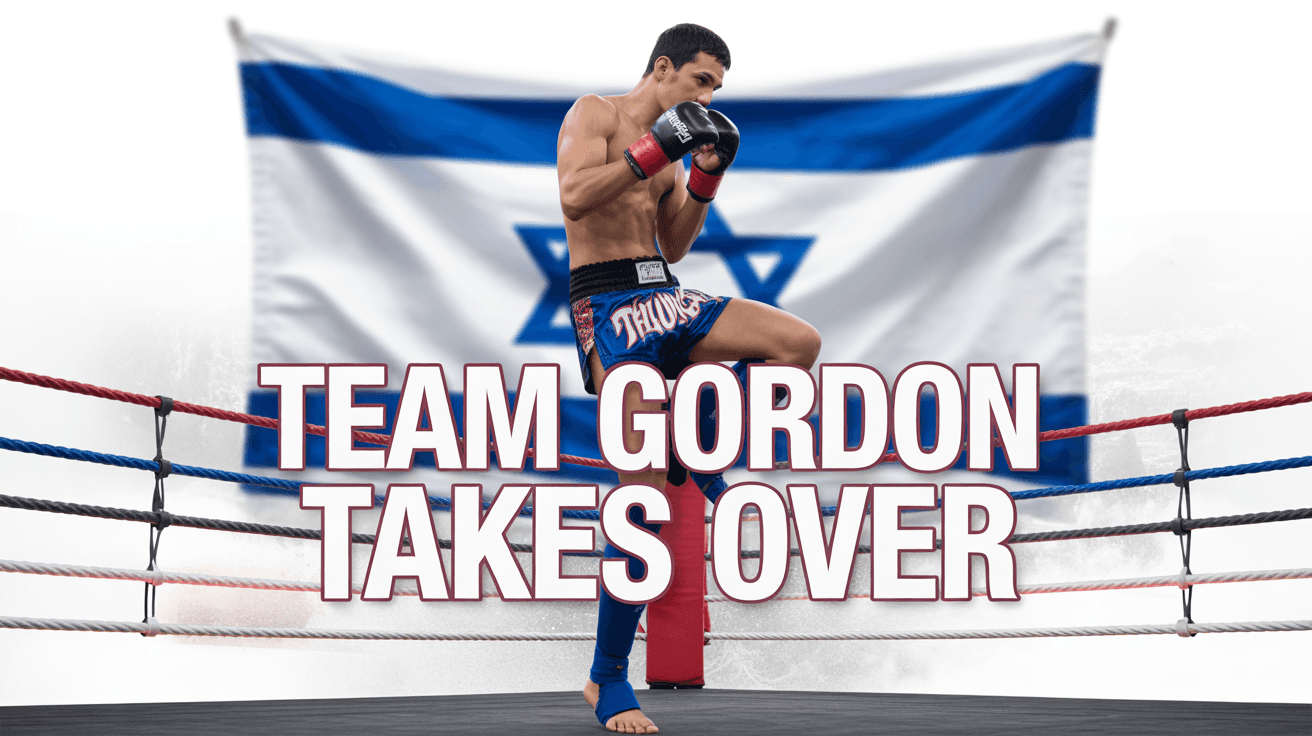
Muay Thai Team YouTube Thumbnail Template
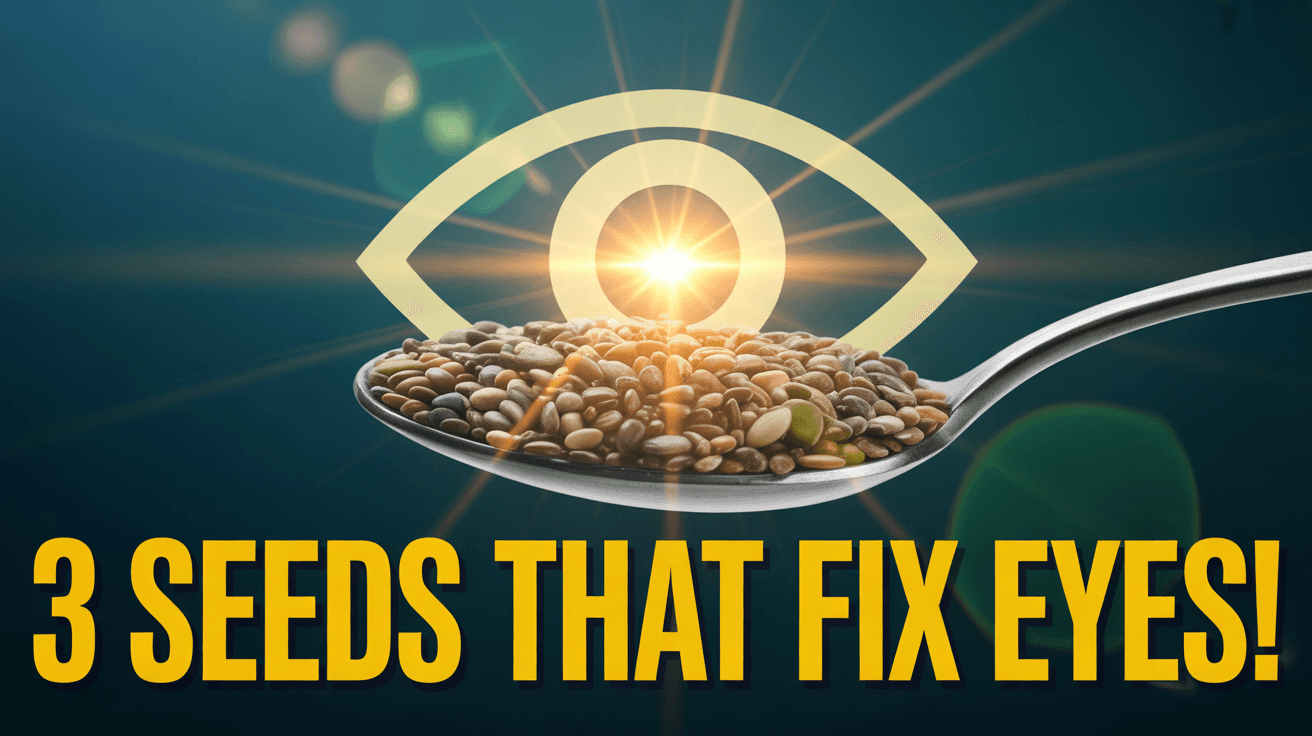
Vision Seeds YouTube Thumbnail Template
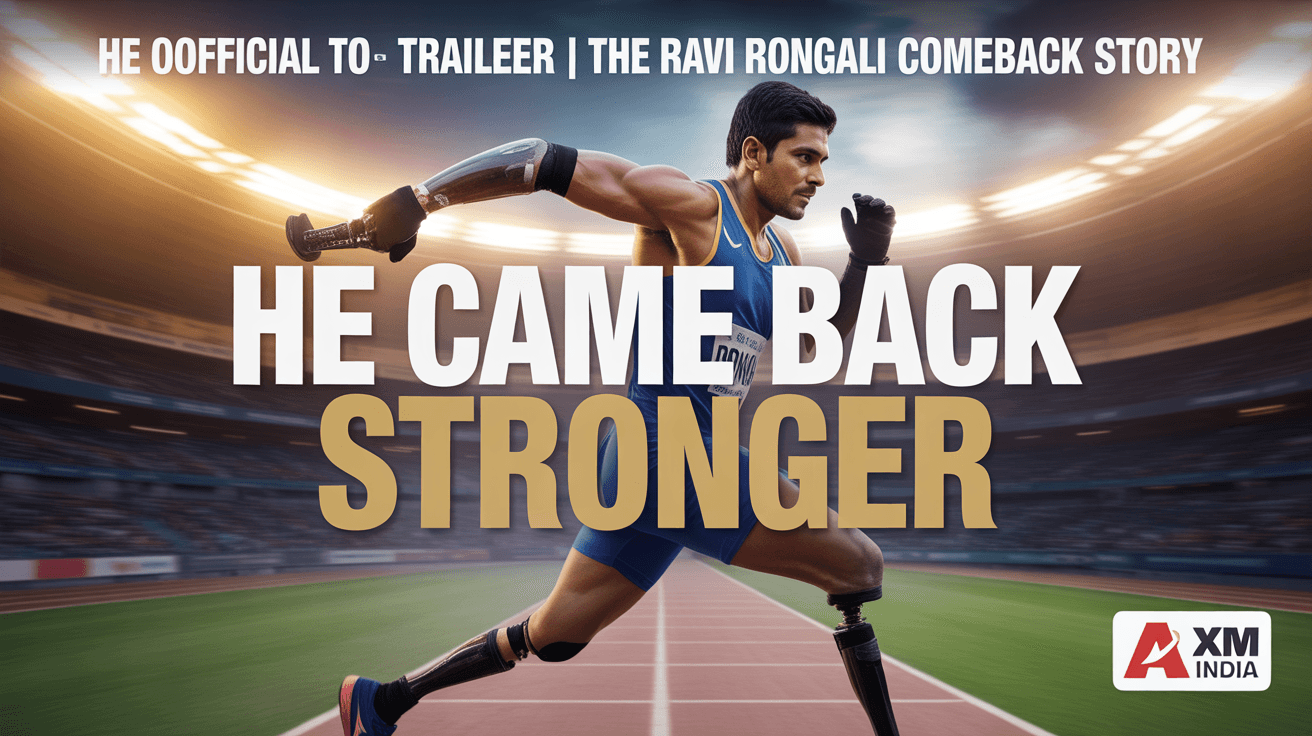
Comeback Story YouTube Thumbnail Template
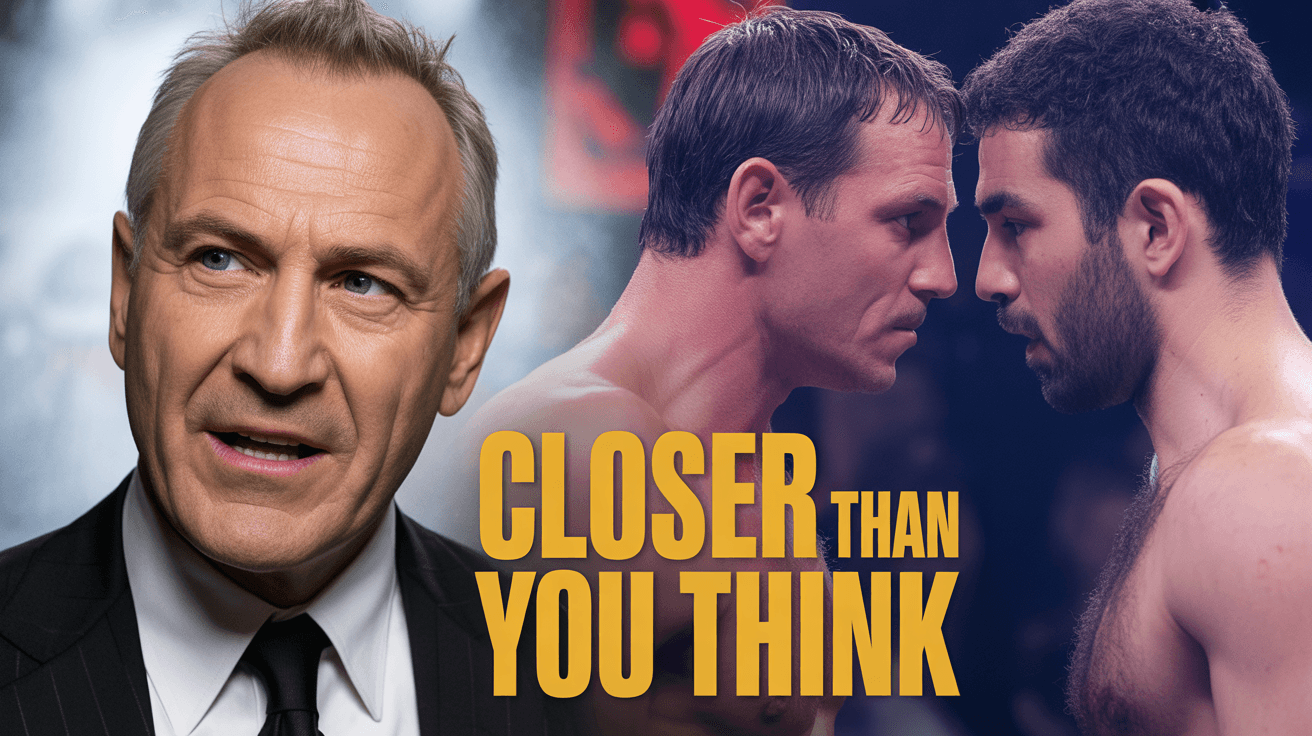
Boxing Breakdown YouTube Thumbnail Template
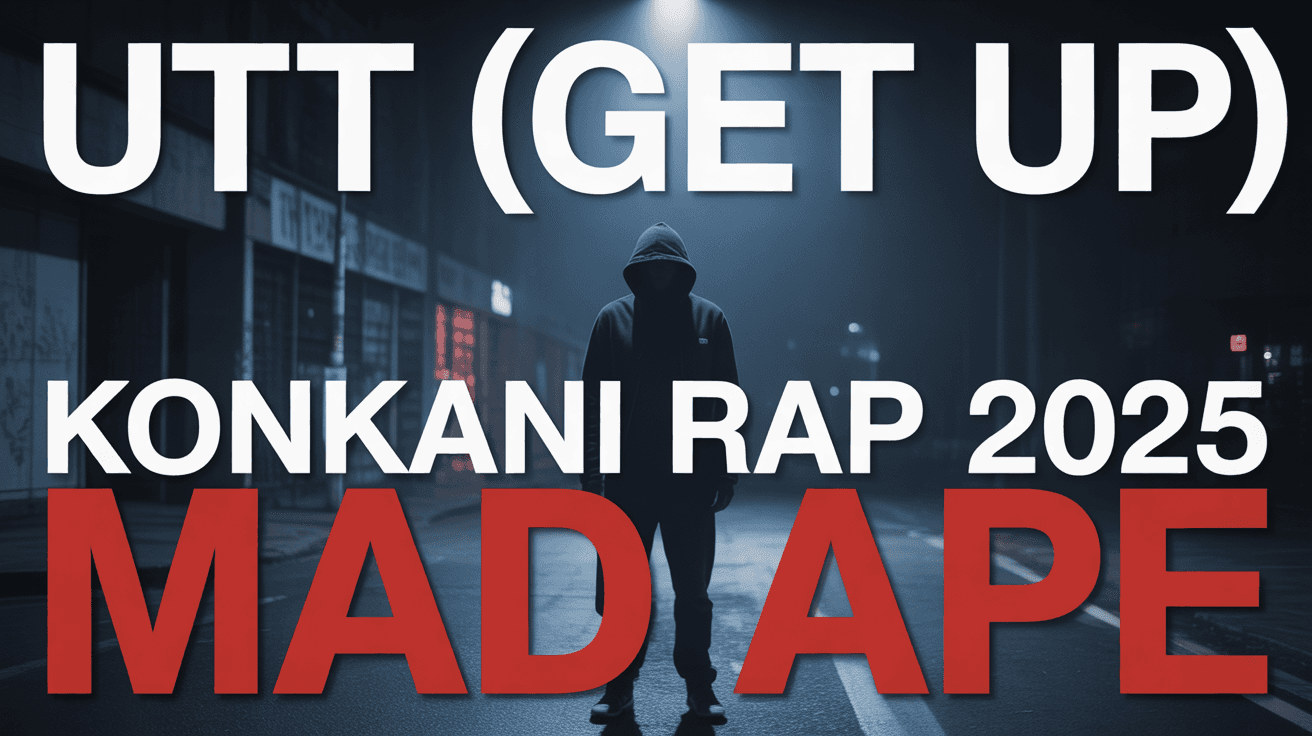
Konkani Rap YouTube Thumbnail Template

Guided Meditation YouTube Thumbnail Template
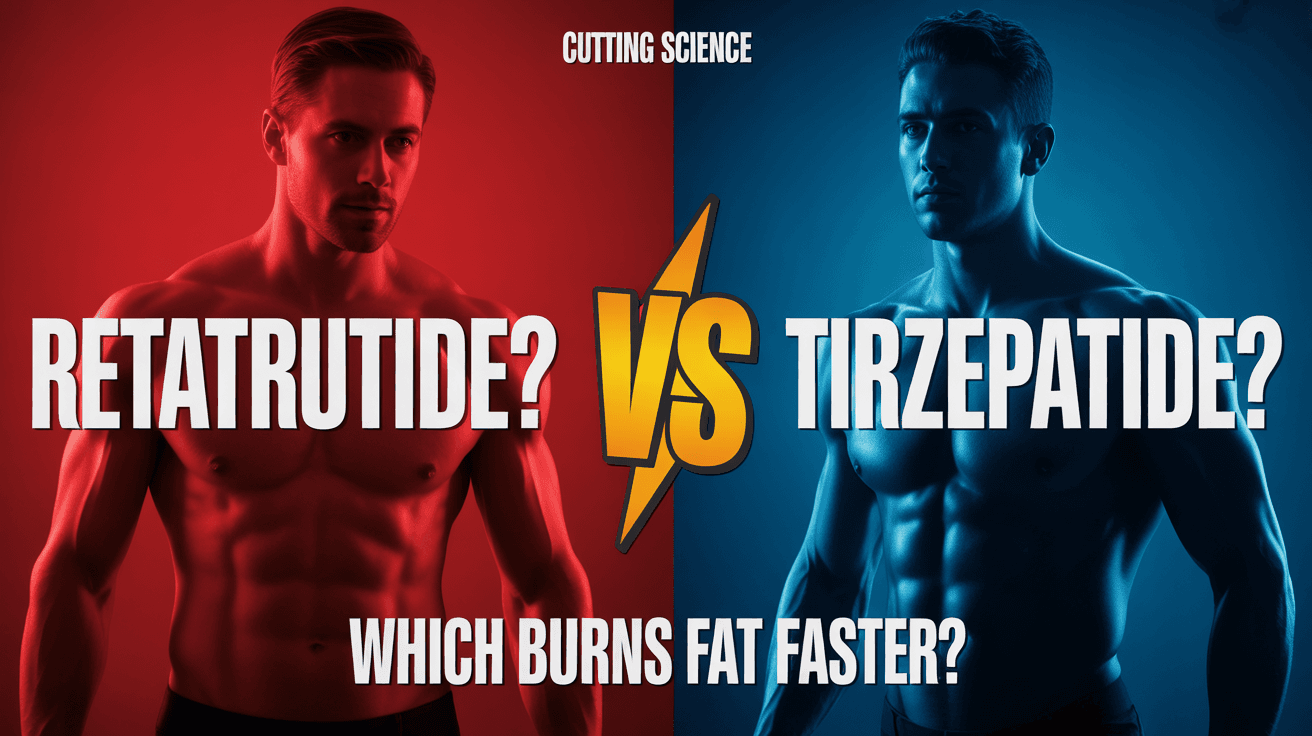
Fat Loss Comparison YouTube Thumbnail Template

Menopause Symptoms YouTube Thumbnail Template
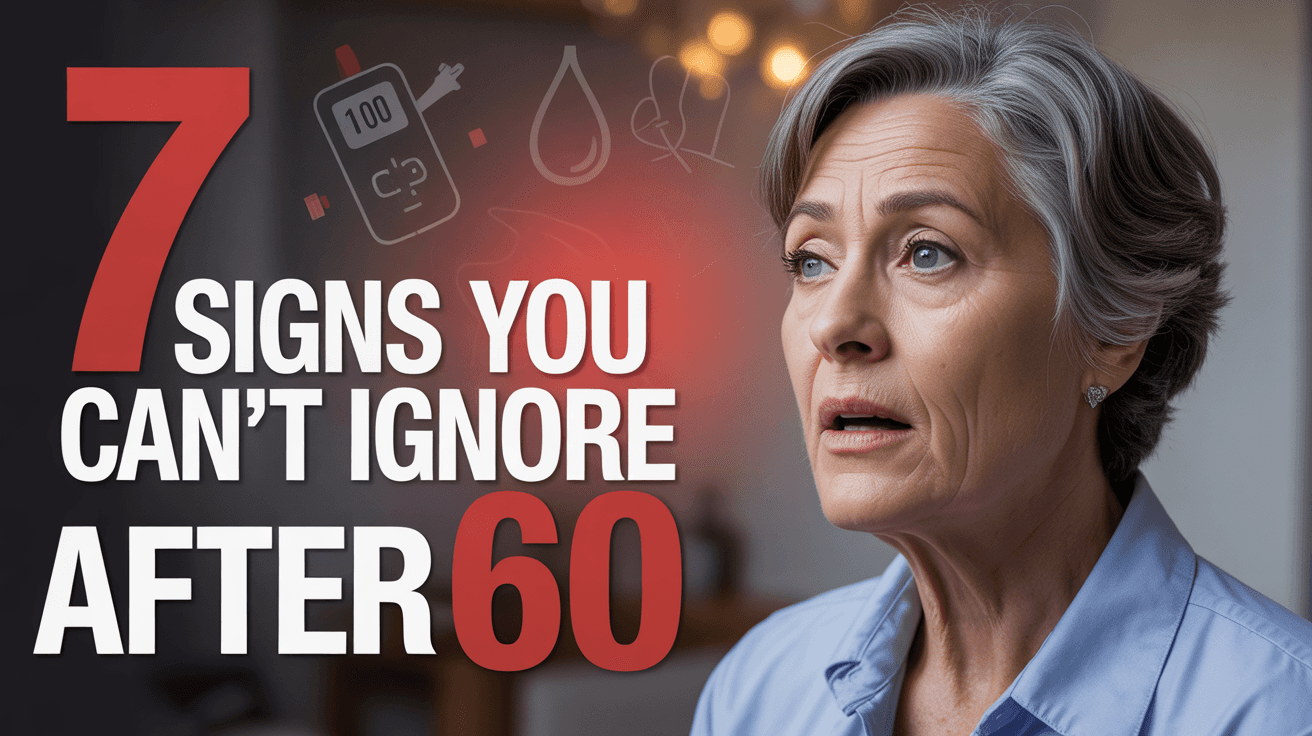
Senior Health Warning YouTube Thumbnail Template
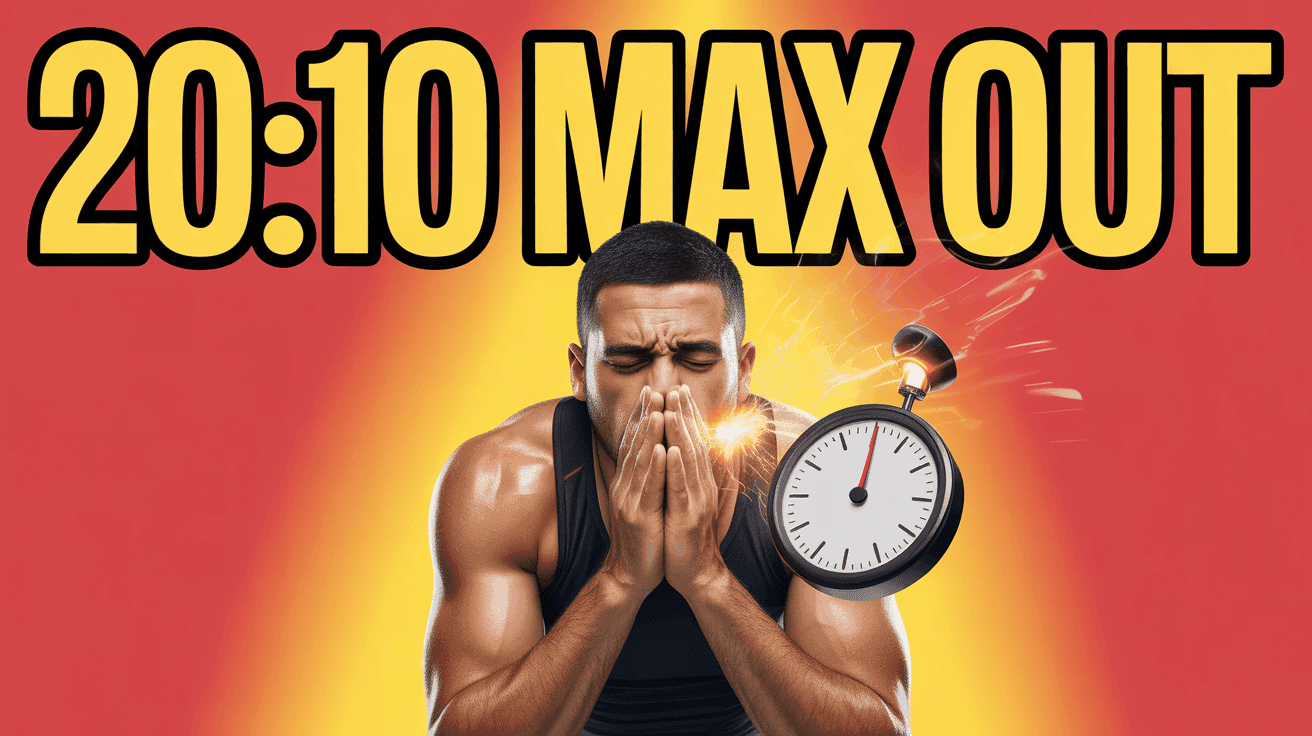
Tabata Burn Timer Thumbnail Template

Functional Athletic Training Thumbnail Template
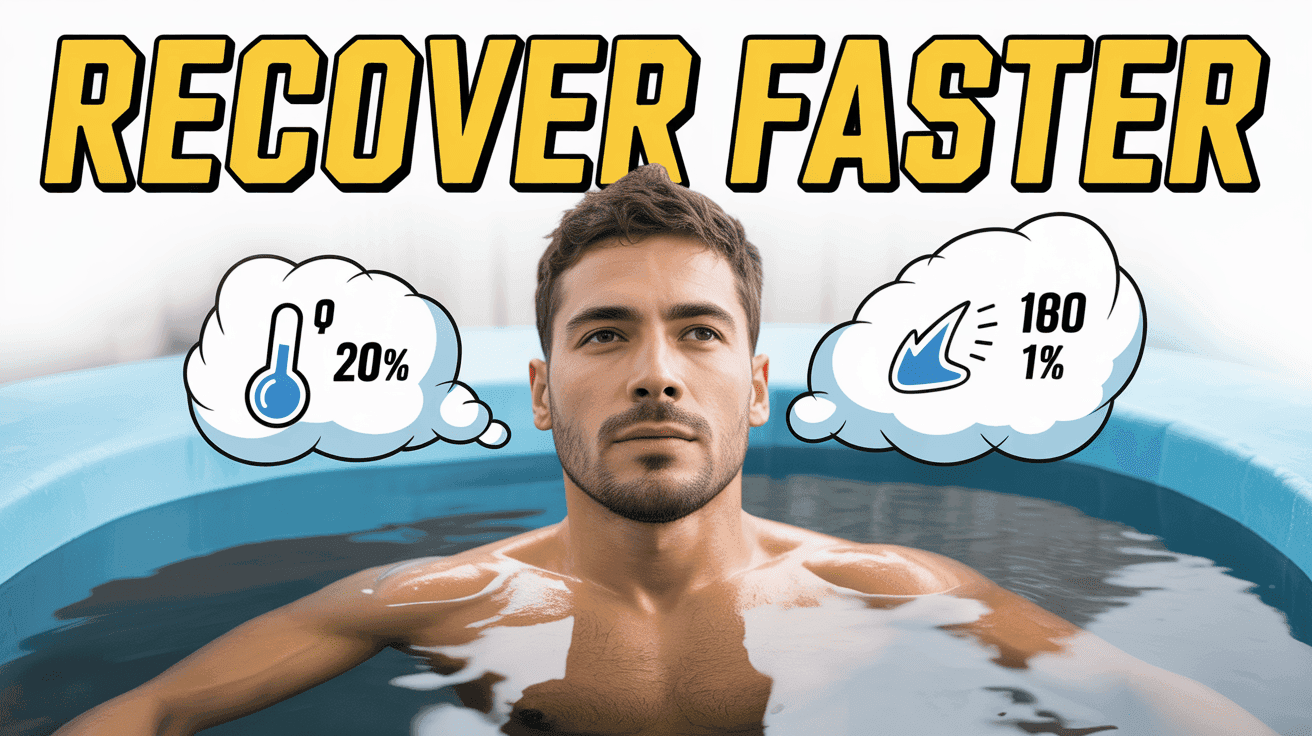
Ice Bath Recovery Science Thumbnail Template
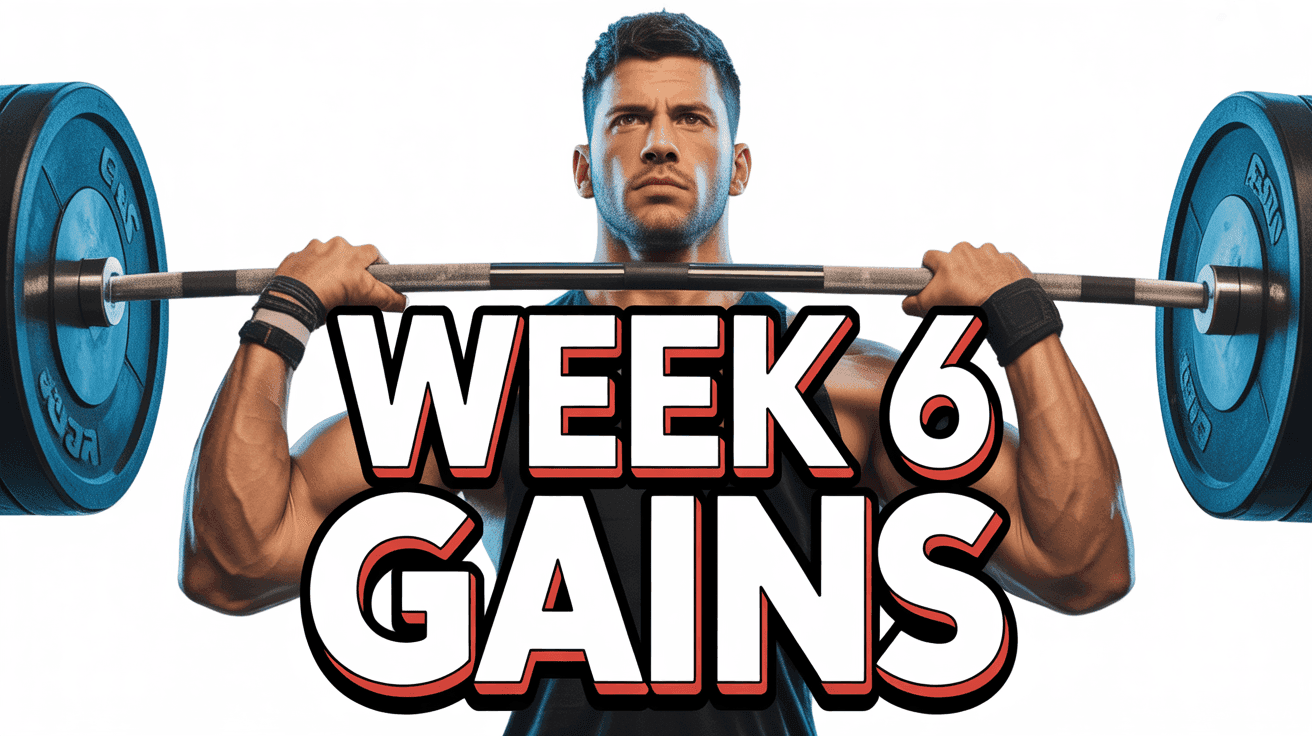
Strength Split Progress Thumbnail Template
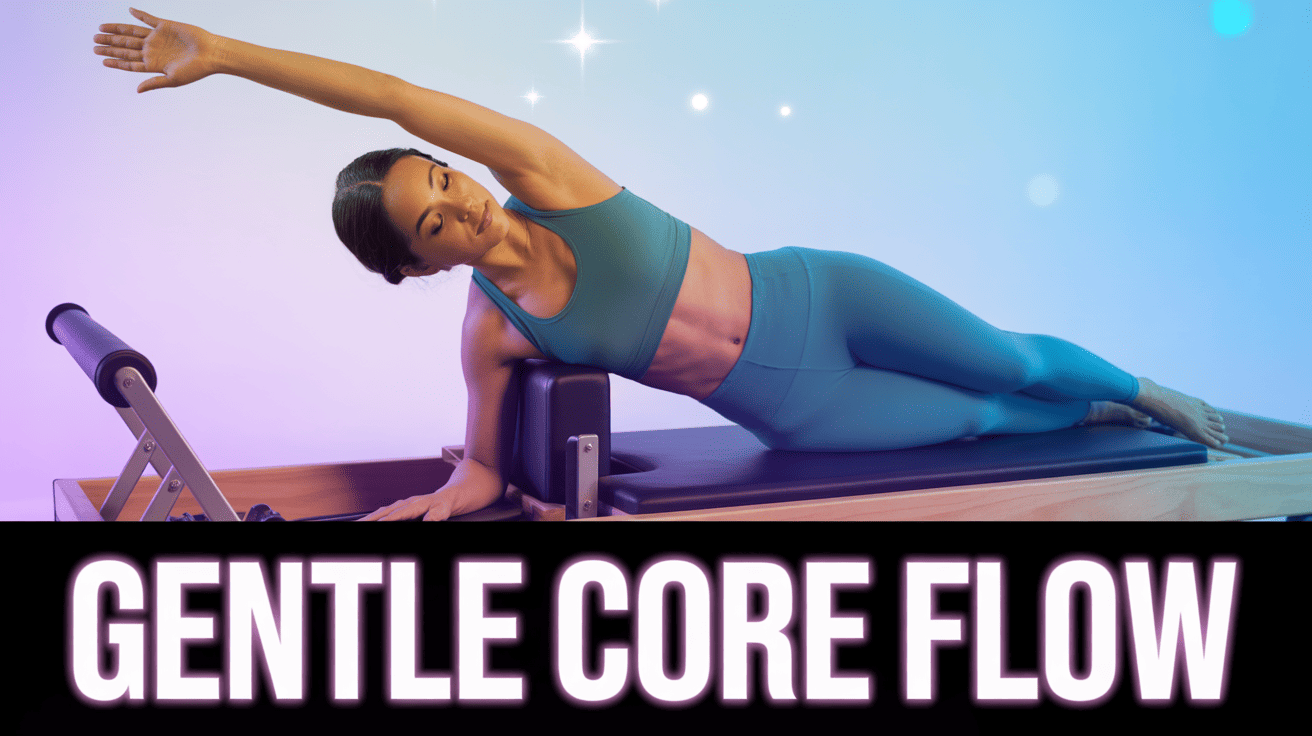
Low Impact Pilates Flow Thumbnail Template
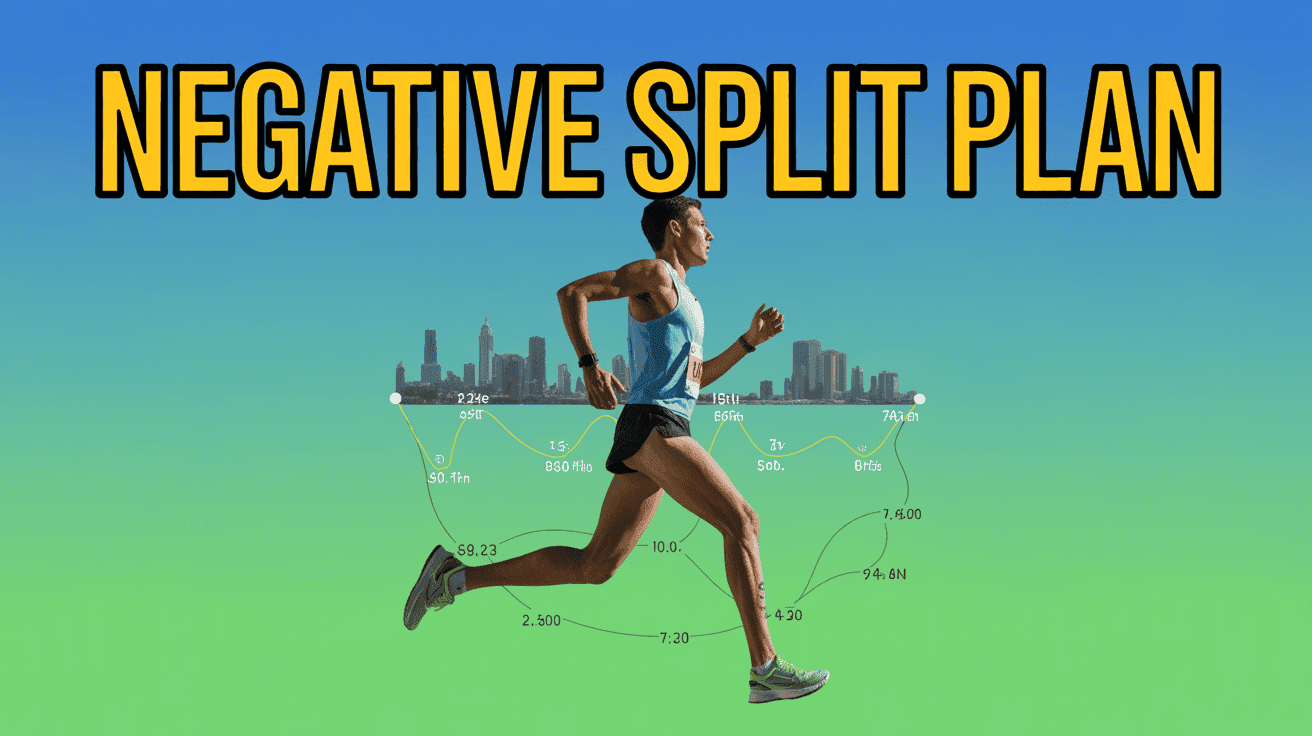
Marathon Training Pace Map Thumbnail Template
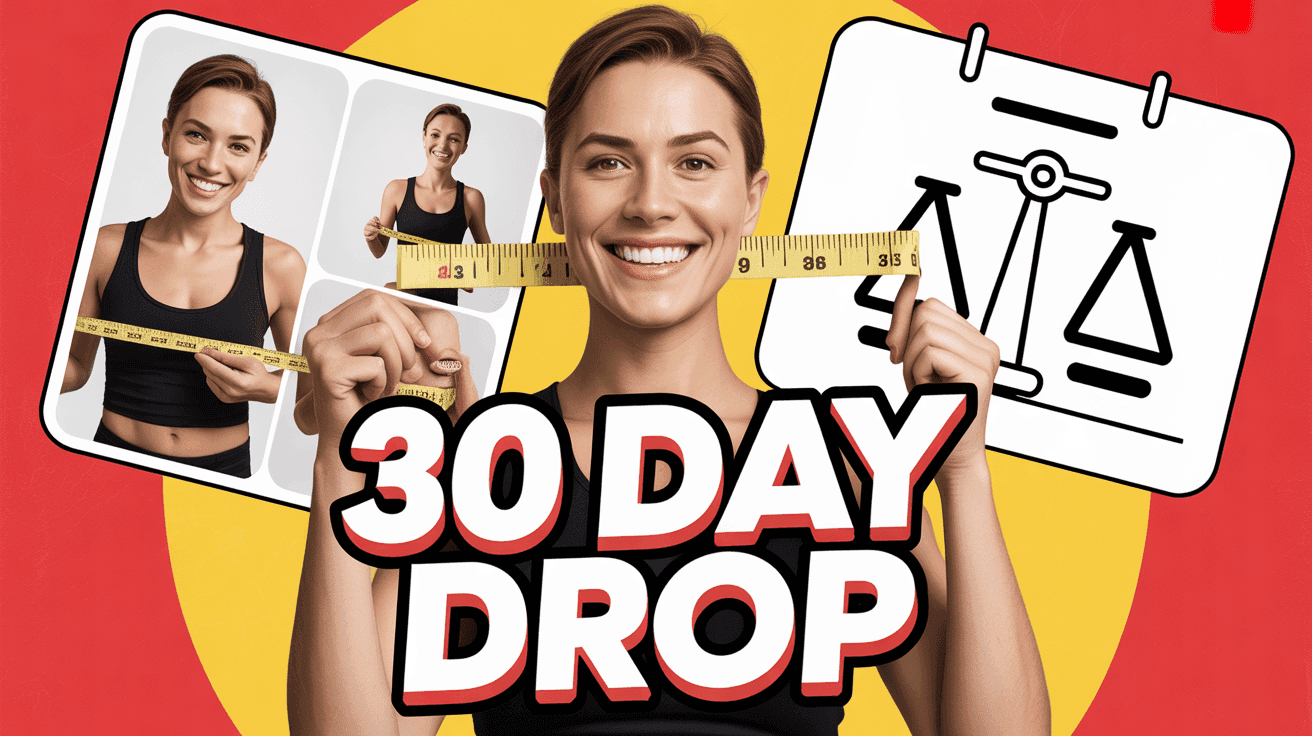
30-Day Weight Loss Tracker Thumbnail Template
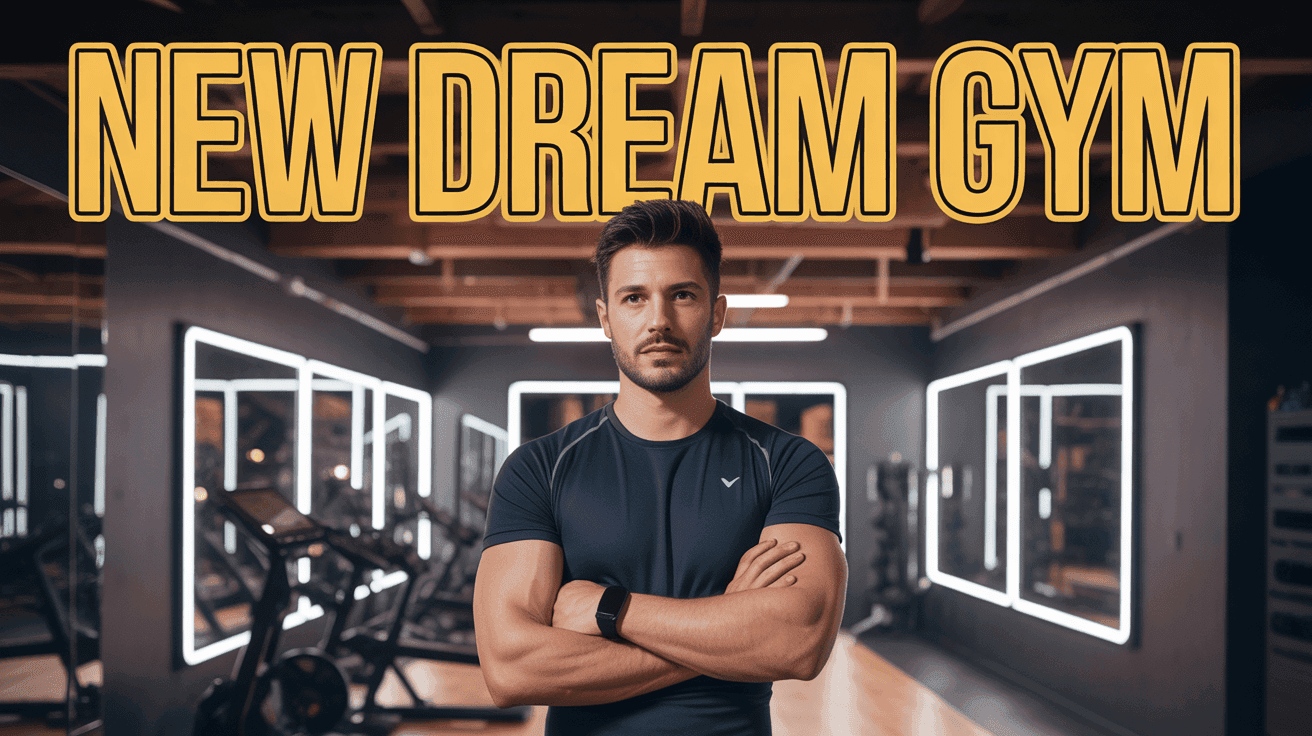
Gym Makeover Reveal Thumbnail Template
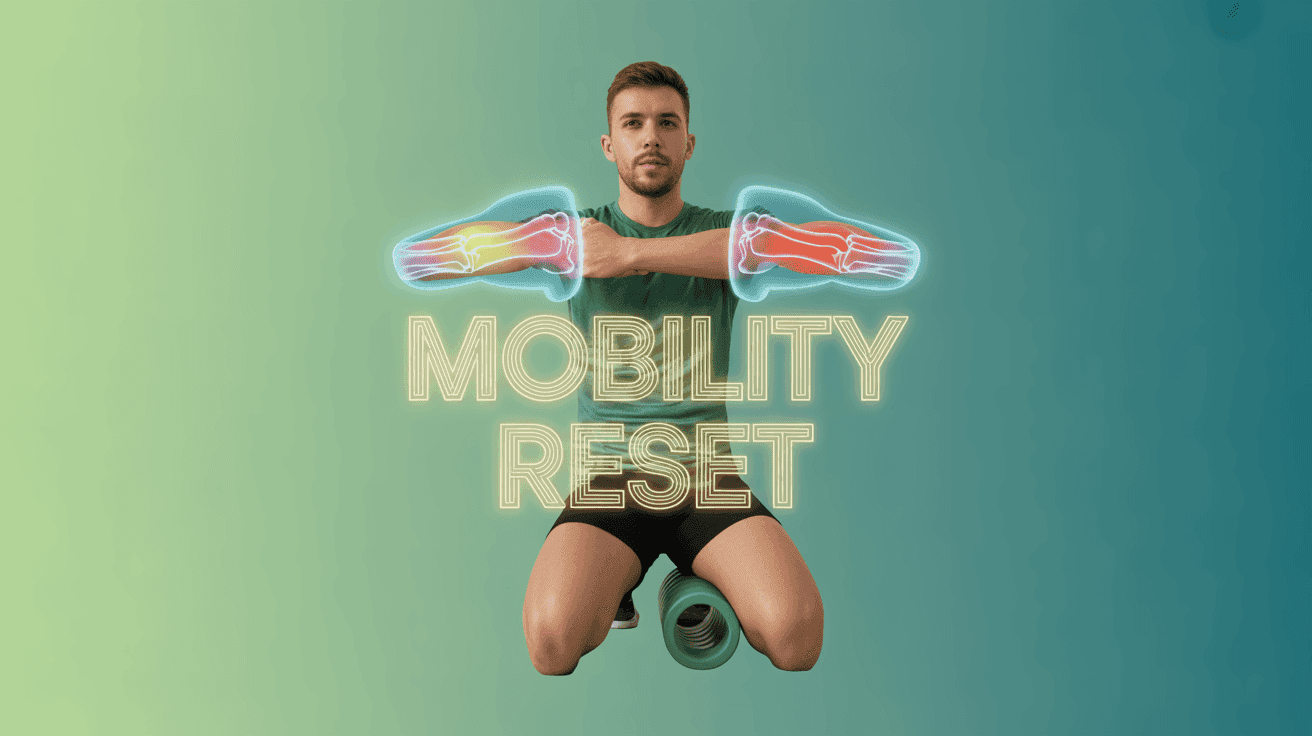
Mobility Reset Routine Thumbnail Template
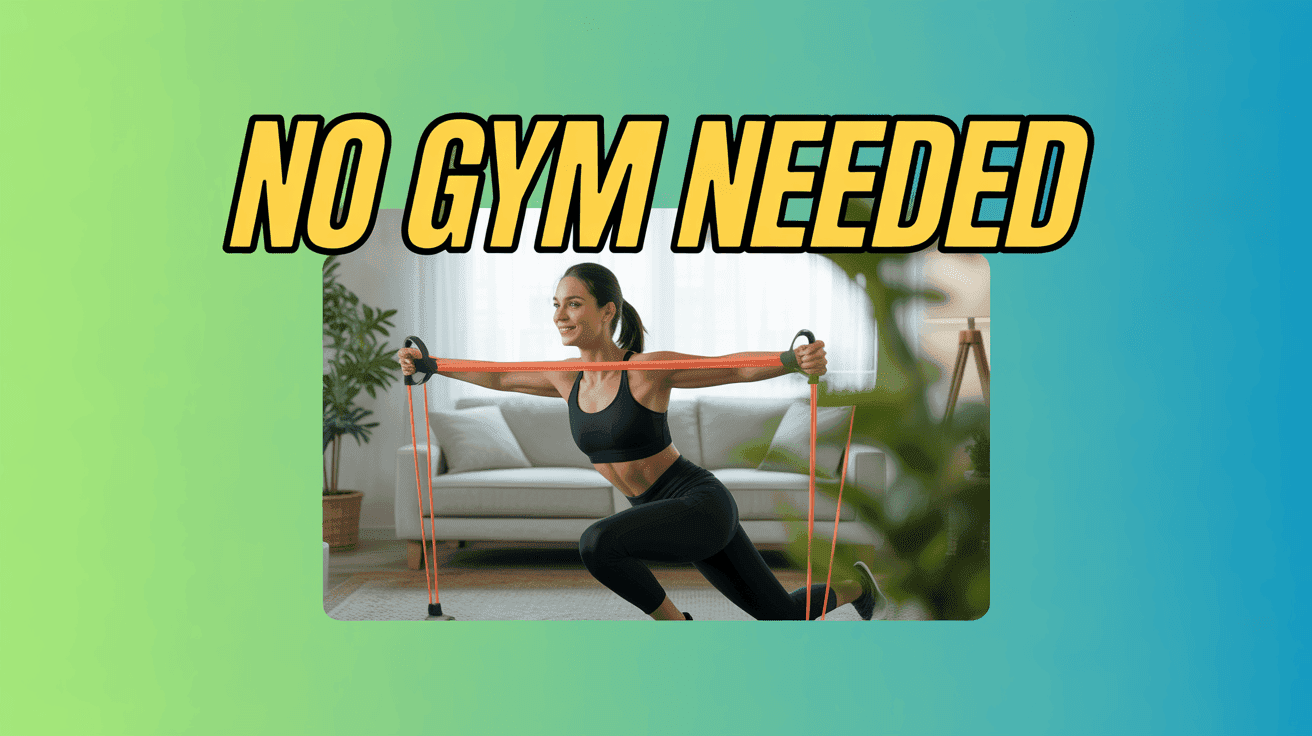
Home Circuit Minimal Gear Thumbnail Template
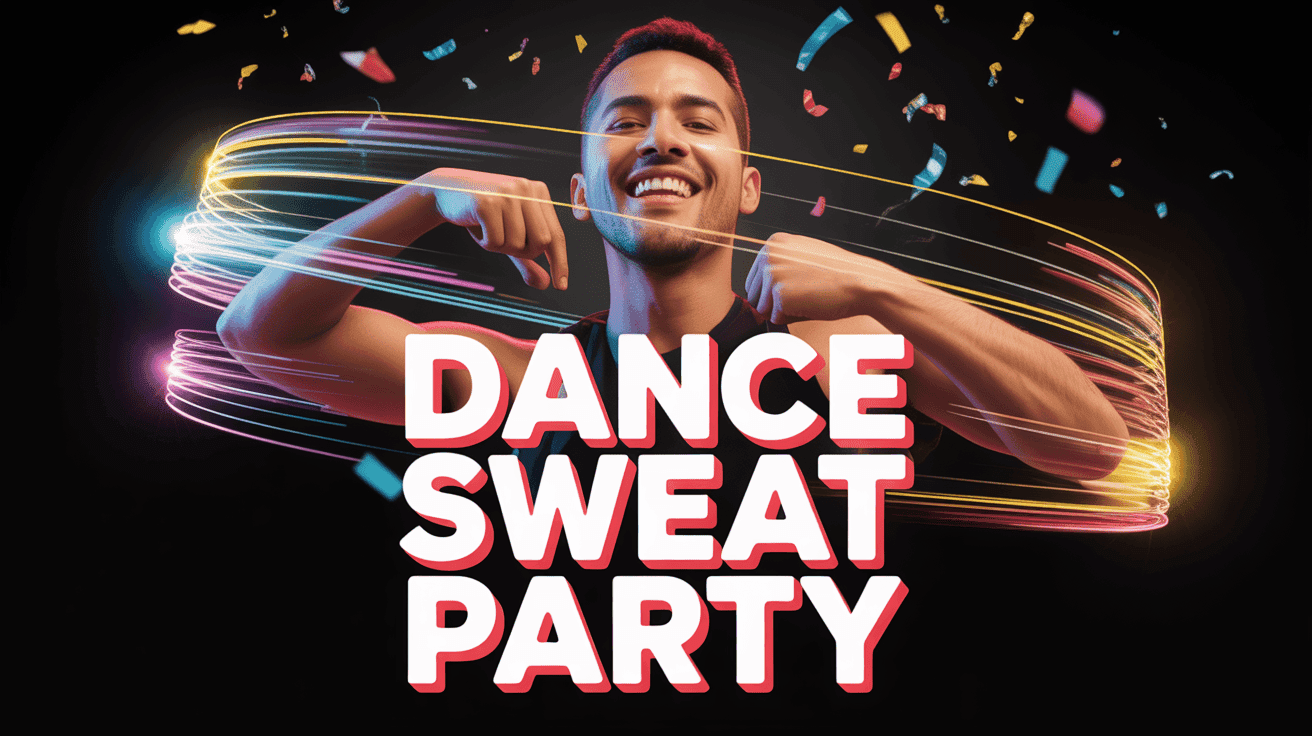
Dance Cardio Party Thumbnail Template
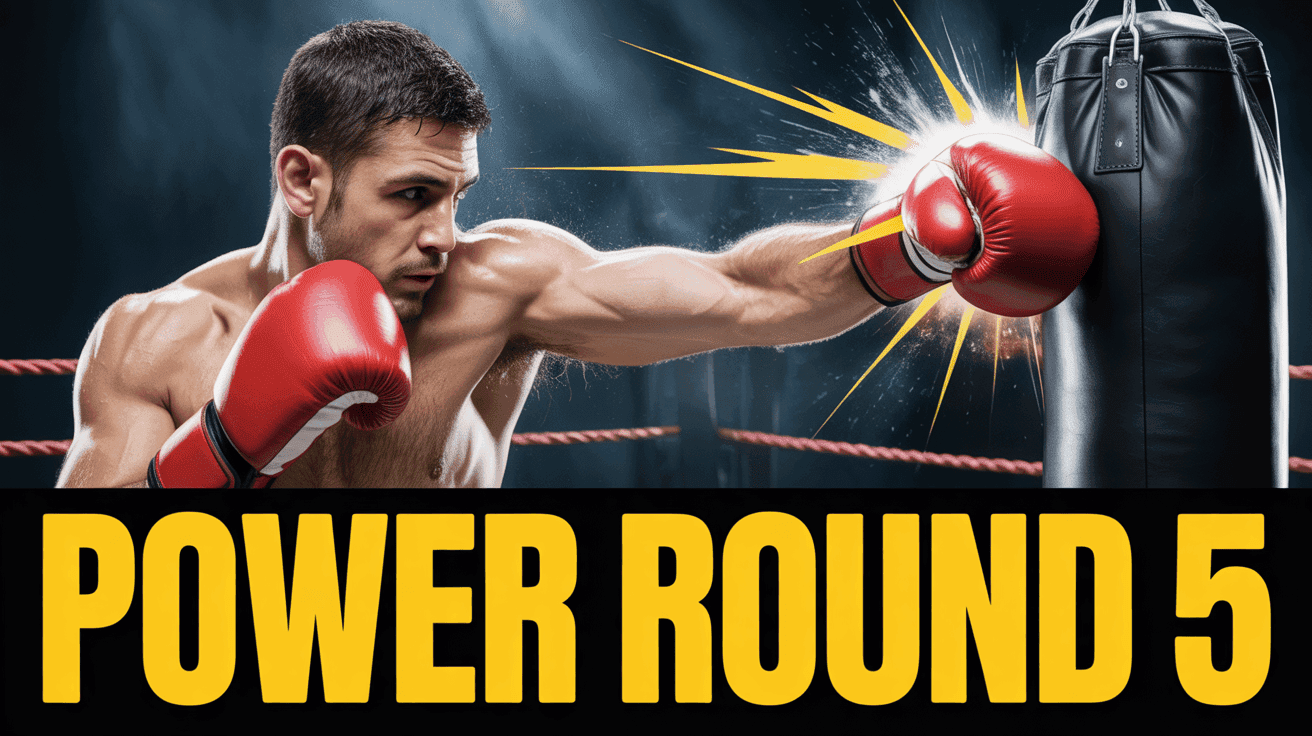
Boxing Power Round Thumbnail Template
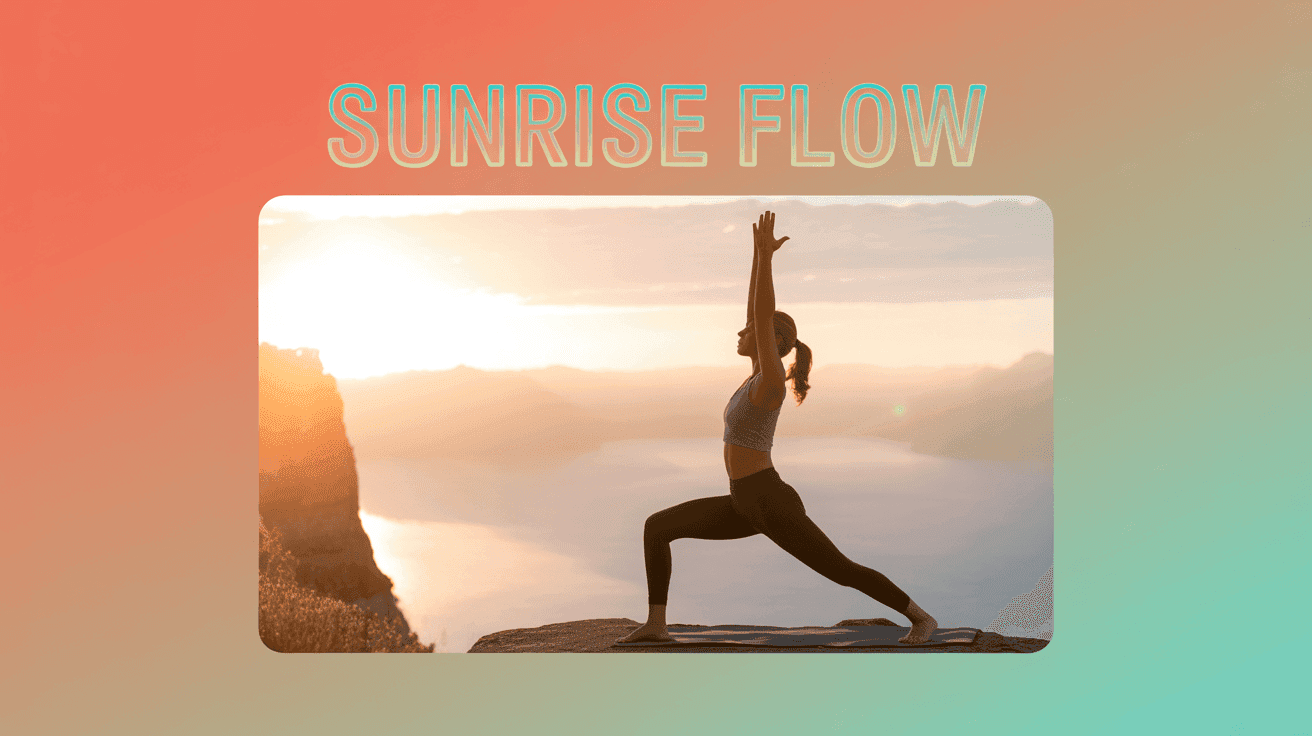
Sunrise Yoga Flow Thumbnail Template
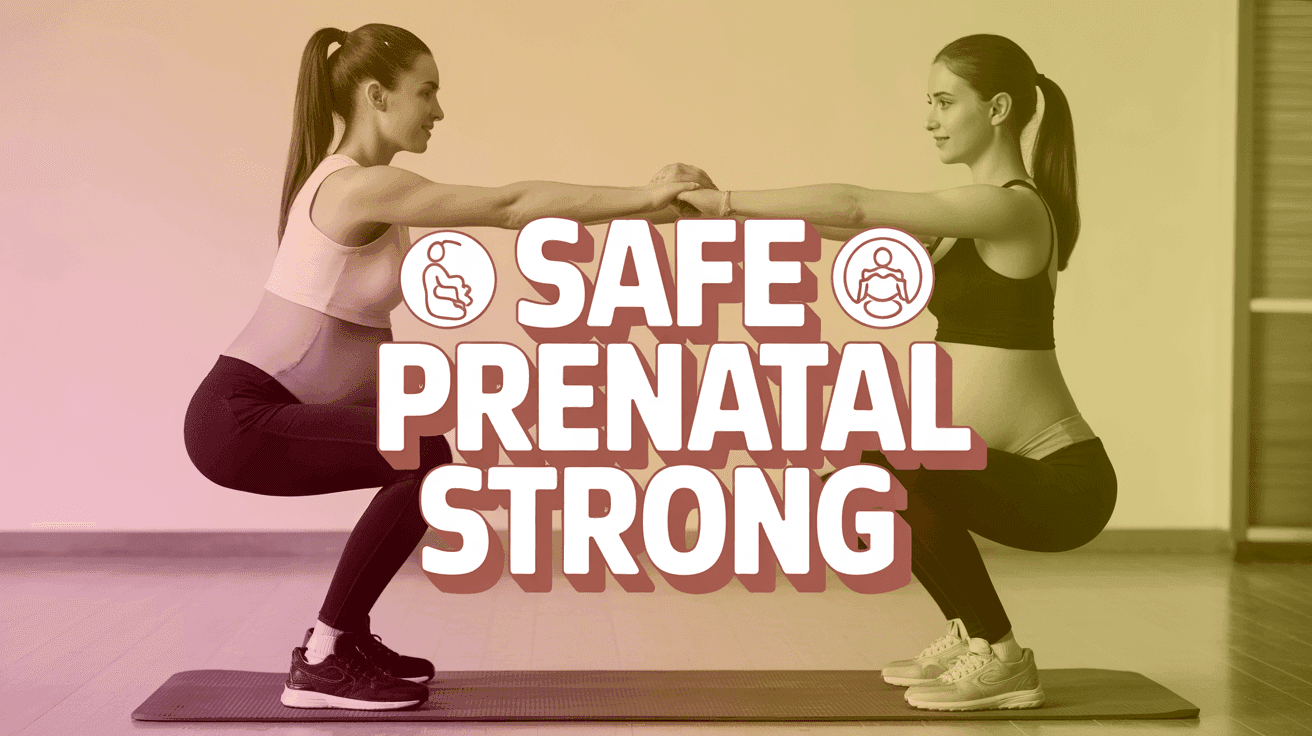
Prenatal Strength Safe Workout Thumbnail Template
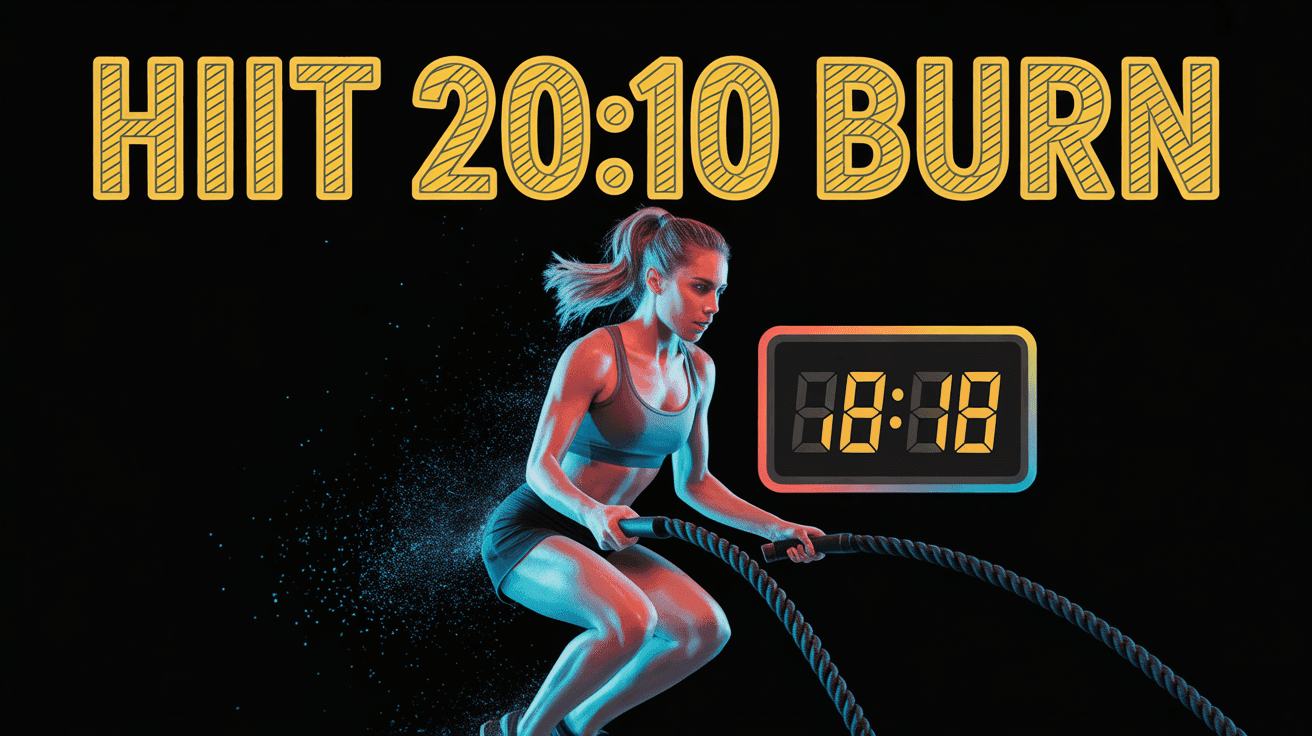
HIIT Countdown Coach Thumbnail Template
Design Principle
1. Motion-Focused Framing
Angle limbs or equipment diagonally to imply movement and guide eyes toward the headline.
2. Contrast CTA Blocks
Layer bold text on solid color tiles for phrases like 20 Min Burn or Core Shred, ensuring quick readability on mobile.
3. Progress Indicator Overlay
Use subtle badges or progress bars to visualize day counts, calorie burn, or repetition goals without clutter.
FAQ
Q1: What makes a fitness thumbnail perform well?
Use a dynamic action pose, highlight the workout type in two to three words, and add a transformation metric such as -8kg in 30 Days. Mobile viewers crave instant proof that your routine works.
Q2: How should I tailor thumbnails for male vs female audiences?
For male-focused content, lean on high contrast and heavier typography around power or strength keywords. For female-focused routines, pair softer gradients with wellness cues, while keeping form and effort visible.
Q3: Where do before-after photos fit best?
Split the frame vertically, placing the after shot on the side closest to your headline. Keep the before image muted so the end result dominates attention.
Q4: What size guidelines should I follow?
Produce 1280x720 pixel images under 2MB in JPG or PNG. Keep faces, rep counts, and CTA text within the central safe zone for Shorts shelves and TV apps.
Ready to 3x Your YouTube Views?
Join 10,000+ creators who've discovered the secret to viral thumbnails