25+ Best Food YouTube Thumbnail Templates | AI Generator
Food fans swipe past thumbnails that hide textures or fail to convey aroma.
These AI layouts highlight sizzling finishes, ingredient callouts, and clear time-saving hooks so your recipes earn clicks from hungry viewers everywhere.
Browse through categories or start creating your own thumbnails with Alici.AI Thumbnail Expert
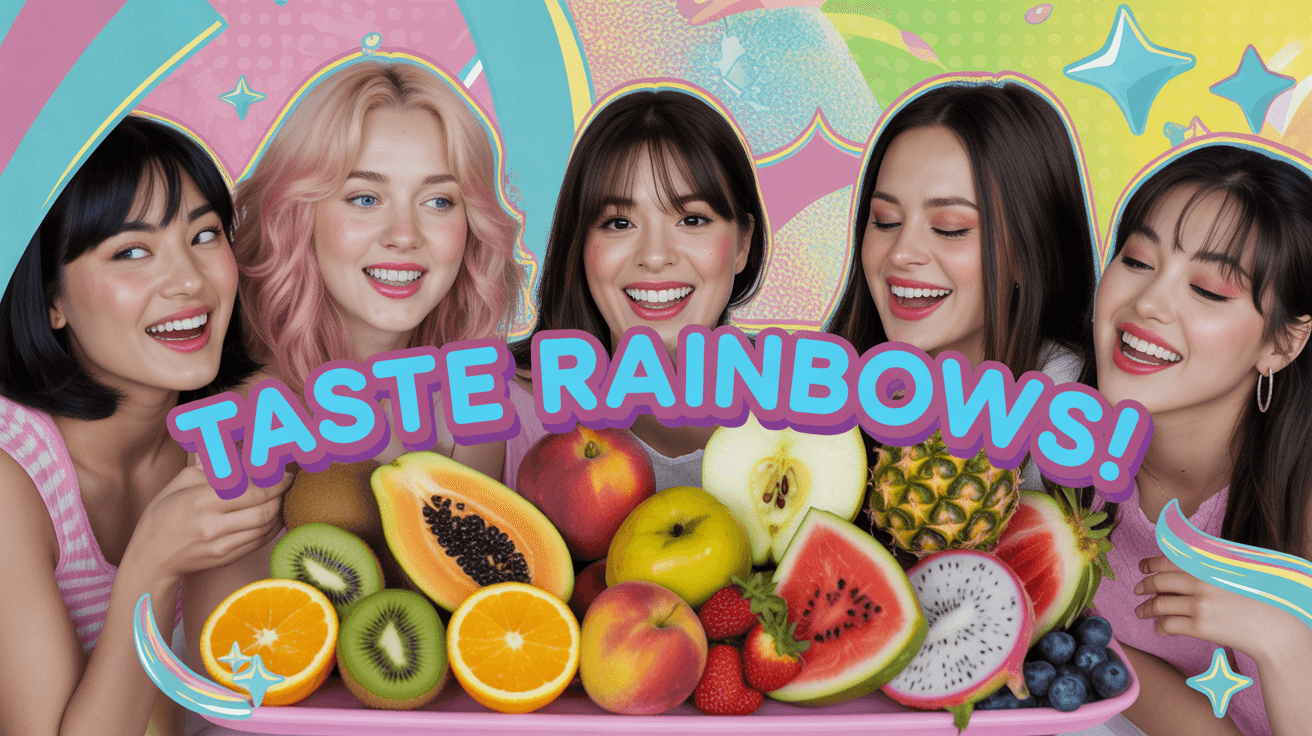
Fruit Platter YouTube Thumbnail Template
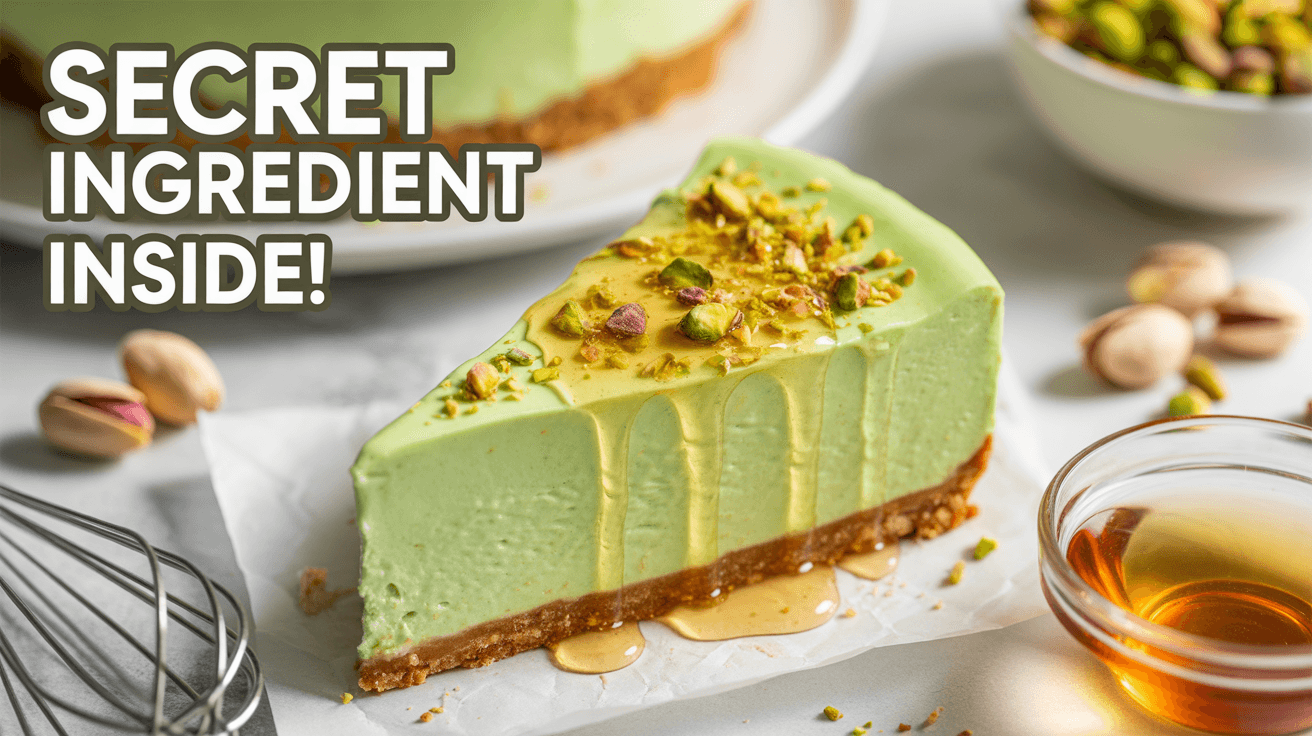
Pistachio Cheesecake YouTube Thumbnail Template
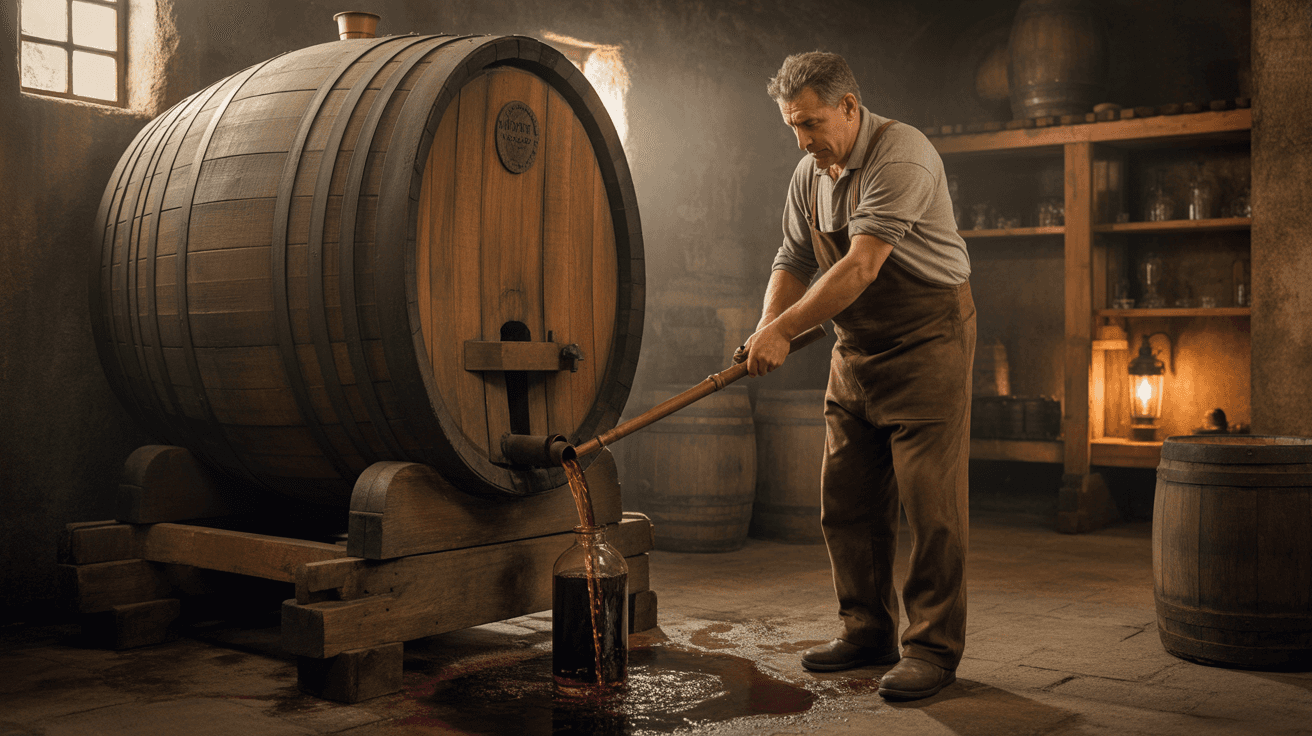
Cellar Wine Transfer YouTube Thumbnail Template
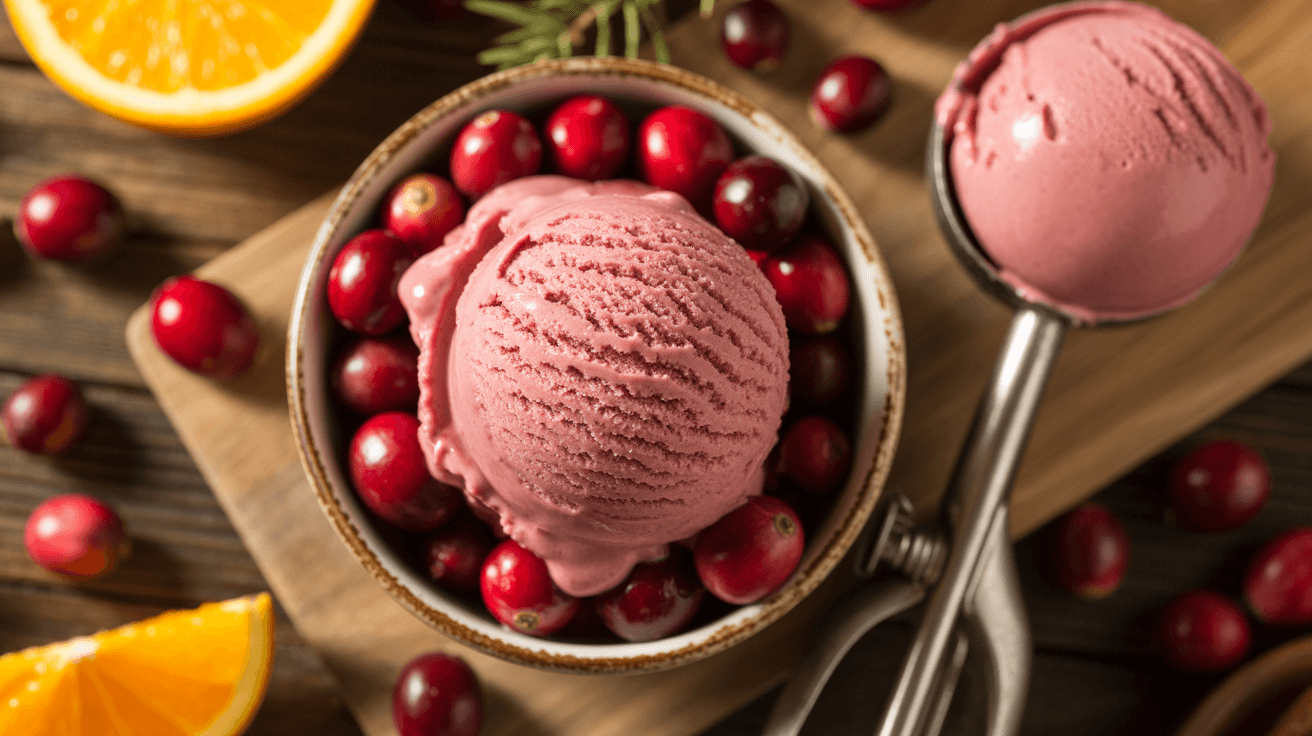
Cranberry Ice Cream YouTube Thumbnail Template
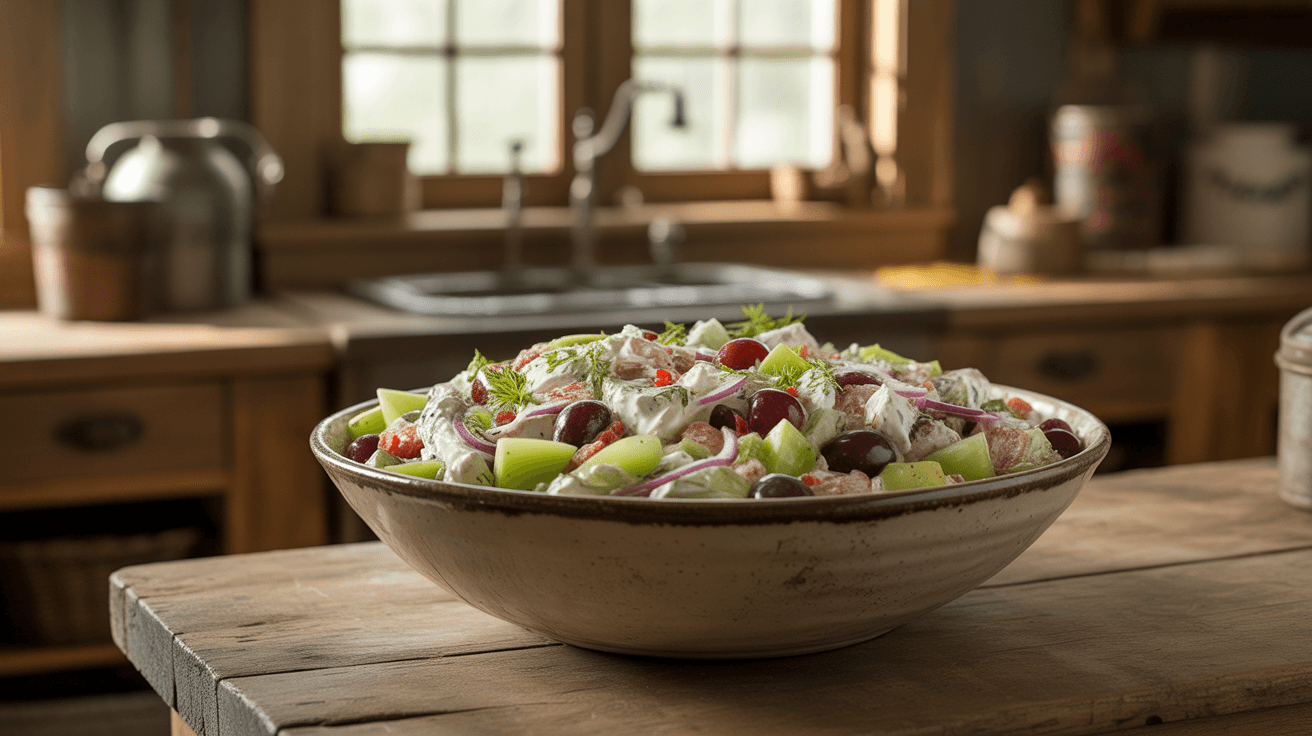
Greek Yogurt Chicken Salad YouTube Thumbnail Template
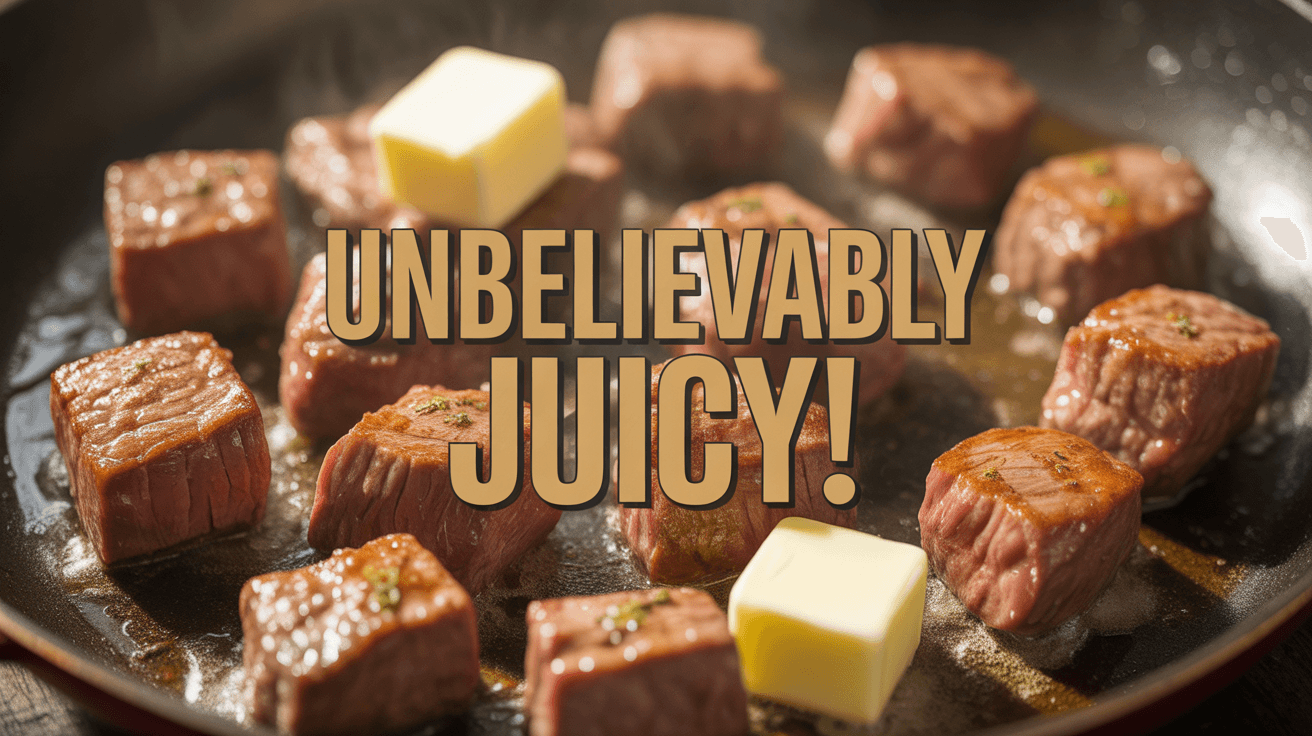
Garlic Butter Beef YouTube Thumbnail Template
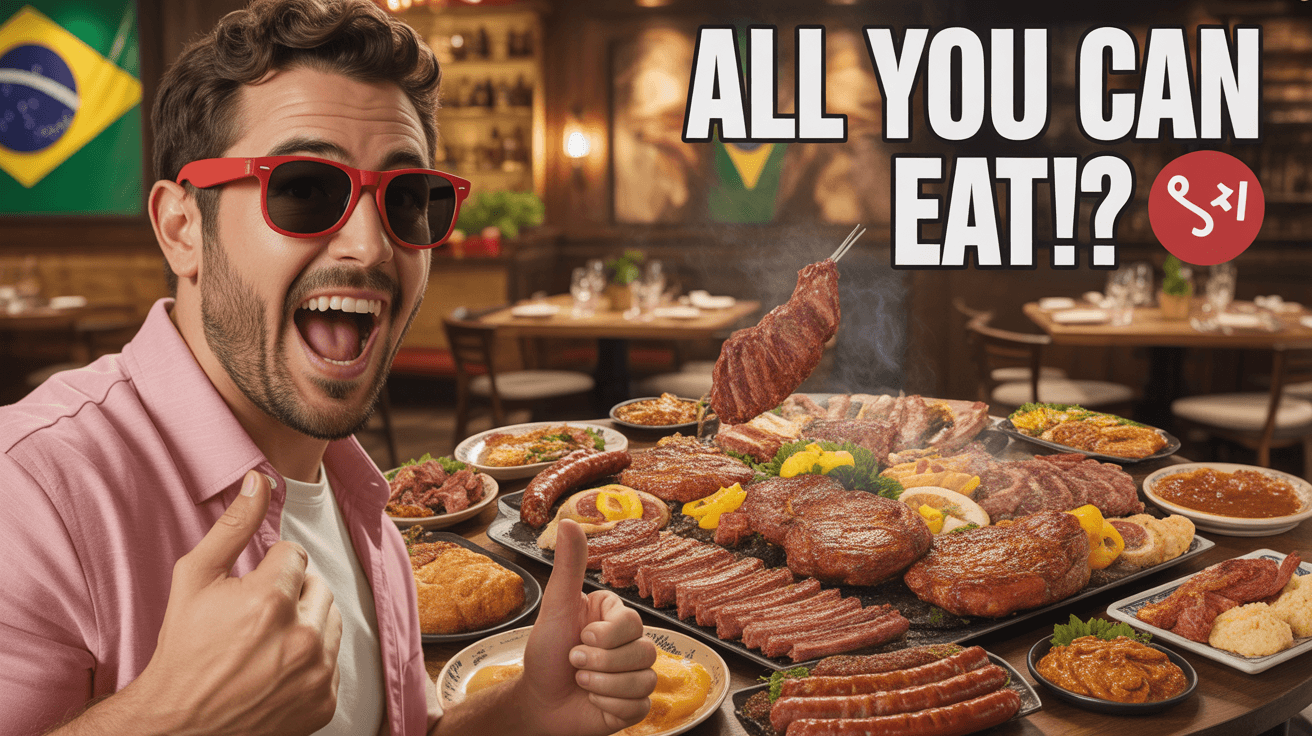
Brazilian BBQ Challenge YouTube Thumbnail Template
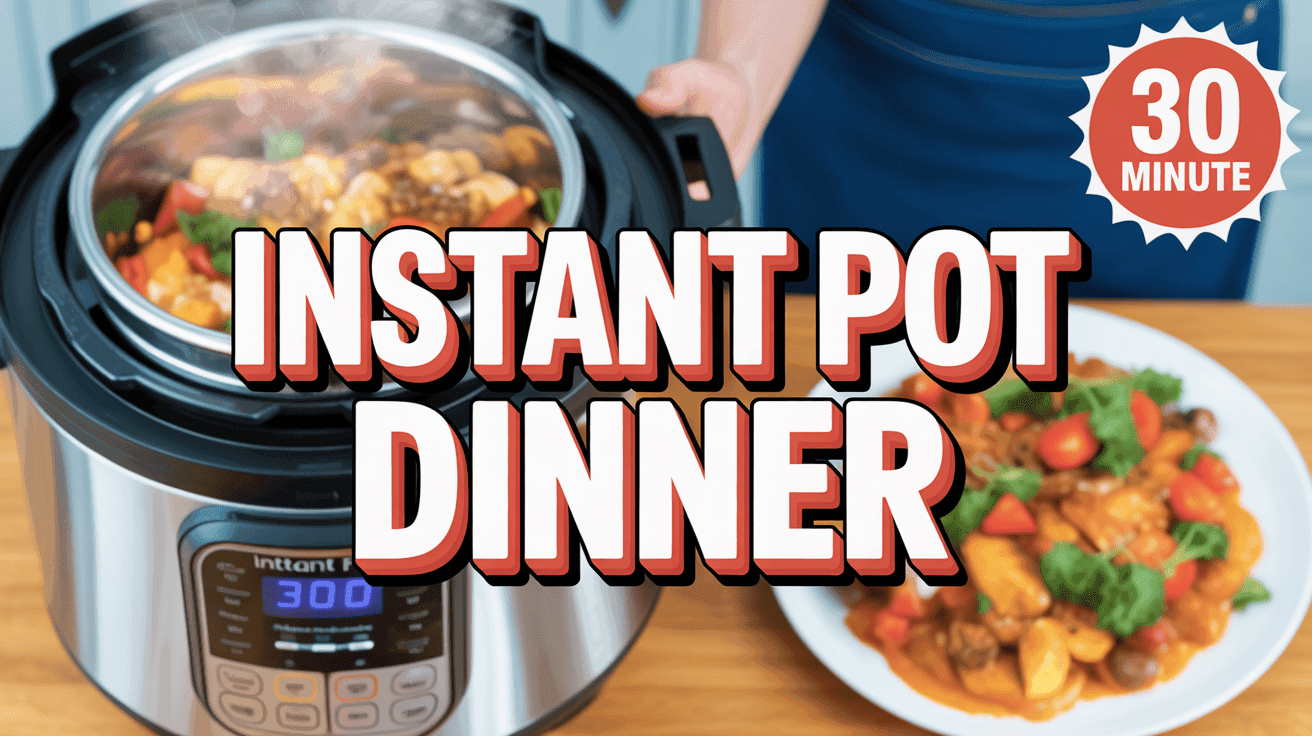
Instant Pot Weeknight Thumbnail Template
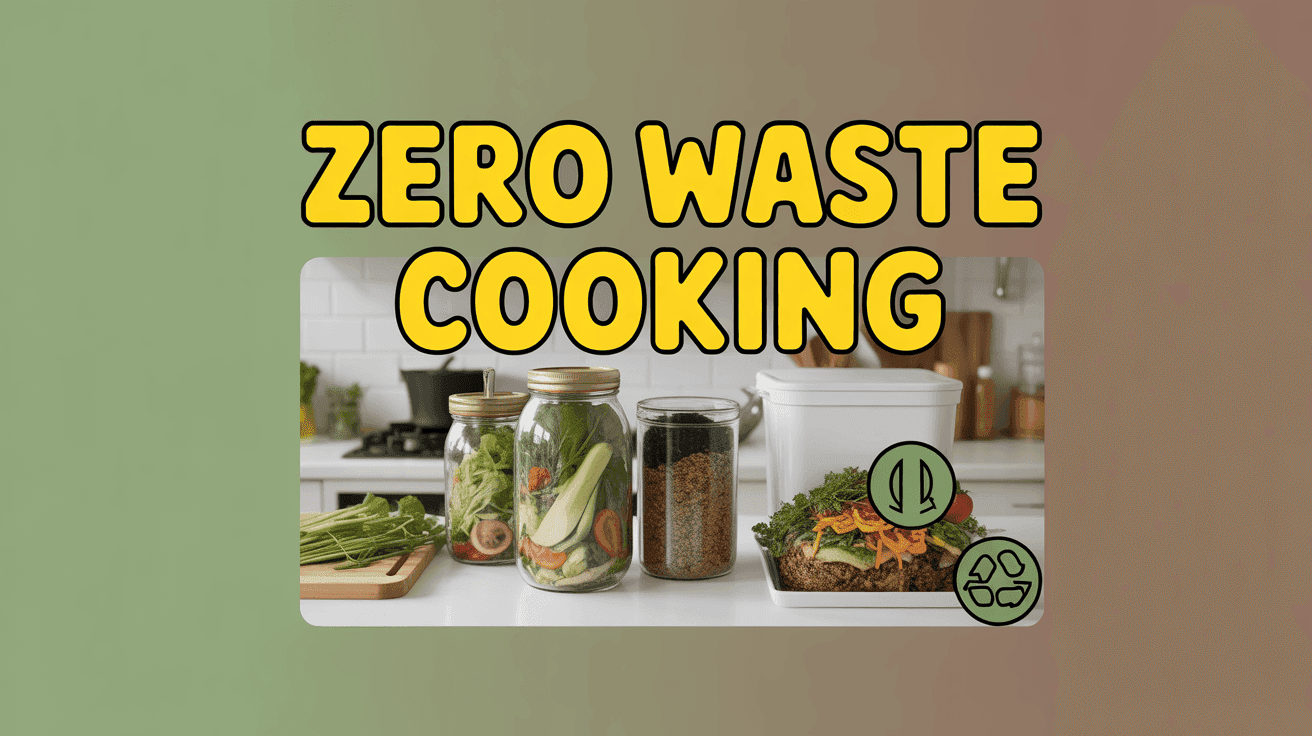
Zero Waste Kitchen Thumbnail Template
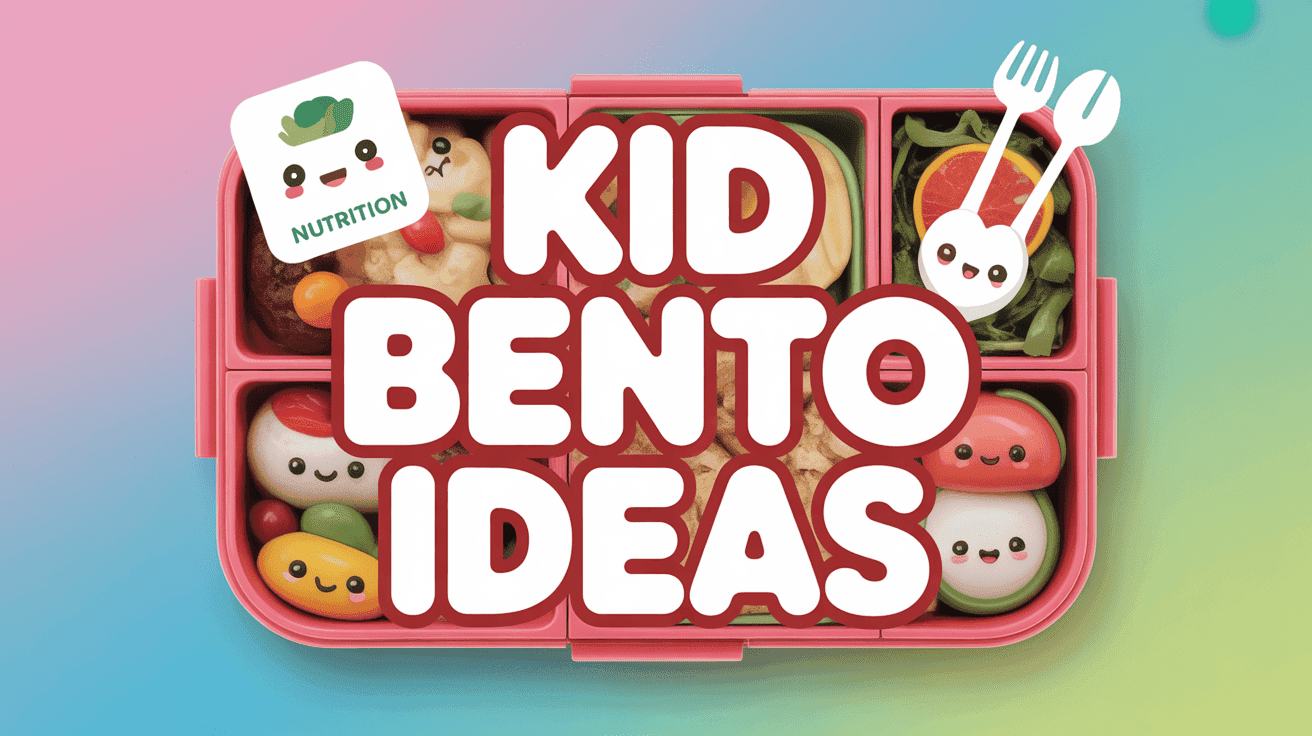
Kid-Friendly Bento Box Thumbnail Template
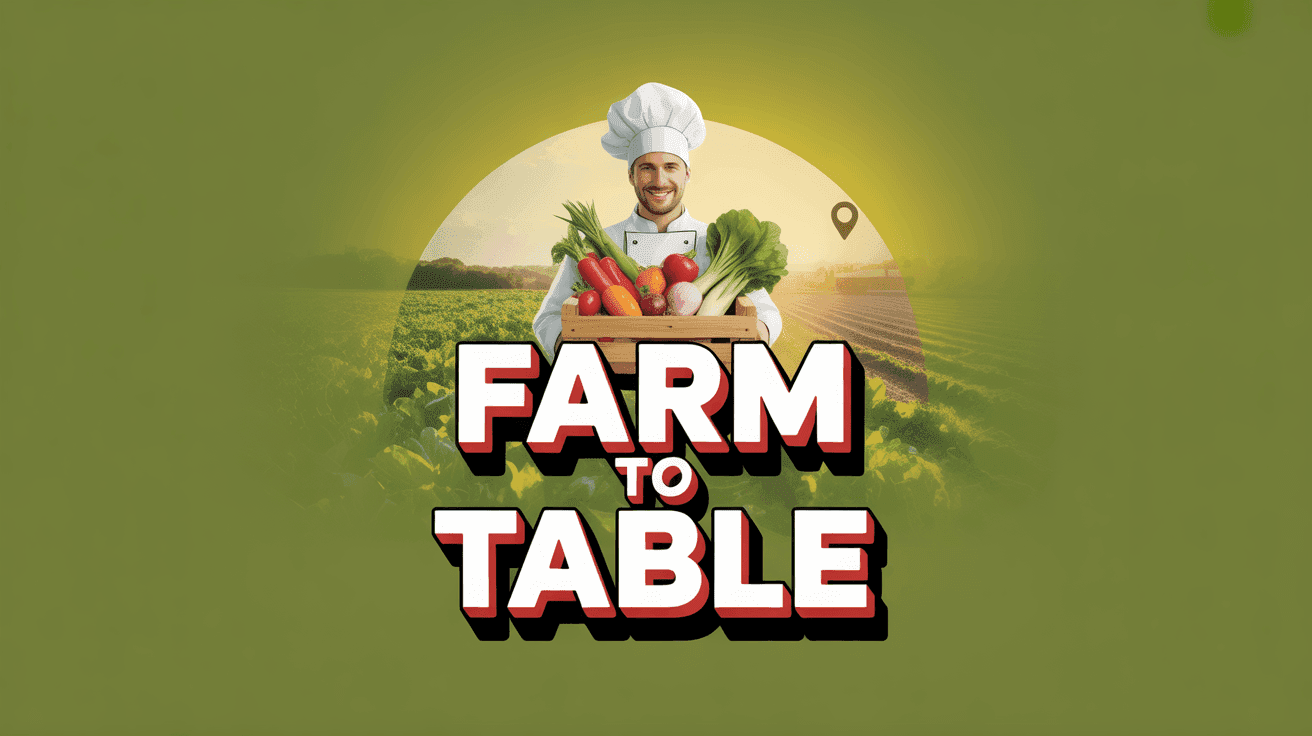
Farm-to-Table Harvest Thumbnail Template

Night Market Street Food Thumbnail Template
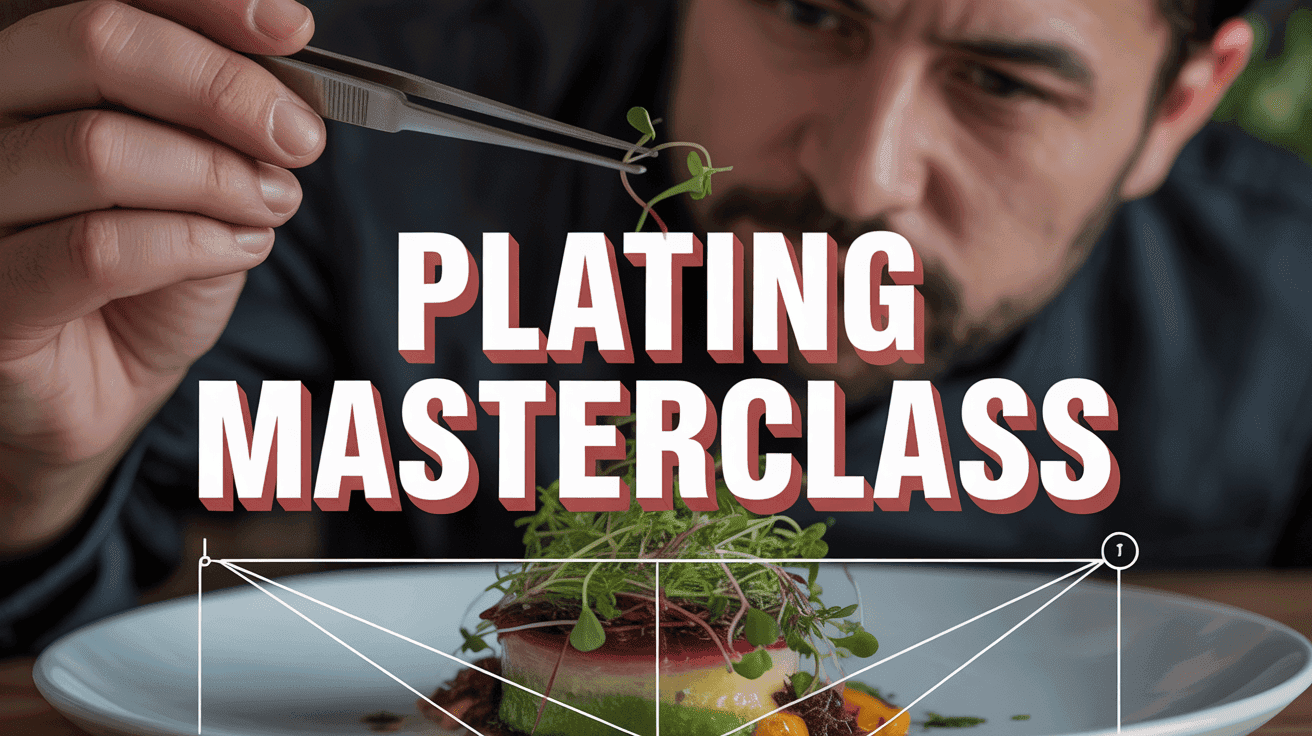
Fine Dining Plating Masterclass Thumbnail Template

Macro Meal Prep Planner Thumbnail Template

Viral Smash Burger Thumbnail Template
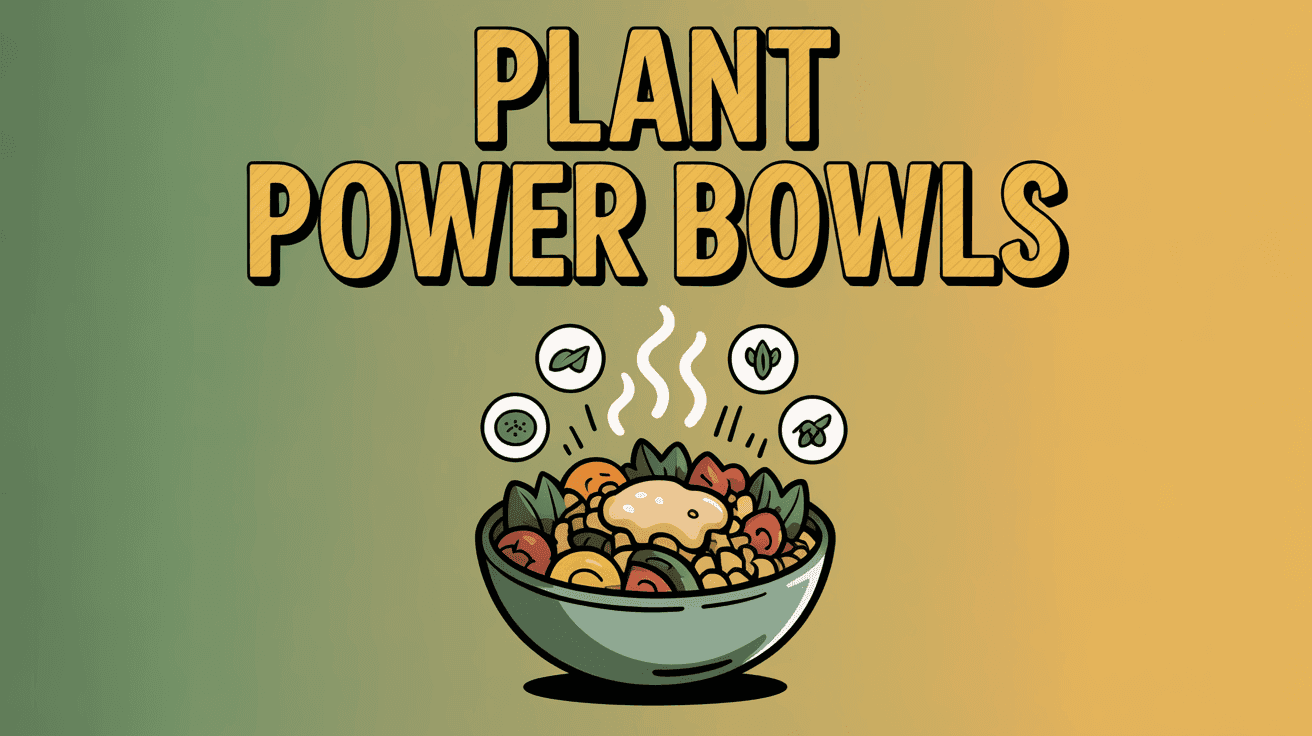
Plant-Based Comfort Bowl Thumbnail Template
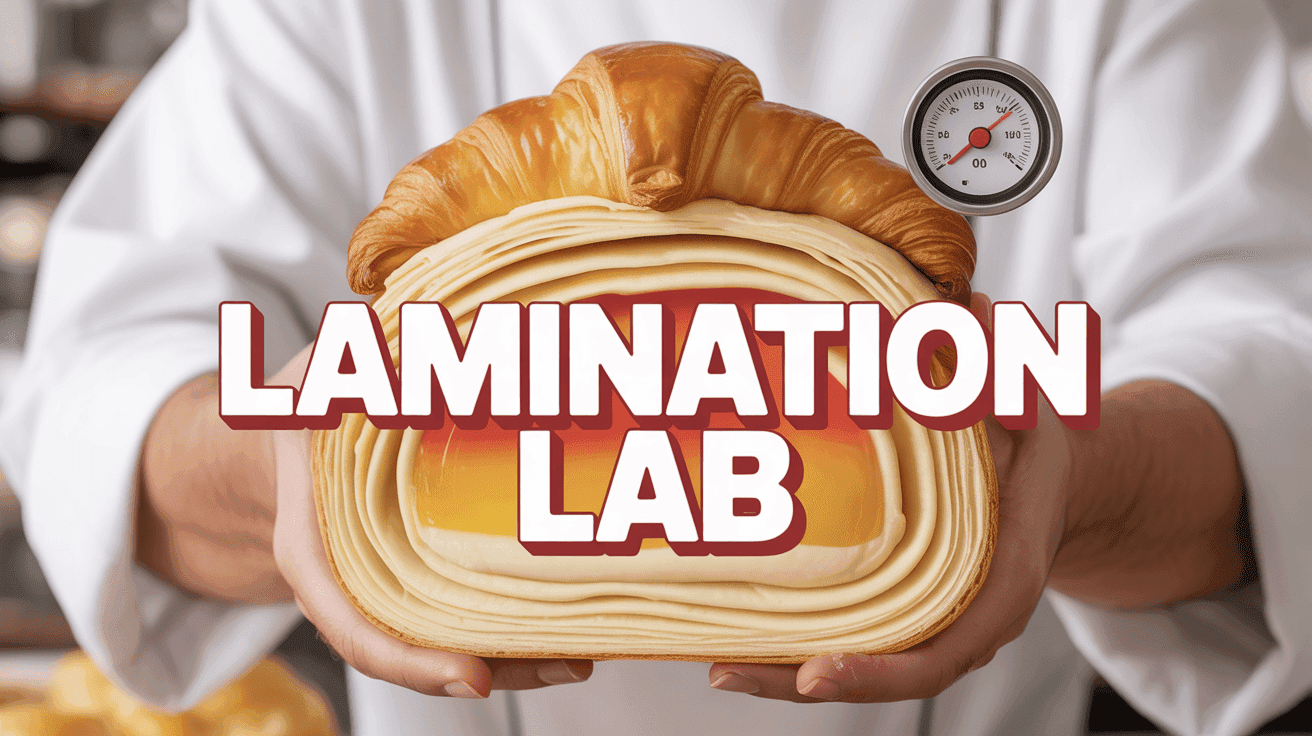
Croissant Lamination Lab Thumbnail Template
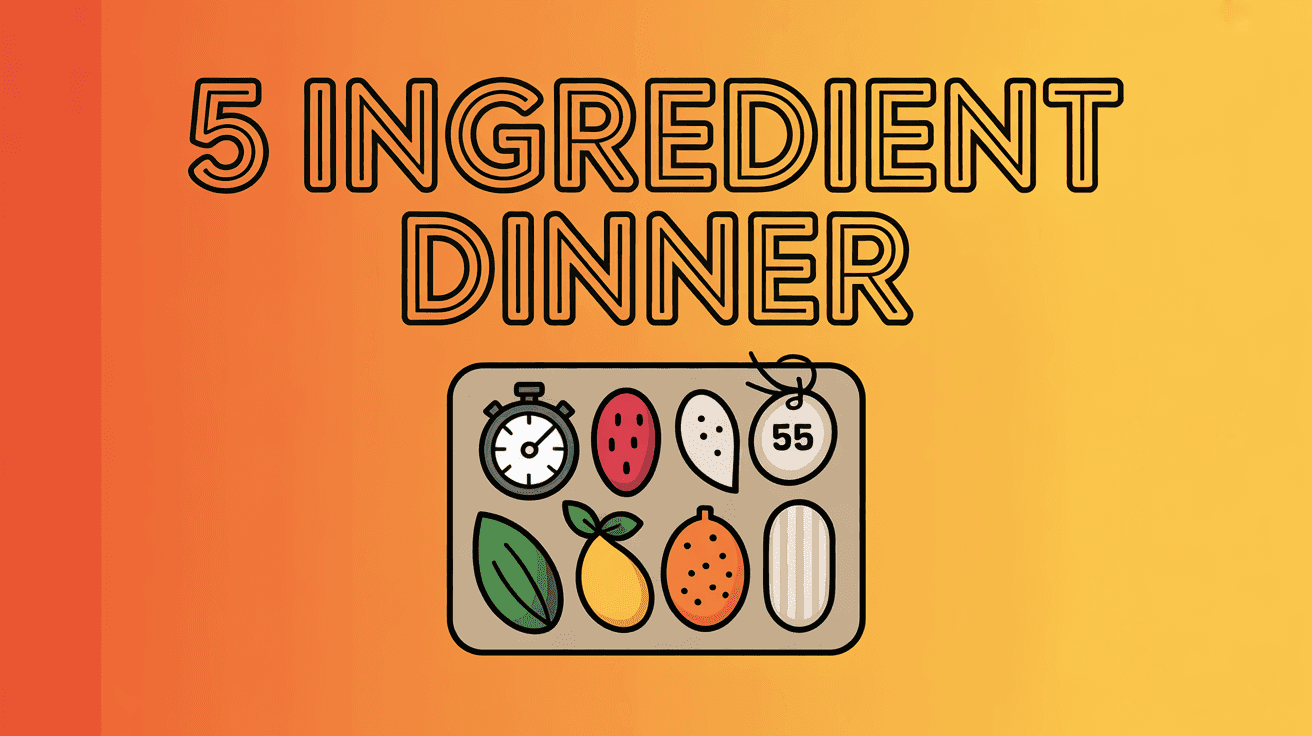
Five Ingredient Dinner Thumbnail Template
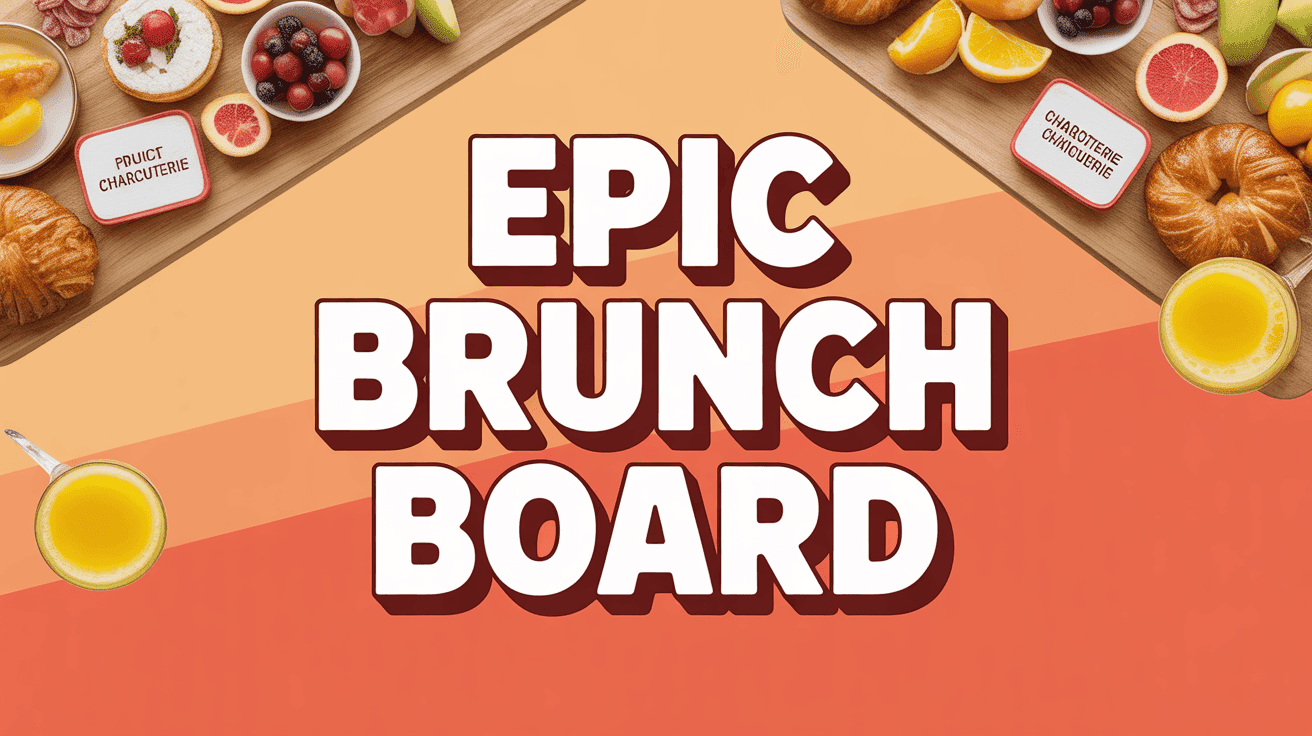
Brunch Grazing Board Thumbnail Template
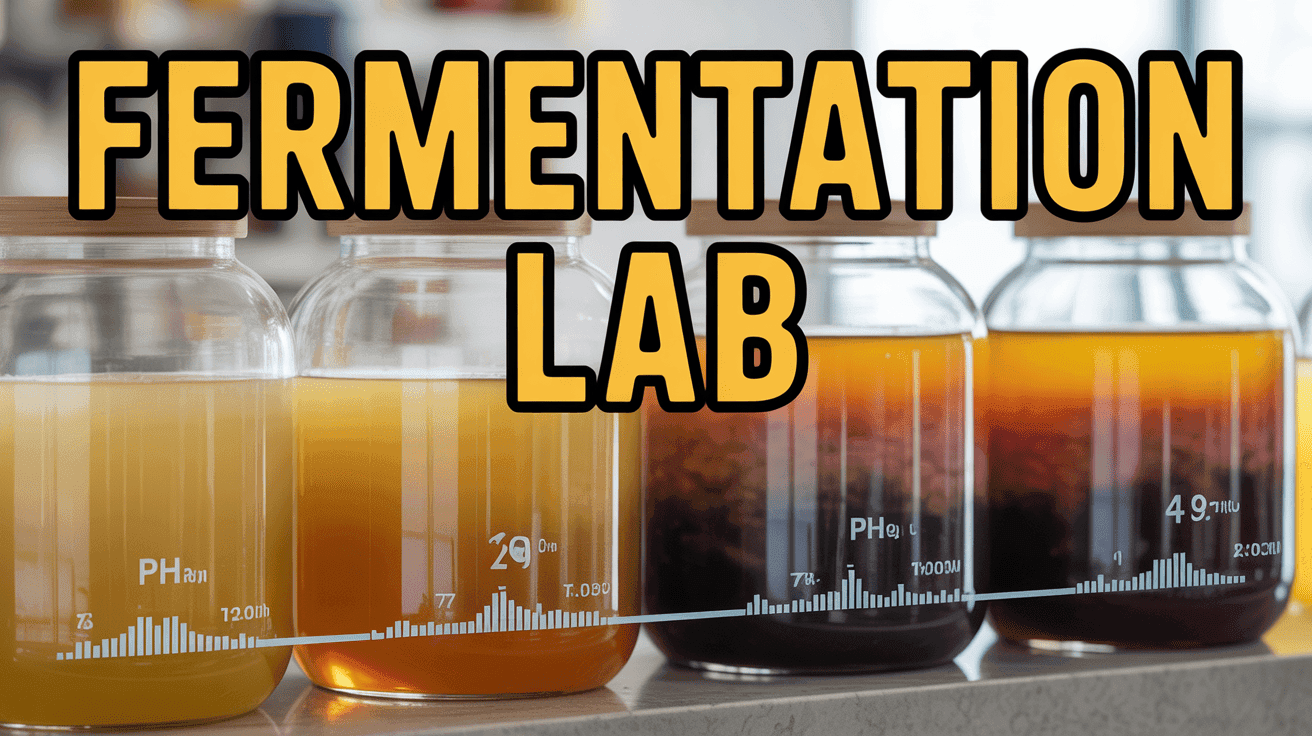
Fermentation Lab Thumbnail Template
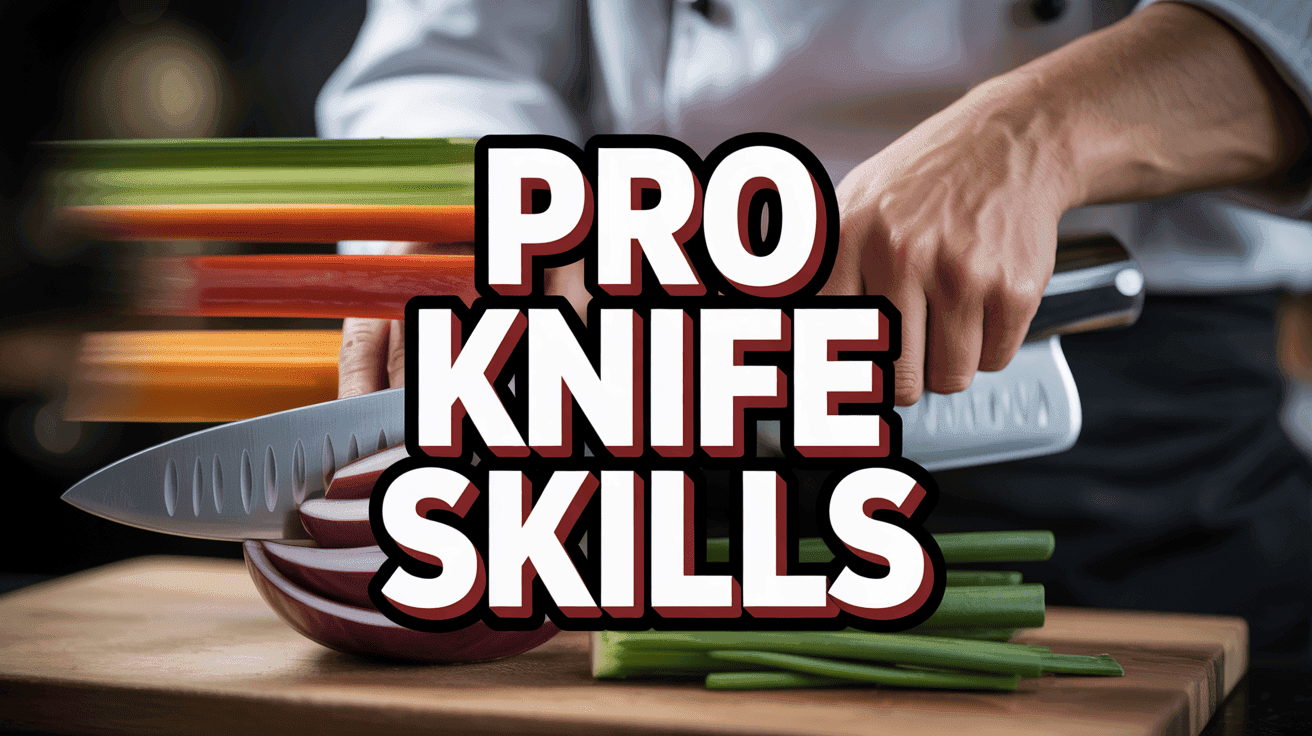
Chef's Knife Skills Thumbnail Template
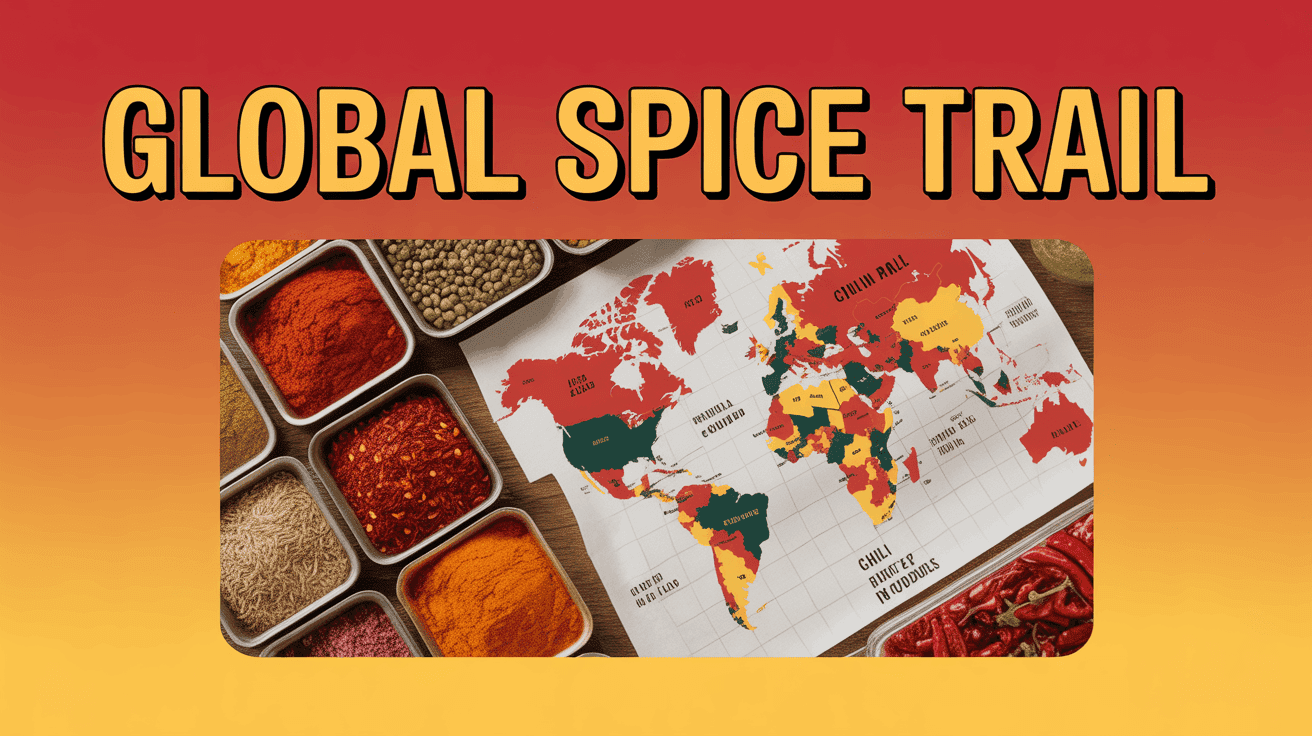
Global Spice Trail Thumbnail Template
Design Principle
1. Flavor-First Composition
Center the dish with top-down or 45-degree angles, using shallow depth of field to blur distractions.
2. Heat and Texture Highlights
Add subtle steam, gloss, or seasoning particles to make surfaces look fresh and craveable.
3. Utility Ribbon Overlay
Include a slim banner for cook time or dietary tags to help users instantly qualify the recipe.
FAQ
Q1: What imagery drives clicks on food thumbnails?
Use macro photography that captures texture and steam, coupled with action like drizzling sauce or slicing to convey freshness.
Q2: How can I show the recipe steps without clutter?
Reserve a top or side banner for numbered steps or cook times, keeping the main plate dominant. This keeps instructions visible while preserving appetite appeal.
Q3: Do food thumbnails need text overlays?
Yes, but limit to short hooks such as 10 Min Air Fryer or One-Pot Pasta. Contrasting color tags over neutral backgrounds keep the copy readable on mobile.
Q4: How should I adjust for Shorts vs long-form?
For Shorts, crop tighter on the hero shot and emphasize one step or reaction. For long-form, widen the frame to include ingredients and cookware for context.
Ready to 3x Your YouTube Views?
Join 10,000+ creators who've discovered the secret to viral thumbnails