70+ Best Vlog YouTube Thumbnail Templates | AI Generator
Vlog channels lose subscribers when thumbnails feel random and fail to tease the story.
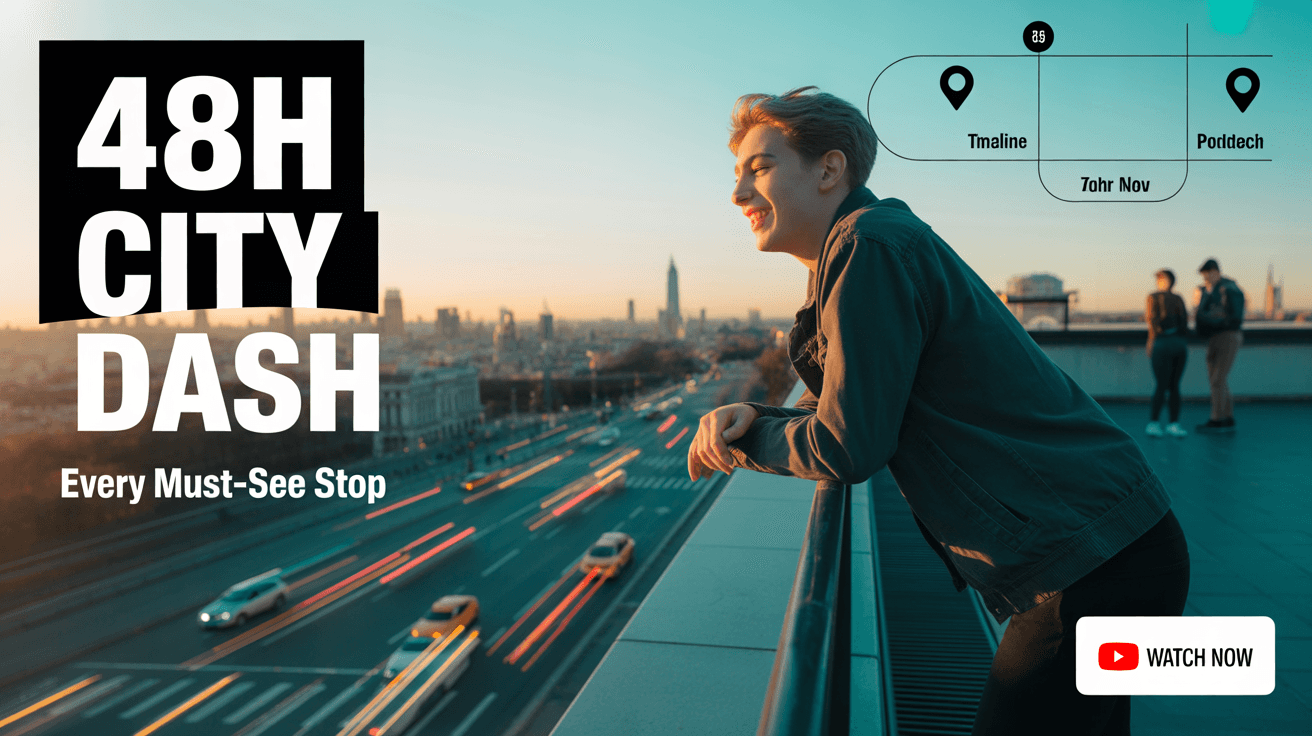
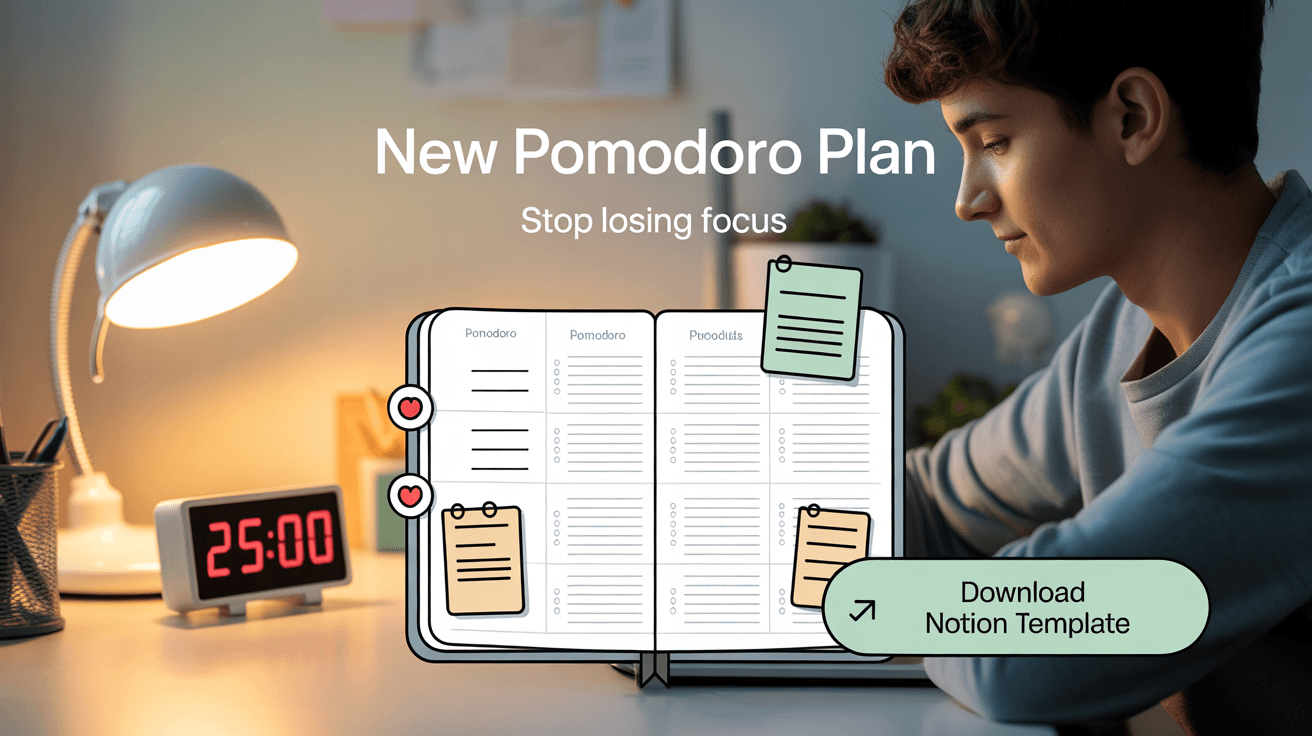
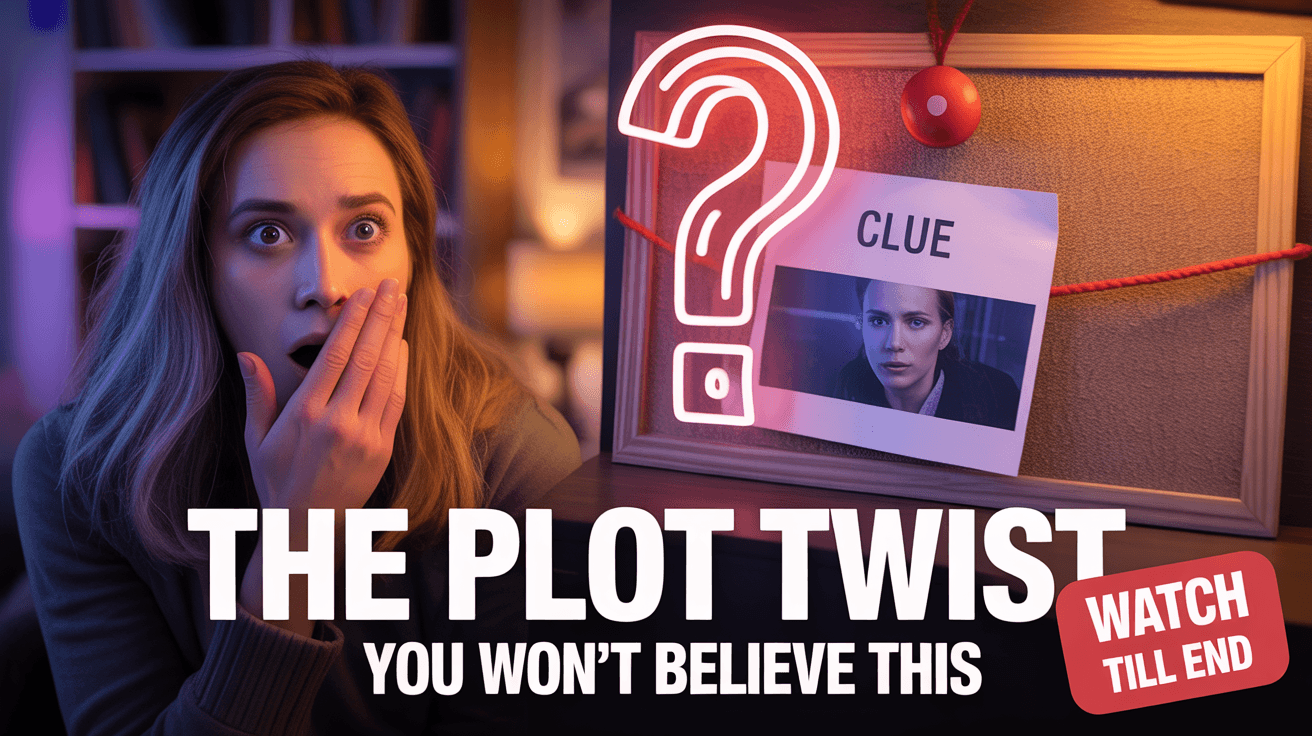
These AI layouts spotlight expressive faces, travel settings, and action cues that preview the episode's hook in seconds. Expect higher CTR and session time because viewers can instantly tell why your vlog is worth watching.
Browse through categories or start creating your own thumbnails with Alici.AI Thumbnail Expert
Design Principle
1. Narrative Anchor Subject
Use a close-up reaction or hero pose to signal emotion and make the storyline personal.
2. Directional Layout
Angle background elements or overlays diagonally to create movement that mirrors vlog pacing.
3. Modular Headline Blocks
Reserve a consistent corner for bold text so each episode's hook is readable without covering key visuals.
FAQ
Q1: What makes a vlog thumbnail click-worthy?
A: Lean into human expression plus a clear situational cue. Pair a close-up reaction with a background location or prop so viewers instantly grasp the episode's storyline.
Q2: Should vlog thumbnails include text?
A: Yes, but keep it to 2-4 punchy words such as New City Move or 5AM Routine. Use uppercase sans-serif fonts and place them within color blocks to avoid blending into the footage.
Q3: How can I keep branding consistent across vlogs?
A: Lock in a recurring color accent, headline font, and framing style. Our templates let you save presets so every upload still feels fresh while reinforcing your brand.
Q4: What size do vlog thumbnails need?
A: 1280x720 pixels (16:9) under 2MB in JPG or PNG. Keep faces within the central grid to avoid cropping on mobile home feeds.
Ready to 3x Your YouTube Views?
Join 10,000+ creators who've discovered the secret to viral thumbnails