/
/
/
/
Roblox Browser Play YouTube Thumbnail Template
Roblox Browser Play YouTube Thumbnail Template
This thumbnail reduces the whole concept to one visual shortcut: Roblox becomes Chrome. The large logo transition sits in the middle with a thick arrow, while blurred Roblox characters and blue-red light streaks turn the background into fast, game-like energy rather than a plain tech explainer. The bottom banner makes the payoff unmistakable, so the frame reads as instant access, not setup work.
Use it for no-install Roblox videos, browser-play explainers, or cloud-style access guides where convenience is the main click driver. The simple icon swap keeps the promise readable even on mobile. Replace the bottom banner, browser icon, or side characters to match your exact platform angle.
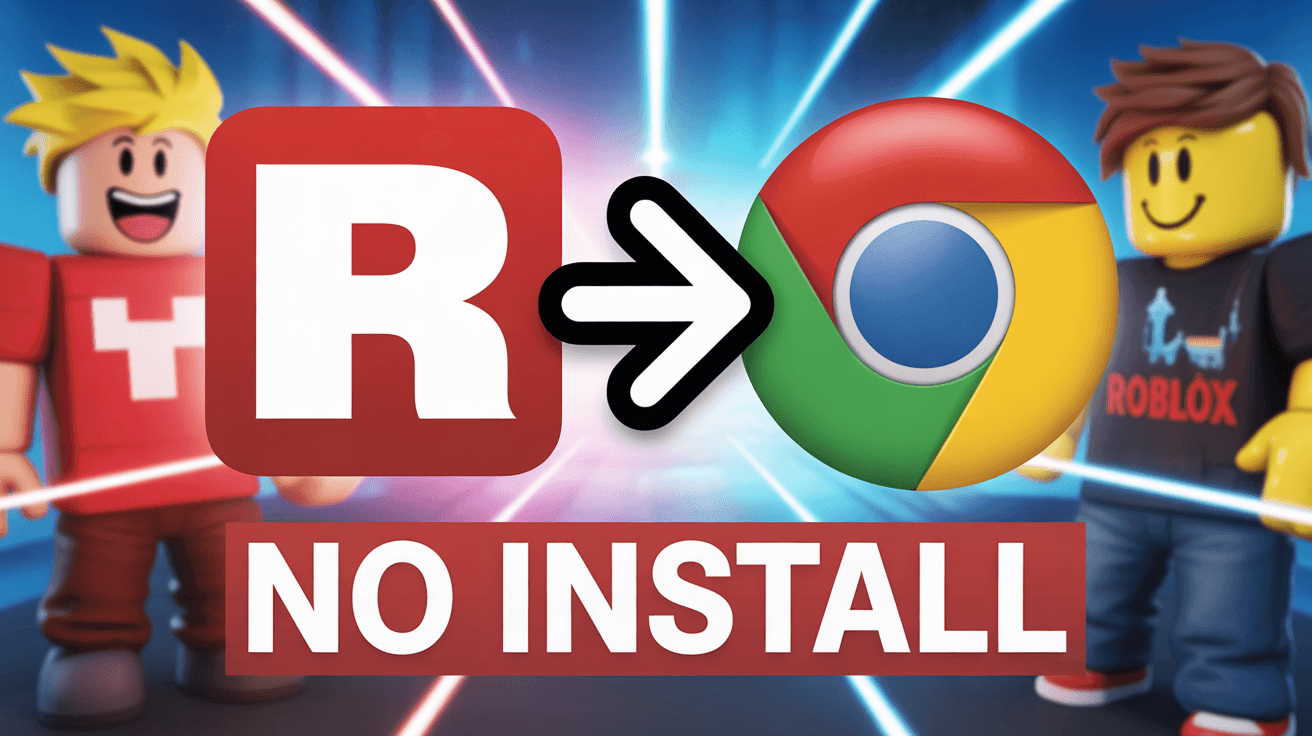
roblox browser thumbnail, no install design, instant play guide
1280x720
Best Use Cases for This Thumbnail Template
Roblox Browser Play Tutorials
This template works because it turns a potentially boring technical explanation into a one-second transformation story. The viewer sees Roblox on one side, Chrome on the other, and understands the video is about playing without the normal install friction. That clarity matters for tutorial content, because the audience is usually searching for convenience first and only wants enough visual proof to believe the shortcut is real.
Customization tip: Keep the large arrow between the two icons and change only the bottom banner if you want to emphasize free play, Chromebook support, or school laptop access.
Example titles:
How to Play Roblox in a Browser With No Install
The Fastest Way to Open Roblox on Chrome
Roblox Browser Guide for Laptops and School PCs
Cloud Gaming Access Videos
The layout also fits cloud-access or workaround content because the visual grammar is about transition and simplification, not about one specific device. Logos, arrow, and bold promise text do the heavy lifting. That makes the thumbnail strong for creators covering low-storage setups, instant-launch workflows, or alternative ways to run games when the normal install process feels too slow or blocked.
Customization tip: Swap the Chrome icon for the exact browser or service you cover, but keep the central icon-to-icon transition intact so the shortcut remains obvious.
Example titles:
Can You Launch Roblox Without Installing Anything
A Simple Browser Method for Playing Roblox Fast
How I Open Roblox on Devices With No Extra Space
Why This Works
The red Roblox mark against the multi-color Chrome icon creates immediate conceptual contrast. Viewers understand they are looking at two different systems before reading any text, which is valuable for utility-driven gaming content. That color and shape contrast helps the idea feel practical and clickable, because the thumbnail suggests a clear change from the usual game app workflow to something faster and lighter.
The composition is almost diagram-like, with icon, arrow, icon laid across the center of the frame. That structure is effective because it mirrors the exact mental model the viewer needs: start here, move here, get this result. Tutorial thumbnails often fail when they look too decorative. This one succeeds because the visual hierarchy behaves like a mini explanation rather than a random montage.
The NO INSTALL banner is a trust-and-reward signal. It states the main benefit in blunt language and pairs it with energetic game styling so the video feels useful without looking dry. That matters because convenience-based gaming content competes against both gameplay videos and low-quality hacks. A clean, assertive benefit banner helps the creator look more credible.
Creator Fit
Best fit: Best for Roblox tip channels, gaming workaround creators, and utility-focused publishers covering device access, browser play, and low-friction setup methods. It suits channels from 5K to 250K subscribers that rely on practical, clickable problem-solving content. The template is strongest when the audience is looking for a shortcut, a compatibility fix, or a faster way into the game.
Not recommended for: Not recommended for full gameplay episodes, lore explainers, or character-tier discussions. The icon transition and NO INSTALL banner promise a how-to shortcut, not entertainment or strategy. If the actual video is not primarily about access or setup convenience, this design will create the wrong expectation and likely hurt retention after the click.
Video Hooks:
Hook 1: "If you want to get into Roblox without dealing with a normal install, this is the setup you need to see first. The whole method is simpler than most people think."
Hook 2: "A lot of players assume Roblox always has to run the same way, but there is a much lighter route on some devices. I am going to show you what actually works."
Hook 3: "Before you give up because of storage limits or device restrictions, try this approach. It can get you into the game much faster than the usual process."
The image promises a fast access shortcut, so the intro has to move straight into convenience, compatibility, and reduced setup friction.
More you like
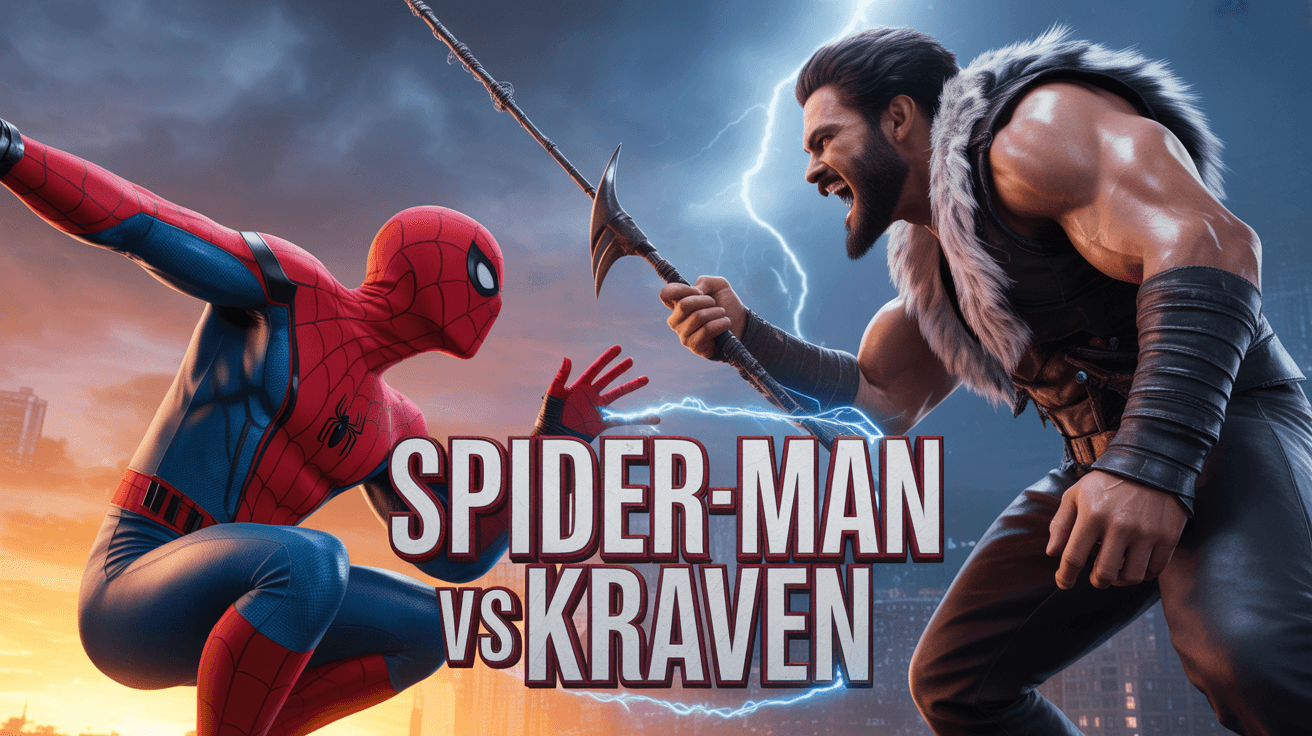
Spider-Man Kraven YouTube Thumbnail Template
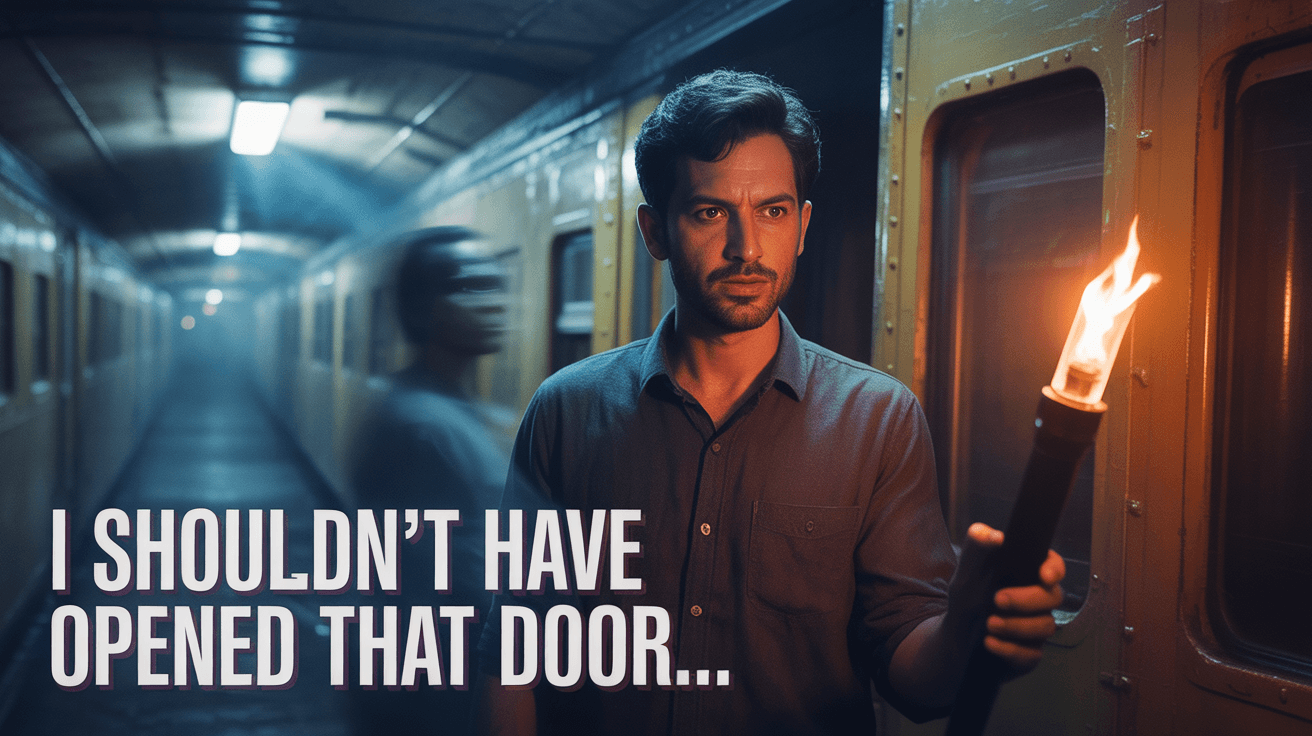
Train Door Horror YouTube Thumbnail Template
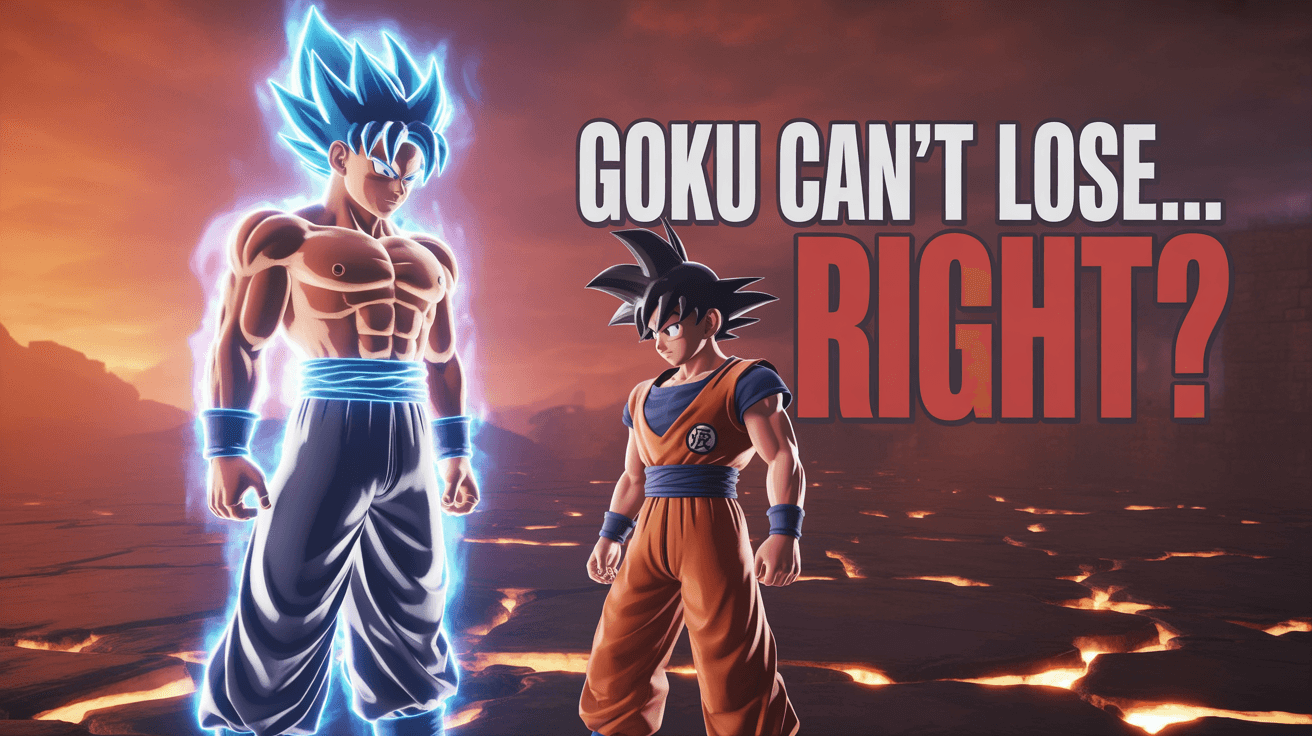
Goku Showdown YouTube Thumbnail Template
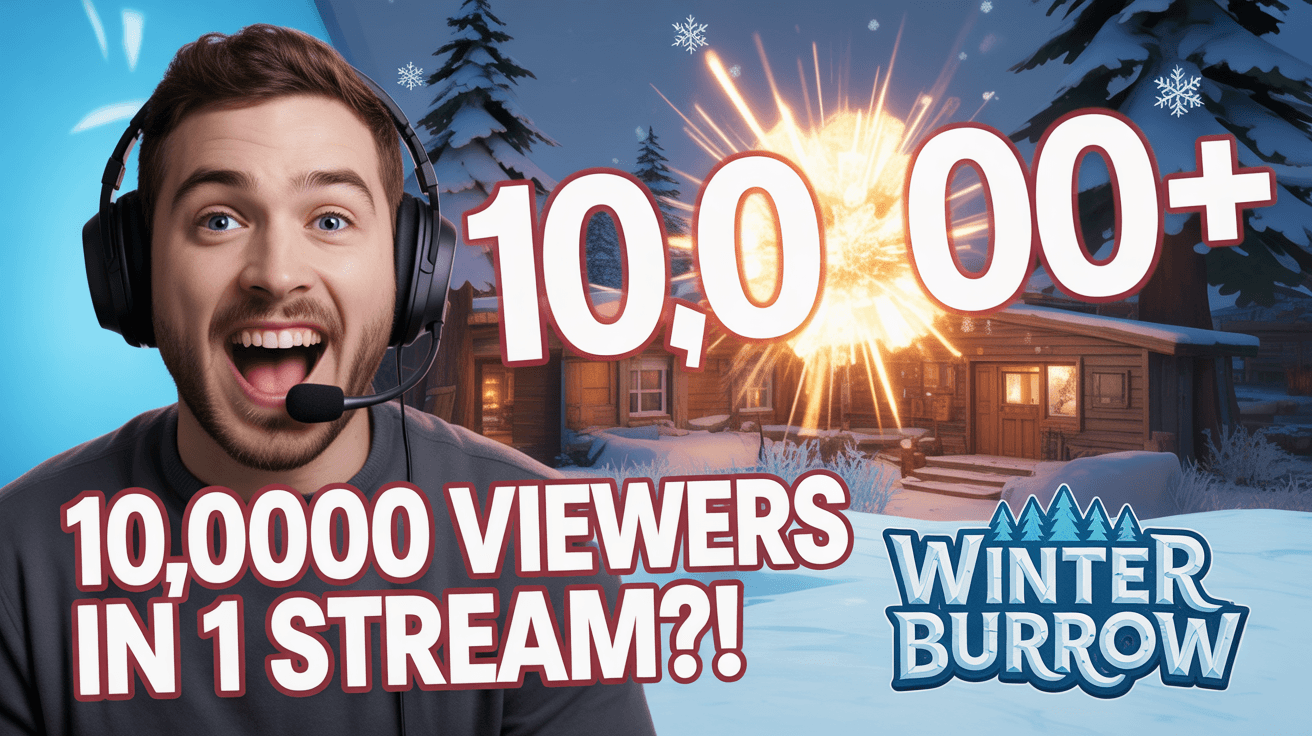
Stream Viewer Spike YouTube Thumbnail Template
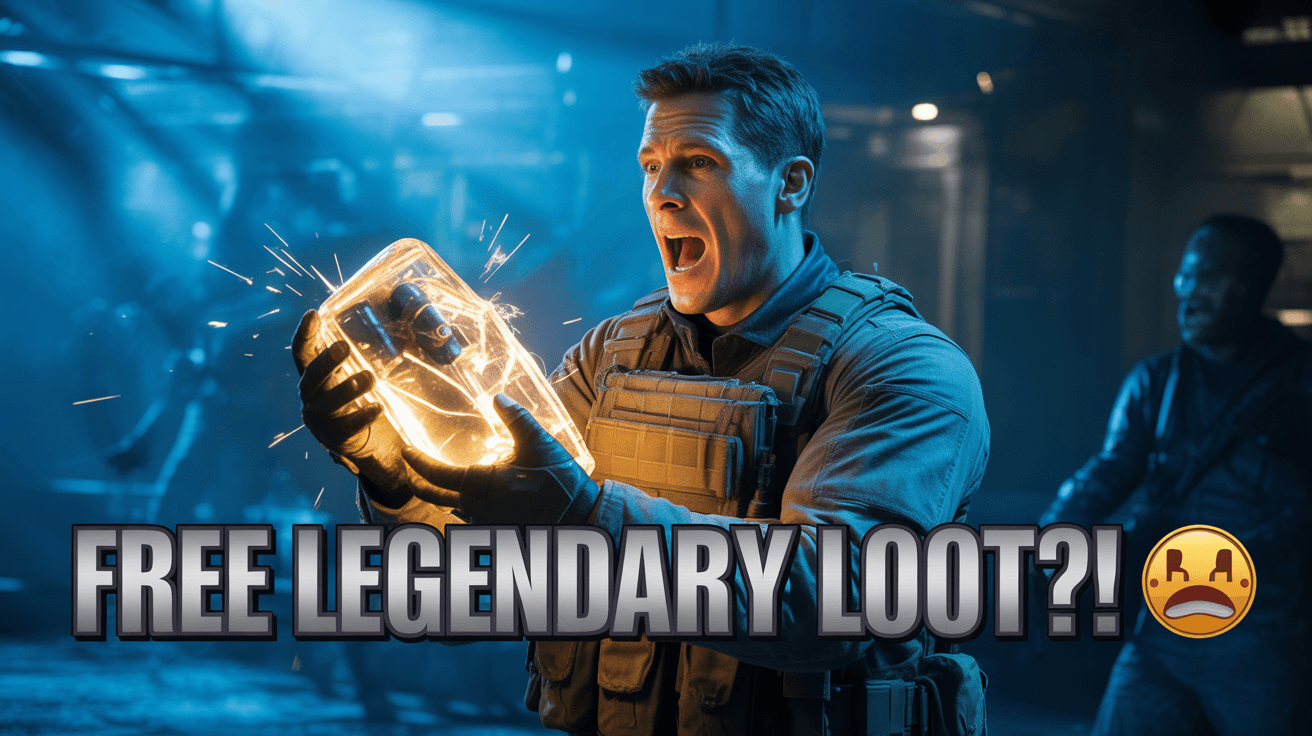
Zombies Legendary Loot YouTube Thumbnail Template
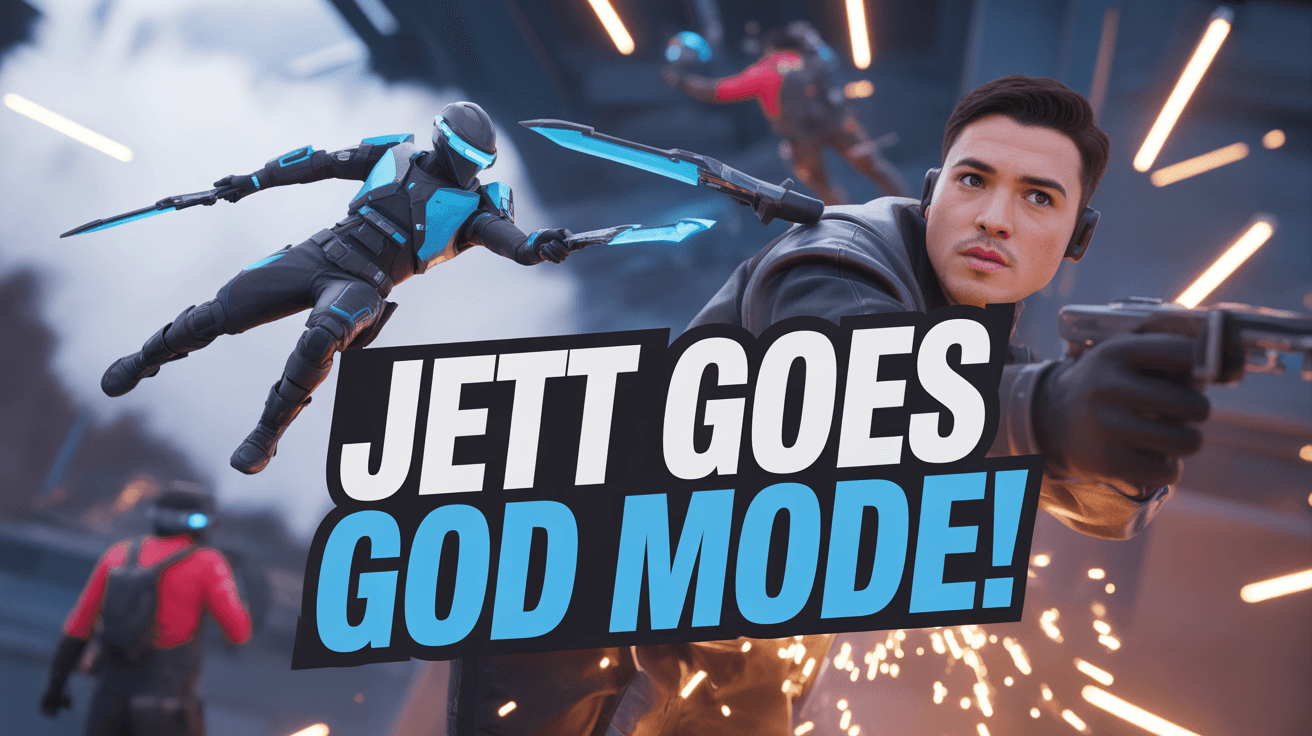
Jett God Mode YouTube Thumbnail Template
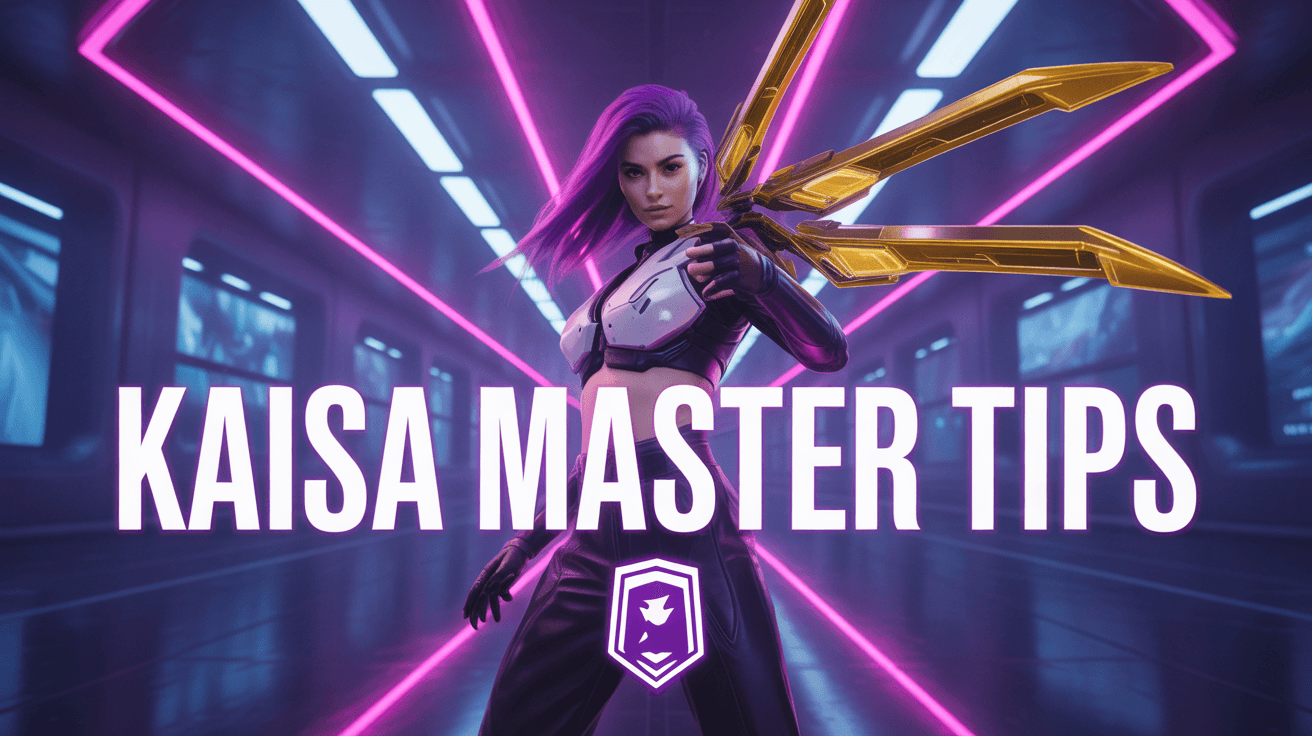
KaiSa Master Tips YouTube Thumbnail Template
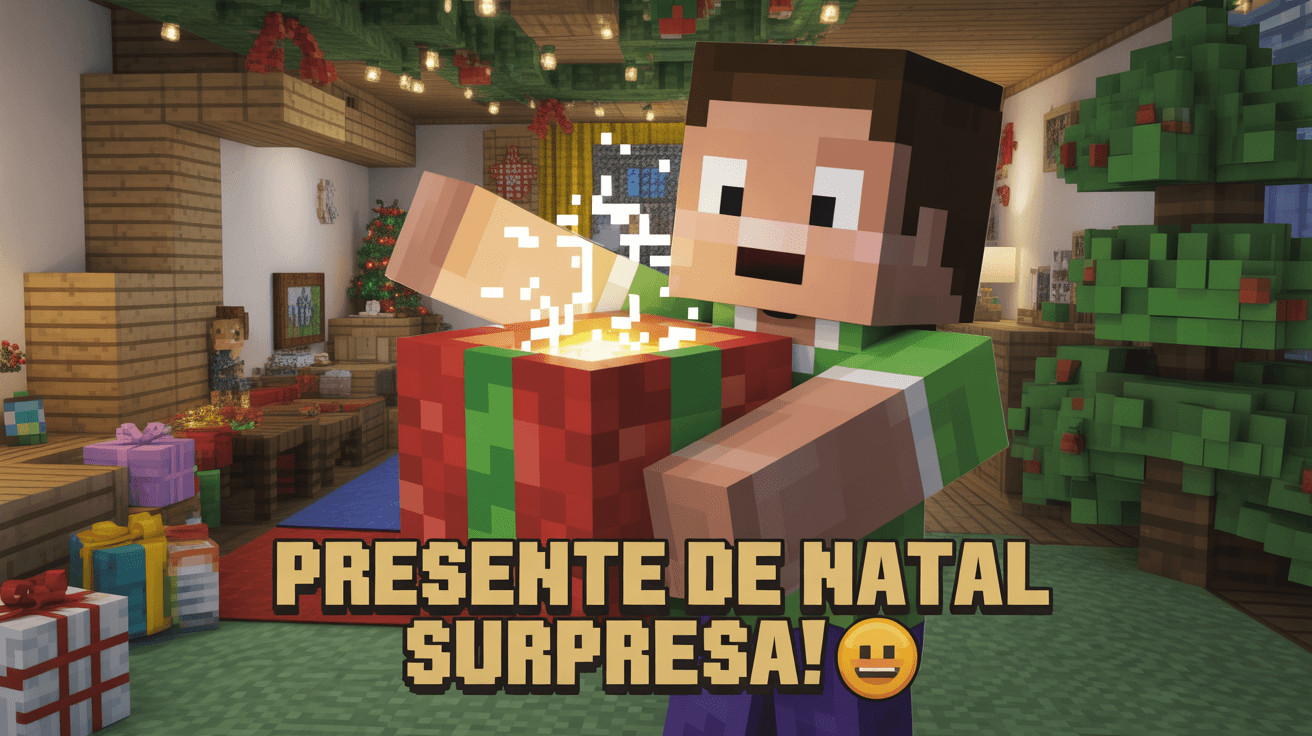
Minecraft Christmas Gift YouTube Thumbnail Template
Ready to 3x Your YouTube Views?
Join 10,000+ creators who've discovered the secret to viral thumbnails