/
/
/
/
Roblox Minigames YouTube Thumbnail Template
Roblox Minigames YouTube Thumbnail Template
This thumbnail sells builder pride and curiosity at the same time. A confident Roblox avatar points directly at the unfinished but colorful minigame map, turning the build itself into the spectacle rather than hiding it behind polish. The bright yellow-white headline gives the frame a ranking-question feel, while the clean lighting and #1 badge push the whole image toward high-energy devlog territory.
Use it for minigame devlogs, map showcases, or Roblox build videos where the central hook is that one idea or collection might be stronger than viewers expect. The pointing pose is especially effective when the creator wants the audience focused on a specific area of the project. Replace the headline, badge, or map section to match your build angle.
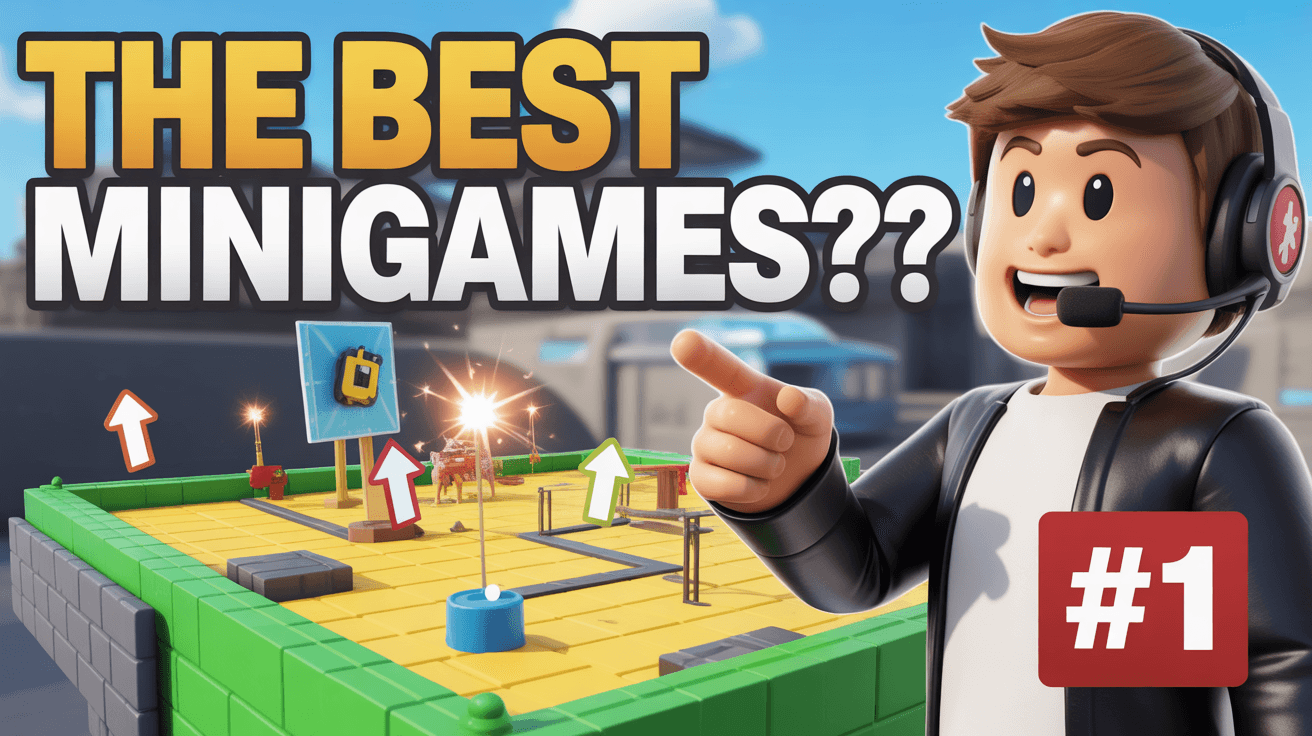
roblox devlog thumbnail, minigame build design, game showcase video
1280x720
Best Use Cases for This Thumbnail Template
Roblox Devlogs
Devlog thumbnails need visible progress and creator perspective in the same frame. The avatar pointing at the build handles both, making the project feel active and personal. That helps the creator promise not just gameplay but design thinking, iteration, and behind-the-scenes enthusiasm, which is exactly what keeps Roblox development audiences invested across a series.
Customization tip: Keep the avatar pointing at the strongest section of the map, but update the text if the video is about one mode or mechanic rather than a broad minigame concept.
Example titles:
Building the Best Minigames in My Roblox Devlog
Why This Roblox Minigame Idea Started Looking Real
The Part of My Roblox Build I Am Most Excited About
Map Showcase Videos
Showcase content wins when the environment looks readable and promising rather than complete but lifeless. The half-built map in this thumbnail actually helps because it suggests active development and room for imagination. That makes the image effective for creators presenting works in progress, especially when audience feedback and anticipation are part of the video's value.
Customization tip: Swap the #1 badge for a version number or update tag if the showcase is more about iteration than ranking.
Example titles:
First Look at My New Roblox Minigame Map
This WIP Roblox Build Already Feels Better Than Expected
How I Am Designing a More Fun Minigame Layout
Why This Works
Bright greens, yellows, and clean sky lighting create a fun-builder mood. That matters because Roblox dev content needs to feel creative and inviting rather than technical or dry. The palette tells viewers this project is playful and accessible, which increases curiosity even among people who may not normally click on a pure development update.
The pointing avatar gives the thumbnail direction. Instead of letting the map sit passively in the background, the character creates a guided focal path toward the build. That helps the image read quickly and makes the creator feel involved. Viewers understand that the video will show, explain, and likely improve what they are seeing rather than just display it silently.
The unfinished build acts as a proof signal for devlog authenticity. It tells the audience this is a real work in progress, not just a final render or borrowed concept. That authenticity matters in Roblox development spaces, where viewers want to follow the process and judge progress over time, not just consume finished assets.
Creator Fit
Best fit: Best for Roblox developers, build-in-public creators, and devlog channels in the 2K to 200K range. It fits creators whose value comes from showing ideas evolve, maps improve, and game concepts become playable. The thumbnail is strongest when the creator's enthusiasm and the build itself are equally important to the video.
Not recommended for: Not recommended for scripting tutorials, exploit content, or polished gameplay highlights with no dev angle. The pointing pose, half-built map, and question headline promise creation and evaluation, so non-build content would feel off-target.
Video Hooks:
Hook 1: "This is the part of the project where the minigame idea finally starts feeling fun instead of just theoretical, and I want to show you why."
Hook 2: "I thought one of these modes would clearly be the best, but once the map started coming together, a different idea jumped out fast."
Hook 3: "Before I lock this build in, let me walk you through the section that could make or break the whole minigame experience."
These hooks work because the thumbnail promises active development and evaluation, so the intro needs to validate progress, personality, and curiosity right away.
More you like
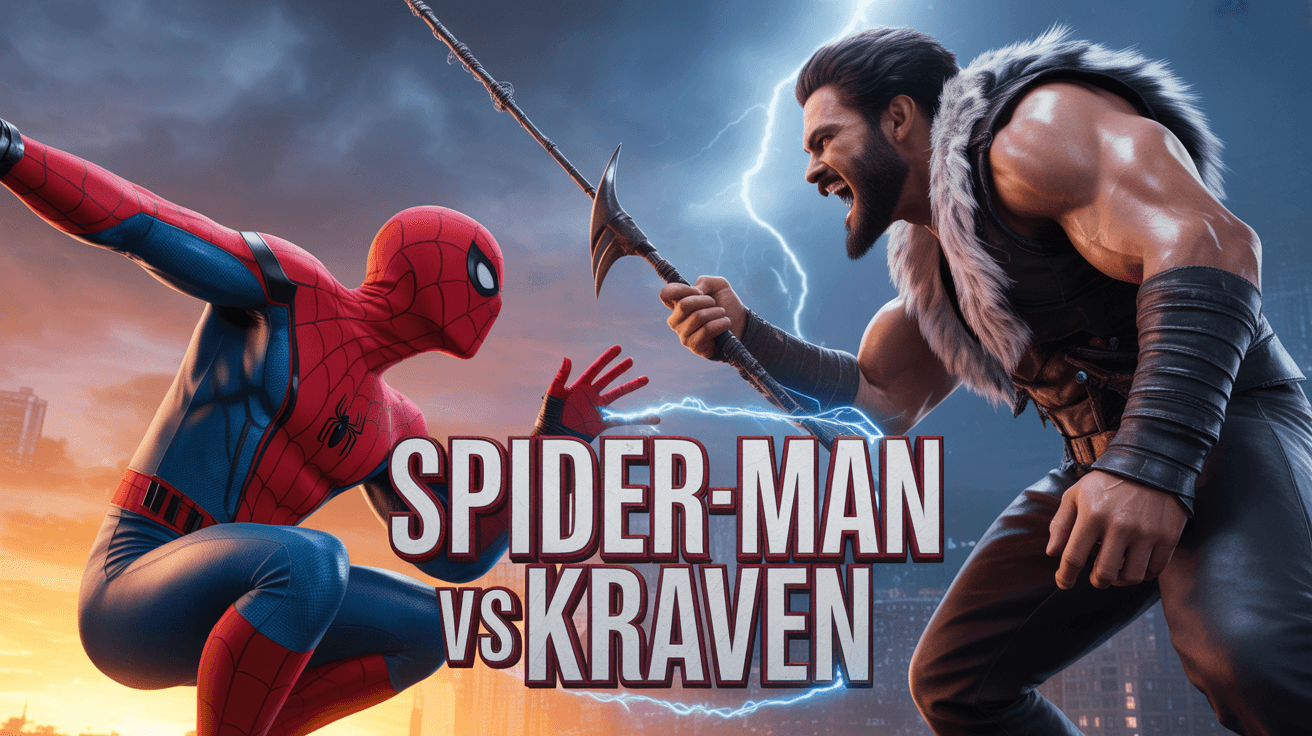
Spider-Man Kraven YouTube Thumbnail Template
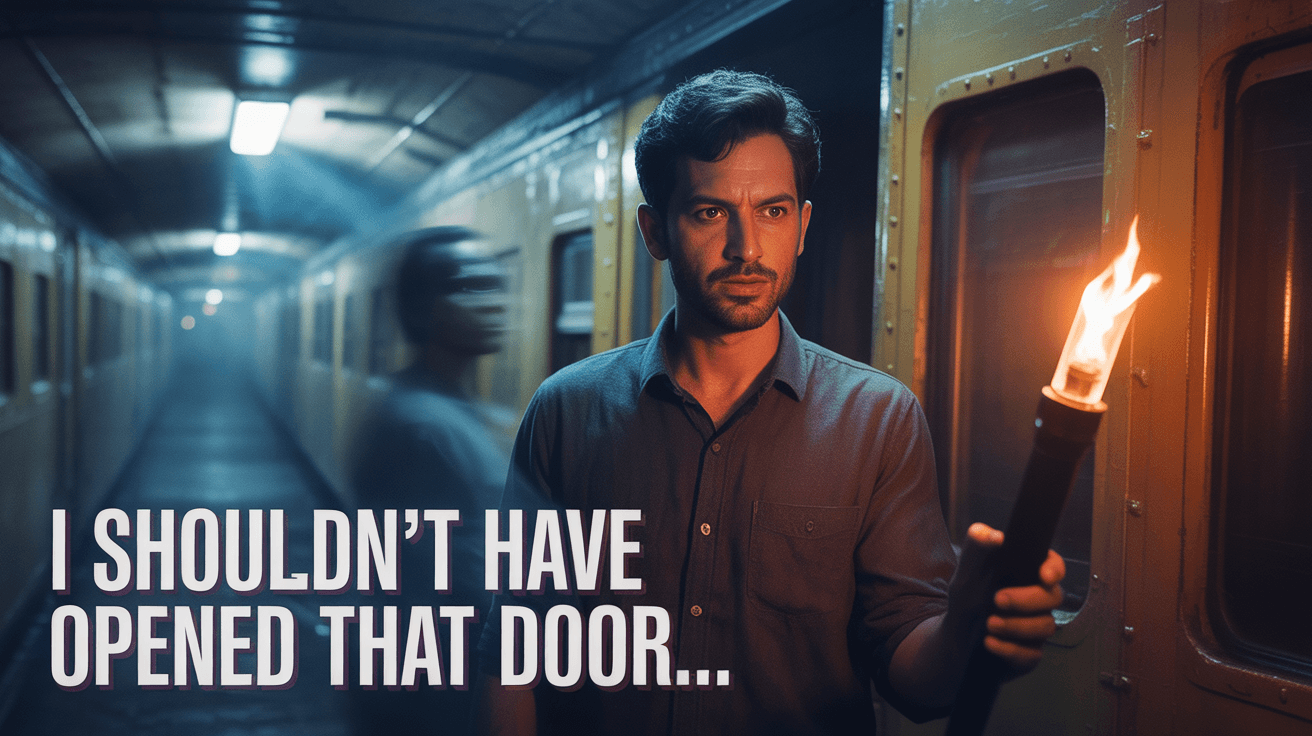
Train Door Horror YouTube Thumbnail Template

Goku Showdown YouTube Thumbnail Template
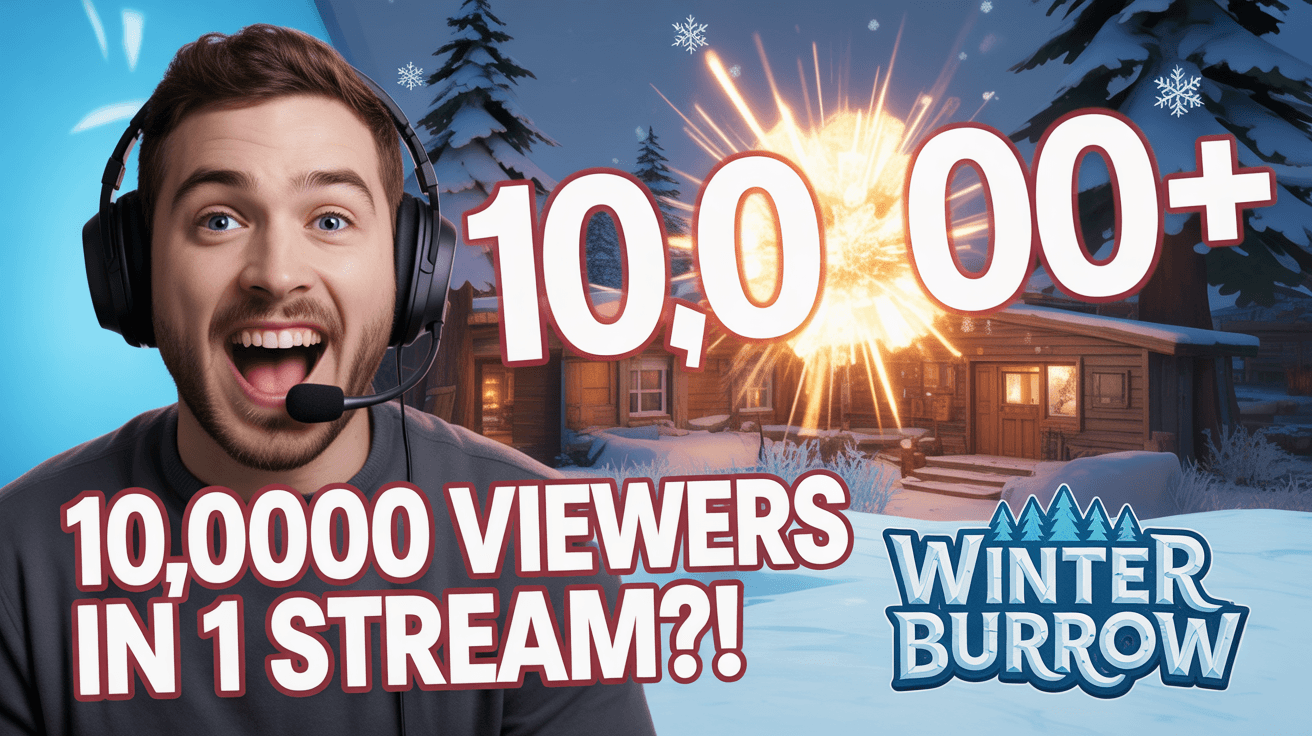
Stream Viewer Spike YouTube Thumbnail Template
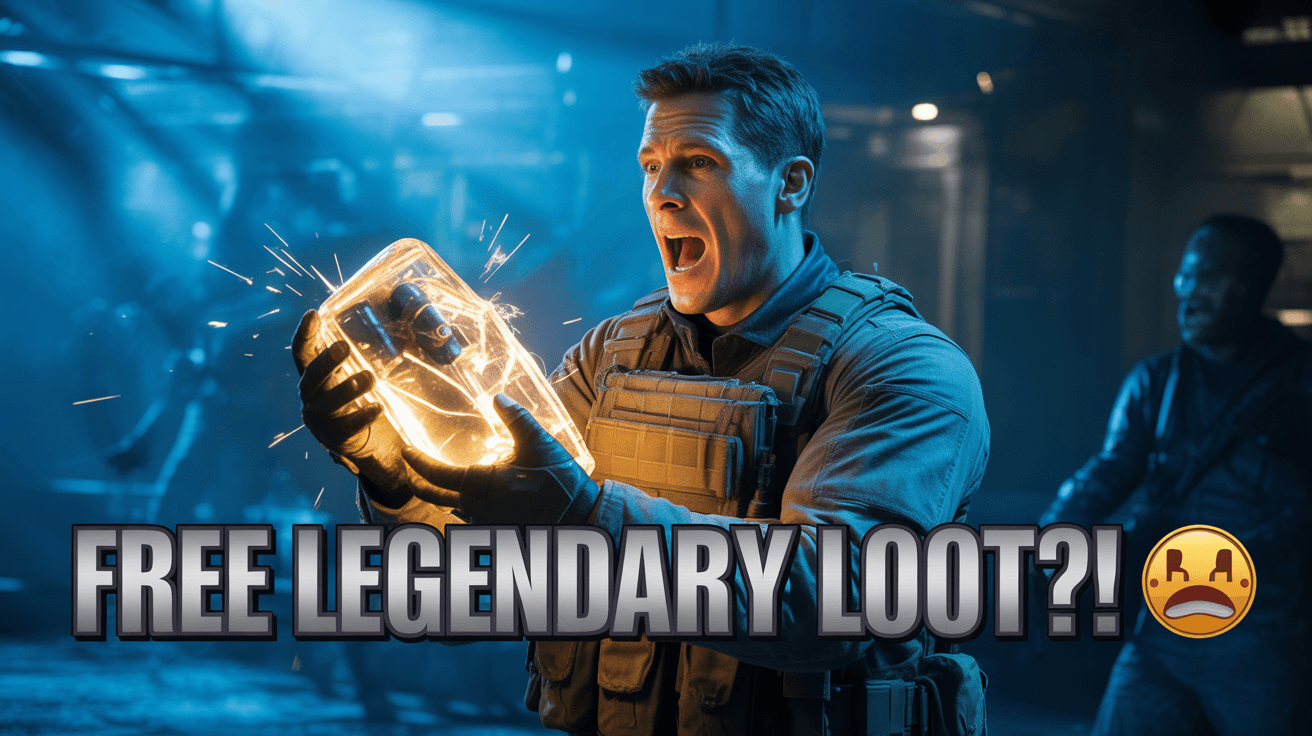
Zombies Legendary Loot YouTube Thumbnail Template
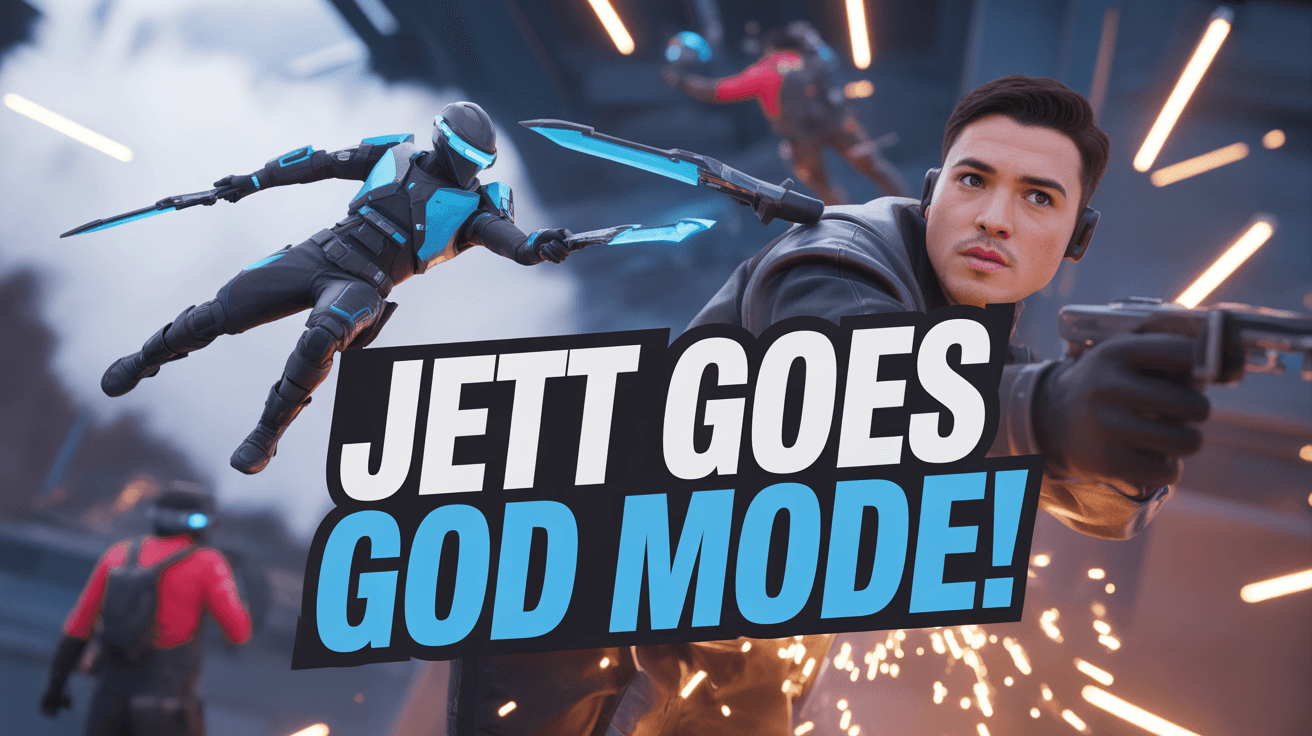
Jett God Mode YouTube Thumbnail Template
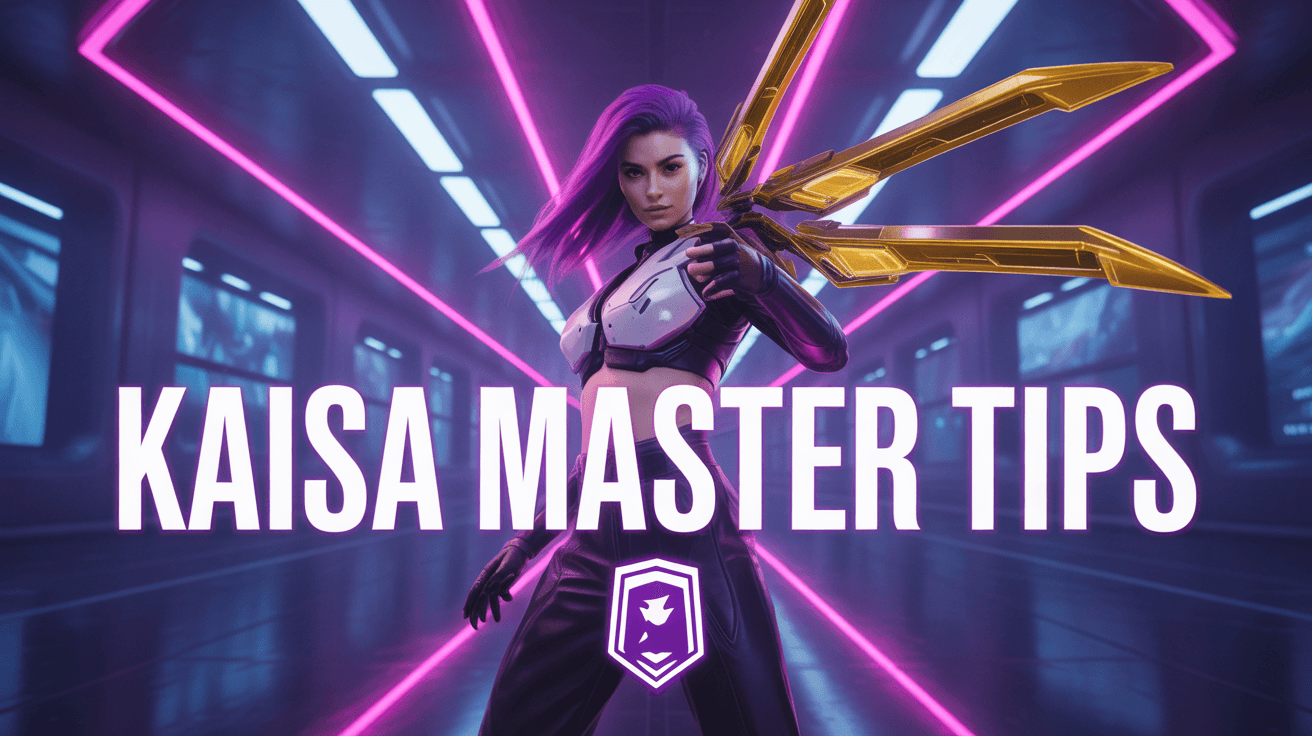
KaiSa Master Tips YouTube Thumbnail Template
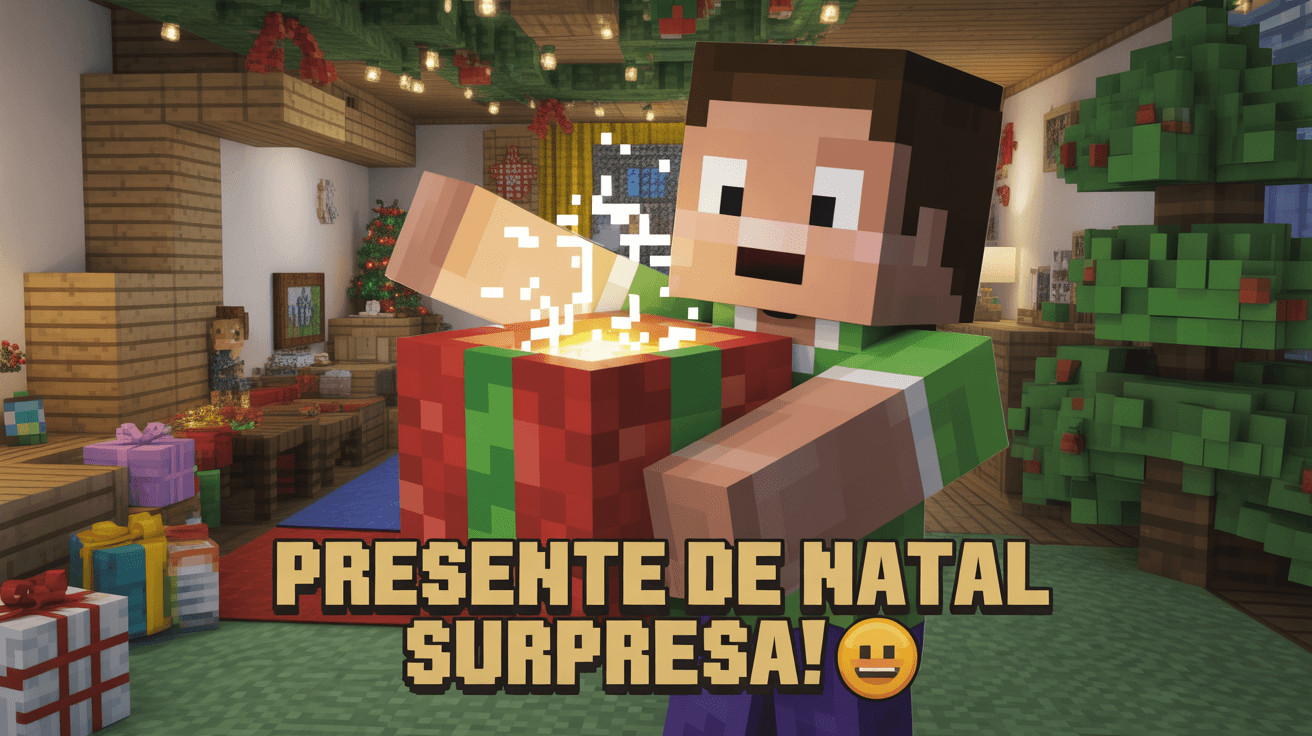
Minecraft Christmas Gift YouTube Thumbnail Template
Ready to 3x Your YouTube Views?
Join 10,000+ creators who've discovered the secret to viral thumbnails