Unreal Devlog YouTube Thumbnail Template
This thumbnail tells a maker story instead of a gameplay story. The creator is turned toward a glowing Unreal Engine scene, so the image feels like a private development milestone captured at the right moment. The cool blue lighting and dark workspace add seriousness and focus, while the headline keeps the frame personal enough to invite viewers into a first-project journey.
Use it for Unreal Engine devlogs, first-game updates, or milestone videos around shipping a prototype, demo, or vertical slice. It works because the screen and the human are both visible, which tells viewers they will see process and progress rather than abstract advice. Replace My First Unreal Game to match your current milestone, engine challenge, or devlog chapter.
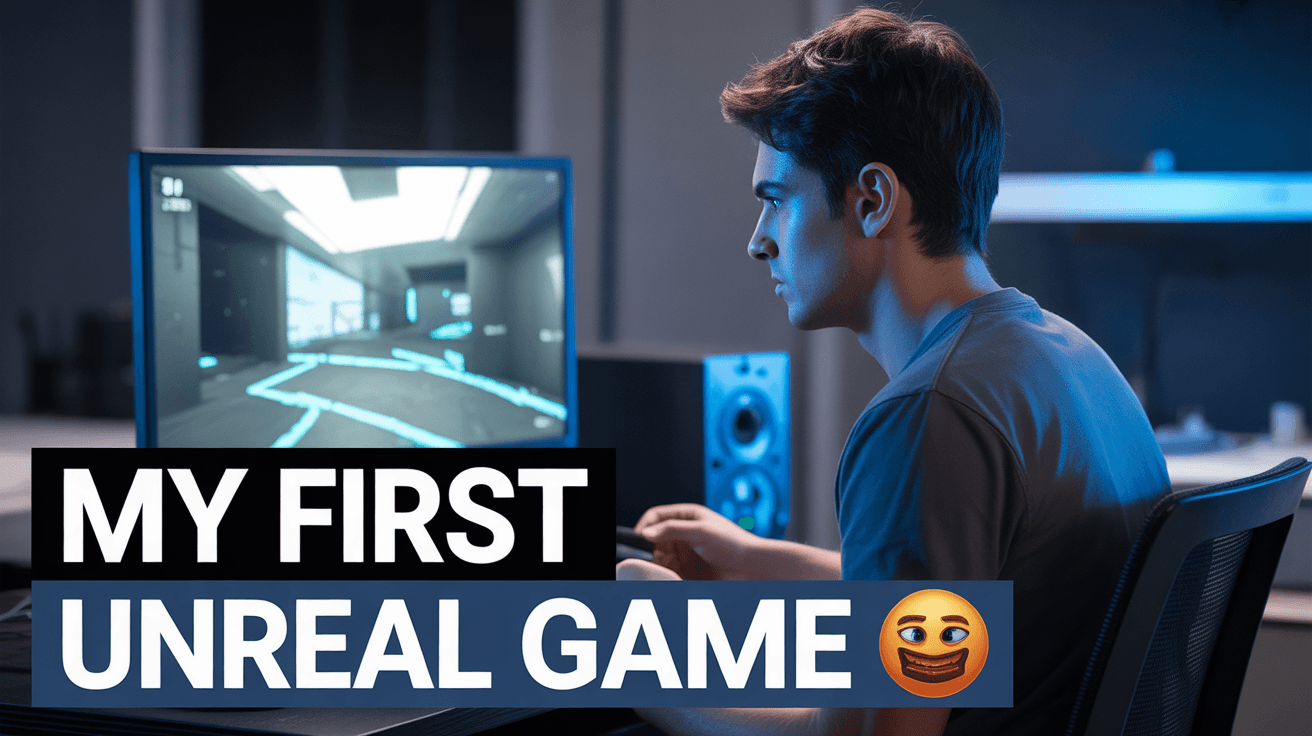
unreal devlog thumbnail, blue cinematic workspace, first game build
1280x720
Best Use Cases for This Thumbnail Template
First Game Devlogs
A first-game devlog needs vulnerability and momentum in the same frame. The seated developer posture gives the image a real behind-the-scenes feel, while the glowing Unreal screen proves there is something substantial being built. That combination reassures viewers they are getting an honest progress story, not a generic tutorial, which is exactly what early-stage game-dev audiences click for.
Customization tip: Replace My First Unreal Game with Week 12, Demo Out Now, or I Finally Have Combat while keeping the same white-blue headline stack.
Example titles:
I Spent 30 Days Making My First Unreal Game
What My First UE5 Devlog Actually Looked Like
Building My First Unreal Prototype From Scratch
Beginner Unreal Milestone Videos
Milestone uploads work when the thumbnail communicates both software and personal effort. Here, the Unreal screen identifies the tool instantly, while the focused face in blue light adds labor and concentration. Viewers comparing many devlogs can tell this is about progress earned at the desk, not polished trailer footage, which makes the promise feel authentic and learnable.
Customization tip: Change the screen content to show your most recognizable environment or mechanic instead of a generic scene.
Example titles:
I Finally Built a Playable Level in Unreal 5
My First Boss Fight Works in UE5
From Empty Project to Real Game Loop in Unreal
Solo Indie Developer Journey Content
For solo-dev channels, viewers often subscribe to the person as much as the project. This composition supports that because the human subject is not overshadowed by the engine screen. The image says there is a creator behind the game and a journey behind the build, which helps deepen connection on channels documenting long-form development arcs.
Customization tip: Keep the desk scene but update the text to Solo Dev Update or Building in Public if you want the personal brand angle stronger.
Example titles:
The Reality of Making My First Game Alone
Solo Dev Progress on My Unreal Passion Project
How My First UE5 Game Is Finally Taking Shape
Why This Works
Blue is a competence color in creator-tech content. It suggests focus, late-night concentration, and digital craft rather than hype. For game-dev audiences, that matters because they are drawn to process and credibility. The palette helps the viewer assume the creator has spent real time building something, which makes the thumbnail feel more trustworthy than louder, game-like color schemes.
The composition uses a strong screen-to-subject relationship. Your eye sees the glowing Unreal scene, then follows the light back to the developer's face, and then lands on the headline. That path visually connects the person and the project, which is critical for devlogs. It avoids the common mistake of showing only UI or only a face with no proof of actual work.
The emotional signal is focused ambition, not loud excitement. The seated posture and concentrated lighting promise effort, learning, and gradual progress, which aligns well with how audiences consume build-in-public content. Viewers clicking this kind of thumbnail want to see an honest milestone and the struggle behind it, and the frame sets that expectation clearly.
Creator Fit
Best fit: Best for Unreal Engine, solo-dev, and beginner game-development channels between roughly 1K and 150K subscribers that document progress publicly. It works especially well for creators whose tone is reflective, educational, or quietly ambitious rather than hyper-edited and comedic.
Not recommended for: Not recommended for pure trailer uploads, Unreal news commentary, or fast-paced asset-list videos. The desk setup, focused face, and personal first-game headline promise a creator journey, so it will feel off if the video is really about broad industry discussion or polished final-footage marketing.
Video Hooks:
Hook 1: "This is the first version of my Unreal game that actually feels playable. Let me show you what changed and what still breaks the second I touch it."
Hook 2: "I started this project with almost nothing except an idea and a blank UE5 scene. Today I can finally show you a build that feels real."
Hook 3: "I thought making my first Unreal game would be hard. I did not expect this one feature to almost stop the whole project."
The image promises a personal milestone at the desk, so the hook should confirm progress and struggle immediately rather than opening like a generic tutorial.
More you like
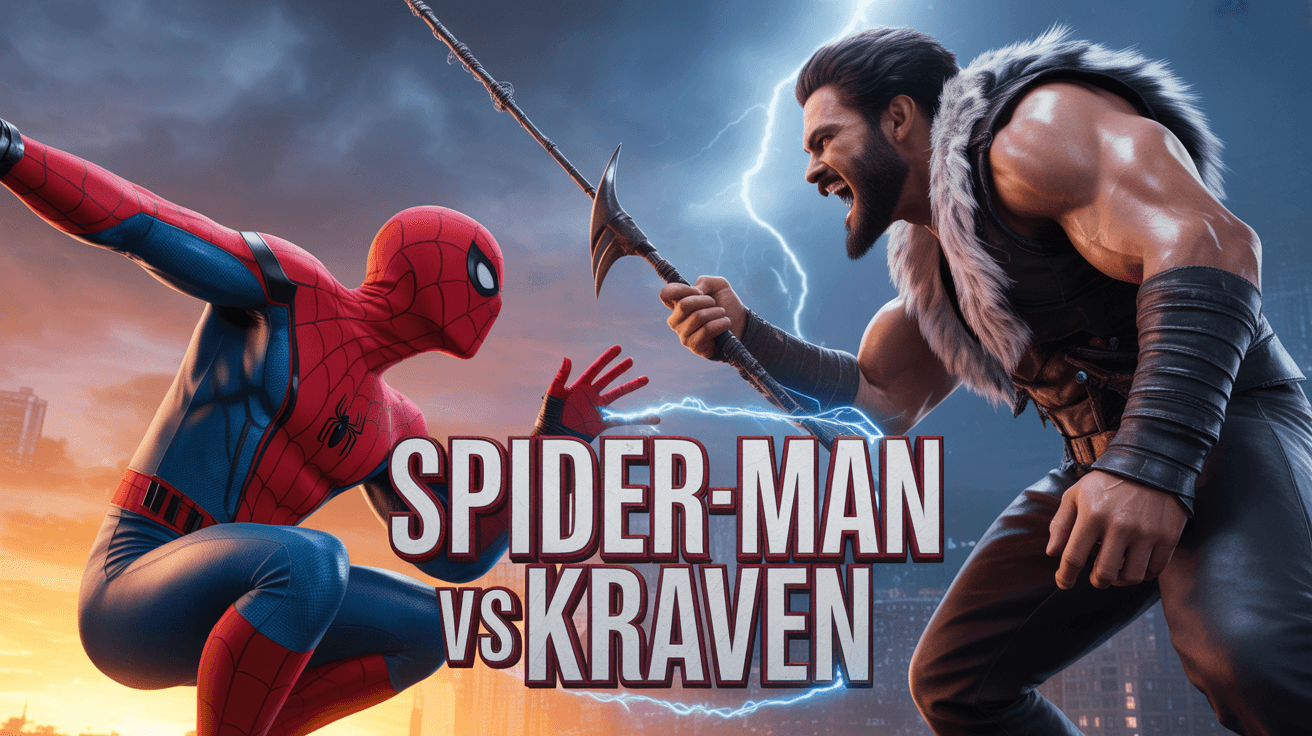
Spider-Man Kraven YouTube Thumbnail Template
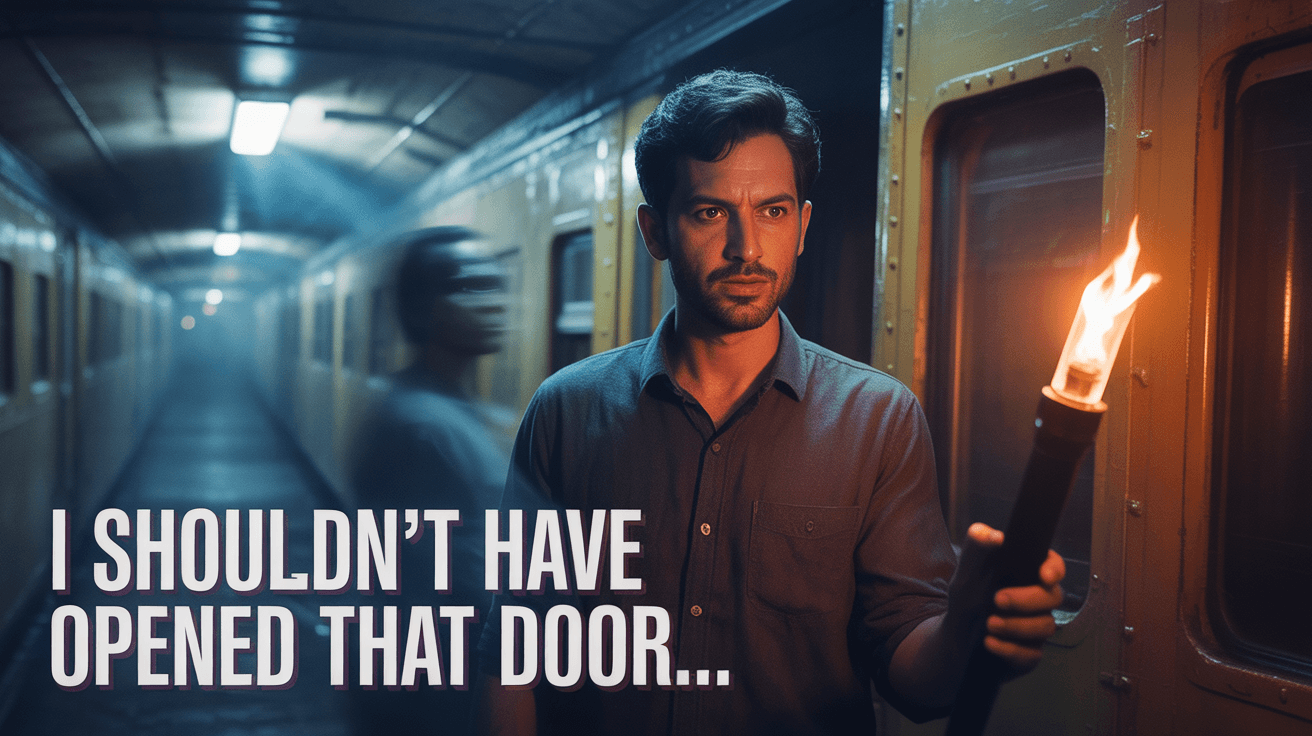
Train Door Horror YouTube Thumbnail Template

Goku Showdown YouTube Thumbnail Template
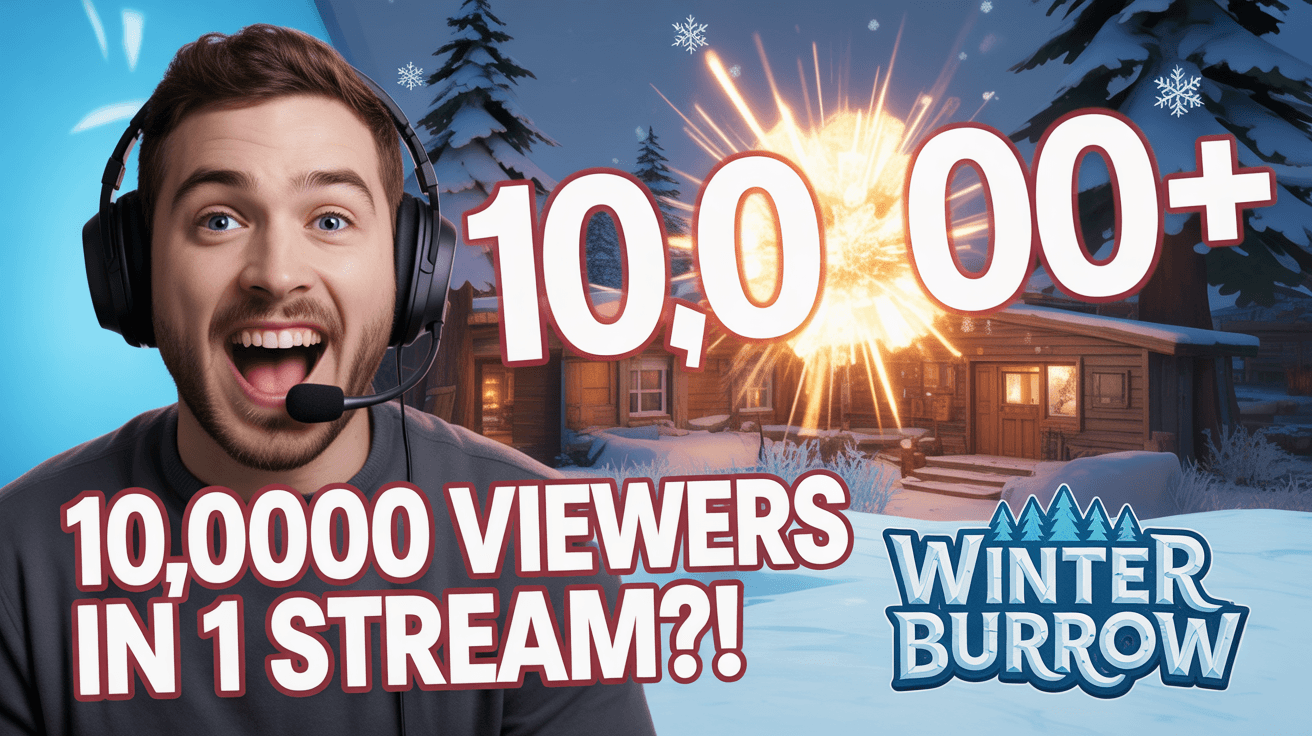
Stream Viewer Spike YouTube Thumbnail Template

Zombies Legendary Loot YouTube Thumbnail Template
Jett God Mode YouTube Thumbnail Template
KaiSa Master Tips YouTube Thumbnail Template
Minecraft Christmas Gift YouTube Thumbnail Template
Ready to 3x Your YouTube Views?
Join 10,000+ creators who've discovered the secret to viral thumbnails