Beauty UGC Ads with AI Ad Generator: Workflow + Prompts (2026)
From Product Photos to Paid Clients: How to Use AI Ad Generators for Beauty UGC in 2026
|
16 min
TL;DR
Beauty UGC creators can use a five-step AI ad generator workflow to turn product photos into platform-ready ad variants in hours instead of days. Mine angles with YouTube HitClone, blueprint with Script 2 Video, generate with Video Super Agent, then optimize winners with a 3×2 test matrix.
By Lucy Alias
Most beauty UGC creators are trapped on the wrong side of a widening gap. Traditional production — one brief, one video, $250–$400, repeat — was the ceiling. AI ad generators have moved the ceiling. It's now possible to go from a product photo stack to six polished, platform-ready ad variants in under two hours.
The bottleneck isn't creative talent. It's production architecture. Brands want volume. Your current workflow can't deliver volume without collapsing your profit on every brief.
This guide walks through a five-step AI workflow — using three tools, one repeatable system — that shifts the profit per brief: same client fee, dramatically lower production cost.
If you're a beauty UGC creator or a small DTC team, start at Step 1.
Background: Why Traditional Beauty UGC Has Hit a Wall
Beauty UGC is one of the fastest-growing creator income streams. Brands need authentic-feeling short-form ads for TikTok, Meta, and YouTube Shorts — and they want volume. The problem is that the production model most creators use hasn't changed.
A single beauty UGC ad produced through a traditional creator workflow — filming, editing, revisions — typically costs $200–$390 in combined time and hard costs. If you charge $500 per deliverable, that leaves roughly $110–$300 in gross profit — before the first revision request arrives. Any brief requesting multiple variants instantly becomes a money-losing project.
Here's what one traditional beauty ad brief actually costs when you break it down honestly:
Cost Item | Estimate |
|---|---|
Creator time (filming + setup) | 3–5 hrs × hourly rate |
Editing (self-done or outsourced) | 2–3 hrs, or $50–$80 outsourced |
Props / product sourcing | $10–$30 |
Client revision rounds (avg. 1–2) | 1–2 hrs of rework |
Platform formatting / uploads | 30 min |
Total per deliverable | $200–$390 (time + hard costs) |
Profit Reality Check
At a $500 client fee — a mid-range rate for a single UGC ad deliverable — here's what the economics look like before and after this workflow:
Scenario | Client Fee | Production Cost | Your Profit |
|---|---|---|---|
Traditional (midpoint estimate) | $500 | ~$300 | ~$200 (~40% margin) |
AI-assisted (30 ads/mo, tool cost only) | $500 | ~$5 | ~$495 (~99% margin) |
Assumptions that bound this claim: The $300 traditional cost is the midpoint of the $200–$390 range above. The $5 AI figure is the pure subscription cost per ad amortized at 30 ads per month — it excludes creator QA time (~30 min per ad). At a $40/hr time rate, 30 min of QA reduces profit to approximately $475. The $5 figure does not apply at low volume: at 10 ads/month, tool cost per ad is $8–$12. Actual results vary by subscription tier, production volume, and brief complexity.
This is profit expansion — not just cost reduction. The same $500 brief produces substantially more income per hour worked when production cost drops from ~$300 to under $10.
The Volume Trap
Brands increasingly want 10–20 ad variants per campaign — different hooks, visual styles, and CTAs — to A/B test before scaling paid spend. As a solo creator, delivering 20 variants at your current production rate is either economically unsustainable (you'd need to quote $4,000+) or a direct path to burnout.
This is the structural gap this workflow closes.
Creator Action: Before continuing, note your average per-deliverable fee and how many variants were requested in your last three briefs. That gap is your baseline.
Market Context: Why AI Ad Generators Are Changing Beauty UGC in 2026
The beauty industry spends more on social advertising than almost any other vertical, and creator-made content is now the dominant creative format. The shift to AI-assisted production is a structural change in how ad creative gets made, reviewed, and scaled. More in ugc-creator-guide-2026
An AI ad generator is a software platform that uses generative AI — combining language models for scripts and copy with video or image synthesis models for visuals — to produce ad-ready creative from structured inputs like product photos, brand briefs, and scripts. Unlike general-purpose AI tools, ad generators are trained or optimized for conversion-oriented creative output.
What Makes a Beauty UGC Ad Actually Convert
The best-performing beauty ads hit four beats in under 60 seconds: a Hook (0–3s) that stops the scroll with a problem, surprising visual, or bold claim; a Demo (4–25s) showing the product in action — color payoff, texture reveal, before/after; Proof (26–40s) via a reaction, testimonial line, or result; and a CTA (41–60s) with a direct, low-friction next step.
Platform nuances that shape every creative decision: TikTok assumes sound-on, vertical 9:16, with a visual disruptor in the first 3 seconds. Meta (Facebook/Instagram) assumes sound-off, requires captions, with value communicated in 2 seconds without audio. YouTube Shorts allows a 2–5s hook window with slightly higher tolerance for longer demo sequences.
Creator Action: Decide your primary platform before Step 1. This shapes the hook type you mine, the script length you write, and the export spec you use in generation.
Prerequisites Check
Before running this workflow, confirm you have the following in place:
Item | Required? | Why | Alternatives |
|---|---|---|---|
Product photos (3–5 angles) | Required | Video Super Agent needs visual inputs to generate ad variants | Client-provided press shots; licensed stock images |
Completed client brief | Required | Defines target audience, key claims, tone, and platform | Create a standard intake form to collect this upfront |
Alici account (Video Super Agent) | Required | Core generation engine for this workflow | No direct alternative for agent-speed batch generation |
YouTube HitClone access | Required | Step 1 angle research tool | Manual SERP + BuzzSumo (significantly slower) |
Script 2 Video access | Required | Converts scripts to video blueprints for Step 3 | Manual blueprint formatting (adds 30–60 min per script) |
Primary platform decision | Required | Drives aspect ratio, hook style, caption requirements | Must be confirmed with client before generation |
2–4 hours (first-time run) | Recommended | Learning curve is front-loaded on the first brief | Budget extra time; subsequent briefs run faster |
Step 1: Mine Winning Angles Before You Script
Most creators open a blank document and start writing scripts. That's the wrong order.
The best-performing beauty ads don't emerge from creative intuition — they come from patterns already proven in your product niche. Before writing a single word, you need structured angle data.
Why "Inspiration" Isn't a Strategy
Scrolling TikTok for creative inspiration gives you content curated by your personal feed behavior, not a valid sample of what's converting for your product category. You're seeing popular content — not proven ad content.
Structured angle research shifts the question from "what sounds good?" to "what has already performed for products like this?"
Using YouTube HitClone to Extract Winning Patterns
YouTube HitClone is Alici's angle-mining tool. It analyzes top-performing content in your product niche and surfaces the hook structures, emotional triggers, and CTA patterns that recur across high-performing ads.
Step-by-step for this stage:
Open YouTube HitClone and enter your product niche (e.g., "hydrating serum," "waterproof mascara," "lip liner").
Review the top-performing content structures — note which hooks open with a problem, a transformation reveal, or a bold product claim.
Record your top 3–5 hook patterns and the visual format each pairs with (close-up product, creator reaction, before/after split).
These hook patterns become the inputs for your scripting step.
Effective angle mining for beauty UGC produces three structured outputs: (1) a ranked list of hook archetypes — problem-led, transformation-led, claim-led; (2) the visual format that pairs with each hook type; and (3) the CTA pattern aligned to the platform's conversion intent. These three outputs are the direct inputs to the scripting step and eliminate guesswork from creative briefing.
Creator Action: Run your current product brief through YouTube HitClone and capture at least 3 distinct hook angles before moving to Step 2.
Step 2: Script Your Variations at Speed
With 3–5 winning angles captured, you're ready to script. The rule is simple: one angle = one script. Minimum 3 scripts per brief.
The 3-Script Minimum
Testing a single script tells you almost nothing. Testing three scripts — each built on a different hook angle — reveals which emotional entry point resonates with the audience for that specific product on that platform.
Three scripts is the minimum viable test. Five is better for signal. Seven or more is where you start approaching statistical confidence if you're running paid media.
Using Script 2 Video to Go from Text to Production-Ready
Script 2 Video takes your written script and converts it into a structured video blueprint — specifying shot sequence, on-screen text timing, voice-over cues, and product placement markers. This blueprint is what Video Super Agent uses in Step 3.
The workflow for this stage:
Write your 3 scripts using the hook angles from Step 1. Target 150–250 words per script for a 30–60-second ad.
Paste each script into Script 2 Video.
Review the generated video blueprint — confirm that product close-up moments and demo beats are correctly placed.
Export the blueprint files. You should exit this step with 3 video blueprints ready.
For a standard beauty UGC brief, produce a minimum of three script variants — each grounded in a distinct hook angle — before entering the generation phase. Running fewer variants reduces the information value of your test and increases the probability that client feedback will require a full structural revision rather than a simple edit.
Creator Action: Turn your top 3 angles from Step 1 into scripts (150–250 words each) and run each through Script 2 Video. Exit this step with 3 video blueprints.
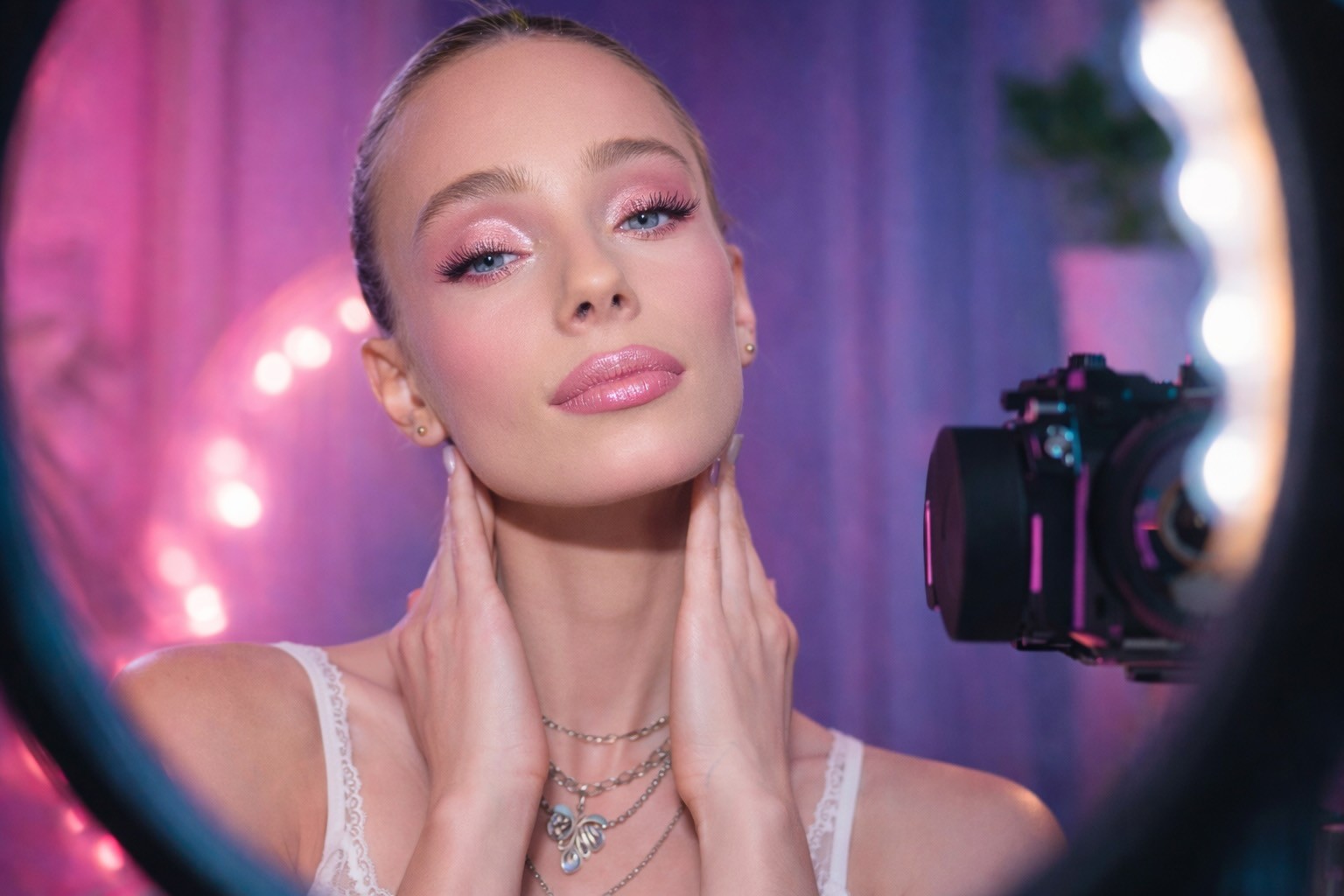
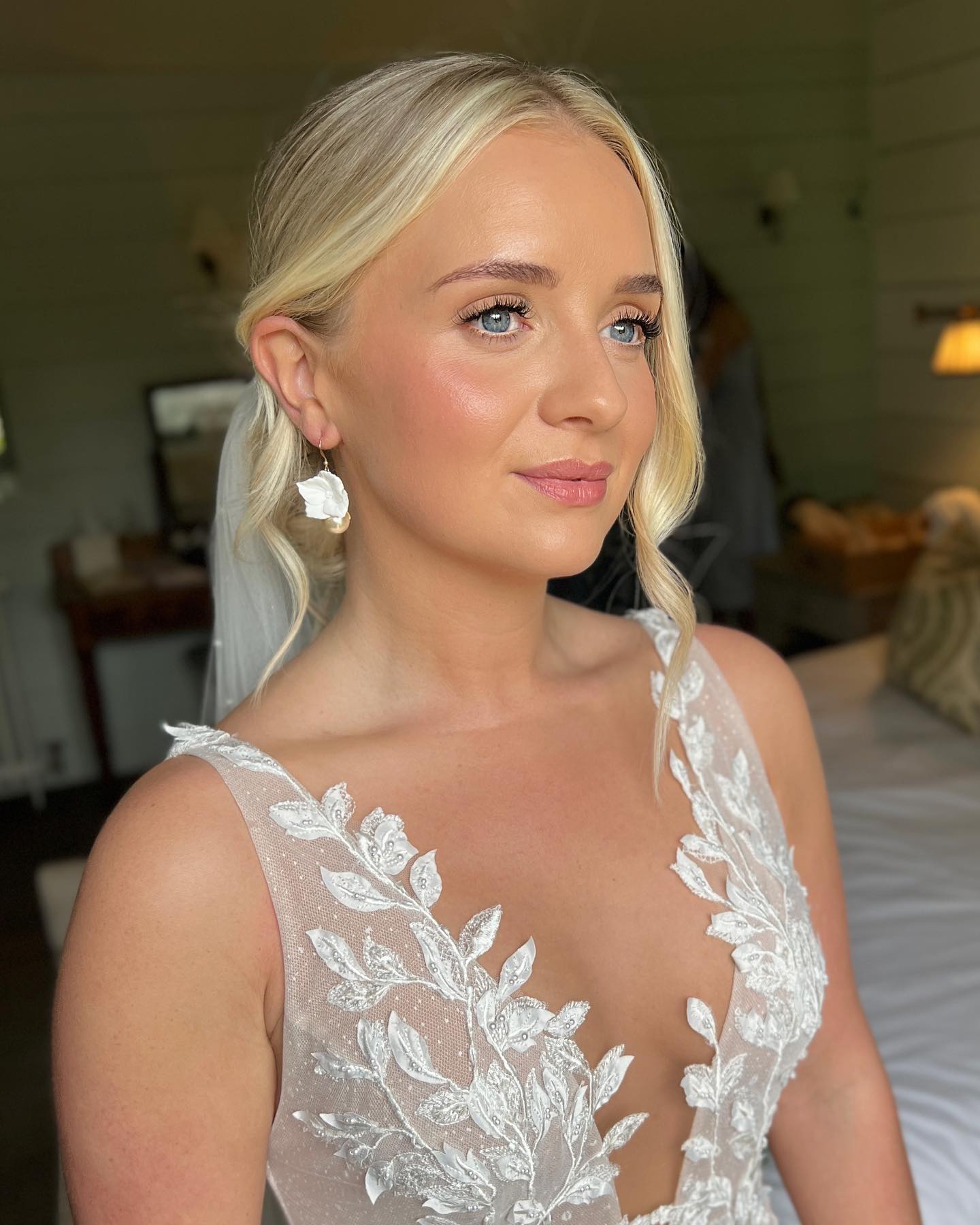
Optional visual reference: creator-facing close-up style commonly used for high-retention beauty UGC intros.
Step 3: Batch Generate with Video Super Agent
This is where the economics shift. Video Super Agent is Alici's core ad generation engine — a new agent-first platform gaining traction for creator-speed ad production. You bring the product photos, the brand brief, and the video blueprints from Step 2. It produces the ad variants.
Setting Up Your First Batch
Inputs Video Super Agent needs:
Product photos: 3–5 images — front angle, side angle, texture close-up, packaging
Brand brief: Primary claim, target audience description, tone (clinical, playful, luxe)
Video blueprints: The 3 blueprint files exported from Script 2 Video in Step 2
Platform spec: Target aspect ratio, length cap, sound-on/off preference
Generation workflow:
Upload product photos and brand brief into Video Super Agent.
Import the video blueprints from Script 2 Video.
Configure presenter style — voice cadence, on-screen text treatment.
Set batch size to match your 3 blueprints (start conservative on your first run).
Generate and review the initial output before finalizing.
Tuning Output for Beauty-Specific Quality
Beauty ads live and die on visual quality. Three things to check and tune before approving any variant:
Skin tone accuracy: Verify that presenter skin tones and product color rendering are consistent across variants. Regenerate any variant with color drift.
Product close-up sharpness: The product demo shot must be crisp. Upgrade to higher-resolution inputs if close-ups are soft.
Lighting consistency: Flat or default lighting reads as cheap. Where Video Super Agent offers lighting presets, choose "soft studio" or "natural window" over the default setting.
Exporting Platform-Ready Files
Platform | Spec |
|---|---|
TikTok | 9:16, 1080×1920, H.264, max 287 MB |
Meta (Facebook/Instagram) | 9:16 or 4:5, 1080p H.264; include captions file |
YouTube Shorts | 9:16, 1080×1920, MP4 |
A well-prepared brief — 3–5 product photos plus 3 video blueprints — should yield at least 3 deliverable ad variants from a single batch generation run. Production time from "upload inputs" to "first reviewable output" should fall between 45 and 90 minutes for a creator familiar with the workflow.
Creator Action: Generate a 3-variant batch for your current brief and export for your primary platform. This is your first test round.
A Note on Evaluation: How I'd Test This Workflow
I haven't run a controlled test of this end-to-end workflow against a live client brief at the time of writing — and I won't fabricate numbers. Here's the evaluation framework I'd use if setting up a rigorous test:
Six evaluation dimensions:
Generation speed: Time elapsed from "upload inputs" to "first reviewable output"
Visual quality: Does the output meet platform ad spec standards without requiring manual editing?
Product fidelity: Are brand colors, product details, and key claims accurately represented?
Presenter naturalness: Does the generated presenter feel authentic or artificially constructed?
Platform pass rate: Does the generated creative pass ad review on the target platform without modification?
Cost per ad: Total monthly subscription cost ÷ ads produced per month
If you run this workflow and want to contribute results to a community evaluation, this framework makes your findings comparable and useful to other creators.
Step 4: Test, Measure, and Find Your Winners
Generating 3 variants isn't the end — it's the beginning of an optimization cycle. The creator who delivers "the best ad" is guessing. The creator who delivers "a tested ad system with results data" is building a business.
The 3×2 Testing Matrix
The simplest structured test for beauty UGC: 3 hook types × 2 visual styles = 6 variants per test round.
Variant | Hook Type | Visual Style |
|---|---|---|
A1 | Problem-led ("Struggling with dry skin?") | Creator-facing, natural lighting |
A2 | Problem-led | Product-first, studio look |
B1 | Transformation-led ("Before and after — 7 days") | Creator-facing, natural lighting |
B2 | Transformation-led | Product-first, studio look |
C1 | Claim-led ("Dermatologist-tested, creator-approved") | Creator-facing, natural lighting |
C2 | Claim-led | Product-first, studio look |
Label variants consistently (A1, A2, B1, B2, C1, C2) and use the same labeling convention in your client reports. This makes results readable without media-buyer terminology.
Reading Results — What to Keep, Kill, or Iterate
Metrics you can track without a performance marketing background:
View completion rate (available in platform native analytics, first 72 hours)
Save/share rate (engagement quality signal)
Client revision count (fewer revision requests on a variant = stronger initial quality)
Click signal (if client shares any performance data)
When presenting results to clients, frame it this way: "Here are 6 variants from our first test round. Based on audience response in the first 72 hours, I'm recommending we double down on A1 and C2." This positions you as a systematic creative partner — not a video file vendor.
A 3×2 testing matrix — 3 hook types crossed with 2 visual styles — produces 6 variants from a single brief and generates enough contrast to identify which emotional entry point and visual format resonate for a specific product/platform combination. This is the minimum viable test structure for making data-informed creative recommendations to clients.
Creator Action: Run your first 3×2 test using the variants from Step 3. Log view completion rates for the first 72 hours and identify your top 2 variants before delivering your final recommendation.
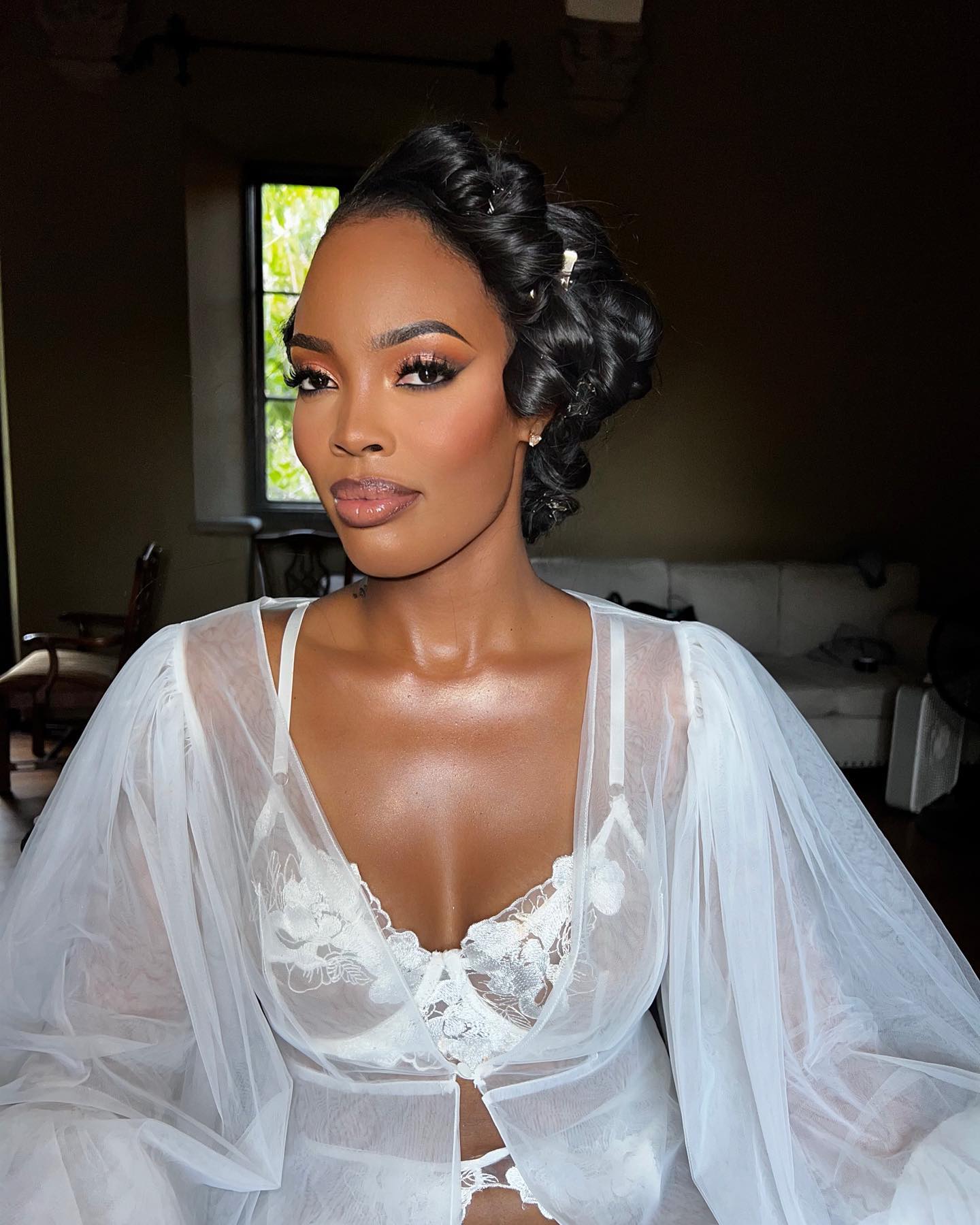
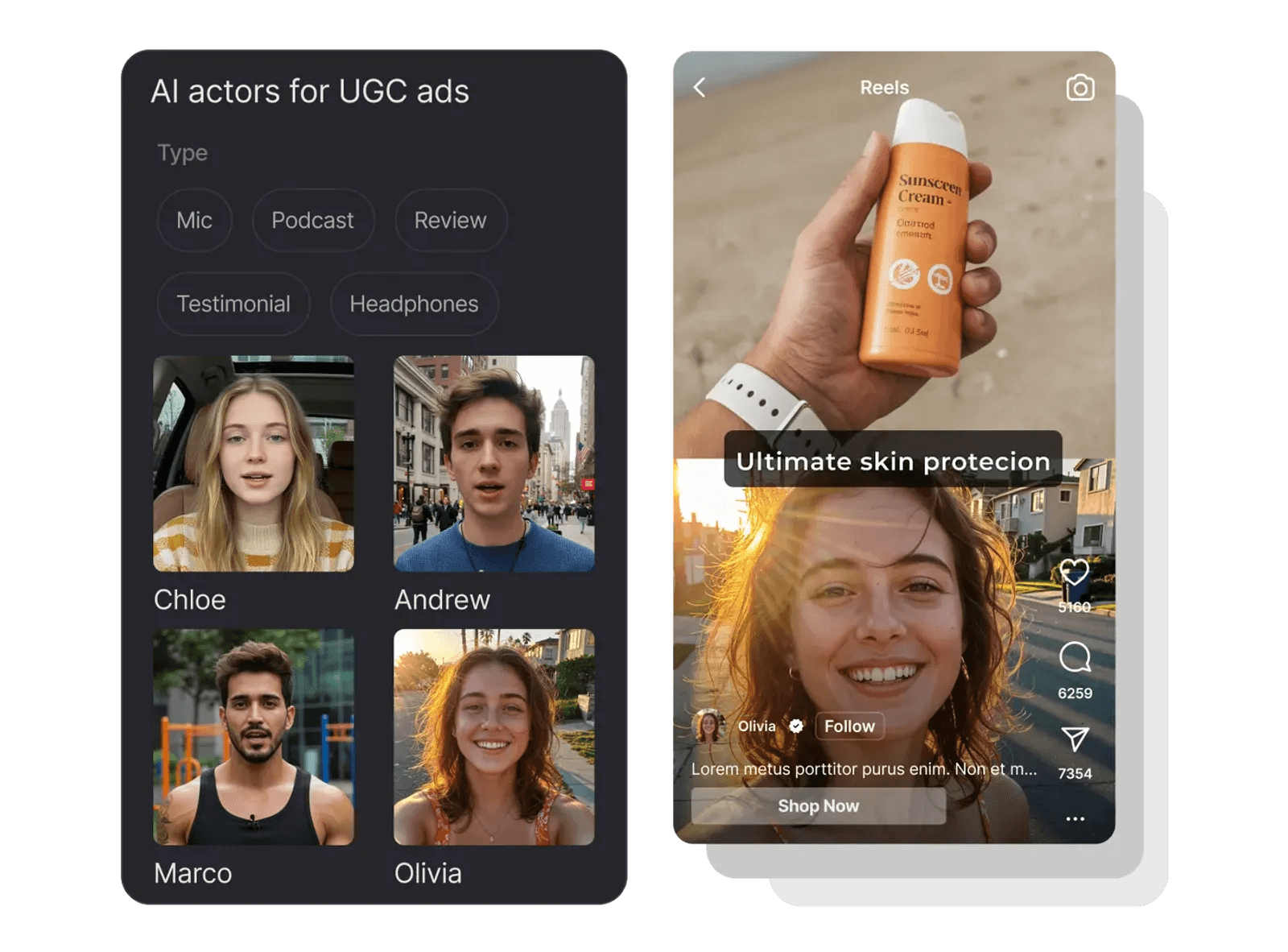
Use these as style references when building persona-facing variant branches in your 3×2 matrix.
Step 5: Deliver, Package, and Build Your Pricing Power
Here's where most creators leave money on the table: they deliver a video file and call it done. The workflow you've just run produces something worth more than a file.
Packaging Deliverables That Justify Premium Pricing
The shift from "video delivery" to "ad system delivery" changes the perceived value of what you offer:
Standard delivery: 1 video file → $250–$350
System delivery: 6 test variants + platform export specs + 72-hour results summary + top-2 recommendation → $600–$900
The additional value is the structure, the data framing, and the strategic recommendation layer — not proportionally more production time.
The Retainer Play
Once a client sees a tested ad system producing results, the natural next step is a monthly retainer: 2 briefs, 6 variants each, plus a monthly performance debrief. At $800–$1,200 per month, you've moved from freelance gig to systematic creative partner. The workflow handles production. You manage the relationship.
Creator Action: Draft a one-paragraph upsell message for your current top client: "For your next brief, I'd like to deliver a 6-variant test pack instead of a single video — at [price]. Here's exactly what that includes…"
Real Cost Comparison: What This Workflow Actually Costs
Here's the before/after cost breakdown. These figures are illustrative — your numbers will vary by subscription tier, production volume, and time rate.
Cost Item | Traditional Workflow | AI-Assisted Workflow |
|---|---|---|
Creator filming/setup time | 3–5 hrs × hourly rate | 30 min (review + QA only) |
Editing time or cost | 2–3 hrs, or $50–$80 | Included in generation |
Tool subscriptions | $0 (no AI tools) | ~$80–$120/mo amortized |
Revision rounds (avg.) | 1–2 rounds (2+ hrs rework) | 0–1 rounds (≤30 min) |
Props / sourcing overhead | $10–$30 | $0 (product photos only) |
Per-ad cost (10 ads/mo) | $200–$390 | $30–$60 |
Per-ad cost (30 ads/mo) | $200–$390 | $10–$20 |
Pure tool cost per ad (30 ads/mo) | — | < $5 |
What This Means for Your Profit
The cost table above shows inputs. Here's what those inputs translate to on the profit side, using a $500 client fee as the example:
Scenario | Client Fee | Production Cost | Your Profit |
|---|---|---|---|
Traditional (midpoint estimate) | $500 | ~$300 | ~$200 (~40% margin) |
AI-assisted (30 ads/mo, tool cost only) | $500 | ~$5 | ~$495 (~99% margin) |
Same client fee. Dramatically different profit per brief.
Cost and Profit Assumption Note
The figures above rest on four explicit assumptions:
Subscription amortization: Per-ad tool costs assume monthly subscriptions amortized across your production volume. The <$5 figure applies at 30+ ads per month. At 10 ads per month, tool cost per ad rises to $8–$12. Your actual figure depends on subscription tier and production volume.
Creator time not included in the $5 or $495 figures: The AI workflow still requires approximately 30 minutes of creator time per ad for QA, client review, and export. At a $40/hr rate, 30 minutes of QA adds ~$20 per ad — bringing actual profit closer to ~$475 at the same $500 fee.
Revision rounds: Cost figures include up to 2 revision rounds. Additional revisions may increase per-ad cost, particularly if they require regenerating variants rather than light edits.
Learning curve exclusion: Time spent learning the workflow — estimated at 2–4 hours for first-time users — is not included in the per-ad cost or profit calculation above. Factor this into your first-month economics when comparing to your current workflow.
Creator Action: Plug in your own hourly rate and current monthly output volume to calculate your personal break-even point for adopting this workflow.
Troubleshooting: Quick Fixes for Common Issues
Symptom | Likely Cause | Fix |
|---|---|---|
Ad variants look generic — not brand-specific | Input product photos lack variety; brand brief is too vague | Upload 5+ photos including texture close-ups; add specific color, tone, and audience keywords to brief |
Presenter feels robotic or artificial | Presenter style left on default settings | Try alternative presenter style options; reduce pacing speed; add natural pause markers in the script blueprint |
Product color renders inaccurately | Low-resolution input images; no color reference | Use high-res JPEG or PNG inputs (1080p minimum); add explicit color reference in brief (e.g., "coral-pink, warm undertone") |
Generated video fails platform ad review | Missing captions file; aspect ratio mismatch; prohibited claim | Export with captions enabled; verify platform spec before generation; review claim language against current platform ad policies |
Hook doesn't perform in first 72 hours | Angle sourced from low-volume content; hook is too subtle | Return to YouTube HitClone and filter for higher-performing content; test a bolder problem statement or more disruptive opening visual |
Script-to-blueprint alignment is off | Script too long for target ad length; pacing mismatched | Shorten script to 150–200 words for a 30s ad; manually review pacing markers in the Script 2 Video output before importing |
Revision rounds exceed estimate | Client brief was incomplete; platform specs changed mid-project | Implement a brief sign-off step before generation begins; confirm platform specs with client before starting each batch |
Conclusion
The opportunity gap in beauty UGC is real — and it's closing fast. Creators who learn to run an AI ad generator workflow — mining data-backed angles with YouTube HitClone, structuring scripts with Script 2 Video, batch-generating with Video Super Agent, and delivering tested ad systems — are positioned on the right side of that gap.
This isn't about replacing creativity with automation. It's about using the systematic parts of ad production — research, formatting, rendering — to free your creative capacity for what actually differentiates you: your taste, your client relationships, and your ability to read what's working and recommend what's next.
The five steps in this guide are repeatable. The workflow compounds. The first brief takes 4–6 hours. By the tenth, you're running it in under 2.
FAQ
What is an AI ad generator and how does it work?
An AI ad generator is a platform that combines generative AI models — language models for scripting and copy, synthesis models for visuals — to produce ad-ready creative assets from structured inputs like product photos, briefs, and scripts. For beauty UGC creators, it means going from a product brief to multiple ad variants without traditional filming. The output is review-and-refine, not publish-as-is: a creator's role shifts from production to quality control, strategic recommendation, and client relationship management.
Can AI-generated beauty ads pass platform ad review?
Generally yes — if the content meets platform creative specs and avoids triggering content policy flags. Key requirements for passing ad review: accurate, non-deceptive product claims (platform policies apply regardless of production method); a valid captions file for Meta placements; resolution and file size within platform limits; and no prohibited claim types (medical efficacy claims or before/after imagery for regulated products without required disclaimers). Platform ad policies evolve regularly — always check the current ad policy for your target platform before submitting.
Is there a free AI ad generator for UGC creators?
Most full-featured AI ad generators, including Alici's Video Super Agent, operate on subscription models rather than free tiers — generation at production quality requires significant compute. Some platforms offer trial credits for first-time users. For beauty UGC at meaningful volume, a paid subscription typically pays for itself within the first 2–3 deliverables if priced using the system delivery model described in Step 5. Check Alici's current plan options at alici.ai/video-super-agent.
How many ad variants should I test per product?
The minimum is 3 variants — enough to compare distinct hook types. The recommended structure is 6 variants using the 3×2 matrix described in Step 4 (3 hook types × 2 visual styles). For clients running paid media at scale, 9–12 variants per round is common before committing budget to a winning creative. Start with 3–6 until your workflow is stable and your pricing reflects the volume, then scale.
Do I need my own footage or can AI generate everything?
For the workflow described in this guide, you need product photos (3–5 images) but not creator-filmed footage. Video Super Agent generates the visual content from those inputs. If a client specifically requires authentic creator footage — real hands, real face on camera — that's a hybrid workflow: you capture the talent elements and AI handles the product rendering and edit assembly. Full AI generation from product photos alone is appropriate for most performance ad briefs.
Will brands accept AI-generated UGC?
Brand acceptance is growing rapidly. As of 2026, most DTC beauty brands that work with UGC creators evaluate creative on performance metrics — completion rate, click signal, client ROI — not on production method. The more important variable is transparency: some brands require a disclosure note that AI tools were used in production, and some platforms require disclosure of AI-generated content in ad submissions. Disclose proactively and make it part of your standard client intake. Brands who are uncomfortable with AI can opt out; most won't.
How long does it take to learn this workflow?
The first run — client brief to first batch of 3 variants reviewed — typically takes 4–6 hours for a creator new to the toolset. The learning curve concentrates in Steps 1 (YouTube HitClone) and 3 (Video Super Agent configuration). By the third brief, most creators report the full workflow — angle mining through export — running in under 2 hours for a 3-variant batch.
Can I use this for skincare or haircare, not just makeup?
Yes. The workflow is product-category agnostic — angle mining, scripting, and generation apply equally to skincare serums, haircare treatments, and body care products. Visual quality tuning in Step 3 may need adjustment by category: skincare ads often benefit from more extreme close-ups of texture and application; haircare ads can be challenging for motion quality depending on the generation tool's current capabilities. Verify Video Super Agent's current output quality for haircare motion before promising specific deliverable types to clients.
🎁
Limited-Time Creator Gift
Start Creating Your First Viral Video
Join 10,000+ creators who've discovered the secret to viral videos