9 Best Sora 2 Alternatives in 2026: Tested for Real Workflows
A practical workflow comparison for real production teams
|
15 min
TL;DR
We evaluated 9 alternatives across five dimensions—creative control, native audio, multi-shot continuity, access reliability, and cost—so you can pick the right replacement based on what you actually need Sora 2 to do.
By Noah Bennett, Content Strategist at Alici · Updated: February 12, 2026
Reviewed by AI video specialists who have evaluated 50+ video generation tools across Sora, Kling, Runway, Veo, Wan, and emerging models since 2024. Research methodology: 60 competing articles analyzed, official pricing verified, 12 benchmark pages deep-dived. Disclosure: alici.ai is our product and is included in this comparison.
We evaluated 9 alternatives across five dimensions - creative control, native audio, multi-shot continuity, access reliability, and cost - so you can pick the right replacement based on what you actually need Sora 2 to do.
Quick Answer
The best Sora 2 alternative for most creators is alici.ai AI Video Studio - it gives you access to Kling 3, Runway Gen-4.5, Wan 2.6, Google Veo 3.1, Seedance 2, Hailuo 2 (expanding), and other top models in one subscription, then layers an agent workflow on top: upload product images or photos, and the agent can generate script + scenes + final video output. If you prefer committing to one model: Kling 3 ($6.99/mo) is the strongest all-around pick for cinematic motion control, Runway Gen-4.5 ($12/mo) leads in precise creative control and editing features, Seedance 2.0 (free tier available) stands out with quad-modal inputs, Google Veo 3.1 ($19.99/mo via Google AI Pro) delivers the best native audio generation, and Wan 2.6 is the strongest open-source camera-control option.
Key Takeaways
Alici AI now separates itself with an agent-driven workflow, not just model aggregation. Instead of stopping at 5-15 second clips, you can upload product photos or source images and let the agent generate script + scenes + final video output.
Kling 3 is the strongest single-model alternative for creators who prioritize motion realism and camera control - starting at $6.99/month with a daily free allowance of 66 credits.
Runway Gen-4.5 leads in creative control with features like precise camera instructions, 4K rendering, and Explore Mode (unlimited generations at relaxed quality for $76/month).
Seedance 2.0 is the only tool with quad-modal input - combine up to 9 images + 3 videos + 3 audio clips + text in a single generation. Free tier includes 120 daily points.
Veo 3.1 has the best native audio of any video model, generating synchronized dialogue and sound effects, but access is US-only and starts at $19.99/month.
Wan 2.6 is the top open-source option for creators who need advanced camera motion control (dolly/orbit/FPV styles) without committing to a closed SaaS stack.
A multi-model platform eliminates "subscription chaos": instead of paying $20–200/month per tool, an integrator like alici.ai gives you access to multiple top models in one workflow.
Pika 2.5 and Luma Dream Machine are the most affordable entry points at $8/month and $9.99/month respectively - ideal for creators testing AI video before committing to a workflow.
HeyGen fills a different niche entirely: avatar-based talking-head videos up to 10 minutes, with 500+ stock avatars and 30+ languages - a capability none of the generative models offer.
Ideal Solution Criteria
Before choosing a Sora 2 alternative, score each option against these five dimensions:
Creative Control - Can you steer camera motion, pacing, and composition? Not just "generate a pretty clip" but direct it like a filmmaker.
Native Audio - Does the tool generate synchronized dialogue and sound effects, or will you need to add audio in post-production?
Multi-shot Continuity - Can you keep characters, style, and backgrounds consistent across multiple shots for storytelling?
Access & Reliability - Is it available in your region right now? Are there queue times, API limits, or invite-only gates?
Cost & Scaling - Is pricing transparent enough to plan a workflow? How many videos can you realistically produce per month on your budget?
Quick Comparison (Table)
Verified as of 2026-02-12
Tool | Best For | Core Positioning | Price | Free Plan | Limitations |
|---|---|---|---|---|---|
alici.ai AI Video Studio | Multi-model + agent workflow | One-stop integrator + agent-driven production: image inputs → script → multi-scene final video | Varies by model | Yes | Depends on model availability per region |
Kling 3 | Cinematic motion control | 15s generation, 4K, Elements 3.0 character consistency | $6.99–$180/mo | Yes (66 credits/day) | Kling 3.0 in closed beta; queue for non-Ultra |
Seedance 2.0 | Multimodal inputs | Quad-modal: 9 images + 3 videos + 3 audio + text | Points-based (free daily) | Yes (120 pts/day) | Facial-photo feature paused; access via Dreamina |
Runway Gen-4.5 | Advanced creative control | Precise camera + 4K + Explore Mode unlimited gen | $12–$76/mo | 125 one-time credits | Max 10s per generation; Gen-4.5 not on free tier |
Google Veo 3.1 | Cinematic realism + audio | Native audio gen, 4K@24fps, SynthID watermark | $19.99–$249.99/mo | Limited API credits | US-only; max 8s per generation |
Wan 2.6 | Open-source camera control | Open-source generation + strong cinematic camera movement templates | Free (self-host) / varies on hosted platforms | Yes (self-host) | Setup complexity; quality depends on deployment and hardware |
Pika 2.5 | Social media creators | Pikaffects + timeline editing, affordable | $8–$76/mo | Yes (80 credits/mo) | 5s max (10s with Pikaframes); 480p on free |
Luma Dream Machine | Fast cinematic results | 10s generation, credit-based, quick renders | $9.99–$499.99/mo | Yes (500 credits/mo) | Draft resolution on free; quality degrades past 30s |
HeyGen | Talking-head / avatar | Avatar IV, 500+ avatars, 30+ languages | $29–$149/mo | Yes (3 videos/mo) | Not a generative model - avatar-based only |
Our Testing Methodology
We used a standardized 5-dimension evaluation framework to compare 9 Sora alternatives, then mapped each tool to real replacement workflows.
This is a research-first comparison (not a controlled lab benchmark): we analyzed 60 competitor articles, deep-reviewed 12 benchmark pages, and verified model/version/pricing claims against official tool pages as of February 12, 2026.
Dimension | Weight | What We Measured |
|---|---|---|
Creative Control | 25% | Camera direction precision, style steering, shot-level controllability |
Native Audio | 20% | Dialogue/SFX generation quality and sync reliability |
Multi-shot Continuity | 20% | Character/style consistency across sequential clips |
Access & Reliability | 15% | Region availability, queue stability, onboarding friction |
Cost & Scaling | 20% | Entry pricing, credit burn, monthly output predictability |
What this means in practice: we optimize for workflow fit and repeatability, not one-off demo quality. In fast-moving model cycles, verified capability + deployment reality is a stronger buying signal than isolated showcase clips.
1. alici.ai AI Video Studio - Best one-stop Sora 2 alternative
Snapshot | Details |
|---|---|
Best when | You need multiple models in one workflow and don't want to re-platform every time a "best model" changes |
Models available | Kling 3, Runway Gen-4.5, Wan 2.6, Google Veo 3.1, Seedance 2, Hailuo 2 (expanding) |
Key differentiator | Multi-model access under one subscription - route different shots to different engines |
Best for: Creators and teams who want Sora-class results without locking into a single tool or juggling 3–4 separate subscriptions.
Why it stands out: The AI video market has a fragmentation problem. Kling is great for motion, Runway excels at control, Veo 3 leads in audio - but subscribing to all three means $50–300/month and three different interfaces. alici.ai solves this by putting multiple top-tier models behind one platform. Generate with Kling for cinematic shots, switch to Veo 3 for audio-synced clips, and use Runway for precise edits - all without leaving the app.
This "orchestrator" approach matters because the best model changes every few months. Instead of migrating your entire workflow when Kling 4 or Runway Gen-5 drops, you just switch models in the same interface.
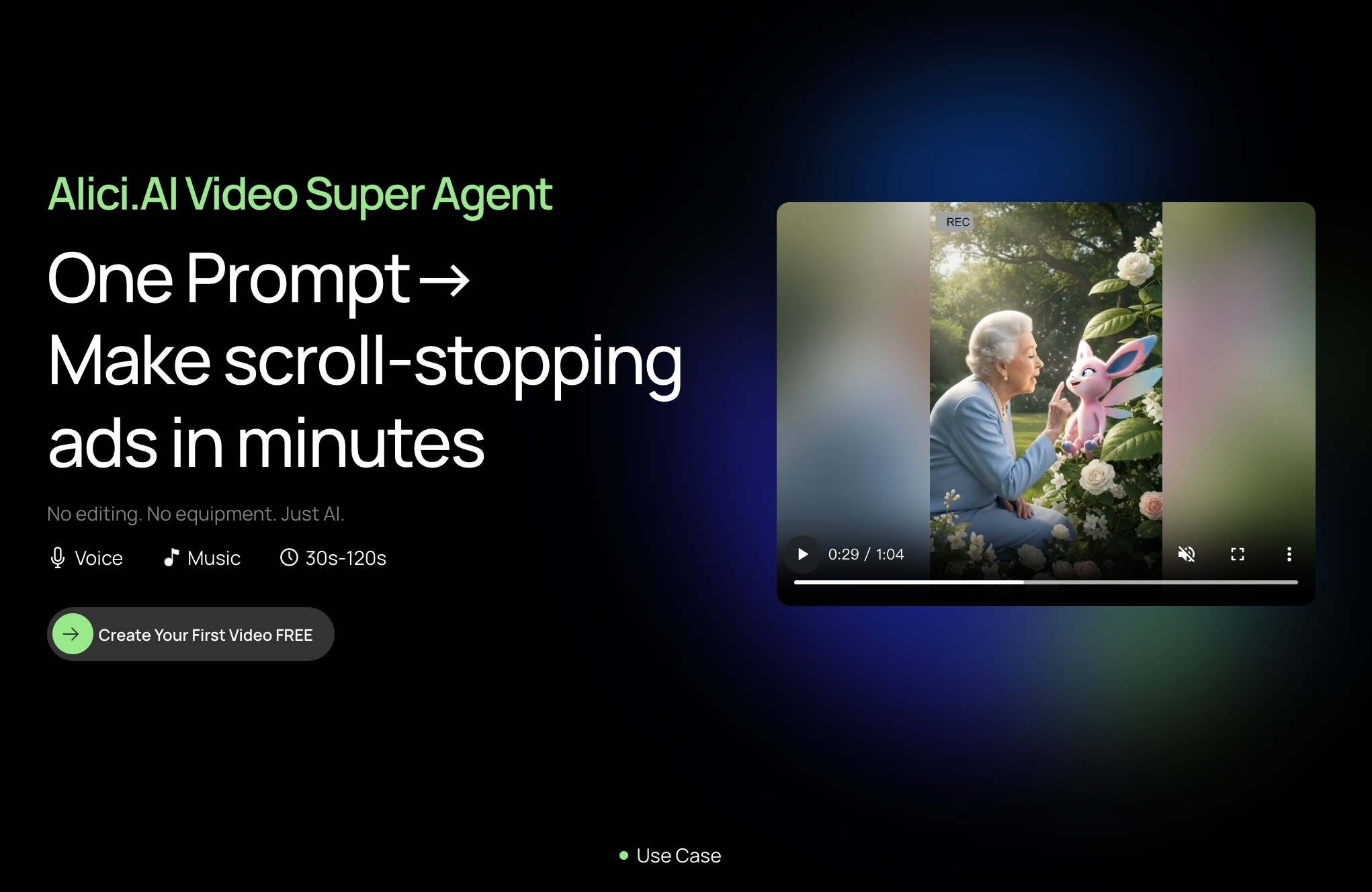
Beyond model aggregation, alici.ai's Video Super Agent adds a capability no single-model tool on this list offers: end-to-end automated video production. Give it one prompt and it handles script writing, scene planning, and multi-scene generation - outputting a finished 1–2 minute video. Built on AI edge computing for faster rendering, it's designed for creators who need production-ready UGC ads or AI influencer content at scale, not just single clips.
Positioning note: Most Sora alternatives are excellent at generating 5-15 second clips. The differentiator for teams shipping weekly content is whether a platform can convert those clips into finished deliverables with planning, sequencing, and workflow automation.
Key features:
Multi-model generation: Access Kling 3, Runway Gen-4.5, Wan 2.6, Veo 3.1, Seedance 2, Hailuo 2 (expanding), and more from one dashboard
Video Super Agent: One prompt → 1–2 minute finished video. AI handles script writing, scene planning, and multi-scene output with edge computing acceleration - no manual editing required
Pre-built workflows for AI Influencer and UGC ads: Dedicated pipelines for these production types (see the
Related Alici Playbookssection for deep-dive guides)Image-to-video pipeline: Upload a still image and animate it using your choice of underlying model
Smart prompt assistant: AI-powered prompt optimization that adapts suggestions based on which model you're generating with
No subscription juggling: One account replaces 3–4 separate tool subscriptions
Pros:
Keeps optionality as the market evolves - switch models without switching platforms
Video Super Agent produces 1–2 minute videos from a single prompt - no other tool on this list offers end-to-end automated production
Significantly cheaper than maintaining separate Kling + Runway + Veo subscriptions
Beginner-friendly: clear workflows for non-technical teams
Prompt optimization built in (no need to learn each model's quirks separately)
Cons:
Model availability depends on region and account type - verify before committing
Not every cutting-edge model version appears day one (e.g., Kling 3.0 may arrive after direct platform)
If you only ever need one specific model, a direct subscription may be simpler
Pricing: Free tier available. Visit alici.ai AI Video Studio for current plans.
Notes / limitations: Think of alici.ai as a workflow decision, not a model decision. You're optimizing for consistent output across changing tools - not for winning a single model benchmark. For creators who need automated UGC ad production or AI influencer content at scale, the Video Super Agent workflow is a capability no single-model tool can match.
2. Kling 3 - Best for cinematic motion control
Snapshot | Details |
|---|---|
Best when | Motion realism and precise camera control matter more than "one-click" simplicity |
Latest version | Kling 3.0 (launched February 5, 2026; closed beta) |
Max generation | 15 seconds native, up to 4K resolution (Ultra plan) |
Best for: Filmmakers and content creators who need strong motion physics, camera direction, and character consistency in every shot.
Why it stands out: Kling 3.0 introduced a "Directorial Physics Engine" that generates more realistic motion than any competing model at this price point. Its Elements 3.0 feature lets you combine up to 4 reference images for character consistency across shots - a genuine multi-shot storytelling capability. And at $6.99/month for the Standard plan, it's one of the most affordable serious alternatives to Sora 2.
Key features:
Directorial Physics Engine: Realistic motion with directional camera control
Elements 3.0: Combine up to 4 reference images for consistent characters
Native audio sync: Synchronized audio-video output
Negative prompts: Exclude unwanted elements for cleaner results
4K native resolution (Ultra plan, ~$180/month)
Pros:
Daily free credits (66/day) let you test before committing
$6.99/month Standard plan is among the cheapest serious options
Strong community: extensive prompting guides and tutorials available
15-second native generation - longer than Runway (10s) or Veo (8s)
Cons:
Kling 3.0 is currently in closed beta; waitlist for non-Ultra subscribers
Credit math can be confusing (10 credits per 5s standard, 35 per professional mode)
720p with watermark on free tier
Pricing: Free (66 credits/day, 720p watermarked) → Standard $6.99/mo → Pro $25.99/mo → Premier $64.99/mo → Ultra ~$180/mo. Official pricing
Notes / limitations: Don't choose Kling based on social media highlight reels. Define a repeatable prompt workflow and calculate your credit cost per finished shot before committing to a plan.
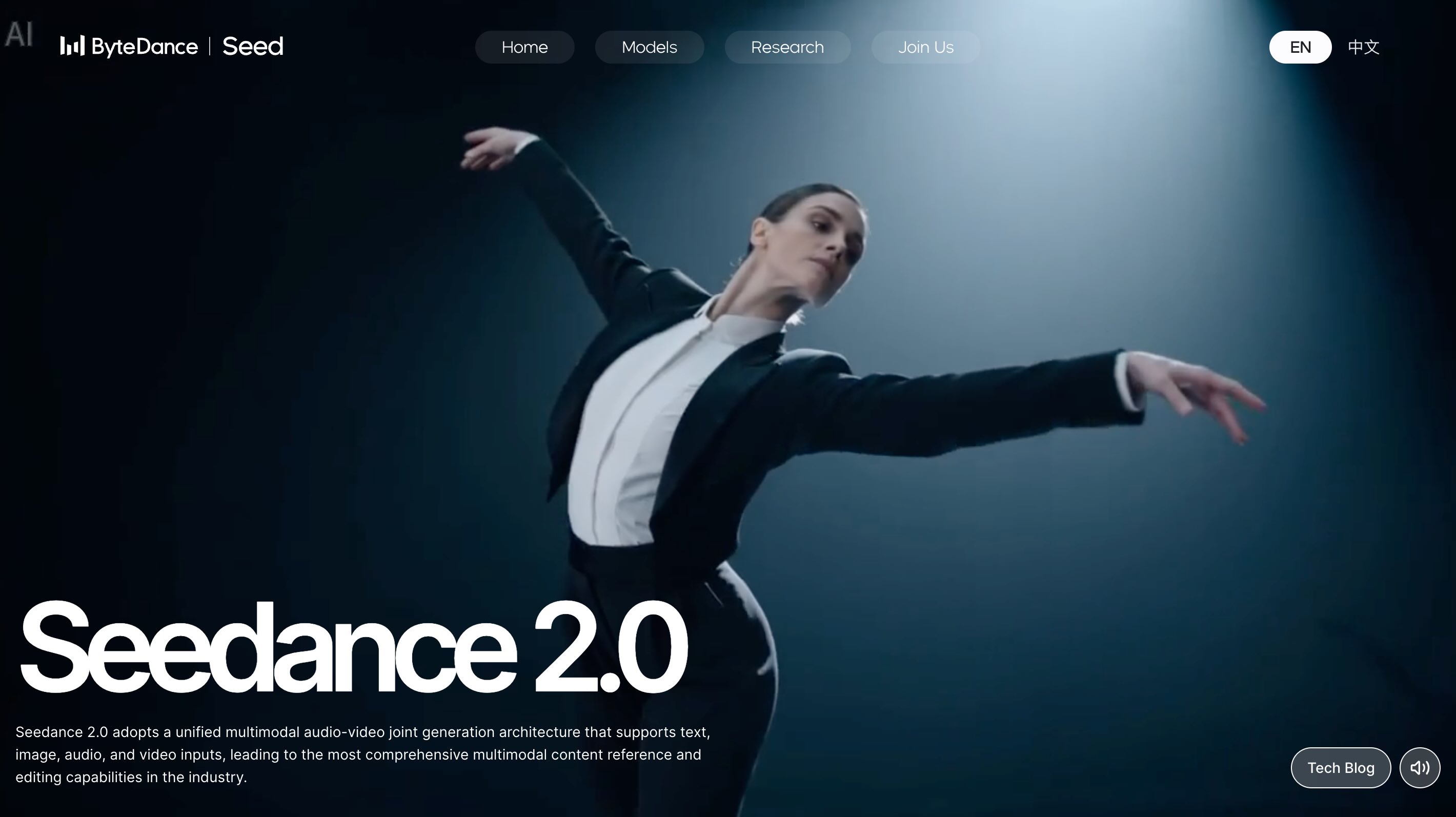
3. Seedance 2.0 - Best for multimodal inputs and fast iteration
Snapshot | Details |
|---|---|
Best when | You have existing images, video clips, or audio you want to incorporate into generation |
Latest version | Seedance 2.0 (ByteDance) |
Max generation | 5–12 seconds, up to 1080p |
Best for: Creators who work with mixed media - combining reference images, video clips, audio, and text prompts in a single generation pass.
Why it stands out: Seedance 2.0 is the only major video model that accepts quad-modal input: up to 9 images + 3 videos (≤15s each) + 3 audio clips (≤15s each) + text prompts, all in one generation. This makes it uniquely powerful for creators who already have visual assets and want to guide generation with real references rather than text alone.
Key features:
Quad-modal input: Combine images, videos, audio, and text in one generation
Character consistency: Maintain faces and styles across scenes
Camera movement replication: Copy camera moves from reference videos
Soundtrack auto-generation: Generate matching audio
Multiple aspect ratios: 16:9, 4:3, 1:1, 3:4, 9:16
Pros:
Free tier is genuinely usable: 3 free generations + 120 daily points
Multimodal input is a unique capability no competitor matches
Good for iterating fast - reference-based generation converges quicker than text-only
Available globally via Dreamina (CapCut's AI platform)
Cons:
Facial-photo-to-voice feature suspended (February 2026) due to privacy concerns
Points-based pricing is less transparent than flat monthly plans
UI is part of Dreamina/CapCut ecosystem - may feel cluttered for video-only users
Quality can be inconsistent with complex multi-reference inputs
Notes / limitations: Seedance 2.0's strength is in reference-based generation. If you're working purely from text prompts with no visual references, Kling 3 or Runway may produce more consistent results.
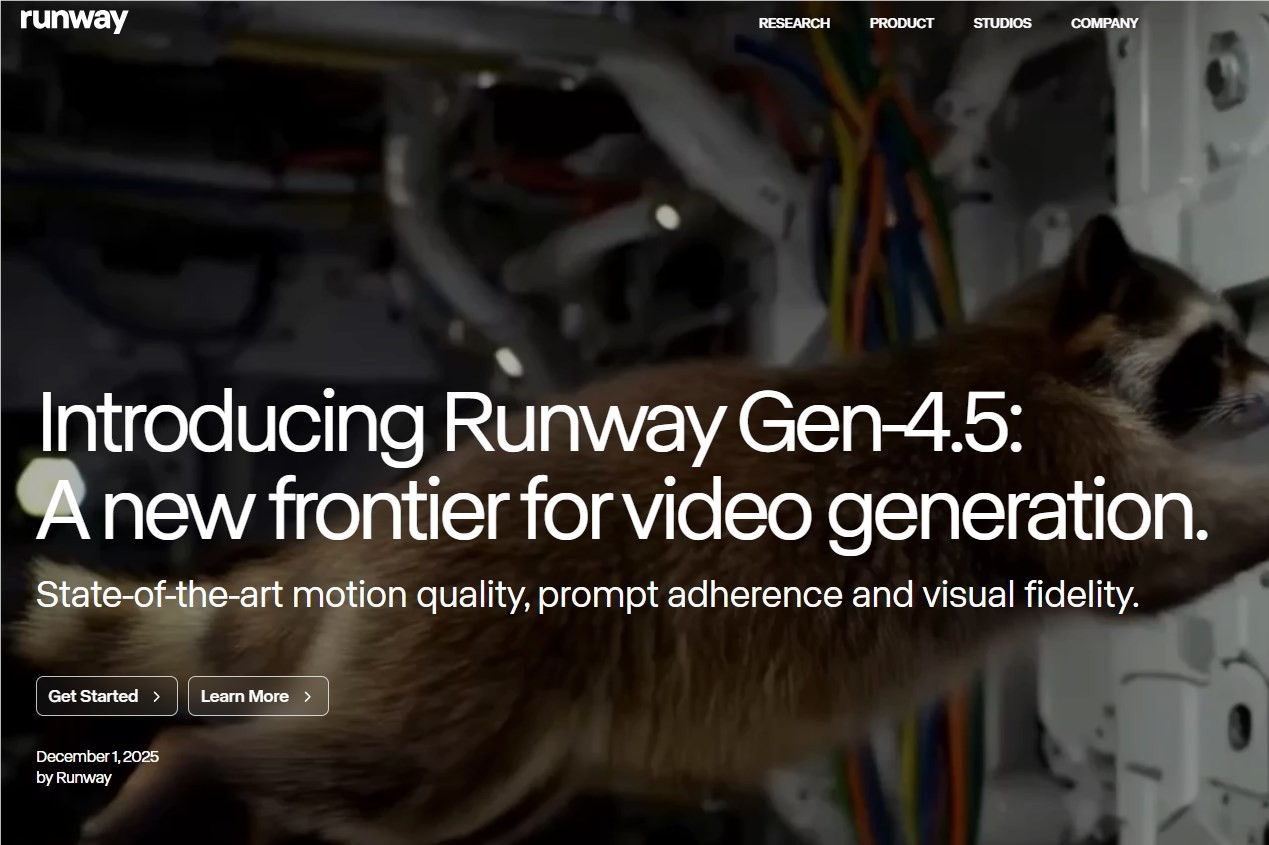
4. Runway Gen-4.5 - Best for advanced creative control
Snapshot | Details |
|---|---|
Best when | You need precise camera instructions and professional editing features |
Latest version | Gen-4.5 (text-to-video); Gen-4 Turbo (image-to-video) |
Max generation | 10 seconds at up to 1080p (4K on Pro+) |
Best for: Professional creators who want fine-grained control over camera movements (dolly, crane, tracking shots) and need 4K output.
Why it stands out: Runway has been the industry standard for creative professionals since Gen-2. Gen-4.5 continues that legacy with the most precise camera control instructions of any consumer AI video tool. The real differentiator is Explore Mode (Unlimited plan, $76/month): unlimited video generations at relaxed quality - perfect for rapid iteration and experimentation without worrying about credit burn.
Key features:
Precise camera control: Dolly, crane, tracking, and custom camera paths
4K rendering (Pro plan and above)
Explore Mode: Unlimited generations at relaxed quality ($76/mo Unlimited plan)
Custom voice integration (Pro plan)
Multi-model access: Gen-4.5, Gen-4 Turbo, Gen-3 Alpha, and even Veo 3.1 available within Runway
Pros:
Most mature creative control system in the market
Explore Mode removes the "credit anxiety" that plagues other tools
500GB storage on Pro plan for project management
Strong API and enterprise options for scaled workflows
Cons:
Only 5–10 seconds per generation (shorter than Kling's 15s)
Free tier limited to 125 one-time credits (no monthly refresh) and Gen-4 Turbo only
$12/month Standard plan is reasonable, but 625 credits go fast at 50–160 credits per video
Pricing: Free (125 one-time credits, watermarked) → Standard $12/mo (625 credits) → Pro $28/mo (2,250 credits, 4K) → Unlimited $76/mo (Explore Mode). Official pricing
Notes / limitations: Runway's credit system means your per-video cost varies significantly by resolution and duration. At 1080p/10s, a Pro plan ($28/mo) gets you roughly 14 videos/month. Plan accordingly.
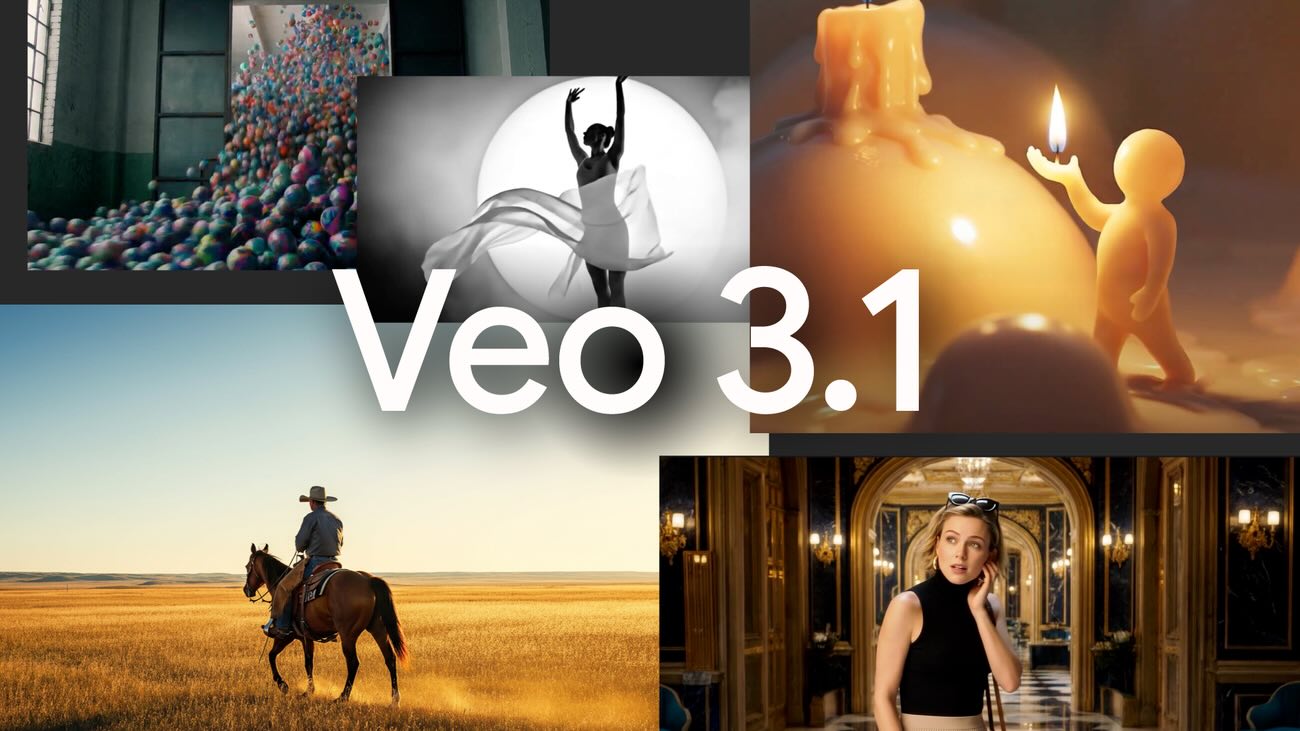
5. Google Veo 3.1 - Best for cinematic realism and native audio
Snapshot | Details |
|---|---|
Best when | You need generated dialogue, sound effects, and cinematic quality from one model |
Latest version | Veo 3.1 (also Veo 3.0 and Veo 3.1 Fast variants) |
Max generation | 8 seconds at up to 4K@24fps |
Best for: Creators who need native audio generation (dialogue + sound effects synchronized to video) and access to Google's AI ecosystem.
Why it stands out: Veo 3.1 is the first mainstream video model to generate realistic synchronized audio - not just background music, but actual dialogue, environmental sounds, and effects timed to the visual action. If your workflow currently requires a separate audio pass (Sora 2 doesn't generate audio), Veo 3.1 eliminates that step entirely.
Key features:
Native audio generation: Dialogue, sound effects, and ambient audio in-video
4K@24fps output (highest resolution of any model on this list)
Identity consistency: Same characters across multiple scenes
Image-to-video: Up to 3 reference images
SynthID watermarking: Built-in AI content identification
Pros:
Best-in-class audio generation - no competing model matches this
4K output at cinematic 24fps
Multiple access points: Gemini API, Vertex AI, Gemini app, YouTube, Google Vids
Enterprise-ready with Google's compliance and trust infrastructure
Cons:
US-only access (expanding to Canada soon) - major limitation for global creators
Maximum 8 seconds per generation (shortest on this list)
$19.99/month Google AI Pro plan only includes ~80 seconds of video (1,000 credits)
API pricing ($0.10–$0.75/second) adds up fast for high-volume workflows
Pricing: Google AI Pro $19.99/mo (1,000 credits) → Google AI Ultra $249.99/mo.
Notes / limitations: The 8-second generation limit means Veo 3.1 is best for short, polished clips - not for long-form content. Factor in the per-second API cost if you're generating at volume.
6. Wan 2.6 - Best for open-source camera control
Snapshot | Details |
|---|---|
Best when | You want advanced cinematic camera moves with open-source flexibility |
Latest version | Wan 2.6 |
Deployment | Open-source local deployment + hosted third-party access |
Best for: Creators and technical teams who want professional camera movement control without being locked into one commercial SaaS stack.
Why it stands out: Wan 2.6 has become the reference open-source option for AI video creators who care about camera language. Its core value is controllable motion (dolly, orbit, push-in, FPV-style paths) plus native audio capabilities highlighted in the Wan 2.6 ecosystem. For teams building repeatable pipelines, Wan gives you more deployment control than closed platforms.
Key features:
Open-source workflow: Self-host and customize generation pipelines
Camera-control strength: Better directional camera prompts than most low-cost SaaS tools
Native audio direction: Supports synced audio-oriented workflows in the Wan 2.6 stack
Flexible deployment: Run locally for privacy or use hosted interfaces for speed
Good fit for product and demo shots: Strong at repeatable movement patterns
Pros:
Zero license cost for self-hosted usage
Strong camera movement control for creators who think in shots, not just prompts
Better long-term flexibility for teams that want infra ownership
Useful bridge between experimentation and production pipeline engineering
Cons:
Setup and tuning are more technical than plug-and-play tools
Output quality depends heavily on hardware and deployment setup
Hosted Wan experiences vary across platforms
Less beginner-friendly than Kling/Runway for first-time users
Pricing: Open-source / self-hosted core is free. Hosted usage varies by platform and credit policy. See: Wan 2.6 AI Video Generator: Native Audio for Creators
Notes / limitations: Wan 2.6 is best when you need camera-control leverage and deployment freedom. If you want the fastest beginner onboarding, SaaS-first tools may still be easier.
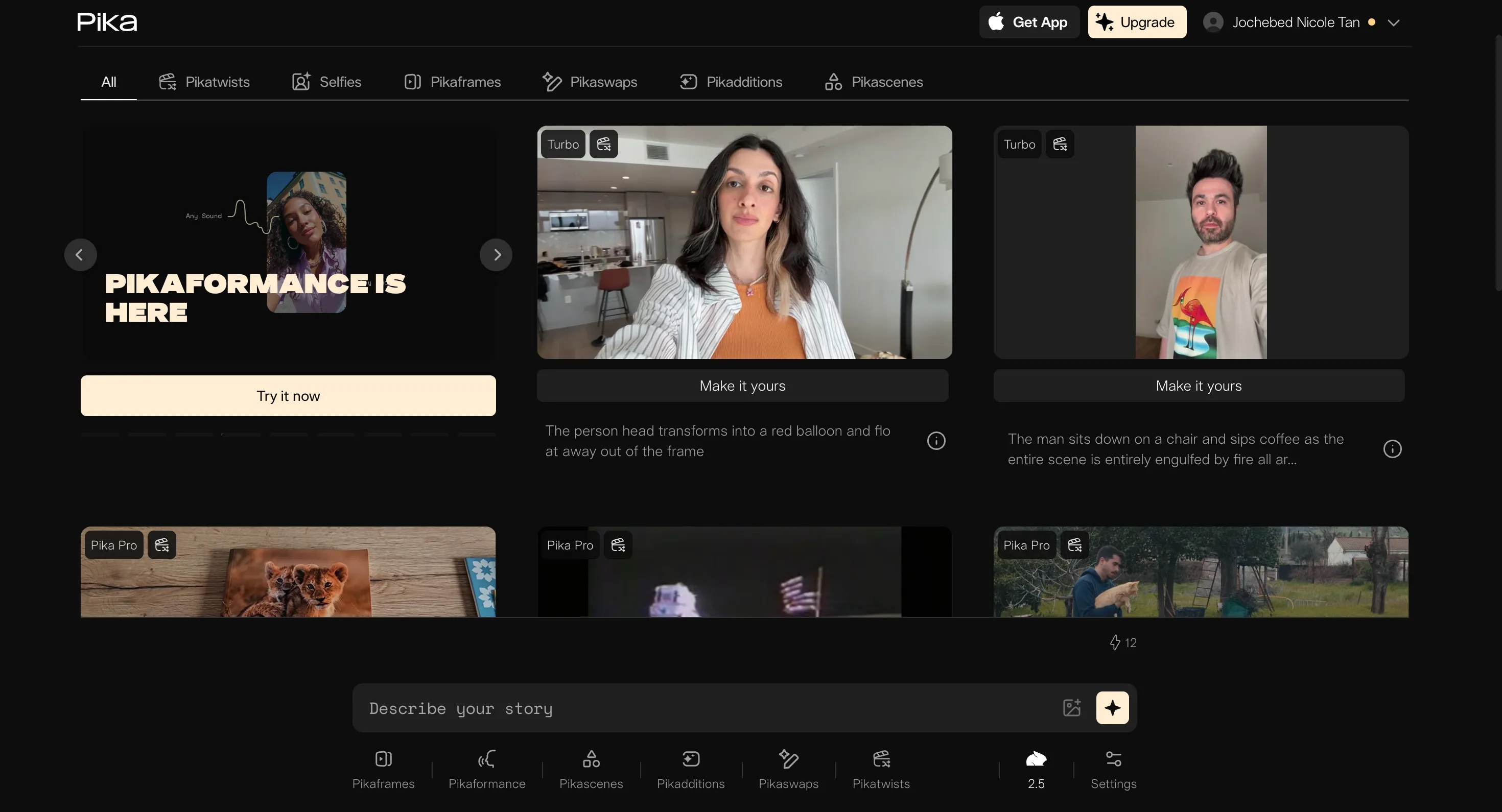
7. Pika 2.5 - Best for social media creators on a budget
Snapshot | Details |
|---|---|
Best when | You need affordable, quick video generation for social content |
Latest version | Pika 2.5 |
Max generation | 5 seconds (10s with Pikaframes extension) |
Best for: Social media creators who need fast turnaround at the lowest possible price point.
Why it stands out: At $8/month for 700 credits, Pika offers the lowest paid entry point on this list. Pika 2.5 introduced Pikaffects (video manipulation effects) and a timeline-based editing studio that's genuinely useful for social media workflows. It's not trying to compete with Kling or Veo on cinematic quality - it's optimized for volume and speed.
Key features:
Pikaffects: Apply AI-driven manipulation effects to existing videos
Pikaframes: Extend generations to 10 seconds
Timeline editor: Edit within Pika's studio (no need for external editing software)
Integrated sound effects: Auto-generated audio for clips
Pikaformance: Voice-to-performance lip-sync feature
Pros:
Cheapest paid plan ($8/mo) with 700 credits
Free tier offers 80 monthly credits - enough for 5–8 short videos
Social-first features (effects, quick formats, easy sharing)
Good for rapid experimentation with lower stakes
Cons:
5-second max generation (10s with extension) is very short
480p on free tier - not usable for professional output
Less cinematic quality than Kling, Runway, or Veo
Commercial rights only on Pro ($28/mo) and above
Pricing: Free (80 credits/mo, 480p, watermarked) → Standard $8/mo (700 credits) → Pro $28/mo (2,300 credits, commercial use) → Fancy $76/mo (6,000 credits). Official pricing
Notes / limitations: Pika is best as a social media content tool, not a Sora 2 replacement for cinematic production. Use it for TikTok/Reels experimentation, then graduate to Kling or Runway for serious projects.
8. Luma Dream Machine - Best for fast cinematic results
Snapshot | Details |
|---|---|
Best when | You want longer generation (10s) with fast render times |
Latest version | Dream Machine v1 |
Max generation | 10 seconds native |
Best for: Creators who prioritize speed and need longer single-shot generations than Runway or Veo can deliver.
Why it stands out: Luma Dream Machine generates 10-second clips at faster render times than most competitors. Its credit-based system is straightforward, and the free tier (500 credits/month) is generous enough for meaningful testing. The result quality sits between Pika's social-first output and Kling's cinematic polish.
Key features:
10-second native generation: Tied with Runway for longest single-shot output
Fast rendering: Quicker turnaround than Kling or Veo
Video extension: Extend clips beyond 10 seconds (quality degrades past 30s)
Credit-based pricing: Transparent cost per video (170 credits for 5s, 340 for 10s)
Pros:
Generous free tier (500 credits/month = ~2–3 videos)
Fastest render times for 10-second clips
Lite plan at $9.99/month is very affordable
Good cinematic style for the price
Cons:
Draft resolution on free tier (not production-quality)
Quality degrades significantly when extending past 30 seconds
Fewer control options than Kling or Runway
Non-commercial use only below Standard ($29.99/mo)
Pricing: Free (500 credits/mo, draft quality, watermarked) → Lite $9.99/mo (3,200 credits) → Standard $29.99/mo → Pro $99.99/mo → Premier $499.99/mo. Official pricing
Notes / limitations: Dream Machine is a solid mid-range option, but lacks the advanced control features (camera direction, character consistency) that make Kling and Runway stand out for professional workflows.
9. HeyGen - Best for talking-head and avatar videos
Snapshot | Details |
|---|---|
Best when | You need presenter-style videos with realistic avatars, not pure generation |
Latest version | Avatar IV |
Video type | Avatar-based (not generative video like Sora) |
Best for: Businesses, educators, and marketers who need professional talking-head videos with realistic AI avatars in 30+ languages.
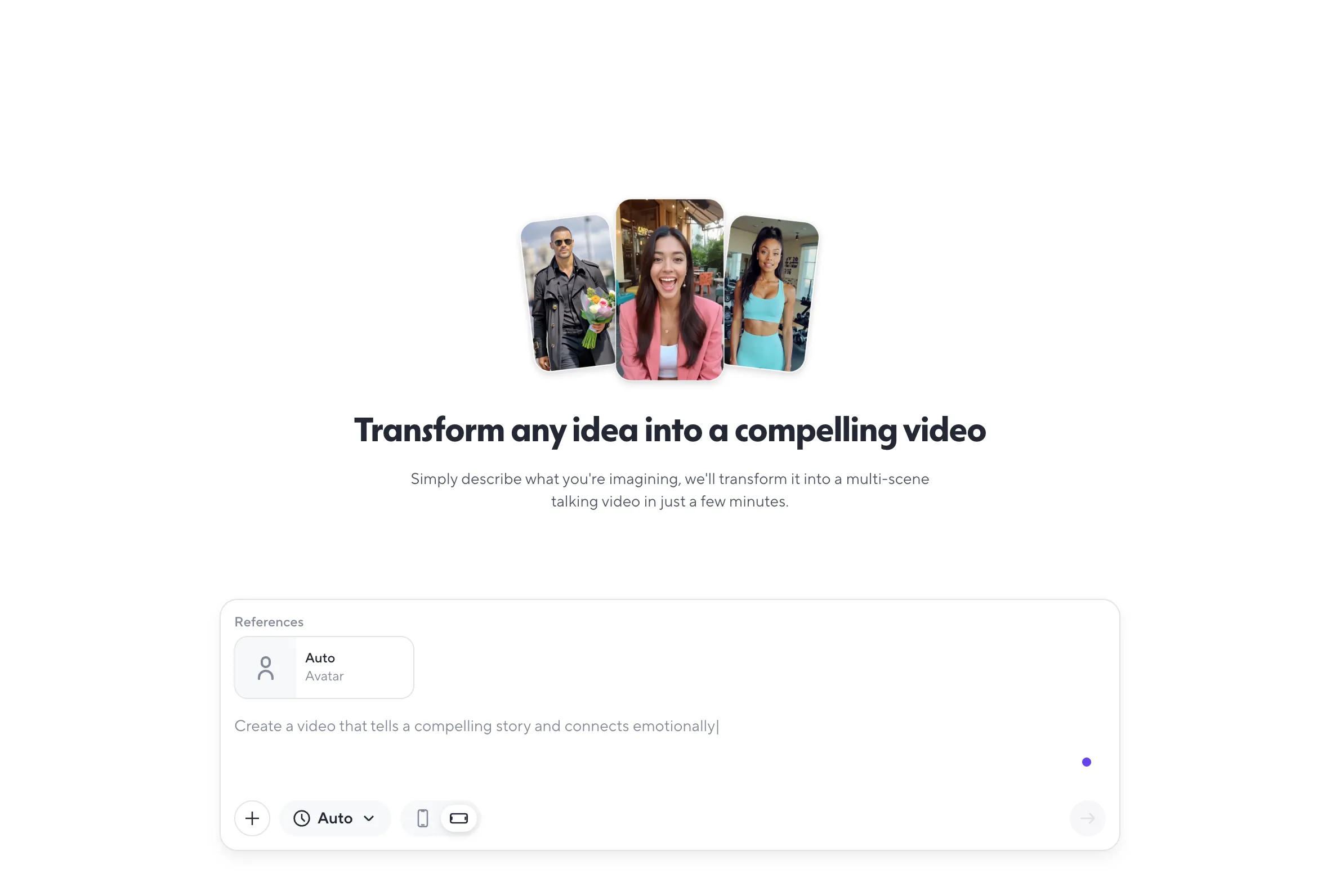
Why it stands out: HeyGen fills a fundamentally different niche than the other tools on this list. While Sora, Kling, and Runway generate video from text/image prompts, HeyGen creates avatar-based presentation videos - think training content, product demos, and multilingual marketing. If your "Sora alternative" need is really "I need professional video content without filming," HeyGen may be a more practical answer than any generative model.
Key features:
500+ stock avatars with realistic expressions and movements
Custom avatar creation: Train an avatar on your likeness
30+ language support: Auto-translate and lip-sync to any language
Avatar IV: Latest generation with improved realism and faster rendering
5–10 minute videos: Much longer output than any generative model
Pros:
Only option on this list for talking-head/presenter content
30+ language auto-translation with accurate lip-sync
Free tier includes 3 full videos/month for testing
Professional output suitable for business/enterprise use immediately
Cons:
Not a generative video model - can't create cinematic scenes, landscapes, or abstract content
$29/month starting price is higher than Kling or Pika
Avatar-based output looks different from generative AI video
Custom avatar training has a learning curve
Pricing: Free (3 videos/mo, watermarked) → Creator $29/mo → Business $149/mo → Team $39/seat/mo (min 2 seats). Official pricing
Notes / limitations: Include HeyGen in your evaluation only if your actual need is presenter-style content. For cinematic or creative generation, focus on tools #1–8 instead.
Use Case Matching (Table)
Use Case | Recommended Tools | Why | Budget |
|---|---|---|---|
"I need a Sora replacement that won't break my workflow next month." | alici.ai AI Video Studio | Multi-model access keeps optionality; switch engines without switching platforms | $–$$ |
"I want the best cinematic motion quality." | Kling 3 | Directorial Physics Engine + 15s generation + 4K (Ultra) | $7–$180/mo |
"I have images/videos/audio I want to feed into generation." | Seedance 2.0 | Only tool with quad-modal input (9 images + 3 videos + 3 audio + text) | Free–$$ |
"I need precise camera control and editing features." | Runway Gen-4.5 | Industry-leading creative control + Explore Mode for unlimited experimentation | $12–$76/mo |
"I need open-source control and cinematic camera movement." | Wan 2.6 | Best open-source option for shot-level camera direction and pipeline ownership | Free–$$ |
"I need video with generated dialogue and sound effects." | Google Veo 3.1 | Best native audio generation of any video model | $20–$250/mo |
"I'm on a tight budget and create for social media." | Pika 2.5 or Luma Dream Machine | Cheapest paid plans ($8/mo and $9.99/mo) with usable free tiers | $0–$28/mo |
"I need professional talking-head videos for business." | HeyGen | 500+ avatars, 30+ languages, 5–10 minute videos - completely different capability | $29–$149/mo |
"I want to try multiple models before committing." | alici.ai AI Video Studio | Test Kling, Runway, and Veo without separate subscriptions | Free tier available |
"I need automated UGC ads from scripts at scale." | alici.ai Video Super Agent | One prompt → 1–2 min finished video; $1–2/video vs $150+ traditional production | Free tier |
"I want to create AI influencer content with consistent characters." | alici.ai + Kling 3 | alici.ai's pre-built AI Influencer workflow + Kling's Elements 3.0 character consistency | $–$$ |
"I need publishing-ready outputs, not only short clips." | alici.ai Video Super Agent | Adds the agent layer: script planning + multi-scene assembly + production workflow from one prompt | Free tier |
How to Choose
Use this decision flow to pick the right Sora 2 alternative:
Step 1: What are you replacing?
- Motion quality → Kling 3 or Runway Gen-4.5
- Audio generation → Google Veo 3.1
- Open-source camera control → Wan 2.6
- Multimodal inputs → Seedance 2.0
- Talking-head content → HeyGen
- "All of the above" → alici.ai AI Video Studio
Step 2: Do you want optionality or commitment?
- If you want to lock in one model and master its workflow → Pick tools #2–9 based on your primary need
- If you want flexibility to switch as models improve → Start with alici.ai's multi-model platform
Step 3: Verify access + pricing first.
- Check the official pricing links in each tool card above
- Confirm the tool works in your region (Veo 3.1 is US-only; Kling 3.0 has a waitlist)
- Calculate your monthly video output to match credits to your actual usage
Step 4: Start with one repeatable workflow.
- Pick a default scenario (e.g., 10-second scene, one character, specific camera angle)
- Build a prompt template and test across 2–3 tools
- Choose the tool that produces the most consistent results for your scenario - not the one with the best highlight reel on X/Twitter
Related Alici Playbooks (to avoid overlap and go deeper)
If your next step is implementation rather than model shopping, use the specialized playbooks below instead of overloading this Sora alternatives guide:
AI Influencer production system (prompt styles + monetization workflow): How to Create an AI Influencer in 2026
UGC ad execution system (TikTok-focused tool and workflow playbook): Best AI Video Generators for UGC Ads
Broader market scan (when you need a general category overview): Best AI Video Generators in 2026
FAQ + Final Verdict
Is Sora 2 still free?
No. OpenAI removed Sora's free tier on January 10, 2026, citing infrastructure costs and overwhelming demand. The cheapest plan is now ChatGPT Plus at $20/month, which includes 50 videos at 720p and max 5 seconds. The Pro plan ($200/month) removes most restrictions.
Is Kling 3 better than Sora 2?
For motion control and value, yes. Kling 3.0 generates 15-second clips (vs. Sora's 5s on the base plan), offers daily free credits, and starts at $6.99/month. Sora 2 still edges ahead in photorealism, but Kling closes that gap significantly while costing 3x less.
Can I use these tools for commercial projects?
Yes, but check the specific plan. Most tools require a paid plan for commercial use: Kling Standard ($6.99+), Runway Standard ($12+), Pika Pro ($28+), Luma Standard ($29.99+). HeyGen Creator ($29+) includes commercial rights. Free tiers almost universally prohibit commercial use.
What's the best free alternative to Sora 2?
Alici AI combines multi-model creation in one workspace with an agent-driven workflow that helps turn short clips into publish-ready outputs.
Which tool has the best AI-generated audio?
Google Veo 3.1 is the clear leader in native audio generation - it produces synchronized dialogue, sound effects, and ambient audio within the video. No other tool on this list matches this capability. Kling 3.0 has native audio sync, and Pika 2.5 generates basic sound effects.
How long can these tools generate video?
Kling 3: 15 seconds | Runway Gen-4.5: 10 seconds | Luma Dream Machine: 10 seconds | Veo 3.1: 8 seconds | Seedance 2.0: 5–12 seconds | Wan 2.6: varies by deployment/workflow | Pika 2.5: 5 seconds (10s with extension). HeyGen supports 5–10 minute avatar videos. For longer content, you'll need to stitch multiple generations or extend clips.
Sora vs Runway - which is better?
Sora 2 produces more photorealistic output, but Runway Gen-4.5 offers superior creative control (camera direction, editing tools, Explore Mode). For professional production workflows, Runway's control features often matter more than raw visual quality. Runway also costs less: $12/month vs. Sora's $20/month.
Do I really need a multi-model platform?
If you produce video regularly and your needs span multiple capabilities (motion + audio + editing), a platform like alici.ai saves both money and migration headaches. If you have a single, well-defined use case (e.g., only talking-head videos), a specialized tool like HeyGen is more efficient.
What happens when the next "Sora killer" launches?
This is the core argument for a multi-model platform. When Kling 4 or Runway Gen-5 drops, direct subscribers need to migrate their workflows. A platform like alici.ai integrates new models as they become available - your workflow stays the same even as the underlying models evolve.
Final verdict: The best Sora 2 alternative depends on what you're actually replacing. If you need one tool to start today: Kling 3 at $6.99/month delivers the strongest motion quality at the best price. If you need audio generation: Veo 3.1 is unmatched. If you need open-source control: Wan 2.6 is the strongest camera-centric option. If you need creative control in a polished SaaS UI: Runway Gen-4.5. And if your target is finished content output rather than isolated 5-15 second clips, an agent-layer workflow (such as alici.ai Video Super Agent inside alici.ai AI Video Studio) is the more scalable choice.
🚀 Next step: Skip the subscription juggling. Access Kling, Runway, Veo 3, and more from one platform. Try Alici Video Super Agent →
🎁
Limited-Time Creator Gift
Start Creating Your First Viral Video
Join 10,000+ creators who've discovered the secret to viral videos