How to Design YouTube Thumbnails That Get Clicks: Psychology & AI Tools (2026)

Master the secrets of irresistible thumbnail design - from psychology principles to AI-powered creation
|
8 min
TL;DR
Learn the complete YouTube thumbnail design framework: understand the 3-step viewer decision process, master 2 psychological hooks for educational and entertainment content, apply 5 core design elements, meet technical specs, and use AI tools like Alici.AI to create professional thumbnails in minutes.
Your video content might be amazing, but if no one clicks, it's all for nothing. This is the harsh reality YouTube creators face. Data shows that 90% of high-view videos share one thing in common: excellent thumbnail design.
As industry experts say: "You're not in the video business; you're in the click business." The thumbnail is the first point of contact between viewers and your content—it determines whether your video stands out in a sea of content.
In this guide, you'll learn the core psychology behind YouTube thumbnail design, 5 essential design elements, technical specifications, and how to use AI tools to quickly create professional thumbnails. Whether you're a beginner creator or a veteran looking to boost click-through rates, this tutorial will help you master the secrets of irresistible thumbnails.
Why Thumbnails Matter So Much
YouTube sees over 500 hours of video uploaded every minute. How does your content get discovered? The answer lies in thumbnails.
Research shows the human brain processes images 60,000 times faster than text. When viewers browse the homepage or search results, they spend less than 2 seconds deciding whether to click a video. In this brief window, thumbnails must attract attention, convey value, and build trust simultaneously.
Great thumbnails don't just improve click-through rate (CTR)—they also:
Increase your video's weight in YouTube's algorithm
Build visual brand recognition for your channel
Communicate your video's core value proposition
Help you stand out in competitive recommendation slots
Step 1: Understand the 3-Step Viewer Decision Process
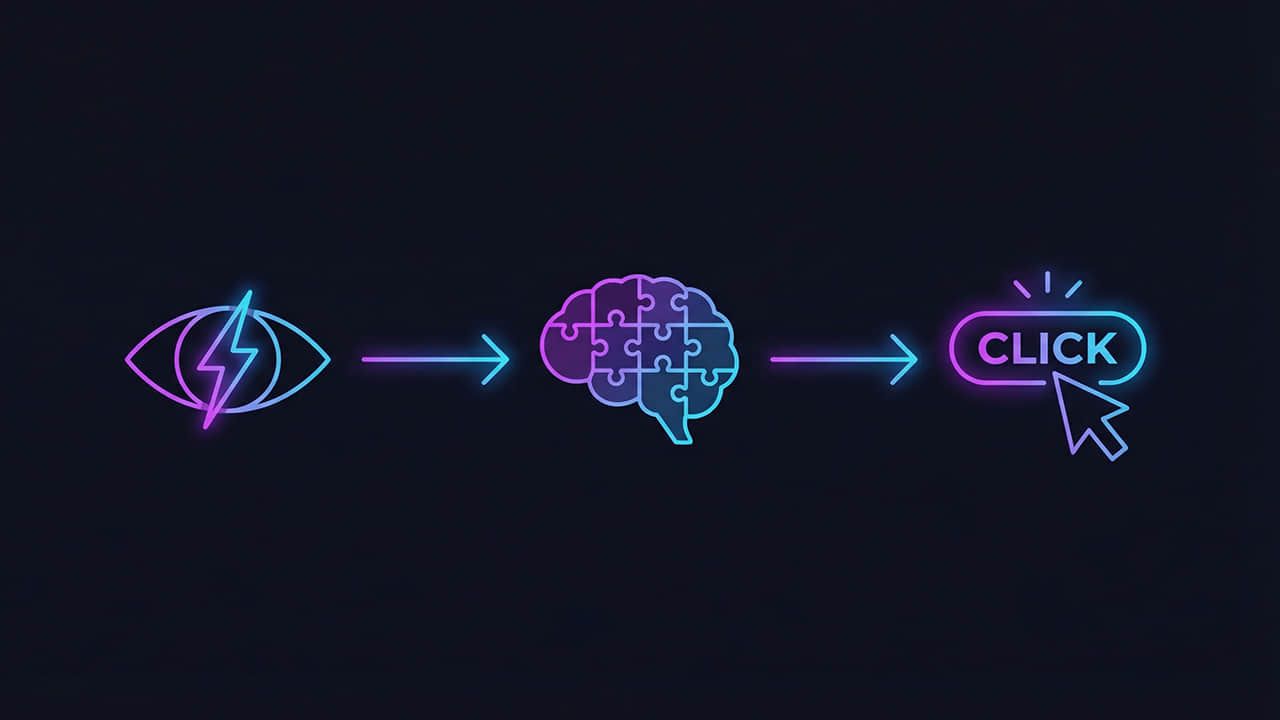
Before designing thumbnails, you need to understand how viewers decide to click. This process has three critical steps:
Step One: Visual Arrest
A high-contrast or striking design element interrupts the viewer's passive scrolling. This could be an exaggerated expression, vivid color contrast, or an unusual visual element. Your goal is to make the viewer's eyes "stop."
Step Two: Value Verification
Viewers check the title to assess relevance. The thumbnail grabbed their attention—now they want to know "What's in it for me?" The title must quickly answer this question.
Step Three: Visual Validation
The thumbnail imagery must credibly support the title's promise. If the title says "Lose 30 pounds," the thumbnail should show a Before/After comparison. Images provide emotion and context; words provide concrete promises.
Pro Tip: When designing thumbnails, ask yourself three questions: Does it stop people? Does it match the title? Does it look credible?
Step 2: Master Two Psychological Hooks
Depending on your video type, there are two main psychological hook strategies:
Educational Content Hook: Pain Point + Solution
Educational video thumbnails typically use contrast visuals—showing the gap between problem and solution. A common approach is red/green split screens: red represents problems/mistakes, green represents solutions/correct approaches. This visual contrast immediately communicates "watch this video and transform from state A to state B."
Entertainment Content Hook: Impossible + Suspense
Entertainment videos tend to show "impossible scenarios" paired with unanswered questions. They typically feature shocked or fearful expressions, triggering viewer curiosity: "How did this happen? What's the outcome?" This strategy leverages humans' natural curiosity to drive clicks.
Step 3: Apply Five Core Design Elements
Professional YouTube thumbnails typically include these five core design elements:
1. Contextual Facial Expressions
Faces are the most attention-grabbing element. But the key is that expressions must match the content context—not exaggerated for exaggeration's sake, but genuinely reflecting the emotional peak moment of your video.
2. Category Contrast
Analyze what your competitors are doing, then do something different. If similar videos all use blue tones, try orange. Visual differentiation is key to standing out in recommendation lists.
3. Big Data Anchors
Specific numbers are more persuasive than vague descriptions. Data anchors like "7 days," "$10,000," or "300% growth" immediately establish concrete value expectations.
4. Traffic Light System
Leverage humans' conditioned response to traffic lights: green = success/correct/do this, red = failure/wrong/avoid this. This color coding communicates information in milliseconds.
5. Visual Hierarchy and Depth
Create three-dimensional depth through shadows, depth of field, and foreground/background relationships. Flat designs get overlooked; thumbnails with layered depth capture attention.
Pro Tip: Follow the "Rule of Three": a thumbnail should have at most three focal elements. Too many elements confuse viewers and prevent quick comprehension of your message.
Step 4: Meet Technical Specifications
Even the best design won't display properly if technical specs are wrong. Here are YouTube's official requirements:
Specification | Requirement |
|---|---|
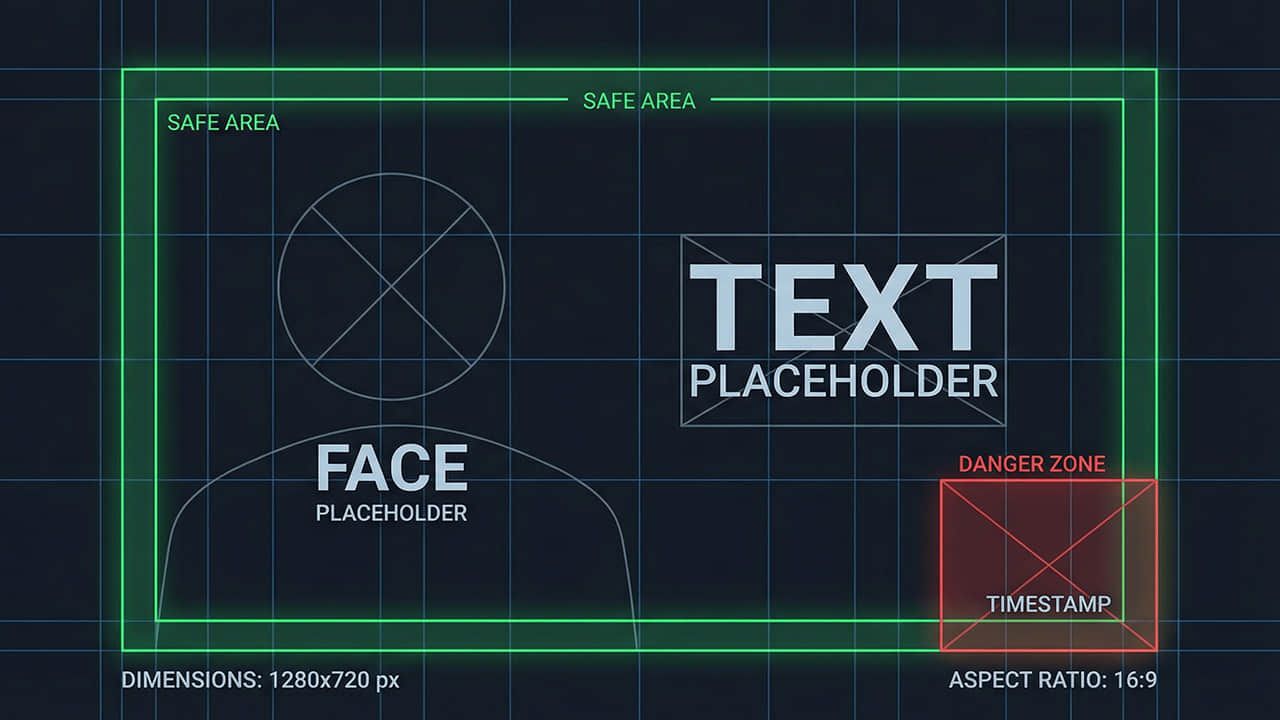
Resolution | 1280 x 720 pixels (minimum 640px width) |
Aspect Ratio | 16:9 |
File Size | Under 2MB |
Supported Formats | JPG, GIF, BMP, PNG |
Important: Avoid placing key elements in the bottom-right corner—YouTube displays the video duration there, which will cover your content.
Step 5: Use AI Tools to Create Professional Thumbnails Fast
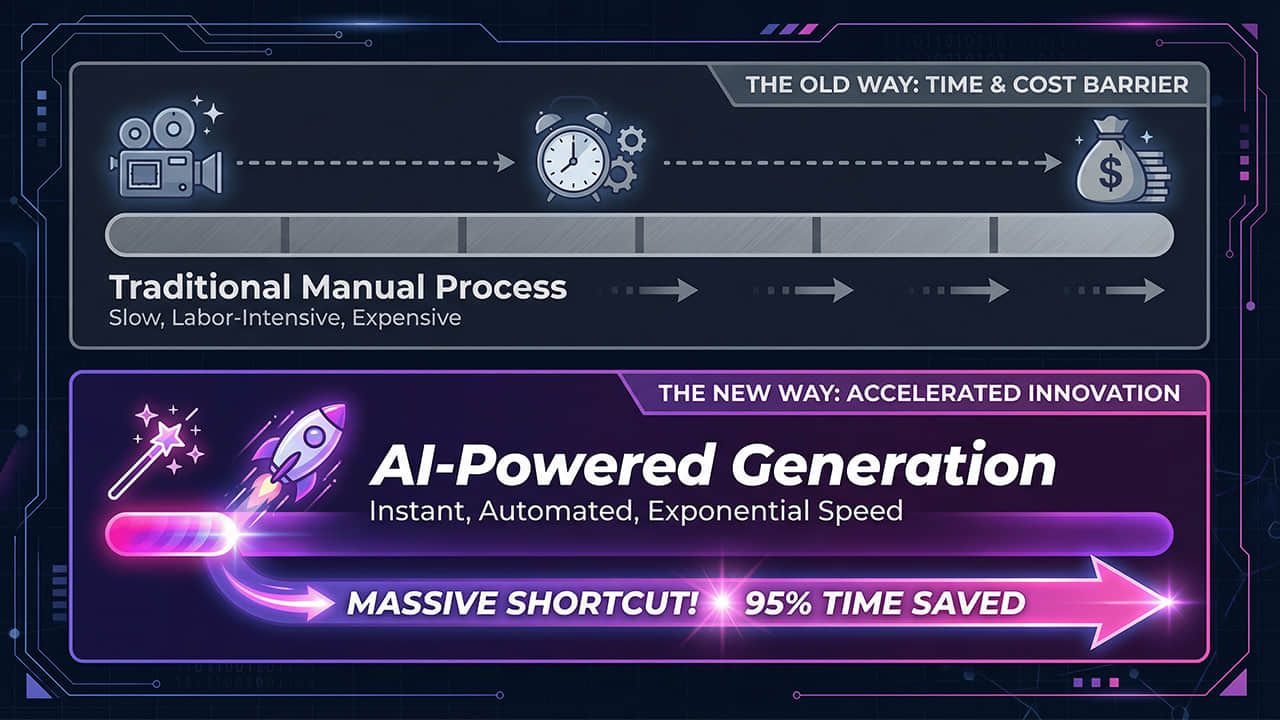
Traditional thumbnail creation requires Photoshop skills, design experience, and significant time. AI tools have completely transformed this process.
Benefits of AI Thumbnail Tools:
Eliminate design barriers: No professional skills needed—just describe what you want
Rapid A/B testing: Generate multiple versions in minutes for testing
Consistent brand style: Maintain channel visual unity
Save time costs: Reduce hours to minutes
Alici.AI offers professional AI thumbnail generation. You simply:
Enter your video's core content description
Select style preference (educational/entertainment)
AI automatically generates multiple thumbnail options
Choose the best version or fine-tune
Common Mistakes to Avoid
1. Too Much Text
Problem: Thumbnails stuffed with text become unreadable on small screens
Solution: Use 3-5 large words maximum; let the title handle the rest
2. Duplicating the Title
Problem: Thumbnail text says the same thing as the title, wasting the opportunity to convey more information
Solution: Thumbnail and title should complement each other, telling a complete story together
3. Ignoring Mobile Experience
Problem: Looks great on desktop but details blur on mobile
Solution: Design with mobile screens as the baseline; ensure clarity at small sizes
4. Clickbait
Problem: Over-exaggerated thumbnails don't match video content, causing high bounce rates
Solution: Stay authentic; thumbnails should preview your video's best moments, not make false promises
5. Lack of Brand Consistency
Problem: Every video has completely different thumbnail styles; viewers can't recognize your channel
Solution: Establish fixed color, font, and layout templates to form visual branding
Pro Tips
1. Run A/B Tests
YouTube Studio allows you to upload multiple thumbnails for the same video to test. Use this feature to find the highest CTR version.
2. Study Competitors' Top Videos
Analyze what thumbnail strategies the highest-view videos in your niche use. Not to copy, but to understand what works with your audience.
3. Get Feedback Before Publishing
Before going live, show your thumbnail to 2-3 friends and ask: "Looking at this thumbnail, what do you expect the video to be about?" If their answer doesn't match your intent, adjust.
4. Regularly Update Old Video Thumbnails
Underperforming old videos can get new life with thumbnail changes. This is a low-cost method to improve overall channel performance.
Conclusion
YouTube thumbnail design is a skill that combines psychology and visual art. Through this guide, you've learned:
The 3-step psychological process of viewer click decisions
Two psychological hook strategies for educational and entertainment content
Five core design elements for professional thumbnails
YouTube thumbnail technical specifications
How to use AI tools to quickly create professional thumbnails
Remember, great thumbnails aren't "designed"—they're "strategized." First understand your audience, then design visuals that move them.
Ready to boost your YouTube click-through rate? Use Alici.AI to create professional YouTube thumbnails in minutes—no design experience needed.
🎁
Limited-Time Creator Gift
Start Creating Your First Viral Video
Join 10,000+ creators who've discovered the secret to viral videos