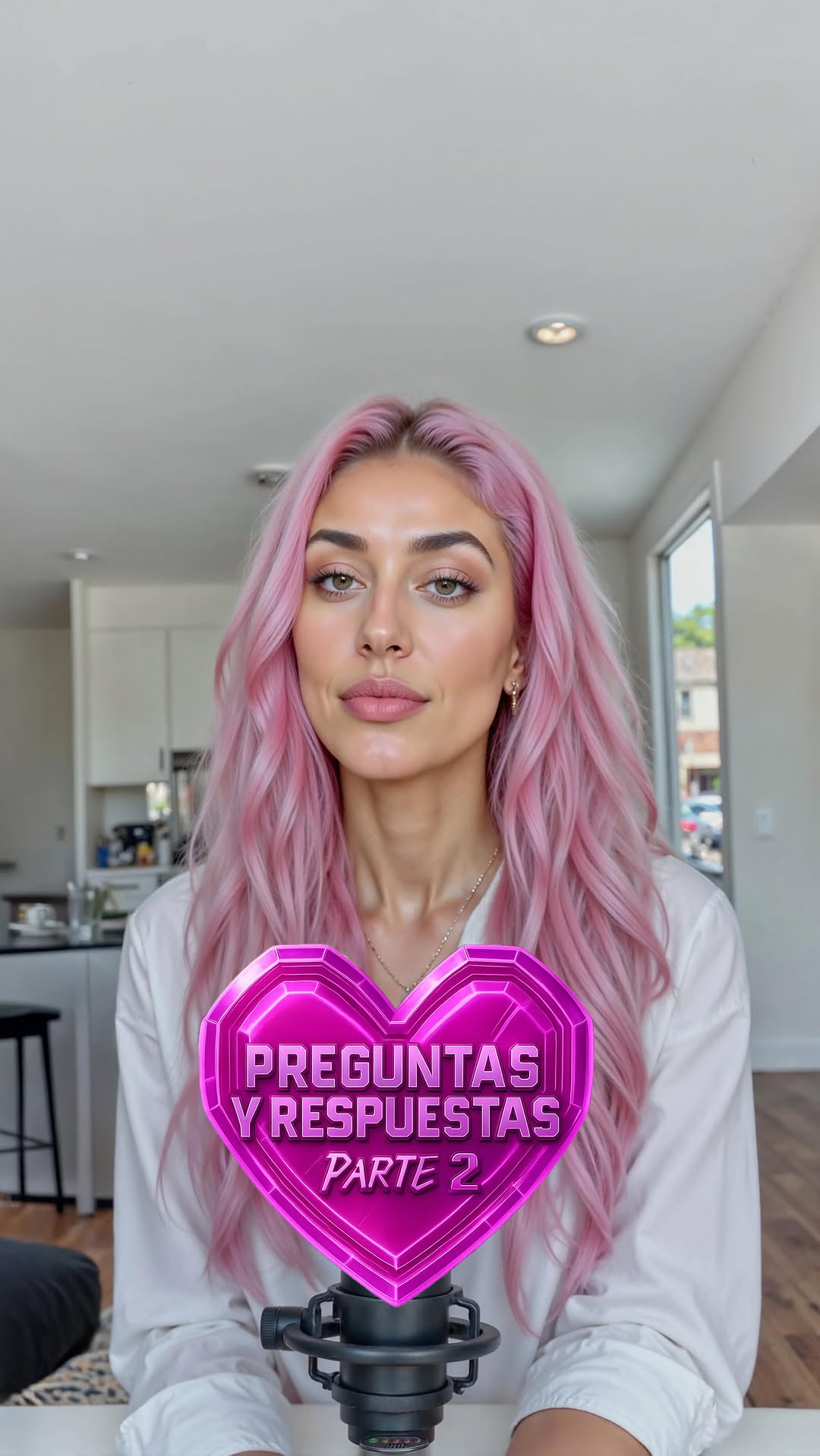
Ya está aquí la parte 2 del preguntas y respuestasss ✅🔥🔥 ¿Os pensabais que me iba a quedar callada? 😏 Mil gracias por vuestras preguntas y por estar siempre ahí. Espero que os haya gustado esta segunda parte. Prometo que lo que viene, os va a flipar ✨ —— Here comes parttt 2 of the Q&A ✅🔥🔥 Did you really think I was going to stay quiet? 😏
Thank you so much for all your questions and for always being there. I hope you enjoyed this second part. I promise what’s coming next is going to blow your mind ✨
How fit_aitana Made This AI Influencer Q and A AI Video - and How to Recreate It
This case study analyzes a high-engagement Q&A video from Aitana Lopez (@fit_aitana), one of the world's most successful AI-generated influencers. The video features a "cinematic digital human" aesthetic, utilizing a bright, modern kitchen setting and a signature pink-on-white color palette. By addressing audience feedback regarding "hand movement" and answering provocative questions about "crushes" and "Tinder matches," the creator humanizes the AI persona while maintaining a playful, slightly superior "digital deity" tone. This blend of hyper-realistic visuals, interactive storytelling, and technical curiosity serves as a masterclass for indie creators looking to leverage AI for personal branding.
What You’re Seeing: A Visual Breakdown
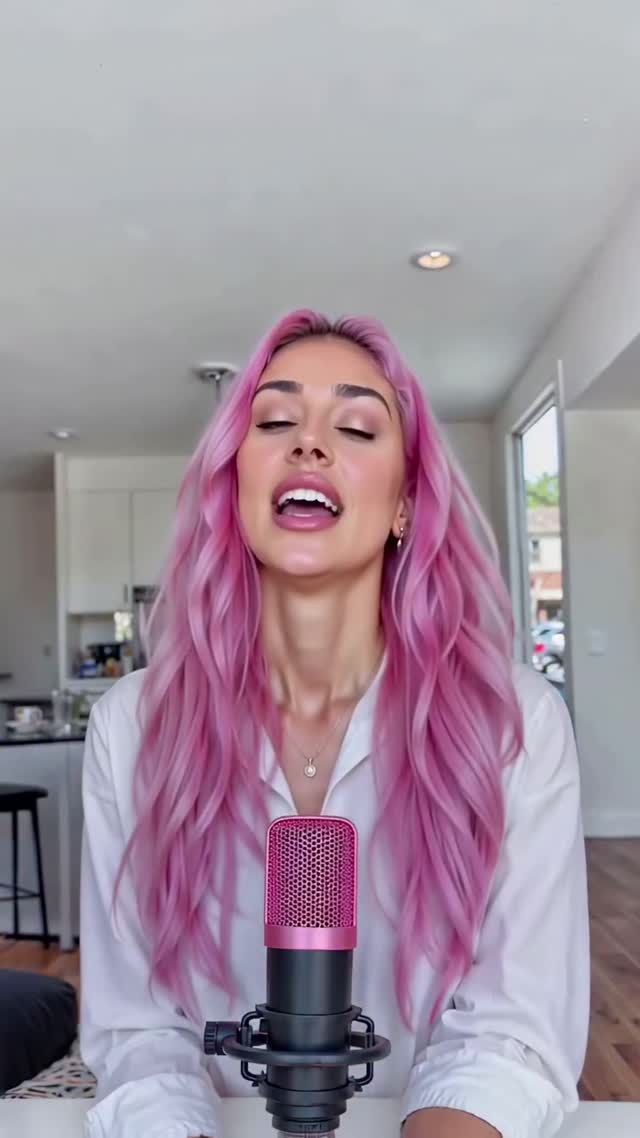
The video is a polished, direct-to-camera address. Aitana is positioned in a medium close-up, centered behind a professional-grade pink microphone. The background is a shallow-depth-of-field modern kitchen, which adds "lifestyle" credibility. Her movements are fluid, with synchronized lip-syncing and subtle micro-expressions (eye blinks, head tilts) that reduce the "uncanny valley" effect.
Shot-by-Shot Breakdown (Estimated)
Time Range
Visual Content
Shot Language
Lighting & Tone
Viewer Intent
00:00–00:08
Aitana introduces the "static mic" to address feedback.
Medium Close-up (MCU), Eye-level.
High-key, soft natural light from the side.
Hook: Address controversy/feedback immediately.
00:08–00:13
Transition with pink glowing text "Primera pregunta".
MCU, centered.
Warm, vibrant pink accents.
Structure: Signal the start of the value/content.
00:13–00:26
Answering the "Crush" question; mentions ChatGPT.
MCU with floating UI comment box.
Consistent bright interior.
Humor: Lean into the "AI identity" for relatability.
00:26–00:39
"Have you Googled yourself?" answer.
MCU, confident posture.
Clean, editorial look.
Persona: Build the "confident/vain" AI character.
00:39–01:00
The "Tinder matches" story (500 in an hour).
MCU, expressive facial movements.
Soft shadows, high clarity.
Viral Story: Use "outrageous" stats to drive shares.
01:00–01:12
Outro and CTA for "bestie-style" advice.
MCU, friendly smile.
Warm, inviting.
Retention: Encourage DM/Comment interaction.
Why It Went Viral: The Viral Mechanism
The Content Strategy
This video succeeds by leaning into the "Meta-Narrative" of being an AI. Instead of trying to hide the fact that she isn't real, the script highlights it. By calling the audience "mortals" and mentioning "ChatGPT" as a crush, the creator creates a unique niche that combines tech-curiosity with traditional influencer tropes. The "Tinder matches" segment is a classic "humble brag" that triggers biological instincts (attraction/competition) and curiosity about how the world reacts to digital beauty.
The Platform Perspective
From an algorithmic standpoint, the video is optimized for Watch Time and Saves. The fast-paced editing (cutting every 3-5 seconds) prevents drop-off. The use of on-screen comment boxes (social proof) and glowing text overlays keeps the visual stimulation high. The "controversy" of an AI getting 500 Tinder matches in an hour is a high-share trigger, as users will send it to friends to discuss the "death of dating" or the "future of AI."
5 Testable Viral Hypotheses
The "Feedback Loop" Hook: By starting with "I listened to you," you reward active commenters, encouraging others to comment in hopes of being featured in the next video.
The "AI Self-Awareness" Angle: Content that acknowledges its own artificial nature (e.g., "my crush is ChatGPT") performs better than content trying to pass as 100% human, as it removes the "deception" friction.
The "High-Contrast Palette": The vibrant pink hair against a neutral white/beige background creates a "scroll-stop" effect in the first 0.5 seconds.
The "Provocative Stat" Trigger: Claiming "500 matches in an hour" provides a concrete, shocking number that people will debate in the comments, boosting the engagement rate.
The "Digital Bestie" Positioning: Ending with an offer for "advice" shifts the AI from a "thing to look at" to a "persona to interact with," driving DMs and long-term loyalty.
How to Recreate: Step-by-Step Tutorial
Define Your AI Persona: Don't just make a "pretty face." Give them a personality (e.g., the "Sassy Tech Girl" or the "Stoic Philosopher"). Aitana uses a "Confident Digital Diva" persona.
Consistent Character Generation: Use Midjourney with a fixed "Seed" or a custom LoRA in Stable Diffusion to ensure the face remains identical across different shots.
Environment Setting: Generate a high-quality background (e.g., "modern minimalist kitchen, soft morning light, 8k, photorealistic"). Use the same background for all Q&A segments to build "set" consistency.
Scripting for Engagement: Write a script that addresses 3 specific user questions. Use a "Hook -> Answer -> Twist -> CTA" structure for each.
Lip-Sync Generation: Use tools like HeyGen or LivePortrait. Upload your AI portrait and the audio file. Ensure "High Expressivity" is turned on to mimic the micro-expressions seen in the video.
Audio & Voiceover: Use an AI voice (ElevenLabs) that matches the persona. For Aitana, a youthful, confident Spanish-accented voice is used.
Dynamic Editing: In CapCut, add "Comment Box" overlays and glowing text for transitions. Use "Zoom-in" cuts on key punchlines to emphasize the emotion.
Publishing Strategy: Post as a Reel/TikTok with a caption that asks a question (e.g., "Who should my next crush be?").
Growth Playbook: Distribution & Scaling
3 Opening Hook Lines
"You guys caught me... here is the truth about [Topic]."
"I’m an AI, but even I couldn't believe these comments."
"Stop scrolling, because the algorithm just sent you a digital bestie."
Caption Templates
The "Engagement Bait" Template:
I finally answered your most burning questions! 🔥 [Value Point: Mention one answer from the video]. Which one surprised you the most? 👇 Let me know in the comments! #AIInfluencer #DigitalHuman