If only the Stranger Things finale was a marketing spectacle. Art/Prompts by @ifonly.ai AI-generated (@midjourney • @higgsfield.ai • @klingai_official • @topazlabs)
If only the Stranger Things finale was a marketing spectacle. Art/Prompts by @ifonly.ai AI-generated (@midjourney • @higgsfield.ai • @klingai_official • @topazlabs)
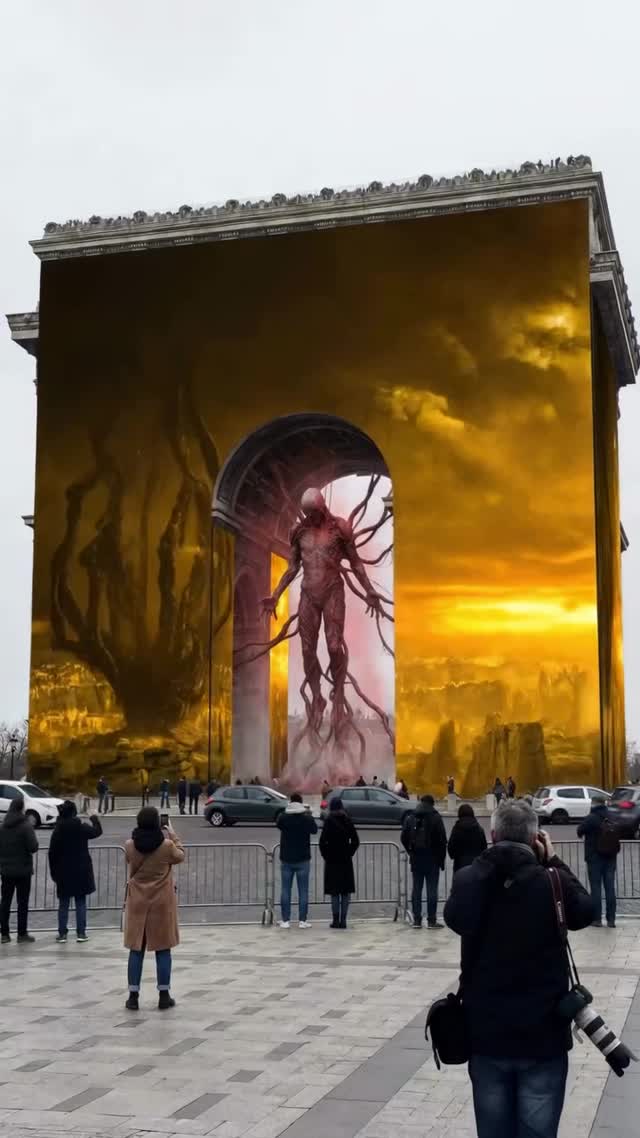
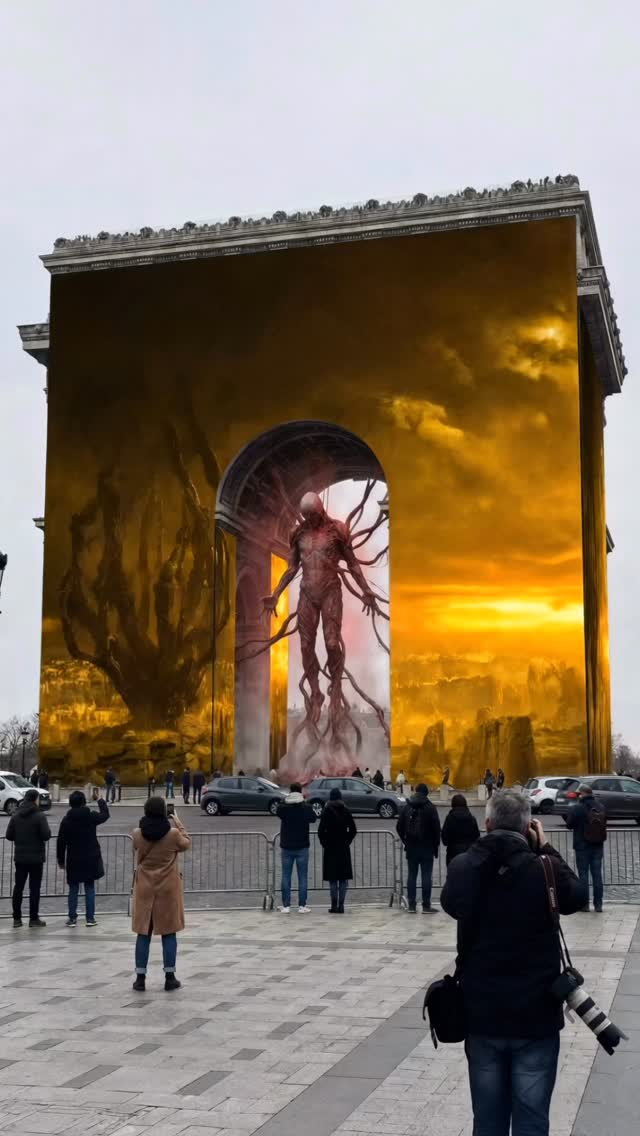
If you’re a small creator, you don’t have a blockbuster budget. But you can borrow blockbuster language: scale, contrast, and a single unforgettable “what am I looking at?” moment. This image nails that feeling by staging a Stranger‑Things‑style portal event inside a famous monumental arch—then wrapping the whole scene in metallic gold like a luxury product launch.
The result is a scroll-stopper that reads like a real-world stunt, even if it’s AI. And that “could this be real?” tension is exactly what makes people pause, comment, and share.
The hook here isn’t a clever caption. It’s the collision: everyday street + world-famous architecture + an impossible portal creature. Your brain recognizes the setting, then immediately hits an anomaly. That’s attention.
Then it adds a second layer: the gold wrap. Gold communicates “premium,” “event,” “launch,” “limited.” It reframes the landmark as a stage set, like a brand takeover. The crowd and cars do quiet but crucial work too—they provide scale proof. When viewers see people filming behind barriers, they subconsciously accept the premise: this is a spectacle worth witnessing.
| Signal | Evidence (from this image) | Mechanism | Replication Action |
|---|---|---|---|
| Reality anchor | Cars, barriers, spectators in coats | Makes the impossible feel documented, not illustrated | Always include 1–2 “boring” real-world anchors (barriers, street signs without text, parked cars) to sell scale |
| Familiar + impossible | Landmark arch + portal creature | Pattern break triggers comments (“Is this real?”) | Pick a recognizable structure, then insert one anomaly (portal, fracture, creature silhouette) and keep everything else normal |
| Premium color code | Metallic gold wrap dominating the frame | Gold reads “campaign,” “event,” “luxury takeover” | Lock a single dominant material (gold foil, chrome, white marble) and let it control the whole scene |
| Controlled lighting story | Overcast ambient + warm glow inside arch | Two-light narrative: “real world” vs “portal world” | Use diffuse daylight as base, then add one localized warm backlight at the anomaly |
The luxury feeling isn’t just the gold. It’s the clean staging: a single hero structure, a centered opening, and enough empty space for your eye to land. The overcast sky acts like a softbox, keeping shadows gentle on the crowd and street so nothing turns into crunchy noise. Then the image adds one purposeful contrast: warm portal glow against a cool-gray day. That contrast gives narrative: the real world is calm, the portal world is alive.
Texture matters too. The gold reads as a real physical wrap—wrinkles, specular highlights, and uneven reflection. When that texture is believable, viewers accept the entire premise more easily. Finally, the crowd is framed like “proof,” not like decoration. Their job is to certify scale and attention: if they are filming, the viewer should keep watching.
| Observed | How to recreate (prompt/control) |
|---|---|
| Centered arch as a stage | “single centered tall arch opening, symmetrical, landmark dominates frame” |
| Overcast softbox base | “flat overcast daylight, soft diffuse shadows, neutral fill” |
| One localized warm glow | “warm backlight inside arch, subtle volumetric haze, controlled highlights” |
| Premium material as the hero | “reflective metallic-gold fabric wrapping, strong specular sheen, high texture realism” |
| Scale proof in the foreground | “spectators behind metal barriers, a few cars at curb, documentary street photo” |
| Prompt chunk | What it controls | Swap ideas (EN, 2–3 options) |
|---|---|---|
| Landmark + wrap material | Instant “campaign” vibe and readability | “chrome mirror wrap” / “white fabric wrap” / “translucent plastic wrap” |
| Anomaly inside opening | The story hook and comment bait | “glitch裂纹 light tear” / “giant silhouette” / “floating product-shaped light” |
| Reality anchors | Believability and scale | “security barriers” / “news crew tripod” / “police cones” |
| Lighting split | Two-world contrast: real vs portal | “warm amber glow” / “icy cyan glow” / “magenta neon glow” |
| Camera feel | Documentary vs cinematic exaggeration | “24mm wide street photo” / “35mm reportage” / “70mm compressed telephoto” |
| Texture realism | Whether viewers believe the wrap is physical | “wrinkled foil” / “stitched fabric seams” / “brushed metal panels” |
Massive {landmark} façade completely wrapped in reflective {material}, a single centered tall arch opening. Inside the arch: a subtle {portal glow} revealing one {silhouette/anomaly}. Overcast daylight, documentary street photo, spectators filming behind metal barriers, a few cars along the curb, wide-angle 24–28mm, deep focus, photoreal cinematic composite, high texture realism, controlled highlights.Baseline Lock (lock these first): (1) the centered composition, (2) the wrap material look, (3) the lighting split (overcast base + localized glow).
One-change rule: change only 1–2 knobs per run. If you change the landmark and the lighting and the anomaly, you’ll never know what broke the realism.