I looove her songs!!! thx @oshuclips for stopping me 🎧⚡️❤️ #oshuclips
I looove her songs!!! thx @oshuclips for stopping me 🎧⚡️❤️ #oshuclips
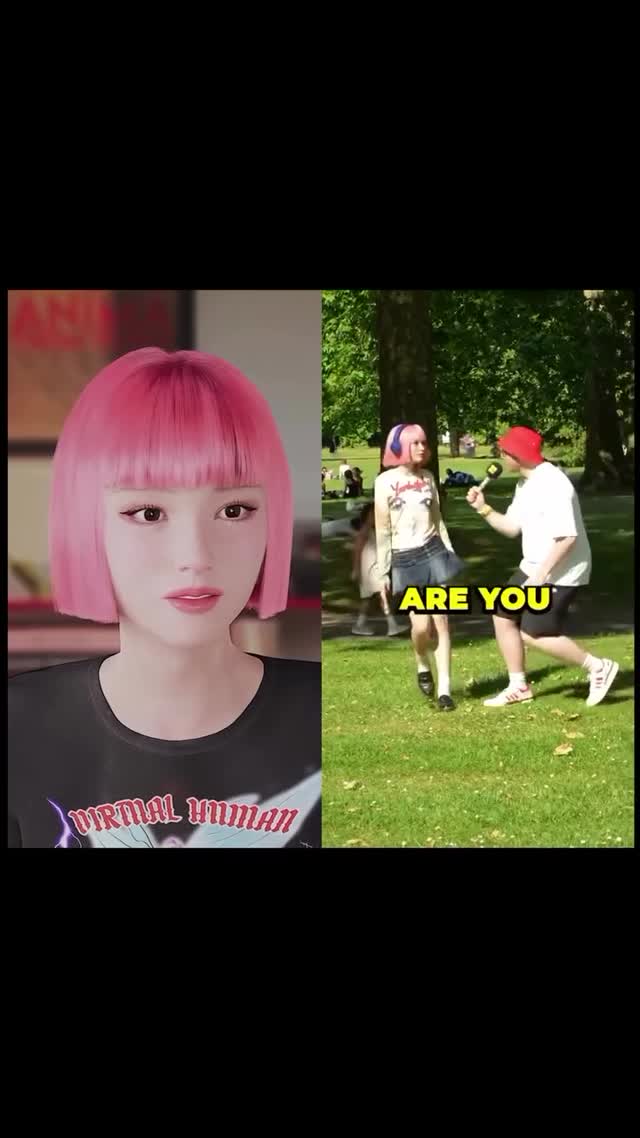
This image feels like a thumbnail for a story you want to finish. One side is polished and controlled (a virtual human portrait). The other side is chaotic and social (a park interview with a mic). That contrast is the hook.
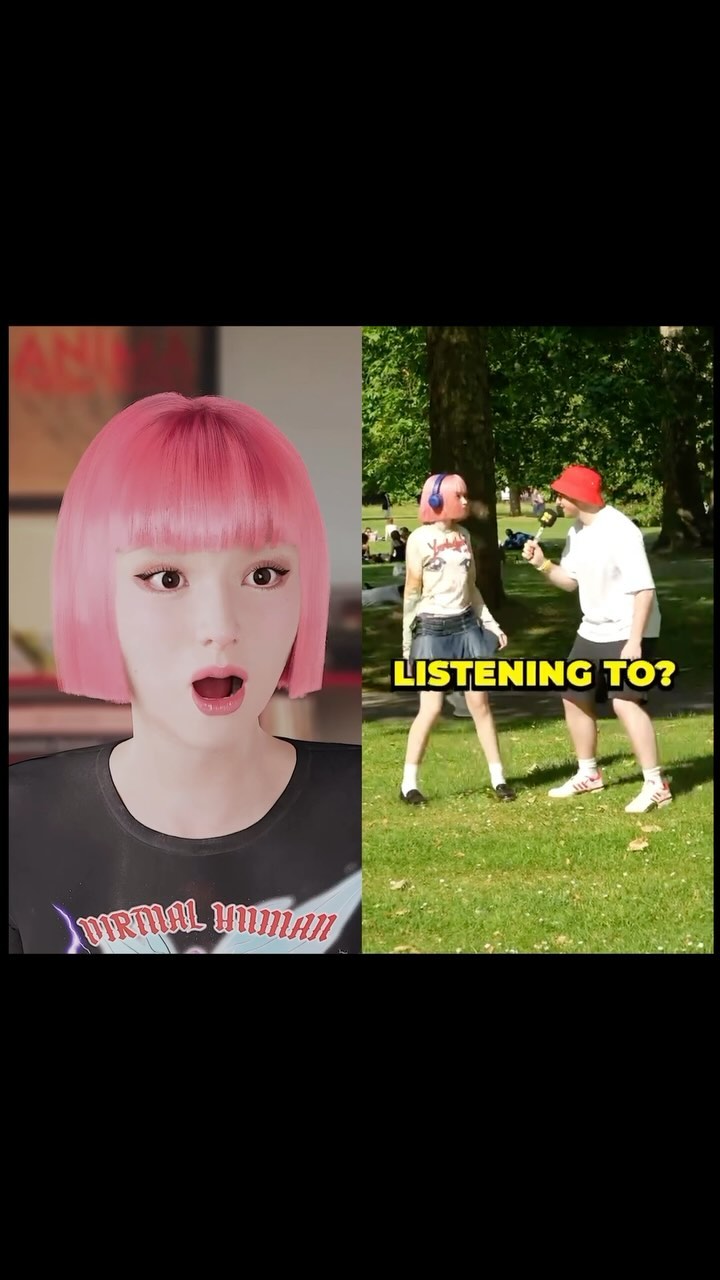
People stop scrolling when they sense two realities colliding. The left panel is a clean, studio-like digital portrait—smooth skin, perfect hair, and a shirt that literally labels the concept: “VIRTUAL HUMAN.” The right panel is the opposite: a handheld-feeling street interview in a sunny park, with a microphone pointed mid-conversation. Your brain reads it as a before/after, an explanation, or a reveal.
The yellow subtitle fragment “ARE YOU” is doing a very specific job. It’s not a complete sentence, which makes it feel like you paused a video at the most important moment. That incomplete line creates an open loop: Are you what? Are you real? Are you the virtual human? Are you a fan? The viewer has to imagine the next word—and that tiny act increases dwell time.
Finally, it’s a “proof + premise” thumbnail. The premise is the identity claim (virtual human). The proof is the social context (someone stopping you with a mic in public). Together, they imply credibility and a story worth watching, even if the post is just one frame.
| Signal | Evidence (from this image) | Mechanism | Replication Action |
|---|---|---|---|
| Mixed-media contrast | Polished CG portrait vs candid park interview | Collision of worlds creates curiosity and “what’s happening?” energy | Pair a clean studio panel with a messy real-world panel; don’t make both polished |
| Open-loop subtitle | Single fragment: “ARE YOU” | Paused-at-the-best-moment effect increases watch intent | Use 1–3 word subtitle fragments (“ARE YOU”, “SO YOU”, “WAIT…”) on frame 1 |
| Identity labeling | Shirt text: “VIRTUAL HUMAN” | Instant premise comprehension at thumbnail size | Put the concept label on wardrobe or a prop; keep it readable and simple |
| Social proof cue | Microphone + public setting | Signals relevance: “this is worth stopping for” | Add a mic/interviewer silhouette to imply public interest |
Transfer 1: “Studio vs backstage” artist reveal
Transfer 2: “AI tool vs real reaction”
Transfer 3: “Fan question” series thumbnail
The left panel is designed to be frictionless: soft even light, smooth skin, controlled color, clean crop. It reads as “official.” The right panel is designed to feel alive: daylight greens, motion energy, and a microphone that implies conversation. The black padding around the collage makes it feel like a captured moment from a vertical video edit—native to the platform.
Color is a quiet hero here. Pink hair links the panels, while the red cap and yellow subtitle give the right panel a pop that feels like entertainment content. The result is a thumbnail that’s both branded and dynamic.
| Observed | How to recreate it (prompt + knob) |
|---|---|
| Split-screen inside black margins | Specify “collage centered with thick black padding”; lock panel widths and seam |
| Concept label on wardrobe | Add short readable shirt text (“VIRTUAL HUMAN”) and keep it unambiguous |
| Street interview proof | Include “handheld microphone” + public park background for instant context |
| Incomplete subtitle fragment | Use 1–3 words in yellow outlined subtitle font; place bottom-center of right panel |
| Panel link via hair color | Repeat one signature feature across panels (hair color, outfit element, icon) |
| Prompt chunk | What it controls | Swap ideas (EN, 2–3 options) |
|---|---|---|
| Layout: split-screen + margins | Thumbnail readability and “native edit” feel | “two-panel split-screen” / “three-panel collage” / “picture-in-picture” |
| Left panel: branded portrait | Authority and identity clarity | “studio portrait” / “clean gradient background” / “close-up beauty shot” |
| Right panel: public proof scene | Social energy and relevance | “park interview” / “street at night” / “event crowd blur” |
| Wardrobe label | Instant premise comprehension | “VIRTUAL HUMAN” / “AI GIRL” / “DIGITAL ID” |
| Subtitle fragment | Open loop and watch intent | “ARE YOU” / “SO YOU” / “WAIT…” |
| Linking motif | Whether the two panels feel related | “same hair color” / “same accessory” / “same logo color” |
Vertical 9:16 split-screen collage inside thick black margins. Left: clean studio portrait of {virtual_subject} wearing a shirt that says {label_text}. Right: candid {public_scene} with an interviewer holding a microphone. Add yellow subtitle fragment at bottom right panel: {2_words}.Change only one knob per upload: either the wardrobe label (premise), the subtitle fragment (hook), or the right-panel scene (proof). Keep the rest identical so the audience learns your format.