0:00 / 0:00
▶
I love you anyway 🥰 • • • #itsalright #thatsokay #iloveyou #cuteanimals #penguin #cutepenguin
I love you anyway 🥰 • • • #itsalright #thatsokay #iloveyou #cuteanimals #penguin #cutepenguin
This viral hit features a 3D animated "Puff Puff" penguin delivering a message of unconditional love and emotional support. With over 27,000 likes, it leverages the "baby schema" (large eyes, round face) to trigger an immediate nurturing response. The video combines cinematic 3D character design with a simple, bright outdoor background, creating a high-quality yet approachable "digital pet" aesthetic. It’s a masterclass in using short-form emotional hooks and catchy, relatable audio to drive massive engagement among audiences seeking "wholesome" or "comfort" content.
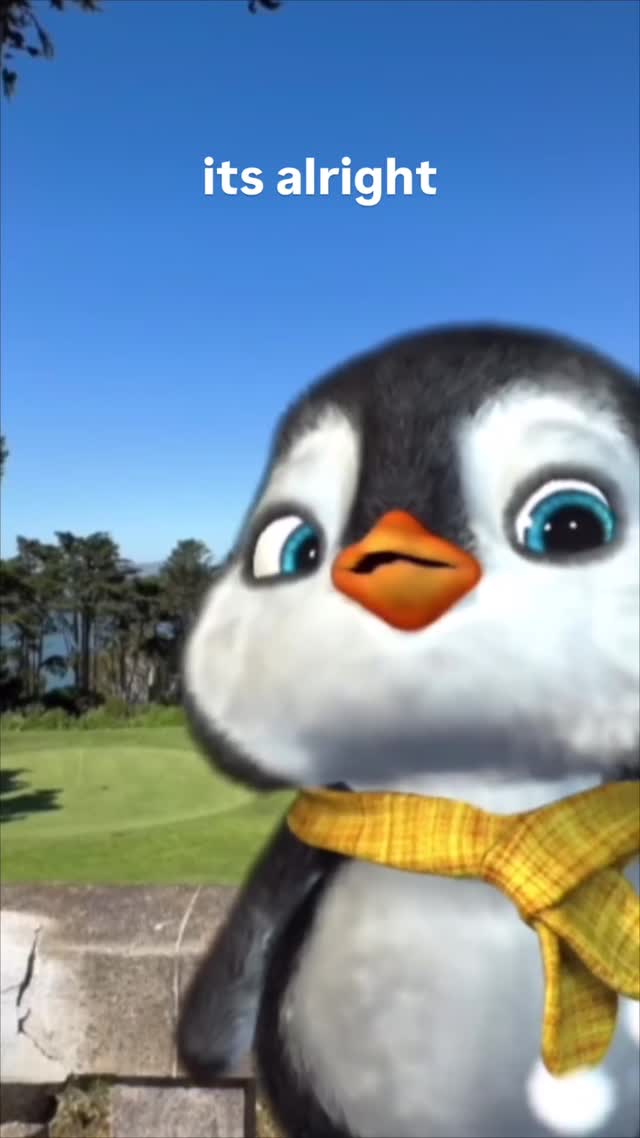
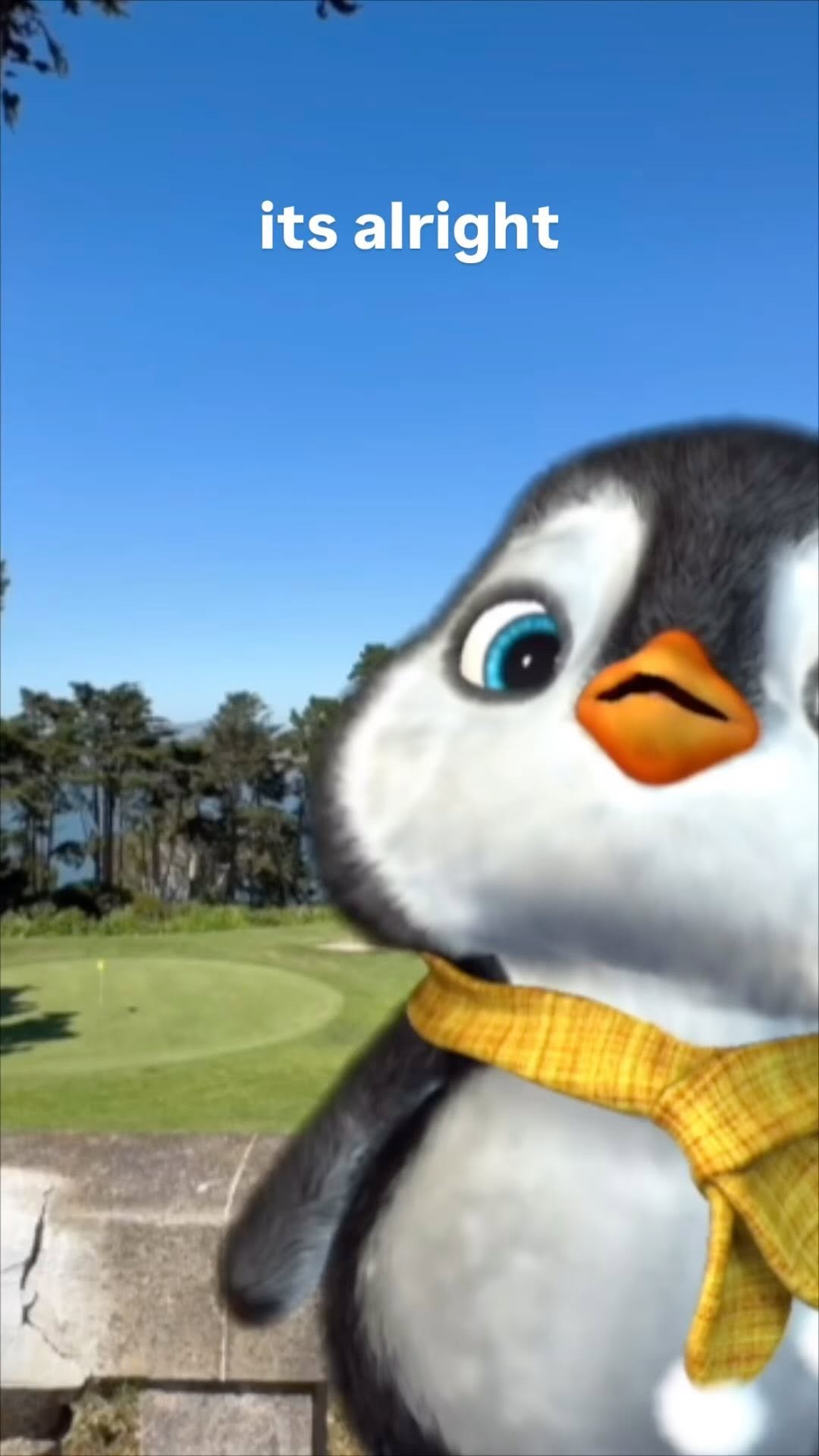
The video is a portrait-oriented short featuring a stylized, chubby penguin character. The penguin has large, expressive blue eyes, a small orange beak, and is wearing a bright yellow checkered scarf. The setting is a sunny, out-of-focus park or golf course with lush green grass and a stone wall in the foreground, providing a realistic "real-world" contrast to the stylized character.
| Time Range | Visual Content | Shot Language | Lighting & Tone | Viewer Intent |
|---|---|---|---|---|
| 00:00 - 00:01 | Penguin looks slightly sad/pouty, text "its alright" appears. | Close-up (CU) | Bright, natural daylight; warm tones. | Hook: Immediate emotional connection through vulnerability. |
| 00:01 - 00:02 | Penguin tilts head, text "thats okay" appears. | Medium Close-up (MCU) | Consistent soft shadows on the character. | Reinforce: Building comfort and reassurance. |
| 00:02 - 00:04 | Penguin begins to smile and bounce, text "im gonna love you anyway". | Medium Shot (MS) | Vibrant greens and blues in the background. | The "Payoff": Transition from sadness to joy. |
| 00:04 - 00:06 | Extreme close-up on the penguin's happy face. | Extreme Close-up (ECU) | High detail on fur/feather texture. | Call to Action: Leave the viewer with a "warm fuzzy" feeling. |
This video taps into the "Comfort Content" trend. In a digital landscape often filled with chaos or high-energy "hustle" videos, a simple message of "I love you anyway" delivered by a cute character acts as an emotional palate cleanser. The lyrics are universally relatable—everyone wants to feel accepted despite their flaws. By using a penguin (an animal generally perceived as non-threatening and cute), the creator bypasses the viewer's cynical filters.
From a platform perspective, Instagram's algorithm rewards high completion rates and repeat views. Because the video is short (6 seconds) and the audio is a catchy "earworm," users are likely to watch it multiple times. The "loop effect" is seamless, making the penguin's message feel like a continuous hug. The text overlays are timed perfectly with the audio, reducing the cognitive load for the viewer and making the content easily consumable even without sound (though the audio is a major driver).
Start by defining your "mascot." Use a tool like Midjourney to create a character sheet. Prompt Tip: "3D stylized chubby penguin, large expressive blue eyes, yellow checkered scarf, cinematic lighting, Pixar style, white and dark grey feathers, high detail."
Choose a background that contrasts with your character. A real-world park or bedroom works best to ground the fantasy character. You can use a stock photo or generate one with AI.
Generate 3-4 key poses: Sad/Pouty, Neutral, Happy/Singing, and a Close-up Smile. Ensure the scarf and eye color remain identical across all frames.
Use an AI video tool like Runway Gen-2 or Luma Dream Machine. Upload your character image and use "Motion Brush" to animate the head tilt and blinking. For the singing, use a lip-sync tool like Hedra or LivePortrait.
Find a "trending wholesome" audio or record a high-pitched, cute voiceover. The key is a gentle, melodic tone.
Use simple, sans-serif fonts (like the one in the video). Place them in the upper third of the frame so they don't obscure the character's face.
Cut the video to match the beat of the song. The transition from "sad" to "happy" should happen exactly when the lyrics shift to "I'm gonna love you anyway."
Post as a Reel/TikTok. Use a caption that invites users to tag someone they love. (e.g., "Tag someone who needs to hear this today 🐧❤️").
Template 1:
It’s alright, that’s okay. 🐧 We all have those days. Remember you are loved exactly as you are.
Tag a friend who needs this reminder today! 👇
#selflove #wholesome #penguinlove
Template 2:
I love you anyway. 🥰 No matter what happened today, tomorrow is a fresh start.
Save this for when you need a boost. ✨
#mentalhealthmatters #cuteanimation #positivity
Use Midjourney for the character and Hedra for the lip-syncing animation.
"Stylized," "Cinematic lighting," and "Expressive eyes."
You need to use a "Character Reference" (cref) in Midjourney to lock the features.
Focus on high-quality textures (fur/fabric) and avoid over-saturating the colors.
Instagram Reels currently has a very high appetite for "aesthetic wholesome" content.