I love you anyway 🥰 • • • #itsalright #thatsokay #iloveyou #cuteanimals #penguin #cutepenguin
I love you anyway 🥰 • • • #itsalright #thatsokay #iloveyou #cuteanimals #penguin #cutepenguin
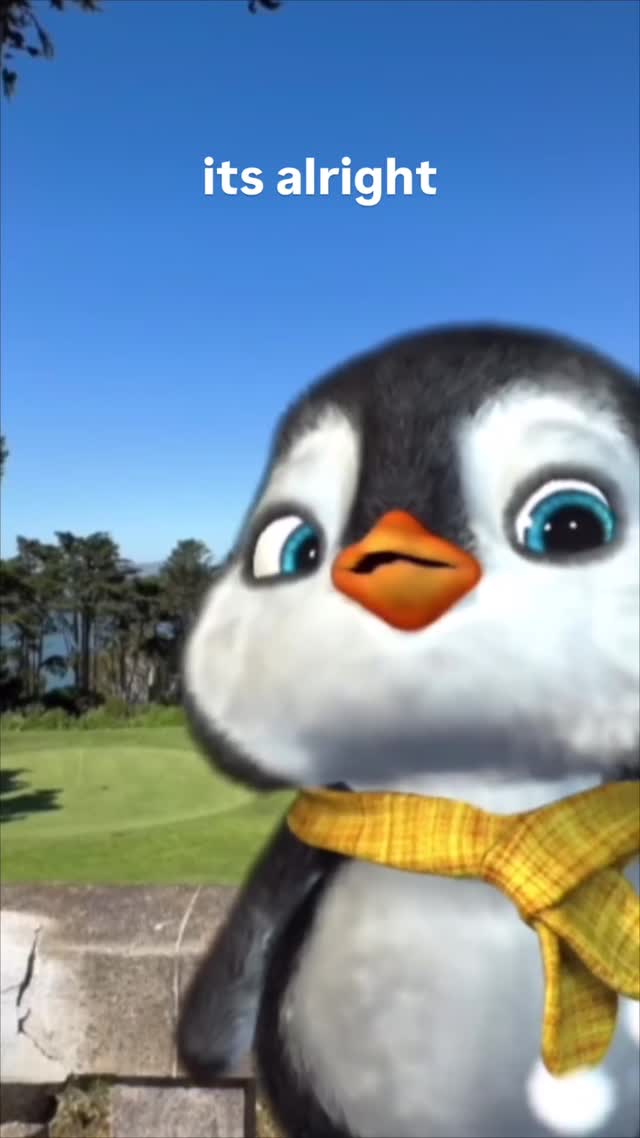
There’s a reason this penguin format keeps resurfacing: it’s not a joke, it’s a social tool. The line “its alright” gives people permission to soften a moment—after a mistake, after a late reply, after an awkward confession. It’s short enough to send without drama, but warm enough to feel like you meant it.
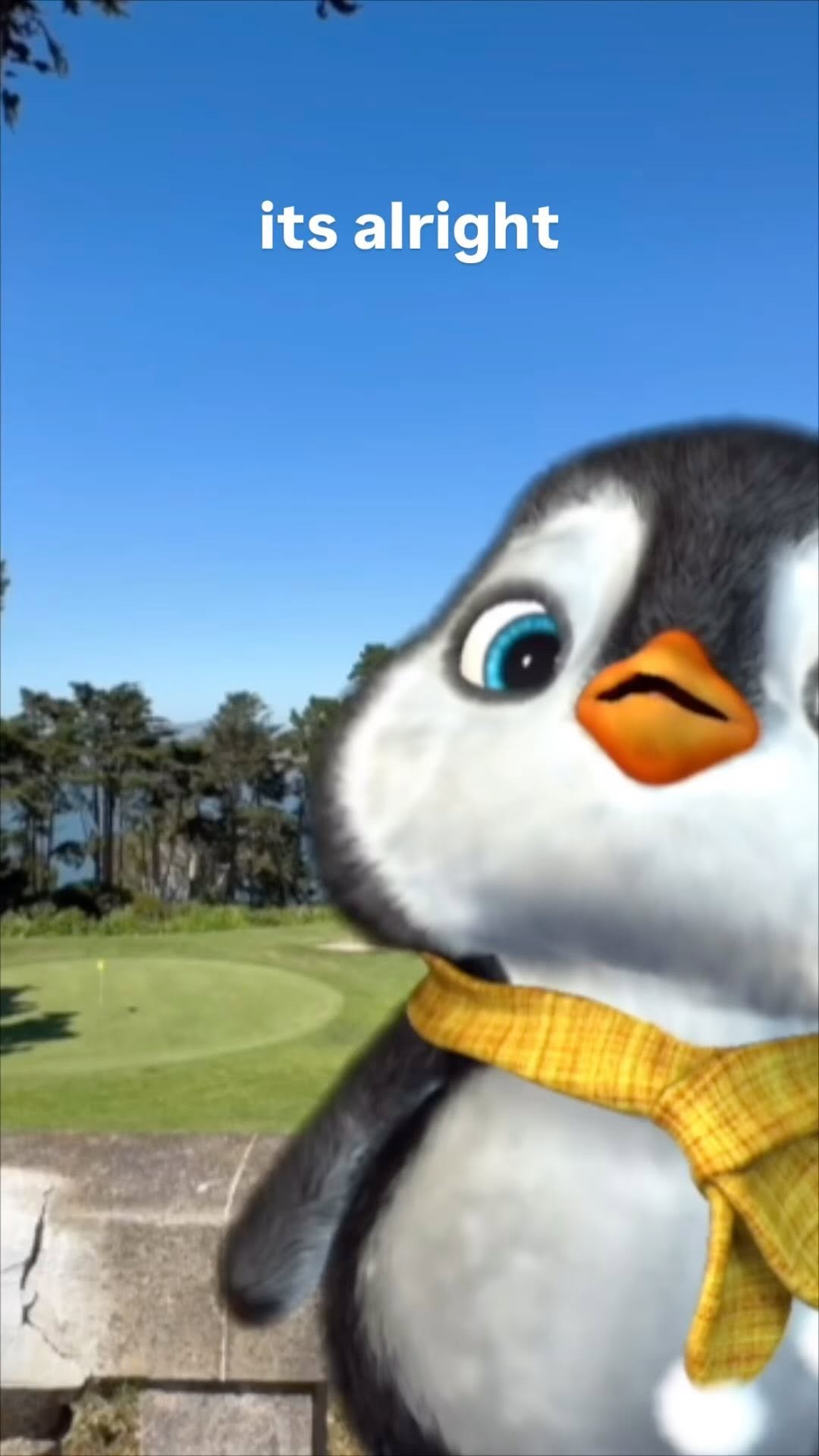
Visually, the character does the emotional lifting. Big eye contact reads as sincerity, the yellow scarf adds a cozy “I care” cue, and the sunny park background keeps the mood safe. The result is a reaction image that works in DMs, comments, Stories, and text-message screenshots—anywhere people need a gentle reset.
| Signal | Evidence (from this image) | Mechanism | Replication Action |
|---|---|---|---|
| Reassurance in two words | Top text is plain: “its alright” | Low-friction message: useful in more situations than a punchline | Keep text to 1 short line; choose phrases people can send as-is |
| Direct sincerity | Oversized glossy eyes looking at the viewer | Eye contact reads as genuine care, not sarcasm | Lock “direct gaze, big glossy eyes, gentle expression” in the prompt |
| Cozy accent cue | Mustard scarf is the only warm accent | One consistent warmth cue increases memorability and comfort | Use one accent accessory (scarf/blanket) and keep its color consistent |
| Safe outdoor mood | Blue sky + green lawn + trees | Bright context prevents the message from feeling heavy | Choose clean daytime backgrounds; avoid dark, high-drama lighting |
Recipe 1: New character, same comfort
Recipe 2: Indoor cozy variant
Recipe 3: Season-coded comfort
The face is oversized, but the lighting is normal daylight—so it feels friendly, not like a toy commercial. The background is real-world enough (grass, trees, water) to give the character a believable place to exist. And the text is intentionally plain. No fancy fonts, no effects, no extra decoration. That restraint is what keeps the meme usable.
| Observed | Evidence in the image | Recreate instruction (prompt knob) |
|---|---|---|
| Big-face framing | Penguin head dominates the right side of the frame | “close-up, face fills frame, keep top negative space for text” |
| Comfort accent | Mustard scarf provides warmth and texture | “one mustard scarf, woven texture, subtle plaid, no other accessories” |
| Daytime clarity | Blue sky and bright greens | “sunny daytime park, clear blue sky, vibrant greens” |
| Text is functional | Lowercase, centered, white bold sans-serif | “simple white bold sans-serif text, centered, no outline, no drop shadow” |
| Real-world context | Stone ledge and distant trees/water | “park with stone wall foreground, lake and trees in background” |
| Prompt chunk | What it controls | Swap ideas (EN, 2–3 options) |
|---|---|---|
| Expression | Whether it reads as comforting or sarcastic | “gentle reassurance”, “soft apology”, “warm gratitude” |
| Gaze + eye style | Sincerity and cuteness intensity | “direct eye contact”, “slightly watery eyes”, “bright catchlights” |
| Accent accessory | Memorable anchor across variations | “yellow scarf”, “cozy knit beanie”, “tiny cardigan” |
| Background mood | Lightness vs heaviness | “sunny park”, “overcast beach”, “soft indoor window light” |
| Typography rule | Readability on mobile | “one-line top text”, “white bold sans-serif”, “lowercase style” |
cute 3D {character} close-up, big glossy eyes, gentle expression,
{warm accent accessory}, sunny daytime background, leave top space,
top text: “{short reassurance}”, white bold sans-serifChange one knob at a time: text OR background OR character. That’s how you keep the meme feeling “the same,” even when it’s new.