Guyyyys we’re SO close! After months of “almost done,” the @pynkynk house/shop/community is getting its final touches. Messy, weird, and feeling so good! Get ready 🐽 #johnpork #pynkynk
Guyyyys we’re SO close! After months of “almost done,” the @pynkynk house/shop/community is getting its final touches. Messy, weird, and feeling so good! Get ready 🐽 #johnpork #pynkynk
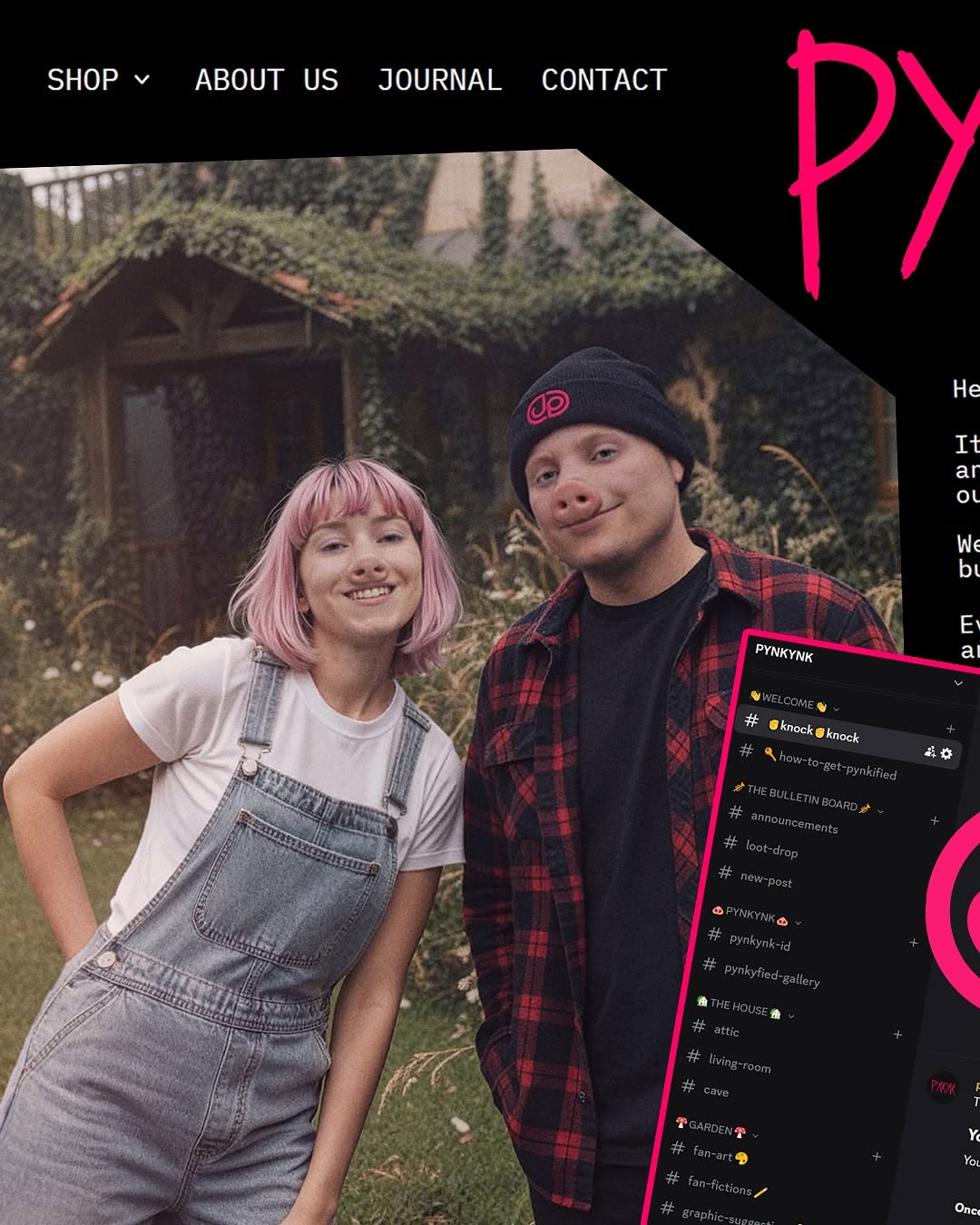
This post is not just a portrait. It is a mini brand world: people, interface, typography, and community cues all in one frame. The result is high information density without feeling random, because the structure is clear: photo as emotional core, UI overlays as cultural context, neon accents as memory hook.
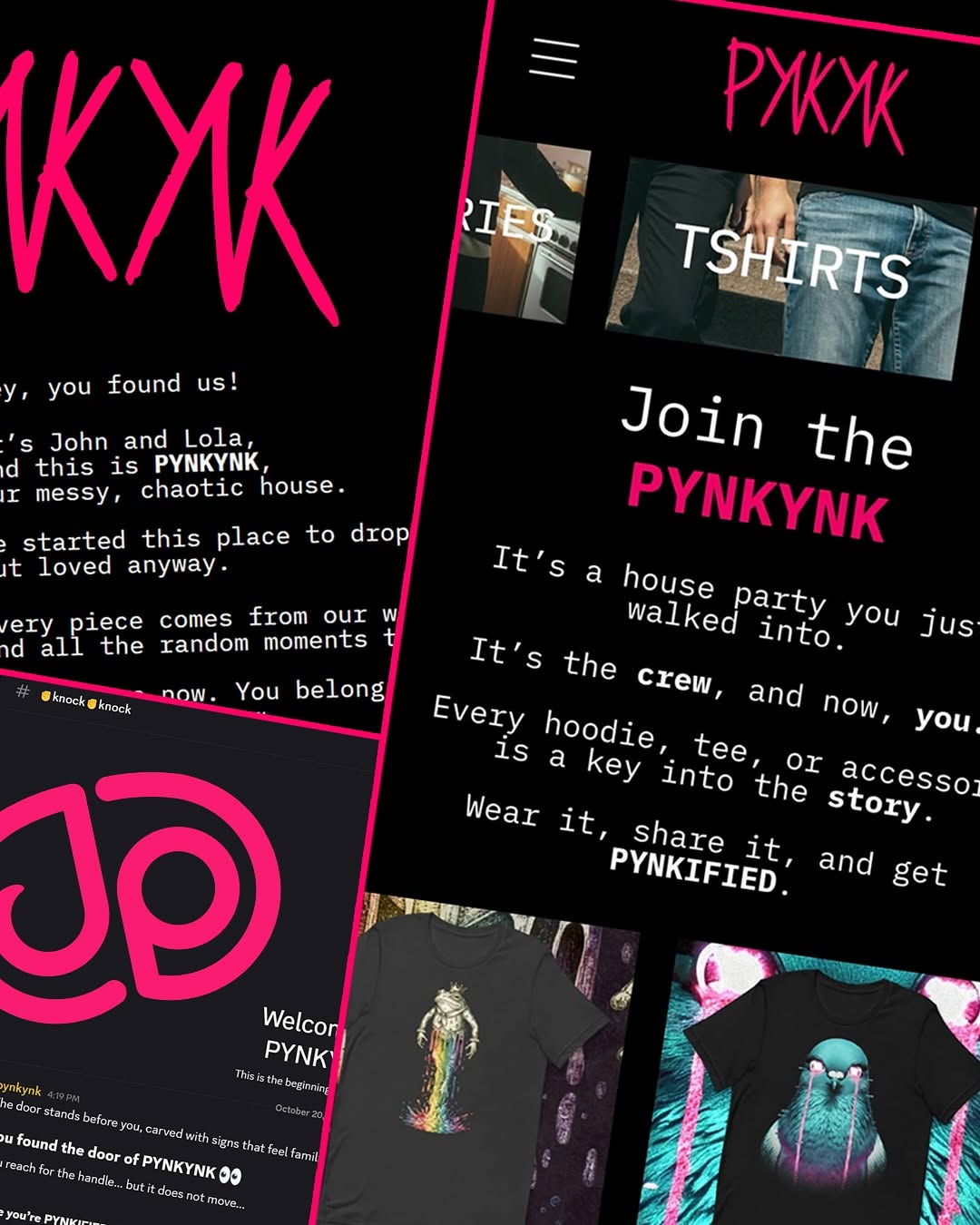
Creators often separate “content” from “brand design.” This image combines them. Viewers can read personality (the two faces), aesthetics (pink/black visual code), and product ecosystem (nav bar, chat panel) in one scroll moment. That compression is a strong viral mechanic for fashion, creator-led commerce, and community-driven brands.
| Signal | Evidence (from this image) | Mechanism | Replication Action |
|---|---|---|---|
| Human anchor first | Two smiling people centered in the largest visual area | Faces create instant emotional entry before UI details load | Lock people as the primary layer occupying at least 55% of visual weight |
| Brand code repetition | Neon-pink lettering and matching UI outline accents | Repeated color + shape patterns improve recall | Choose one accent color and repeat it across type, frames, and micro-graphics |
| Platform context in-frame | Top nav labels and Discord-like panel included | Signals ecosystem depth, not one-off post | Add one “where this lives” UI artifact (menu, chat list, map, dashboard) |
| Asymmetric layout tension | Main photo left, high-contrast graphic zone right | Visual imbalance creates curiosity and longer gaze time | Reserve one side for graphic interruption, avoid perfect centering |
Not ideal:
{two_people_photo} + {top_menu_words} + {angled_side_panel} + {single_accent_color}{team_portrait} left, {guild_ui_panel} right, {brand_tag_color} strokes{cofounder_pair} in {location}, {brand_navbar}, {community_panel}, bold accent graphicsThe aesthetic relies on contrast between organic and digital layers. The photo area is soft and natural; the overlay area is hard-edged and high-contrast. This duality communicates both intimacy and infrastructure, which is exactly what modern creator brands need.
| Observed | Recreate method |
|---|---|
| Soft outdoor portrait core | Use diffused daylight and keep skin tones gentle, not hyper-processed |
| Hard black UI framing | Add thick black interface zones with clean white uppercase labels |
| Neon accent punctuation | Apply one vivid accent color to strokes, borders, and identity marks |
| Tilted utility overlay | Insert one angled panel to break static layout and add movement |
| Prompt chunk | What it controls | Swap ideas (EN) |
|---|---|---|
| People block | Emotional accessibility | "two friends smiling", "duo founder portrait", "streetwear pair pose" |
| UI navbar block | Brand-system signal | "top black nav with 4 menu items", "minimal site header", "uppercase menu strip" |
| Right-side graphic block | Memorability | "neon pink script marks", "acid green stencil marks", "electric blue brush tags" |
| Utility overlay block | Community/product depth | "angled chat panel", "tilted event card", "rotated roadmap widget" |
| Color-grade block | Mood cohesion | "muted natural + neon accents", "warm portrait + cool UI", "filmic greens with bright highlights" |
| Asymmetry block | Scroll interruption | "left photo right graphics", "top text bottom portrait", "off-center split collage" |
Baseline lock: (1) two-person human anchor, (2) top nav text lane, (3) single accent color repeated 3+ times.
This sequence lets you scale variations without losing the brand signature that made the original frame sticky.