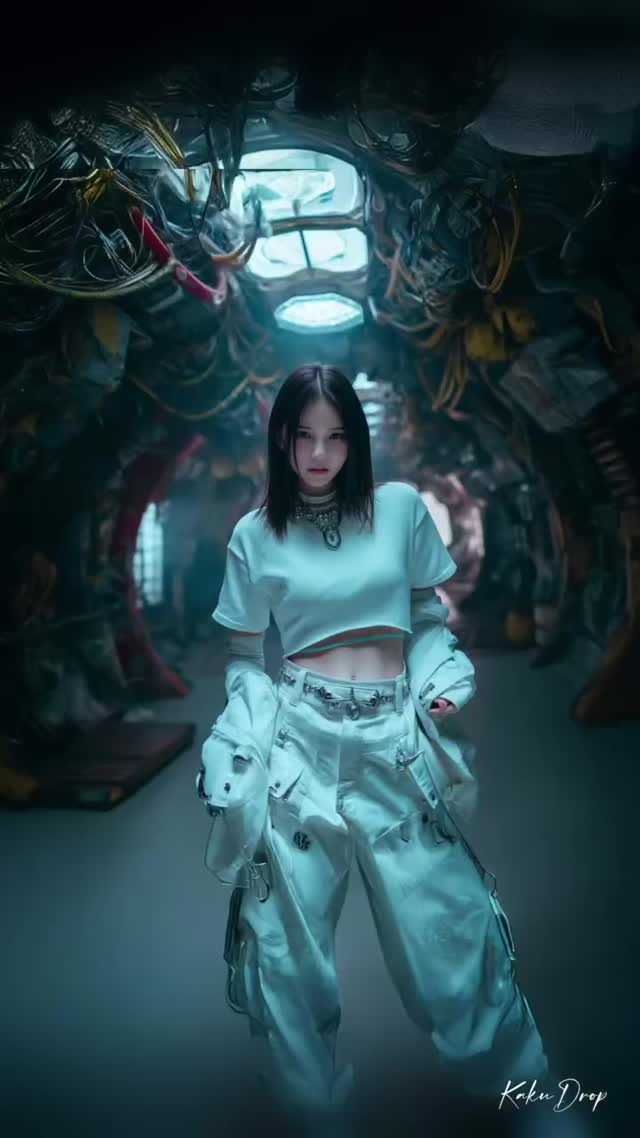
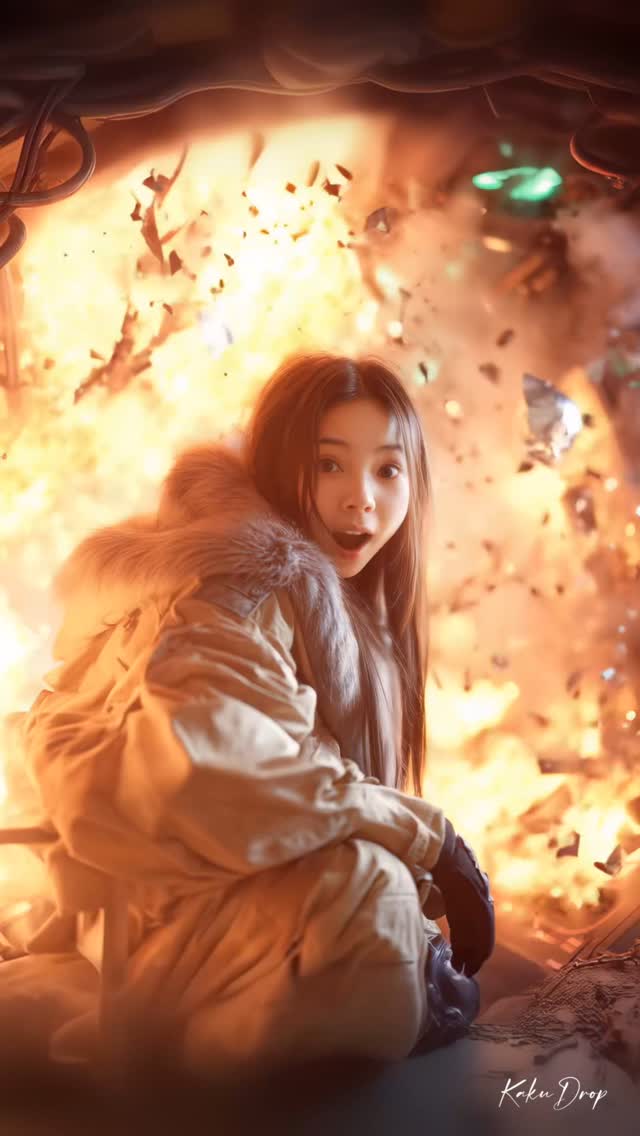
~ 電撃ステップ~
電光のごとく切り替わる場面で、私たちは軽やかに舞う。はちゃめちゃなリズムが身体を突き抜ける。
~ Electrostep ~
Amid lightning-switched scenes, we dance with agility. The chaotic rhythm pierces our very core.
🤝 @higgsfield.ai
#KakuDrop #カクウドロップ
#midjourney #SDXL #StableDiffusion #digitalart #生成AI #aiartwork #artofvisuals #Synthography #retrato #ポートレート #肖像 #포트레이트 #potret #HiggsfieldSpotLight #Higgsfield
How kakudrop Made This Character Consistency AI Video - and How to Recreate It
This video is a masterclass in AI-driven character consistency and high-energy rhythmic editing. It features a single, consistent female subject transported through a dizzying array of environments—from futuristic cyberpunk cockpits and neon-lit cityscapes to serene traditional Japanese interiors and surreal underwater depths. The "Electrostep" theme isn't just a title; it's the editing philosophy. Every cut is frame-perfectly synced to a high-tempo electronic track, creating a "visual buffet" that showcases the versatility of modern AI video tools like Higgsfield.ai. The aesthetic leans heavily into a cinematic editorial portrait style, blending high-fashion photography with sci-fi and fantasy world-building. For indie creators, this represents the "Identity Consistency" gold standard: maintaining a recognizable face across 20+ costume and lighting changes in under 22 seconds.
What You’re Seeing
The video is a rapid-fire montage of a young Asian woman with long, dark hair and expressive features. The wardrobe shifts constantly: a cozy beige sweater in a library, a sleek leather tech-suit, a traditional floral kimono, and even futuristic glowing boots. The actions range from static, intense stares to dynamic movements like jumping through the air or falling through a sci-fi shaft. The lighting is the unsung hero here, shifting from soft, natural library light to harsh red neon, warm golden hour glows, and the cool, diffused blues of an underwater scene. The texture remains crisp throughout, avoiding the "AI blur" often seen in lower-quality generations, which suggests a high-resolution upscaling or refined image-to-video workflow.
Shot-by-Shot Breakdown
Time Range
Visual Content
Shot Language
Lighting & Tone
Viewer Intent
0:00-0:01
Subject in a glass-roofed library, beige sweater.
Full shot, static.
Natural, soft daylight.
Establish character identity (The Hook).
0:01-0:03
Cyberpunk/Techwear close-ups.
CU to MCU, slight tilt.
High contrast, moody.
Showcase detail & texture.
0:04-0:06
Sci-fi interior and fantasy white dress.
Medium shots.
Cool blues vs. ethereal white.
Demonstrate range of "worlds."
0:07-0:09
Laughing in neon city, peace signs.
UGC-style handheld feel.
Vibrant pinks/reds.
Humanize the AI character.
0:10-0:12
Surreal POV (mouth) and underwater.
Experimental framing.
Dark, saturated.
Surprise/Pattern interrupt.
0:13-0:16
Falling, jumping, and explosions.
Action/Dynamic motion.
High energy, fire orange.
Peak intensity/climax.
0:17-0:22
Traditional Kimono and final explosion.
Cinematic portraiture.
Warm, nostalgic to intense.
Final aesthetic payoff.
Why It Went Viral
The Content Strategy
This video taps into the "Identity Consistency" obsession within the AI community. Creators and viewers alike are fascinated by the ability to keep a character's face identical across different scenes—a feat that was nearly impossible a year ago. By cycling through popular aesthetics (Cyberpunk, Anime-adjacent, Traditional Japanese, Ethereal Fantasy), the creator ensures there is something visually appealing for almost every sub-culture on Instagram. The "Electrostep" rhythm creates a hypnotic loop effect; the cuts are so fast that the human brain can't fully process every detail in one viewing, practically forcing a second or third watch to "see it all."
The Platform Perspective
From an algorithmic standpoint, this video is a "Watch Time" monster. The 0.5-second cut rate triggers constant dopamine hits, preventing the user from scrolling away. The high "Save" rate is likely driven by other creators using it as a reference for AI capabilities or aesthetic inspiration. The caption mentions a partnership with Higgsfield.ai, signaling to the platform that this is "cutting-edge" tech content, which often gets pushed to tech-savvy and creative-leaning audiences. The use of "Hey" and "Yeah" vocal chops in the music acts as an auditory anchor, making the visual transitions feel inevitable and satisfying.
5 Viral Hypotheses
The "Consistency Flex": If you can prove a character is the same person in 20+ scenes, you establish authority in the AI space, leading to higher shares among fellow creators.
The "Blink and You'll Miss It" Hook: By putting the most detailed shots in the middle of fast cuts, you force re-watches, which signals to the algorithm that the content is highly engaging.
Aesthetic Convergence: Combining "Traditional" (Kimono) with "Futuristic" (Cyberpunk) creates a contrast that appeals to a broader demographic than a single-theme video.
The "Human Expression" Factor: Shots of the character laughing or making peace signs (0:07-0:09) break the "uncanny valley" and make the AI feel more relatable.
Rhythmic Synchronization: Visuals that "dance" to the beat reduce the cognitive load of watching, making the experience purely visceral and addictive.
How to Recreate (Step-by-Step)
Define Your "Anchor" Character: Use a tool like Midjourney or Flux to create a consistent character. Save 5-10 "Reference Images" of the same face from different angles.
Scene Storyboarding: List 15-20 wildly different themes (e.g., "Mars colony," "1920s Paris," "Cyberpunk Tokyo").
Generate Keyframes: For each theme, generate one high-quality image using your character reference. Ensure the facial features remain locked.
Image-to-Video (I2V): Use Higgsfield.ai, Kling, or Luma Dream Machine. Upload your keyframe and use a prompt like "Subject looks at camera and smiles" or "Subject walks through the neon street." Keep motion settings high (7-10).
The "Electrostep" Edit: Import your clips into CapCut or Premiere. Find a track with clear, rhythmic "hits" (vocal chops or snares).
Beat-Matching: Cut your clips to every 0.5 to 0.8 seconds. Ensure the most "dynamic" part of the AI motion happens during the cut.
Color Grading: Apply a global "Cinematic" filter or slight film grain to unify the different AI generations and make them look less "digital."
The "Loop" Polish: Ensure the last shot transitions smoothly back to the first (e.g., both shots having similar framing) to encourage infinite looping.
Growth Playbook
Opening Hook Lines
"AI character consistency is finally here. Watch this."
"20 worlds, 1 girl. All generated by AI."
"The future of fashion editorials is 100% digital."
Caption Templates
Option 1: The Tech Showcase
Testing the limits of character consistency with [Tool Name]. ⚡️ From cyberpunk streets to traditional shrines, the identity stays locked. Which look is your favorite? 👇
#AIArt #CharacterConsistency #DigitalFashion #Higgsfield
Option 2: The Vibe/Mood
Electrostep energy. ⚡️ Dancing through dimensions. Which world would you live in? 🌎✨
#AIVideo #CinematicAI #VisualArts #CreativeTech
Hashtag Strategy
Broad: #AI #DigitalArt #Creative #VFX (High reach, high competition)