Comment 'Call' to talk to me
Comment 'Call' to talk to me
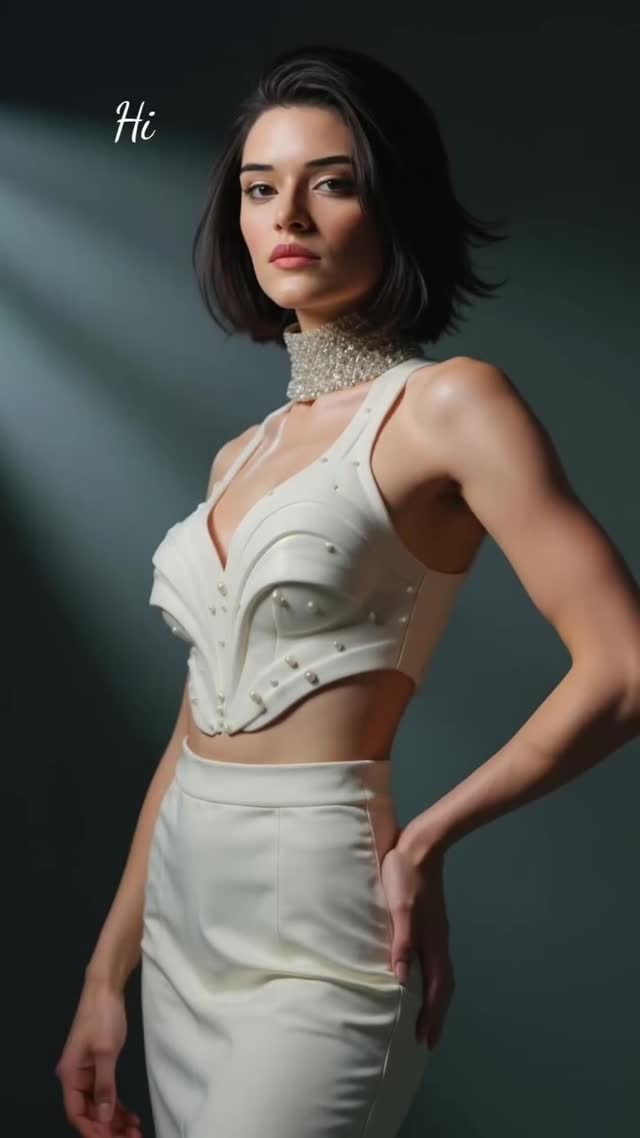
This is a pure conversion post wearing a fashion coat. The image is minimal, premium, and calm—exactly the kind of frame that makes people stop without feeling sold to. Then the caption does the direct response move: Comment “Call”.
That combo (premium visual + simple keyword CTA) is a reliable pattern when you want both reach and a clear next step.
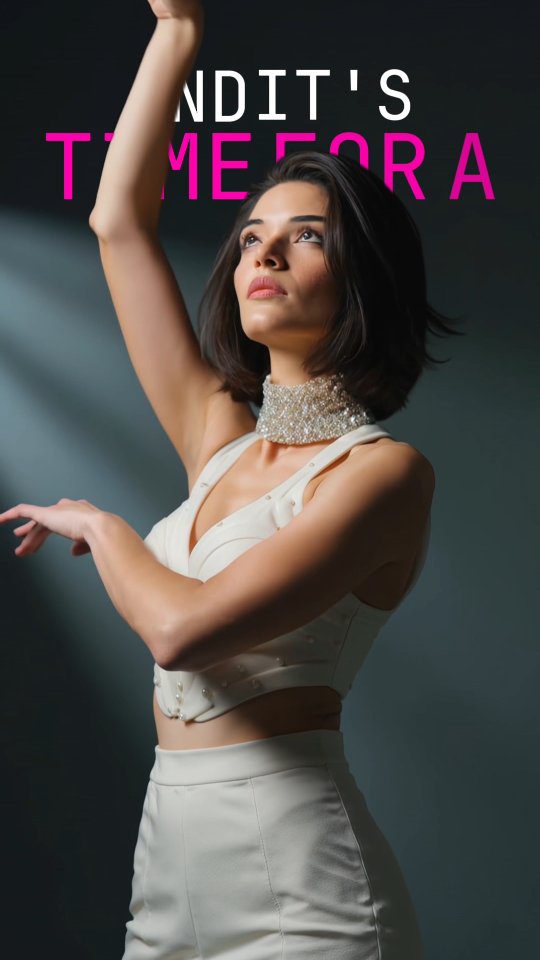
The visual is doing one job: establish status and clarity. Ivory styling against a dark background reads as editorial. The diagonal light beam adds drama without clutter. And the small “Hi” in the corner makes it feel like a personal message instead of a banner ad.
Once the viewer is calm, the CTA is frictionless. One word. No link. No forms. And comments boost distribution—so the CTA also amplifies the post.
| Signal | Evidence (from this image) | Mechanism | Replication Action |
|---|---|---|---|
| Premium minimalism | Clean studio background + structured ivory outfit | Stops scroll without feeling spammy | Use one subject, two colors max, and one dramatic light cue |
| Personal micro-cue | Small “Hi” text | Feels like a DM, not an ad | Add a tiny greeting or signature mark instead of a big headline |
| Keyword CTA | “Comment ‘Call’” | Low friction; comments increase reach | Pick one keyword and never change it for 7–14 posts |
| Clear subject hierarchy | Subject sharp, background empty | Viewer attention stays on the face and styling | Shallow DOF and clean gradient backdrops for maximum clarity |
Transfer Recipe 1 — “Keyword ladder”
Transfer Recipe 2 — “Lighting signature series”
Transfer Recipe 3 — “Micro-greeting variants”
High-end editorials often rely on value contrast: bright wardrobe against dark space. It’s clean, readable, and it makes jewelry pop. Add one dramatic light cue (the diagonal beam) and you get a “set” without adding props.
| Prompt chunk | What it controls | Swap ideas (EN, 2–3 options) |
|---|---|---|
| Wardrobe structure | Editorial feel | “structured corset top” / “tailored blazer” / “minimal slip dress” |
| Background simplicity | Trust and clarity | “dark gradient” / “charcoal seamless” / “black studio” |
| Signature light cue | Drama without clutter | “diagonal beam” / “soft rim light” / “top spotlight circle” |
| Corner micro-text | Human feel | “Hi” / “hey” / “listen…” |
| CTA keyword | Conversion | “Call” / “Guide” / “Link” |