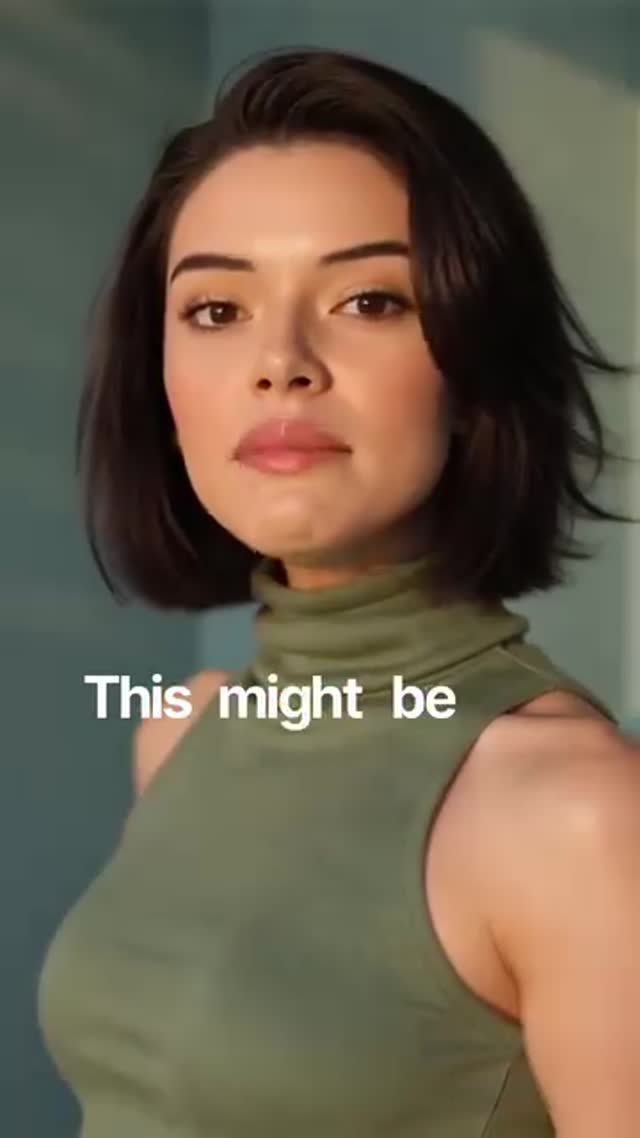
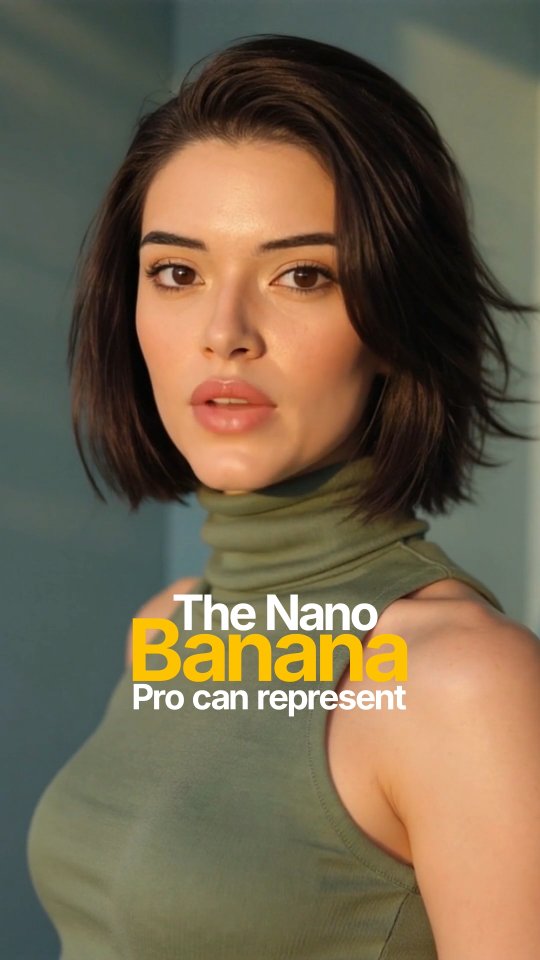
This might be the craziest Nano Banana Pro feature!
Now you can generate image of any location by just putting the co-ordinates from Google maps.
I asked it for a cinematic photo with just the Gateway of India co-ordinates.
Unlike older models, Nano Banana Pro can represent specific details of a city and background buildings based directly on the latitude and longitude.
This feature leverages Google’s search and maps knowledge
If you did not know about this Nano Banana feature, don’t forget to give me a follow
How kyraonig Made This Google Maps Coordinates Image Generation AI Video - and How to Recreate It
This 31-second tech tutorial reel leverages a "secret feature" hook, combining a cinematic, warm-lit direct-to-camera presentation (featuring a consistent AI-style avatar in an olive turtleneck against a teal background) with fast-paced UI screen recordings and split-screen evidence, driving high utility and shareability for AI enthusiasts.
2. What You're Seeing: Visual & Audio Breakdown
The video alternates between a high-fidelity talking head and rapid-fire digital evidence. The subject is a young woman with a short dark bob, wearing a sleeveless olive green turtleneck. She is positioned against a plain, muted teal wall. The lighting is a striking simulated golden hour: a strong, warm key light from camera-left casts soft but defined shadows, creating a cinematic orange-and-teal color contrast. The editing is aggressive, utilizing bold white and yellow dynamic subtitles, quick cuts to screen recordings, and split-screen layouts to maximize information density without losing the human connection.
Shot-by-Shot Breakdown
Time Range
Visual Content
Shot Language & Lighting
Viewer Intent
00:00 - 00:01
Subject speaking directly to camera. Text: "This might be the CRAZIEST".
Hook the viewer with a bold claim and direct eye contact.
00:02 - 00:07
Rapid cuts: Dark UI website -> White screen text -> Landmark photo collage -> Google Maps UI.
Full screen graphics/screen recordings. Fast pacing.
Establish context (the tool) and the core value proposition (maps to images).
00:08 - 00:08
Subject speaking. Text: "from google maps".
Return to CU, identical framing and lighting as intro.
Re-anchor the human element before showing the proof.
00:09 - 00:13
Screen recording of AI chat UI generating an image of the Gateway of India.
Full screen UI capture. Slow zoom on the generated image.
Provide visual proof of the claim. "Show, don't tell."
00:14 - 00:17
Subject speaking. Text: "Unlike older... The Nano Banana Pro". Vertical line transition at 00:17.
CU, static. Warm lighting.
Transition to explaining the "why" behind the feature.
00:18 - 00:20
Split screen: Top shows generated Gateway of India image, bottom shows subject speaking.
Top: Wide landscape. Bottom: Cropped CU.
Maintain face-time while keeping the impressive result on screen.
00:21 - 00:23
Split screen: Top shows Google Maps UI, bottom shows subject speaking.
Top: UI graphic. Bottom: Cropped CU.
Reinforce the input method (coordinates) visually.
00:24 - 00:31
Subject speaking. Google Search and Maps icons pop up. Text overlays continue.
CU, static. Warm lighting.
Deliver the final explanation and Call to Action (CTA).
3. Why It Went Viral: Breakdown of the Viral Mechanism
Topic Selection & Psychological Triggers
This video taps into the "insider knowledge" psychological trigger. By framing the topic as the "craziest feature" of a specific tool, it creates an immediate curiosity gap. The target audience—tech enthusiasts, AI artists, and digital marketers—are constantly looking for workflow hacks and novel capabilities. The concept of turning raw data (Google Maps coordinates) into cinematic art bridges the gap between rigid utility and creative expression, which is highly appealing. Furthermore, the use of globally recognized landmarks (Statue of Liberty, Gateway of India) makes the abstract concept instantly understandable to a broad, international audience.
Platform Signals & Algorithm Appeal
From a platform perspective, this video is engineered for high retention and shares. The 0-3 second hook is visually clean but textually aggressive ("CRAZIEST"). The pacing is relentless; the video never stays on one visual for more than a few seconds, preventing viewer drop-off. The use of split screens (00:18-00:23) is a massive retention driver, as it forces the viewer's eye to process two streams of information simultaneously, keeping them engaged. The high utility of the tutorial ("how to do X") strongly encourages viewers to hit the "Save" button to reference later, a key metric for algorithmic push.
5 Testable Viral Hypotheses
The "Secret Hack" Framing:Evidence: The opening text "This might be the CRAZIEST... feature". Mechanism: Triggers FOMO (Fear Of Missing Out); viewers watch to ensure they aren't left behind on new tech. Replication: Start your next tutorial with "The hidden feature nobody is talking about..."
High-Contrast Aesthetic:Evidence: The subject's olive green top and warm skin tones against the cool teal background. Mechanism: Creates a visually arresting thumbnail and stops the scroll immediately due to color theory (complementary colors). Replication: Intentionally dress your subject in a color that contrasts sharply with your background.
Rapid Evidence Delivery:Evidence: Showing the map coordinates and the resulting image within the first 13 seconds. Mechanism: Satisfies the curiosity gap quickly, building trust so the viewer stays for the explanation. Replication: Show the final result of your tutorial before explaining the steps.
Split-Screen Information Density:Evidence: The layout from 00:18-00:23 showing both the speaker and the UI. Mechanism: Increases cognitive load slightly, which paradoxically increases focus and watch time as viewers try to absorb both visuals. Replication: Use CapCut's mask or layout tools to keep your face on screen while showing screen recordings.
Dynamic Keyword Subtitles:Evidence: Alternating white and yellow text for emphasis ("CRAZIEST", "generate images", "google maps"). Mechanism: Guides the viewer's reading pace and highlights value propositions even if the video is muted. Replication: Highlight the 2-3 most important words in every sentence of your captions with a contrasting brand color.
4. How to Recreate: From 0 to 1
Follow these steps to replicate this high-retention tech tutorial format.
Step 1: Topic Selection & Positioning
Identify a lesser-known feature of a popular tool in your niche. Frame it as a "hack" or "crazy feature." This format suits AI educators, SaaS reviewers, and productivity accounts.
Step 2: Scripting for Speed
Write a script that is under 60 words for a 30-second video. Structure: Hook (3s) -> Proof/Result (5s) -> Explanation (15s) -> CTA (7s).
Step 3: Character & Set Consistency
If shooting practically, use a clean, solid-color background (like the teal wall here). Wear a solid, contrasting color (like the olive top). Set up a strong key light at a 45-degree angle to simulate the warm sunlight seen in the reference.
Step 4: AI Avatar Generation (Optional)
If using an AI video generator (like HeyGen or Kling), use a consistent character prompt: "Mid-20s woman, short dark bob, olive green sleeveless turtleneck, plain teal background, warm cinematic side lighting."
Step 5: Asset Collection (B-Roll)
Screen record the tool you are demonstrating. Capture the exact steps (e.g., copying coordinates, pasting into the prompt). Keep these recordings clean and high-resolution.
Step 6: The A-Roll Edit
Drop your speaking footage into your editor. Cut out all breaths and pauses to match the rapid, breathless delivery of the reference video.
Step 7: B-Roll & Split Screens
Overlay your screen recordings. For the split-screen effect (like at 00:18), duplicate your speaking track, crop it to the bottom half, and place the B-roll on the top half.
Step 8: Dynamic Subtitles
Generate auto-captions. Use a bold, sans-serif font (like Montserrat or Proxima Nova). Manually change the color of key action words to yellow, keeping the rest white.
Step 9: Audio Polish
Ensure the voiceover is crisp and upfront. Add subtle whoosh sound effects when the B-roll cuts or icons pop up (like the Google icons at 00:25) to enhance the kinetic feel.
5. Growth Playbook: Distribution & Scaling
3 Ready-to-Use Opening Hooks
"Stop using [Tool Name] the old way. This hidden feature changes everything."
"I just found the craziest workaround for [pain point] using [Tool Name]."
"If you're not using this exact prompt in [Tool Name], you're wasting your time."
4 Caption Templates
The Feature Reveal: "The craziest feature in [Tool Name] right now 🤯 Did you know you could do this? 👇\n\n[Explain value point].\n\nHave you tried this yet? Let me know below! \n\nSave this for your next project! 📌"
The Workflow Hack: "Cut your workflow in half with this [Tool Name] trick ⏱️\n\n[Explain value point].\n\nWhat's your favorite hidden feature? \n\nFollow for more daily tech hacks! 🚀"
The Visual Proof: "From [Input] to [Output] in seconds 🪄\n\n[Explain value point].\n\nCan you believe the detail? \n\nShare this with a creator who needs to see this! 📲"
The Update Alert: "They finally added it! The new [Tool Name] update is wild 🔥\n\n[Explain value point].\n\nAre you upgrading? \n\nLink in bio for the full tutorial! 🔗"
Hashtag Strategy
Broad (Reach): #TechTips #AI #CreatorEconomy (These cast a wide net to users generally interested in modern digital tools).
Mid-Tier (Niche): #AITools #VideoEditingTutorial #ProductivityHacks (These target users actively looking to improve their specific workflows).
Niche Long-Tail (Search): #MidjourneyTutorial #HowToUseAI #ContentCreatorTips (These capture high-intent search traffic from users looking for specific solutions).
6. FAQ
What lighting setup makes it look the most similar?
You need a strong, warm-gelled key light positioned at a 45-degree angle to the side and slightly above the subject, with a very soft or negative fill on the opposite side to create those defined, cinematic shadows.
How do I achieve that specific color contrast?
It's a classic orange-and-teal look; ensure your background is a cool tone (blue/teal) and your subject's skin and lighting lean warm (orange/gold), then enhance this separation in your color grading software.
What is the best way to edit the split screens?
In CapCut or Premiere, stack your B-roll on top of your speaking footage, use the crop or mask tool to split the screen horizontally, and adjust the framing so the subject's face remains clearly visible in the bottom half.
Why does my AI avatar look inconsistent between shots?
If generating the video with AI, you must use a strict "Global Lock" prompt detailing the exact clothing, hair, and lighting, and ideally use a seed number or reference image to maintain character consistency across different generations.
Is it easier to go viral on Instagram or TikTok with this type of content?
This fast-paced, high-utility format performs exceptionally well on both, but Instagram Reels currently heavily rewards the "Save" metric, which tutorials naturally generate, making it highly effective there.