How lilmiquela Built This Catfish DM AI Art — and How to Recreate It
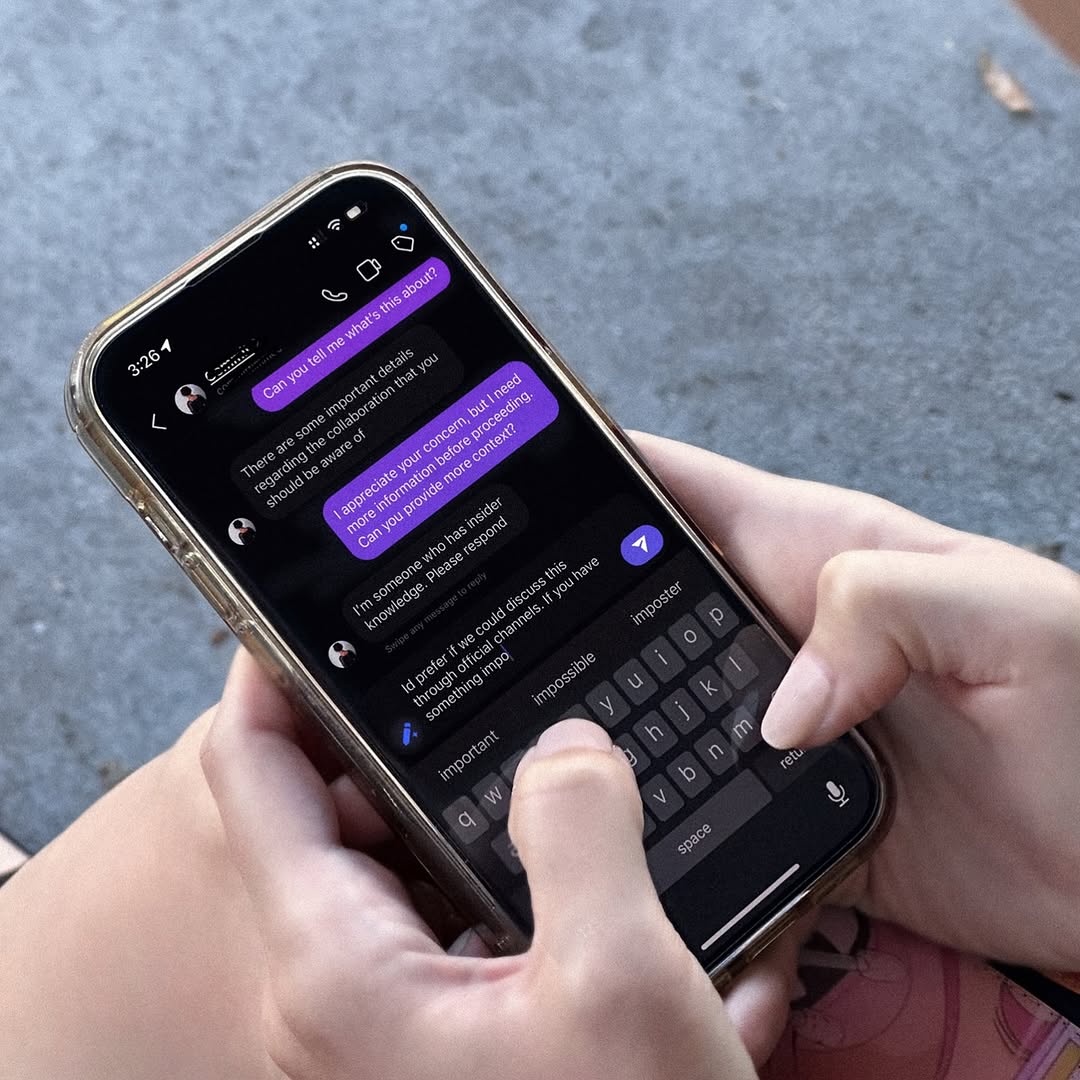
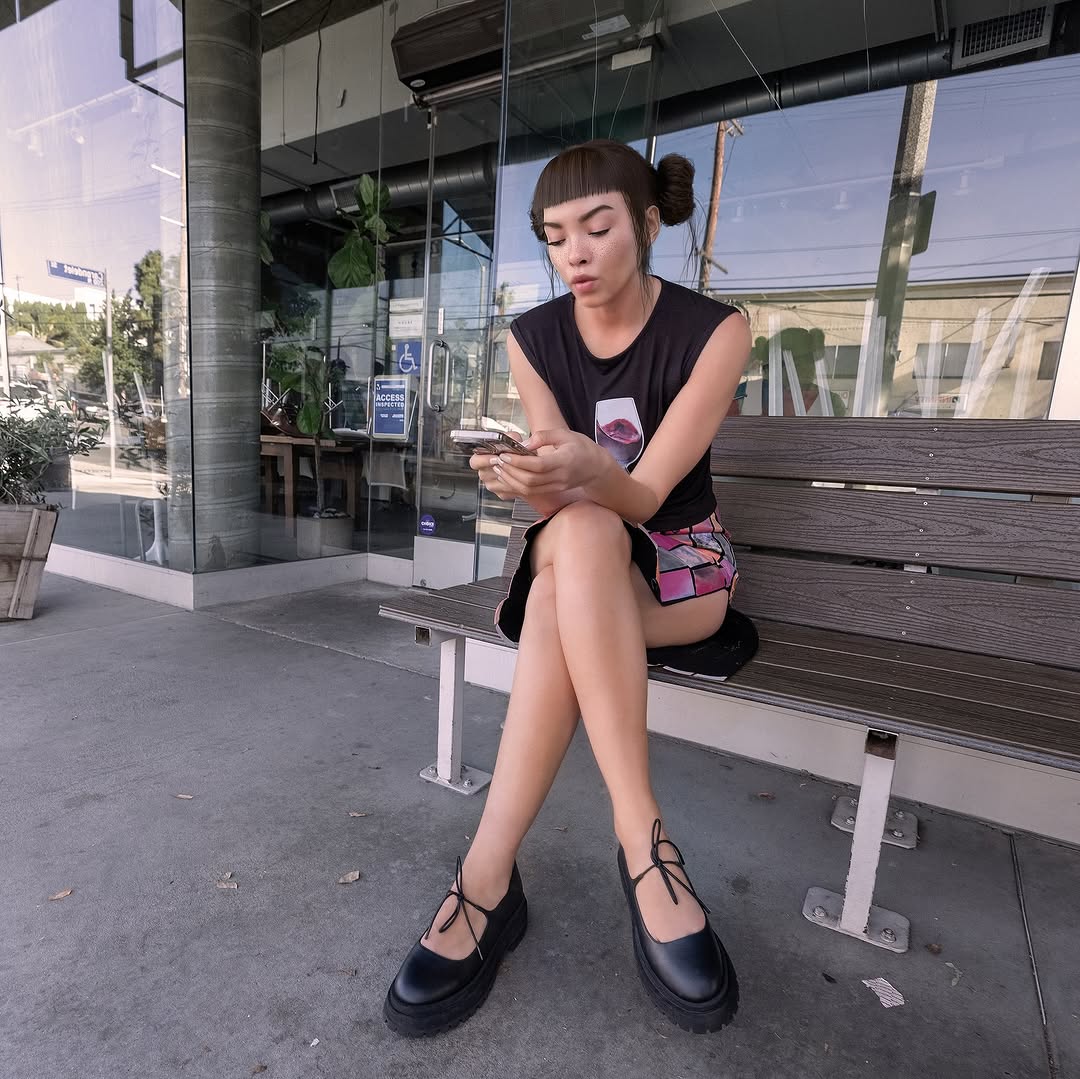
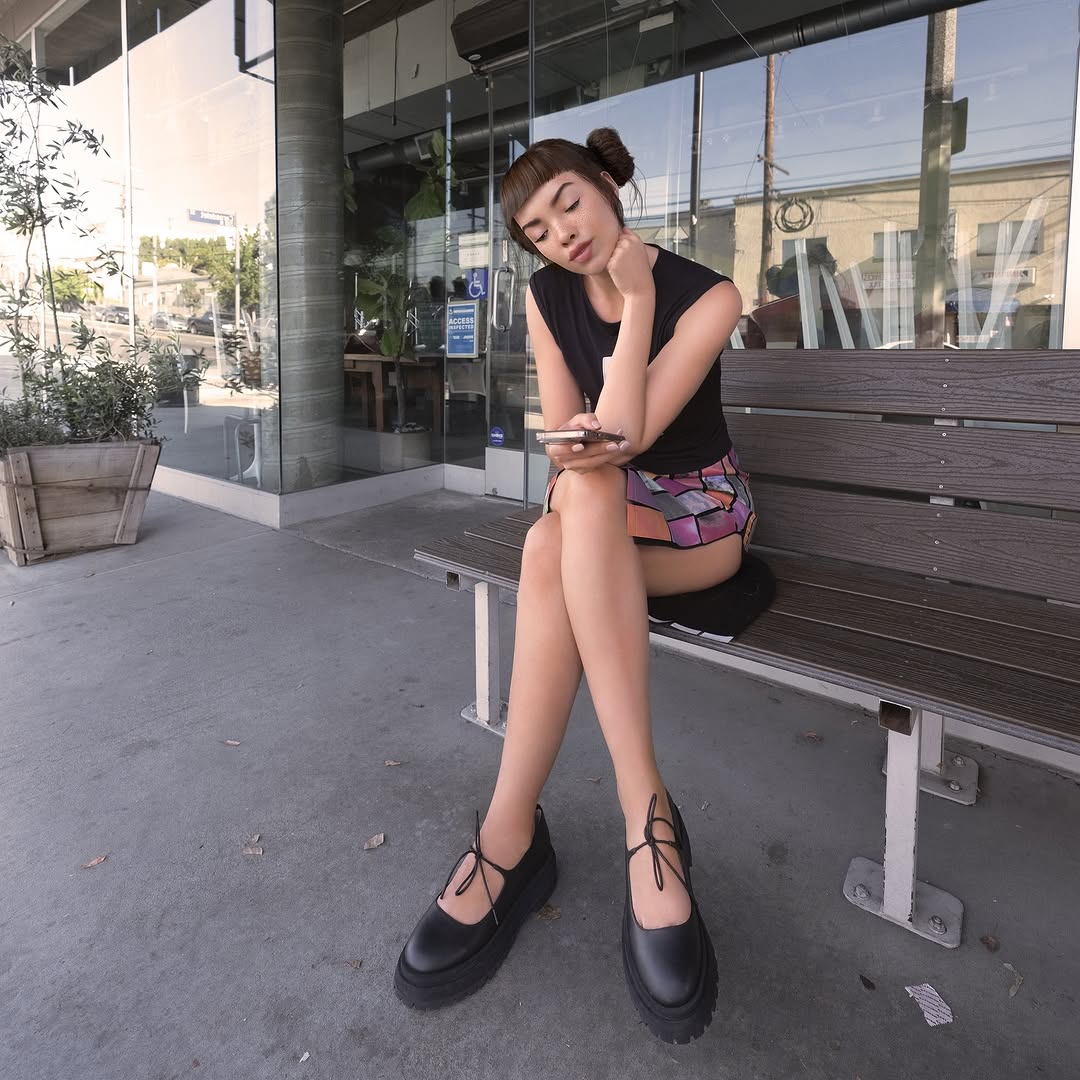
This image captures a modern trust problem: deciding whether an online message is legitimate. By focusing on hands, keyboard, and DM bubbles, the frame turns an abstract cybersecurity issue into a concrete everyday behavior moment.
It works as both lifestyle image and awareness asset because it shows action, not just warning text.
2. Why It Works
Behavior clarity: Typing in real time signals decision-making under uncertainty.
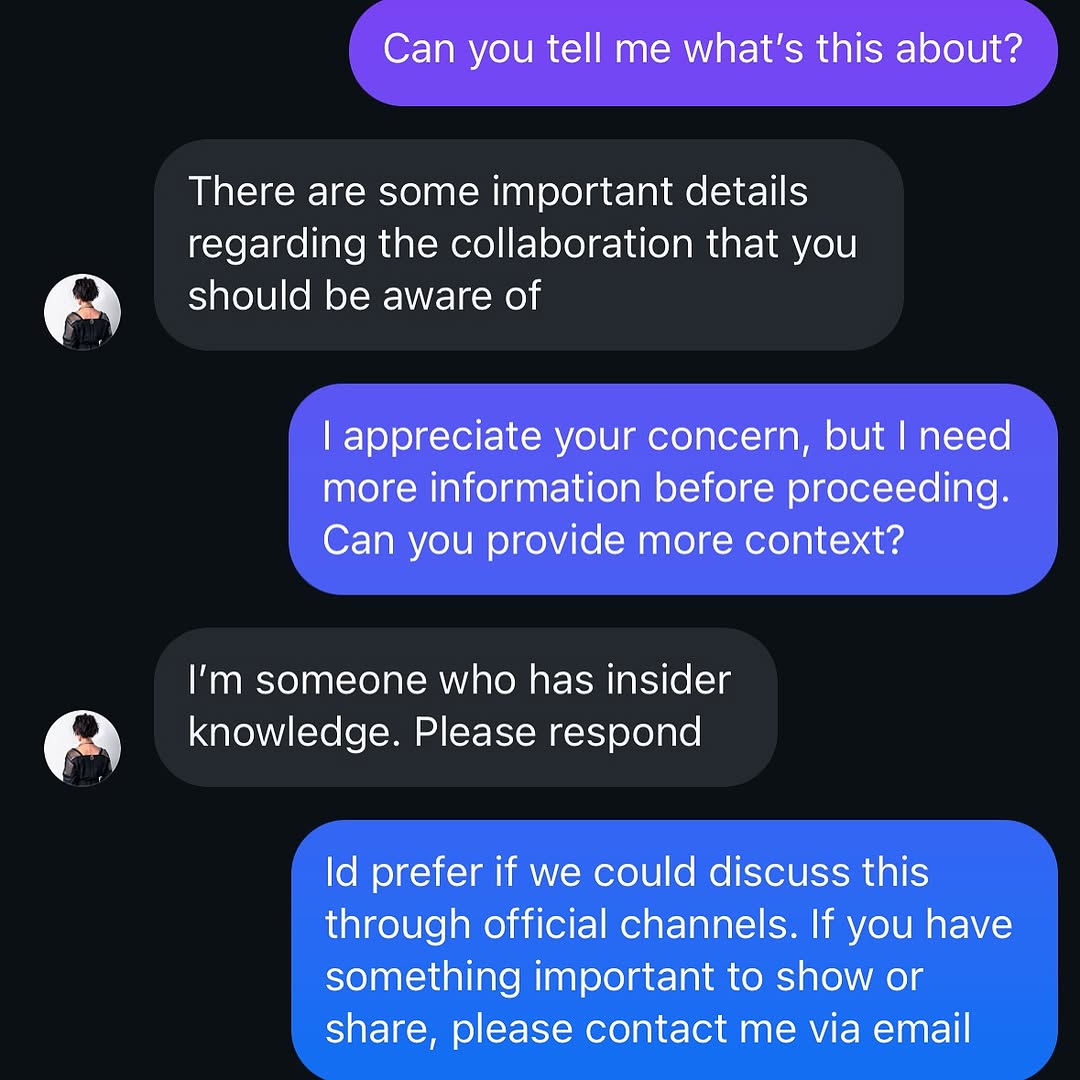
Screen realism: Dark-mode chat UI and autocomplete row feel authentic.
Context neutrality: Minimal background keeps attention on the security interaction.
Relatability: Almost everyone has faced suspicious messages.
3. Rebuild Prompt
Create a square close-up of hands holding a smartphone with a dark-mode direct-message conversation open. Show active typing on the on-screen keyboard and message bubbles discussing uncertain account authenticity or suspicious collaboration claims. Keep screen readable, hands natural, and background as soft concrete texture. Use daylight and realistic phone reflections without obscuring text.
4. Prompt Table
| Component | Instruction | Purpose |
| Primary subject | Hands + smartphone in close crop | Centers user behavior |
| Narrative cue | Suspicious DM thread and typing state | Conveys account-safety scenario |
| UI authenticity | Dark mode bubbles + keyboard suggestions | Improves trust and realism |
| Environment | Neutral outdoor background blur | Avoids distraction |
| Light handling | Readable screen with low glare | Preserves information value |
| Tone | Practical caution, not panic | Encourages thoughtful response behavior |
5. Use Cases
Cyber safety post: Educate followers on impersonation scams.
Creator account security: Explain verification steps before collaboration.
Brand trust campaign: Promote official communication channels.
News/social commentary: Visual for digital fraud discussions.
6. Caption Suggestions
Direct: "Pause before you reply to unknown collaboration DMs."
Actionable: "Verify handles, cross-check email, then respond."
Minimal: "Trust, then verify."
7. Editing Notes
Keep text areas legible but avoid revealing sensitive private data. Control screen highlights carefully. Add slight sharpening around keyboard and thumbs to preserve interaction cues. Maintain natural skin tones and realistic phone glass reflections.
8. Variant Directions
Variant A - Indoor Desk: Same concept with laptop and notes in frame.
Variant B - Warning Overlay: Add subtle educational labels for key scam indicators.
Variant C - Multi-device View: Show phone plus email verification on tablet.
Variant D - Before/After: Suspicious DM panel paired with verified official reply panel.
9. Final Insight
The image succeeds because it visualizes digital caution as a normal daily action. That practical framing makes security advice easier to absorb and share.