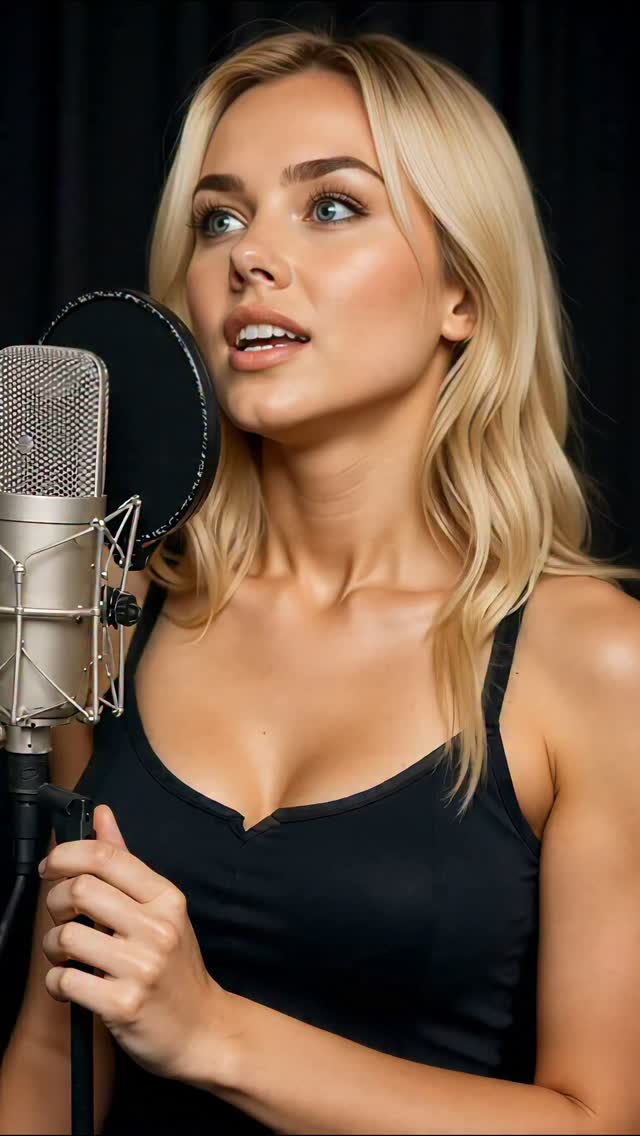
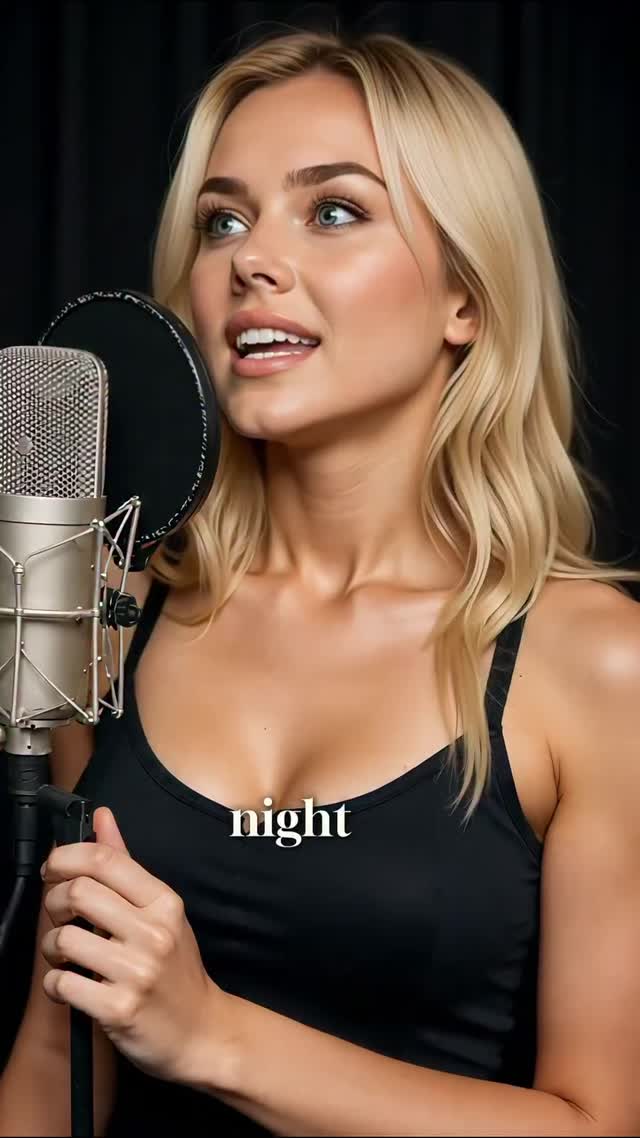
🎙️ Step into the studio with me as I bring "Speak with Hands" to life. This track is all about raw emotion and musical storytelling — and here’s a sneak peek from behind the mic. Can’t wait to hear what you think! 💬🎶
🎙️ Step into the studio with me as I bring "Speak with Hands" to life. This track is all about raw emotion and musical storytelling — and here’s a sneak peek from behind the mic. Can’t wait to hear what you think! 💬🎶
This image succeeds because it proves process. The condenser mic and pop filter immediately tell viewers this is an active recording moment, not just a styled portrait. That credibility signal is valuable for music creators building trust around their craft.
For growth, this format is highly efficient. You can maintain the same recording setup and produce many post variations by changing expression timing, lyric snippets, or caption context.
| Signal | Evidence (from this image) | Mechanism | Replication Action |
|---|---|---|---|
| Process authenticity | Condenser mic + pop filter clearly visible | Technical cues increase creator credibility | Include actual recording hardware in frame, not symbolic props |
| Focus-oriented expression | Slight upward gaze and engaged vocal posture | Signals real performance effort | Capture frames during active takes, not idle breaks |
| Low-noise scene | Dark studio background with minimal distractions | Keeps attention on voice and face | Use clean backdrop or acoustic curtains for portrait sessions |
| Professional tonal palette | Black, silver, and natural skin tones | Creates polished “music production” identity | Limit palette to neutral studio tones for consistency |
{studio mic setup} + {close face framing} + {dark clean background} + {process-first mood}{recording booth} + {active take expression} + {one workflow prop} + {neutral palette}{vocal setup} + {single subject} + {controlled light} + {craft-focused framing}The image’s strongest element is object hierarchy. The microphone and pop filter are large enough to read instantly, but they do not block the face. This balance communicates professionalism without sacrificing emotional connection.
The dark background is also effective. It removes noise and gives metallic microphone details room to stand out, which helps the portrait feel intentional and studio-authentic.
| Prompt chunk | What it controls | Swap ideas (EN, 2-3 options) |
|---|---|---|
| condenser mic + pop filter setup | Recording credibility | “large diaphragm mic”, “broadcast condenser rig”, “studio vocal chain” |
| close singer portrait in booth | Emotion and intimacy | “verse concentration”, “chorus intensity”, “soft breathy take” |
| dark minimal studio backdrop | Focus and cleanliness | “black acoustic curtain”, “dim studio wall”, “low-key booth background” |
| neutral palette styling | Professional visual tone | “black top minimal”, “charcoal studio look”, “monochrome wardrobe” |
| soft controlled key lighting | Skin quality and detail retention | “diffused key”, “window-soft simulation”, “gentle studio fill” |
This one-variable workflow helps identify which visual cue drives more saves: gear visibility, emotion, or lighting tone.