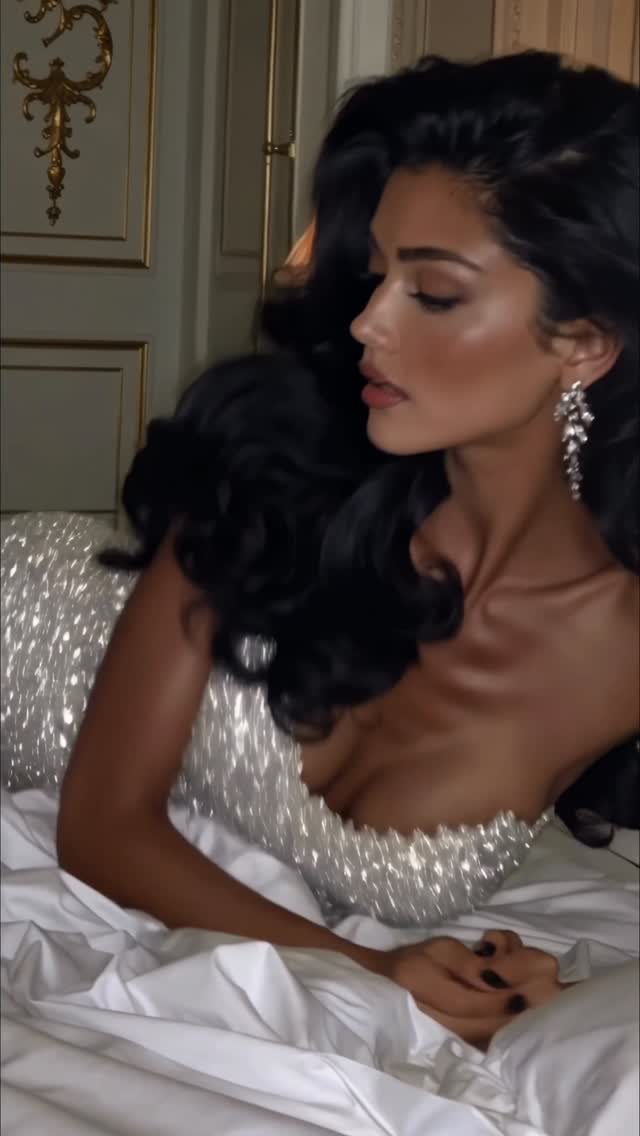
Getting ready pt.2✨
Animated with @klingai_official
Are you serious about learning how to create AI visuals at a professional level? In my course, I teach everything I use in my own process:
• How I build concepts and visual storytelling
• The exact tools, prompts, and workflows I use
• How to refine, edit, and create a portfolio that gets noticed
• Personal feedback, guidance, and access to my private community
This is the full system I used to grow Dreamfall Art and work with brands.
If you want access —
Comment “COURSE” below and I’ll send you the link directly.
#ai #aiartist #aifashiondesign #fashion #model #midjourney
How dreamfall.art Made This Getting Ready AI Portrait — and How to Recreate It
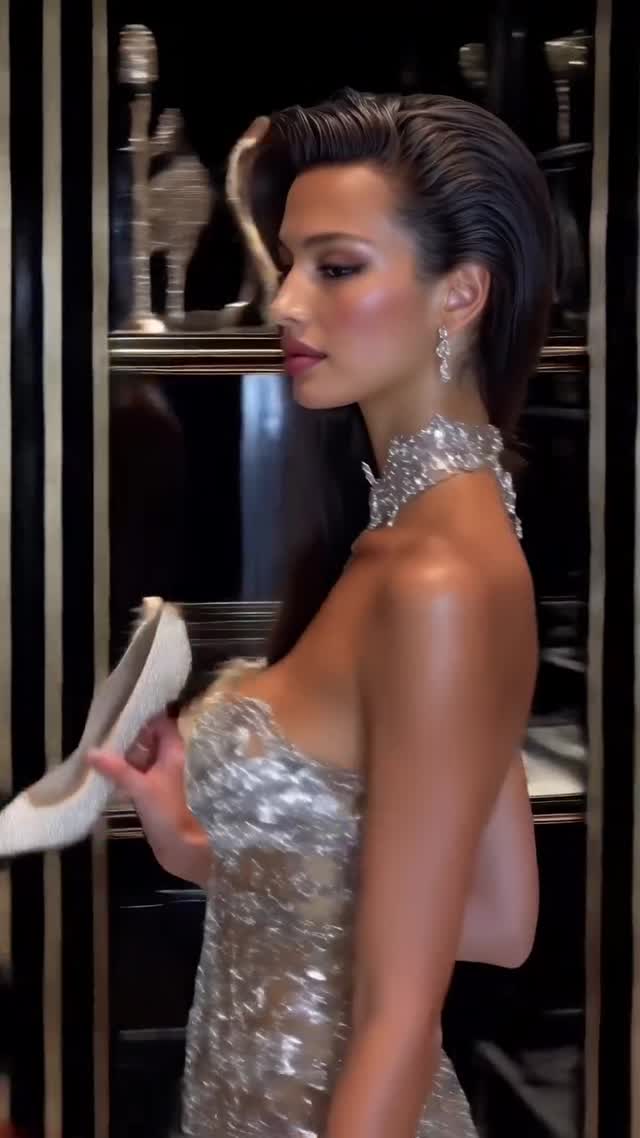
“Getting ready” posts work because they mix two things audiences love: aspiration and process. This frame isn’t just a model in a dress—it’s the micro-action that implies a story: holding the white heel, mid-prep, seconds before stepping out.
That’s why Part 2 formats perform so well. You’re not asking people to admire a single image; you’re inviting them into a sequence.
Why it went viral
The most shareable fashion visuals have one simple silhouette and one “premium signal” that reads instantly. Here, the silhouette is a clean side profile. The premium signal is the material stack: sparkling silver dress + high-shine choker + deep black background. Those elements make the image look like a luxury campaign, even if it’s AI.
Then the prop (the heel) adds the human layer: it’s a tiny, relatable action. People can imagine the moment—choosing shoes, checking the look—so the frame feels less like a poster and more like a scene.
Signal Table: copy the mechanics
Signal
Evidence (from this image)
Mechanism
Replication Action
Premium material stack
Sequins + diamond choker + glossy highlights
Instant “campaign” feel → saves and shares
Pick 2 reflective materials (sequins + metal) and make them the focus
Process implied by a prop
Holding the white heel
Turns a portrait into a story beat
Add one action prop (shoe, lipstick, jacket, clutch) and show it clearly
Clean silhouette
Side profile against dark background
Readable at thumbnail size
Use profile/three-quarter poses and simple backgrounds with deep blacks
Series framing
“pt.2” in caption
Creates expectation and follow-through
Package as a mini-collection: pt.1 hair, pt.2 dress, pt.3 arrival
Use cases & transfers
Best-fit scenarios
Fashion AI portfolios: build a “getting ready” trilogy that feels cinematic.
Beauty creators: swap the heel prop for lipstick, perfume, or jewelry clasping.
Luxury mood pages: emphasize materials and lighting, keep the scene dark and clean.
Course/offer proof: show “professional-level visuals” and then a single comment keyword CTA.
Reels/shorts: this exact frame style works as a 1-second beat inside a montage.
Not ideal
Bright, playful feeds: the black-and-silver mood is intentionally dramatic.
Product-heavy posts: too many items will compete with the sparkle.
Overly complex narratives: the charm is one clear moment.
Transfers (exactly 3 transfer recipes)
Transfer Recipe 1 — “Swap the prop action”
Keep: side profile, dark closet background, luxury lighting
Change: {prop} (heel / clutch / necklace clasp)
Slot template (EN): “side-profile fashion editorial, subject holding {prop} mid-getting-ready, silver sparkle, deep black background”
Sequins look cheap when the background is bright. They look expensive when the background is deep and controlled. This frame uses darkness like a stage: it isolates the sparkle and makes every highlight feel intentional. If you want “luxury,” you don’t add more details—you remove distractions.