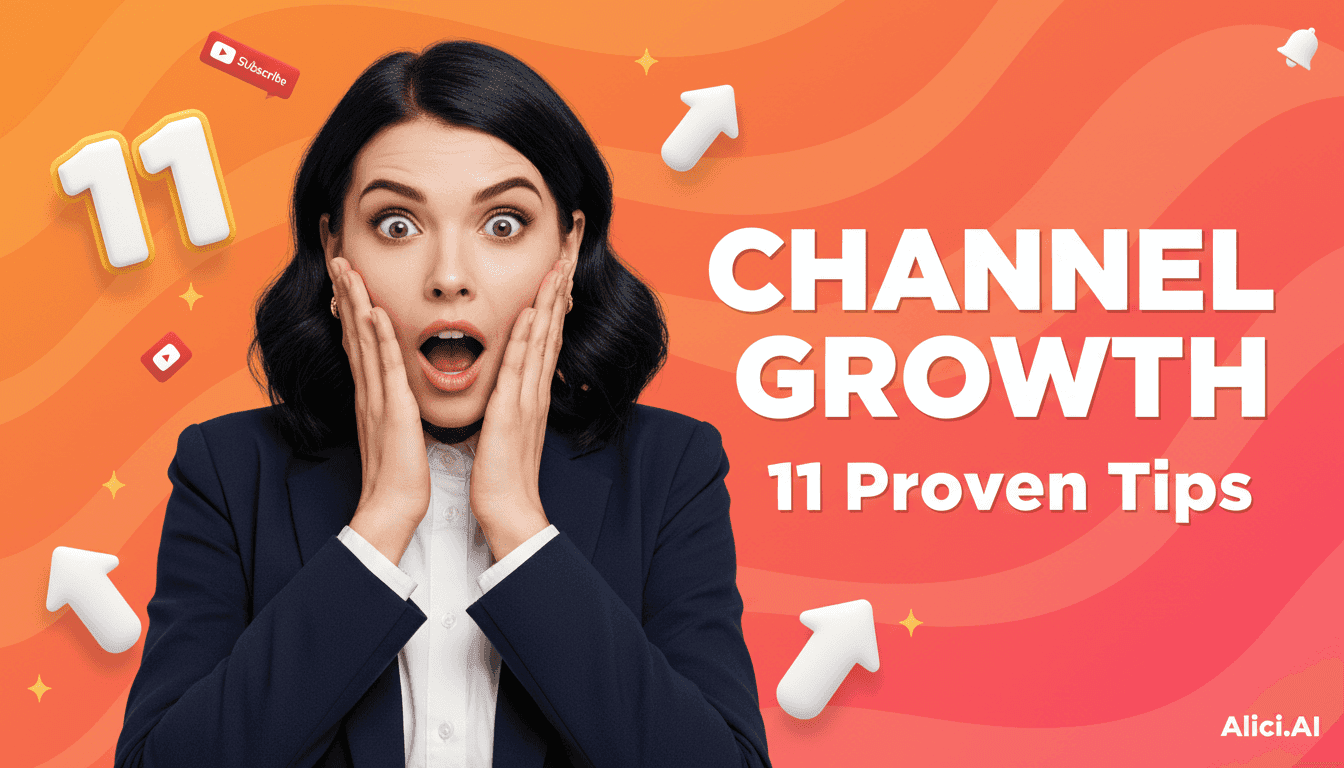
11 Growth Tips for Small YouTube Channels (2026)
From Adding to Expressing: A Mobile-Readable One-Page Workflow
|
4 min
TL;DR
You are not talking to the algorithm - you are talking to someone scrolling on their phone. The core of Thumbnail-First is to help that passing stranger instantly understand the one answer you are offering.
You are not talking to the algorithm - you are talking to someone scrolling on their phone. The core of Thumbnail-First is to help that passing stranger instantly understand the one answer you are offering.
Key Takeaways
Win clicks first, then retention: Say only one thing on the thumbnail, deliver it at the start of the video.
Title x Thumbnail synergy: The title tells the full story, the thumbnail uses 2-3 words to echo it.
First 30 seconds framework: Hook, common mistake, result preview, roadmap.
Use CTR x Retention quadrant for decisions: Change the thumbnail or re-edit the opening accordingly.
Two-week cycle: Bold A/B testing plus winning-thumbnail archive.
1) Put Your Promise on the Thumbnail: Be as Direct as Texting a Friend
When you hand your phone to a friend, they have one second to look at the image. Ask yourself: Which 2-3 words will they read? Did they understand?
Translate your channel promise into plain language:
- I help [who] get [result] without [pain point].
Compress that sentence into 2-3 words on the thumbnail; leave everything else for the title and description. It is like writing a text message: shorter feels more human.
Want to learn more thumbnail basics? Check out: How to Make YouTube Thumbnails That Get Clicks (10 Best Practices 2026)
2) Title x Thumbnail: Sing Together, Do Not Compete
The title is a full sentence, the thumbnail is a short phrase; two singers on the same chorus. For example:
- Title: Why Your CTR Stuck at 2% (the problem)
- Thumbnail: Fix CTR (the solution)
When viewers scroll quickly on mobile, they only catch "Fix CTR." They click because they want to see how to fix it. So do not cram a second topic onto the thumbnail, like "how to write scripts" - that is another video.
3) First 30 Seconds: Deliver the Thumbnail Promise Immediately
Think of these 30 seconds as handing over a bite-sized result in person.
- 0-5 sec: State what you are giving today, no buildup.
- 5-15 sec: Lay out the common mistakes so the right viewers nod along.
- 15-25 sec: Show a quick result snapshot so they confirm this is for them.
- 25-30 sec: Tell them the order of what is coming next.
When you place that snapshot around the 20-second mark, viewers feel much less uncertain - that is retention.
4) Design Is Not Stacking Tricks, It Is Helping People Read Fast
Put yourself on a subway: one hand on the rail, the other scrolling videos. What you need is instant clarity.
Practical tips:
- Colors: Pick 2-3 colors that stand out from YouTube's background; dark base with bright text or light base with dark text.
- Text: 3 words or fewer, heavier font weight, wider margins so a thumb covering one corner does not matter.
- Subject: Only one main element; whether a person or an object, do not let it fight with the text.
- Direction: Let the gaze or gesture point to the text, and viewers' eyes will follow.
- Export: 1280x720, do not place key points in corners where UI may cover them.
If you hesitate about adding an element, delete it first. Faster reading is always better.
For dimension details, check out: YouTube Thumbnail Dimensions 2026: Official Size + 5 Design Tips
5) Two-Week Cycle (Really Light): From A to B, Then Pin the Winner on the Wall
Monday: Lock in the topic and write 3 titles - one question, one result, one action. Tuesday: Create 3 thumbnails with big differences - swap colors, swap subjects, swap wording styles. Avoid the comfort zone of minor tweaks.
Thursday: Publish version A. Wait 2-3 days and check three things: CTR, first 30-second retention, completion rate. Weekend: Publish version B with only packaging changes, same content. Next Monday: Stop the test, use the winner everywhere, and pin the winning features on the wall (color palette, words, subject).
After a month, you will find that you no longer start from zero - you start from what wins.
6) Shorts to Long Video: Unify the Face and Voice to Catch Viewers
Shorts can bring in many new viewers, but you need to catch them. Unify the thumbnail colors, wording style, and subject with your long videos; in Shorts copy, directly say "Full version on the channel," end cards point to only one destination, and pinned comments have only one link. Fewer choices mean faster action.
7) When Data Speaks: The Four-Quadrant Next Step
Plot CTR and retention on a coordinate:
- Low CTR x Low Retention: Topic or angle is probably wrong - repackage and re-edit the opening.
- Low CTR x High Retention: Content is good but the door is wrong - redo the thumbnail and title.
- High CTR x Low Retention: Do not touch the thumbnail, optimize structure and pacing, deliver on the promise.
- High CTR x High Retention: Turn it into a series and create a Next Step playlist.
You will rely less on gut feeling and more on evidence.
8) The Lean Assembly Line: Light But Rhythmic
Even if you are alone, you can run this:
- Monday: Topic plus 3 titles.
- Tuesday: 3 thumbnails plus mobile readability test (shrink, blur, grayscale).
- Wednesday: First 30-second script.
- Thursday: Publish A (end card and pinned comment point to only one place).
- Friday: Read data, prepare B.
- Weekend or next Monday: Publish B, stop the test, replace, pin to the winning wall.
Once the rhythm forms, anxiety drops significantly.
9) Titles and Words: Talk Like a Human, Not a Copywriter
A good title is the first thing you say. These formulas work well:
- Why Your [Metric] Stuck at [Number] - Fix It
- Get Your First [Result] in [Time]
- Edit the First [Clip] Like This
- Before/After: From [Failed State] to [Result]
- [Number] Thumbnail Rules for [Subject]
- Stop [Bad Practice], Do This Instead
The 2-3 words on the thumbnail come from synonyms here. Shorter is stronger.
For more title formula case studies, check out Veritasium: Why Your YouTube Thumbnails Don't Get Clicks - And 4 Formulas to Fix It
10) Small But Steady Brand Feel: Be Recognized Without a Logo
Stick with fixed wording style, fixed color palette, and similar composition for a few weeks, and you will be recognized. Viewers will form impressions like "this person speaks directly" and "this thumbnail looks like it has answers."
At this stage, do not obsess over a logo. First be remembered for how you talk, then for how you look.
11) Your Minimum Checklist (60 Seconds Before Publishing)
Only one information slot on the thumbnail (3 words or fewer)
Still readable at 1/4 screen size, in blur, and in grayscale
Enough text contrast and margin
Title and thumbnail say the same thing
First 30 seconds deliver the thumbnail promise
End card and pinned comment point to only one next step
Source Attribution
vidIQ - How to Grow Your YouTube Channel in 2026: https://vidiq.com/blog/post/grow-youtube-channel/
SocialPilot - 9 Expert Strategies and Tips to Get More Views on YouTube: https://www.socialpilot.co/youtube-marketing/how-to-grow-youtube-channel
Neal Schaffer - 11 Tips on How to Grow Your YouTube Channel in 2026: https://nealschaffer.com/grow-your-youtube-channel/
Next Step
Want more thumbnail design tutorials? How to Make YouTube Thumbnails That Get Clicks (10 Best Practices)
Want AI tools to speed up thumbnail creation? Best AI YouTube Thumbnail Makers in 2025
Want to go from script to thumbnail fast with Alici.ai: Try Thumbnail Tool Free (supports Script to Thumbnail, URL Reference, One-Face)
CTA: Start creating your next click-worthy thumbnail: https://alici.ai/youtube-thumbnail
🎁
Limited-Time Creator Gift
Start Creating Your First Viral Video
Join 10,000+ creators who've discovered the secret to viral videos