
#cgworld cover of… us ✨ 🤖👉👈🧠
#cgworld cover of… us ✨ 🤖👉👈🧠
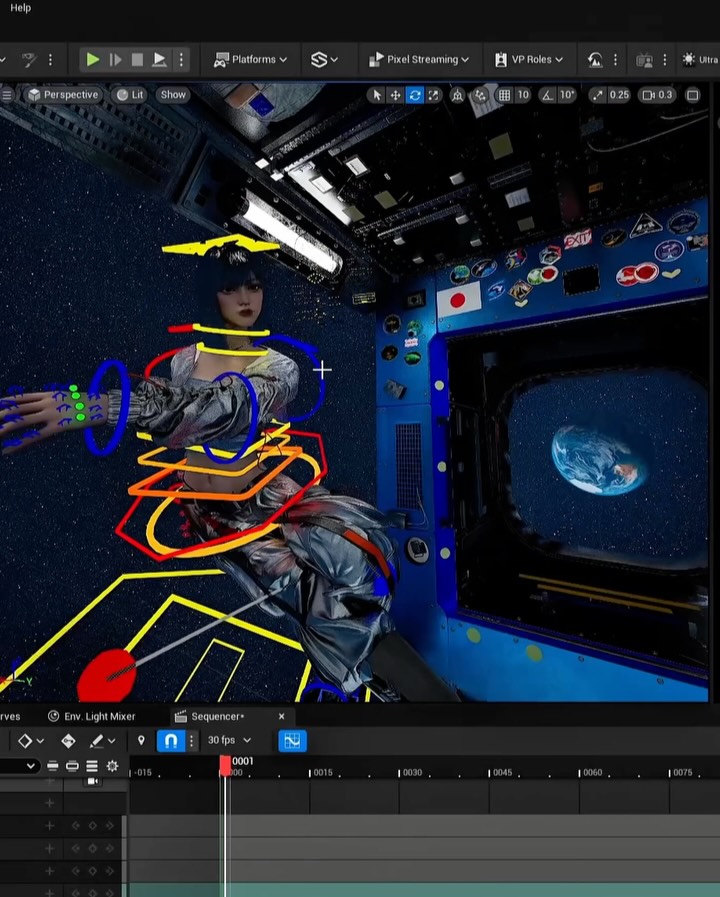
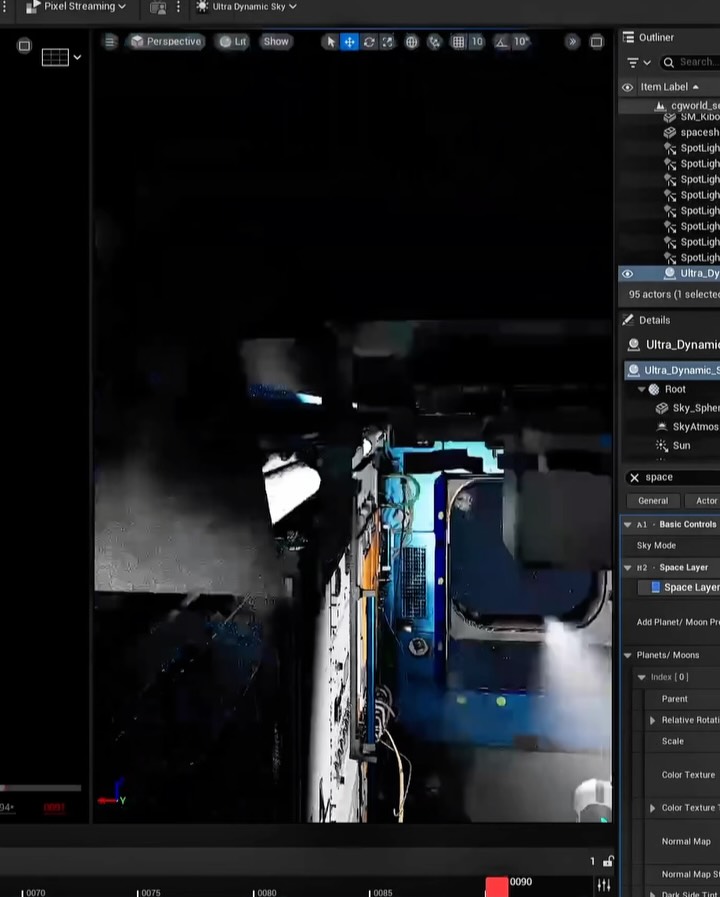
This image is effective because it shows the making, not just the result. The character and space set are already visually strong, but the rig splines, interface bars, and timeline expose the real production layer. For CG audiences, that transparency is high-value content.
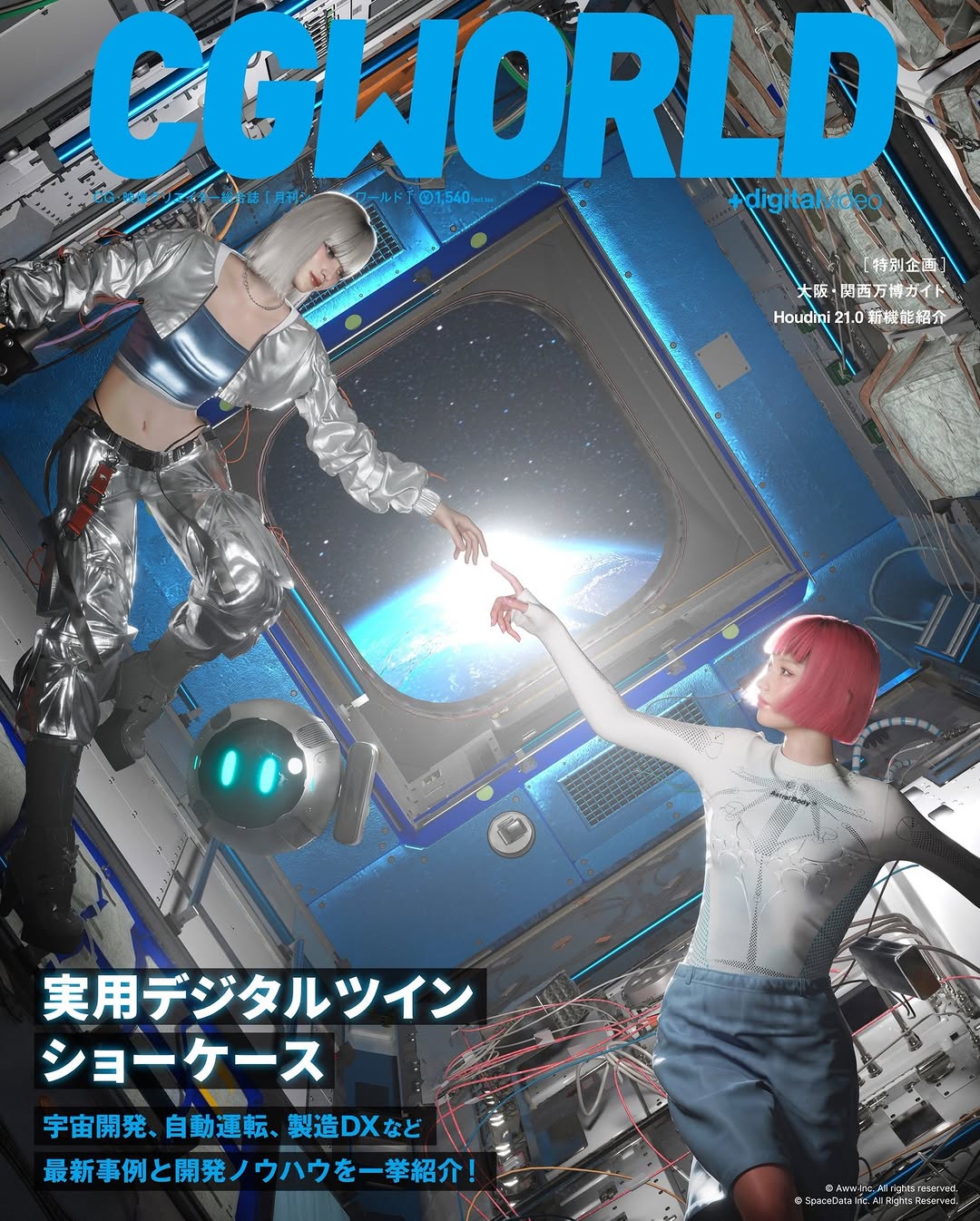
The second growth driver is dual readability. Non-technical viewers can enjoy the sci-fi visual and Earth-in-window composition, while technical viewers can decode animation controls and sequencer structure. Posts that serve both groups often gain stronger saves and shares.
It also signals capability. Showing tooling context communicates competence more convincingly than a polished render alone. In creator branding, workflow proof builds authority and attracts collaboration-minded followers.
| Signal | Evidence (from this image) | Mechanism | Replication Action |
|---|---|---|---|
| Workflow transparency | Visible editor UI, controls, and timeline | Process visibility builds trust and expertise perception | Capture one true WIP screen before publishing final render |
| Visual hook despite technicality | Sci-fi pose and Earth window remain clear | Aesthetic anchor keeps broader audience engaged | Ensure one cinematic focal element is readable in every WIP shot |
| Complexity proof | Multicolor rig splines around the character | Shows depth of craft and invites technical discussion | Leave rig overlays on for selected behind-the-scenes posts |
| Narrative stack | Viewport + interface + sequencer in one frame | Conveys full production pipeline, not isolated task | Frame toolbars and timeline together with scene viewport |
Animation Breakdown Transfer
Keep: viewport + rig overlays + sequencer strip.
Change: environment theme (space, city, fantasy).
Slot template (EN): "WIP editor screenshot of {scene_theme}, {character_pose}, visible rig controls and timeline"
VFX Shot Progress Transfer
Keep: software interface context and technical overlays.
Change: rig splines to compositing masks/simulation guides.
Slot template (EN): "production software view of {shot_type}, interface panels visible, process overlays enabled"
Game Dev Devlog Transfer
Keep: unfinished but readable in-editor presentation.
Change: character scene to gameplay level test.
Slot template (EN): "in-editor devlog capture of {level_or_character}, UI and timeline intact, WIP authenticity"
The aesthetic is technical spectacle. Bright rig curves cut across the metallic character, turning control data into graphic design. The dark sci-fi cabin provides depth, while the Earth window anchors narrative scale. By including both viewport artistry and interface mechanics, the image communicates that creative output and engineering process are inseparable. This is especially effective for AI-native and CG-native creators who want to attract audiences interested in both taste and craft.
| Observed | Recreate |
|---|---|
| Editor chrome visible | Keep toolbars and panel framing in screenshot composition |
| Rig overlays as visual lines | Retain control curves to show active manipulation state |
| Story element in scene | Include one strong narrative cue (e.g., Earth through window) |
| Bottom timeline evidence | Show sequencer tracks to imply temporal workflow |
| Dark scene + neon controls contrast | Use high color separation between content and technical overlays |
| Prompt chunk | What it controls | Swap ideas (EN, 2-3 options) |
|---|---|---|
| Interface inclusion rule | WIP authenticity level | "full UI visible" | "partial UI" | "viewport + timeline only" |
| Overlay type | Technical readability | "rig splines" | "gizmo handles" | "bone controls" |
| Scene theme token | Art-direction identity | "space cabin" | "cyber alley" | "virtual runway" |
| Narrative anchor object | Emotional hook | "Earth window" | "city skyline" | "giant moon view" |
| Pipeline evidence | Process depth signal | "sequencer tracks" | "outliner panel" | "keyframe markers" |
Baseline Lock: lock UI visibility, overlay controls, and one cinematic scene anchor.
One-change rule: adjust one to two variables per iteration.