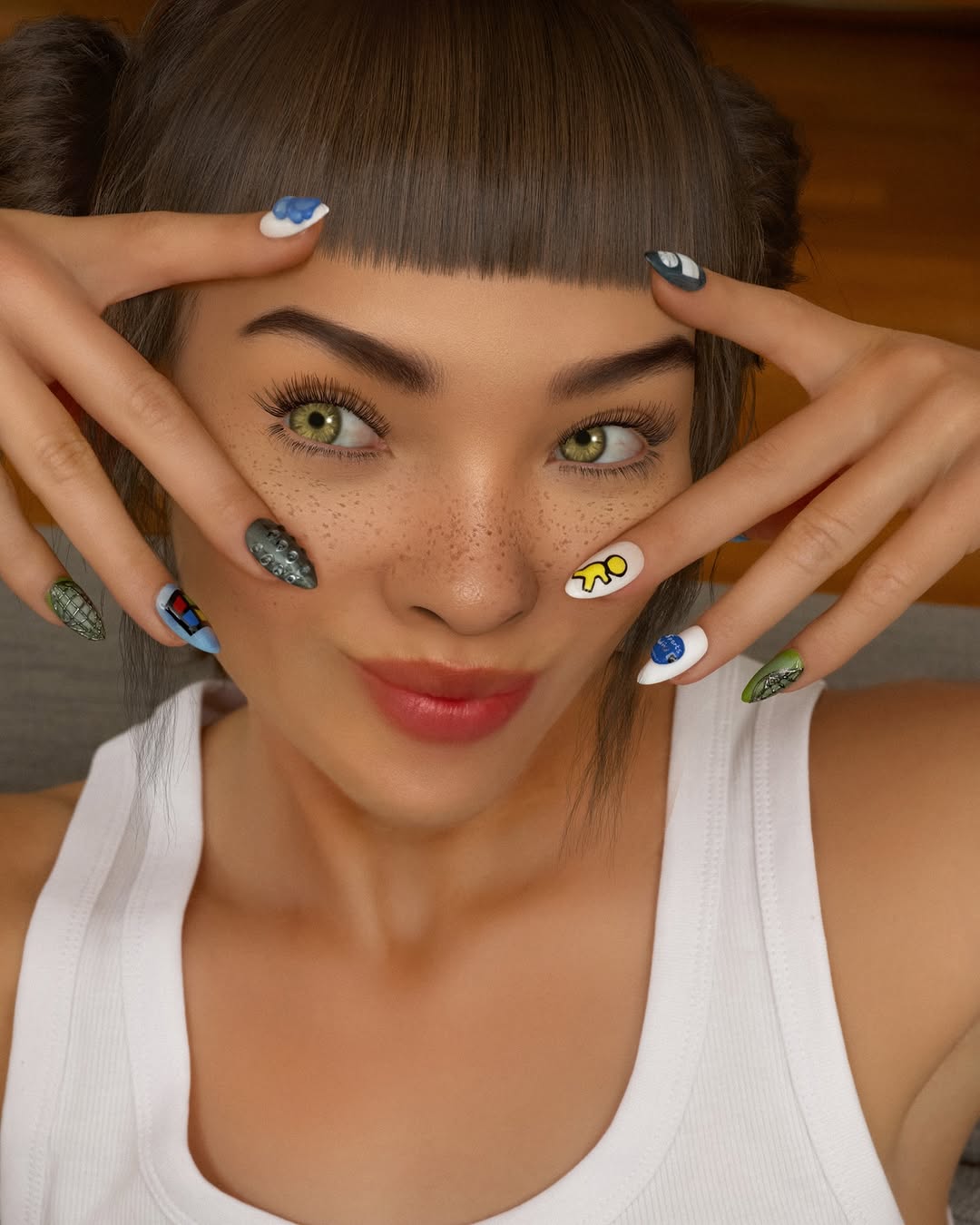
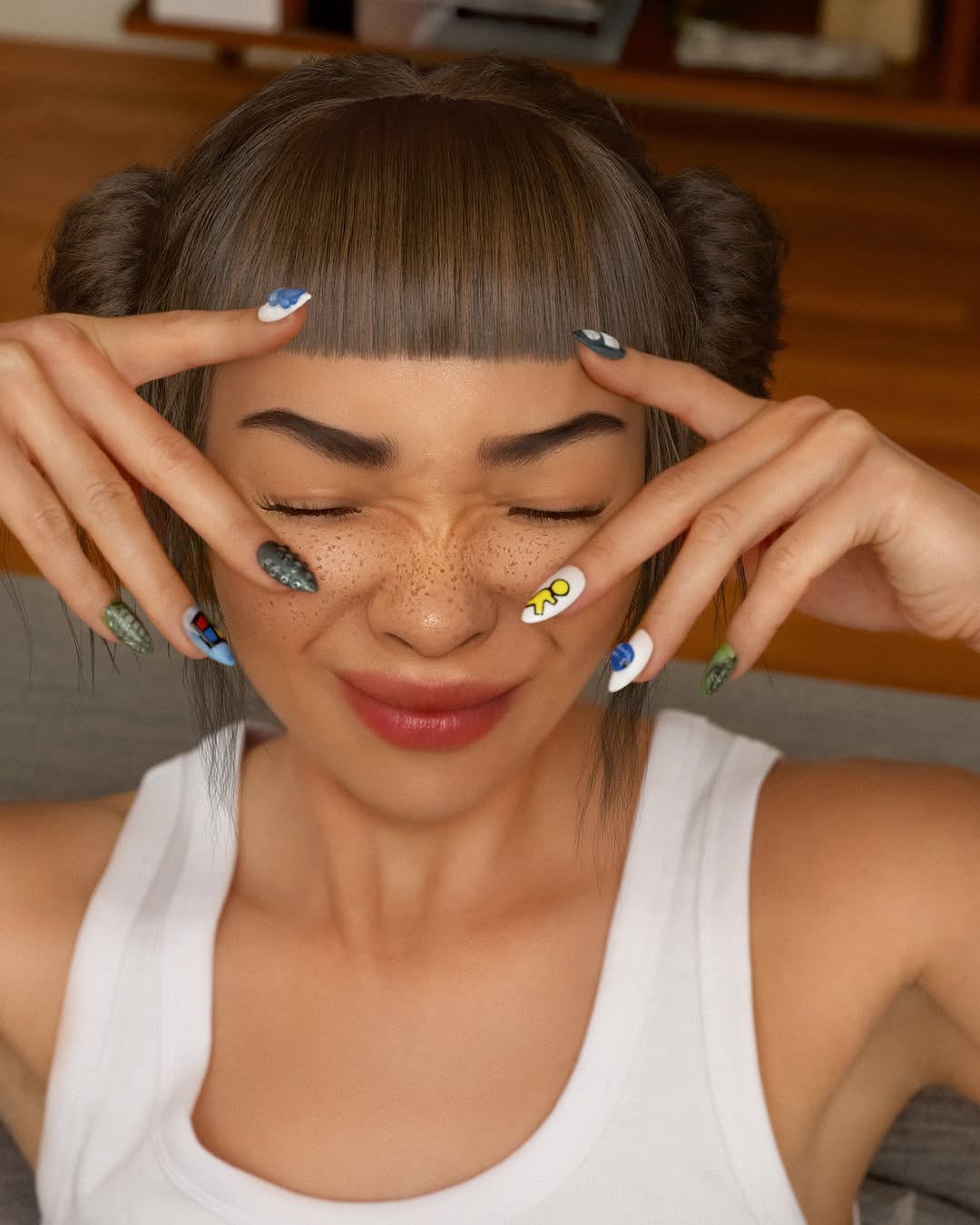
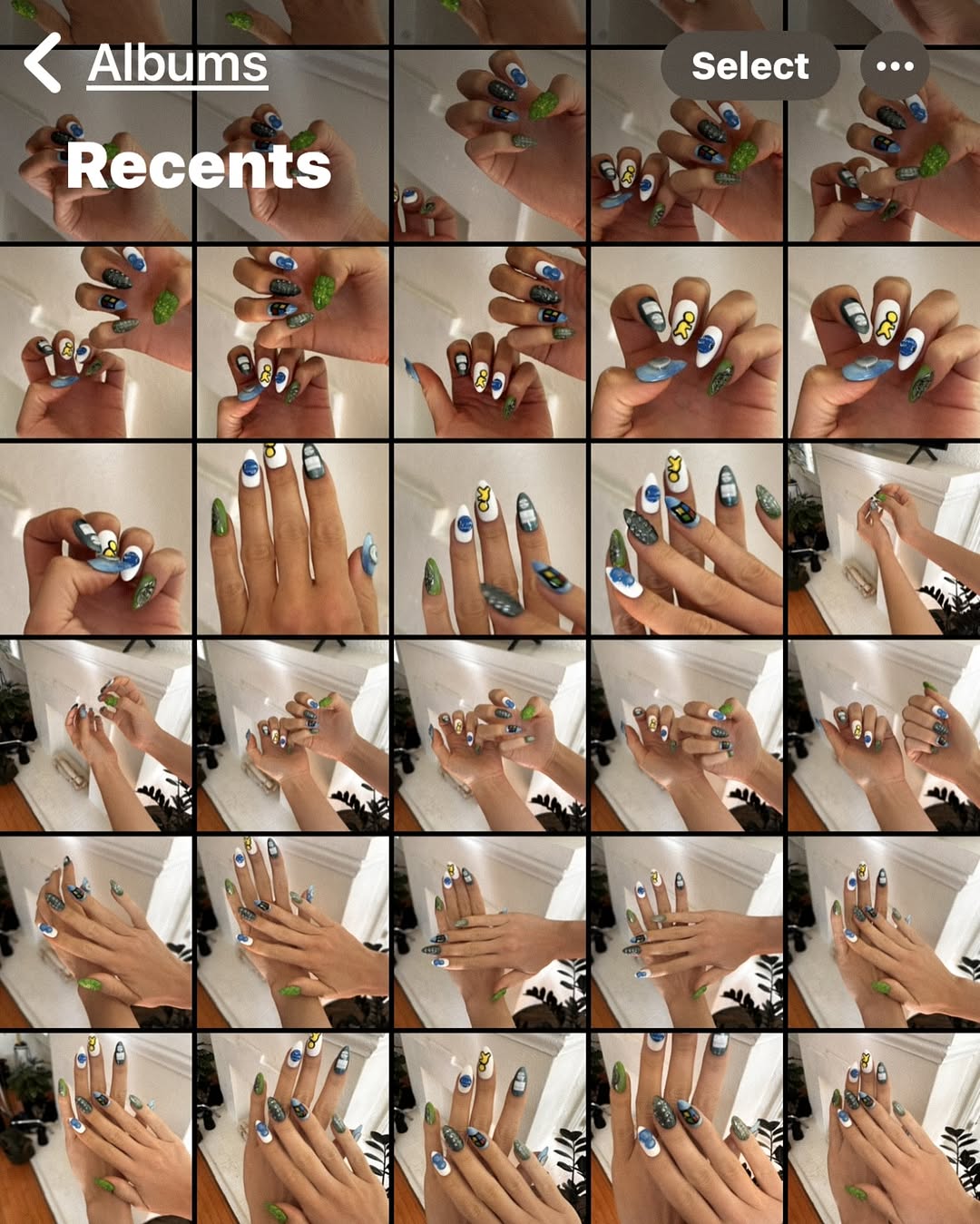
🦾💅🏼obsessed with my new cyber nails. can you spot all the references? 👀📱💿 thank you so much @meechynails !!! 💚 ps for every great nail pic there are 100 outtakes of horrible photos iykyk 🫠
🦾💅🏼obsessed with my new cyber nails. can you spot all the references? 👀📱💿 thank you so much @meechynails !!! 💚 ps for every great nail pic there are 100 outtakes of horrible photos iykyk 🫠
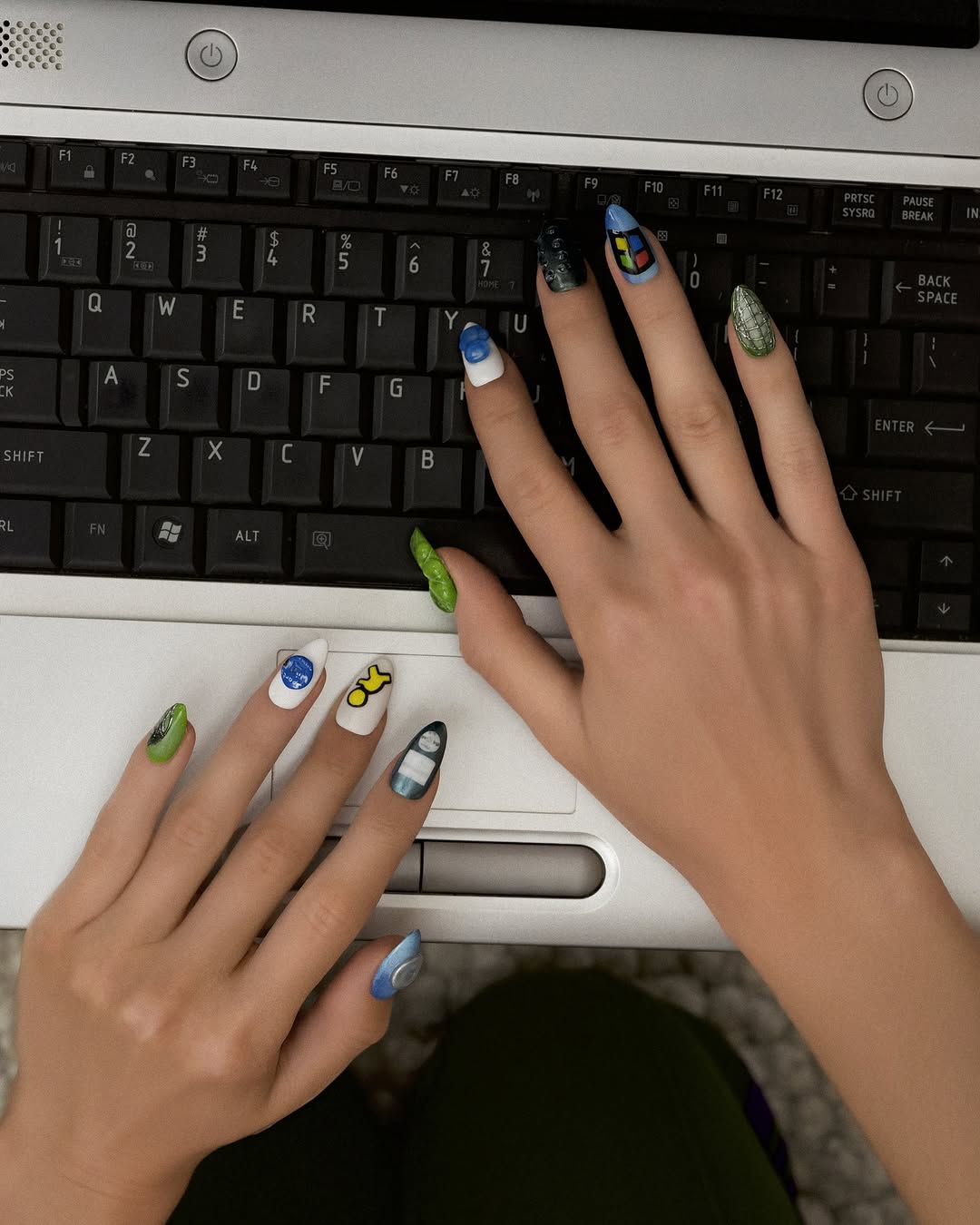
This image combines two high-interest micro-niches in one frame: nostalgic tech hardware and detailed nail design. The composition is simple, but the detail density is high. Viewers can read the concept instantly (hands on keyboard) and still spend time inspecting each nail motif.
For creators, this is a valuable format because it blends identity and process. It says something about style (custom nails) and behavior (typing/working), which makes the post feel both personal and practical.
The core mechanism is zoom-worthy detail on top of a familiar context. Keyboards are universally recognizable. Nail art is inherently inspectable. Put them together and you get a post that invites pause, pinch-zoom, and comment exchanges about designs, tools, and color choices.
| Signal | Evidence (from this image) | Mechanism | Replication Action |
|---|---|---|---|
| Context familiarity | Old-school laptop keyboard and trackpad area | Viewers understand setting instantly | Use everyday objects as stable visual anchors |
| Detail reward | Each nail features different color/art patterns | Encourages zoom and longer dwell time | Design at least 3 distinct nail accents per hand |
| Top-down clarity | Hands framed cleanly over keyboard | High readability in feed and stories | Shoot from overhead to keep all nails visible at once |
| Cross-niche appeal | Beauty aesthetic + tech desk context | Expands audience beyond a single niche | Mix one lifestyle signal with one visual craft signal |
{desk_surface} {keyboard_type} {nail_art_theme} {overhead_layout}
{work_prop} {hand_pose} {accent_nail_details} {clean_flatlay_style}
{mobile_device_scene} {finger_focus_crop} {nail_pattern_set} {everyday_lifestyle_context}
The frame works because of controlled contrast between matte black keys and saturated nail colors. The keyboard grid provides geometric order, while nail art introduces organic variety. This tension makes the image feel structured but playful.
Another effective choice is asymmetry. The right hand dominates upper frame, while the left hand enters lower-left near the trackpad. This keeps the image dynamic and directs the eye across both sets of nail designs.
| Prompt chunk | What it controls | Swap ideas (EN, 2-3 options) |
|---|---|---|
| "top-down hands on vintage laptop keyboard" | Context and composition anchor | "desktop keyboard" / "tablet keyboard" / "notebook flat-lay" |
| "multi-color detailed nail art on both hands" | Visual detail density | "pastel theme" / "monochrome nails" / "graphic symbols" |
| "black key grid + silver trackpad body" | Texture contrast and nostalgic tech feel | "white keyboard" / "RGB keycaps" / "wood desk without keyboard" |
| "clean overhead framing with both hands fully visible" | Readability and inspection behavior | "tight right-hand crop" / "wider desk context" / "diagonal framing" |
| "natural indoor light, realistic skin tones" | Believability and polish | "cool studio light" / "warm sunset desk light" / "flash pop aesthetic" |
Baseline lock: lock overhead angle, lock keyboard grid visibility, lock nail focus sharpness.
One-change rule: modify one variable per new version.