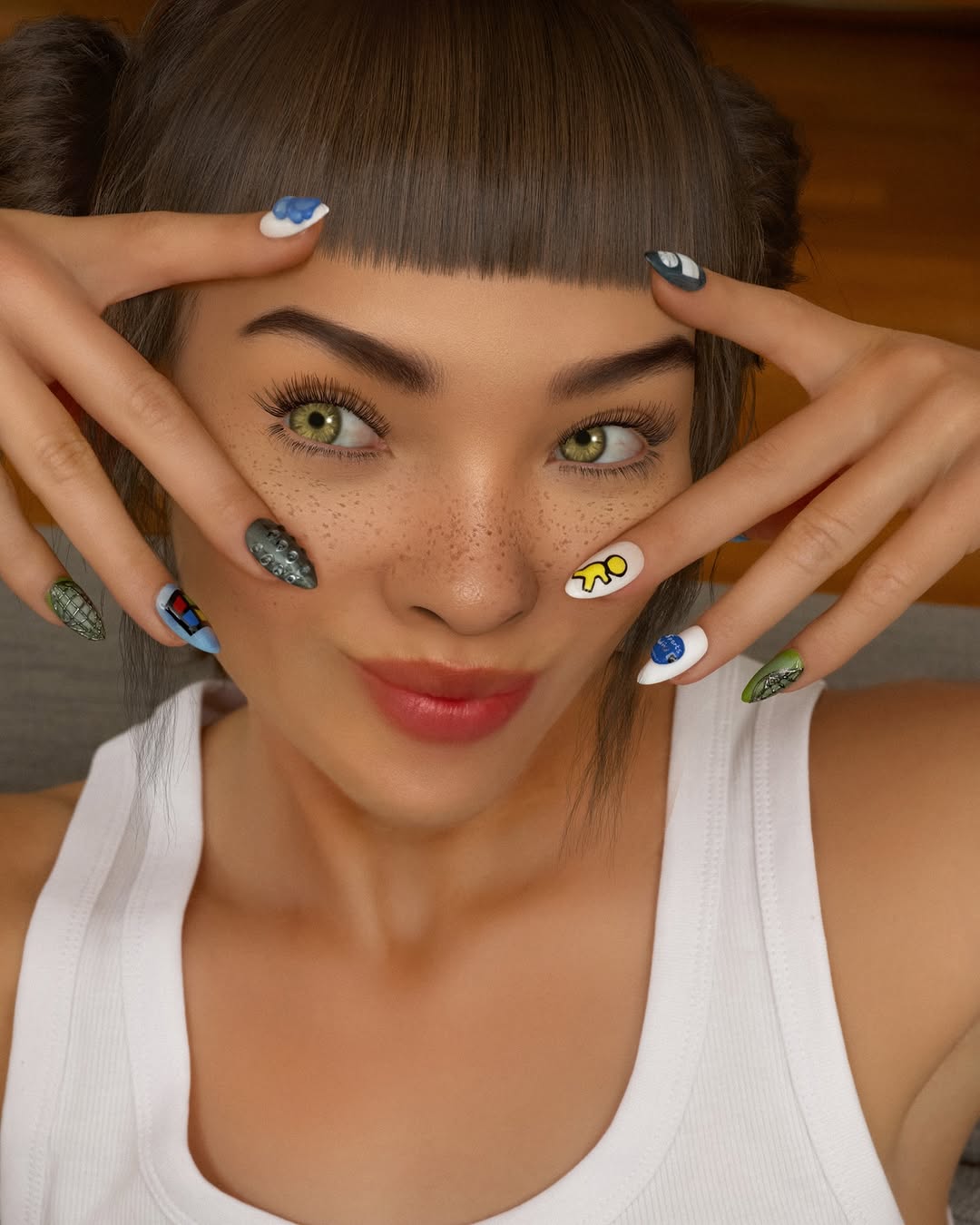
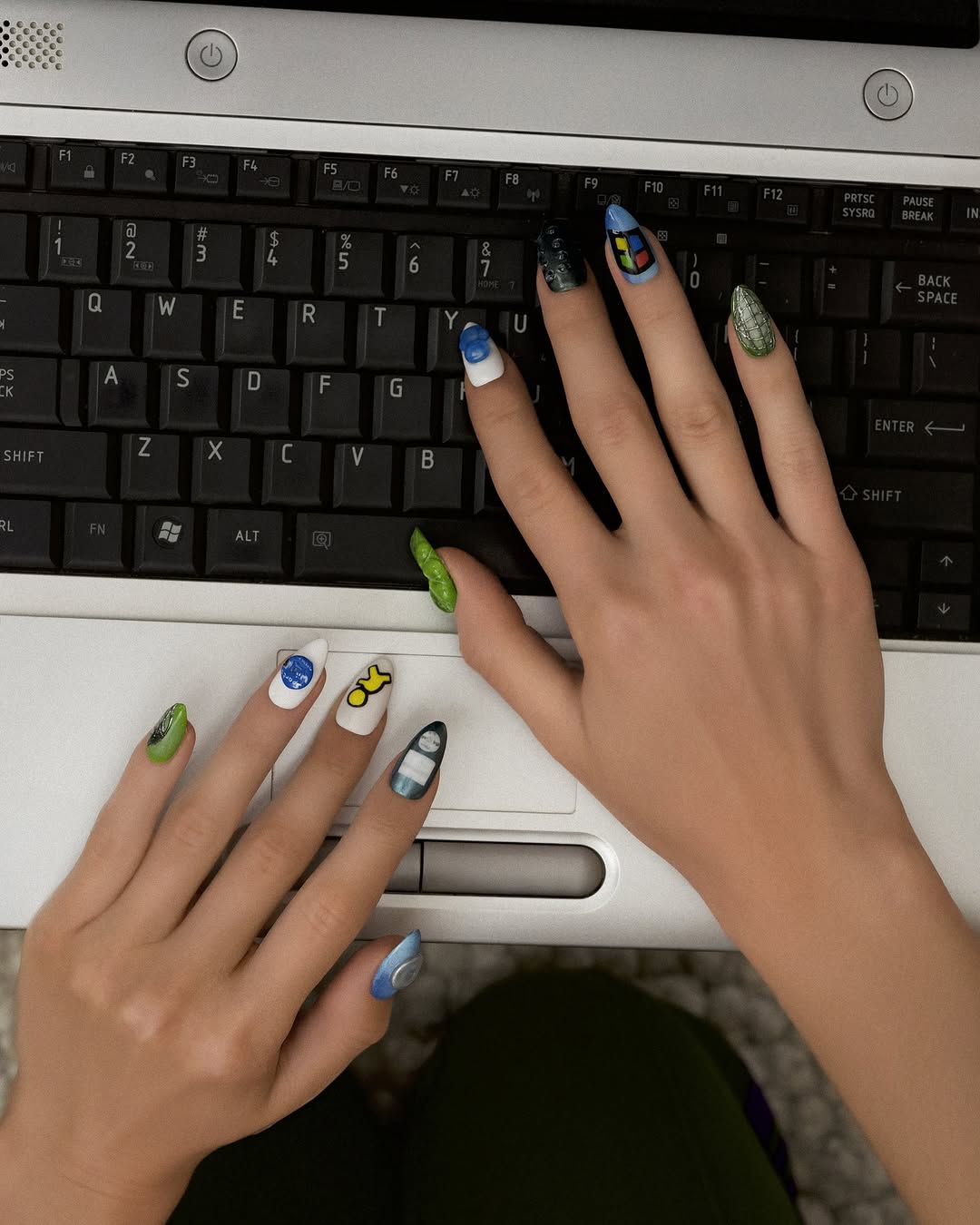
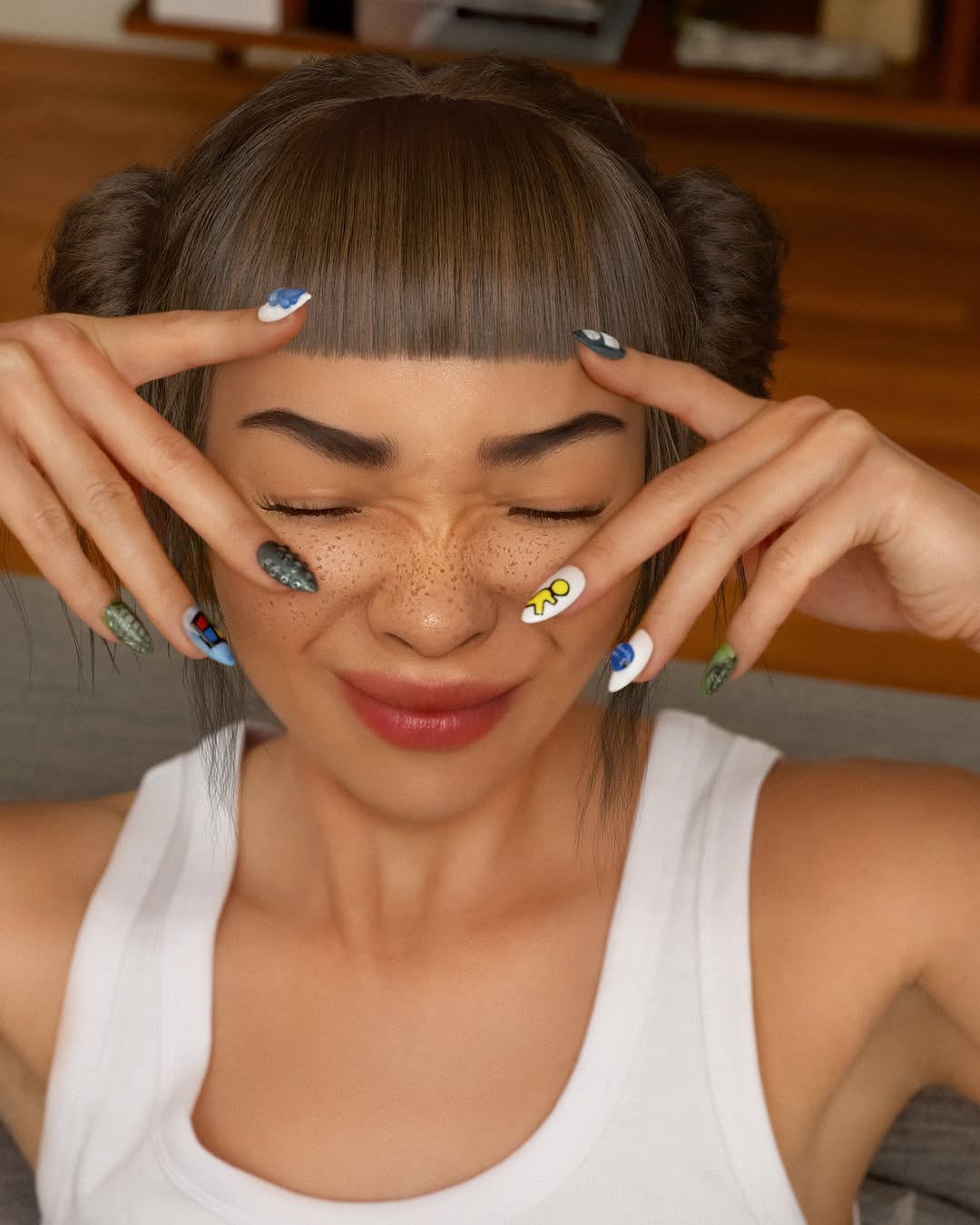
🦾💅🏼obsessed with my new cyber nails. can you spot all the references? 👀📱💿 thank you so much @meechynails !!! 💚 ps for every great nail pic there are 100 outtakes of horrible photos iykyk 🫠
🦾💅🏼obsessed with my new cyber nails. can you spot all the references? 👀📱💿 thank you so much @meechynails !!! 💚 ps for every great nail pic there are 100 outtakes of horrible photos iykyk 🫠
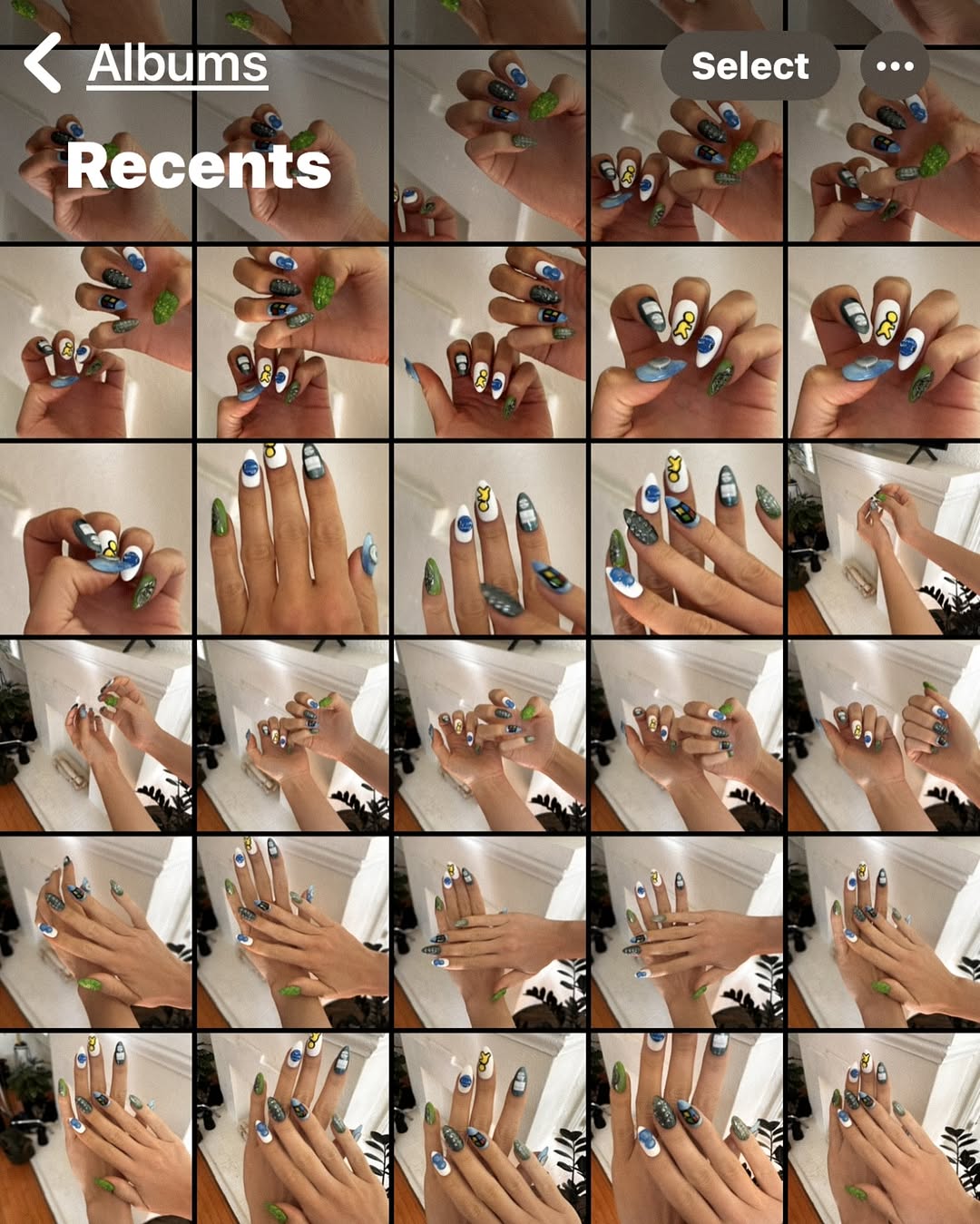
This image works because it shows volume, not just outcome. Instead of one polished hero shot, we see an entire camera-roll grid of attempts, angles, and detail checks. That process visibility builds credibility and increases viewer trust.
For creators, this format is powerful: audiences love “proof of work” visuals. A contact-sheet style screenshot signals experimentation, not one-click perfection.
The post has built-in curiosity. Viewers zoom into thumbnails, compare designs, and imagine the selection process. The iOS interface context also makes it socially native and instantly relatable.
| Signal | Evidence (from this image) | Mechanism | Replication Action |
|---|---|---|---|
| Process transparency | Dozens of manicure photos in one grid | Builds authenticity and trust | Share contact-sheet screenshots after shoots, edits, or styling sessions |
| Pattern repetition | Same hands, multiple slight angle variations | Encourages comparison behavior | Capture 15-30 micro-variations and present them as a set |
| Platform familiarity | Recognizable “Albums / Recents / Select” UI | Feels native to everyday phone behavior | Use familiar interface contexts to lower interpretation friction |
| Color micro-hooks | Blue-white-black nails with green accents | Creates visual rhythm inside the grid | Keep one accent color consistent across all thumbnails |
Not ideal for premium editorial campaigns requiring polished single-hero visuals, or posts where strict brand UI consistency is mandatory.
The visual appeal comes from modular rhythm. Each thumbnail is small, but together they form a pattern language. Repetition creates cohesion, while small differences create motion. The screenshot frame itself adds a meta layer: this is not just nail art, it is documentation culture. That meta quality often drives saves among creators looking for workflow inspiration.
| Prompt chunk | What it controls | Swap ideas (EN, 2-3 options) |
|---|---|---|
| Interface block | Relatability and format recognition | “iOS Recents screenshot”, “gallery grid UI”, “photo selection interface” |
| Repetition block | Process storytelling | “many near-duplicate angles”, “variation set thumbnails”, “contact sheet cadence” |
| Subject-detail block | Niche identity | “nail art closeups”, “makeup swatch hands”, “accessory detail shots” |
| Color block | Grid coherence | “blue-white-black + green accents”, “neutral tones + one pop color”, “pastel monochrome set” |
| Presentation block | Perceived authenticity | “raw screenshot look”, “no heavy retouch”, “workflow-first visual” |
Baseline lock: native UI visibility, dense grid count, and one recurring color accent.
This method converts routine camera-roll behavior into high-value creator content.