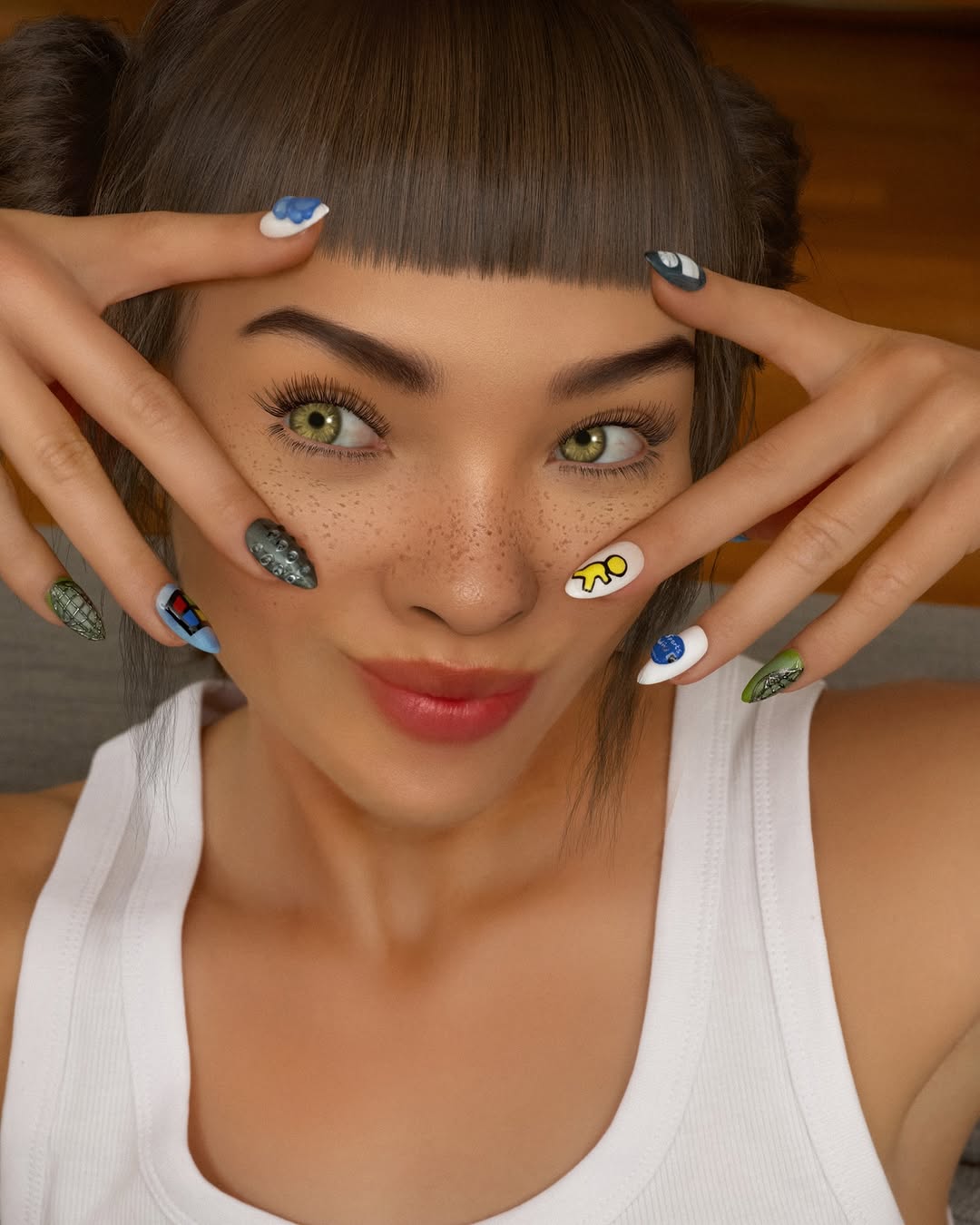
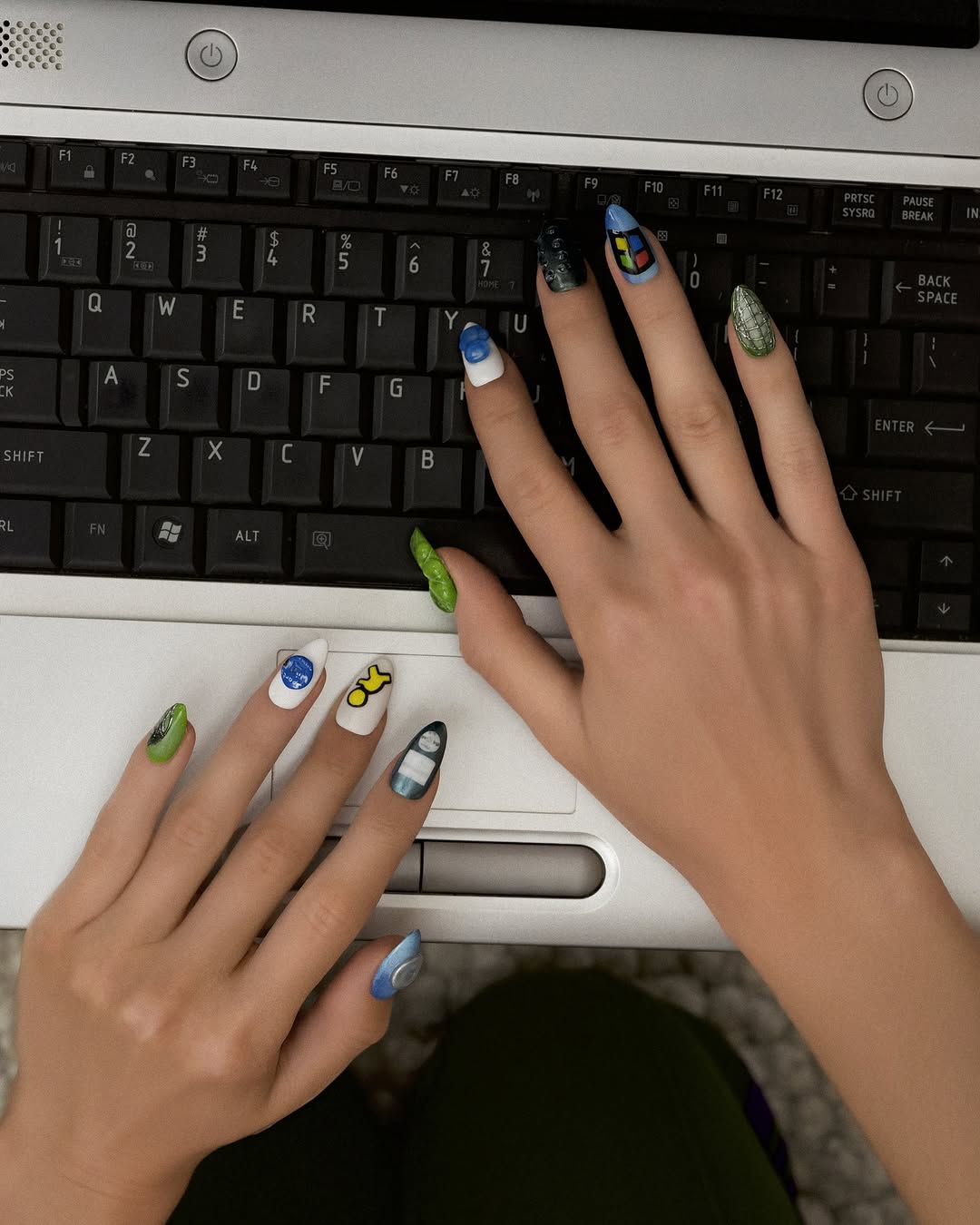
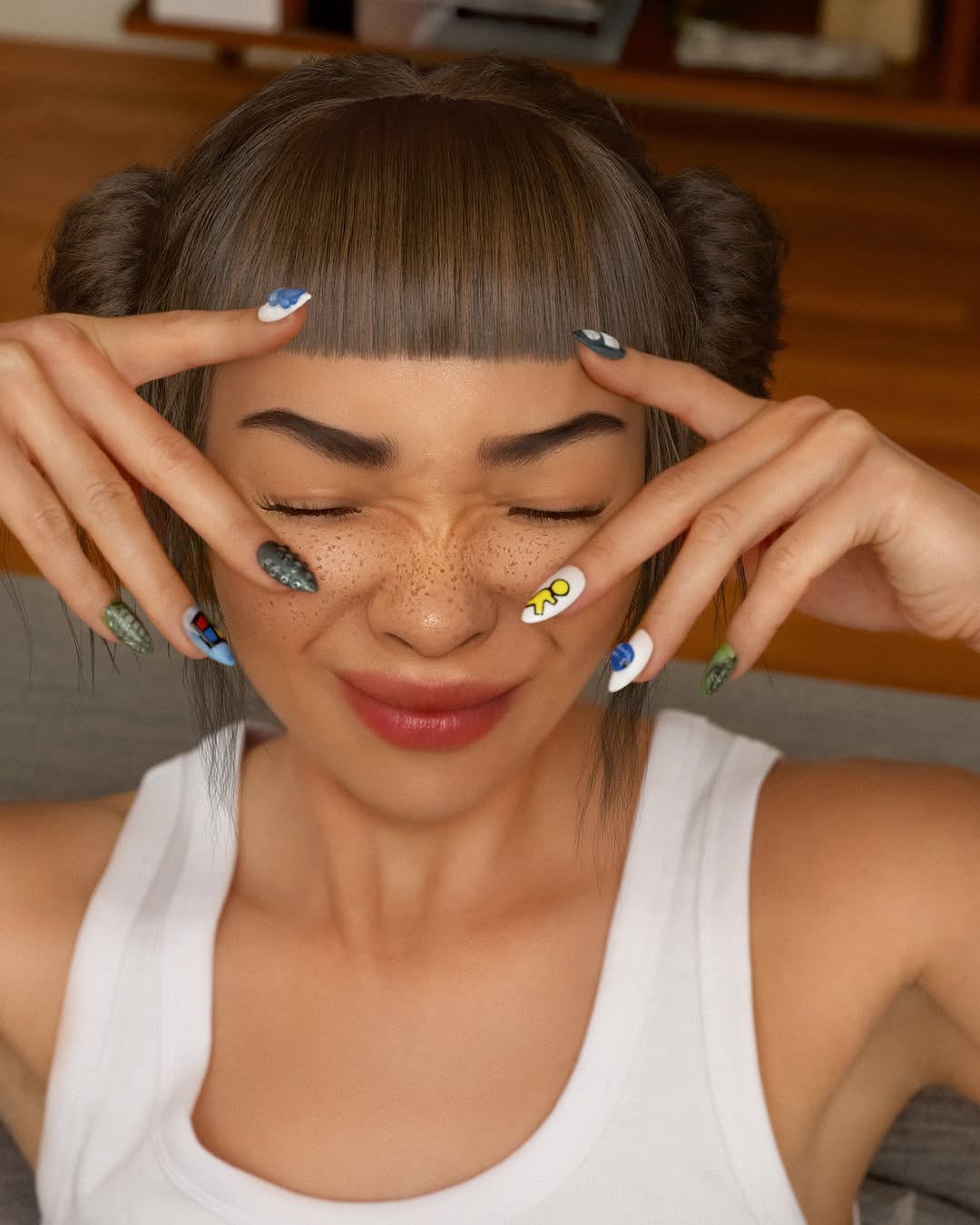
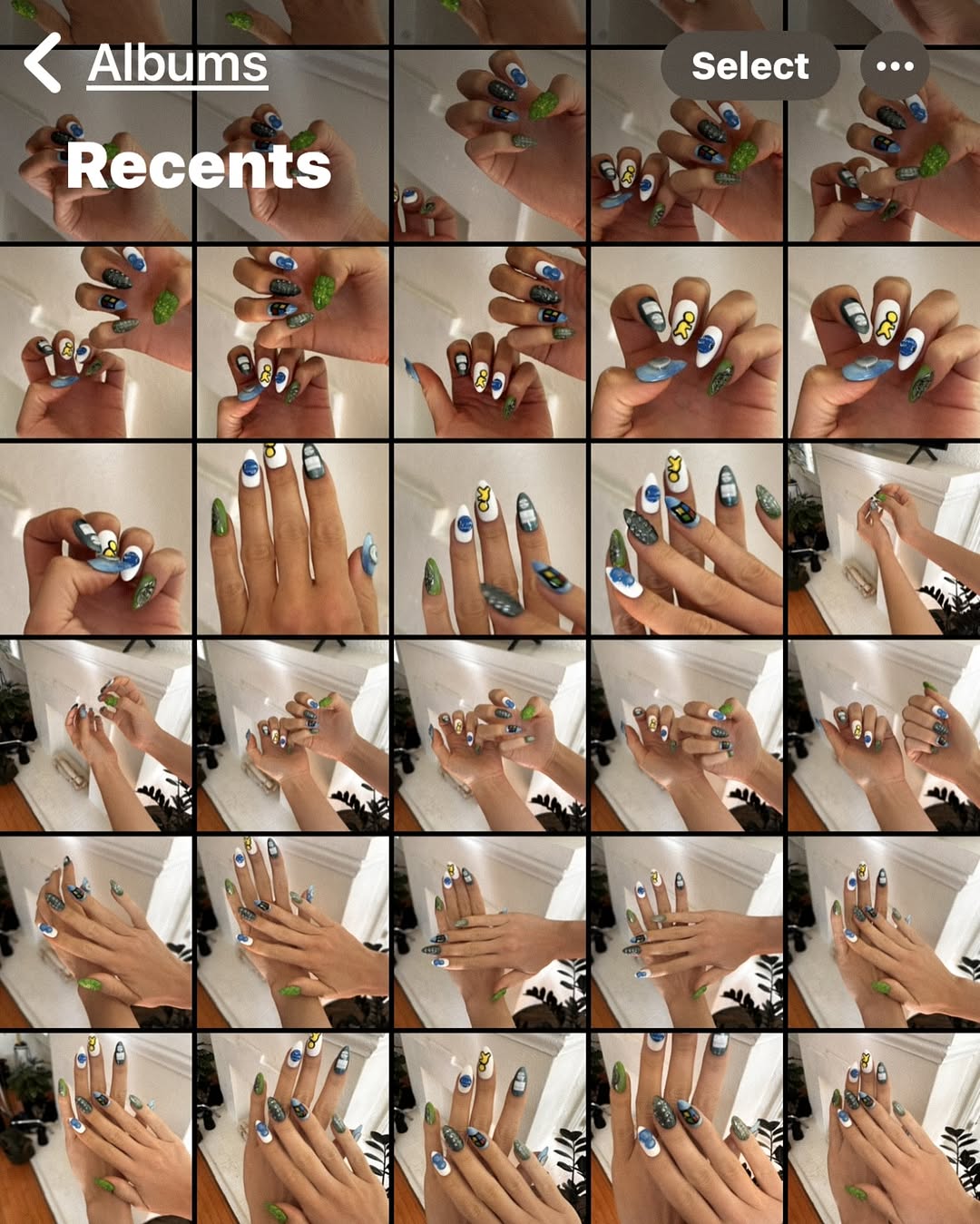
🦾💅🏼obsessed with my new cyber nails. can you spot all the references? 👀📱💿 thank you so much @meechynails !!! 💚 ps for every great nail pic there are 100 outtakes of horrible photos iykyk 🫠
🦾💅🏼obsessed with my new cyber nails. can you spot all the references? 👀📱💿 thank you so much @meechynails !!! 💚 ps for every great nail pic there are 100 outtakes of horrible photos iykyk 🫠
A tight portrait doesn’t win because it’s “pretty.” It wins because it gives the viewer a game to play: look closer, spot the references, decode the vibe, and imagine themselves wearing it. This image is a masterclass in turning micro-details (nails, freckles, catchlights, texture) into macro-retention.
The first win is the framing: hands around the face pull your attention into a small area where every pixel is doing work. That tight crop doesn’t just show the subject—it forces you to notice the manicure. Second win: the manicure isn’t “cute nails.” It’s a collection of tiny, recognizable tech-era symbols that reward the viewer for paying attention. Recognition is dopamine.
Then comes the caption-level hook strategy: “can you spot all the references?” That single question turns a passive scroll into an active search. People don’t comment because they’re moved; they comment because they want to be right. And because the image is clean and high-resolution, viewers feel confident zooming in—more dwell time, more saves, more shares.
Finally, the aesthetic is deliberately “too perfect” in a way that reads modern: soft warm light, crisp eyelashes, glossy nails, skin detail that feels real but curated. It sits right on the edge between real and rendered—novel enough to stop you, familiar enough to trust.
| Signal | Evidence (from this image) | Mechanism | Replication Action |
|---|---|---|---|
| Zoom reward | Multiple tiny nail decals + glitter textures, all readable at close range | Invites “inspect” behavior → longer dwell time | Increase micro-detail density: add 4–6 small symbols across nails/props, and keep the crop tight |
| Interactive hook | “Spot the references” manicure vibe | Turns viewers into participants → comment triggers | Design one element as a “quiz”: 5 references, 1 hidden Easter egg; write a caption that asks a single specific question |
| Clean focus path | Hands frame the face; shallow depth of field; warm blurred background | Attention is guided; no competing noise | Lock composition: face ~65% frame, hands in foreground, background simplified to 1–2 tones |
| High-trust polish | Soft studio-like lighting + glossy highlights on lips/nails | “Professional” look increases saves and reposts | Prompt for diffused key light + controlled specular highlights; avoid harsh flash and busy rooms |
{subject close-up portrait}, hands framing face, long glossy nails with {niche symbols} decals, warm soft key light, 85mm, shallow depth of field{subject}, close-up, hands near face, nails + {small prop} with tiny details, soft studio lighting, warm bokeh background{subject portrait}, hands framing face, holographic cyber nails, cool gel lighting + neon rim light, clean blurred background, hyper-real CGIThe premium feel comes from restraint. The background is basically two tones of warm brown—no clutter, no readable objects—so the eye never escapes the subject. The lighting is soft and directional: enough shaping to define cheekbones and fingers, but diffused so shadows stay smooth. Catchlights are crisp, which makes the eyes feel alive even in a stylized render. Skin detail is present (pores, freckles, micro-contrast), but the overall finish is curated—high trust, not gritty realism.
Composition does the rest: the face fills most of the frame, and the hands create a natural “frame within the frame,” guiding attention straight to the nail art. The manicure is where the color accents live: small pops of blue, yellow, and graphic shapes against darker glitter nails. That contrast is the scroll-stopper—neutral base, high-signal details.
| Observed | How to recreate |
|---|---|
| Soft warm key light from front-left, gentle fill | Prompt “diffused softbox key, warm tone, gentle fill, smooth shadows” |
| Face fills ~65% frame, hands in foreground framing eyes | Lock “tight head-and-shoulders, hands framing face, fingers splayed” |
| Clean warm blurred background (no objects) | “warm bokeh background, minimal, no text, no clutter” |
| Micro-detail density concentrated on nails | List 4–6 tiny decals + “sharp nail art details, glossy finish” |
| Prompt chunk | What it controls | Swap ideas (EN, 2–3 options) |
|---|---|---|
| Subject + skin markers | Identity anchors (freckles, eyes, makeup restraint) | soft freckles, glossy skin highlights, satin red lipstick |
| Hand gesture + nail spec | Main hook and zoom reward | hands framing face, long almond nails, tiny symbol decals |
| Composition + lens | Scroll-stopping tightness and realism | 85mm portrait, tight close-up, shallow depth of field |
| Lighting direction + softness | Premium feel and texture readability | warm diffused key, soft rim light, gentle fill |
| Background cleanliness | Focus control | minimal warm bokeh, neutral studio backdrop, soft gradient background |
Close-up portrait of {subject}, hands framing face, long glossy nails with {decals}, soft warm diffused key light, 85mm portrait lens, shallow depth of field, clean blurred warm background, photoreal CGI, high detail skin texture, crisp catchlightsChange only 1–2 knobs per run. If you change lighting, background, and decals at the same time, you’ll never know what caused the improvement.