Letting the words and melody speak for my heart 💕 ‘Woman in Love’ — Dana Winner.
Letting the words and melody speak for my heart 💕 ‘Woman in Love’ — Dana Winner.
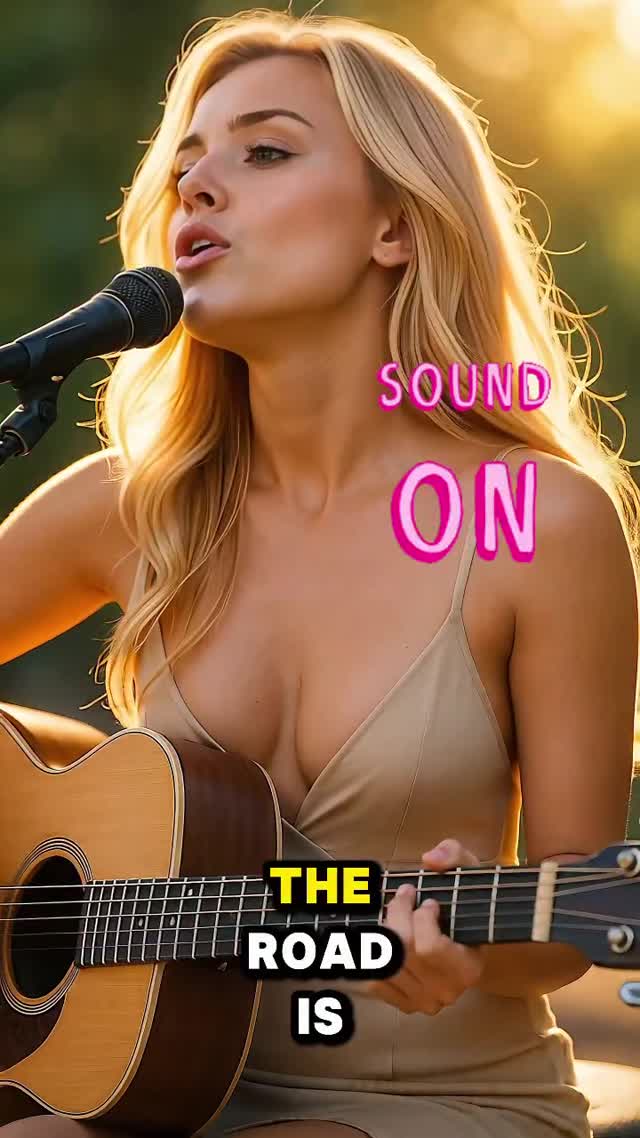
This frame is built like a conversion funnel: first you notice the light, then you recognize the guitar, then the typography tells you what to do. Simple. Effective. Repeatable.
Performance content is a hard sell in silent feeds—unless the thumbnail does the persuasion. Here, the persuasion is visual. The golden rim light makes the subject feel cinematic, the guitar makes the story instantly clear, and the shallow depth of field removes every distraction that might steal attention.
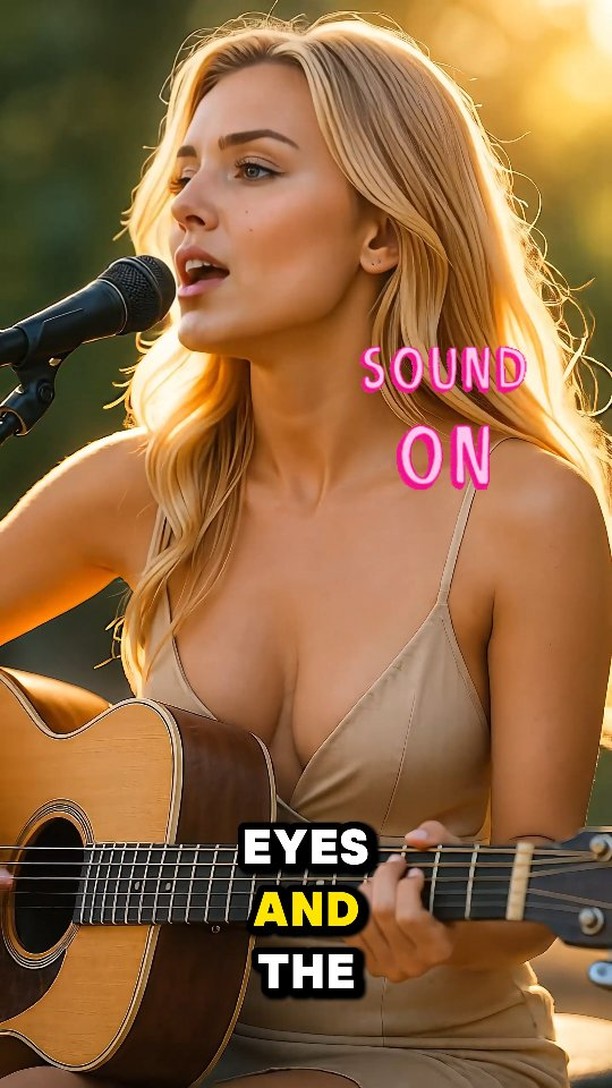
The bold “SOUND ON” overlay is not just text—it’s permission. It signals “this is worth hearing” before the viewer commits. And because the background is soft greenery bokeh, the hot pink letters pop with zero effort. You don’t need a long caption to explain; the image already contains the instruction.
The second overlay (“THE ROAD IS”) adds a lyric fragment hook. It’s the same share mechanic as any good chorus line: give people a phrase they can quote, and they’ll carry it into comments and saves. The best thumbnails don’t explain everything—they promise the next line.
| Signal | Evidence (from this image) | Mechanism | Replication Action |
|---|---|---|---|
| Instant genre clarity | Acoustic guitar + mic at the mouth | Viewer knows it’s music in under 1 second | Keep one unmistakable instrument + mic in-frame; don’t hide them |
| Cinematic trust | Golden-hour rim light + creamy bokeh | Looks “produced,” increases play intent | Lock backlight direction and push bokeh; avoid flat lighting |
| Explicit CTA overlay | “SOUND ON” in bright pink | Removes friction: tells viewers what to do | Add 1 short imperative overlay; high contrast; consistent placement |
golden bokeh {location}, acoustic performance close-up, SOUND ONstudio performance with warm rim light, guitar + mic, lyric fragment overlayclose-up performance, {instrument}, SOUND ON, warm rim lightThe “expensive” feeling is coming from a few controllable choices: backlight for hair separation, a longer lens feel for compression, and a background that’s pure blur. The beige wardrobe also helps because it doesn’t fight the wood tones of the guitar—everything sits in the same warm family, so the overlays can be the only loud color.
If you want this look to perform, treat overlays like part of the composition, not decoration. They’re placed where the background is empty and bright enough for contrast—exactly what good thumbnails do.
| Prompt chunk | What it controls | Swap ideas (EN, 2–3 options) |
|---|---|---|
| Instrument + mic | Instant story | “acoustic guitar + mic”, “piano + mic”, “handheld mic + no instrument” |
| Backlight direction | Cinematic separation | “sun behind/right”, “sun behind/left”, “warm rim + soft fill” |
| Background bokeh | Scroll clarity | “greenery bokeh”, “city lights bokeh”, “dark gradient bokeh” |
| Overlay system | Conversion | “SOUND ON”, “LISTEN”, “TURN UP” |
| Lyric fragment | Save/share hook | “2–5 word lyric”, “single line quote”, “chapter title” |
Photorealistic cinematic outdoor performance at golden hour, singer with long blonde wavy hair rim-lit by the sun, singing into a black microphone on a stand, holding an acoustic guitar across the torso with visible sound hole and strings, soft blurred greenery background with bright bokeh circles, warm sunset film grade, shallow depth of field, vertical 3:4, add overlay text: SOUND ON (pink neon) upper-right, THE ROAD IS bottom-center in bold lyric style