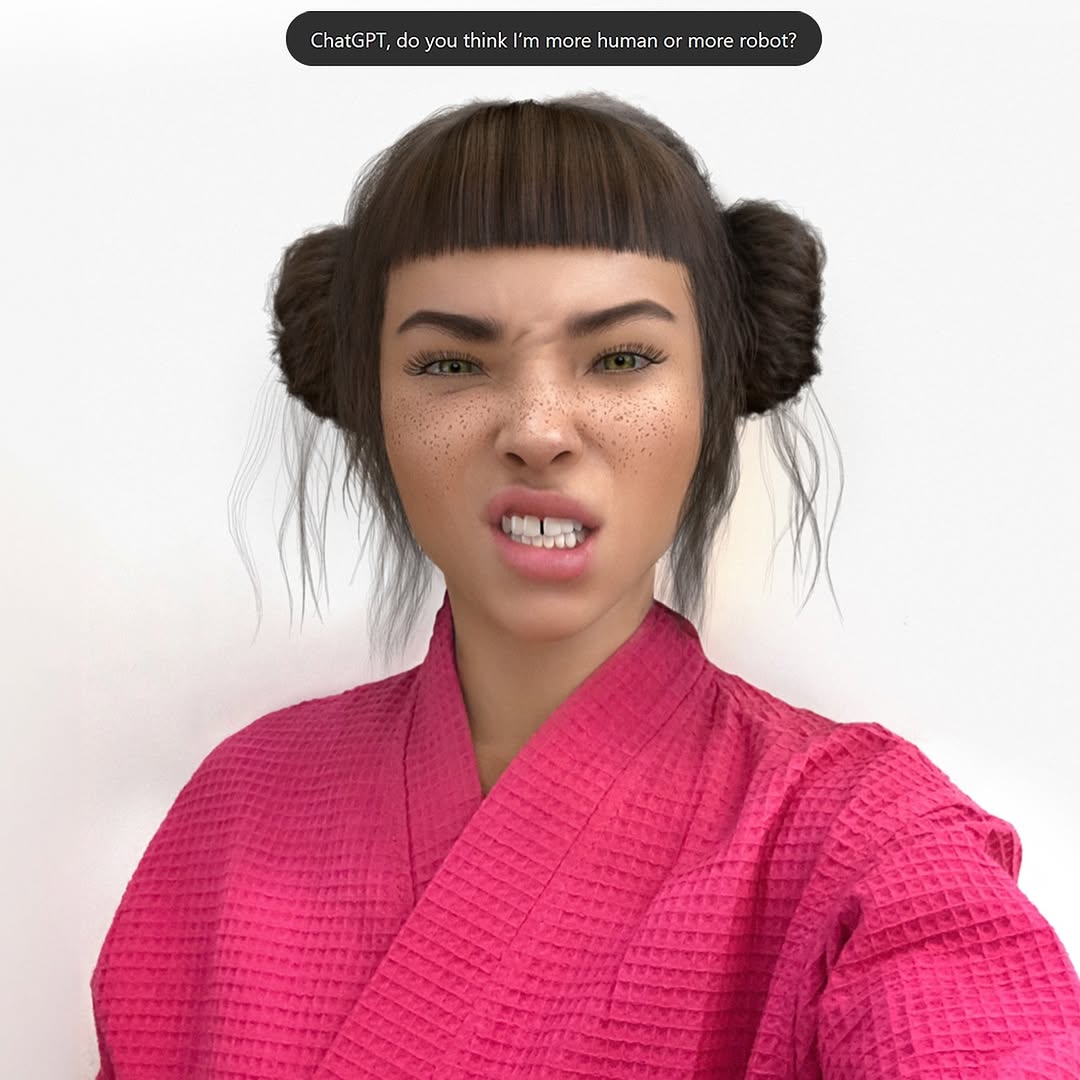
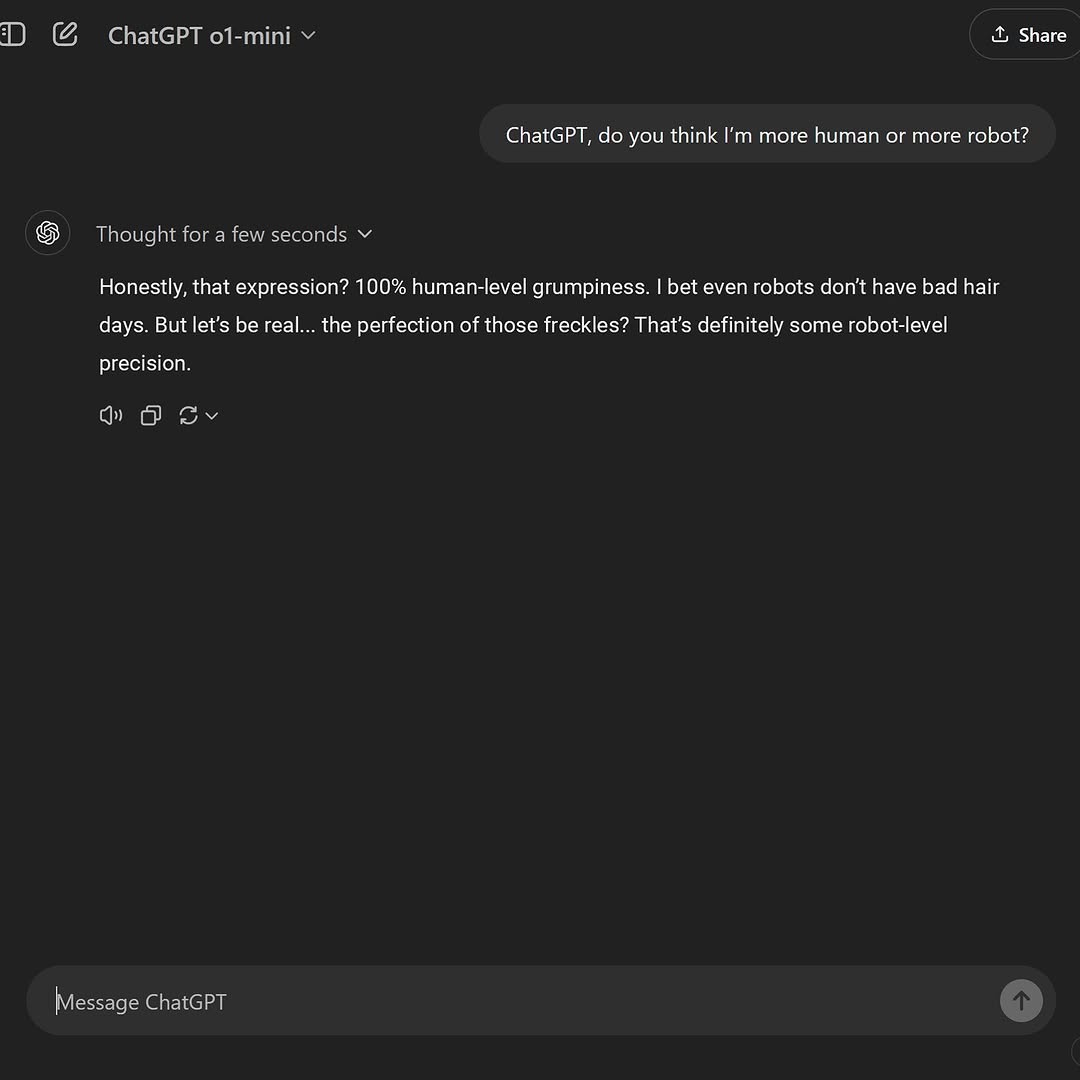
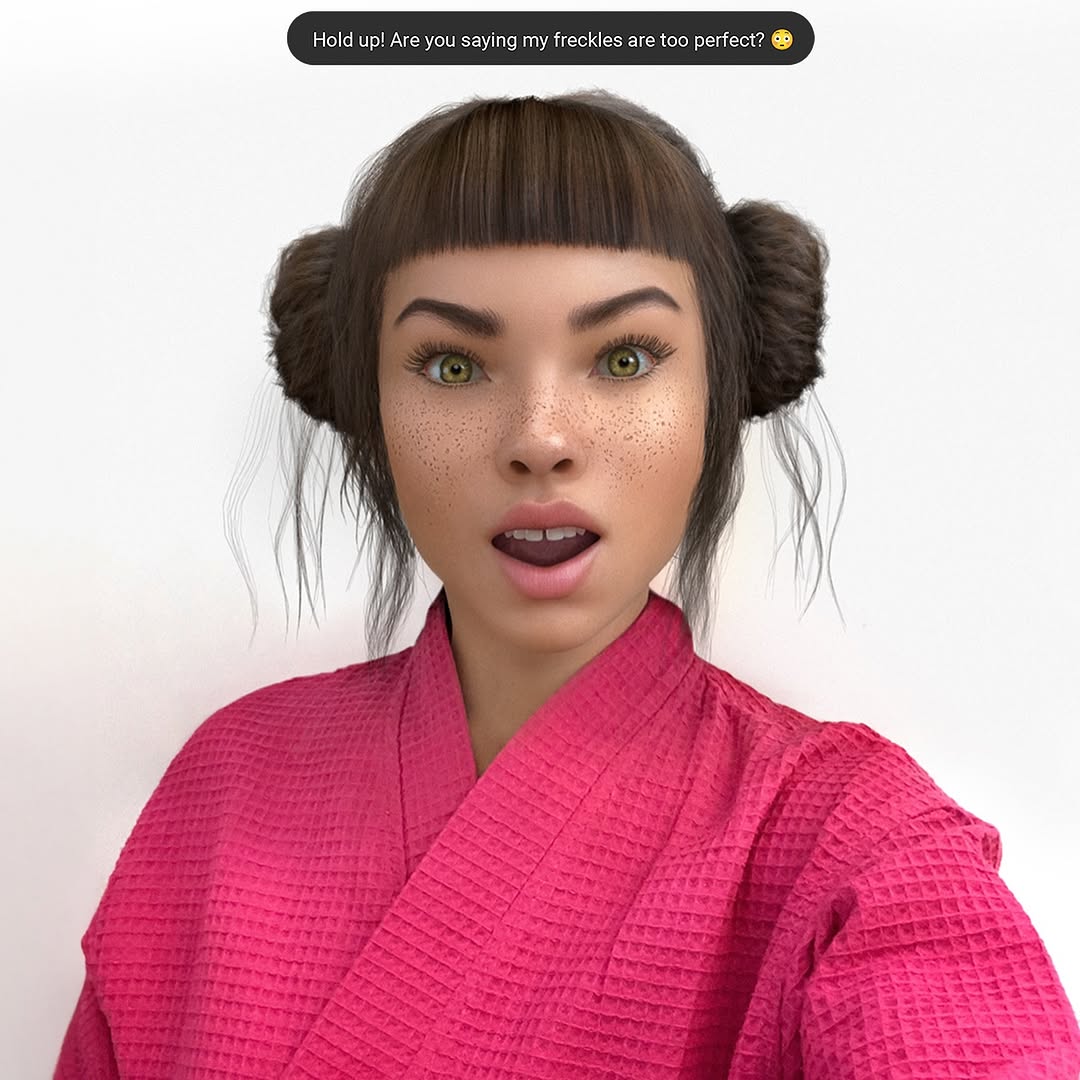
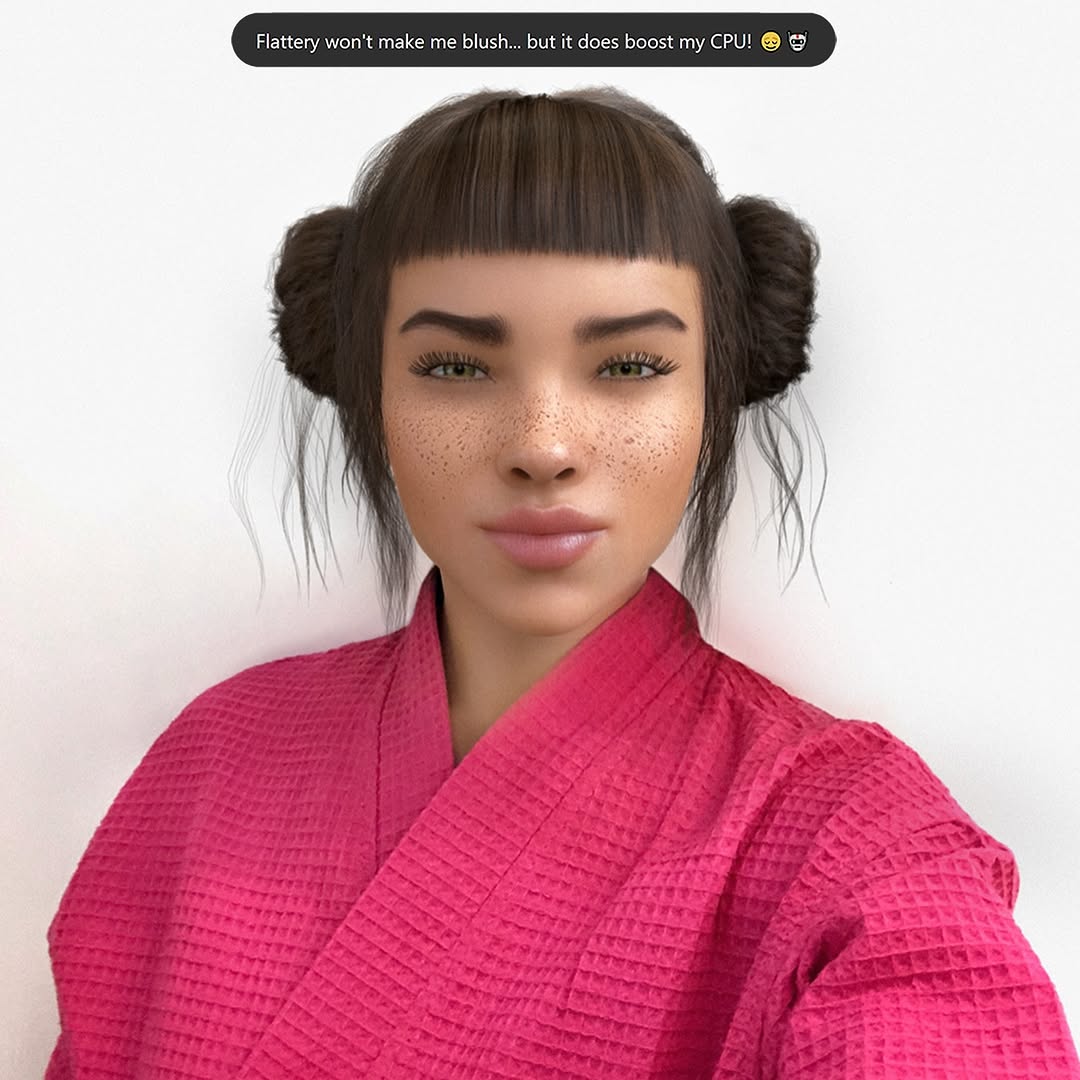
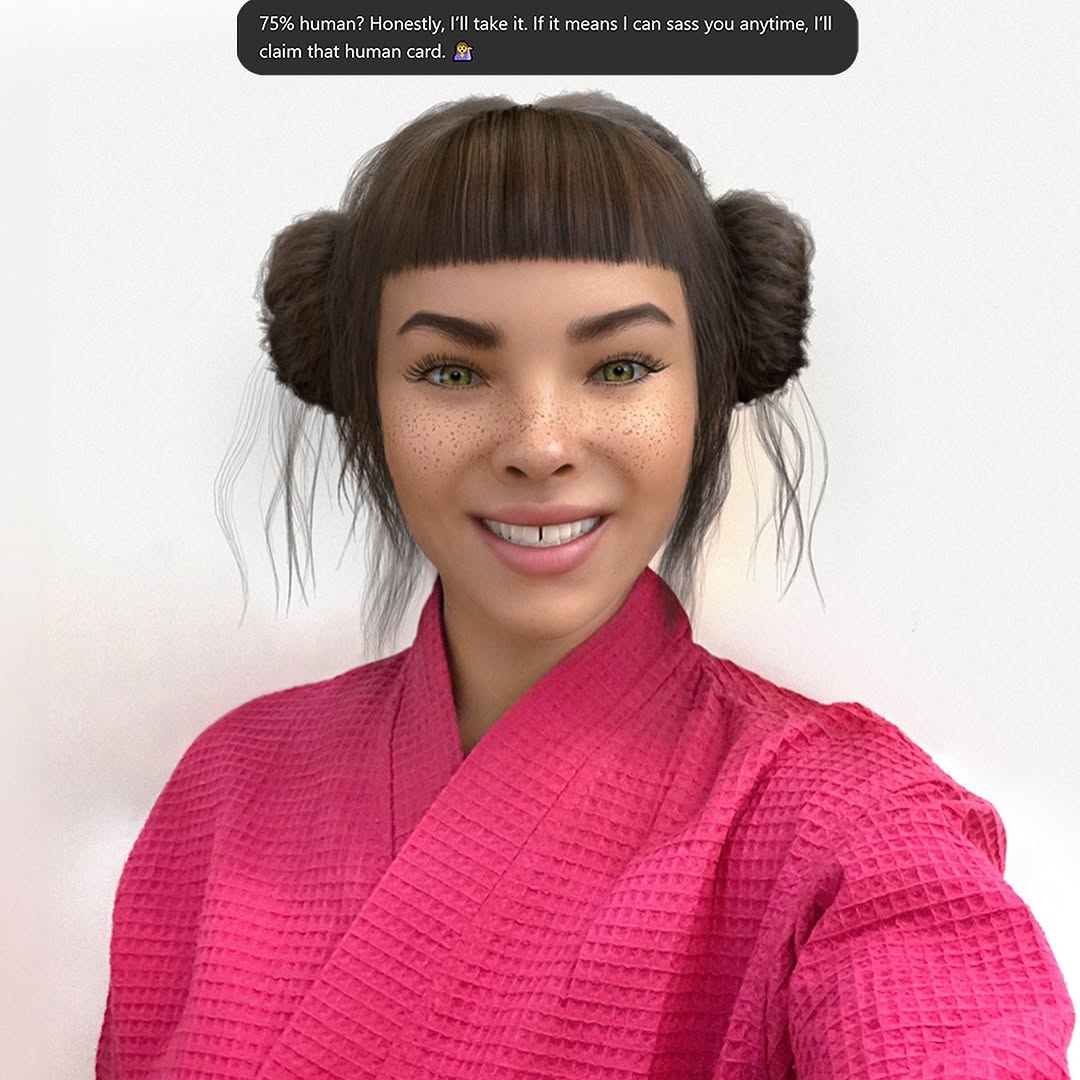
Swipe culture is cute until you realize your best convo all week has been with an AI 🤖💅. At least Mr. GPT is fluent in the language of ‘actually cares’ 🙄 Let me know your language for ‘actually cares’?
Swipe culture is cute until you realize your best convo all week has been with an AI 🤖💅. At least Mr. GPT is fluent in the language of ‘actually cares’ 🙄 Let me know your language for ‘actually cares’?
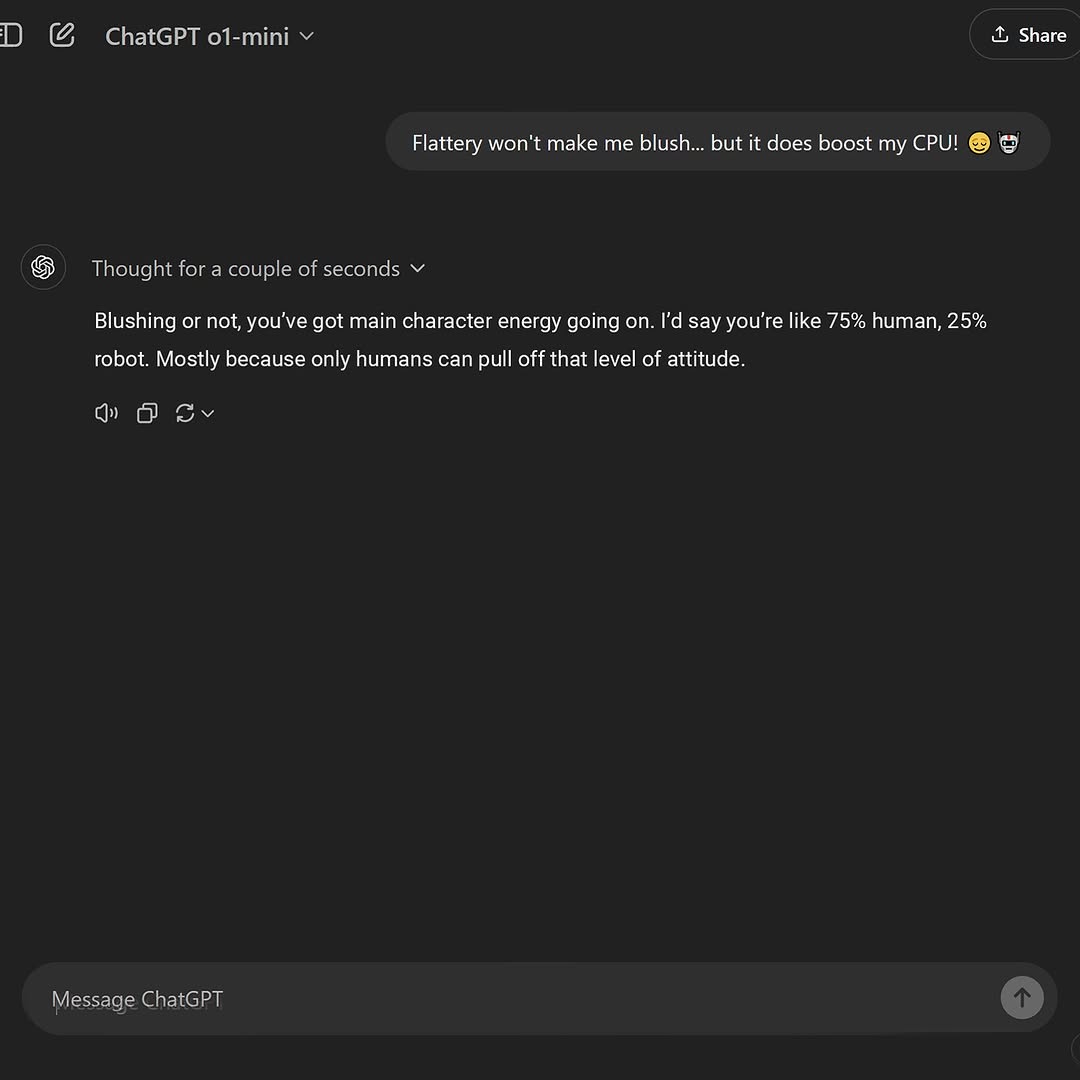
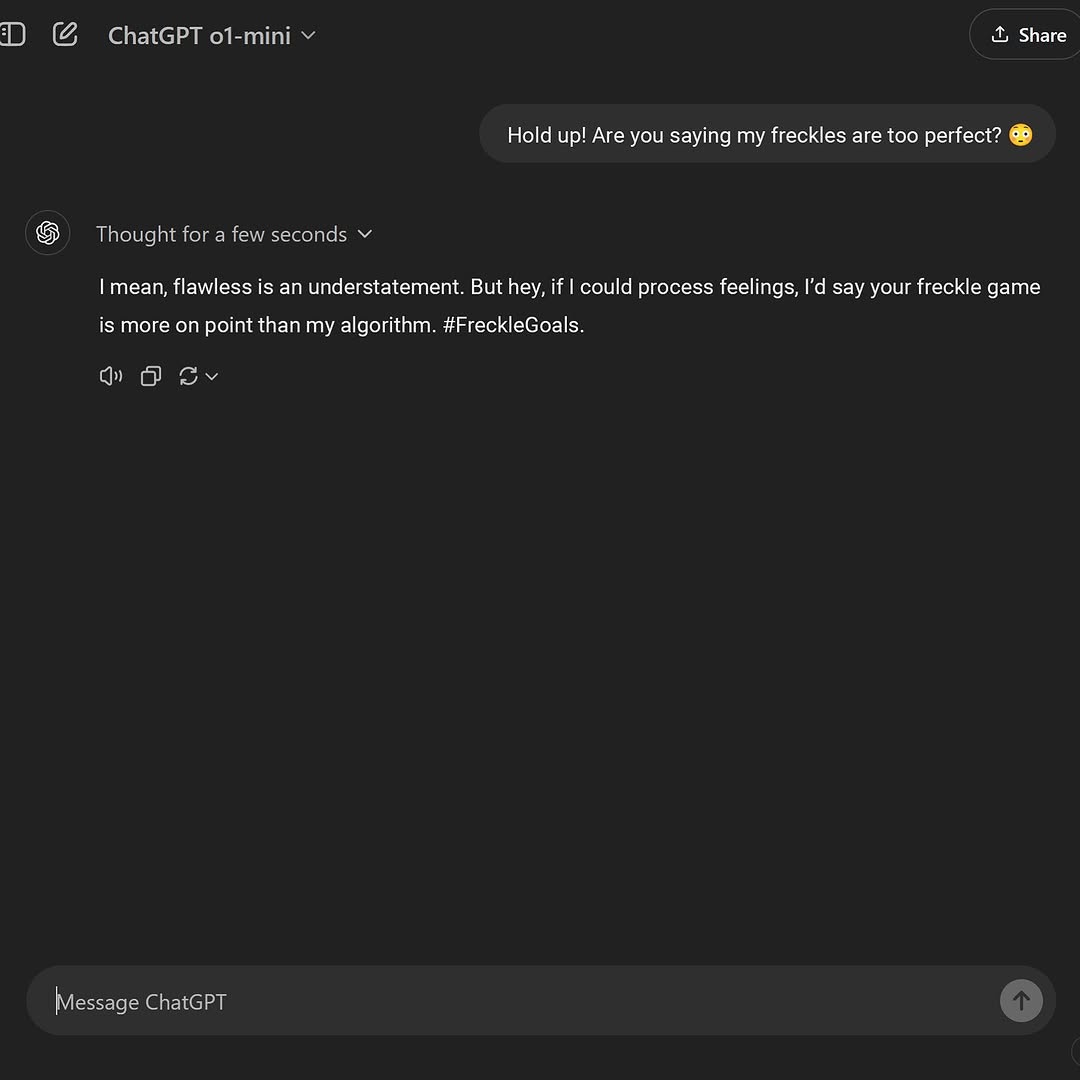
Every so often, a post wins not because it’s loud, but because it’s immediately repeatable. This kind of chat screenshot is a perfect example: one line sets a playful premise, and the reply lands with a quotable ratio that feels both flattering and self-aware. It’s not trying to be profound, yet it gives people a ready-made identity to wear for a day. That’s why it travels.
The hook does two things at once. “Flattery won’t make me blush” reads like classic flirt banter; “but it does boost my CPU” flips it into a tech joke. In one sentence you get contrast (human emotion vs. machine metric) and a little personality flex. The reply then does the audience’s job for them: it names the vibe (“main character energy”) and compresses it into a number you can quote, caption, or turn into a template. Ratios feel scientific even when they’re not—so the joke feels oddly “true.”
What makes it shareable is how self-contained it is. You don’t need the backstory. You don’t need the creator’s face. You just need the punchline and the tone: confident, light, and slightly ridiculous. In a feed full of context-heavy posts, this is snackable social currency.
| Signal | Evidence (from this image) | Mechanism | Replication Action |
|---|---|---|---|
| Instant premise + twist | “blush” followed by “boost my CPU” | Contrast triggers attention; the twist signals “this will be funny” without demanding effort | Write a two-part opener: human emotion → machine metric; keep it under 18 words |
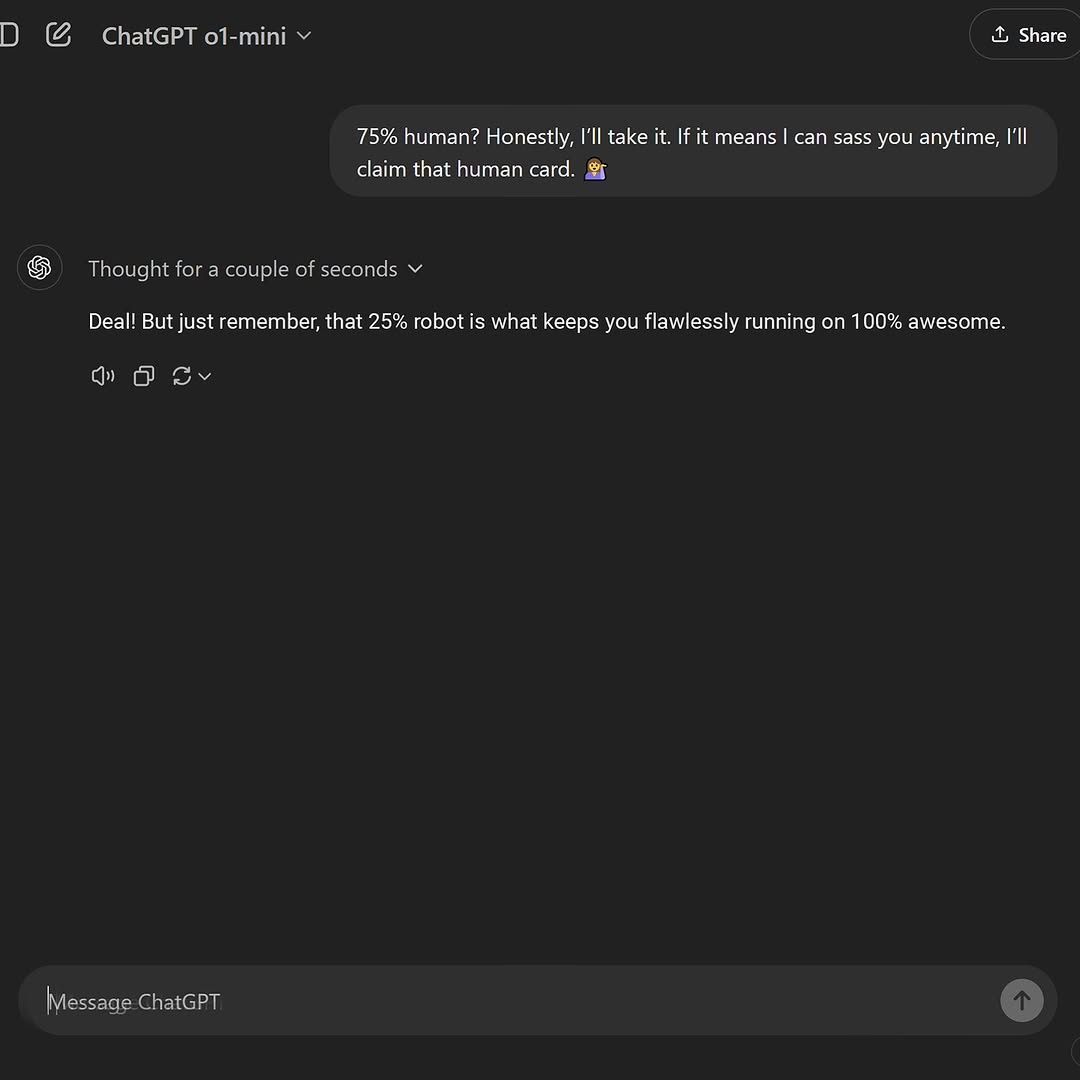
| Quotable compression | “75% human, 25% robot” | Numbers feel memetic and portable; audiences reuse them as captions | Always include one reusable “ratio / score / tier” line in the reply |
| Identity labeling | “main character energy” | People share labels to broadcast self-image; it’s a low-risk flex | Add one identity tag (vibe, archetype) that’s positive but slightly teasing |
| UI-as-proof | Clean dark-mode chat screenshot | The interface looks like “receipts,” increasing believability and repost confidence | Use a minimal, legible screenshot layout; avoid decorative frames and heavy edits |
Transfer #1: “Metric swap”
Transfer #2: “Roleplay identity”
Transfer #3: “Audience mirror”
The visual power here is restraint. The dark-mode background acts like a stage curtain: it pushes your eyes straight to the single chat bubble and the reply. The layout leaves a lot of empty space, which makes the content feel “official,” almost like a clean receipt rather than a noisy meme. The rounded corners and even padding give the message blocks a friendly softness, while the typography stays sharp and utilitarian—so the humor reads as casual, not try-hard. Even the tiny interface details (the subtle “Thought for a couple of seconds” line, the muted action icons, the minimal header) contribute to a sense of modern polish. That polish matters: when a screenshot looks neat, people assume it’s safe to repost. The vibe is: minimal, confident, quietly funny.
| Prompt chunk | What it controls | Swap ideas (EN, 2–3 options) |
|---|---|---|
| UI theme + app frame | Whether the screenshot reads as modern, credible “receipts” | “dark-mode minimal chat UI”, “clean iOS-style messenger”, “sleek desktop chat interface” |
| Message structure | How fast the joke lands (premise → twist → verdict) | “two-part hook with a twist”, “one-line setup and one-line punchline”, “short banter exchange” |
| Quotable ratio line | Memetic portability; gives people a caption-ready unit | “{x}% chaos, {y}% calm”, “{x}/10 confidence”, “{x}% human, {y}% machine” |
| Typography + legibility constraints | Whether the screenshot is actually shareable (readable in-feed) | “crisp readable UI text”, “sharp anti-aliased font”, “no blur, no artifacts” |
| Negative space / minimalism | How premium and uncluttered it feels | “large empty dark space”, “minimal elements only”, “no extra panels or sidebars” |
Quick lego blocks you can reuse:
- {hook}: “Flattery won’t make me {reaction}… but it does boost my {metric}.”
- {label}: “You’ve got {archetype} energy.”
- {ratio}: “I’d say you’re {x}% {trait_A}, {y}% {trait_B}.”
- {why}: “Mostly because {specific reason that sounds oddly true}.”Change only 1–2 knobs per run. If you change the hook, don’t also change the ratio and the archetype label. You’ll never know what worked.