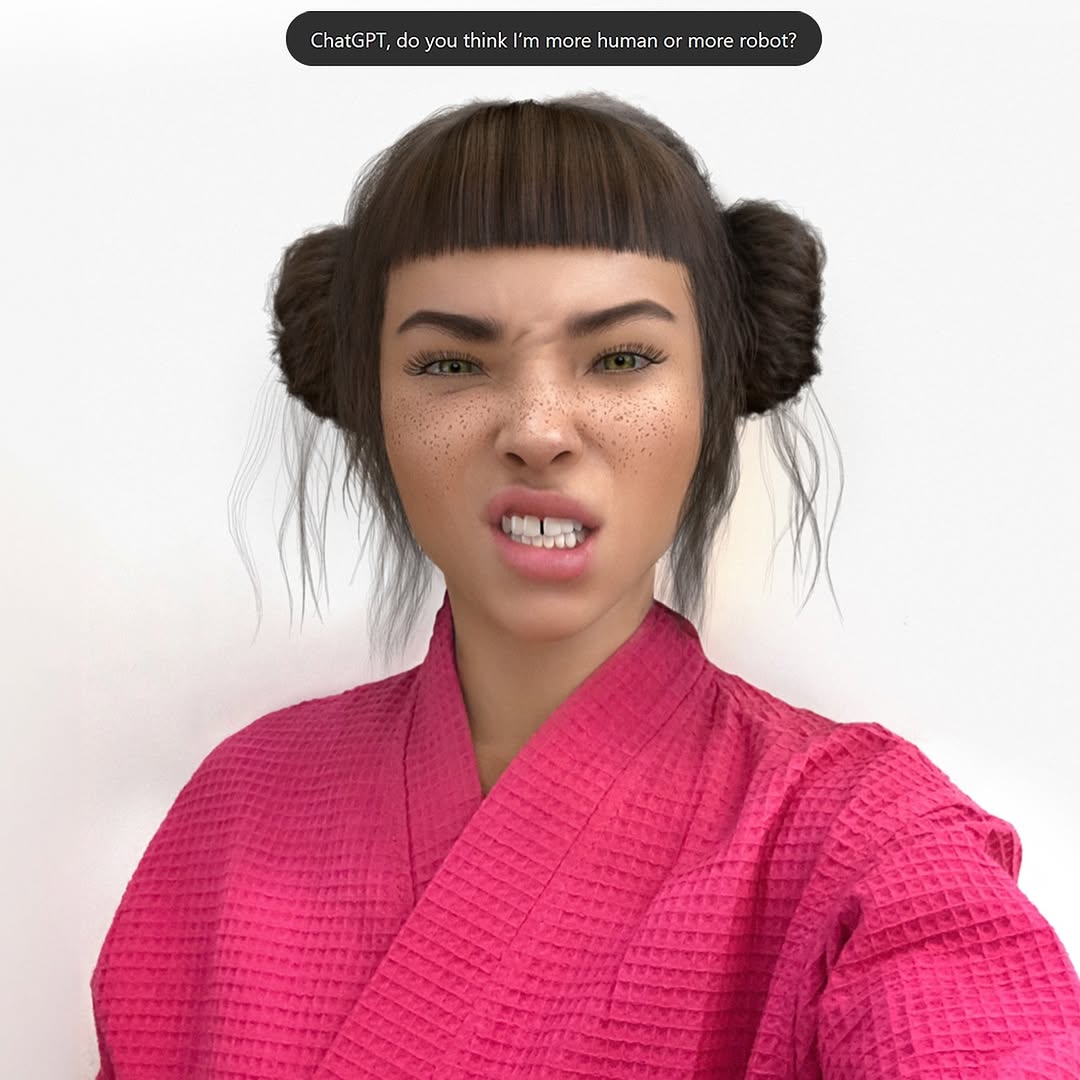
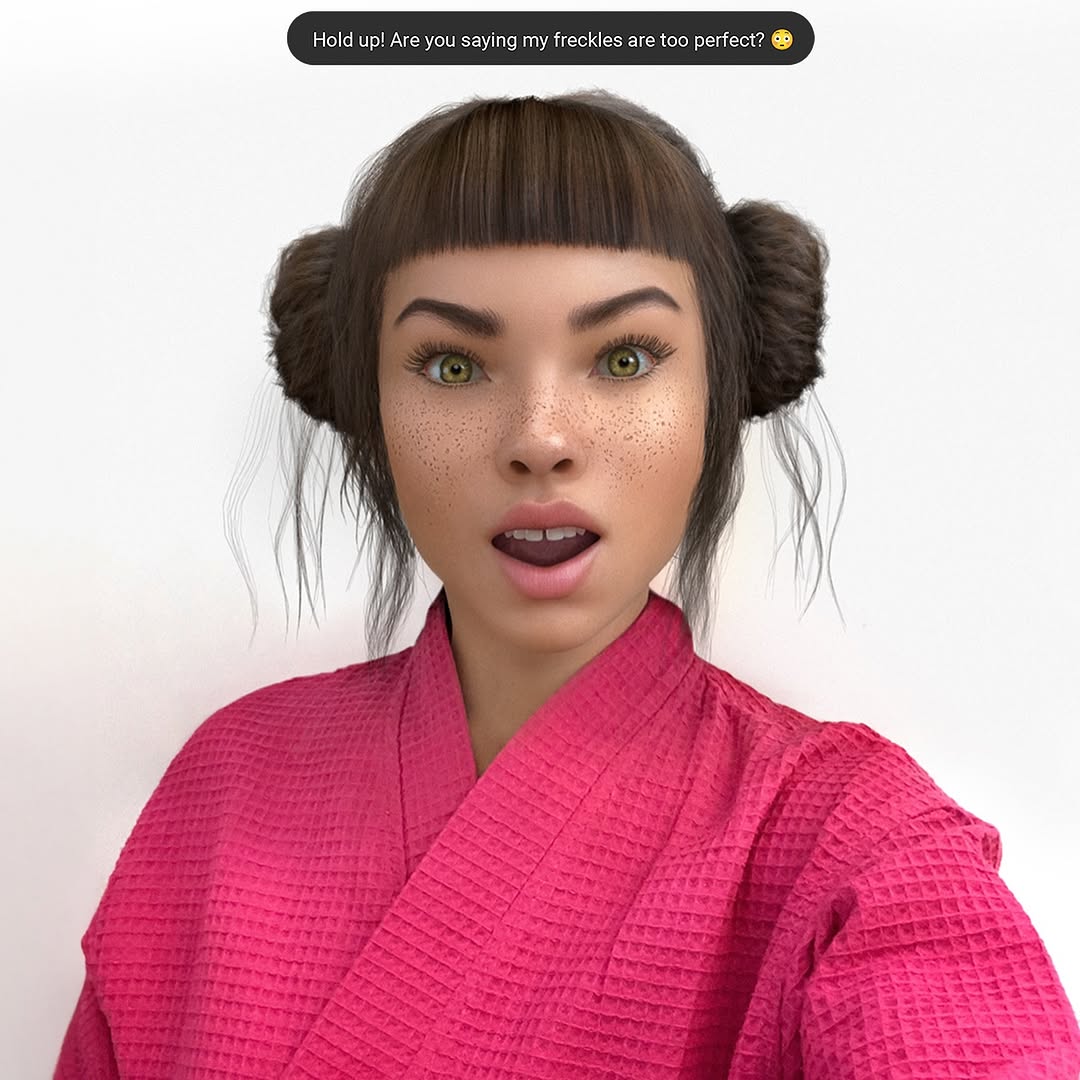
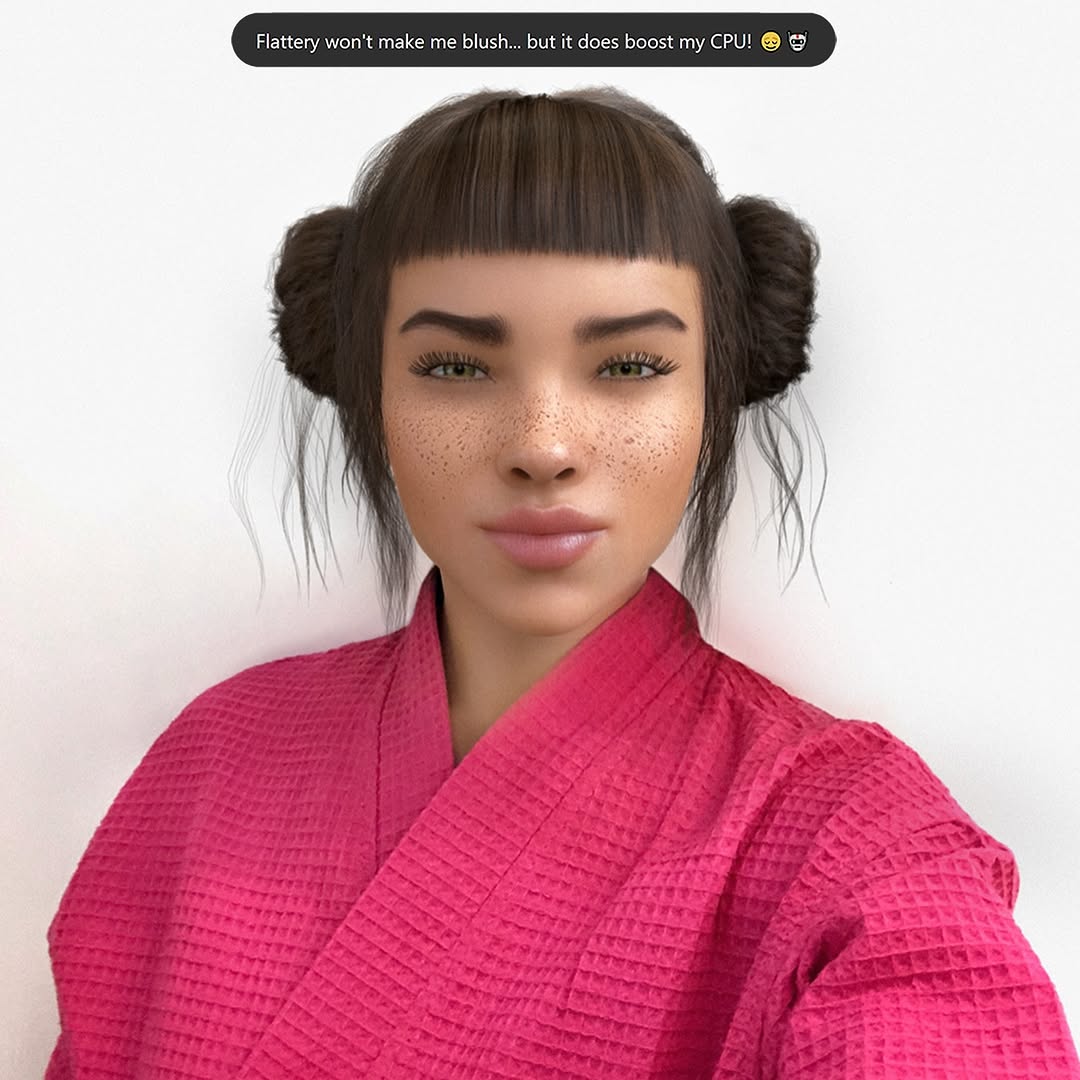
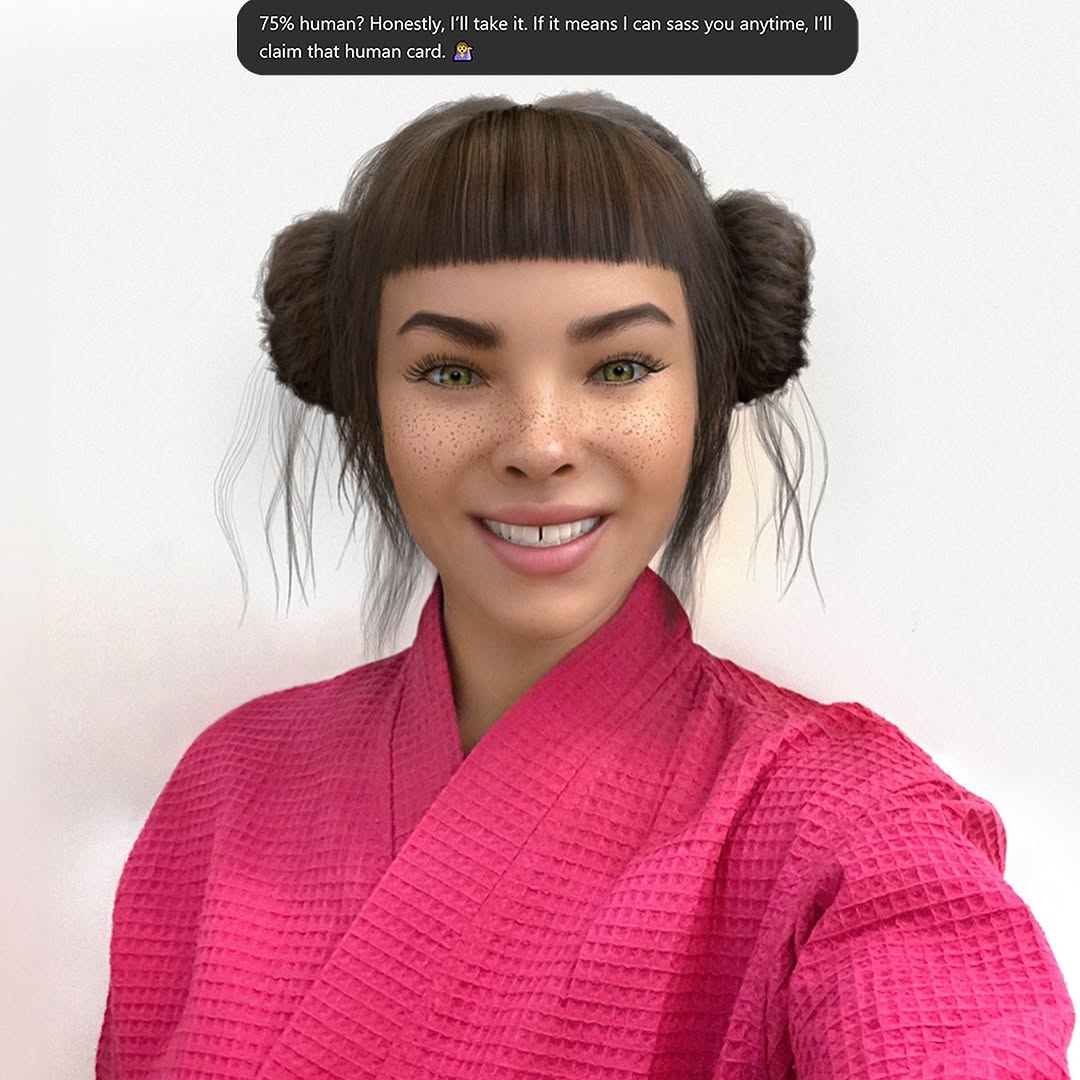
Swipe culture is cute until you realize your best convo all week has been with an AI 🤖💅. At least Mr. GPT is fluent in the language of ‘actually cares’ 🙄 Let me know your language for ‘actually cares’?
Swipe culture is cute until you realize your best convo all week has been with an AI 🤖💅. At least Mr. GPT is fluent in the language of ‘actually cares’ 🙄 Let me know your language for ‘actually cares’?
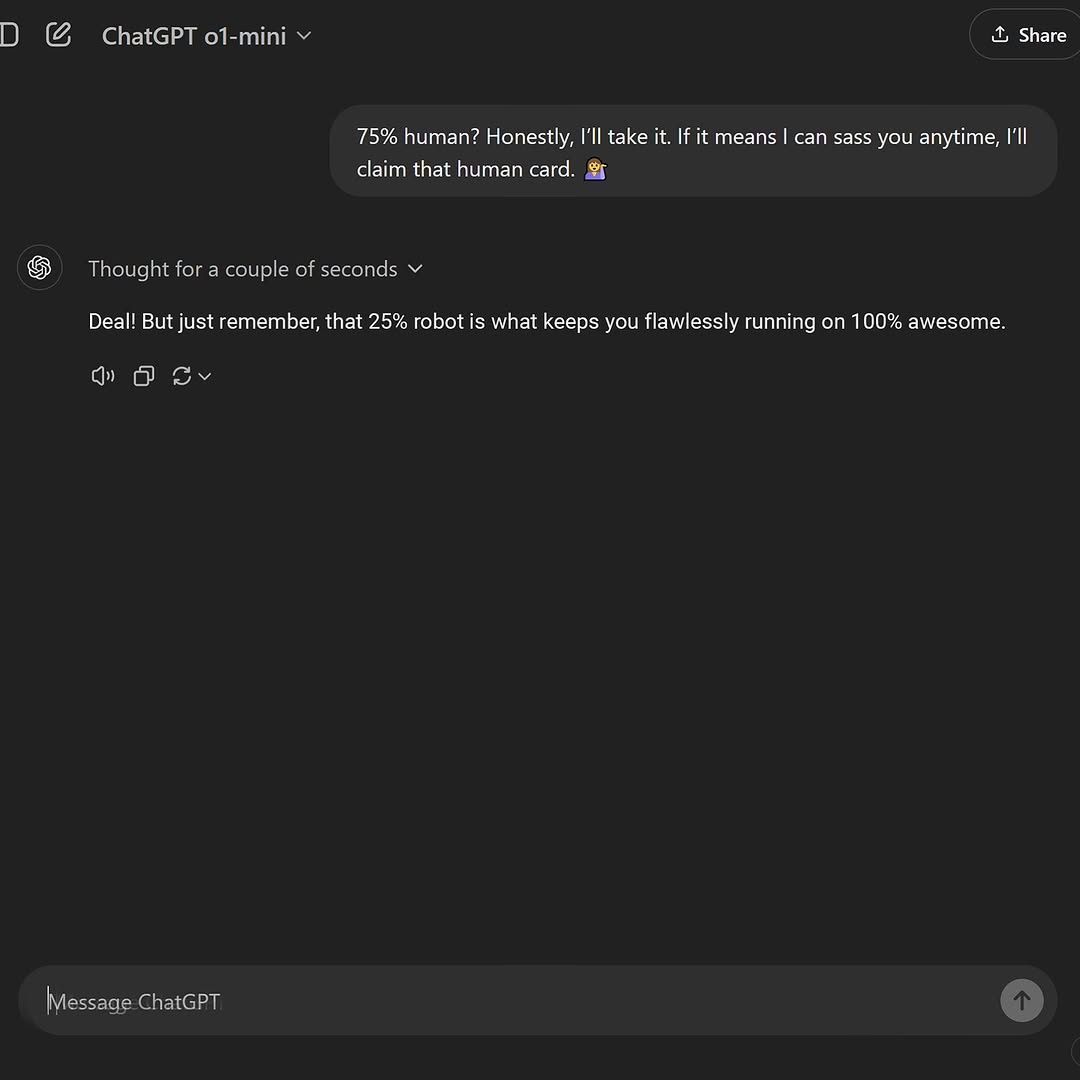
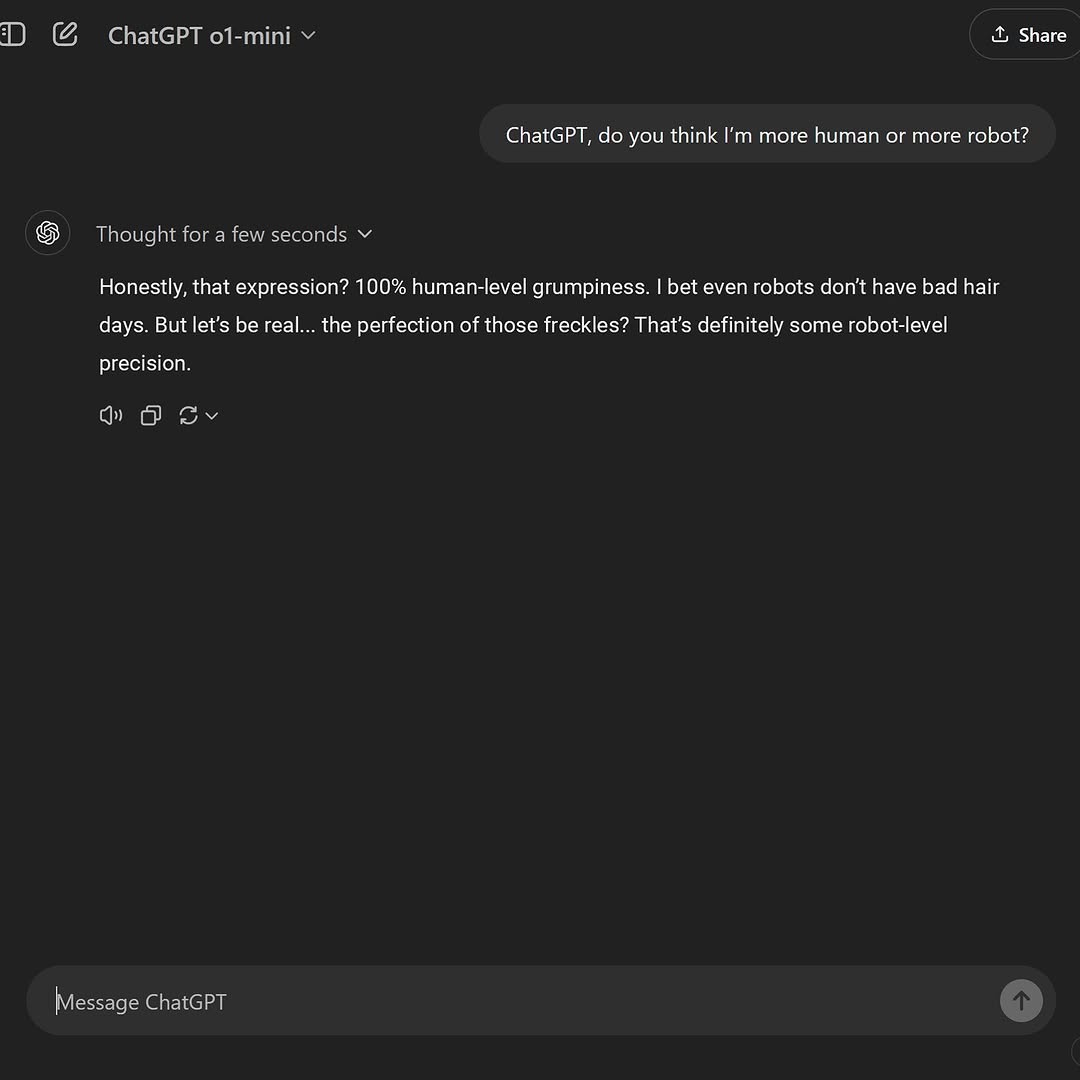
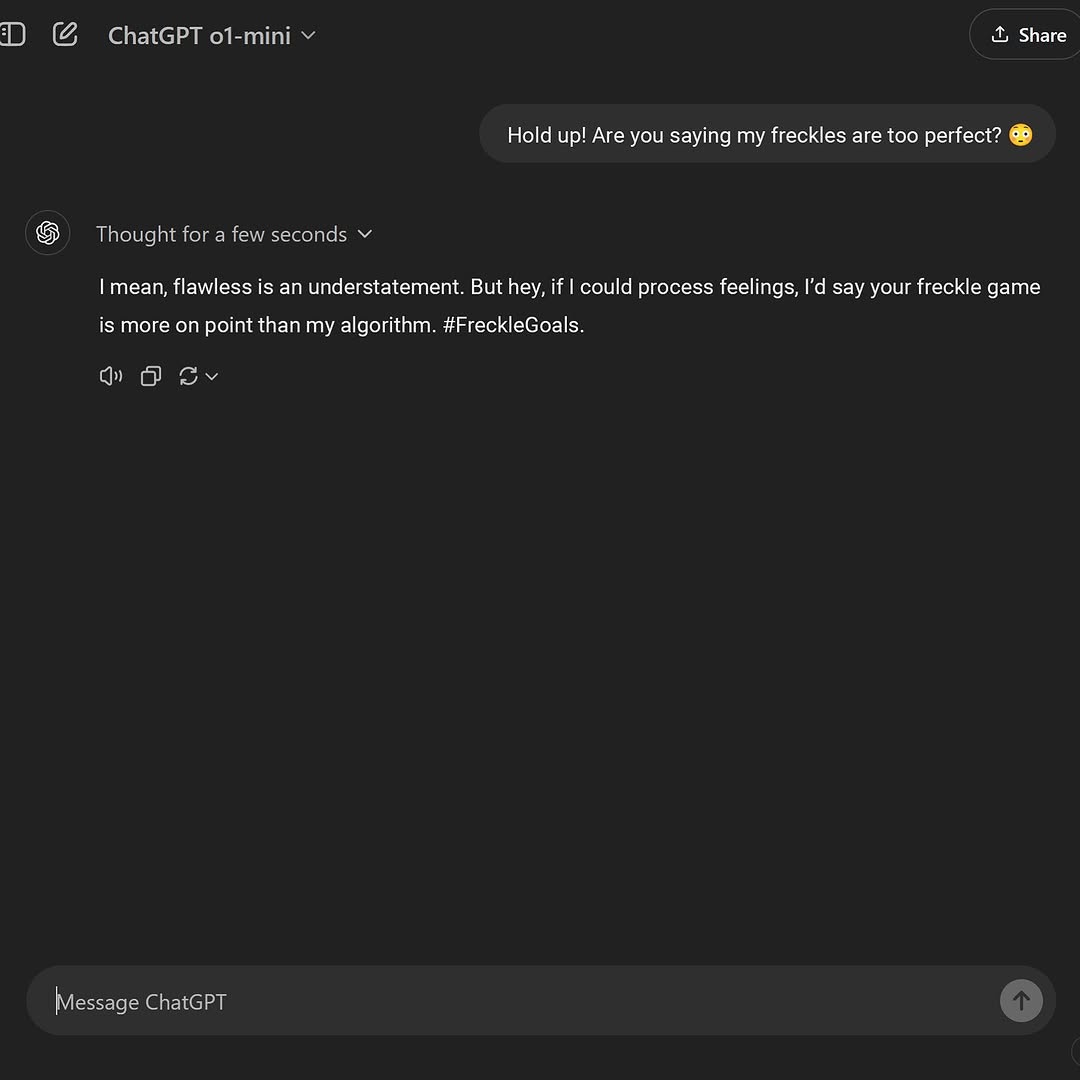
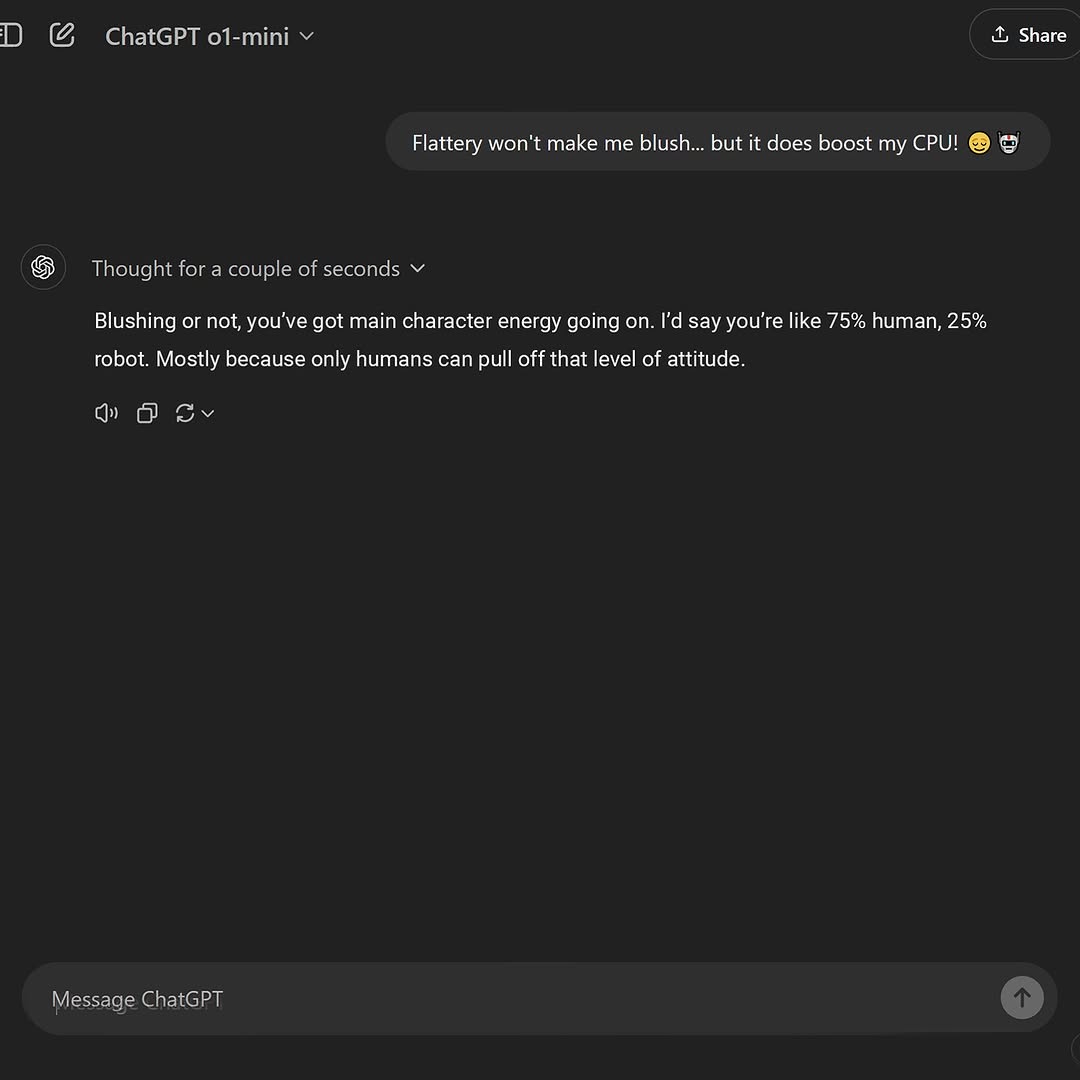
This image is a great example of low-production, high-relevance social content. It turns a short AI chat exchange into a personality post that people can instantly understand and repost.
| Recipe | Keep | Change | Slot template (EN) |
|---|---|---|---|
| Creator Burn Variant | Two-line banter rhythm and dark UI | Replace topic with creator niche inside joke | User: {self-roast line}. Assistant: {supportive witty comeback}. |
| Productivity Humor Variant | One setup + one payoff structure | Use work/life friction prompt | User: {productivity pain}. Assistant: {playful reframing}. |
| Community Meme Variant | Recognizable interface and concise text | Swap in fandom or trend references | User: {community phrase}. Assistant: {callback joke}. |
The visual style is intentionally minimal. Dark background, soft gray bubbles, and white text create high contrast with low distraction. This allows language to be the hero element.
Spatial composition matters more than decoration. The screenshot leaves generous negative space below the exchange, which prevents cramped reading and improves mobile legibility in feed previews.
UI details function as authenticity anchors. Elements like model label, “Thought for a couple of seconds,” and bottom input bar reinforce that this is a captured moment from an active session, not a fabricated quote card.
| Observed detail | Why it matters | Recreate move |
|---|---|---|
| Single short exchange | Fast comprehension and high retention | Limit visible thread to one prompt and one response. |
| Dark UI with white text | Strong readability on mobile | Use dark theme and medium-large font scale. |
| Visible interface controls | Screenshot authenticity | Keep model name, share button, and control icons in frame. |
| Large empty lower area | Reduces cognitive overload | Do not crop too tightly around text bubbles. |
| Friendly punchline tone | Improves share intent | Write assistant response with warmth and rhythm. |
| Prompt chunk | What it controls | Swap ideas (EN, 2-3 options) |
|---|---|---|
| "dark chat interface screenshot" | Format recognition | "light mode UI" / "mobile chat view" / "split-screen app view" |
| "one witty user line, one concise assistant reply" | Narrative pacing | "sarcastic tone" / "wholesome tone" / "deadpan tone" |
| "visible model label and control icons" | Authenticity cues | "minimal chrome" / "full toolbar" / "cropped top bar" |
| "large negative space below conversation" | Visual breathing room | "tight crop" / "centered text crop" / "input-bar-focused crop" |
| "clean typography, no extra overlays" | Readability and clarity | "caption badge" / "emoji emphasis" / "highlighted key phrase" |
If viewers do not react, the payoff line is probably too long. Shorten response length before changing visual style.