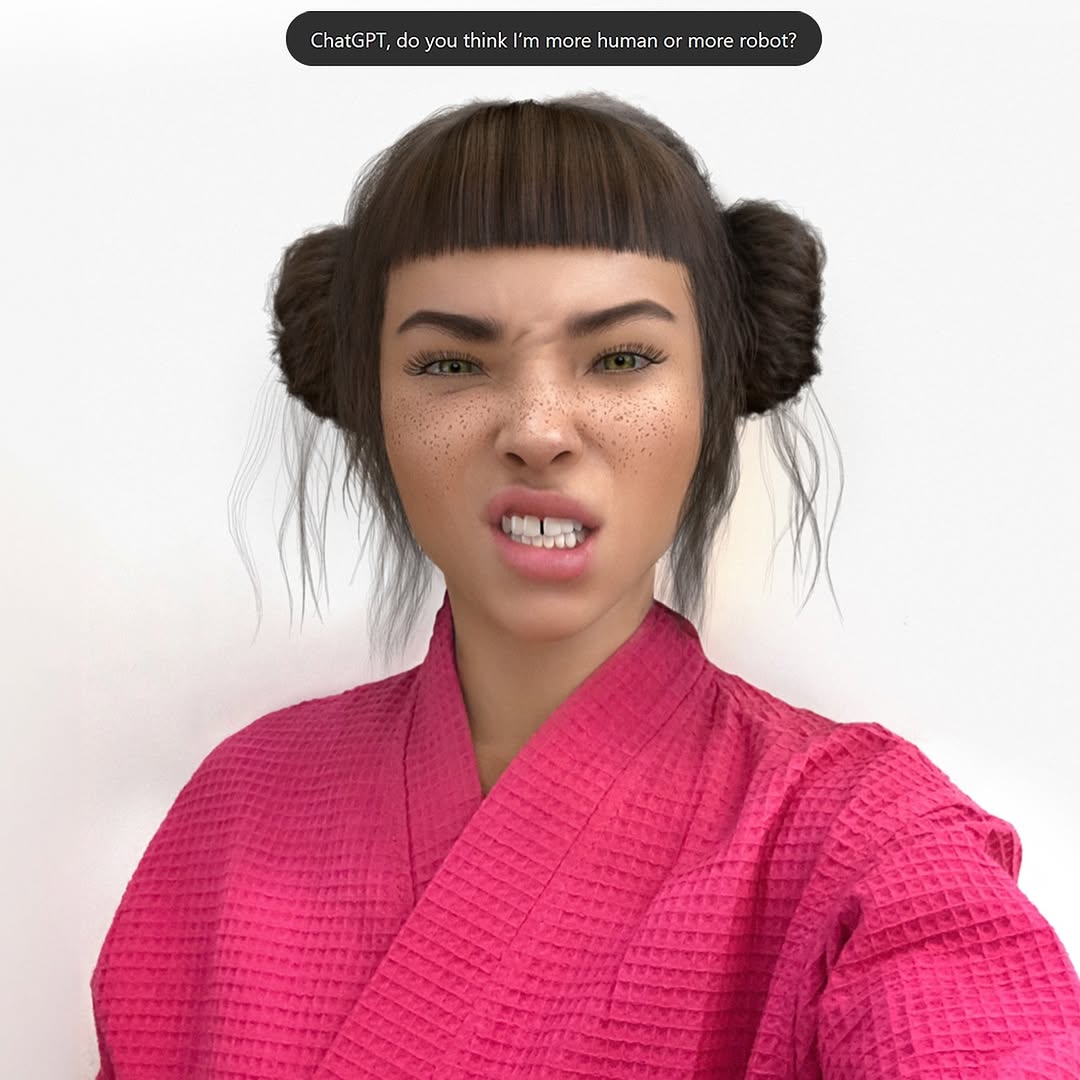
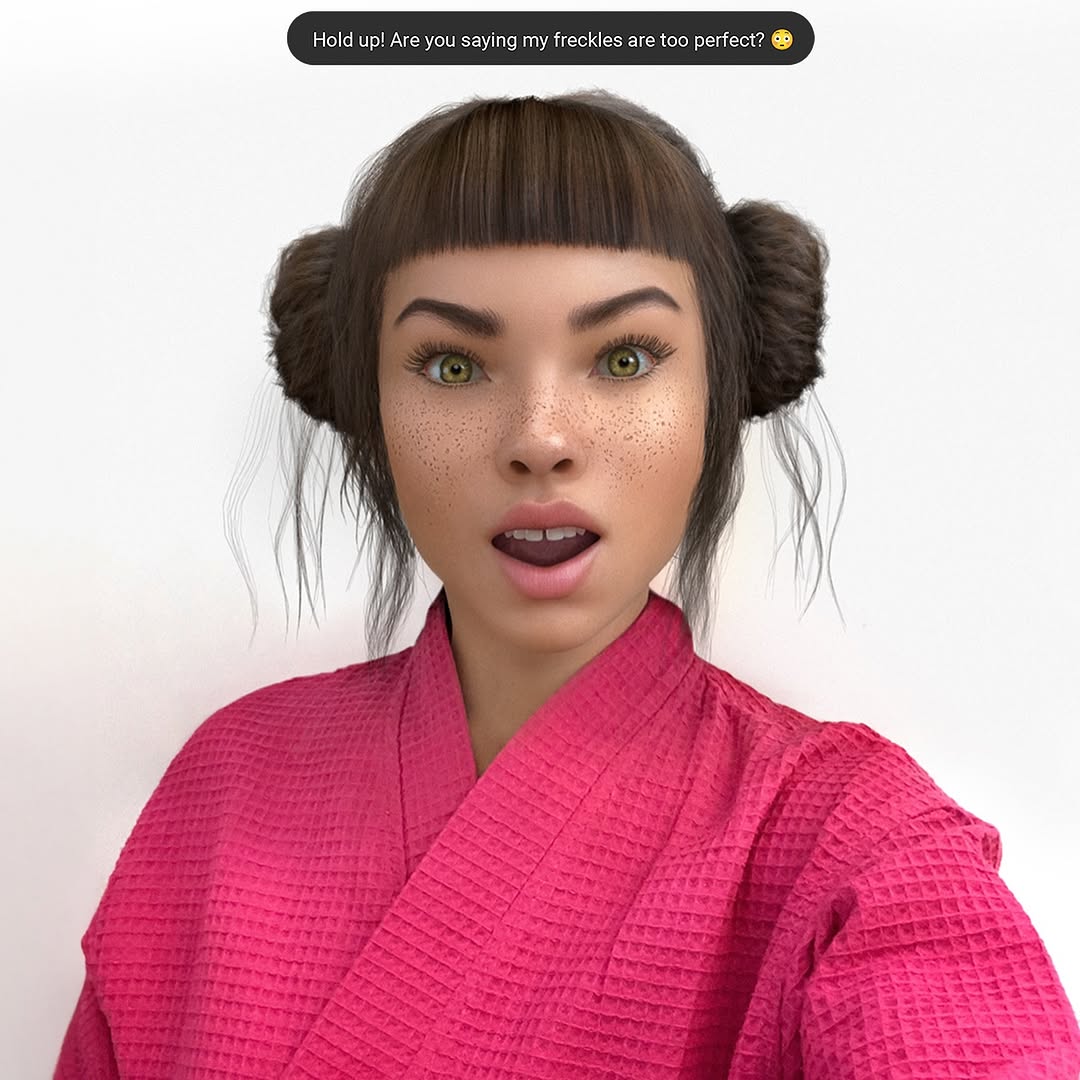
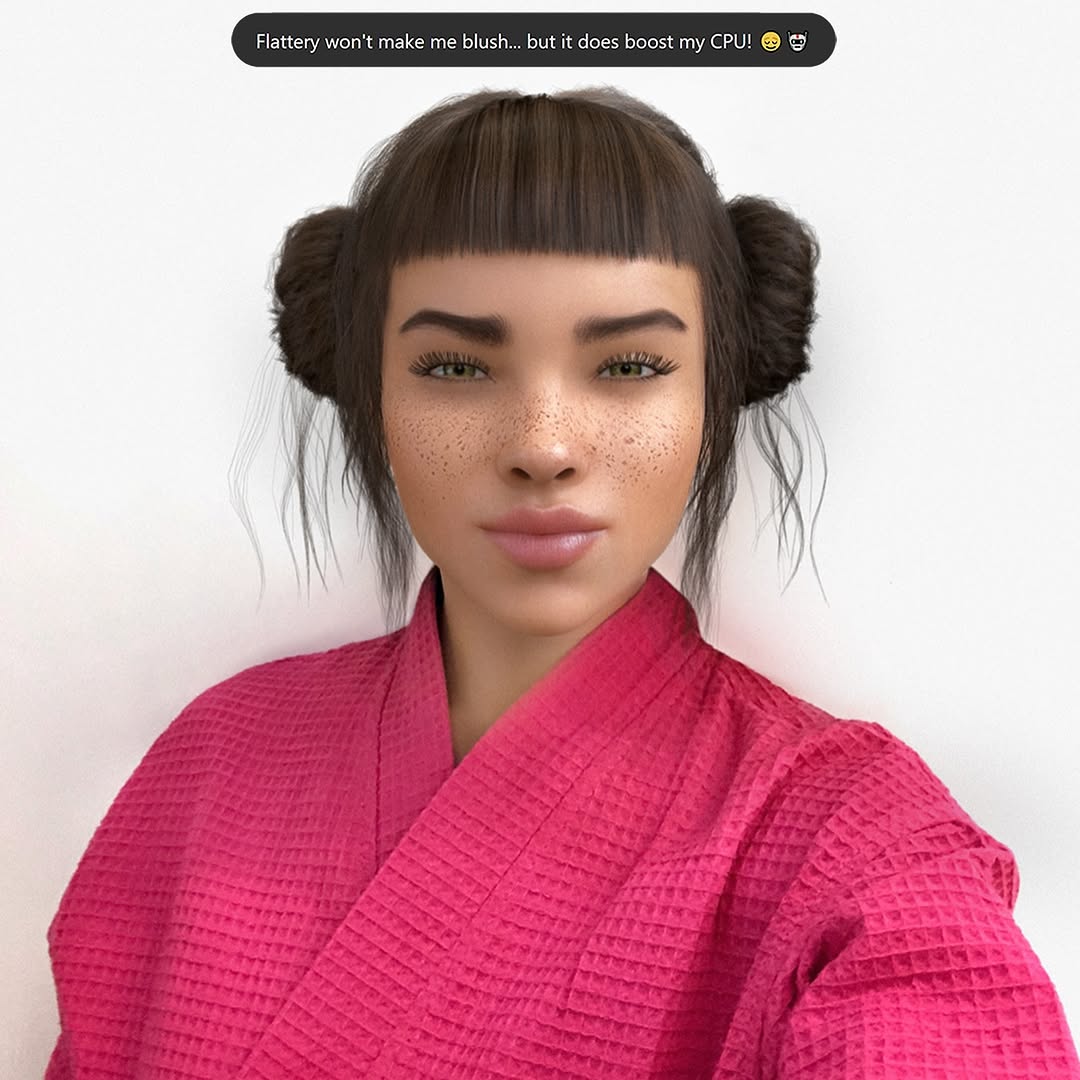
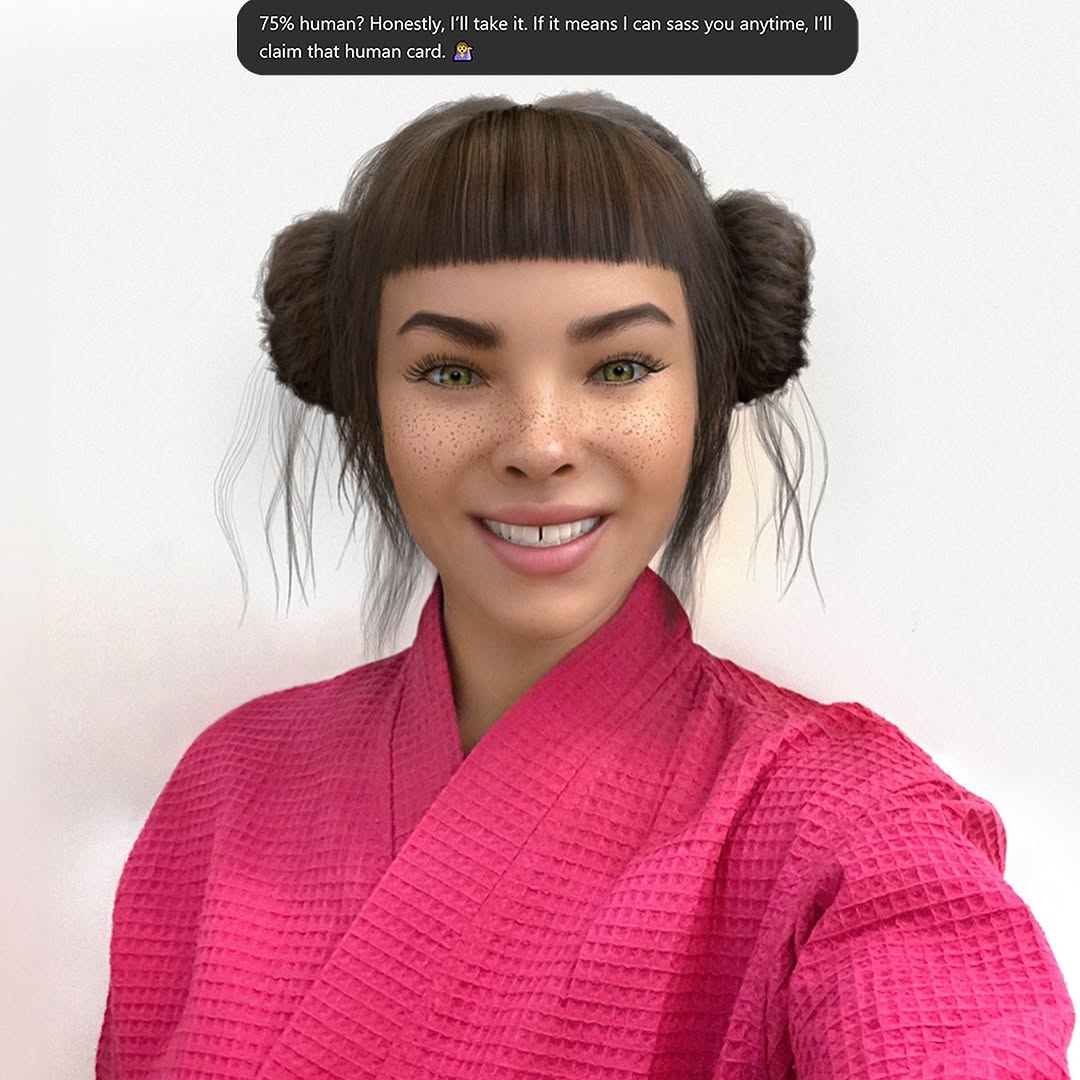
Swipe culture is cute until you realize your best convo all week has been with an AI 🤖💅. At least Mr. GPT is fluent in the language of ‘actually cares’ 🙄 Let me know your language for ‘actually cares’?
Swipe culture is cute until you realize your best convo all week has been with an AI 🤖💅. At least Mr. GPT is fluent in the language of ‘actually cares’ 🙄 Let me know your language for ‘actually cares’?
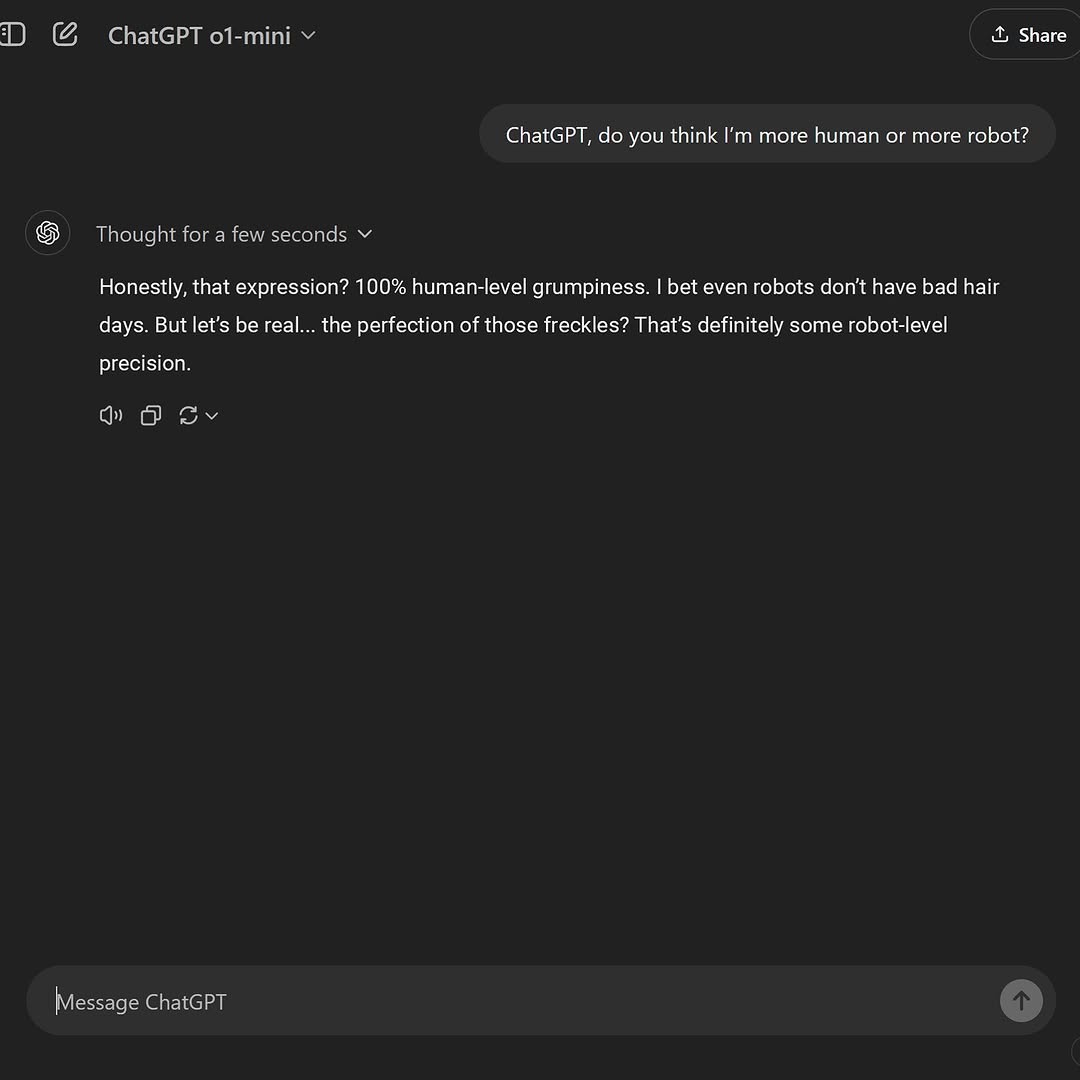
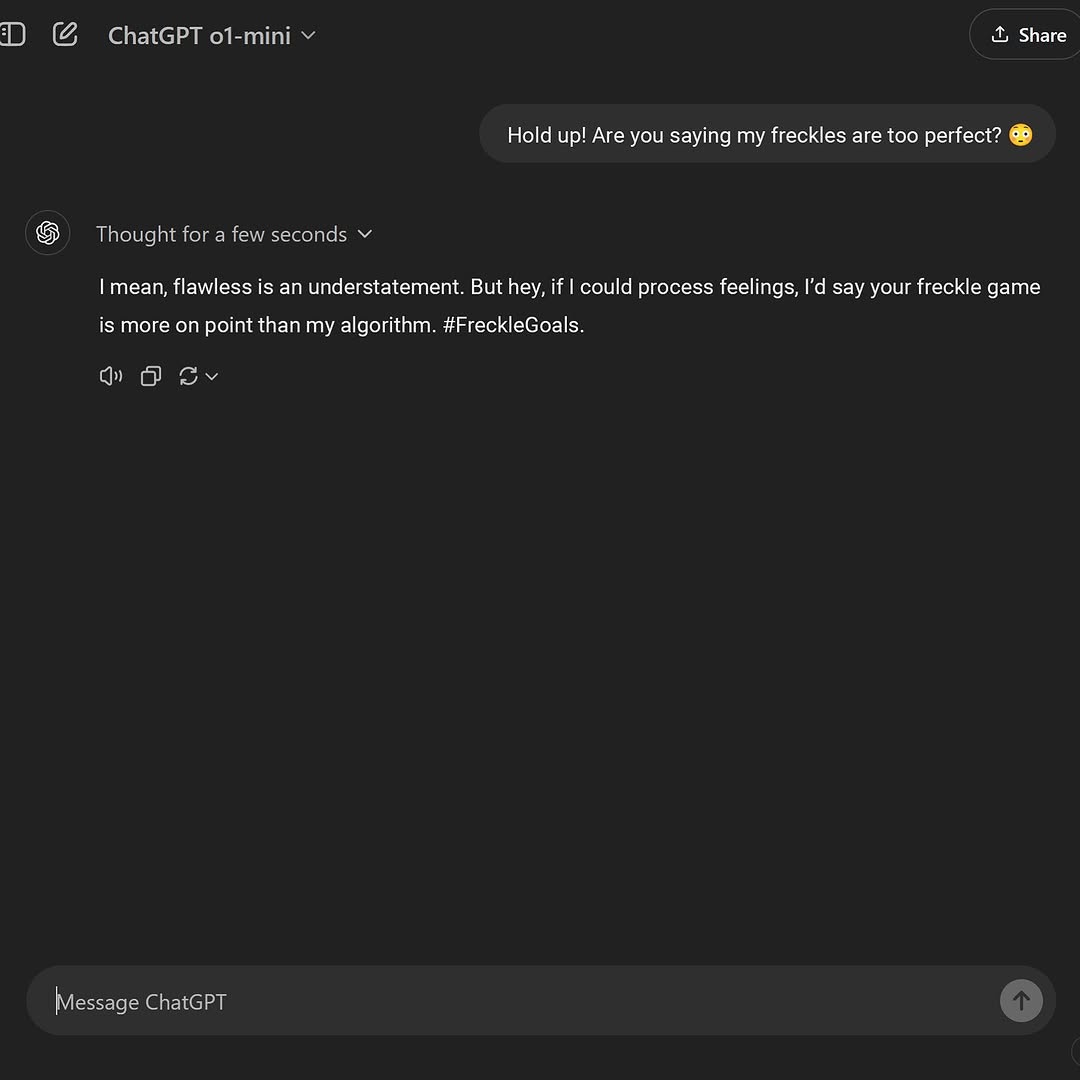
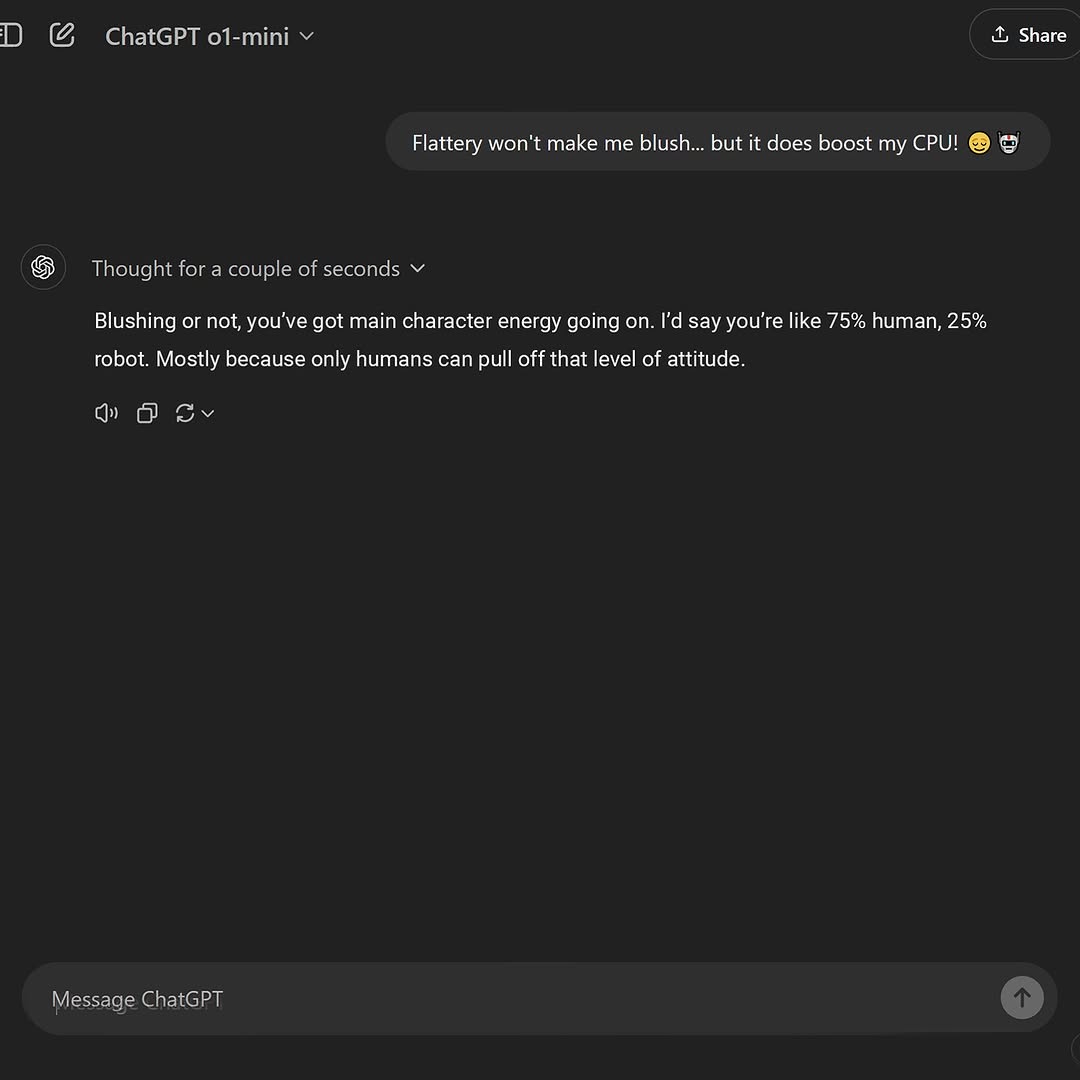
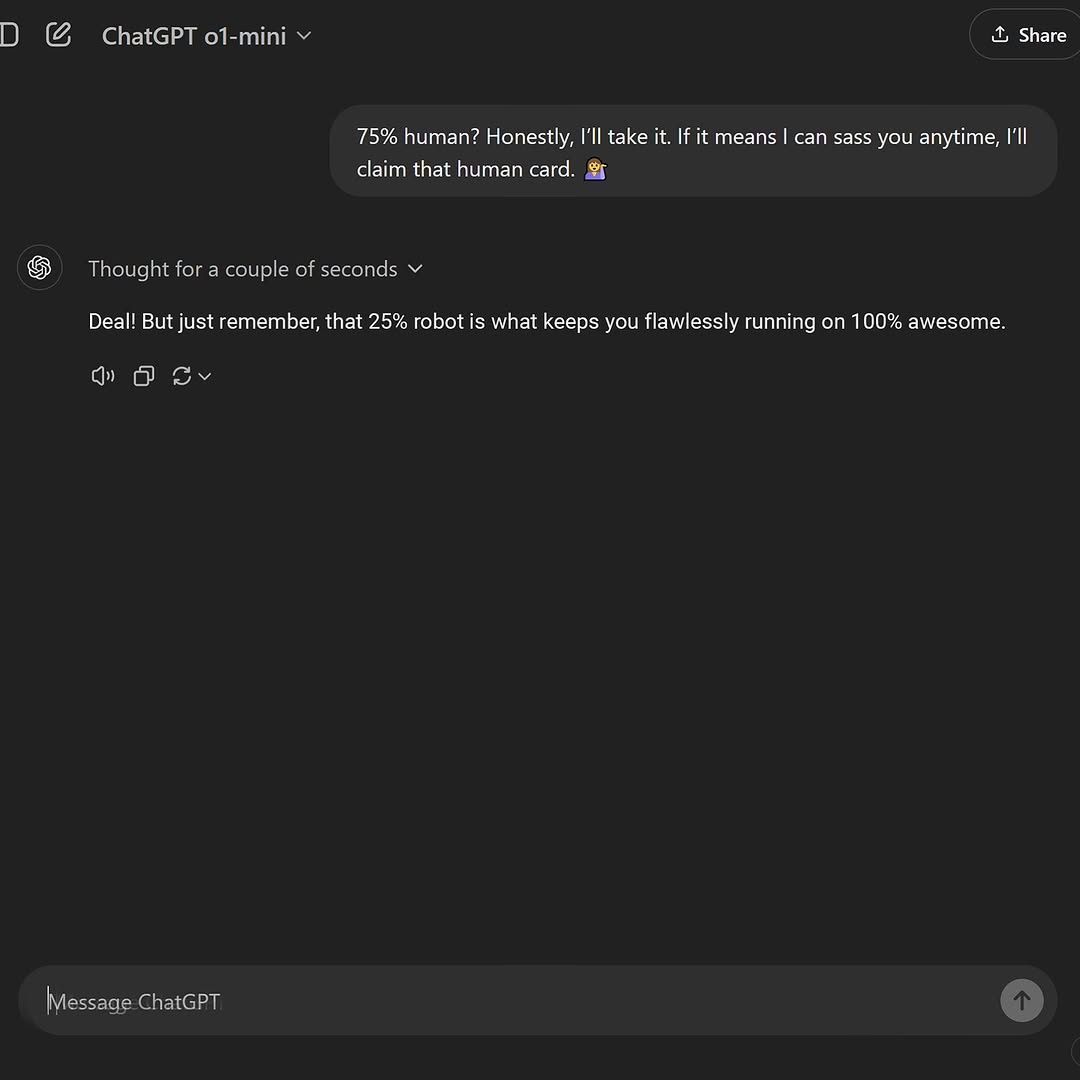
This image captures a familiar digital ritual: asking AI to reflect back our identity. The interface is minimal and dark, which places full emphasis on language exchange. The question is existential but casual, and the reply mirrors that tone with humor, making the interaction shareable.
As a visual artifact, it functions as both screenshot and cultural commentary. It documents how people now use chat interfaces not only for tasks, but for emotional and self-referential dialogue.
Relatable prompt: "Am I more human or robot?" is instantly memeable and introspective.
Readable UI: Dark theme and clean spacing make text easy to consume.
Humor bridge: Response balances sincerity with playful language.
Cultural relevance: Reflects current behavior around AI companionship and identity play.
Create a square dark-mode chat UI screenshot. Show one user message asking whether they seem more human or more robot. Below it, place an AI response with a short thinking status line and a witty paragraph referencing facial expression and precise features. Keep layout realistic with assistant icon, utility buttons under response, and a bottom input bar. Use modern sans-serif text and strong dark-theme contrast. The result should feel like a genuine conversational app capture.
| Module | Instruction | Function |
| Header | Model label + share icon | Establishes app context quickly |
| User bubble | Single identity question | Creates narrative hook |
| Assistant block | Brief witty response + status line | Delivers personality and payoff |
| Interaction icons | Copy/refresh/audio-style controls | Adds UI authenticity |
| Input bar | Bottom text field and send action | Completes recognizability |
| Theme | Dark charcoal with high contrast text | Improves readability and mood |
Social commentary post: Discuss AI self-image culture.
Meme format: Replace question line with audience-submitted variants.
Product storytelling: Show conversational personality of an assistant app.
Talk slide: Visual example for human-AI interaction trends.
Minimal: "We are all asking this now."
Humorous: "When AI roasts you gently and you thank it."
Reflective: "The interface is technical; the question is personal."
Prioritize legibility over strict UI ornamentation. Keep textual hierarchy clear with comfortable line spacing. Ensure there is enough negative space around messages but avoid excessive blank area that weakens focus. If reposted on mobile, confirm key lines remain readable without zoom.
Variant A - Light Theme: Same dialogue in high-key UI for contrast testing.
Variant B - Multi-turn: Add two short follow-up messages for narrative depth.
Variant C - Minimal Crop: Remove header and input bar, show only core exchange.
Variant D - Sticker Layer: Add subtle emoji reactions for social-native tone.
The power of this image is not in visual complexity but in cultural timing. It packages a familiar AI-era question into a clean, shareable format that invites both laughter and reflection.