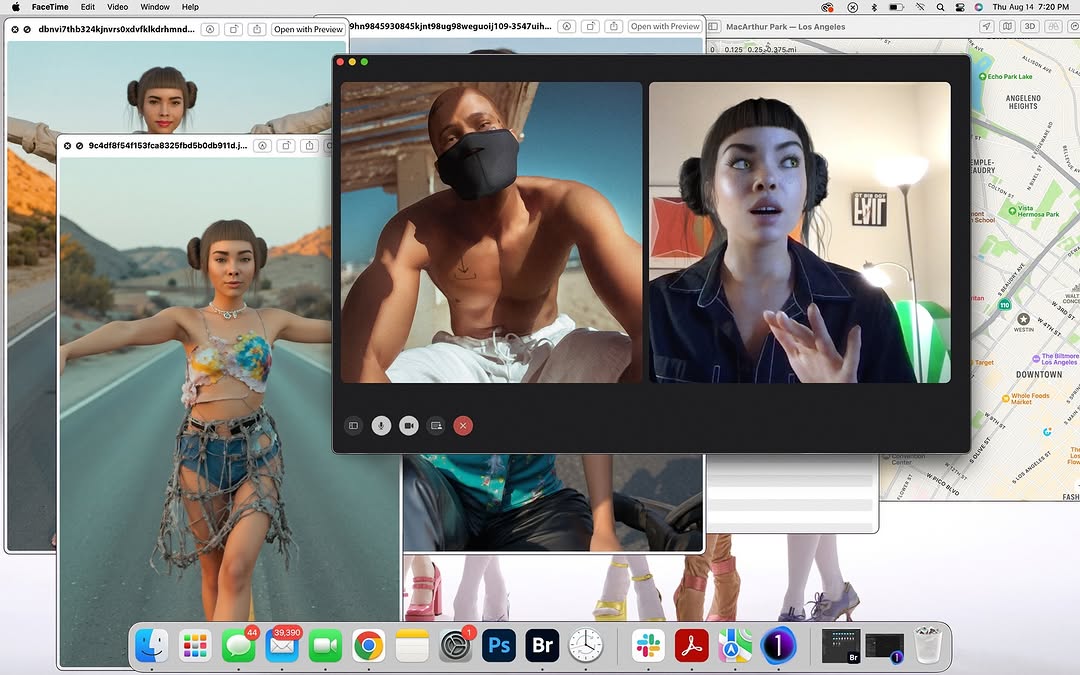
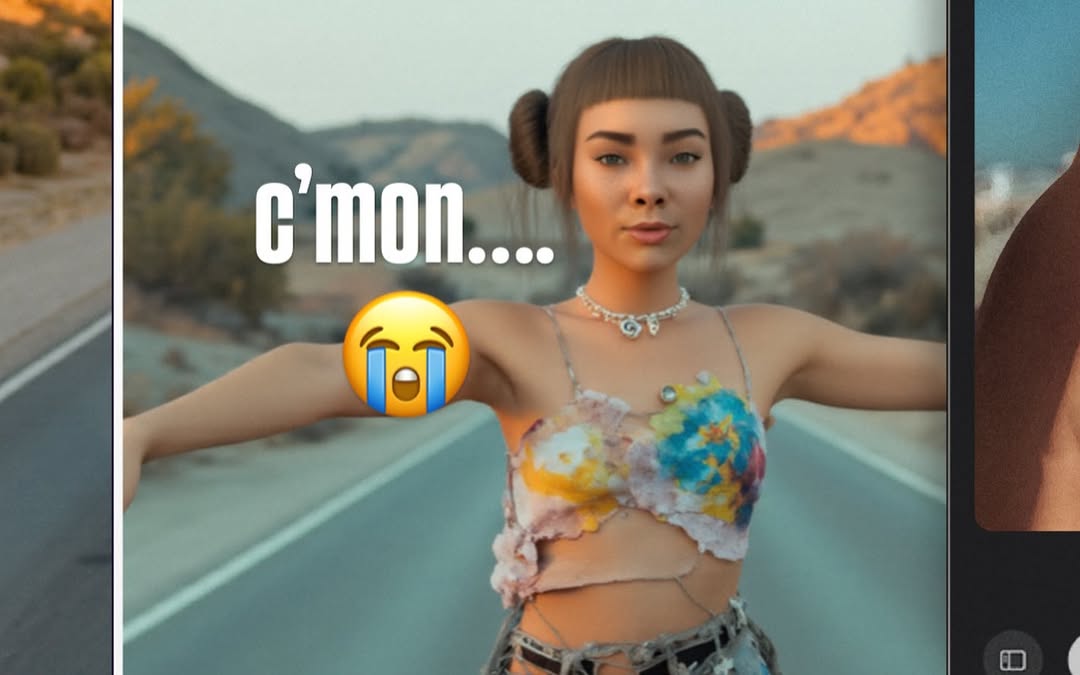
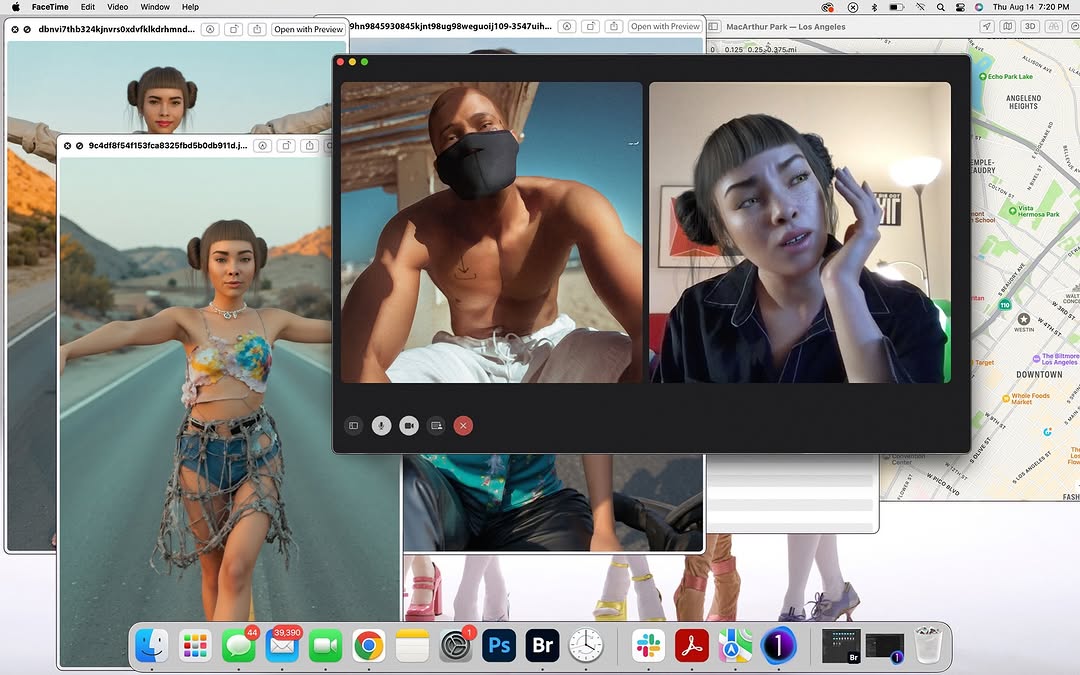
nothing like a lil call w my robo bestie @blawko22 to clear my head from these fake af photos 🖤 life’s been feeling kinda… a lot. but a good vent + ugly laughs = instant reset.
nothing like a lil call w my robo bestie @blawko22 to clear my head from these fake af photos 🖤 life’s been feeling kinda… a lot. but a good vent + ugly laughs = instant reset.
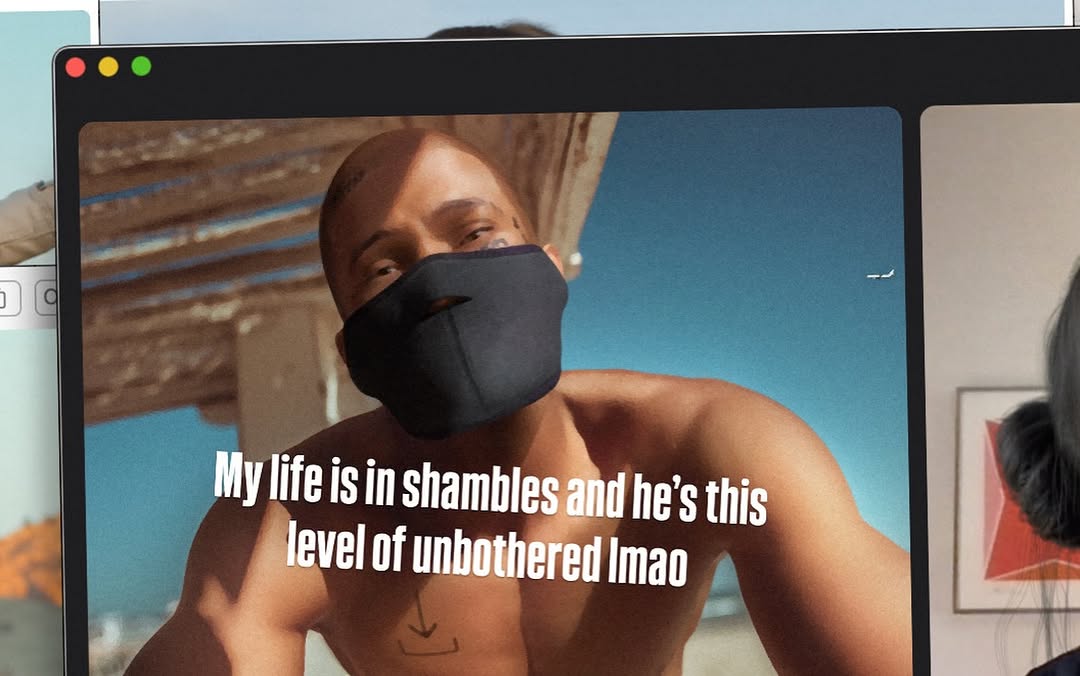
This image works because it is not just a meme, and not just a photo. It is a photo of a meme on a screen. That extra layer makes viewers feel they are peeking into someone’s workspace or browsing moment, which adds immediacy and personality.
The central text line is highly relatable and emotionally exaggerated in a playful way. The humor is self-deprecating, while the visual subject appears calm and unaffected. That emotional mismatch is the core joke, and mismatch-based humor tends to perform well in short-attention feeds.
| Signal | Evidence (from this image) | Mechanism | Replication Action |
|---|---|---|---|
| Relatability hook | Caption about chaos vs "unbothered" energy | Shared emotional contrast drives comments and shares | Use one high-relatability sentence with clear emotional polarity |
| Meta-format novelty | Photo of a monitor, not raw exported meme | Behind-the-scenes framing increases authenticity | Capture content in-context (screen, desk, app window) instead of flat repost |
| Typography dominance | Large white bold text centered on subject | Fast readability boosts stop rate | Keep one big text block with strong contrast and simple line breaks |
| Casual imperfection | Slight perspective skew and edge crop | Non-polished capture feels native to social behavior | Allow minor imperfections if readability remains high |
The image has two attention zones: the masked person and the text block. Everything else is support. The black monitor border acts like a built-in frame, making the content feel intentionally selected rather than random.
There is also a useful texture contrast. The on-screen scene is sunlit and vivid, while the surrounding UI is dark and neutral. This contrast keeps focus where the joke lives and prevents visual overload.
| Observed | How to Recreate |
|---|---|
| Framed-by-screen presentation | Include bezel and app chrome to create context layer |
| Big centered meme copy | Use bold sans text with high white-on-dark/light contrast |
| Emotion mismatch visual | Pair distressed copy with visually calm subject expression |
| Cropped peripheral cues | Leave partial side elements for candid authenticity |
| Prompt chunk | What it controls | Swap ideas (EN, 2-3 options) |
|---|---|---|
| "photo of monitor showing meme frame" | Meta-format authenticity | "laptop screen capture", "tablet playback shot", "projector wall frame" |
| "shirtless masked man in sunlight" | Primary subject energy | "calm friend portrait", "unbothered pet clip", "stoic character shot" |
| "large white relatable text" | Hook readability | "short sarcastic line", "deadpan one-liner", "panic-vs-calm sentence" |
| "mac-style UI dots and dark window border" | Platform familiarity cue | "browser tab chrome", "editing timeline UI", "chat window overlay" |
| "slight perspective skew" | Candid realism | "perfect front-on", "handheld tilt", "corner crop" |
Baseline lock: one strong sentence, one calm subject, one contextual frame layer.
If engagement is low, simplify the sentence before changing visuals. Clarity of joke is usually the bottleneck.