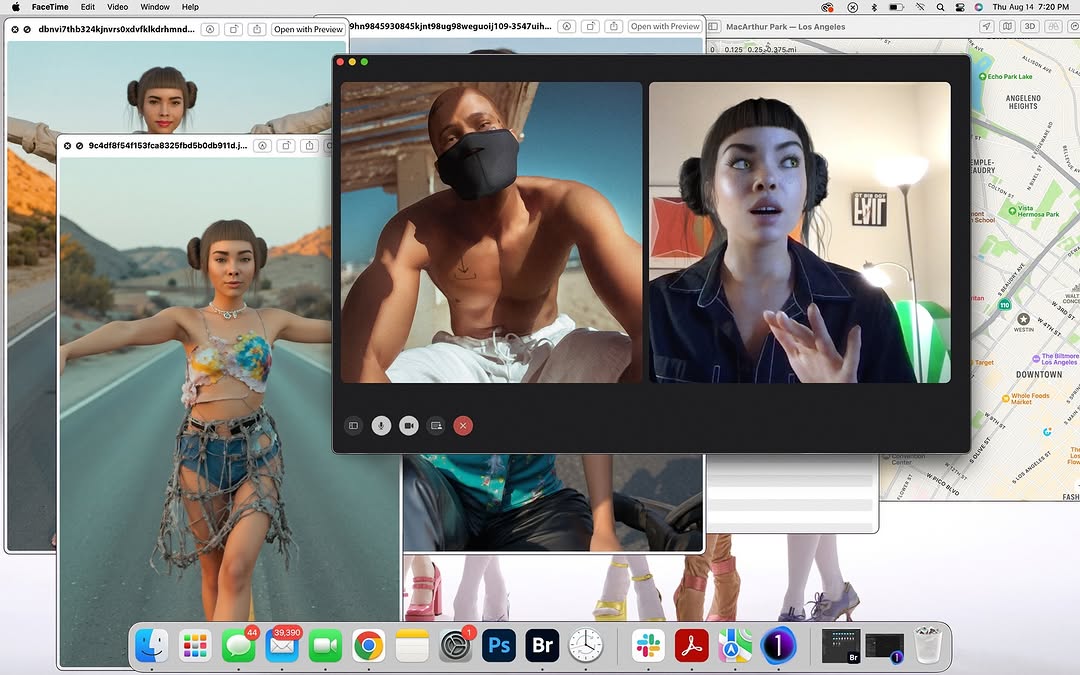
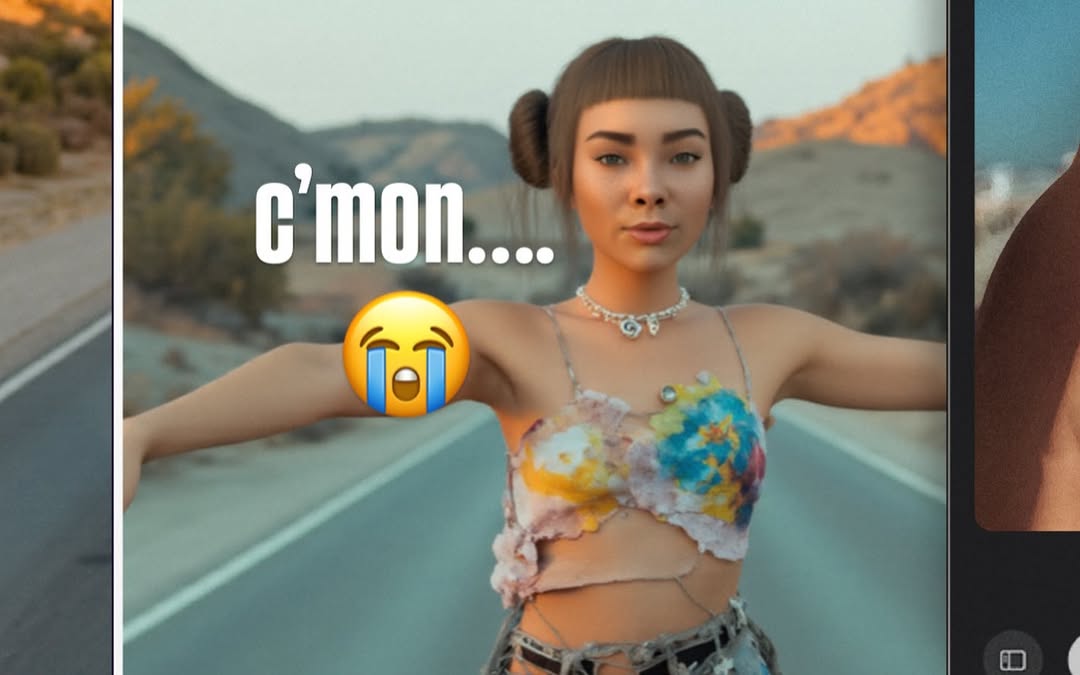
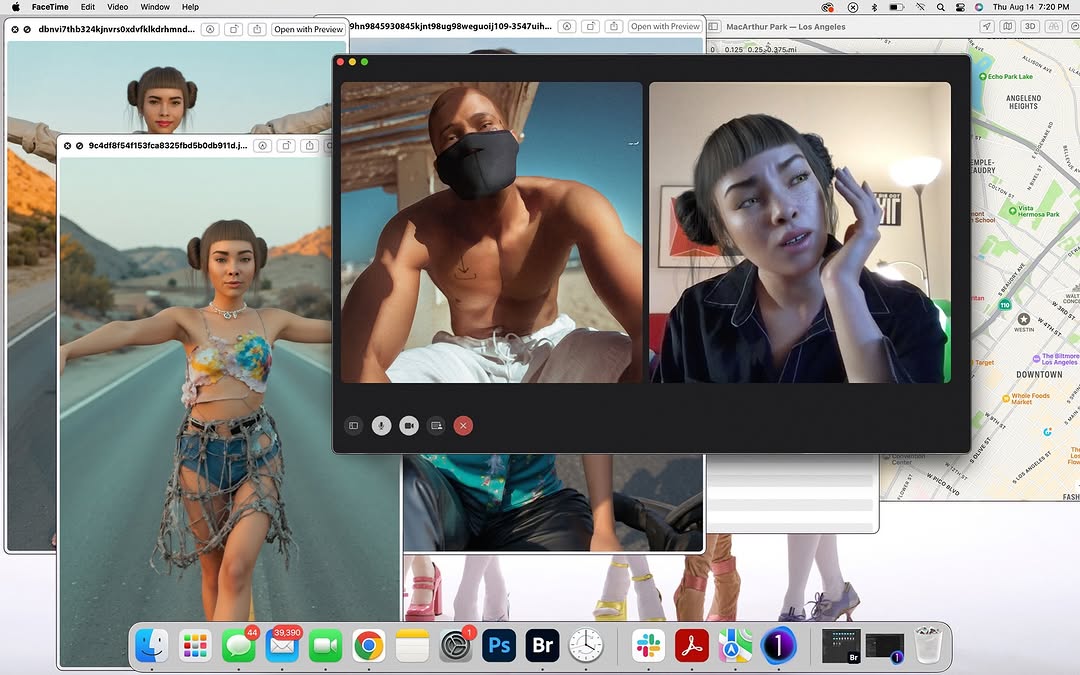
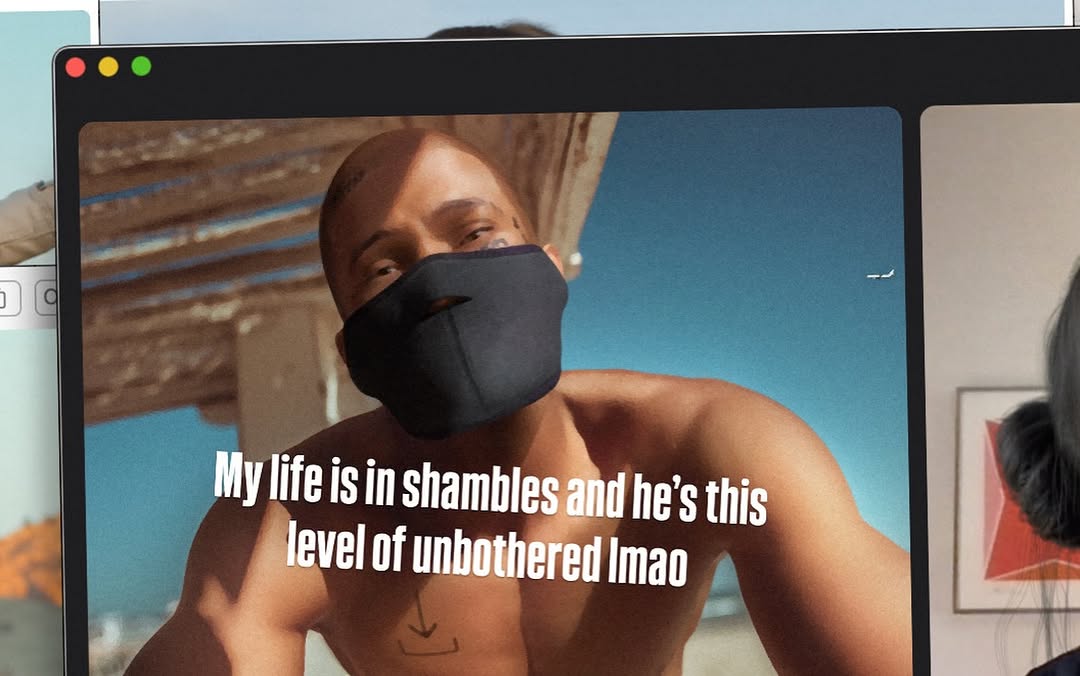
nothing like a lil call w my robo bestie @blawko22 to clear my head from these fake af photos 🖤 life’s been feeling kinda… a lot. but a good vent + ugly laughs = instant reset.
nothing like a lil call w my robo bestie @blawko22 to clear my head from these fake af photos 🖤 life’s been feeling kinda… a lot. but a good vent + ugly laughs = instant reset.
This post performs because it shows process, not just outcome. Instead of publishing one polished image, it exposes the working environment: active call, location map, and multiple visual drafts. That transparency makes followers feel inside the creative decision flow.
The frame also carries narrative tension. One side shows a sunlit masked subject, another side shows a stylized digital persona in conversation, while background windows suggest experimentation across scenes. The audience reads this as "something is being built right now," which drives curiosity and comments.
| Signal | Evidence (from this image) | Mechanism | Replication Action |
|---|---|---|---|
| Process transparency | Overlapping edit windows, live call UI, visible desktop tools | Behind-the-scenes proof increases trust and creator affinity | Share one real workspace frame per project, not only final outputs |
| Multimodal story | Photos + call + map in one composition | Multiple context layers increase dwell time | Combine communication, visual drafts, and research panels in one shot |
| Human + virtual interplay | Real person and digital avatar in same call view | Contrast creates novelty and discussion | Pair human collaborator and AI/virtual character elements explicitly |
| Tool credibility | Visible dock/apps and system UI | Concrete workflow cues improve perceived expertise | Keep recognizable tool surfaces visible when documenting process |
The image uses intentional clutter. Each window has a role: communication, reference, location, and output review. This makes the composition dense but readable, because hierarchy is preserved by size and placement.
The central dark call frame acts as anchor, while lighter thumbnails and the map window provide context color. The result feels dynamic and real, closer to a workbench than a polished poster, which is exactly the trust signal process-focused audiences like.
| Observed | How to Recreate |
|---|---|
| Large central anchor window | Place one dominant panel in the middle and stack support windows behind |
| Cross-context panels | Mix communication, asset preview, and location/reference surfaces |
| Visible system chrome | Keep top bar and dock to confirm real workflow context |
| Narrative through overlap | Use partial occlusion to imply ongoing multitasking |
| Prompt chunk | What it controls | Swap ideas (EN, 2-3 options) |
|---|---|---|
| "central two-tile video-call window" | Primary narrative anchor | "three-tile standup call", "single presenter call", "group chat panel" |
| "overlapping preview windows of character renders" | Iteration and production proof | "moodboard tabs", "timeline frames", "before-after comps" |
| "right-side map reference panel" | Research context | "browser docs panel", "script notes panel", "shot list board" |
| "visible macOS dock and top menu" | Authenticity of workspace | "Windows taskbar", "Linux desktop panel", "minimal hidden dock" |
| "busy but readable layered layout" | Density without chaos | "clean 3-window setup", "extreme collage", "single-stack tab view" |
Baseline lock: central collaboration panel, two supporting context panels, and visible OS chrome.
If viewers get confused, simplify background windows first but keep one clear process cue beyond the call frame.