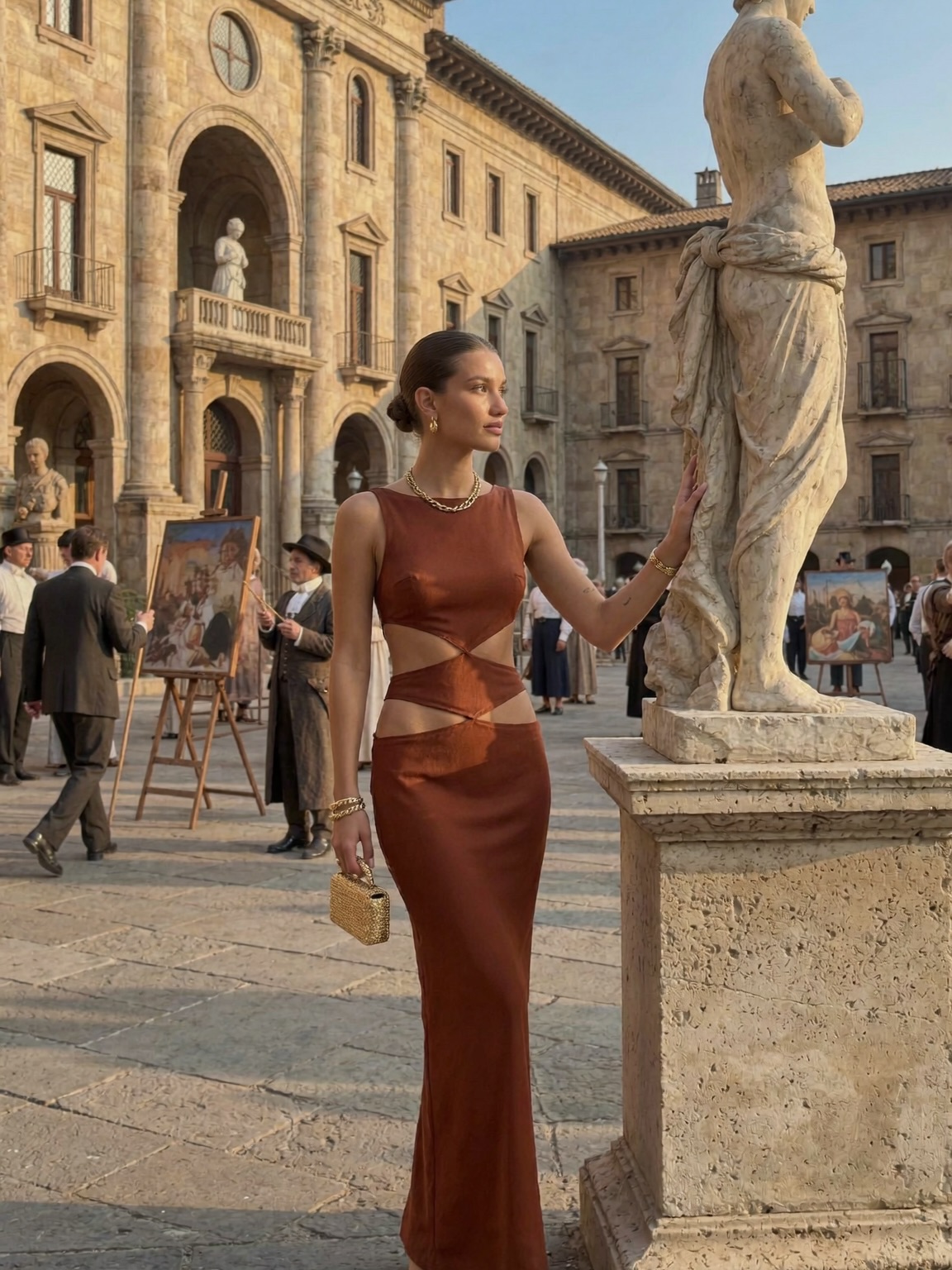

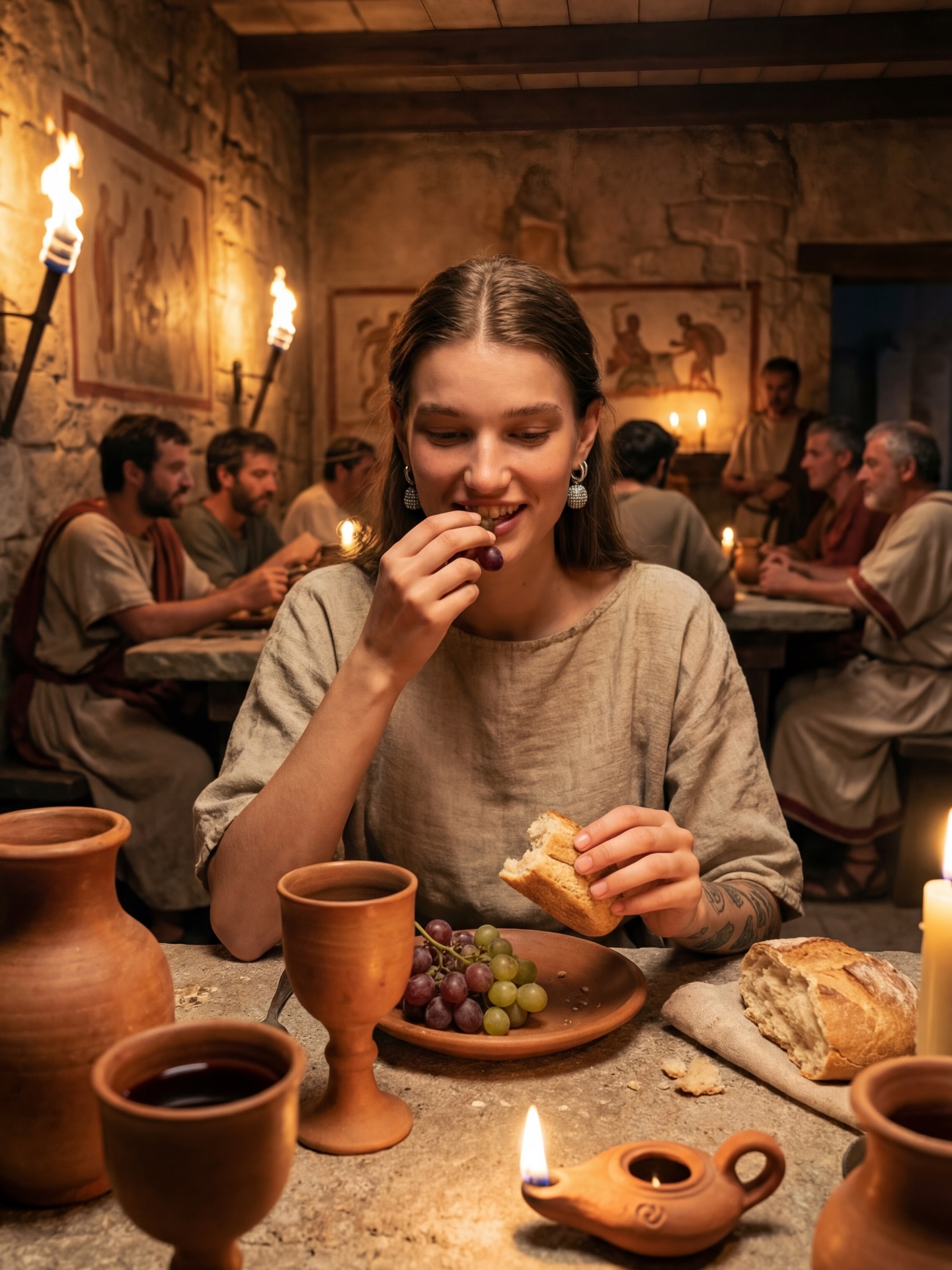
Lately 😎 I don’t mind being lost in history tbh #historyvlogger #chloevshistory #timetraveller #ancientrome #ancientegypt
Lately 😎 I don’t mind being lost in history tbh #historyvlogger #chloevshistory #timetraveller #ancientrome #ancientegypt
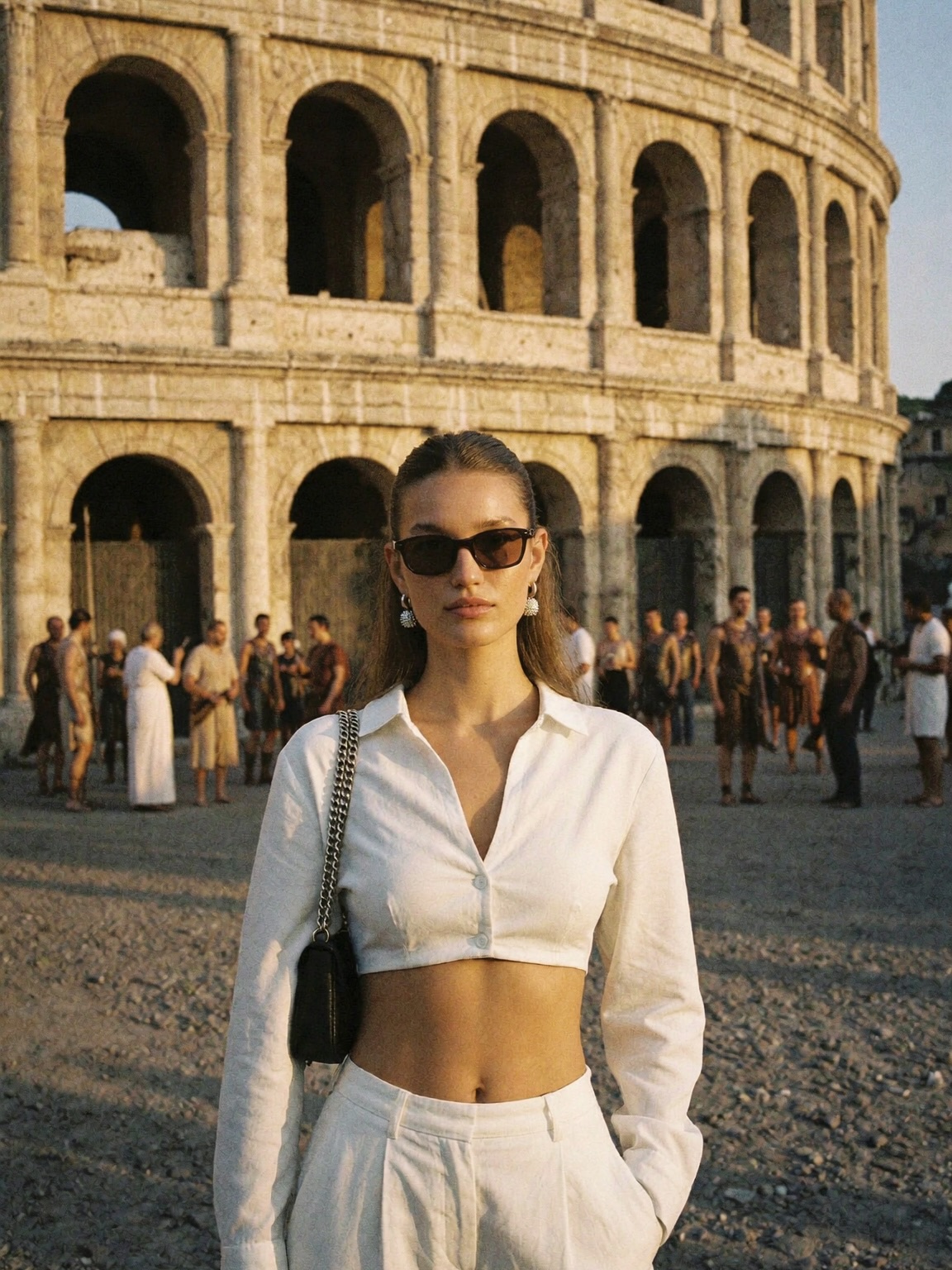
If your niche is history, travel, or “time traveler” storytelling, this is the cheat code: one iconic landmark that needs no explanation, one clean outfit, and a frame that reads in a split second. It matches the tone of Chloe VS History perfectly—confident, modern, and still obsessed with the past.
The Colosseum is doing half the work. It’s a built-in hook because it’s globally recognizable, and it instantly triggers curiosity (“When was this? Where exactly are they standing?”). That’s SEO and social performance in one object.
Then the styling keeps the frame disciplined: an all-white outfit against warm stone. White is a bold choice here—it looks clean, premium, and it separates the subject from the background crowd without needing heavy blur.
The sunglasses and the straight-on stance add attitude. The vibe is less “tourist photo” and more “editorial travel cover,” which is exactly what gets saved and shared.
| Signal | Evidence (from this image) | Mechanism | Replication Action |
|---|---|---|---|
| Iconic landmark hook | The Colosseum arches fill the entire background | Instant recognition; viewers stop before they even read the caption | Use one “no-explanation-needed” landmark and keep it readable (moderate DOF) |
| Palette contrast | All-white outfit vs warm stone | High readability in feed; premium feel | Lock a hero outfit color (white) and keep background tones warm/earthy |
| Editorial posture | Centered stance, one hand in pocket, sunglasses | Turns “travel” into “fashion story” | Prompt “centered, confident stance, one hand in pocket, slim sunglasses” |
| Golden-hour light | Warm highlights and gentle shadows | Flattering and cinematic; better perceived quality | Use “warm golden hour light” and avoid harsh midday contrast |
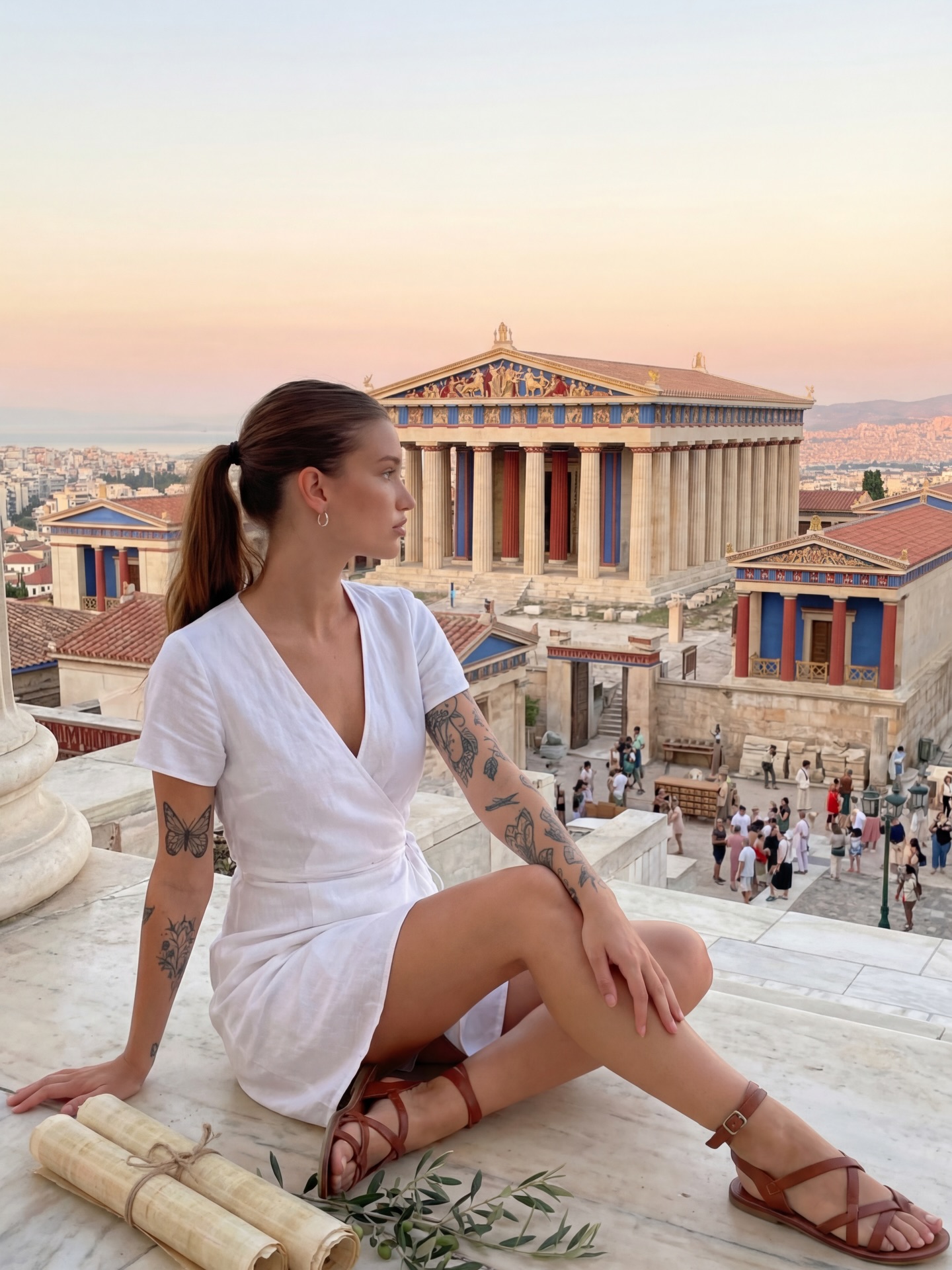
Recipe 1: Ancient Athens energy
{iconic landmark} {hero-color outfit} {minimal accessories} {confident stance}Recipe 2: Egypt sandstone glow
{sandstone ruins} {white outfit} {one small prop} {golden hour}Recipe 3: Modern museum “time traveler”
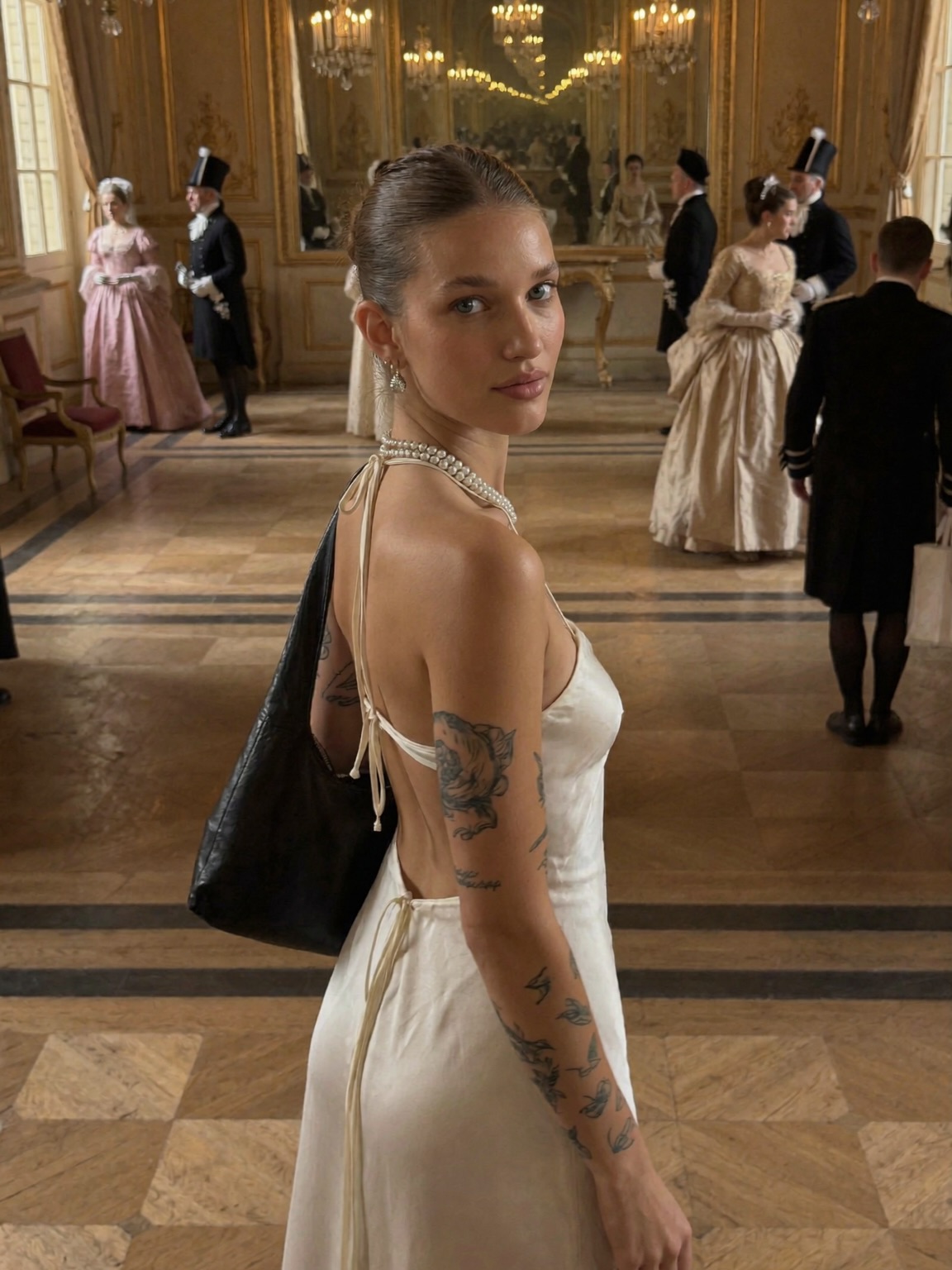
{museum gallery} {minimal outfit} {sunglasses} {clean lines}This shot feels expensive because it’s simple. The subject is centered, the wardrobe is clean, the light is warm, and the landmark stays readable. Nothing competes. That’s the lesson: clarity wins.
| Observed (concrete) | Recreate (prompt control) |
|---|---|
| Centered subject with Colosseum arches behind | “subject centered, Colosseum arches filling background” |
| All-white outfit | “cropped white button-up + white high-waisted pleated trousers” |
| Golden-hour warmth | “warm late-afternoon sunlight, gentle shadows” |
| Subtle film look | “subtle film grain, cinematic travel grade” |
| Prompt chunk | What it controls | Swap ideas (EN, 2–3 options) |
|---|---|---|
| Landmark | SEO intent + recognizability | “Colosseum” / “Acropolis” / “pyramids” |
| Wardrobe palette | Readability and mood | “all white” / “all black” / “neutral linen” |
| Pose geometry | Editorial feel | “one hand in pocket” / “arms relaxed” / “walking toward camera” |
| Lighting time-of-day | Cinematic warmth | “golden hour” / “late afternoon” / “soft overcast” |
| Texture / film | How “photo” it feels | “subtle film grain” / “clean digital” / “slight haze” |
Ultra-realistic editorial travel portrait.
{one woman} centered stance, one hand in pocket, slim black sunglasses
all-white outfit: cropped button-up shirt + high-waisted pleated trousers
Colosseum arches filling the background, crowd behind only
warm golden hour sunlight, subtle film grain, moderate depth of fieldChange only one knob per run: landmark or outfit color or pose. Keep the rest stable so the image stays readable.