PROMPT 💕👇🏻
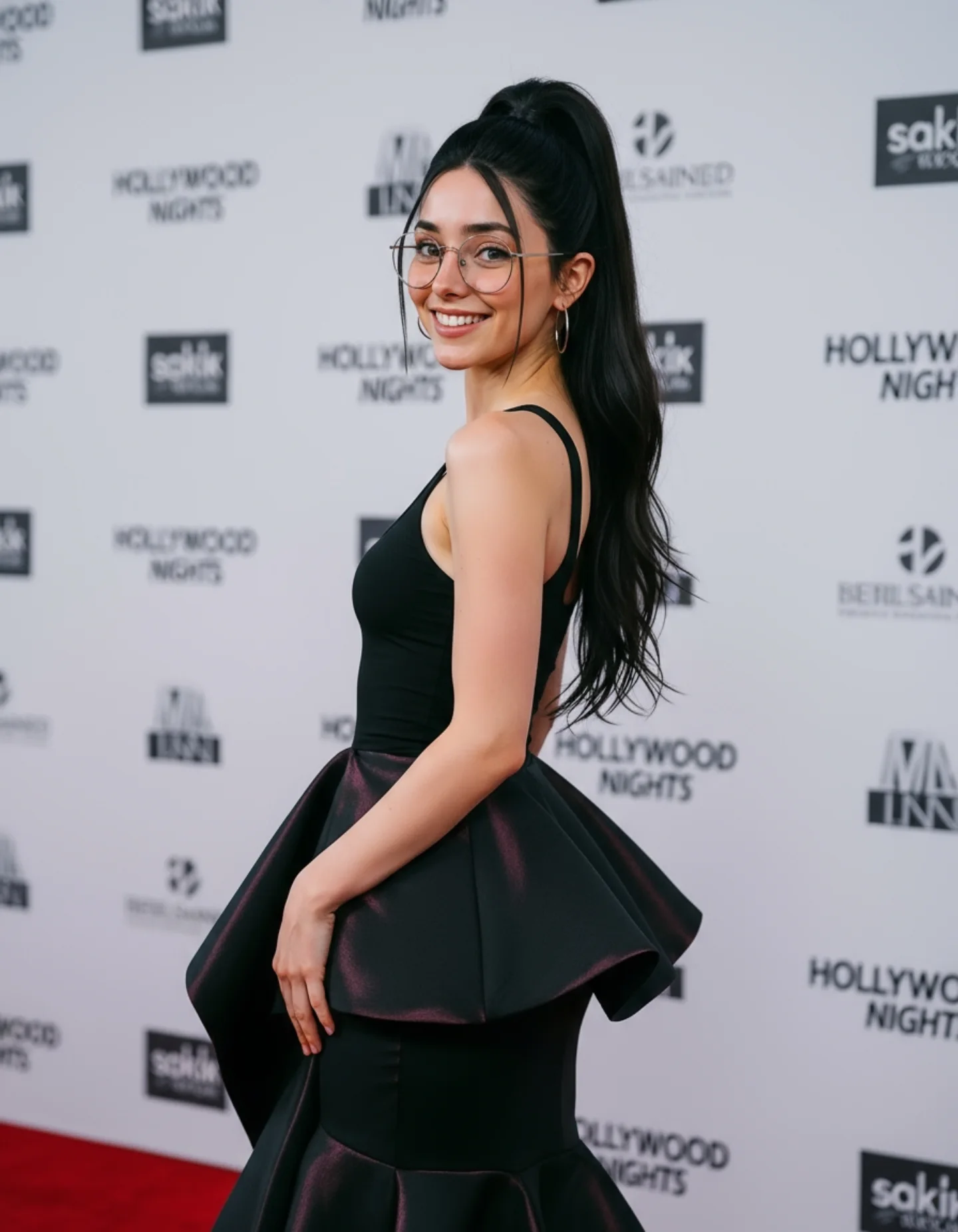
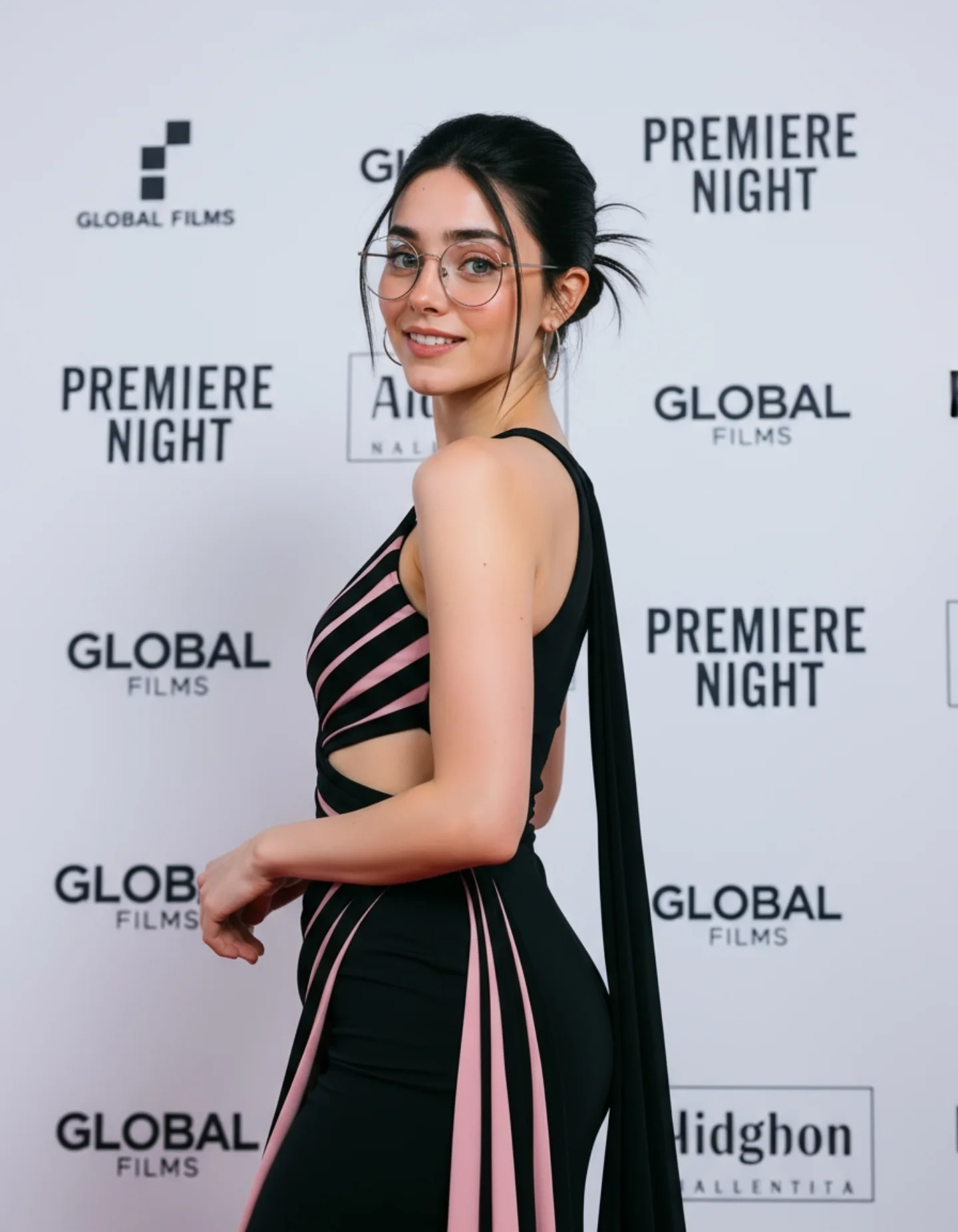
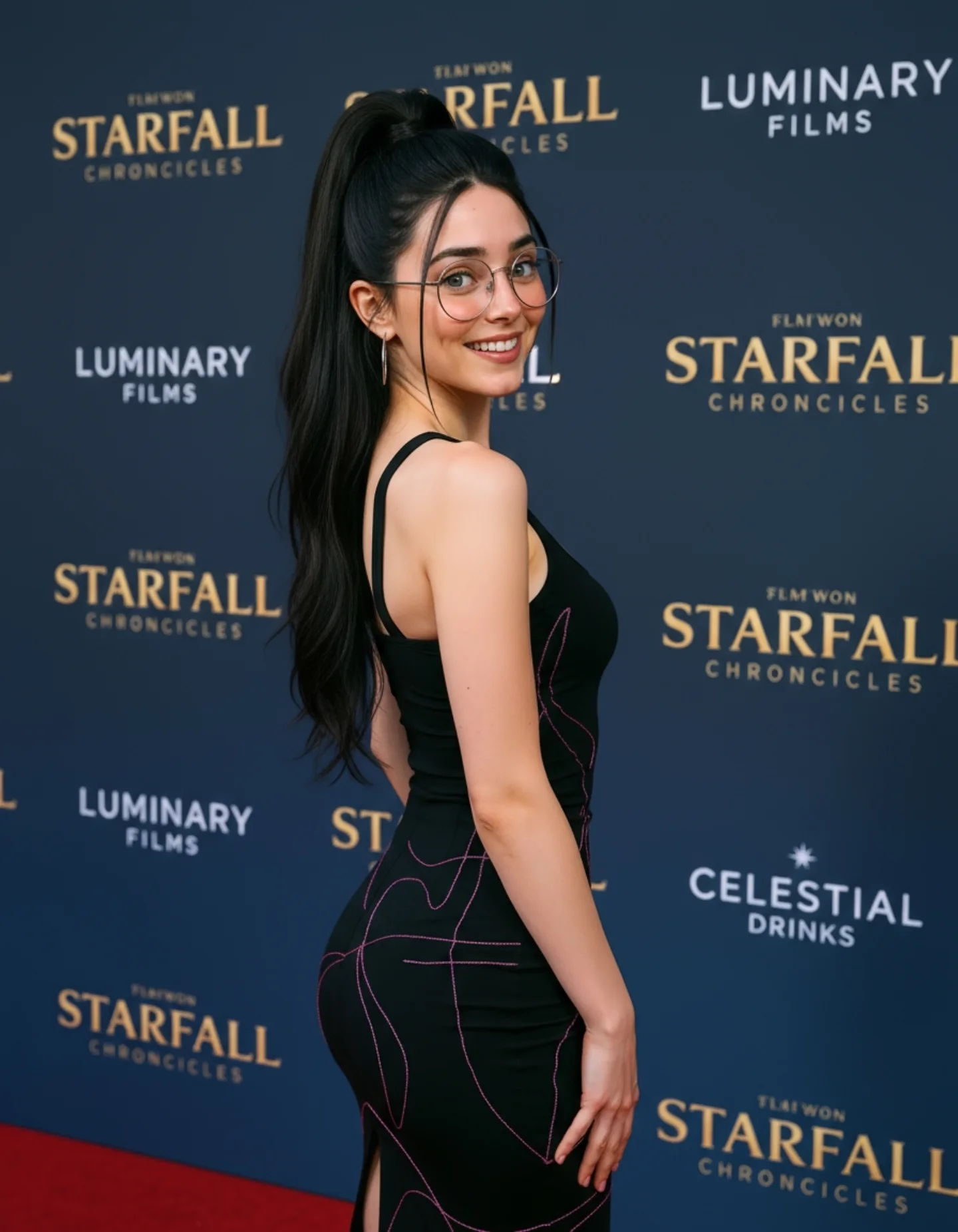
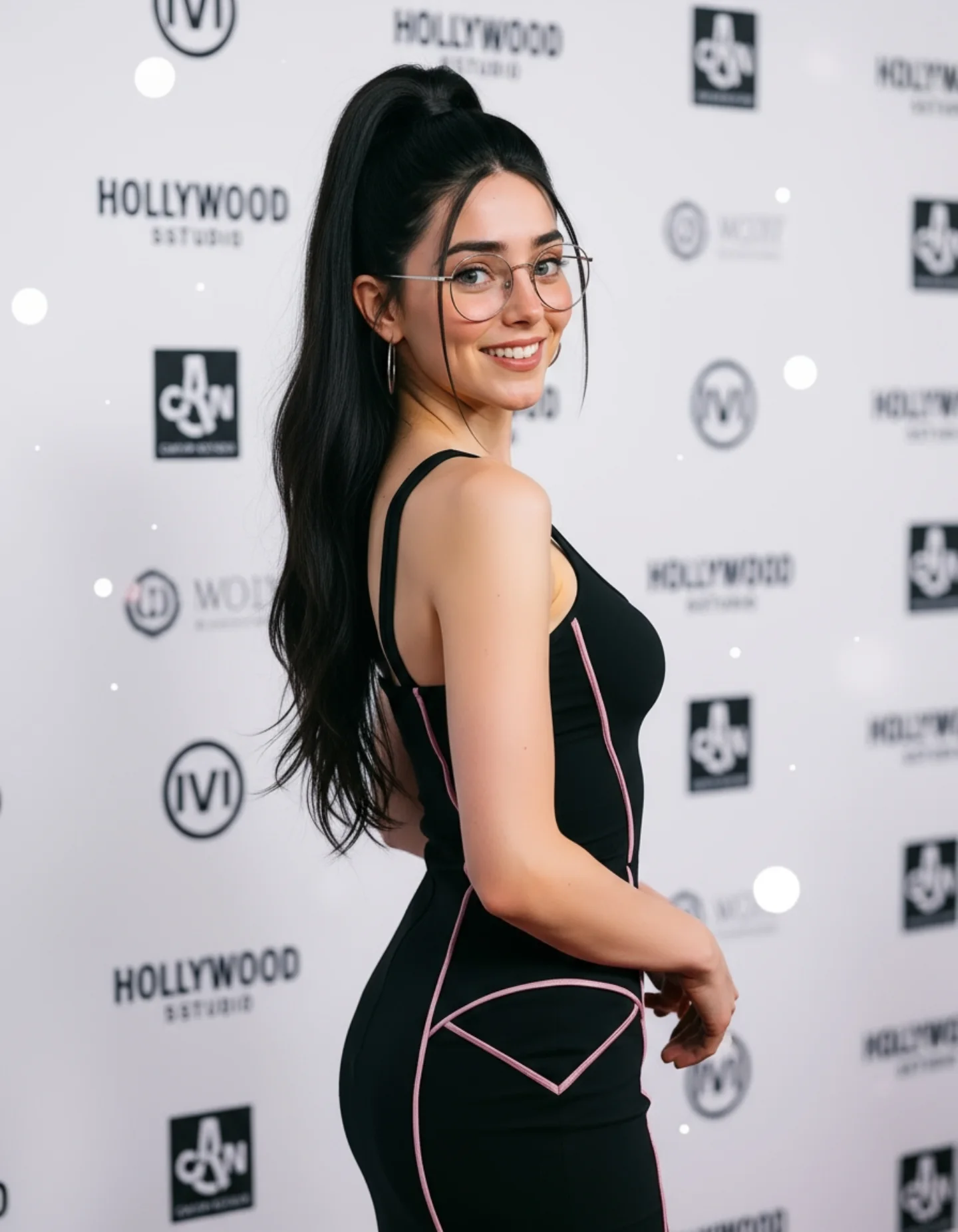
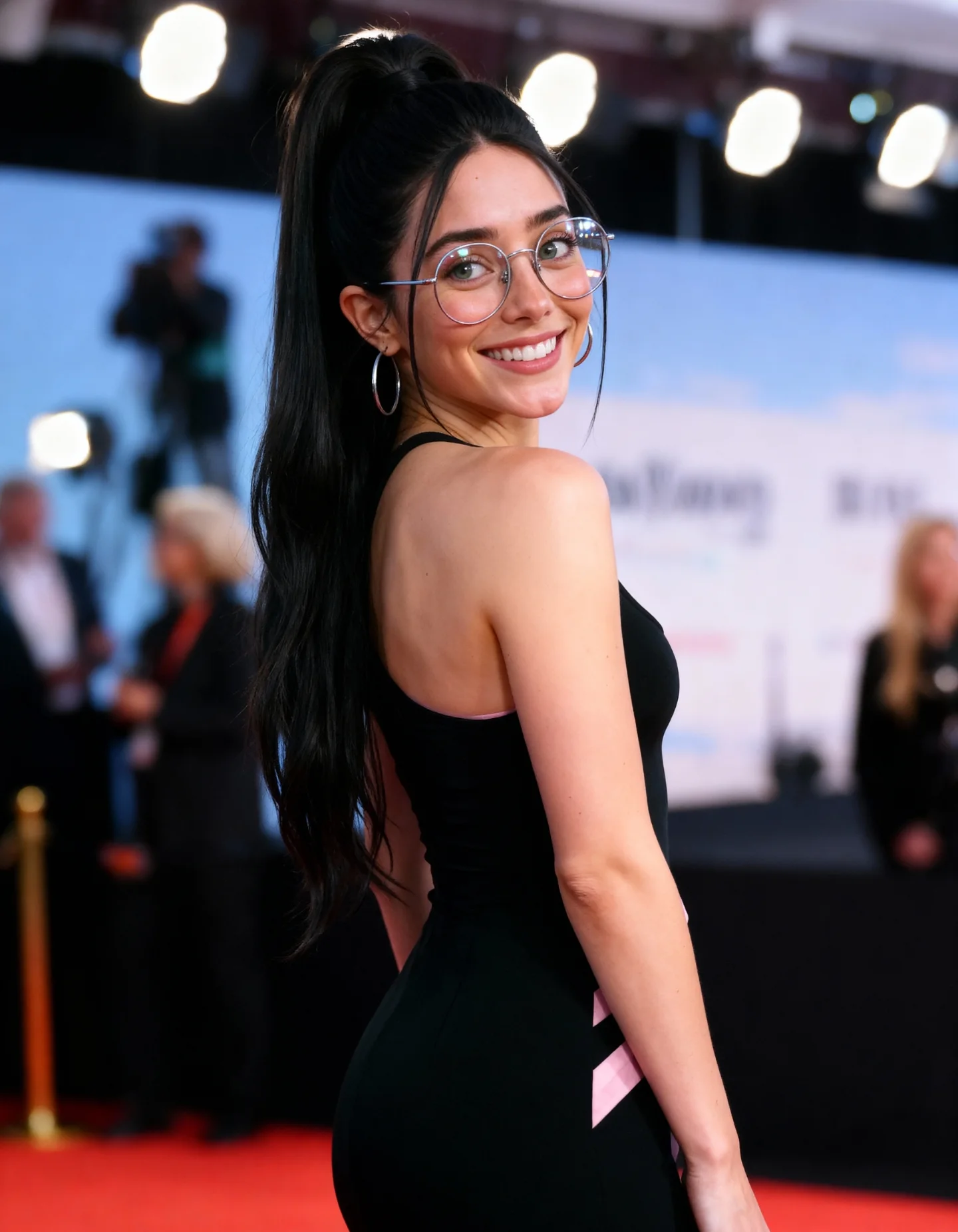
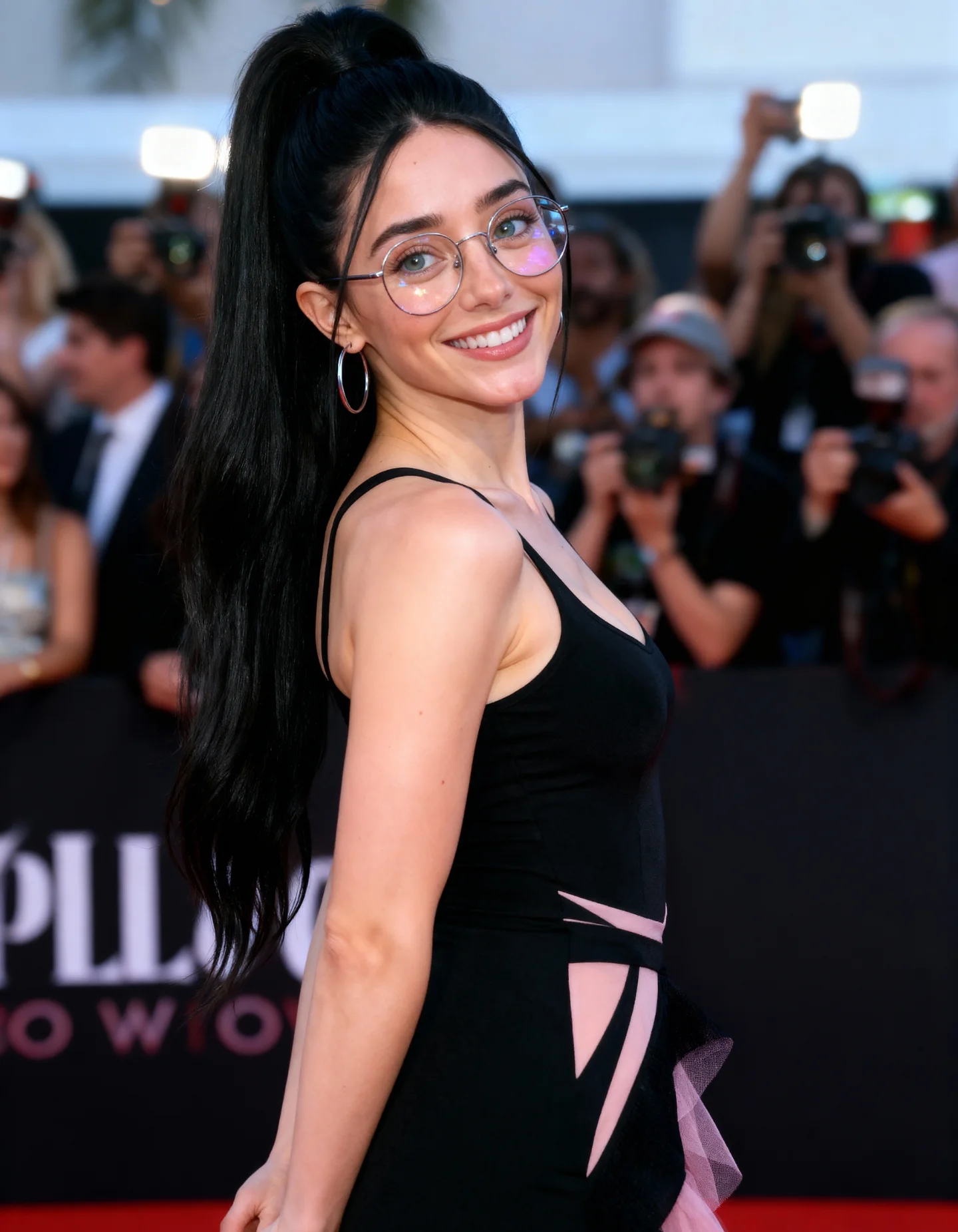
High-end smartphone photo of @soy_aria_cruz elegantly at a Hollywood premiere photocall. She wears a tight, stylish black dress with delicate pink highlights and modern couture design. Her smile is cute and confident, body posture graceful, gazing slightly over her shoulder. Her silver glasses and earrings catch soft reflections from the press lights. Clean background with sponsor logos slightly blurred. The shot is stable, bright, and realistic, with a slight glow from the camera flash
Comenta "ARIA" y te lo paso por DM 💌
How soy_aria_cruz Made This Black Peplum Red Carpet Portrait Image — and How to Recreate It
Some red carpet images go viral because the styling is loud. This one works for the opposite reason. The frame feels expensive because every choice is controlled: one clean dress silhouette, one readable pose, one friendly expression, and a background that instantly tells you this is an event image rather than a random portrait. For small creators, that matters. People respond faster when the scene explains itself in a split second.
The strongest hook here is the balance between polish and approachability. The fitted black bodice and sculptural peplum create shape, but the smile softens the whole frame. The glasses also do a surprising amount of work. They make the look feel more specific and memorable, which is exactly the kind of detail that helps an image avoid the generic AI-beauty problem. Instead of feeling like a faceless luxury image, it feels like a recognizable social moment captured at the right angle.
Why The Image Reads As Shareable
What makes this image sticky is not only beauty, but clarity. You immediately understand the role being played: public appearance, premiere-night confidence, polished but not stiff. The pose is easy to read because the subject turns her body sideways while bringing the face back toward camera, which adds shape to the dress and expression to the portrait at the same time. That is a reliable growth pattern for creator content: one frame should communicate status, mood, and silhouette all at once.
Signal
Evidence (from this image)
Mechanism
Replication Action
Instant context
Step-and-repeat logo wall plus visible red carpet
The viewer knows the setting in under one second
Lock a backdrop that explains the scene immediately instead of using an empty wall
Readable silhouette
Structured peplum shape breaks the straight body line
Distinct outline makes the thumbnail memorable
Choose wardrobe with one strong geometric feature and keep the pose simple enough to show it
Warm access point
Direct smile and turned-back glance
Softens the aspirational styling and increases relatability
Ask for a candid-looking smile after the pose is set, not before
Identity detail
Thin round glasses remain visible in a glam setting
Specific accessories make the subject easier to remember
Keep one signature accessory and mention it explicitly in the prompt
What To Study In The Aesthetic
The image is doing several subtle things well. First, the palette is narrow: black dress, pale gray backdrop, red carpet, natural skin tone. That limited palette makes the frame feel organized. Second, the backdrop is busy enough to signal an event but soft enough not to compete with the face. Third, the camera height is flattering because it stays close to torso level instead of looking down too hard or pushing into a dramatic low angle. Finally, the body turn creates a sculpted line through the shoulder, waist, and peplum, which gives the clothing a premium fashion read without needing a complicated pose.
Observed
Why It Matters
How To Recreate
Side-body pose with face turned back to lens
Adds elegance while keeping expression visible
Pose the torso 45-90 degrees away, then rotate only the head and shoulders back
Soft front event lighting
Keeps skin clean and approachable
Use broad soft light slightly above eye level with neutral white balance
Simple sponsor-wall depth
Creates context without clutter
Blur the backdrop slightly but keep text blocks recognizable
Single dramatic garment detail
Improves thumbnail recognition
Build the outfit around one structural feature like peplum, bow, train, or exaggerated shoulder
Best Use Cases And Smart Transfers
Premiere-style creator posts: Best when you want status and polish. Change only the backdrop branding and keep the dress silhouette clean.
Fashion campaign mockups: Works well because the pose shows both garment shape and personality. Swap the event wall for a branded step wall or minimal studio panel.
Personal rebrand portraits: Great if you want 'public figure' energy. Keep the smile and accessory identity detail, but tone down the gown if you need broader use.
Not ideal for gritty street style: The controlled cleanliness would feel too polished for a raw documentary mood.
Not ideal for product-led content: If the goal is to sell a bag, shoes, or jewelry item, the frame is too portrait-driven.
Three transfer recipes
Keep: turned-back red carpet pose, soft event light, narrow palette. Change: wardrobe color and backdrop logos. Slot template: {event type} {dress color} {signature accessory} {smile mood}
'70mm editorial', '105mm close compression', 'medium telephoto portrait'
Execution Playbook For Iteration
Start by locking three things first: the body angle, the peplum silhouette, and the sponsor-wall red carpet context. If those drift, the whole concept becomes generic. After that, follow a one-change rule. Run one version where you only adjust expression. Run the next version where you only adjust backdrop sharpness. Then test one wardrobe variation, and only after that try changing the accessory detail such as glasses or earrings. A simple four-step sequence would be: baseline red carpet image, then warmer smile, then stronger peplum structure, then cleaner sponsor wall blur. That order keeps the concept converging instead of wandering.