PROMPT 💕👇🏻
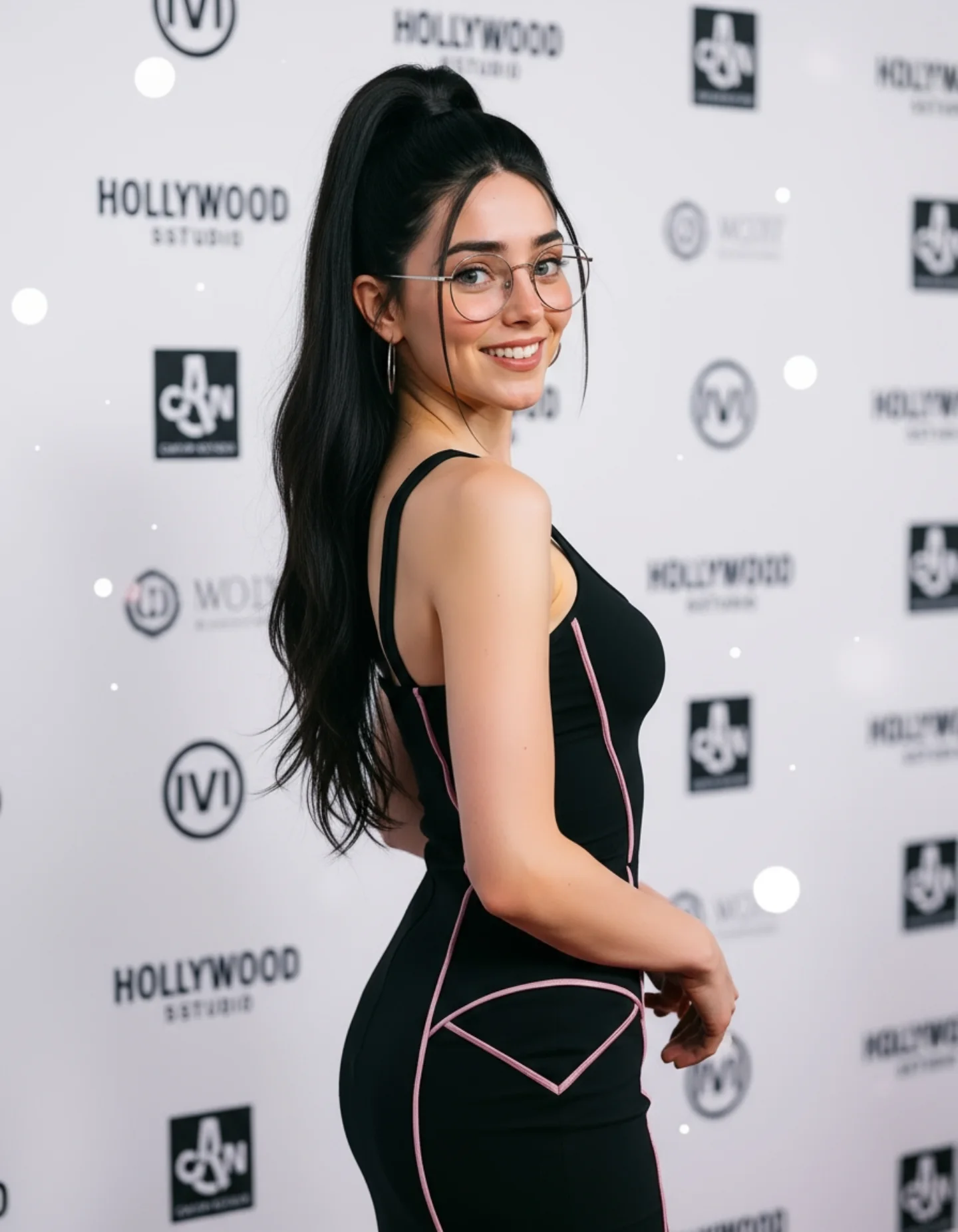
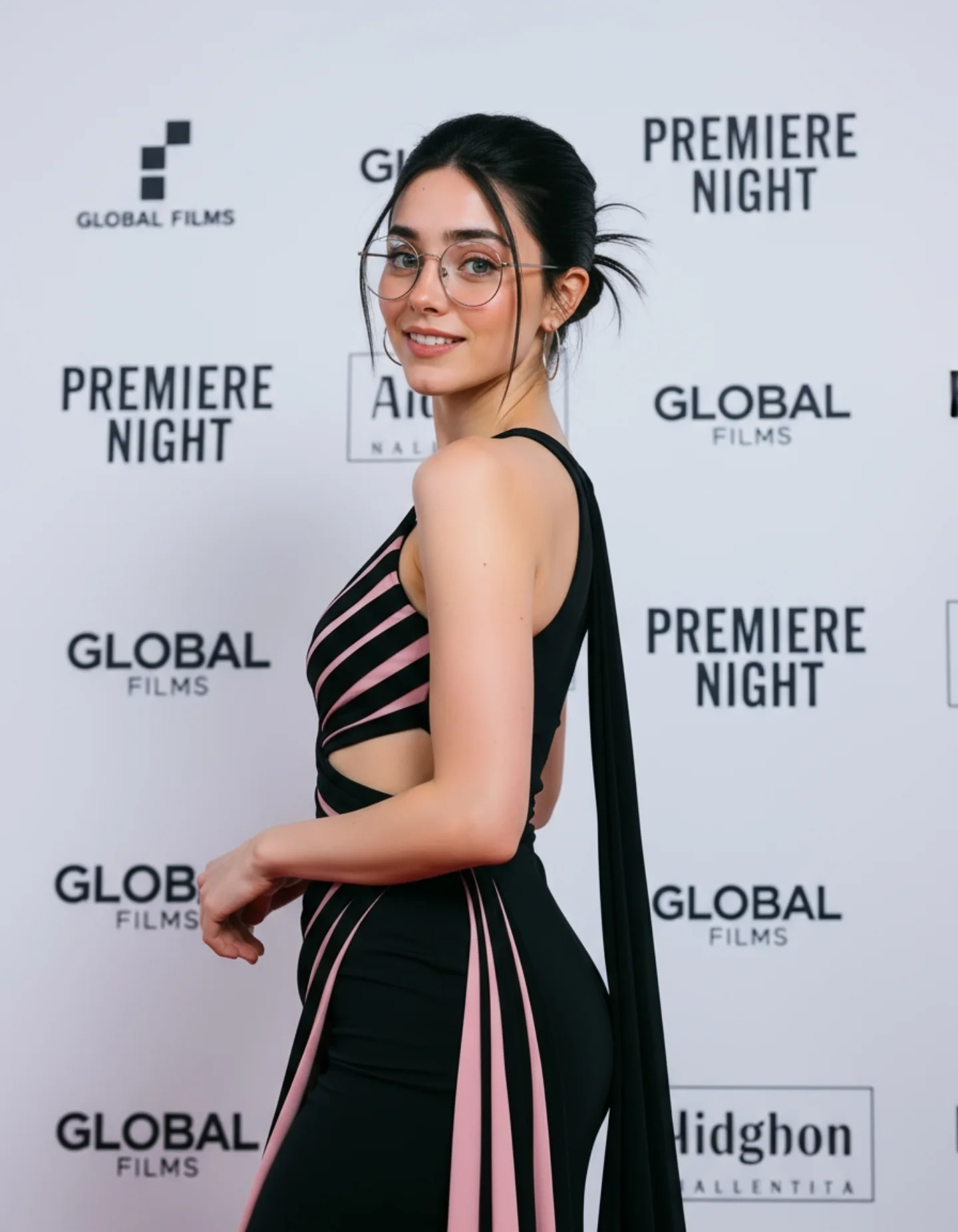
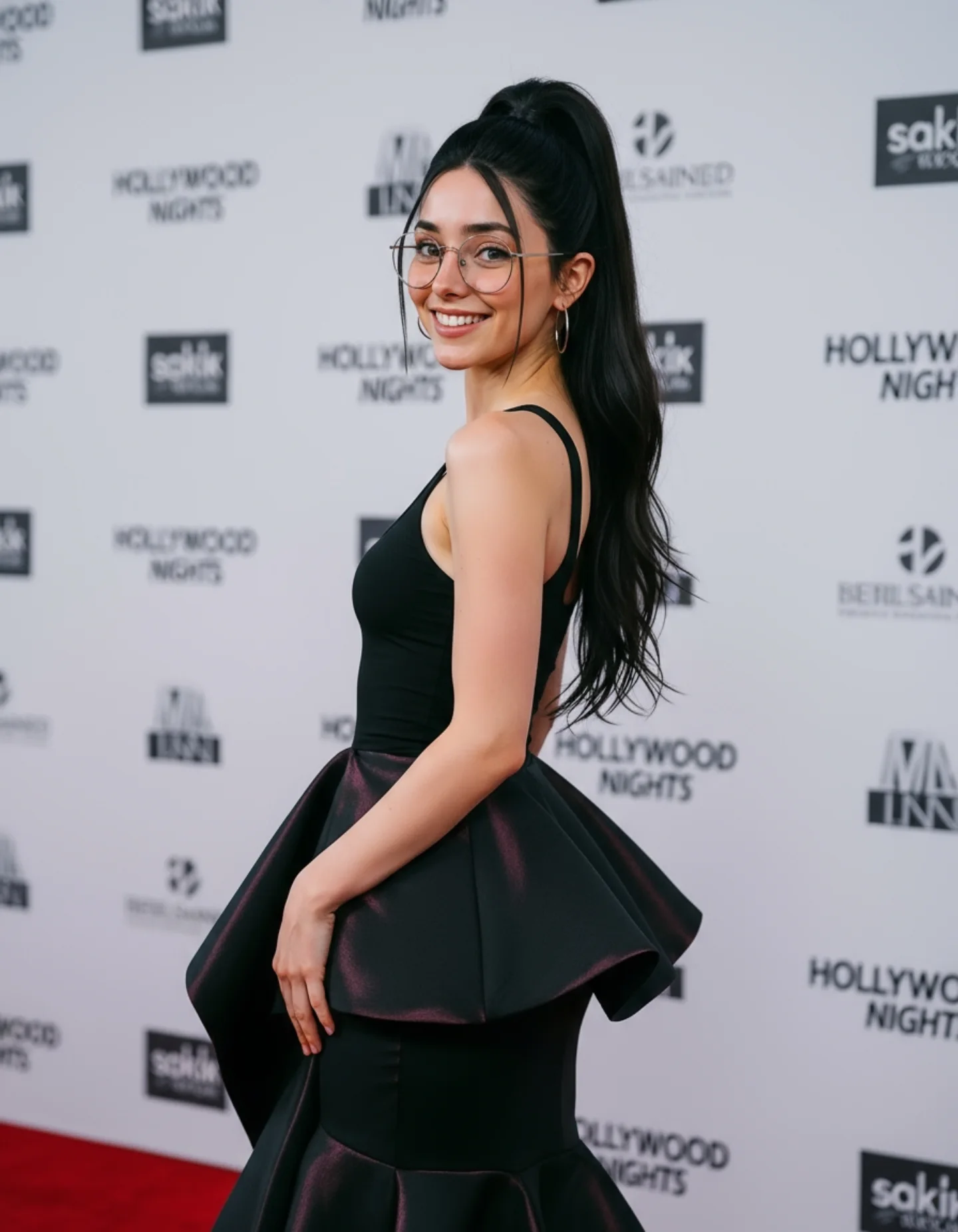
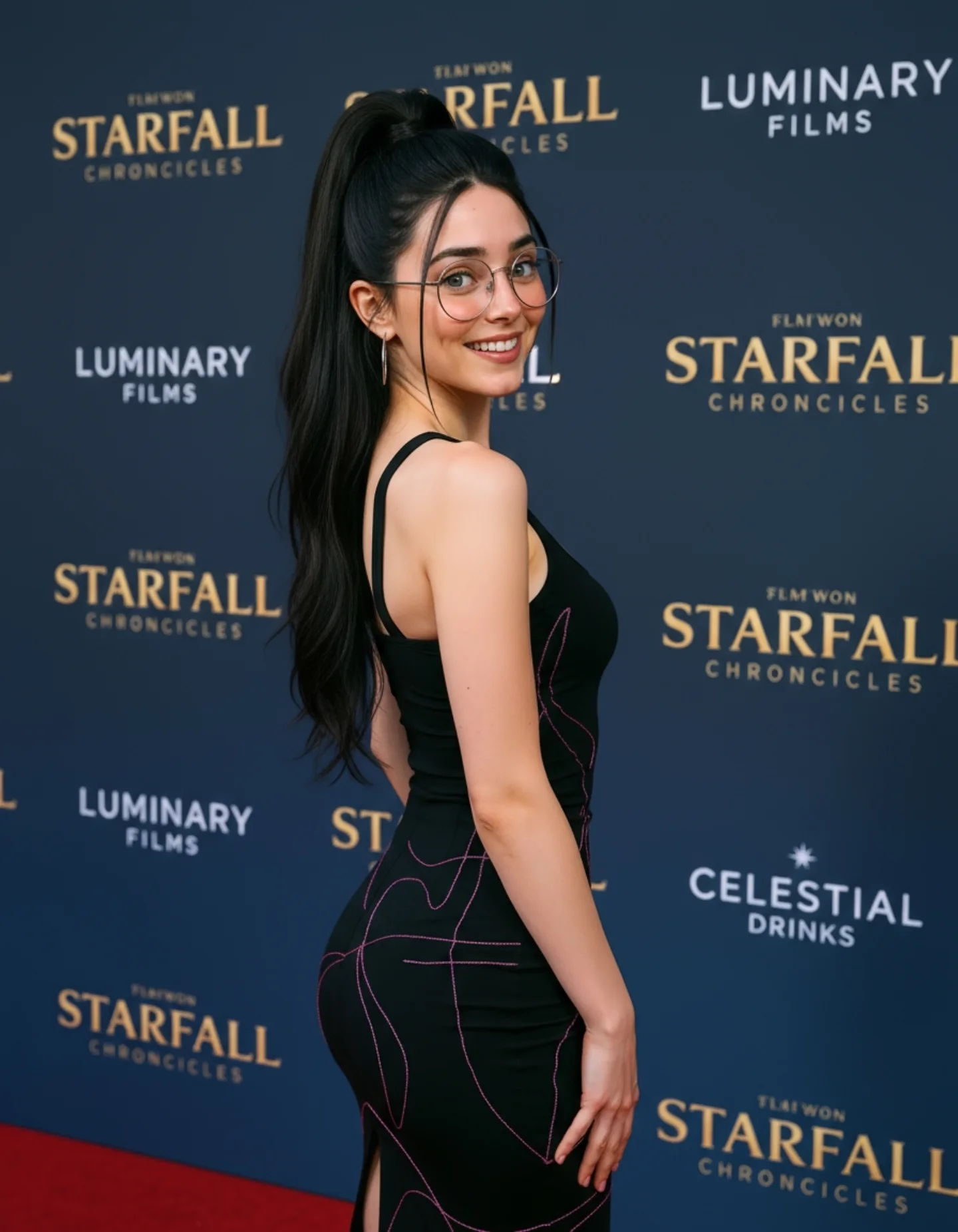
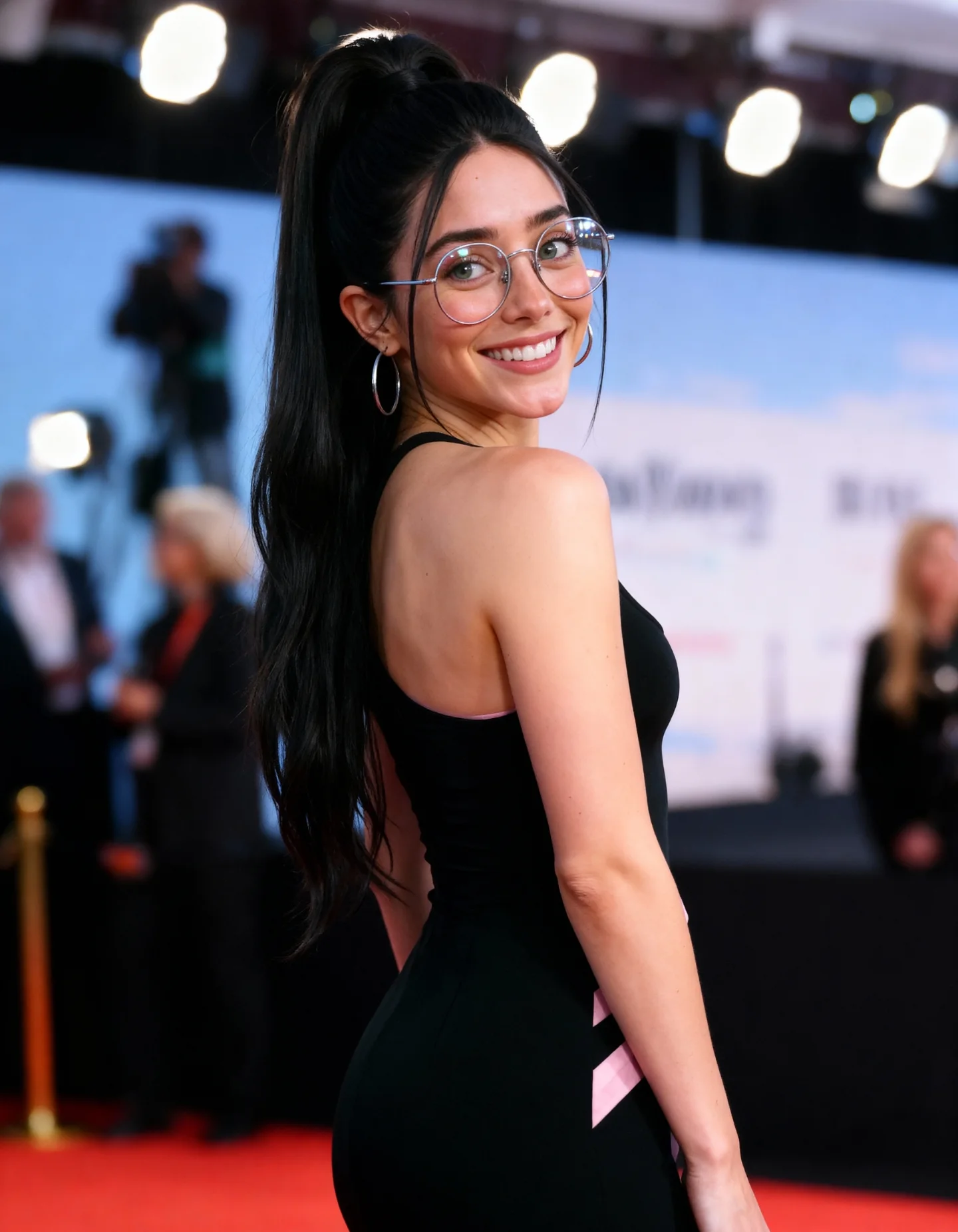
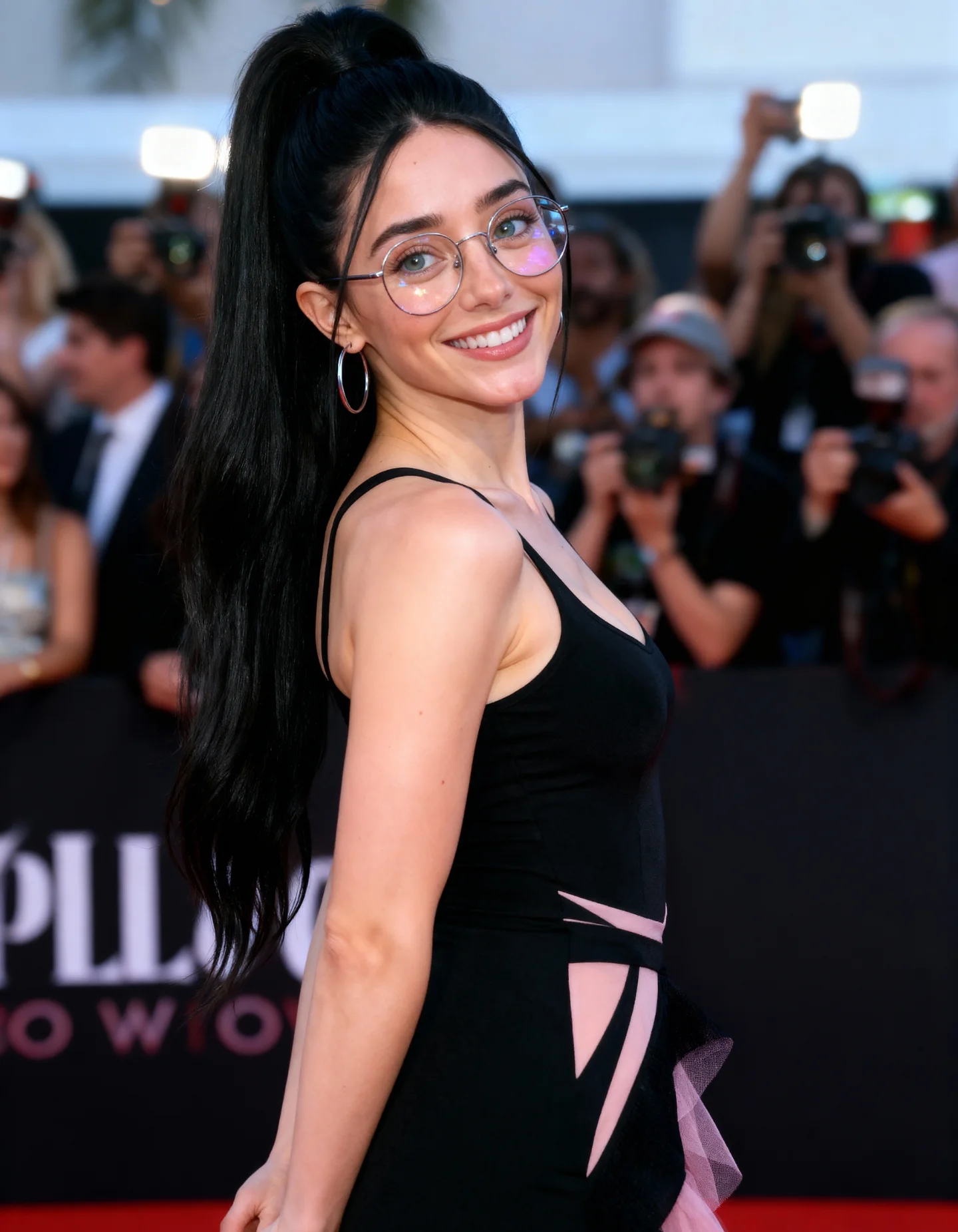
High-end smartphone photo of @soy_aria_cruz elegantly at a Hollywood premiere photocall. She wears a tight, stylish black dress with delicate pink highlights and modern couture design. Her smile is cute and confident, body posture graceful, gazing slightly over her shoulder. Her silver glasses and earrings catch soft reflections from the press lights. Clean background with sponsor logos slightly blurred. The shot is stable, bright, and realistic, with a slight glow from the camera flash
Comenta "ARIA" y te lo paso por DM 💌
How soy_aria_cruz Made This Hollywood Premiere Photocall Black Dress Image — and How to Recreate It
This image works because it understands the visual grammar of a premiere wall. The subject is not posing like a studio model. She is posing like someone halfway through a press-line turn: body angled away, head turned back, smile held just enough, glasses catching the lights, and the sponsor wall sitting behind her as texture rather than as a flat graphic. That is why the image feels plausible. It borrows from a very recognizable kind of public-event photography.
The second thing it gets right is restraint. The dress is fitted and flattering, but it is not overloaded with ornament. The pink piping is enough to add shape without turning the outfit into costume. The background logos are visible enough to establish context, but soft enough that the portrait still belongs to the subject. For creators, this is a strong lesson: red-carpet realism often depends more on controlled details than on spectacle.
Why The Image Has Social Pull
The hook is immediate because the pose is socially coded. Viewers know this image language already. Over-the-shoulder smile plus sponsor wall equals premiere, launch, or entertainment event. That familiarity lowers the interpretation cost. People do not have to decode the concept. They can react instantly.
There is also a useful balance between polish and approachability. The glasses make the subject feel more recognizable and less generic. The smile keeps the image from becoming cold. And the phone-like clarity of the lighting makes the scene feel current rather than cinematic in a distant way. For creator accounts, that mix often performs better than a hyper-glossy editorial look.
Signal
Evidence (from this image)
Mechanism
Replication Action
Recognizable event grammar
Over-the-shoulder pose, sponsor wall, and bright press-style light instantly suggest a premiere photocall
Familiar image language helps viewers understand the scene at a glance
Use one well-known public-event setup instead of inventing a vague luxury environment
Controlled outfit detail
The black dress is simple, but the pink piping adds form and identity
One subtle styling accent gives the image distinction without overwhelming realism
Add one garment detail that traces silhouette rather than stacking embellishments
Approachable face styling
The smile and glasses make the portrait feel warm and specific
Identity anchors reduce generic glamour fatigue and improve memorability
Keep one humanizing accessory or expression cue fixed in event portraits
Background softness
The sponsor wall remains visible but blurred behind the subject
Soft background context sells the event while preserving portrait focus
Prompt the media wall as slightly out of focus texture, not as perfectly readable text
What Makes The Aesthetic Feel Premium
The image stays premium because it limits itself to three core ingredients: flattering event light, one strong pose, and one clean outfit. Everything else is supportive. The hair, glasses, earrings, and sponsor wall all reinforce the same public-event mood. Nothing fights the central read.
The lighting is especially important. It has that crisp bright quality associated with photocalls and smartphone event captures, but it still wraps the face well enough to stay flattering. That is a difficult balance to prompt. Too much flash and the portrait feels harsh. Too little and it loses the “press wall” authenticity. Here, it lands in the middle.
Observed
Why it matters for recreation
Over-the-shoulder turn with smile
Gives the portrait movement and a recognizable celebrity-event posture
Black dress with pink seam-like accents
Adds shape and polish without distracting from the subject
Bright sponsor wall softly blurred behind
Establishes context while keeping the face and body as the visual priority
Glasses catching light subtly
Provide an identity marker and help the event lighting feel real
High ponytail and bare shoulders
Create clean silhouette separation and keep the pose elegant
Best Uses, Weak Uses, And Transfers
Best for celebrity-style prompt libraries because the image language is clear and immediately useful.
Best for creator-brand portraits that want aspirational glamour without going full editorial fantasy.
Best for social posts teaching event-photo prompts, smartphone realism, or pose refinement.
Best for entertainment-themed growth pages where visual familiarity helps users imagine their own version fast.
This format is less ideal for intimate storytelling, product shots, or high-drama cinematic scenes. Its strength lies in polished public-facing clarity.
Transfer Recipes
Keep: turn-back pose, bright event light, blurred sponsor wall. Change: swap the dress styling for sequins, satin, or minimalist white tailoring. Slot template: "{subject} at a premiere photocall, over-the-shoulder smile, {wardrobe accent}, blurred sponsor backdrop"
Keep: glasses as identity anchor and the approachable smile. Change: move the setting from film premiere to product launch, fashion event, or award-night arrivals. Slot template: "{event type} step-and-repeat portrait, bright press lighting, turned-back pose, clean accessory detail"
Keep: public-event realism and background softness. Change: adapt the image into male celebrity, duo arrivals, or luxury-brand ambassador campaign. Slot template: "{subject category} event portrait, sponsor wall bokeh, confident glance back, smartphone-realistic lighting"
Prompt Technique Breakdown
Prompt chunk
What it controls
Swap ideas (EN, 2-3 options)
Pose block
Defines whether the image reads as candid-event, formal portrait, or runway
Start by locking three things: the over-the-shoulder body turn, the bright sponsor-wall environment, and the event-style lighting. Those are the structural parts of the image. If they drift, you no longer have a believable photocall portrait.
Then iterate in this order:
First stabilize the pose and body angle so the turn-back glance feels natural.
Next refine the dress fit and contour accents to preserve a premium silhouette.
Then tune the sponsor-wall softness so the event context is clear but not distracting.
Finally adjust smile intensity, glasses reflections, and hair polish.
This order works because event realism depends on recognizable staging before it depends on styling micro-details.